Quick Answer
USB-B still appears in industrial and office equipment because many buyers still need to connect or replace cables for devices already in service. It is easy for a retailer to see an older connector and remove it from the assortment. That decision can create avoidable missed sales, customer returns, and support questions.
USB-B still exists mainly as a compatibility and replacement-cable requirement for installed printers, scanners, label equipment, and other office or industrial devices.[1] I do not see it as a future mainstream consumer interface. For retailers and wholesalers, the practical decision is to stock the right USB-B cable variants selectively, with clear compatibility information and reliable construction.
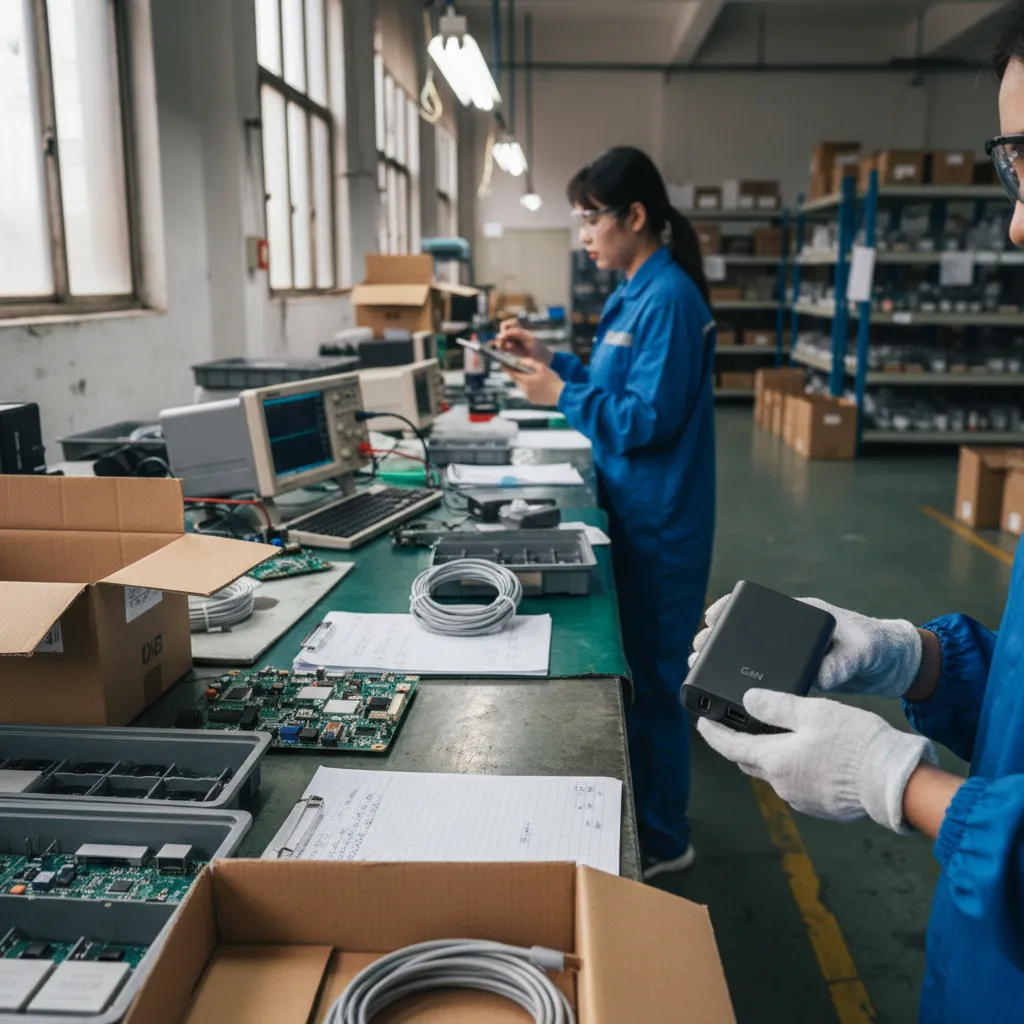
In our USB cable inquiries and product-selection conversations, we continue to see customers looking for connectors that support equipment they already own. The opportunity is not about promoting a legacy format. It is about helping buyers avoid a compatibility gap in their cable range.
Does USB-B Still Exist Not Because It Is the Future of Connectivity, but Because Installed Equipment Needs It?
A retailer may assume that USB-C and newer consumer connectors have made USB-B irrelevant. That assumption can be costly when a customer needs a replacement cable for a working printer, scanner, or specialized machine. The problem is not connector age. The problem is whether the installed device still needs that connection.
USB-B remains relevant because equipment replacement cycles can be much longer than consumer electronics cycles[2]. When an office or industrial device remains in use, its users may need a new cable for replacement, relocation, setup, or maintenance. I recommend treating USB-B as a focused compatibility SKU, not as a broad trend-driven product category.
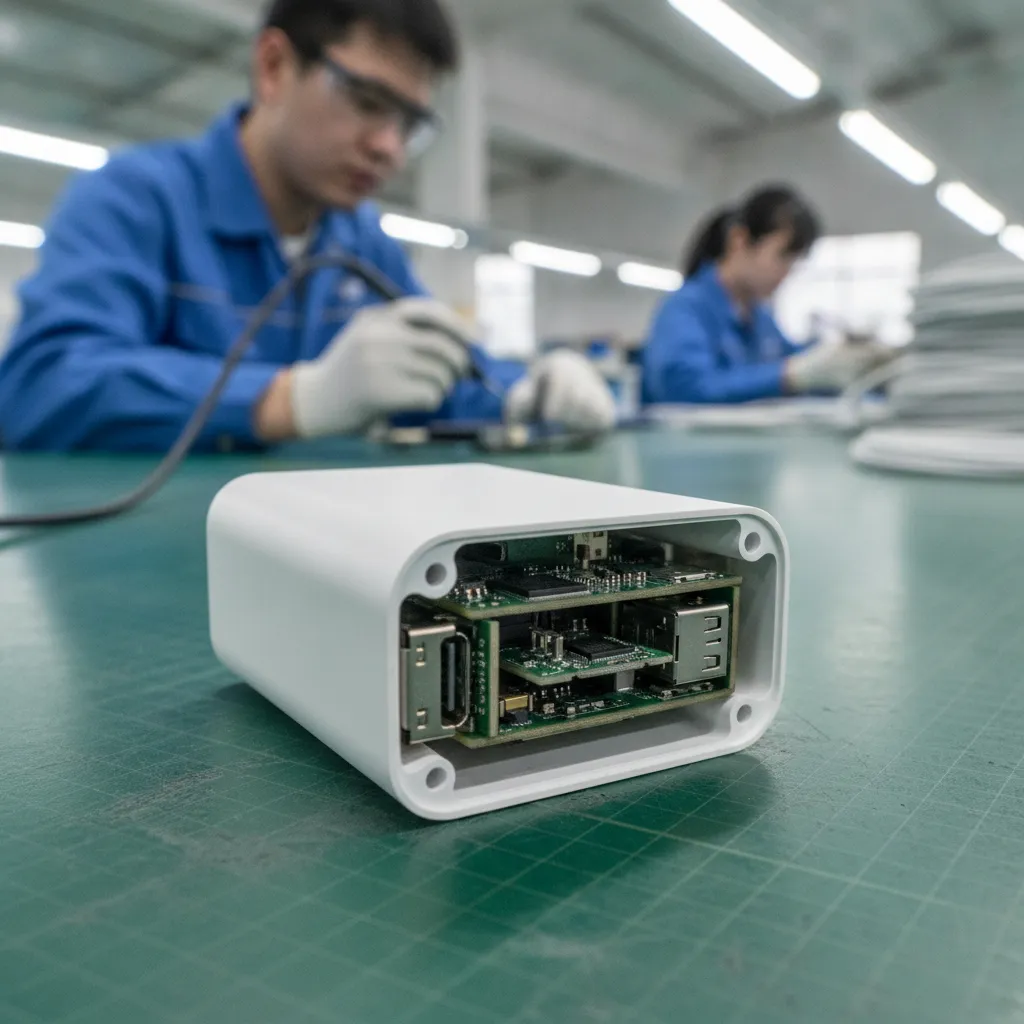
Installed Equipment Creates a Different Buying Cycle
Consumer electronics often follow fast upgrade cycles. A phone charger can change quickly when a device manufacturer adopts a new port. Cable demand for office and installed equipment works differently. A buyer may keep a printer, scanner, point-of-sale peripheral, label printer, or other connected device in service for years if it still performs its required task.[3]
I do not claim to know why any individual equipment manufacturer selected a certain interface. Those design choices depend on the device, period, market, engineering requirements, and documented compliance process. However, I can say that in commercial conversations, replacement and compatibility needs continue long after a connector stops being fashionable in consumer products.
That creates a useful distinction for product managers:
| Question | Consumer-trend approach | Compatibility-SKU approach |
|---|---|---|
| Is the connector new? | Often the main consideration | Not the main consideration |
| Does existing equipment use it? | May be overlooked | Central buying question |
| Is demand broad or targeted? | Broad demand is expected | Demand may be narrower but steady |
| What causes a purchase? | New device purchase | Replacement, relocation, setup, maintenance |
| Main retail risk | Missing a trend | Missing a needed accessory |
I advise buyers not to ask, “Is USB-B modern?” I would ask, “Which installed devices among our customers still require it, and what cable specification do they actually need?”
That change in wording improves purchasing decisions. A cable can be commercially useful even if it is not part of the newest product launch cycle. For a retail buyer, a compatibility item can earn its place by preventing an incomplete customer purchase. A customer who has a working device and cannot connect it may need a cable immediately. In that situation, availability, accurate listing information, and correct connector identification matter more than novelty.
USB-B Is Not One Simple “Printer Cable” Decision
A common mistake is to treat every USB-B cable as the same product. The familiar square-shaped USB-B device-end connector is widely associated with printers, but the buying decision can involve more than one connector shape, cable length, construction level, and intended application.
I encourage our buyers to verify the physical port on the equipment before ordering. A product title that simply says “USB printer cable” can be too vague. It may attract traffic, but it can also create returns if the buyer has a different device-end connector or expects a function the cable does not provide.
Start With the Device-End Connector
The standard USB-B connector has a distinctive near-square profile with beveled upper corners.[4] However, some equipment uses smaller USB connector forms that are not the same as standard USB-B[5]. A buyer should never assume that a small connector on a device is a USB-B connector only because it looks older.
Before selecting stock, I suggest checking:
- The connector on the computer or host side, such as USB-A or USB-C.
- The connector on the equipment side.
- Photos of the actual port, not only a model name.
- The device manual or manufacturer documentation where available.
- Whether the customer requires data transfer, charging, or both.
- Whether the cable must fit through a restricted installation space.
For example, a cable marketed as USB-A to USB-B may be suitable for a host computer and a device with a standard USB-B port. It is not automatically suitable for a USB-C-only laptop without an appropriate host-side cable or adapter solution.[6] If a retailer stocks only one version, the retailer may unintentionally send customers toward an extra return or support request.
Check the Function, Not Only the Plug Shape
The same connector family does not guarantee the same expected performance. Cable construction, conductor arrangement, shielding, length, and production consistency can affect whether a cable is appropriate for a specific application.[7] I avoid making universal performance promises because device behavior depends on the complete setup, including the host, device, environment, and cable.
For procurement, I would document the intended function in plain language:
| Verification point | Why it matters for the SKU |
|---|---|
| Data connection requirement | Helps prevent listing a charge-focused item for a data application |
| Host connector type | Determines whether USB-A, USB-C, or another solution is needed |
| Equipment-end connector | Reduces the risk of incorrect-fit returns |
| Required cable length | Supports practical placement and routing needs |
| [Shielding requirement | May be relevant where users report signal-interference concerns](https://www.fcc.gov/engineering-technology/electromagnetic-compatibility-division)[8] |
| Connector molding and strain relief | Gives buyers a visible construction point to assess |
| Packaging and labeling | Helps store staff and end users identify the correct cable |
I have found that clear product information often has more commercial value than an overly long list of vague claims. A listing should state the connector combination first. It should then explain the intended connection scenario, the length, and any documented product features. If the cable supports a stated data specification, that claim should match the supplier’s available documentation and the product actually supplied.
Why Selective USB-B Stock Can Protect Sales and Support Costs
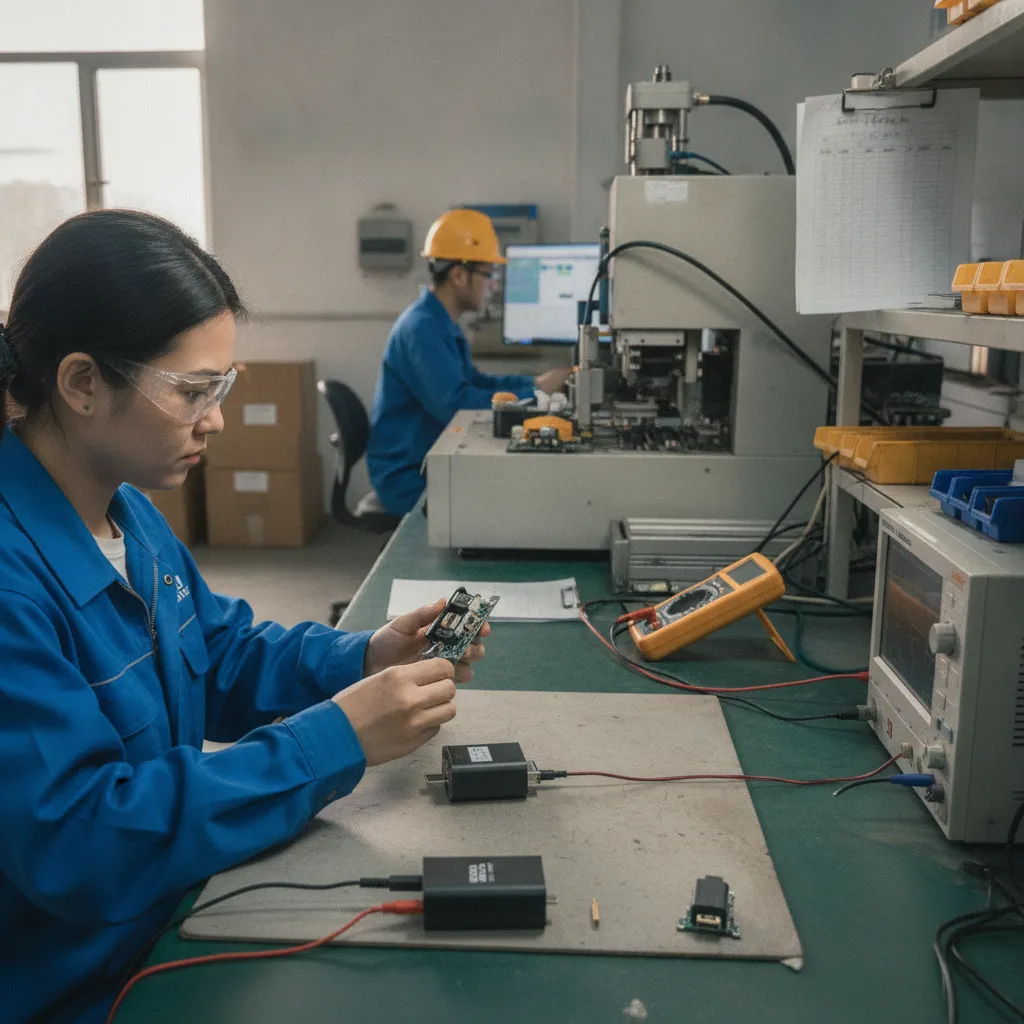
Retailers do not need to build a large USB-B category. In many cases, a small, well-chosen range is more useful than a wide collection of poorly differentiated low-cost options. The goal is to cover common compatibility needs while controlling slow-moving inventory and reducing customer confusion.
I see three commercial risks when a buyer removes USB-B too quickly:
- Lost attachment sales. A customer buying or maintaining compatible office equipment may need a cable at the same time.
- Higher return risk. A vague cable listing can lead customers to order the wrong connector format.
- More after-sales work. Customer-service teams may need to explain differences that product pages should have made clear from the start.
A selective range can also help an e-commerce seller build better search relevance. Buyers do not always search for “USB-B cable.” They may search for phrases such as:
- USB printer cable replacement
- USB-A to USB-B cable
- USB-C to printer cable
- scanner USB cable
- office equipment connection cable
- replacement cable for USB-B device
- long USB printer data cable
These terms should appear naturally in product listings, category copy, and compatibility guidance. I would not use them as a substitute for accurate specifications. Search visibility brings traffic, but accurate connector information converts the right traffic.
I view USB-B as a service SKU: it helps customers keep existing equipment connected. That is different from treating it as a high-growth consumer trend.
Build a Practical USB-B Assortment Instead of a Large Legacy Range
When we discuss cable selection with buyers, I recommend starting with the buyer’s own channel data. A chain store may have different needs from an online marketplace seller, and a distributor serving small offices may need different lengths or packaging from a general electronics retailer.
A controlled assortment can include a limited selection across the most relevant variables:
| SKU factor | Practical stocking approach |
|---|---|
| Host-side connector | Consider demand for USB-A and USB-C host connections separately |
| Device-side connector | Clearly distinguish standard USB-B from other USB device-end formats |
| Length | Select a small number of lengths based on customer use cases |
| Construction | Offer an appropriate entry option and a better-built option where demand supports it |
| Packaging | Use clear front-of-pack connector images and connector names |
| Sales channel | Adapt packaging, MOQ, and bundle options to store, wholesale, or online needs |
I would avoid carrying many nearly identical USB-B cable SKUs unless sales data supports them. Too many similar items can create picking mistakes, weak inventory turnover, and confusing product pages. A smaller range with clear distinctions is easier for both staff and customers.
For example, an e-commerce seller may choose:
- One standard USB-A to USB-B replacement cable.
- One USB-C to USB-B option for newer computers.
- A limited number of clearly labeled length options.
- One upgraded construction option if customer feedback shows a need.
- A product page that includes connector close-up images and a compatibility checklist.
A wholesaler may need a different approach. Wholesale buyers often care about MOQ, carton quantity, lead time, barcode requirements, private-label packaging, and consistent replenishment. These factors should be discussed before placing a larger order. A low unit price does not help if the product causes avoidable claims or if its packaging does not match the customer’s sales channel.
Evaluate USB-B Cable Suppliers Beyond the Quoted Price
A USB-B cable can look simple, which makes it tempting to source on price alone. I believe that approach creates risk, especially when the seller cannot provide consistent product information or control the same construction across repeat orders.
As a Shenzhen 3C export trader, I focus on the commercial checks that buyers can use during supplier selection. I do not present these checks as a replacement for application-specific engineering evaluation. For specialized equipment, buyers should consult qualified technical professionals and the equipment manufacturer’s requirements.
Ask for a Defined Product Specification
A supplier quotation should identify more than a connector name. I would ask for a product specification sheet or approved sample details covering the items relevant to the order:
- Connector combination and connector appearance
- Cable length and tolerance policy, if documented
- Jacket material description
- Conductor and shielding description, if applicable
- Connector molding and strain-relief design
- Packaging format
- Labeling and barcode requirements
- Available colors
- Production lead time
- MOQ by model, length, color, and packaging
The purpose is not to create paperwork for its own sake. The purpose is to make sure the approved sample, quotation, purchase order, packaging artwork, and delivered goods describe the same product.
Use Samples and Pre-Shipment Checks
I recommend that importers evaluate samples before committing to a large order. A sample cannot prove suitability for every end-use environment, but it gives the buyer a way to check physical fit, cable finish, labeling, packaging, and the consistency of the supplier’s claims.
For repeat orders, buyers can also define practical inspection points:
- Verify the connector combination against the purchase order.
- Check cable length and external appearance against the approved sample.
- Confirm packaging text, labels, and barcodes.
- Review random samples for molding consistency and obvious cosmetic issues.
- Confirm carton marks and quantity before shipment.
If a buyer requires certificates, declarations, or test reports for a destination market or retail program, I advise requesting the relevant documents from the supplier and having them reviewed by the buyer’s compliance team or qualified adviser. I would not assume that a generic statement, logo, or past document applies to every product variation, order, or market.
Consider the Total Cost of Returns
The cheapest USB-B cable may not be the lowest-cost option after returns, customer-service time, marketplace feedback, and replacement shipments. This does not mean that every cable needs premium positioning. It means that the product should match the promise made in the listing.
I would compare suppliers on a fuller basis:
| Evaluation area | Questions I would ask |
|---|---|
| Product consistency | Can the supplier match the approved sample on repeat orders? |
| Communication | Are technical questions answered clearly and in writing? |
| MOQ flexibility | Can the supplier support a focused compatibility range? |
| Packaging support | Can packaging be customized without forcing excessive inventory? |
| Quality process | Can the supplier explain its inspection process and records? |
| Documentation | Can the supplier provide applicable documents for buyer review? |
| After-sales handling | Is there a clear process for confirmed quality claims? |
This process helps retailers avoid a false choice between “cheap legacy cable” and “unnecessary premium cable.” The better choice is a correctly specified product from a supplier that can support repeatable quality and clear commercial communication.
Improve Listings and Store Guidance for USB-B Compatibility
A good USB-B product can still underperform if the listing creates uncertainty. I recommend using the product page as a compatibility tool, not only as a sales page. The customer should be able to identify the two connector ends quickly and understand the intended use before checkout.
For online listings, I would include:
- A front image showing both connectors.
- A close-up image of the USB-B device-end connector.
- The exact connector combination in the title.
- Cable length in the first specification area.
- A clear statement that buyers should check the device port.
- A short note explaining that similar-looking connectors may not be compatible.
- Any supported feature claims only when they are documented and relevant.
- Packaging contents stated clearly.
For physical retail, I would use packaging with connector images and simple language such as “USB-A to USB-B data cable” or “USB-C to USB-B cable.” Store teams should not need to decode vague phrases like “universal printer lead.” That wording may sound convenient, but it can create an expectation that the cable fits every printer or peripheral.
In my view, accurate guidance is also part of after-sales control. A buyer who selects the correct cable the first time is less likely to request a refund, leave negative feedback, or contact support. This is especially important for marketplace sellers, where compatibility-related dissatisfaction can affect more than one order.
Frequently Asked Questions About USB-B Cables
Is USB-B obsolete?
USB-B is not a mainstream future-facing connector for new consumer devices, but it is not automatically irrelevant. I still see demand connected to installed office and equipment applications. For retailers, the key question is whether customers need replacement or connection cables for devices already in use.
Should I keep USB-B cables in my retail assortment?
I recommend keeping USB-B cables selectively when your sales history, customer inquiries, or target customer base show compatibility demand. A small, clearly organized range is usually more practical than a large legacy assortment. I would choose SKUs based on connector type, length, channel needs, and expected turnover.
Are all USB-B printer cables the same?
No. Buyers should verify the host-side connector, device-end connector, cable length, intended function, construction, and product documentation. Similar-looking cables may not suit the same setup. I also recommend reviewing an approved sample before placing a larger import order.
What should a USB-B cable product listing include?

A clear listing should show both connectors, state the connector combination, identify cable length, and explain the intended connection scenario. I would also advise customers to check their device port before ordering. Clear images and accurate specifications can reduce compatibility-related returns.
How should I evaluate a USB-B cable supplier?
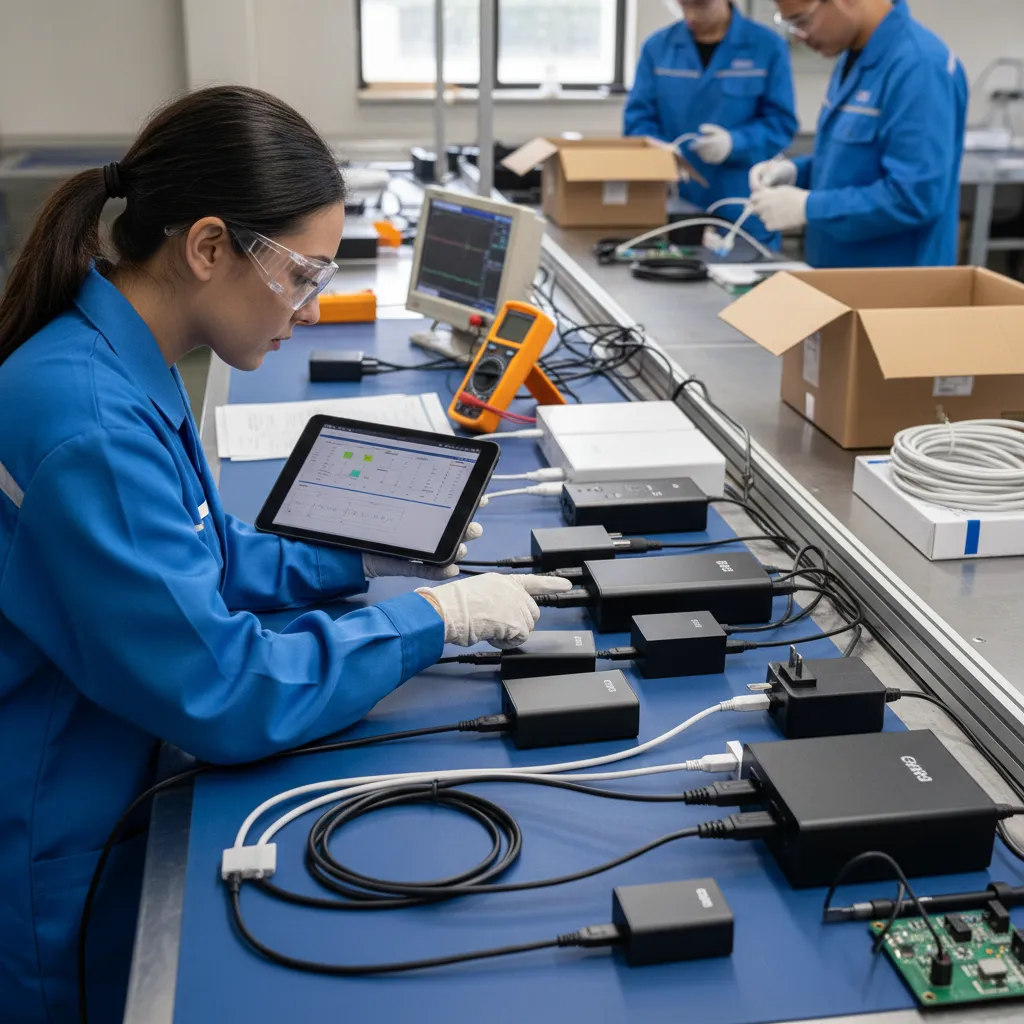
I would compare suppliers on product consistency, sample quality, specification clarity, MOQ, packaging support, communication, inspection process, and after-sales handling. Buyers should also request and verify any documents required for their destination market, retail program, or application before making compliance claims.
Conclusion
USB-B still has a place in a carefully managed cable assortment because installed office and industrial equipment continues to create replacement and connectivity needs. I would not position USB-B as the future of consumer connectivity. I would position it as a targeted compatibility SKU that can protect sales and reduce avoidable support issues. If you are sourcing USB cables for European or North American retail, wholesale, or e-commerce channels, we can help you review connector options, MOQ, packaging, and practical product specifications for your market.
Sources
- USB3.0 to USB B Printer Cable for Scanners,Controller ...", USB Type-B is a standardized USB peripheral connector historically used on equipment including printers and scanners, supporting its continuing relevance where such installed devices remain in service
- Fact Sheet: Useful Life Schedule", Equipment-lifecycle evidence indicates that business and capital equipment is often retained over multi-year service periods, whereas many consumer electronic products are replaced on shorter product-refresh cycles
- Fact Sheet: Useful Life Schedule", Published useful-life schedules and equipment-management guidance recognize multi-year service lives for office and business equipment, including categories that encompass printing and data-processing peripherals
- Universal Serial Bus Type-C Cable and Connector ...", The USB connector specification defines the Standard-B interface with a keyed, nearly square mechanical profile, enabling it to be distinguished from smaller USB connector families
- USB Connector Type Guide", USB connector references classify Standard-B, Mini-B, and Micro-B as distinct mechanical form factors; a smaller device connector is therefore not necessarily a Standard-B port
- Universal Serial Bus Type-C Cable and Connector ...", USB Type-A and USB Type-C are mechanically different connector interfaces; a host with only USB-C receptacles requires a cable with a USB-C host end or a suitable adapter to connect a USB-A-ended peripheral cable
- Modeling an ESD Gun Discharge to a USB Cable", Signal-integrity literature and USB cabling requirements show that cable length and construction characteristics, including conductors and shielding, can affect transmission performance and electromagnetic susceptibility
- Electromagnetic Compatibility Division", Electromagnetic-compatibility guidance identifies cable shielding as one method for reducing electromagnetic coupling and managing interference in relevant installations