Quick Answer
A USB connector for PTZ cameras can look like a simple buying question, but it often creates expensive mistakes for retailers and sellers. A cable may fit the camera physically yet fail to carry video, fail to connect to the host, or leave the camera without sufficient power. I recommend checking the exact camera model before choosing any cable.
There is no universal USB connector for PTZ cameras.[1] The correct choice depends on the camera model’s physical USB port, its supported USB video or data function, the host device connection, and its power arrangement. A matching connector alone does not confirm that a cable will transmit video, allow device recognition, or power the camera.[2]
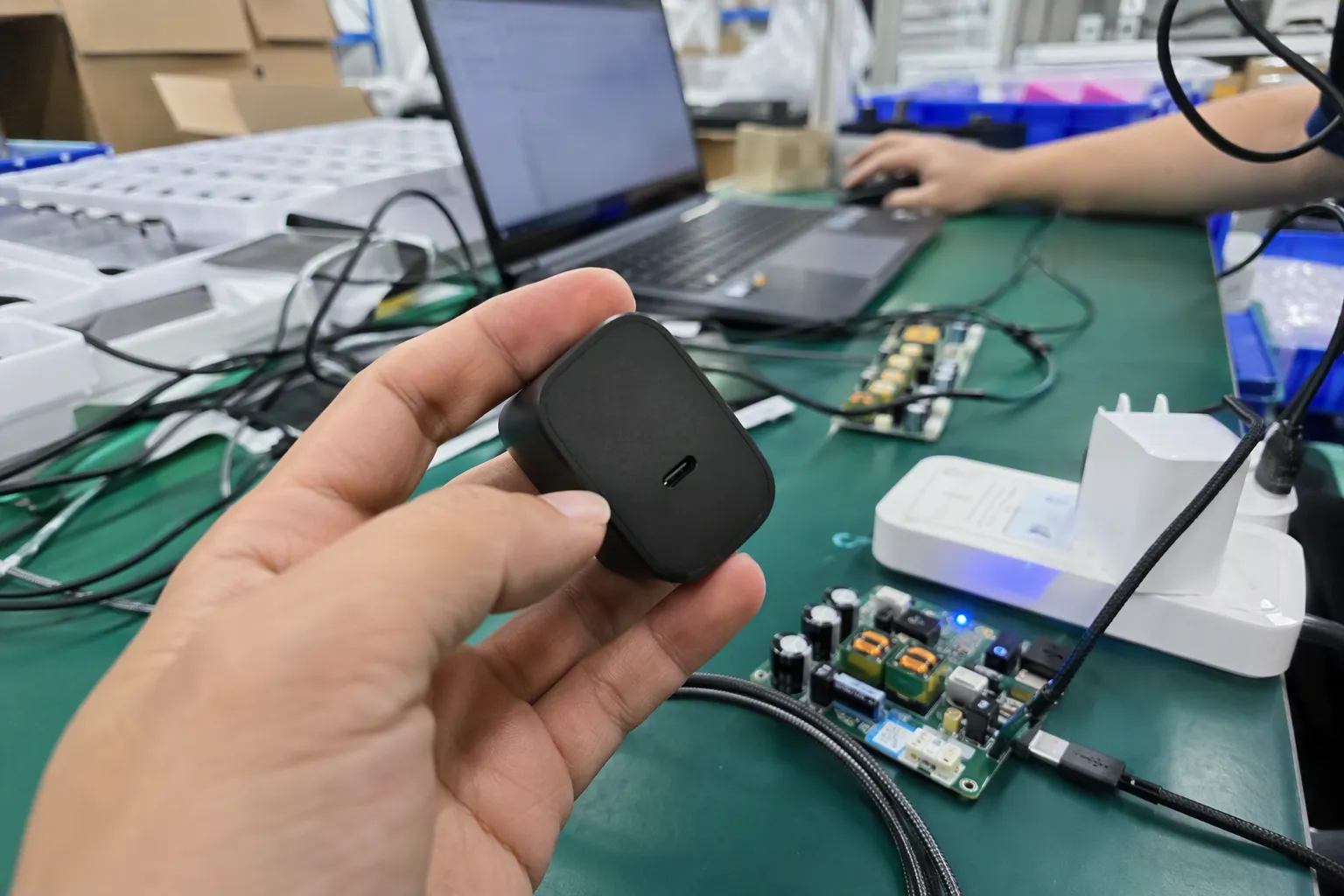
In my 15 years working with USB cable supply and export inquiries from Shenzhen, I have seen that compatibility questions are rarely solved by connector shape alone. For PTZ camera accessories, the safest commercial approach is to treat the cable as one part of a complete camera-to-host connection path.
Is There No Single USB Connector Used by All PTZ Cameras?
When buyers ask us which USB connector for PTZ cameras they should stock, they often expect one short answer, such as USB-A or USB-C. That assumption can lead to incorrect listings, unsuitable bundles, customer complaints, and unnecessary returns. I always encourage buyers to start with the camera’s documentation instead of the cable photo.
A PTZ camera may use USB-A, USB-B, USB-C, Micro-USB, Mini-USB, or another connector format depending on its model, age, manufacturer, and intended use.[3] Some PTZ cameras use USB mainly for video and control data, while others may use USB only for configuration, service, firmware updates, or another limited function.[4] Buyers should verify the exact port and supported connection mode before selecting a cable.
Why the connector shape is only the first check
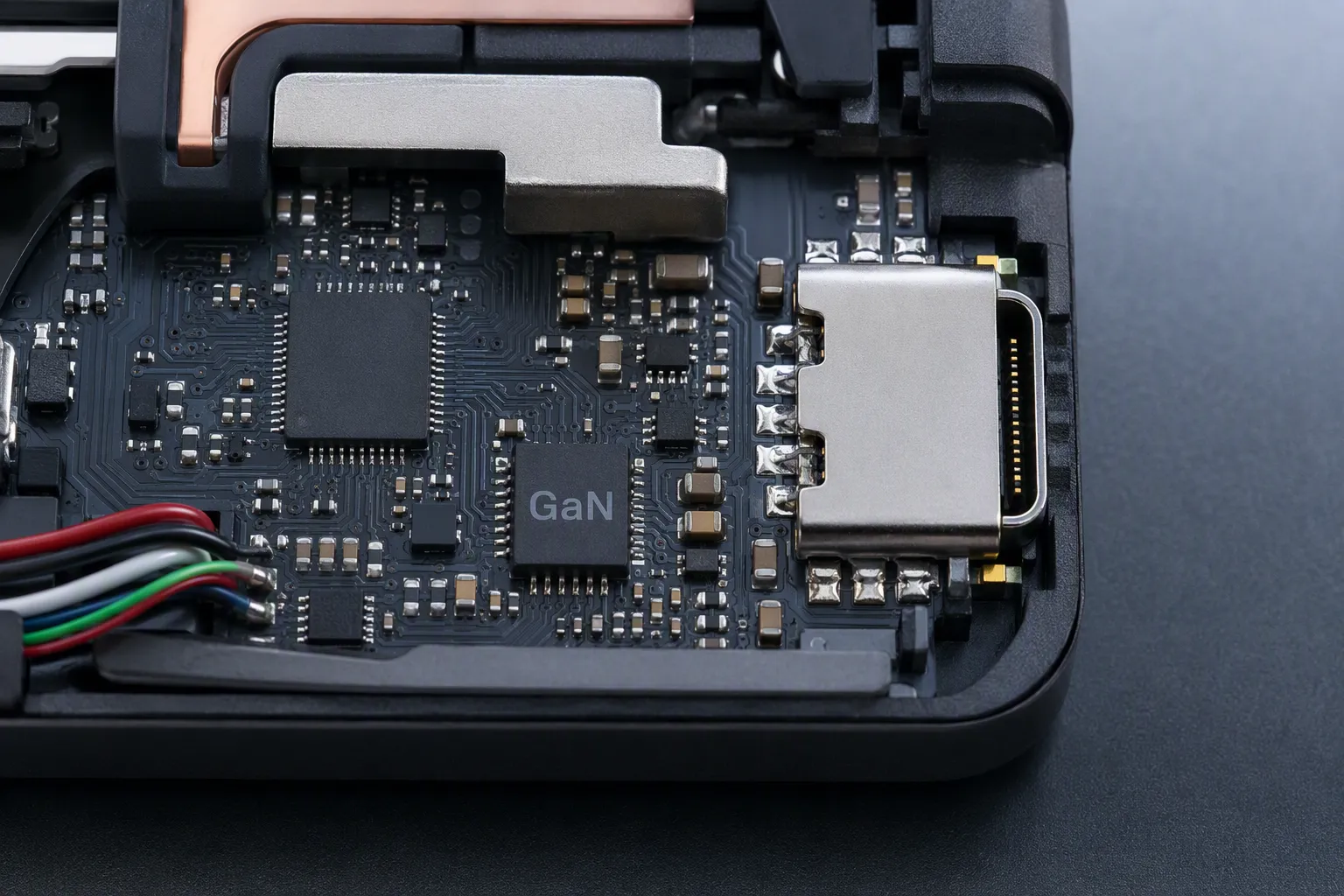
In USB accessory sourcing, I separate compatibility into several layers. The physical connector is important, but it is only the first layer. A plug that fits does not automatically create a working PTZ camera connection.
For example, a buyer may see a USB-C port on a camera and assume that any USB-C cable will support video to a computer. That assumption may be risky. USB-C describes a connector format, but the product documentation must confirm what the port actually supports.[5] The same general principle applies to USB-A, USB-B, Micro-USB, and other formats.
When we review cable requirements with B2B buyers, I suggest checking these four points:
-
Physical port compatibility
The plug must match the camera-side port and the host-side port. Buyers should also confirm whether the connection requires a standard cable, an adapter, or a specialized cable assembly. -
USB function and protocol support
The camera documentation should state whether the USB port supports video output, data transfer, control, charging, configuration, or another function. A physical connector does not define the complete function. -
Host-device compatibility
The intended computer, video conferencing system, display device, capture solution, or controller must support the camera’s required connection method. The host may need compatible software, drivers, or a specific operating system.[6] -
Power arrangement
The camera may receive power separately through an AC adapter, DC input, Power over Ethernet, or another method.[7] Buyers should not assume that a USB cable will power the camera simply because it has a USB connection.
This distinction matters especially for e-commerce sellers. A listing that says “works with PTZ cameras” may sound clear, but it is too broad unless the seller has defined the supported models and connection conditions. From a retail-risk perspective, broad compatibility claims create a difficult after-sales situation. The customer may receive a cable with the correct plug but discover that their camera is not recognized or does not transmit video.
I treat connector matching as a starting point, not as proof of full operational compatibility.
Common physical connector patterns buyers may encounter
I do not consider any one connector to be the standard answer for every PTZ camera. However, buyers may encounter several connector formats when they review different product generations and camera categories.
| Camera-side connector type | What a buyer should verify | Common listing risk |
|---|---|---|
| USB-A | Whether the port is a host port, service port, or active video/data connection | Assuming a USB-A port means a standard computer-to-camera cable is required |
| USB-B | Whether the camera supports USB video/data through that port and which cable version is specified | Listing a basic printer-style cable without checking the camera specification |
| USB-C | Whether the USB-C port supports video/data, charging, control, or only a limited function | Claiming that every USB-C cable works for camera video |
| Micro-USB or Mini-USB | Whether the port is used for operation, charging, service, or firmware functions | Recommending a legacy cable based on plug appearance alone |
| Proprietary or specialized port | Whether the manufacturer requires a dedicated accessory or cable assembly | Substituting a standard USB cable without documentation support |
The table above is not a list of universal PTZ camera standards. It is a procurement checklist. The point is to prevent a buyer from making a decision based only on the visible connector.
I have learned that product photos are often not enough for accessory selection. A port may be partly hidden, a photo may show an earlier revision, or a marketplace listing may use generic images. For a wholesale order, I would ask for the camera model number, the manufacturer’s interface description, and a clear image of the port label whenever possible.
The three checks behind every USB connector for PTZ cameras
For commercial buyers, I use a simple three-check framework. This approach is useful for a distributor preparing stock, an importer planning a bundle, or an online seller writing a product description.
1. Confirm the camera-side physical port
The first step is to identify the exact connector on the camera. This may sound basic, but it prevents many incorrect cable selections.
Buyers should confirm:
- The full PTZ camera model number
- The port label beside the connector
- The connector shape and orientation
- Whether the camera has more than one USB-related port
- Whether the port is intended for normal operation or service use
- Whether the manufacturer specifies a cable type or maximum supported cable configuration
A product name alone may not be enough. Manufacturers sometimes update hardware revisions, change ports between generations, or sell similar camera models for different markets.[8] I recommend that retailers keep model-specific compatibility notes rather than relying on a general category label such as “conference PTZ camera.”
For private-label or bundled accessory programs, I also recommend keeping a simple internal approval record. The record can include the camera model, port type, referenced documentation, cable SKU, packaging claim, and date of review. This helps purchasing teams and customer-service teams work from the same information.
2. Confirm USB video and data capability
The second check is more important than many buyers expect. The question is not only “Does the cable plug in?” The question is “What does this USB port support on this camera model?”
Some PTZ cameras are designed to connect to a host device through USB for video, audio, control, or a combination of functions. Other cameras may use different interfaces for their primary video workflow and use USB for setup, maintenance, storage, or firmware updates. The manufacturer’s manual, technical sheet, or support page is the appropriate source for this information.
When a buyer evaluates a USB connector for PTZ cameras, I suggest reviewing the following language in the camera documentation:
- USB video output
- UVC support
- USB data connection
- Camera control support
- Supported operating systems
- Required driver or application
- Recommended cable type
- Host interface requirements
- Video format and resolution conditions
- Notes about extension cables, hubs, or adapters
I do not advise sellers to promise specific video performance unless the camera manufacturer and the full connection setup support that claim. Cable performance depends on more than the connector. It may depend on cable construction, USB version, length, shielding, host hardware, adapters, hubs, and the camera’s own interface design.
This is where generic product copy can become dangerous. Statements such as “supports all PTZ camera video transmission” or “plug and play for every USB camera” may generate sales in the short term, but they can create avoidable disputes. A more accurate listing can still be commercially effective:
“Please verify your PTZ camera model, port type, USB video function, host-device requirements, and power method before purchase.”
That wording is more careful. It also gives the buyer a clear path to make a correct decision.
3. Confirm how the PTZ camera receives power
The third check is power. In my experience with USB product inquiries, buyers often combine data and power assumptions into one question. They see a USB port and assume the cable handles everything. That may not be correct for a PTZ camera.
A camera may use a separate power adapter, a dedicated DC input, Power over Ethernet, a manufacturer-specific power arrangement, or another design. Even when a USB connection is part of the camera-to-host path, the camera may still require external power.
Before recommending a cable, I would ask:
- Does the camera have a separate power input?
- Does the manufacturer state that USB supplies operational power?
- Is the USB port described as data only, video/data, charging, or service?
- Is the camera expected to operate through a network connection with separate power?
- Does the selected host device provide the required connection and power conditions?
- Does the intended setup include adapters, hubs, extension cables, or converters?
These questions are especially useful for sellers of USB-C accessories. USB-C is widely recognized by consumers, but the connector format alone does not confirm a particular power or video capability. A USB-C cable can have different internal specifications and intended applications. The camera documentation and cable specification should guide the selection.
Why cable appearance causes listing and return problems
A common commercial risk is that two cables look nearly identical but serve different purchasing requirements. This can happen with USB-C to USB-C cables, USB-A to USB-C cables, USB-A to USB-B cables, and many other combinations.
For a PTZ camera cable listing, appearance should never be the only basis for the product claim. A cable may have the correct connectors but differ in:
- Data capability
- USB generation or supported transfer characteristics
- Shielding design
- Construction quality
- Length
- Connector molding
- Strain relief
- Intended use
- Packaging information
- Quality-control requirements
I do not suggest making universal technical promises from these differences. Instead, I suggest that buyers compare the cable specification with the camera manufacturer’s stated requirement.
For retailers and wholesalers, the commercial impact can be significant. An unclear listing can create several problems at once:
| Risk area | What can happen | Better control |
|---|---|---|
| Incorrect SKU selection | A buyer orders a cable with the wrong camera-side connector | Request model number and port confirmation |
| Inaccurate compatibility claim | A listing implies video support without verifying the camera function | Use conditional, model-specific language |
| Bundle failure | The cable fits but the camera still needs separate power or another interface | State what is and is not included in the connection path |
| High return rate | Customers discover the cable does not solve their setup issue | Add a pre-purchase compatibility checklist |
| Support disputes | Seller and buyer disagree about what “compatible” means | Keep documentation-based compatibility records |
| Packaging confusion | The package gives a broad “camera cable” description | Print connector type and compatibility limitations clearly |
I have found that packaging is part of risk control, not only branding. If a cable is sold for camera-related use, the packaging should clearly identify the connector combination, cable length, and important compatibility notes. A simple QR code linking to a model-check guide can also help a retailer reduce support pressure, provided the linked information is kept accurate.
How I would screen a cable SKU before listing it for PTZ camera use
As a USB cable supplier, I approach this from a product-specification and retail-risk perspective. I am not presenting myself as a PTZ installation engineer or laboratory tester. My role is to help buyers reduce avoidable sourcing and listing mistakes by matching product documentation with cable specifications.
Before I would describe a cable as suitable for a specific PTZ camera application, I would want a documented review process.
A practical pre-listing checklist
-
Collect the exact camera model.
I would not rely only on a product family name, marketing photo, or customer description. -
Review the manufacturer’s interface documentation.
I would look for the physical port type and the stated USB function. If the documentation is unclear, I would avoid a broad compatibility promise. -
Identify the host device.
The camera may connect to a laptop, desktop computer, conferencing system, capture device, controller, or another host. Each path can have different requirements. -
Map both cable ends.
I would confirm the camera-side connector and host-side connector. If adapters are involved, I would treat them as separate compatibility points. -
Review the power method.
I would confirm whether the camera needs separate power and whether the proposed cable is only for data or video connection. -
Match the cable specification to the documented requirement.
I would verify the cable type, construction details, length, and other relevant specifications with the supplier’s product documents. -
Write a limited, accurate listing claim.
I would state the connector type and direct customers to verify their camera model. I would avoid “universal” language unless a manufacturer explicitly supports it. -
Prepare after-sales guidance.
I would provide a short checklist for customers whose camera is not recognized. The checklist should cover model confirmation, port use, host compatibility, power, drivers or software where applicable, and manufacturer support resources.
This process may feel slower than simply stocking a popular cable shape. However, it is usually less costly than processing returns, answering repeated support tickets, or losing a wholesale customer after an unsuitable recommendation.
What retailers should ask before recommending a USB connector for PTZ cameras

A good sales team does not need to become a PTZ engineering team. The team only needs a reliable way to collect the information required for a careful recommendation.
I would use these questions in a retailer, wholesale, or e-commerce workflow:
- What is the exact PTZ camera brand and model number?
- Can the customer provide a photo of the camera port and port label?
- What device will the camera connect to?
- Does the customer need video, control, data transfer, charging, or a combination?
- Does the camera have separate power?
- Does the manufacturer specify a cable type or connection method?
- Will the customer use an adapter, hub, extension, converter, or capture device?
- Is the customer replacing an existing cable, and if so, what are the markings on that cable?
- Is this a single retail purchase, a bundled product, or a wholesale program?
These questions create a better conversation than asking only, “Do you need USB-A or USB-C?” The connector is still important, but it is one part of the decision.
For marketplace sellers, I recommend adding the same questions to product images, enhanced content, or an FAQ section. A short compatibility notice can reduce confusion before the order is placed. It also helps set realistic expectations for buyers who may be solving a more complex camera setup problem.
Supplier selection matters when the cable is part of a professional setup
For buyers who plan to stock a USB connector for PTZ cameras as part of a professional or commercial product range, supplier evaluation should go beyond price. A very low-cost cable may look acceptable in a photo but create problems in consistency, labeling, packaging, or batch control.
In our export work, we focus on the documents and production details that buyers can review before placing an order. For cable sourcing, this may include:
- Product specification sheets
- Connector and cable construction details
- Sample approval records
- Packaging artwork approval
- Barcode and label requirements
- Inspection standards
- Batch identification methods
- Order quantity and MOQ planning
- Lead-time confirmation
- Relevant certification documents where required by the market
Certification claims should always be verified by the buyer against the relevant product, market, and document scope. A document alone should not replace application-specific evaluation. Importers should also confirm their own labeling, regulatory, and market-entry obligations for the countries where they sell.
For a PTZ-related cable SKU, consistency can be more valuable than choosing the cheapest available option. A retailer needs the same connector configuration, accurate packaging, stable quality, and clear after-sales information across repeat orders. If the product changes without notice, the retailer may face a mismatch between the online listing and the delivered stock.
That is why I encourage wholesale customers to approve a final sample and finalized packaging before mass production. The approved sample should match the written specification. This is a practical quality-control step that supports both procurement teams and customer-service teams.
Frequently Asked Questions
Is USB-C the standard USB connector for PTZ cameras?
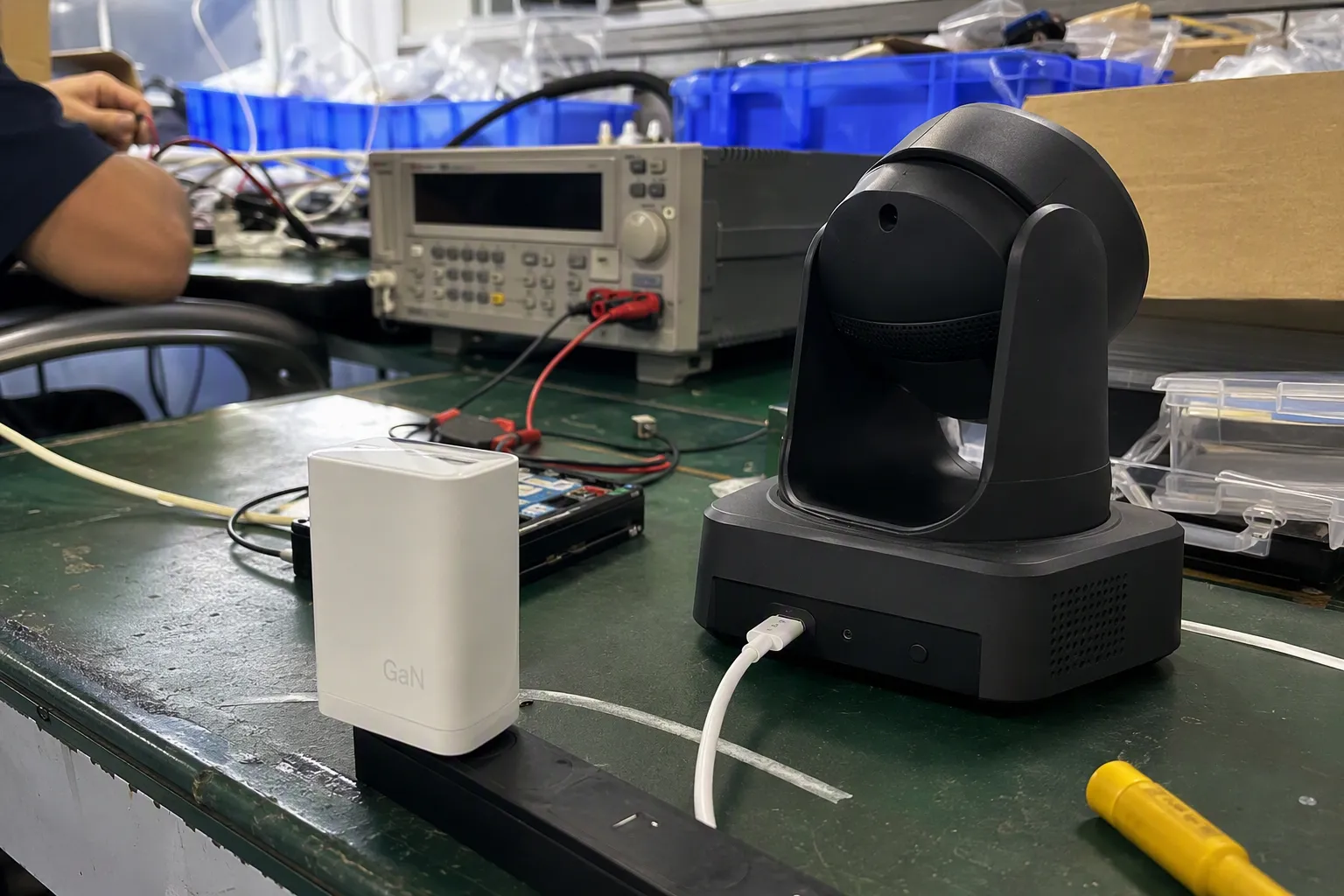
No. USB-C is used on some products, but it is not a universal answer for PTZ cameras. Buyers should verify the exact camera model, port function, host-device requirement, and power arrangement. A USB-C-shaped port does not automatically confirm video transmission or operational compatibility.
Can any USB cable transmit video from a PTZ camera?
No. A cable needs more than matching plugs to work in a camera setup. The camera must support the intended USB video or data function, the host device must support the connection, and the cable specification must suit the documented requirements. Buyers should verify the manufacturer’s instructions.
Does a USB cable power a PTZ camera?
Not necessarily. Many PTZ cameras use a separate power method, such as a dedicated power input or network-based power arrangement. Buyers should not assume that a USB connection supplies operating power. The camera manufacturer’s documentation should confirm the required power setup.
What should an online seller include in a PTZ camera cable listing?
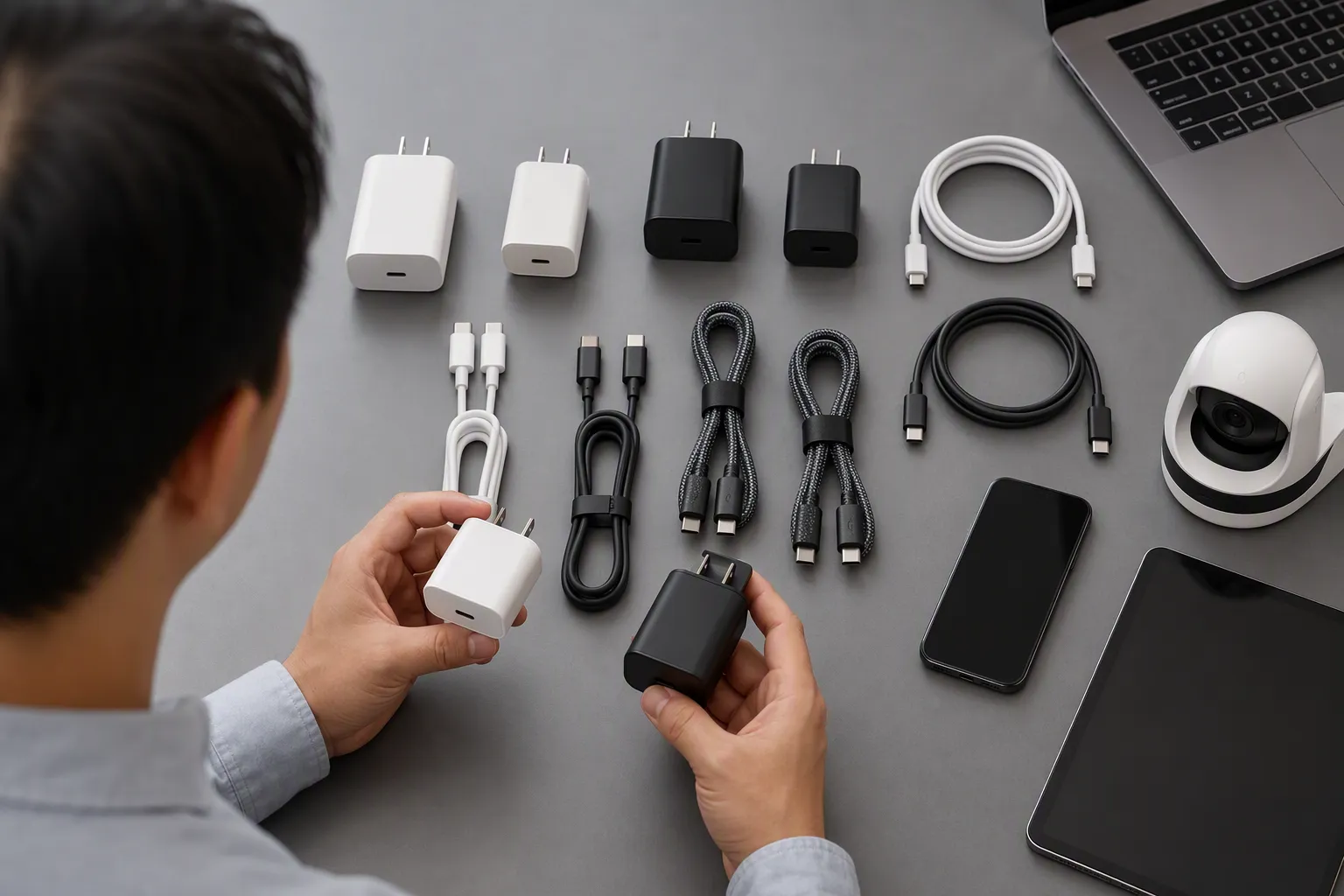
An online seller should state the connector combination, cable specification, and clear compatibility limitations. I recommend asking customers to verify their exact PTZ camera model, USB port function, host connection, and power method. Sellers should avoid broad claims such as “compatible with all PTZ cameras.”
How can wholesalers reduce returns on PTZ camera USB cables?
Wholesalers can reduce returns by using model-specific compatibility records, accurate packaging, approved samples, and pre-purchase questions. They should separate physical connector matching from video support, host recognition, and power requirements. Clear documentation-based product claims are safer than general compatibility promises.
Conclusion
The right USB connector for PTZ cameras is not one universal plug type. I recommend that buyers verify the camera’s physical port, supported USB video or data function, host-device requirements, and separate power arrangement before purchasing, bundling, or listing a cable. This simple screening process helps retailers, importers, and e-commerce sellers reduce wrong-SKU orders, returns, and support disputes. If you are sourcing USB cables for a camera-related product range, we can help you review cable specifications, packaging options, MOQ planning, and export supply requirements.
Sources
- Logitech Strong USB Cable - Tap, Rally Camera, Meetup", Manufacturer specifications for PTZ camera models document differing USB interface and connector implementations, supporting the conclusion that no single USB connector format applies to all PTZ cameras
- Why your USB-C Cables Never Work.", USB standards materials distinguish the USB Type-C receptacle and cable form factor from the data protocols, Alternate Modes, and power-delivery features implemented by a particular product, so a physical connection alone does not establish complete functional compatibility
- USB Connector Type Guide", PTZ camera technical manuals identify USB interfaces using multiple connector formats across different models, including USB-B, USB-C, and smaller legacy USB connectors, reflecting variation by product design and generation
- How to control a UVC camera by PTZ ...", PTZ camera manuals assign different purposes to USB interfaces across models, including UVC video and control connectivity in some designs and firmware-update or maintenance functions in others
- USB Charger (USB Power Delivery) - USB-IF", The USB Type-C specification defines a connector and cable system; capabilities such as particular USB data modes, display Alternate Modes, and USB Power Delivery depend on the implementations supported by the connected products
- USB Video Class (UVC) Camera Implementation Guide", Operating-system USB Video Class documentation explains that camera operation depends on host-side class-driver support and on the device exposing compatible functions, which can make software, driver, and operating-system support relevant to use
- IEEE 802.3bt-2018 - IEEE Standards Association", IEEE Power over Ethernet standards describe delivery of electrical power over Ethernet cabling, while PTZ camera specifications commonly list PoE and/or separate DC inputs as camera power options independent of a USB data connection
- AXIS Camera Station Pro - User manual", Product revision records and model-specific camera manuals can document changes in interfaces and specifications between related hardware versions or regional model variants, supporting the need to identify the exact model before selecting accessories