Quick Answer
USB cable purchasing looks simple until returned stock, unclear retail claims, or device complaints reveal that the product was only visually correct. Buyers may match the connector and length, yet still miss charging limits, data requirements, or the devices customers actually use. We avoid this problem by defining the cable’s job before requesting a quotation.
Buyers order the wrong USB cable when they select by connector type, appearance, or price before confirming the required charging power, data function, device combination, and retail promise. A USB-C connector alone does not guarantee fast charging, high-speed data, video output, or universal compatibility.[1] The safest approach is to turn each intended use into a written supplier-confirmation checklist before placing an order.
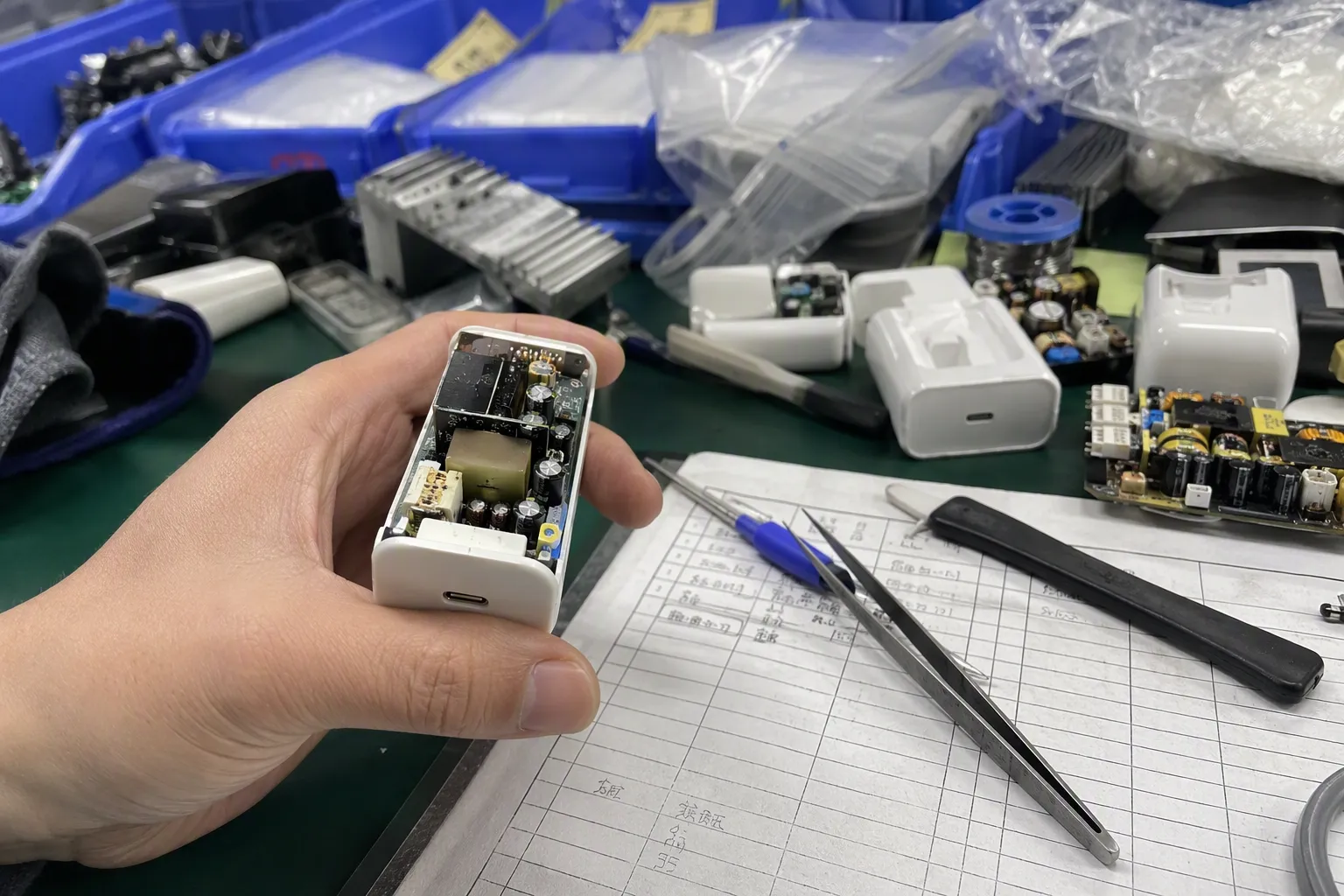
In our 15 years of exporting 3C accessories from Shenzhen, we have seen that many USB cable inquiries begin with a photo, a connector type, and a length. Those details matter, but they are only the starting point. The more useful conversation begins when we ask what the cable must do after it reaches the end customer.
Why Do Buyers Order the Wrong USB Cable Even When They Recognize the Connector?
Buyers often recognize USB-A, USB-C, Lightning-style, or Micro-USB connector shapes, but they can still order the wrong USB cable for their range. The risk grows when a retailer assumes that one connector format means one level of charging or data performance.
We believe buyers order the wrong USB cable because they treat it as a generic accessory rather than a task-specific product. A cable must be matched to the devices, charger, charging level, data need, connector configuration, length, packaging claim, and target market. The connector identifies the physical interface, but it does not confirm every function the cable can support.[7]
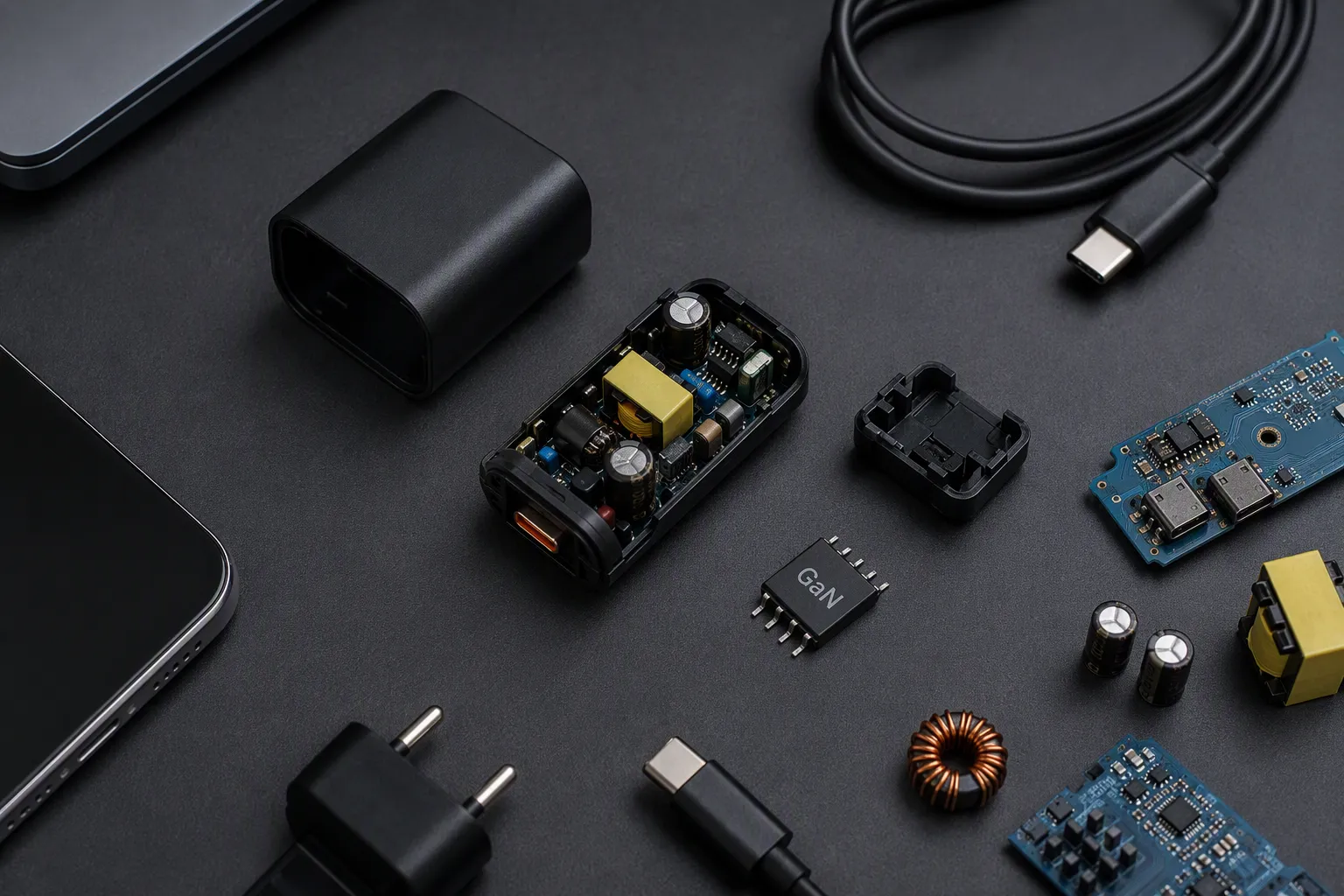
A Connector Is a Starting Point, Not a Full Specification
When we receive a USB cable inquiry, buyers commonly ask for “Type-C cable,” “fast charging cable,” or “iPhone cable.” These phrases are understandable for an initial conversation, but they are not complete procurement specifications.
A USB-C connector, for example, describes a connector format. It does not automatically tell us:
- The charging level the cable is intended to support
- Whether the cable is designed for charging only or for charging and data
- The available data-transfer capability
- Whether a device combination requires a particular charging protocol
- Whether display or video output is relevant
- Which product claims can be placed on packaging
- Whether the requested cable suits the buyer’s retail positioning
We encourage buyers to begin with a more practical question:
“Which devices, chargers, use cases, and customer promises must this USB cable support?”
That question gives a supplier something concrete to evaluate. It also helps a purchasing team compare quotations on the same basis.
For example, a short USB-C to USB-C cable packed with a wall charger may have a different job from a two-metre cable sold as a desktop charging accessory. The first may need to match the charger bundle and its claimed output. The second may need flexibility, durability expectations, or a specific retail presentation. Neither is automatically the “better” USB cable. Each one must suit its intended use.
We Start With the End Use
The first specification should be the cable’s actual task. In our experience, this is the detail most often omitted from early RFQs.
A USB cable may be purchased for one or several of these purposes:
| Intended use | What buyers should clarify | Why it matters |
|---|---|---|
| Basic charging | Device type, charger type, required charging level | Prevents an unsuitable charging claim or device mismatch |
| Fast charging | Supported device and charger combination, requested power level, protocol requirement where relevant | A connector alone does not confirm the result |
| Data transfer | Required data use, such as syncing files or connecting accessories | Some cable constructions are selected mainly for charging |
| Charging and data | Minimum charging and data requirements together | Buyers need both functions documented |
| Display or output use | Device, display, dock, hub, and required output function | This use needs more specific confirmation |
| Retail bundle | Included adapter, device category, packaging message, target price tier | The cable should support the total product promise |
| Replacement cable | Original device port, typical customer device mix, expected use | Reduces confusion in replacement-accessory ranges |
We do not recommend treating “fast charging” as a complete specification. That phrase can mean different things depending on the device, charger, cable, and supported charging method. A buyer should define the charging level they need to offer, then ask the supplier which documented cable option is appropriate for that requirement.
The same principle applies to data. A customer may assume that every USB-C cable handles data in the same way because the ends look identical.[4] That assumption can create avoidable after-sales questions. If data transfer matters, we recommend that the requirement appears clearly in the internal specification, quotation discussion, and packaging review.
USB-C Does Not Mean “Everything Included”
USB-C has become a common request in European and US accessory ranges.[6] It is versatile, compact, and used across many newer devices. Still, a USB-C cable should never be treated as a universal performance promise.
We often see buyers use the term “USB-C cable” when they may actually need one of several different products:
- USB-A to USB-C cable for older USB-A charging ports
- USB-C to USB-C cable for newer chargers and devices
- USB-C to Lightning-style cable for specific device ecosystems
- USB-C cable for charging only
- USB-C cable for charging and data
- USB-C cable for a requested charging level
- USB-C cable intended for a particular accessory, dock, or display-related use
The connector configuration affects the user experience. A USB-A to USB-C cable may be suitable for a customer who still uses USB-A chargers, car chargers, power banks, or computers.[5] A USB-C to USB-C cable may be more appropriate for newer charging ecosystems. The correct choice depends on the buyer’s product range and the devices their customers actually own.
We recommend that buyers avoid packaging statements such as “works with all USB-C devices”[8] unless they have verified that claim through suitable product documentation and a qualified review of its intended scope. Broad compatibility language may sound attractive in retail, but it can create confusion if consumers expect performance that the product was not specified to provide.
Charging Requirements Must Be Confirmed Separately
A USB cable cannot be selected responsibly without considering the charger and the device. Charging performance is a system outcome.[2] The cable is one part of that system, alongside the power adapter, the device, and the charging method supported by both.
For procurement teams, we suggest asking these questions before requesting samples or final prices:
-
Which devices will customers charge with this cable?
Buyers should list the main device categories, such as smartphones, tablets, wireless earbuds, power banks, laptops, or smartwatches. -
Which charger types will customers use?
Buyers should identify whether the cable will be paired with USB-A chargers, USB-C chargers, car chargers, power banks, or bundled adapters. -
What charging level must the retail product support?
Buyers should specify the intended requirement rather than relying only on terms such as “quick” or “high power.” -
Does the product need to support a particular charging protocol?
If a buyer has a protocol requirement, we recommend that it is stated in the RFQ and confirmed against supplier documentation. -
Will the cable be sold alone or together with a charger?
A bundled cable should be reviewed as part of the complete charging set.
Higher wattage is not automatically better.[3] A higher-rated option may be unnecessary for a basic smartphone accessory line, while an insufficiently specified cable may not suit a laptop-oriented range. We advise buyers to purchase the performance level that fits the intended product promise, customer devices, and price position.
Data Transfer Is Easy to Forget Until Customers Ask
Many retail buyers focus on charging because it is the most visible consumer use. However, data functionality can become important when customers use a USB cable with computers, vehicles, accessories, storage devices, or synchronization tools.
A cable that is acceptable for charging may not meet a buyer’s intended data requirement. That is why we recommend separating the questions:
- Does the cable need to charge a device?
- Does the cable need to transfer data?
- Does the cable need to do both at a defined level?
- Does the cable need to support a specific accessory or output application?
When a purchasing team does not ask these questions, the retail team may later create packaging or online listings that promise more than the selected product was intended to provide. That creates a preventable gap between procurement, marketing, and after-sales service.
We find that a simple internal product brief helps. It does not need to be technical or long. It only needs to state what the USB cable must and must not be claimed to do.
For example:
| Internal brief item | Example of a clear requirement |
|---|---|
| Product role | Replacement charging cable for smartphones and earbuds |
| Connector configuration | USB-C to USB-C |
| Charging requirement | Confirm suitability for the stated charger and device range |
| Data requirement | Data transfer required / not required |
| Target length | 1 metre |
| Retail claim | Charging and sync claim only if documented |
| Packaging | Private-label retail box with model identification |
| Market | EU or US destination market, subject to buyer verification requirements |
This approach makes supplier communication easier. It also gives the buyer a record of what was requested and what needs to be checked before production approval.
Cable Length Changes the Buying Decision
Length is often treated as a simple preference. In practice, it affects how customers use a USB cable and how they judge it after purchase.
A short cable may suit:
- Travel packs
- Power bank use
- Desk charging beside a laptop
- Charger bundles
- Compact retail displays
A longer cable may suit:
- Bedside charging
- Sofa or living-room use
- Office workstations
- Vehicle use
- Retail customers who value reach over compactness
However, we do not suggest selecting a longer USB cable simply because it appears more valuable. The correct length depends on the use case, the intended charging requirement, construction choices, and the product’s retail position. Buyers should ask suppliers to confirm available lengths for the selected specification rather than assuming every cable version offers identical performance characteristics.
We also recommend that buyers align the length with packaging and listing content. If a cable is sold as a “travel cable,” a very long format may confuse the product message. If it is sold for bedside use, a very short length may lead to customer dissatisfaction even if the connector and charging function are correct.
Retail Claims Need the Same Care as Technical Specifications
A wrong USB cable is not always physically defective. It can also be a cable that is marketed for the wrong job.
This issue often begins when product development, sourcing, and marketing work from different assumptions. The sourcing team may request a USB-C cable. The marketing team may write “high-speed,” “fast charge,” “laptop ready,” or “universal.” The final product may not have been selected or documented for those broad claims.
We recommend a claim-review step before artwork approval. Buyers should ask suppliers for the relevant available product documents, model information, and specification confirmation. Then the buyer should ensure that retail language matches the verified product scope.
A practical packaging review can include:
- Correct connector configuration
- Correct cable length
- Clear model or SKU identification
- Charging claims that match documented capability
- Data-transfer claims only where confirmed
- Compatibility wording that is specific and not overly broad
- Required warnings, labels, or market information
- Barcode, importer details, and language requirements where applicable
Certifications, declarations, and test documents should be treated as documents to verify, not as generic sales language. Requirements can vary by product, destination market, sales channel, and intended use. We recommend that importers obtain qualified compliance advice for their specific products and markets.
Supplier Questions Should Produce Confirmable Answers
A good supplier relationship does not remove the buyer’s responsibility to define the product. It does make that definition easier to convert into a workable specification.
When we discuss USB cable quotations with overseas buyers, the most productive inquiries include clear questions. They give us a basis for recommending options and identifying missing information early.
Here is a useful supplier-confirmation checklist.
USB Cable RFQ Checklist
| Item to confirm | Buyer question |
|---|---|
| Device combination | Which devices and charger ports will this cable connect? |
| Connector configuration | Is the required format USB-A to USB-C, USB-C to USB-C, or another configuration? |
| Charging task | What charging level or charging method must the product support? |
| Data task | Is data transfer required, and what is the intended use? |
| Other functions | Is display, dock, hub, or accessory use relevant? |
| Cable length | Which length suits the retail use case? |
| Construction | Does the range need a particular jacket material, braid, color, or connector housing style? |
| Packaging | Bulk, polybag, paper box, blister, or private-label retail packaging? |
| Product claims | Which exact charging, data, and compatibility statements will appear online and on-pack? |
| Documentation | Which product documents must be available for buyer review? |
| Market needs | What EU, US, retailer, or customer-specific requirements must be considered? |
| Commercial plan | What MOQ, target order quantity, delivery schedule, and after-sales process are needed? |
This checklist does not replace engineering, legal, compliance, or professional product evaluation. It does help buyers ask the right questions before a purchase order turns an assumption into inventory.
Sample Approval Should Follow the Same Specification
We encourage buyers to avoid approving a USB cable sample based only on appearance. Color, braiding, connector housing, and packaging are important, especially for private-label retail programs. Still, the sample approval process should also confirm that the sample represents the quoted specification.
A practical approval process can include the following steps:
-
Match the sample to the written specification.
We recommend checking connector configuration, length, color, packaging, and stated functions. -
Review supplier-provided model information.
Buyers should confirm that the sample model, quotation model, and production model are aligned. -
Review intended product claims.
We advise buyers to compare packaging text and online listing language against the confirmed product specification. -
Confirm the bundle context.
If the cable will be sold with a charger, power bank, or other accessory, buyers should review the set as one customer-facing product. -
Define production approval points.
Buyers should identify the items that require confirmation before mass production, such as labeling, logo placement, packaging artwork, and model identification. -
Keep a clear approval record.
We find that a dated approval sheet, photos, and final artwork files reduce later misunderstandings.
For application-specific or safety-sensitive products, buyers should arrange qualified evaluation appropriate to the product and destination market. A sample review is helpful, but it should not be treated as a substitute for required compliance checks or product validation.
The Best USB Cable Depends on the Retail Promise
Many buyers ask us which USB cable is “best.” We understand the reason for the question, but the answer depends on the intended customer and sales channel.
A discount retail buyer may need a simple, clearly described replacement cable with stable supply and straightforward packaging. A consumer-electronics chain may need a more structured product range with multiple lengths, clear shelf differentiation, and controlled product claims. An e-commerce seller may need listing-ready information, branded packaging, and a product mix that reduces customer confusion.
We suggest building a cable range around tasks, not just connector shapes.
| Retail position | Suitable sourcing focus |
|---|---|
| Entry-level replacement range | Clear connector identification, basic intended use, simple packaging |
| Charging-focused range | Confirmed charging requirement, appropriate connector mix, easy-to-read claims |
| Data and charging range | Clear confirmation of both functions and accurate product labeling |
| Premium-looking retail range | Material and finish choices, branded packaging, controlled specification claims |
| Bundle range | Cable selected to suit the included charger, power bank, or device category |
| Multi-SKU program | Clear differentiation by connector, length, task, and packaging color or label |
This task-based approach can reduce duplicate SKUs that look different but solve the same customer need. It can also prevent the opposite problem: several products that look similar but have different functions without clear consumer communication.
In our view, a successful USB cable range is not the range with the longest list of technical words. It is the range where the buyer, supplier, retailer, and end customer can understand what each cable is for.
Frequently Asked Questions
Is USB-C the same as fast charging?
No. USB-C describes a connector format, not a guaranteed charging performance level. A buyer should confirm the device, charger, cable specification, and any relevant charging requirement together. We recommend using “fast charging” in retail materials only when the product’s documented specification supports that claim.
How do we choose the right USB cable length?
We choose USB cable length based on the customer’s use case. Short lengths often suit travel, power banks, and bundles, while longer lengths may suit bedside or desk charging. Buyers should also confirm that the selected length is available for the required charging and data specification.
Should a charging cable also support data transfer?
That depends on the product’s intended use. A basic charging-focused cable may not need a data claim, while a computer, vehicle, or sync-related use may require it. We recommend that buyers state the data requirement clearly in the RFQ instead of assuming that every USB cable performs the same way.
What should we ask a USB cable supplier before ordering?
We recommend asking about device combinations, connector configuration, charging requirements, data capability, length, packaging, labeling, MOQ, lead time, and available product documents. Buyers should also explain the destination market and planned retail claims so the supplier can respond to a defined request.
Are higher-wattage USB cables always better for retail?
No. A higher-wattage USB cable is only useful when it fits the intended devices, chargers, and customer promise. We advise buyers to select a documented specification that matches the product’s task rather than paying for an unnecessary feature or making claims that do not fit the range.
Conclusion
The wrong USB cable is usually not chosen because a buyer cannot identify a connector. It is chosen because the cable’s real task was never defined. We recommend that buyers confirm the device combination, charging need, data requirement, length, connector configuration, packaging claims, and market documentation before ordering. As a Shenzhen 3C export team with 15 years of experience, we help buyers turn those questions into clear USB cable specifications, practical quotations, and retail-ready product options.
Sources
- What is USB-C DisplayPort (DP Alt Mode) and Why it Matters", USB Type-C defines a reversible connector system; supported data rates, power-delivery behavior, and Alternate Mode functions depend on the capabilities implemented by the cable and connected devices
- USB Charger (USB Power Delivery)", Under USB Power Delivery, charging is negotiated between the power source and sink, and the cable's rated capability can constrain the power contract available to the system
- The Basics of USB Power Delivery Negotiations", USB Power Delivery operates through negotiated power contracts: a higher-rated cable may permit higher power where compatible equipment supports it, but it does not independently increase a device's charging rate
- Do All USB-C Cables Transfer Data? Find Out Now", The USB Type-C connector can be used with cables supporting different USB data modes and transfer rates; connector appearance alone is therefore not a reliable indicator of data capability
- USB Connector Type Guide", USB specifications include cable assemblies connecting legacy USB Type-A receptacles or plugs with USB Type-C devices, enabling use with equipment that retains USB-A interfaces
- EU common charger rules: Power all your devices with a ...", EU common-charger legislation requires USB Type-C charging receptacles for designated categories of portable electronic devices, providing regulatory context for the connector's prominence in European accessory markets
- A Primer on USB Type-C and Power Delivery Applications ...", USB Type-C specifies a physical connector and cable framework, while the particular data, power, and alternate functions available are determined by the implemented protocols and hardware
- USB Type-C", Because USB Type-C products may implement different data, charging, and Alternate Mode capabilities, compatibility statements should identify the relevant supported functions rather than infer universal functional equivalence from connector shape alone