Quick Answer
USB connector types create a common purchasing problem because a familiar plug can still be incompatible with a specific device, cable, or application. I often see buyers focus on USB-C or the newest-looking connector before checking the port, protocol, power need, and cable length. A simple compatibility process helps reduce incorrect orders, returns, and customer complaints.
The best USB connector types for printers, cameras, and industrial devices depend on the device port, USB protocol, data speed, power requirement, cable configuration, and operating environment. USB-A, USB-C, Micro-USB, and Mini-USB can all be suitable in different situations. Buyers should confirm the device model, both connector ends, cable specifications, and application requirements before selecting or stocking a product.
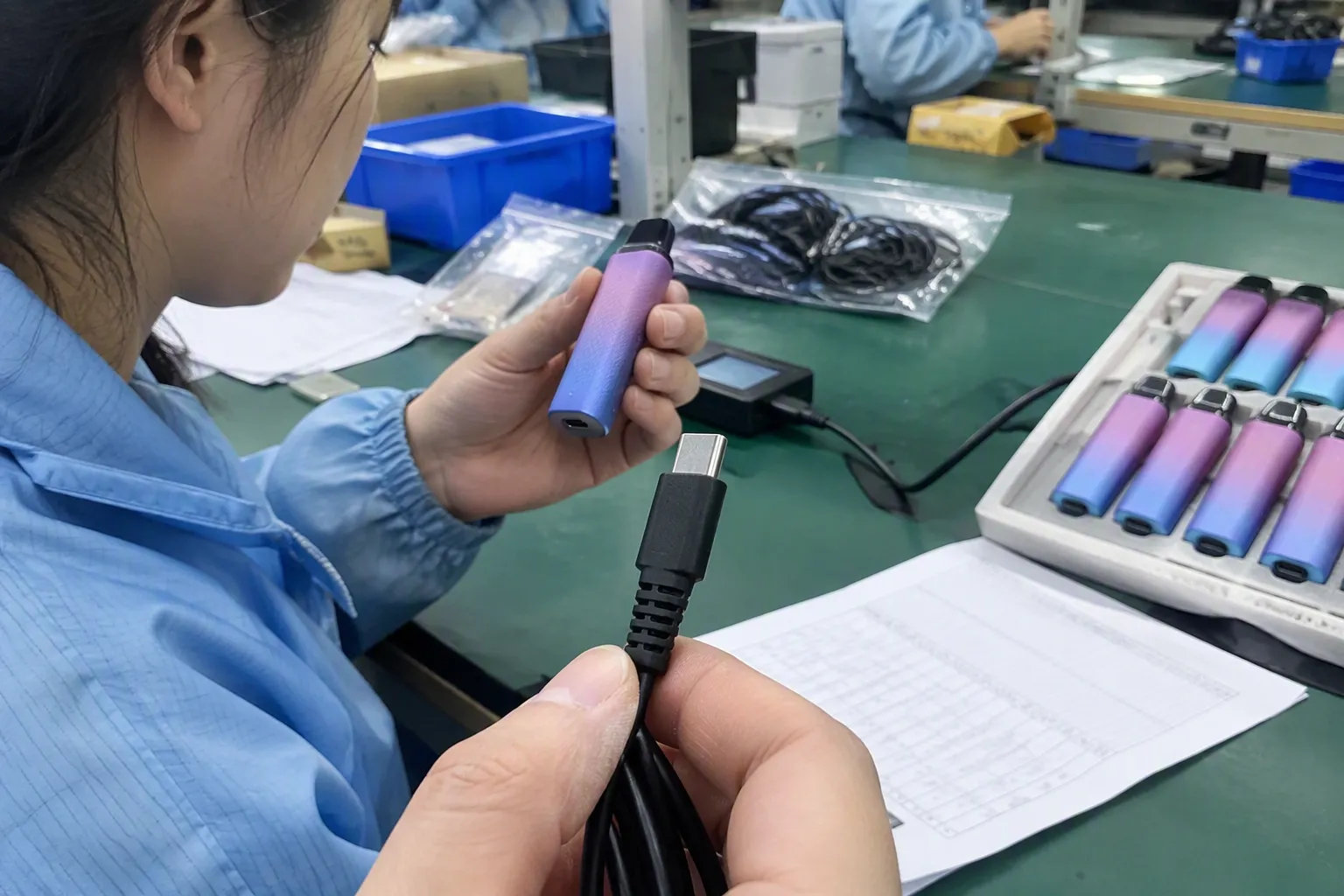
The key point is that connector selection is a compatibility decision, not a simple ranking exercise. USB-C may be the right option for a new product, while USB-B may remain the correct choice for a printer and Mini-USB may still be necessary for an older camera. I use the same basic process when reviewing quotations: identify the exact device, confirm the port, understand the task, and then evaluate the cable and supplier.
Which USB Connector Types Suit Printers, Cameras, and Industrial Devices?
The most suitable USB connector types depend on the device’s physical port and its actual operating requirements. USB-B commonly appears on printers[2], USB-C is increasingly common on modern cameras and portable equipment[3], and Micro-USB or Mini-USB may be required by older products. Industrial devices need additional checks for locking, shielding, temperature, vibration, and environmental conditions.
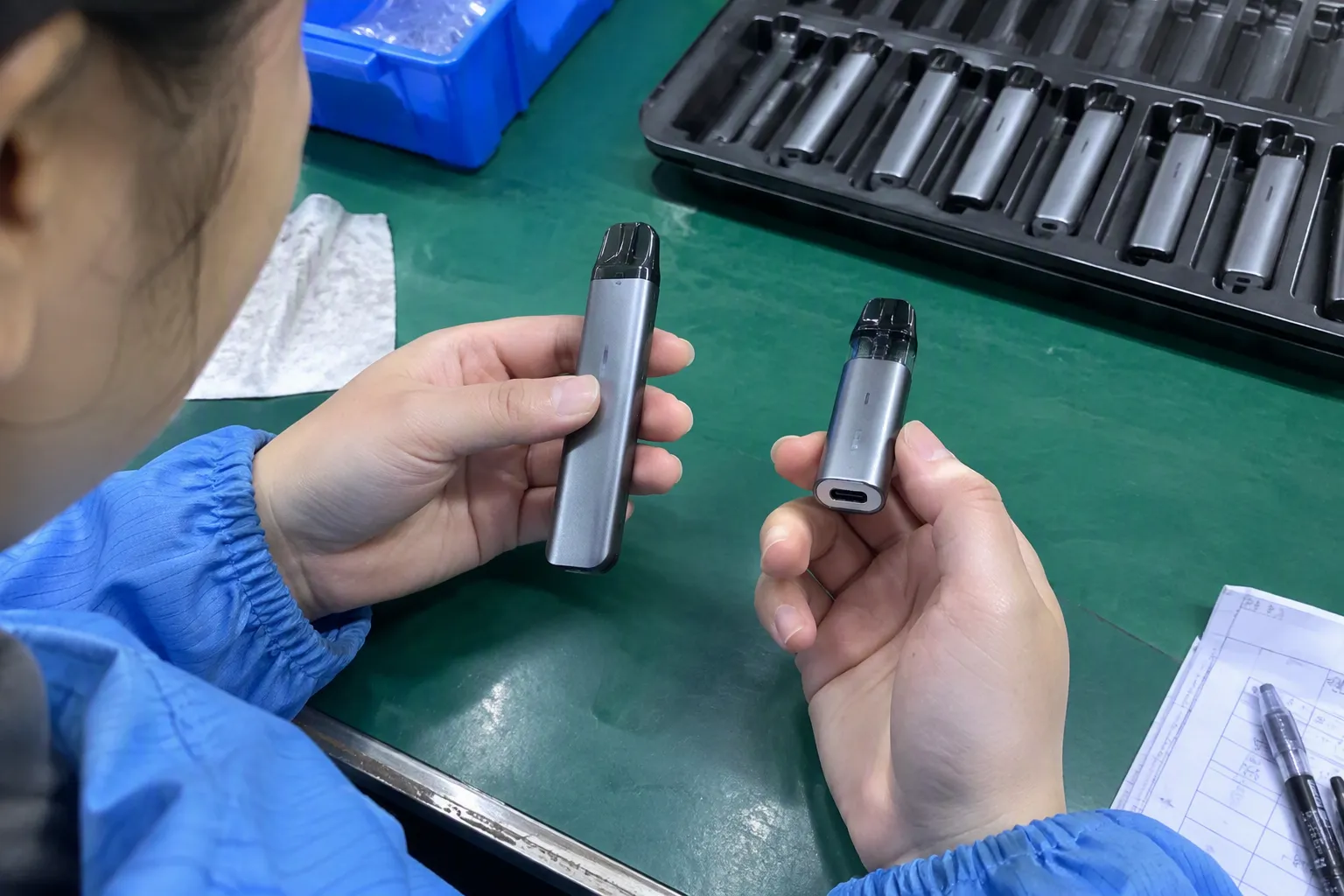
Choosing the wrong connector can create a problem before technical performance is even considered. A buyer may order a USB-C cable because it appears modern, but the customer’s printer may have a USB-B upstream port. Another buyer may select a Micro-USB cable for a camera without checking whether the camera uses a proprietary interface or requires a particular data standard.
I have handled many USB cable and connector inquiries from European and North American retailers, wholesalers, and e-commerce sellers. A recurring misunderstanding is that connector shape tells the buyer everything important. It does not. The shape identifies the physical connection, but it does not automatically define speed, charging performance, data protocol, or product quality.[1]
USB connector shape is only the first check
I normally separate the selection process into five questions:
- What port is on the device?
- What connector is needed at the other end?
- What will the cable do?
- What cable length and construction are suitable?
- What procurement and quality documents must the supplier provide?
The cable can have USB-A on one end and USB-B on the other. It can have USB-A to Micro-USB, USB-C to USB-C, or USB-C to USB-B. The correct configuration depends on the device and host connection.
| Device or application | Connector types often encountered | Main buyer checks |
|---|---|---|
| Office printer | USB-B device side and USB-A host side | Printer model, data function, cable length, connector fit |
| Modern camera | USB-C, Micro-USB, or proprietary port | Camera model, transfer and charging requirements, port protection |
| Older camera or GPS product | Mini-USB or Micro-USB | Exact port shape, cable wiring, legacy availability |
| Industrial controller | USB-A, USB-B, USB-C, or specialized locking USB | Environmental conditions, retention, shielding, temperature |
| Portable equipment | USB-C or Micro-USB | Power, data, charging source, cable construction |
| Retail replacement cable | Any of the above | Packaging, compatibility wording, MOQ, and return risk |
Why USB-B is still relevant for printers
Many printers use a USB-B connector on the printer side because the square-shaped connector provides a clear device-side interface. The computer side commonly uses USB-A, although newer computers may require a USB-C adapter, hub, or USB-C-to-USB-B cable.
I would not replace a printer cable simply because USB-C looks newer. The printer manufacturer’s port determines the device-side connector. If the printer has USB-B, a cable with USB-C cannot connect directly unless the complete configuration includes an appropriate adapter or a different cable arrangement.
For printer sourcing, I recommend that buyers confirm:
- The exact printer series and model.
- Whether the printer uses USB-B, USB-C, Ethernet, Wi-Fi, or more than one connection.
- Whether the cable is for printing, service, setup, or another function.
- The required connector at the computer or hub side.
- The expected cable length and installation path.
- Whether the customer needs a basic replacement item or a retail-packaged product.
A printer cable normally does not need the same physical design as a rugged industrial cable. However, the buyer still needs stable connector molding, consistent pin connection, proper conductor construction, and reliable quality control. A low-priced cable that causes intermittent recognition can generate more cost through returns and support work.
Why cameras need closer model-level checking
Camera accessories require more caution because cameras use several different USB connector arrangements. A camera may have USB-C, Micro-USB, Mini-USB, or a proprietary port.[7] The same product category does not guarantee the same interface.
I ask camera buyers to provide a model number or a clear port photograph. I also ask whether the cable is intended for:
- Transferring photos and videos.
- Charging the camera battery.
- Connecting the camera to a computer.
- Connecting the camera to a monitor, capture device, or other equipment.
- Firmware updates or service use.
- Tethered shooting or continuous operation.
These uses can place different demands on the cable. A cable that works for basic file transfer may not be suitable for a customer who expects dependable charging or extended tethered use. The buyer should verify the camera manufacturer’s specifications rather than relying only on the connector name.
Why industrial devices require a different evaluation
Industrial USB applications can involve vibration, dust, moisture, electromagnetic interference, temperature changes, and repeated connection.[8] A standard consumer cable may fit the port but still be unsuitable for the working environment.
For an industrial application, I would ask the customer or engineering team to verify:
- The manufacturer’s approved interface and cable specification.
- The operating temperature range.
- Exposure to moisture, dust, oil, chemicals, or cleaning processes.
- Vibration and shock conditions.
- Required connector retention or locking mechanism.
- Shielding and grounding requirements.
- Cable bending radius and installation space.
- Required data rate and maximum cable length.
- Service life and expected connection cycles.
- Applicable testing, certification, or customer documentation.
I do not treat a general 3C cable quotation as proof of industrial suitability. A qualified technical professional should review the application, and the buyer should request manufacturer evidence for any claimed environmental rating, locking design, shielding performance, or reliability level.
USB-C does not automatically mean faster or more powerful
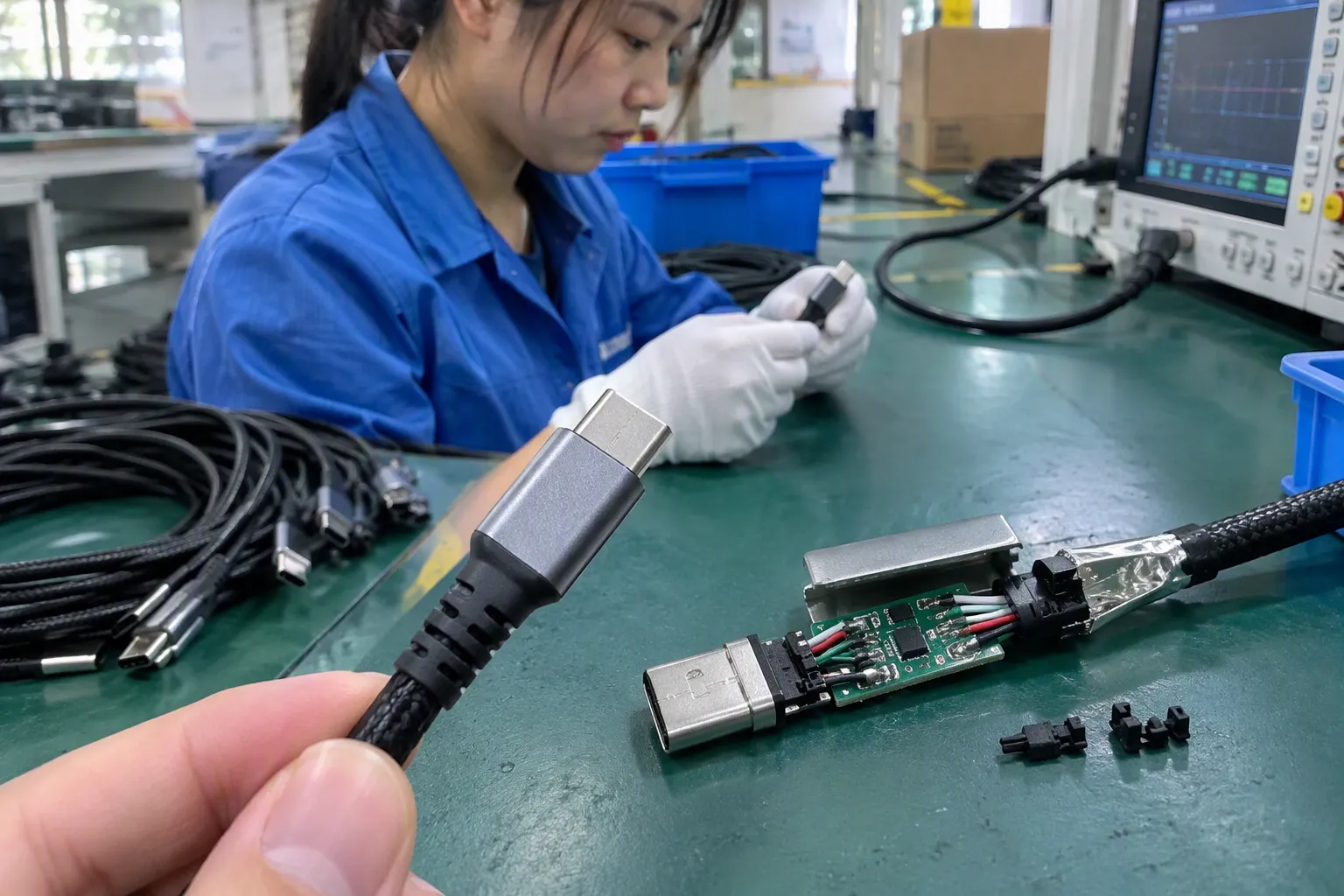
USB-C describes a physical connector format.[4] It does not, by itself, confirm the USB generation, transfer speed, charging power, video capability, or supported protocol.[5]
A USB-C product may support different levels of performance depending on the device, cable, host, controller, and charging system.[6] Buyers should therefore separate these questions:
| Question | Why it matters |
|---|---|
| What connector is used? | It confirms physical fit. |
| Which USB standard is supported? | It affects communication capability and compatibility. |
| What data speed is required? | It affects conductor design, signal integrity, and product claims. |
| What power is required? | It affects current capacity, charging compatibility, and safety evaluation. |
| Does the cable support charging only or data and charging? | Some products have limited functions. |
| Does the application require video or alternate modes? | Physical USB-C shape alone does not confirm these functions. |
This distinction is important for online listings. If a seller labels every USB-C cable as high-speed or high-power without verifying the specification, the listing may create customer expectations that the product cannot meet. I recommend using precise, documented descriptions and avoiding broad claims that are not supported by product information.
The two ends of the cable must be checked separately
Many sourcing mistakes happen because the buyer describes only one connector. “I need a USB-C cable for a printer” is not enough information. The buyer should identify both ends, such as:
- USB-A male to USB-B male.
- USB-C male to USB-B male.
- USB-A male to Micro-USB male.
- USB-C male to USB-C male.
- USB-C male to USB-A female adapter configuration.
The buyer should also confirm whether the device has a standard male or female port and whether an adapter is acceptable. An adapter can solve a connection problem in some consumer situations, but it may add length, mechanical stress, or another possible point of failure. It may also be inappropriate for a fixed industrial installation.
Cable length affects practical performance
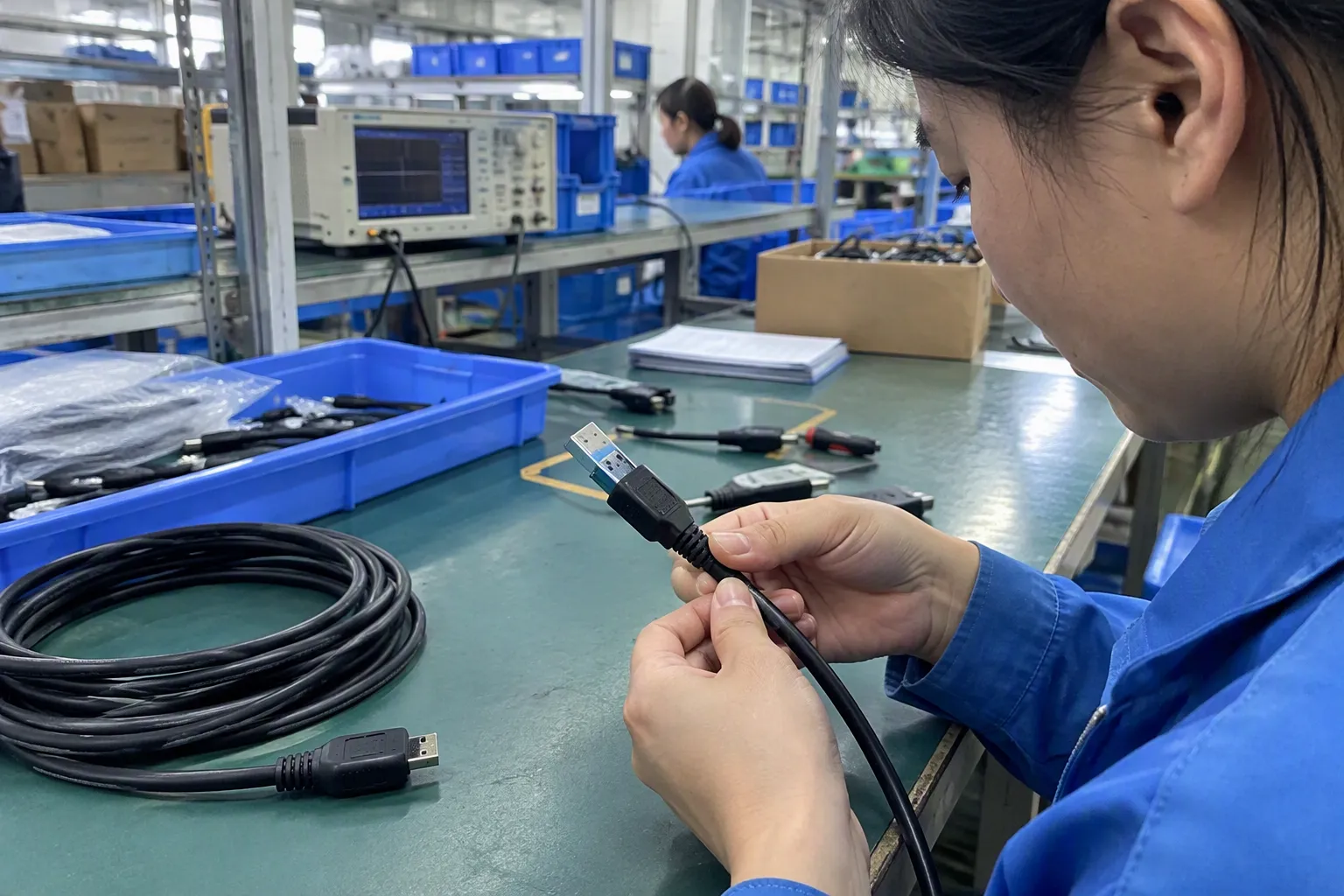
A very long cable may be attractive for installation, but length can affect signal quality, power delivery, flexibility, and product cost. The correct answer depends on the USB implementation, cable construction, device requirements, and manufacturer specification.
I recommend that buyers avoid ordering long cables as a default. They should first measure the actual distance between the device and host. A shorter cable can make installation easier and reduce unnecessary cable management. A longer cable may be necessary for a printer placed away from a computer or for equipment installed inside a cabinet, but the supplier should confirm whether the requested length is supported for the intended function.
Mechanical design matters in retail and industrial supply
Connector quality includes more than the outer shell. Buyers should review the complete construction, including:
- Plug dimensions and fit.
- Housing strength.
- Strain relief design.
- Conductor and insulation construction.
- Shielding arrangement where applicable.
- Contact finish and consistency.
- Cable flexibility.
- Labeling and packaging.
- Batch inspection and traceability.
For retail products, appearance and packaging can affect customer confidence. For wholesale and e-commerce sellers, clear compatibility information can reduce avoidable returns. For industrial buyers, retention and environmental suitability may be more important than appearance.
I usually encourage customers to request samples before placing a larger order. The sample should be checked with the target device, not only with a similar product. The buyer should test the actual intended function, such as printing, file transfer, charging, or connection stability.
A practical sourcing checklist
Before I prepare or review a USB cable quotation, I recommend collecting the following details:
- Device brand and exact model.
- Photograph of the device port.
- Connector required at both cable ends.
- Data-only, charging-only, or combined use.
- Required data performance, if specified by the manufacturer.
- Required power or charging function, if applicable.
- Cable length and preferred jacket design.
- Indoor, outdoor, mobile, or industrial environment.
- Need for shielding, locking, or special strain relief.
- Target quantity, packaging, and private-label requirements.
- Destination market and requested compliance documents.
- Required MOQ, lead time, inspection process, and after-sales arrangement.
This checklist helps me distinguish a simple replacement-cable order from a more demanding technical requirement. It also helps buyers compare suppliers on the same basis instead of comparing incomplete descriptions.
How procurement teams can reduce compatibility risk
I have found that many purchasing problems begin with unclear product names. A listing may say “universal USB cable,” but the cable may not support every device or function. I suggest that procurement teams create a product matrix with the device model, port, cable configuration, function, length, and approved supplier reference.
A basic approval process can include:
- Reviewing the device specification.
- Matching the proposed connector configuration.
- Testing a production sample.
- Confirming product labeling.
- Checking the supplier’s inspection process.
- Verifying any requested certification or test document.
- Defining how nonconforming goods will be handled.
- Keeping a record of the approved sample.
Certifications and test reports should be treated as documents for buyer verification. The buyer should confirm that the documents apply to the relevant product, manufacturer, market, and specification. A supplier should not use a general certificate to imply approval for every cable or connector configuration.
Comparing the main connector options
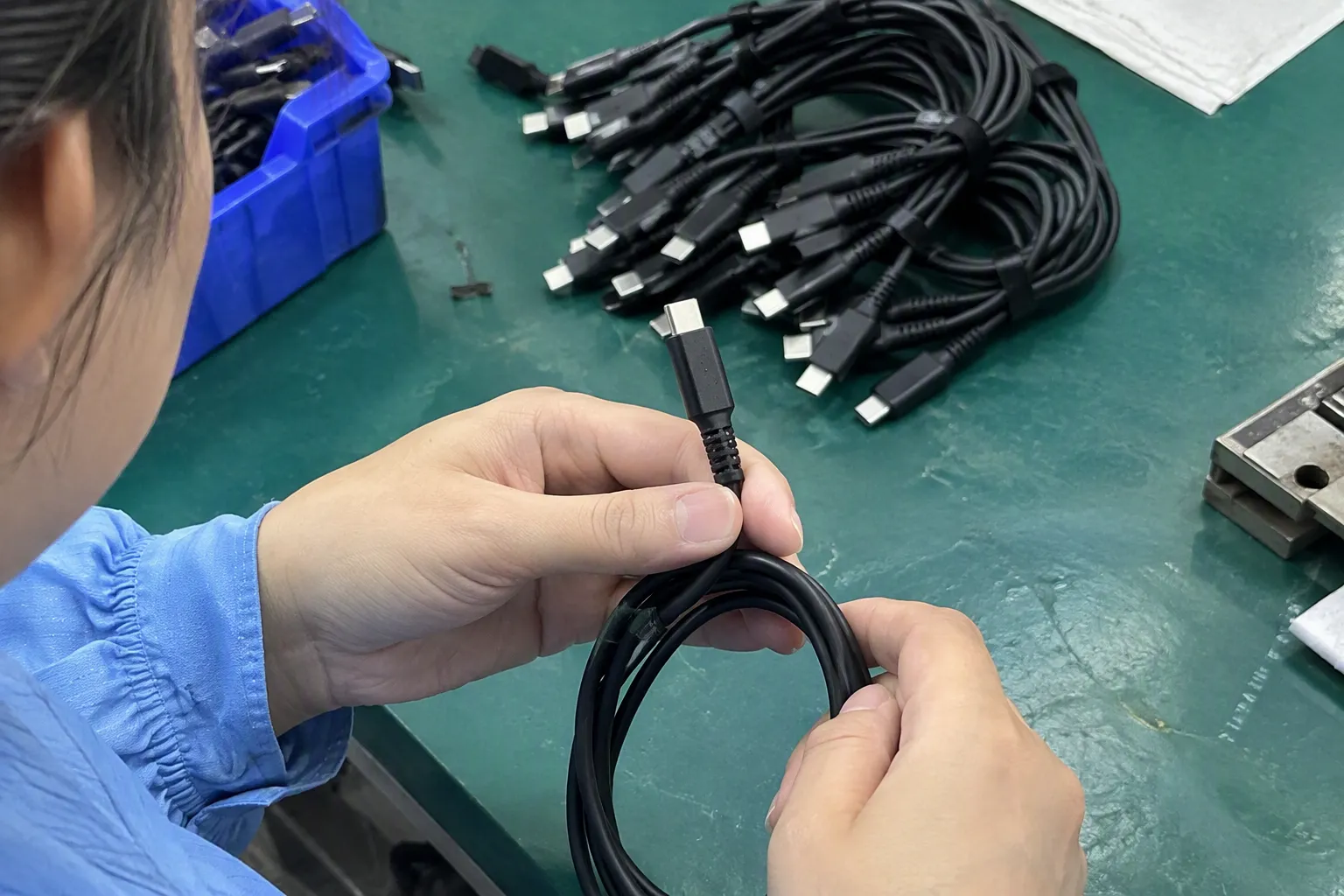
The following table provides a starting point, not a universal ranking:
| Connector | Common strength | Common limitation | Typical evaluation focus |
|---|---|---|---|
| USB-A | Broad host compatibility and established market demand | Larger plug and less convenient for newer compact devices | Computer, hub, charger, and packaging compatibility |
| USB-B | Common device-side option for many printers | Less common on newer portable products | Printer model, port fit, and cable length |
| USB-C | Reversible connector and common on newer equipment | Capabilities vary by device, cable, and protocol | USB version, power, data, and alternate functions |
| Micro-USB | Compact and widely used in older portable products | Legacy design and possible mechanical wear | Exact model, data function, and connector durability |
| Mini-USB | Still required by some older equipment | Less common in current consumer products | Legacy compatibility and available replacement supply |
The table should not be used to choose a connector without checking the device. I use it to organize the first discussion with a customer. The final decision should come from the manufacturer’s specification and a practical sample check.
Frequently Asked Questions
Is USB-C the best connector type for every new device?
No. USB-C is a common modern connector, but it is not automatically the best choice for every device. The device manufacturer determines the port and supported functions. A buyer should verify data speed, power capability, protocol, cable length, and application requirements before selecting USB-C.
Which USB connector type is commonly used for printers?
Many printers use USB-B on the printer side and USB-A on the computer side, although some newer products use other interfaces. The buyer should confirm the exact printer model and inspect the port before ordering. A USB-C computer may require a USB-C-to-USB-B cable or another approved connection method.
Can I use any USB-C cable for camera data transfer?
No. USB-C cables can differ in supported data performance and power functions. The camera, computer, and cable must support the intended use together. I recommend checking the camera manual, confirming whether the cable supports data, and testing the complete connection before stocking the item.
What should I check before sourcing USB cables for industrial equipment?
I would check the manufacturer’s approved specification, operating temperature, moisture and dust exposure, vibration, shielding, locking or retention requirements, cable length, bending conditions, and required data performance. A qualified engineer or technical professional should evaluate application-specific suitability.
How can retailers reduce USB cable returns?
Retailers can reduce returns by listing the exact connector configuration, supported function, device compatibility, cable length, and known limitations. They should avoid describing a cable as universally compatible without evidence. Providing port diagrams and requesting the customer’s device model can also prevent incorrect purchases.
Conclusion
The best USB connector types are determined by compatibility, not by appearance or age. USB-B may be the correct choice for a printer, while USB-C may suit a newer camera or portable device. Micro-USB and Mini-USB can remain necessary for legacy equipment. I recommend checking the device model, both cable ends, intended data and power functions, cable length, and operating environment before ordering. For industrial applications, buyers should also verify manufacturer documentation and obtain qualified technical evaluation. Contact me with the device model, port photo, required quantity, and target market, and I can help review a suitable USB cable configuration, MOQ, lead time, packaging, and sourcing plan.
Sources
- USB Charger (USB Power Delivery) | USB-IF", USB-IF documentation distinguishes USB Type-C as a connector and cable specification from the separate USB data-transfer and power-delivery capabilities that may be implemented through it
- can someone explain what the usb b is for looks like a ...", Reference works on USB connectors identify USB Type-B as a peripheral-side connector historically used in devices such as printers and other computer peripherals
- USB Type C Market Size, Share, Report, Forecast 2035", Market and product surveys report growing adoption of USB Type-C in newer portable electronics, including some camera systems, relative to legacy USB connectors
- USB Charger (USB Power Delivery) | USB-IF", The USB Implementers Forum defines USB Type-C as a connector and cable interface whose supported data, power, and optional functions depend on the applicable USB specifications and implementation
- [PDF] Universal Serial Bus Type-C Cable and Connector Specification", USB-IF guidance indicates that the presence of a USB Type-C connector does not alone specify a product's USB data rate, power-delivery capability, or alternate-mode support; those attributes depend on the documented implementation
- Cables and Connectors", USB-C system documentation describes data and power behavior as dependent on the capabilities and negotiation of the connected host, device, cable, and power-delivery controllers
- Anyone know what this weird USB connector is (right)? It's ...", Technical references on digital-camera interfaces document the use of several USB connector types across camera generations, alongside manufacturer-specific connectors in some models
- What Are The Industrial USB Port Types for Harsh ...", Industrial connector reliability literature identifies vibration, contamination, moisture, temperature variation, electromagnetic interference, and mating cycles as application conditions that can affect interconnection performance