Quick Answer
A USB cable that can transfer data can be difficult to identify when many products look nearly identical and all appear to charge a phone. This creates listing mistakes, returns, and unhappy customers. We recommend treating data transfer as a clear purchasing specification, not an assumption based on connector type or charging performance.
A USB cable can transfer data only when its internal construction and stated specification support data communication.[1] Successful charging, a USB-C connector, fast-charging support, or high wattage does not prove data capability.[2] Before buying, retailers and sellers should request written confirmation of the cable’s data function, intended use, claimed transfer standard, and sample-test results when the order risk justifies validation.
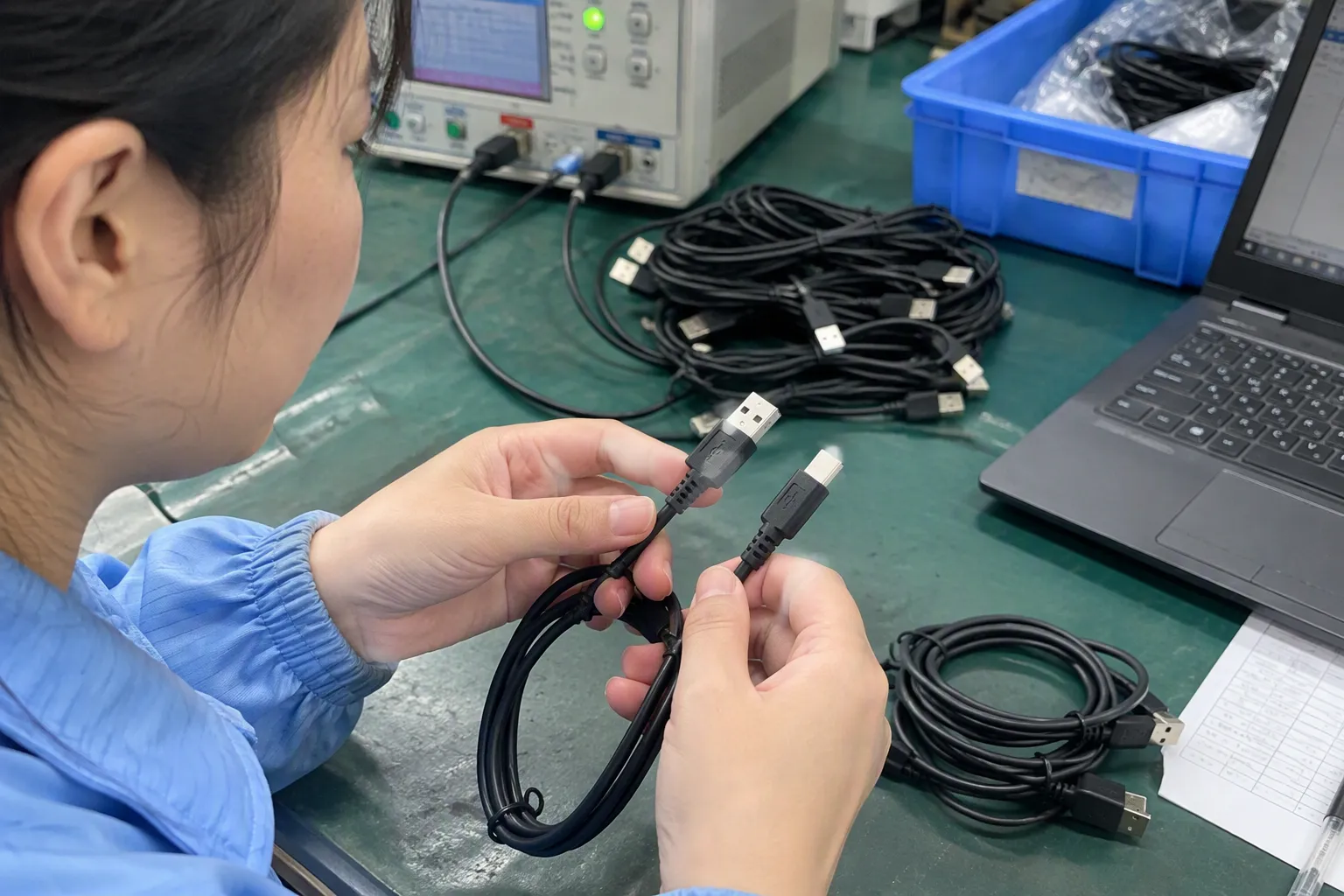
For overseas 3C buyers, this issue is less about memorizing every USB protocol and more about avoiding preventable commercial risk. We focus on the questions that help buyers source the right cable, write accurate product listings, and avoid selling a charge-only cable to customers who expect device connectivity.
Is Whether a USB Cable Can Transfer Data Determined by Its Connector Shape?
A familiar connector shape can create false confidence. A buyer may see USB-A, Micro USB, Lightning-compatible, or USB-C ends and assume the cable handles files, syncing, or computer connections. That assumption can become expensive when the delivered product charges devices but cannot perform the advertised data function.
Whether a USB cable can transfer data is not determined by connector shape alone.[3] A cable needs the required internal data conductors and a specification that confirms its supported function. Buyers should ask what data task the cable supports, such as basic syncing, peripheral connectivity, or a stated transfer standard, then validate samples where needed.
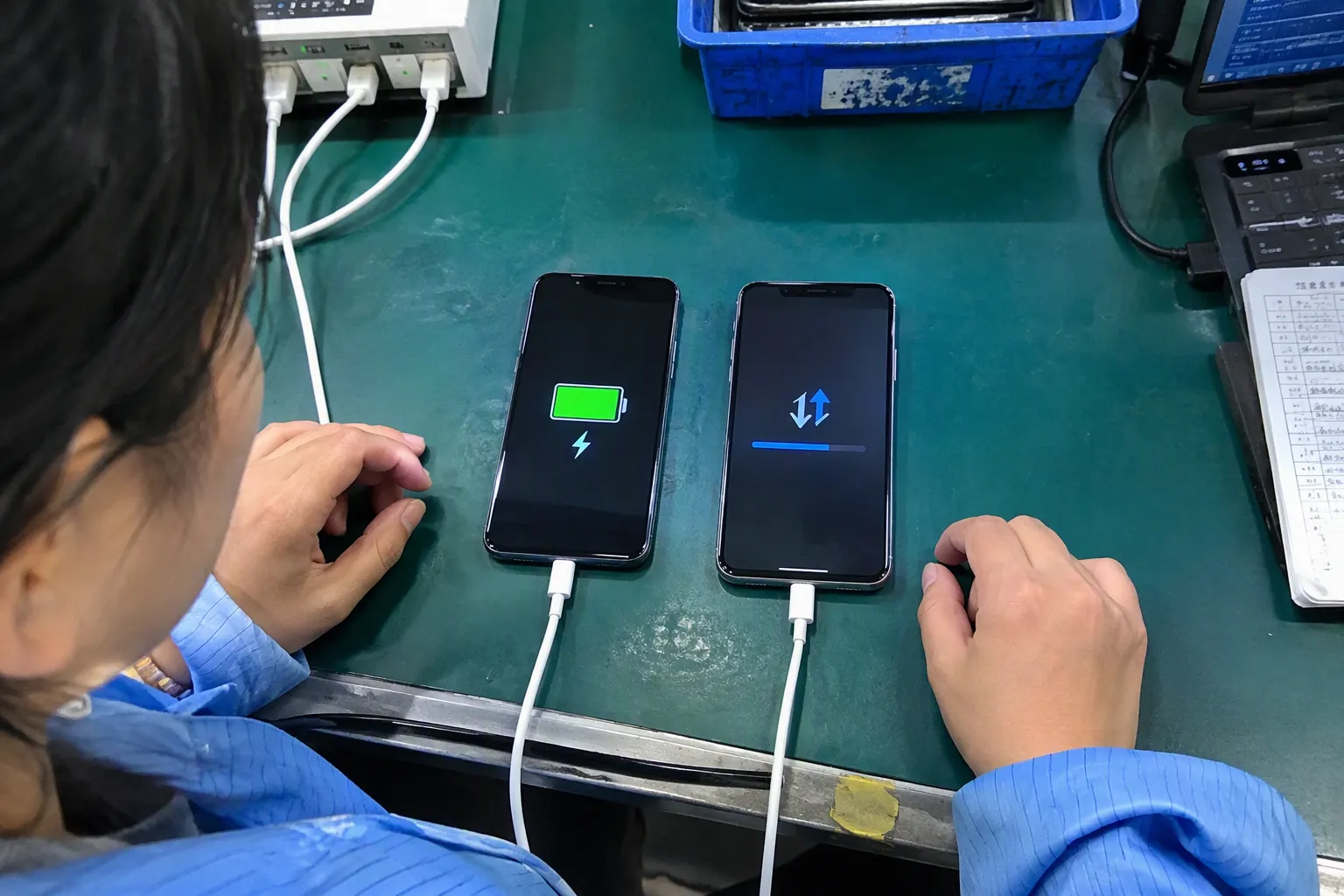
Charging Works, but Data Still Fails
A USB cable has two separate jobs that buyers often combine into one assumption:
- Delivering power to charge or operate a device
- Carrying data between devices, such as a phone and computer
A cable may do both jobs. However, a cable may also be designed for charging only.[4] In that case, it can charge a phone, tablet, power bank, earbud case, or other device while lacking the internal connections needed for data communication.
This distinction matters in retail and e-commerce. A customer who buys a cable for charging may be satisfied with a charge-only product. A customer who needs to transfer photos, sync a phone, connect to a vehicle system, use a wired accessory, or update a device may not be satisfied at all.
In our buyer conversations, we often encourage customers to move beyond the broad question, “Does this cable work?” That question does not define the commercial requirement. A better question is:
“What exact device connection and data function must this cable support for our end customer?”
That question creates a much stronger basis for supplier comparison and product listing approval.
What Connector Shape Actually Tells You
Connector shape can help identify physical compatibility, but it does not fully describe what the cable can do internally.
For example:
- A USB-C cable may support charging only, charging plus basic data, or additional functions depending on its construction and stated specification.
- A USB-A to USB-C cable may look suitable for connecting a phone to a laptop, but its data capability still needs confirmation.
- A Micro USB cable can be supplied as a charge-only product or as a cable intended for both charging and data, depending on the design.
- A cable sold with a familiar phone-compatible connector should not be assumed to support syncing merely because its connector fits the device.
The connector tells us whether the cable may physically plug into a device. It does not automatically confirm:
- Data conductors are included
- Data transfer is supported
- A specific transfer speed is supported
- The cable supports a particular device mode
- Video output is supported
- The cable works with every laptop, phone, docking station, display, or accessory
We advise buyers to separate these questions during product selection. A cable can fit. A cable can charge. A cable can transfer data. A cable can support a stated speed. These are related capabilities, but they are not the same claim.
USB-C Does Not Automatically Mean Data Transfer
USB-C has become a common source of confusion because it is widely used across phones, laptops, chargers, power banks, monitors, and accessories. Its reversible connector is convenient, but the connector alone does not establish the cable’s complete capabilities.
A USB-C cable may be marketed around charging output, such as fast charging or high-wattage charging. Those points can be important for buyers, but they answer a power-delivery question. They do not automatically answer a data-transfer question.
We recommend that buyers avoid wording such as:
- “USB-C cables always transfer data.”
- “Fast-charge cables are high-speed data cables.”
- “High-wattage cables support video.”
- “If a cable charges a laptop, it must support file transfer.”
Each statement can lead to inaccurate product expectations.
Instead, buyers should request a specification that separates power and data information. A practical supplier specification sheet should state both categories clearly.
| Capability to Confirm | What Buyers Should Ask | Why It Matters |
|---|---|---|
| Charging function | What charging capability is specified for this model? | This helps match the cable to chargers and devices. |
| Data function | Does this cable support data transfer? | This avoids sourcing a charge-only cable by mistake. |
| Claimed data standard | What transfer standard or maximum speed is specified? | This supports accurate listings and product comparisons. |
| Intended device use | Is the cable designed for phone-to-computer syncing, peripheral use, or another use case? | This defines the customer expectation. |
| Video or display support | Is video output explicitly supported for this exact model? | Video capability should never be assumed from USB-C alone.[5] |
| Sample validation | Can we test a production-representative sample? | This reduces risk before a larger order. |
We believe this simple separation helps prevent many avoidable misunderstandings. A buyer does not need to become a protocol engineer. The buyer needs a supplier who can document the relevant commercial specification clearly.
Fast Charging and Data Speed Are Different Specifications
Fast charging is a major selling point in today’s cable market. Many retailers want cables that support current smartphones, tablets, and laptops. However, charging performance and data speed should be evaluated separately.
A cable may be designed to carry more power while offering only basic data capability. Another cable may offer a stated data function while having a different charging limit. The product specification should describe each function without blending them into a vague claim such as “full-featured” unless that phrase is defined.
For a buyer, the key issue is not whether a marketing term sounds advanced. The key issue is whether the stated performance matches the intended product listing and customer use case.
For example, an online seller may need three different cable categories:
| Product Category | Typical Customer Need | Procurement Focus |
|---|---|---|
| Everyday charging cable | Charging phones, earbuds, or power banks | Durability, connector fit, charging specification, price |
| Charging and sync cable | Charging plus file transfer or device connection | Confirm data support in writing |
| Higher-performance cable | A defined higher-speed, display, or specialized use case | Product-specific documentation and meaningful sample validation |
We recommend avoiding a single “universal” claim across all cable models. A basic charging cable may be a strong commercial product when it is correctly described and competitively priced. The issue arises only when packaging, listings, or sales teams imply data support that has not been confirmed.
Internal Construction Matters More Than Appearance
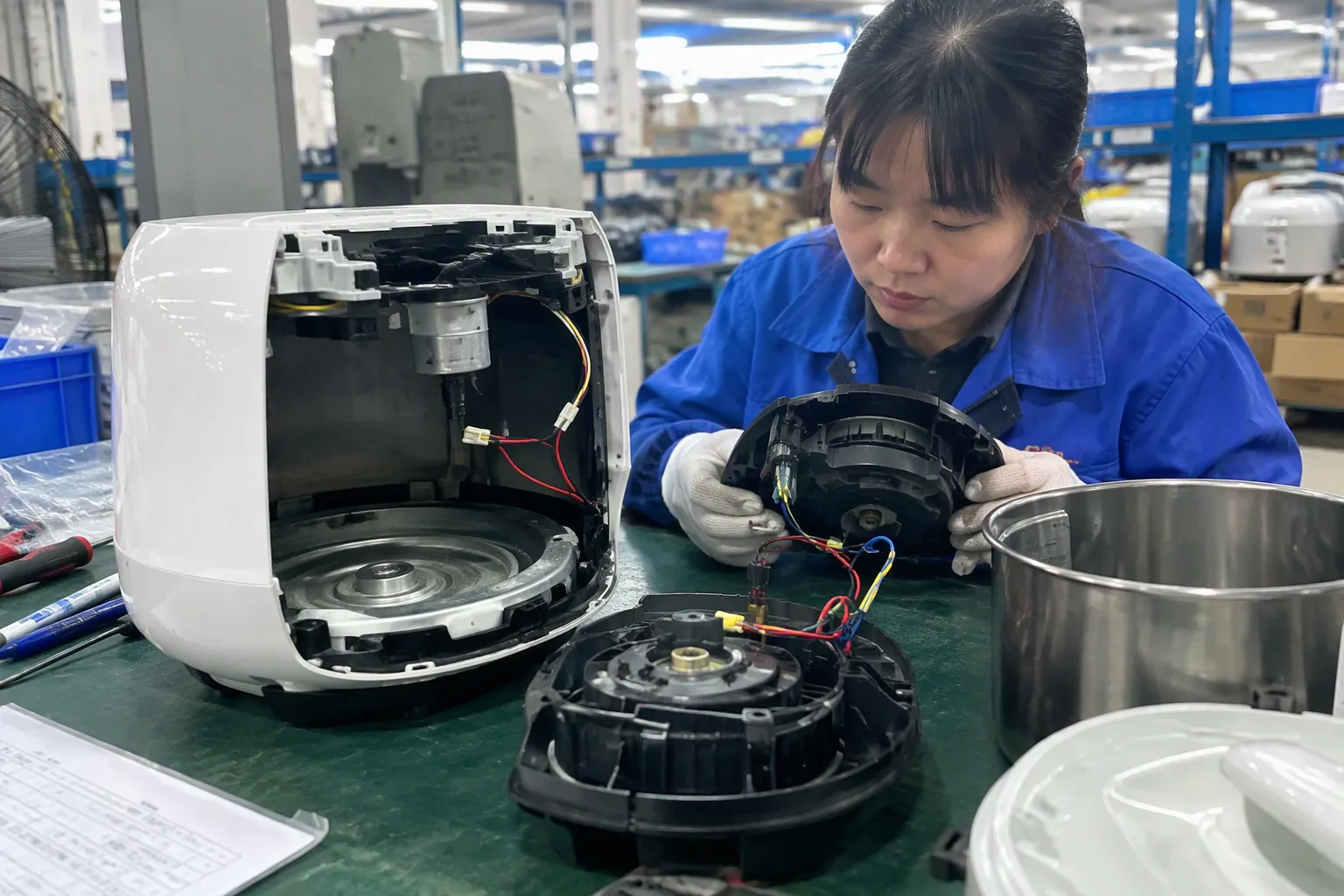
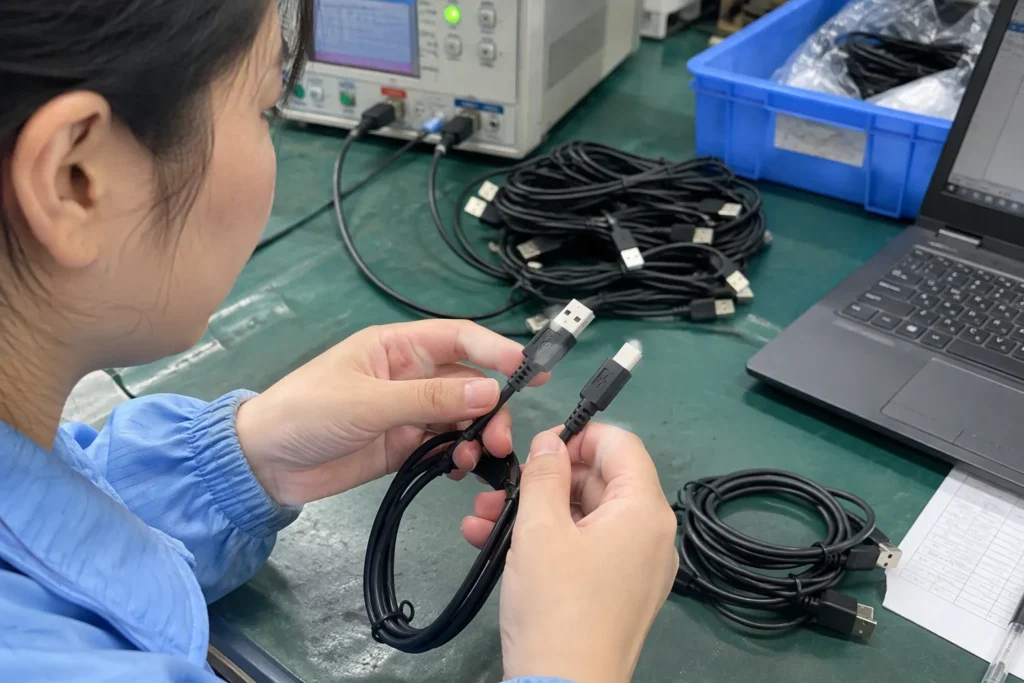
The practical reason a USB cable can transfer data is its internal construction. The cable must include the necessary conductors and design for the data function it claims to support.[6] From the outside, two cables may have the same connector type, length, color, braiding, and packaging. Internally, they may be built for different functions.
That is why visual inspection is not enough for procurement approval.[7]
A buyer may notice external details such as:
- Braided versus PVC jacket
- Aluminum alloy versus molded connector housing
- Thick versus thin outer diameter
- Straight versus angled connector
- USB-C, USB-A, or other connector format
- Printed charging markings
These features may help position the product. They do not independently prove that a USB cable can transfer data.
Even a thicker cable should not be treated as proof of a defined data standard. Thickness can relate to materials, power design, reinforcement, shielding approach, or other construction choices. It does not replace a written specification.
In our pre-sale clarification process, we encourage buyers to ask suppliers for model-specific information rather than relying on generic catalog images. The supplier’s response should identify the exact cable model, connector combination, length, and claimed capabilities. This becomes especially important if a buyer plans to import several similar-looking cable SKUs under one private label.
Ask the Right Questions Before You Place an Order
The best time to confirm data capability is before the purchase order, artwork approval, and product listing process. Once packaging is printed and stock is in transit, changing a vague claim can be costly.
We suggest using a short pre-order checklist for every cable model that may be sold as a sync or data cable.
A practical USB cable data checklist
-
Define the customer use case.
We ask whether the end user needs charging only, phone-to-computer connection, file transfer, car connectivity, peripheral connection, or another specific function. -
Request written confirmation of data capability.
We recommend asking the supplier directly: “Does this exact cable model support data transfer?” The answer should apply to the specific SKU, not a general cable category. -
Ask for the stated transfer specification.
If speed matters to the listing or buyer, request the supplier’s stated standard or maximum claimed transfer rate. Buyers should verify that the wording is specific enough for their market and platform requirements. -
Separate charging claims from data claims.
We recommend listing charging wattage, fast-charge compatibility, and data function as separate lines in the specification. -
Check the connector combination.
We confirm both ends of the cable, because the intended device connection affects the commercial use case. -
Review packaging and listing language.
Terms such as “sync,” “data,” “high speed,” “video,” and “full function” should appear only when supported by the approved specification. -
Validate samples when the risk is meaningful.
For larger orders, private-label projects, chain retail programs, or claims involving advanced functions, we recommend evaluating samples with qualified technical support appropriate to the intended application.
This process is simple, but it creates a useful record. It also helps purchasing, quality control, product teams, and marketplace listing teams work from the same approved information.
Sample Testing Should Match the Commercial Claim
Sample validation does not need to be excessive for every low-risk charging cable. However, the more specific the claim, the more important it becomes to confirm that the sample supports the intended use.
For example, a basic product listing that says “charging cable” has a different risk profile from a listing that says “data sync cable” or “supports a specified high-speed transfer function.” The latter claims should receive more careful review.
We recommend matching the test approach to the actual customer expectation.
| Commercial Claim | Suggested Buyer Check |
|---|---|
| “Charging cable” | Confirm fit, charging behavior, materials, and approved charging specification. |
| “Charging and data cable” | Confirm charging and basic data connection using relevant devices. |
| “Data cable for computer connection” | Test the intended connection scenario and confirm the listing wording. |
| “High-speed data cable” | Request model-specific documentation and validate representative samples for the intended use. |
| “Video-capable USB-C cable” | Obtain explicit model-specific confirmation and use application-specific evaluation before making the claim. |
A sample result should also be understood in context. A cable may work in one device combination but not meet every possible user scenario.[8] Device ports, operating systems, charging adapters, hubs, and accessories can all influence results. We recommend that buyers avoid making universal compatibility promises unless they have the documentation and application testing to support them.
Build Better Listings and Fewer Returns
For e-commerce sellers and retail buyers, the final risk often appears in the product listing rather than the purchase order. A cable may be sourced correctly, yet still create returns if the listing overstates what it does.
We recommend writing product content around confirmed functions.
Clear listing language:
- “Designed for charging and data transfer.”
- “Data transfer capability confirmed for this cable model.”
- “Please check device compatibility before purchase.”
- “Charging specification and data function are listed separately.”
Language to avoid without specific support:
- “Works with all USB-C devices.”
- “High-speed data” without a defined specification
- “Video output supported” based only on USB-C connector type
- “Full-featured” without explaining the supported functions
- “Fast charging means fast file transfer”
A product page should give customers enough information to choose confidently. It should not require them to guess whether “fast” refers to charging, data, or both.
From a supplier-selection perspective, we also suggest checking whether the supplier can provide consistent answers across quotations, specification sheets, packaging drafts, and samples. A reliable supplier does not need to make every cable a premium multi-function model. The supplier does need to describe each model accurately and consistently.
Frequently Asked Questions
Can a USB cable charge a phone but not transfer data?
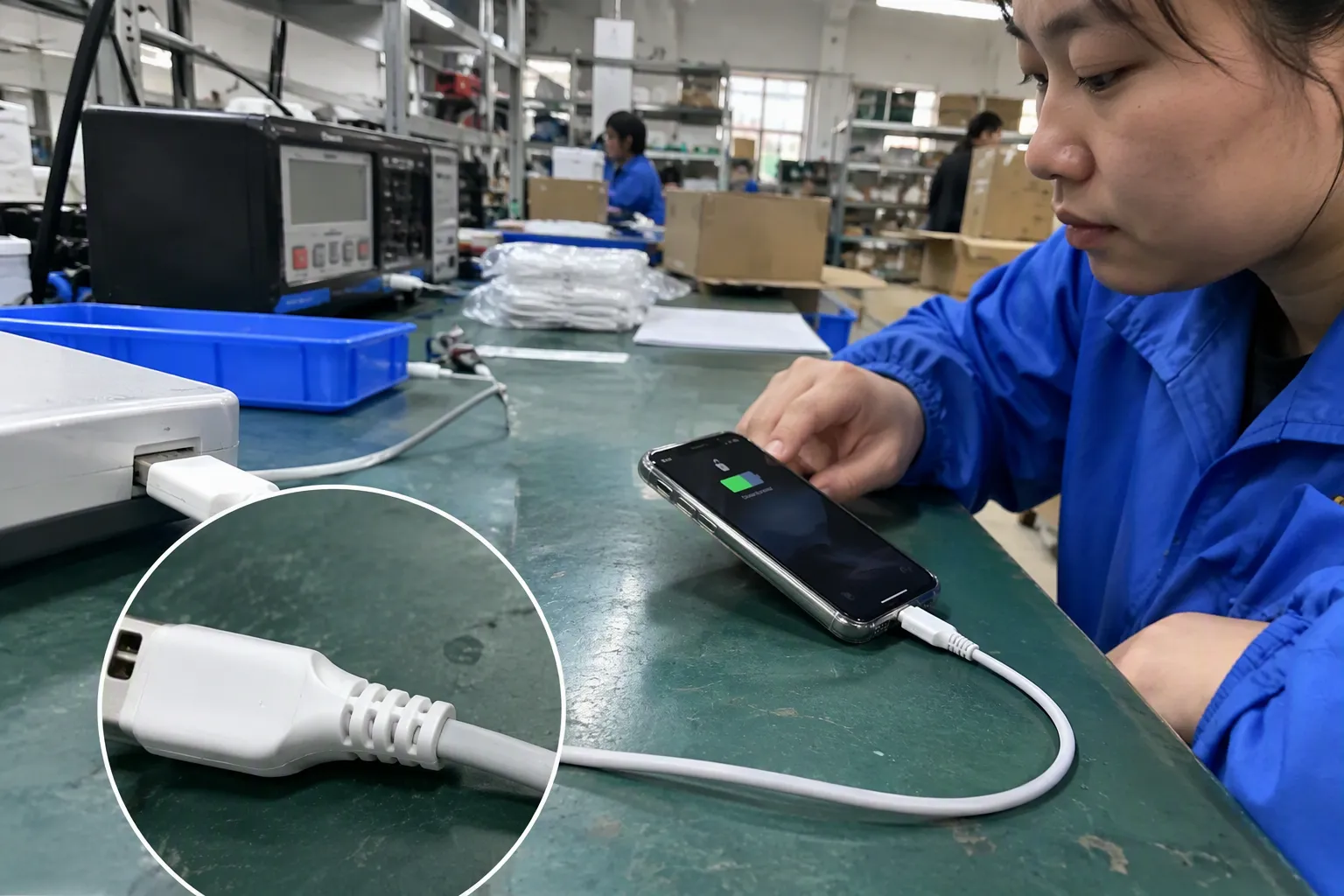
Yes. A cable can provide power for charging while not supporting data communication. Buyers should not use successful charging as proof of data capability. We recommend requesting confirmation for the exact cable SKU if customers need syncing, file transfer, or device connectivity.
Does USB-C mean that a USB cable can transfer data?
No. USB-C describes a connector format, not the complete capability of the cable. A USB-C cable may support charging only or may support data functions depending on its internal construction and stated specification. Buyers should verify the exact model before ordering.
Do fast-charging USB cables always support high-speed data?
No. Fast charging and data transfer are separate capabilities. A cable may support a strong charging specification while offering limited or no data function. We recommend asking suppliers to state charging performance and data capability separately on the product specification.
How can we confirm a USB cable can transfer data before bulk purchase?
We recommend asking for written, SKU-specific confirmation of data support, reviewing the stated specification, and checking samples when the commercial risk warrants it. Buyers should test the cable in the intended device scenario rather than relying only on connector appearance or packaging terms.
Should we advertise video output for a USB-C cable?
Only if the supplier provides explicit, model-specific support information and the claim has been evaluated for the intended application. A USB-C connector and high charging wattage do not automatically prove video capability. We recommend qualified professional evaluation for application-specific decisions.
Conclusion
A USB cable that can transfer data should be selected through clear specifications, not visual assumptions. Connector shape, charging success, fast-charging claims, and high wattage can each be relevant, but none proves data capability by itself. We recommend defining the end-user task, obtaining written confirmation for the exact SKU, separating charging and data claims, and validating samples when the order or listing risk is high. If you are sourcing USB cables for retail, wholesale, or e-commerce, we can help clarify product specifications before you place your next order.
Sources
- USB Charger (USB Power Delivery)", USB Implementers Forum documentation explains that USB cable capabilities depend on the conductors, electronics where applicable, and USB functions implemented for a particular cable, rather than on physical fit alone
- Why your USB-C Cables Never Work.", USB Implementers Forum guidance distinguishes the USB Type-C connector and USB Power Delivery features from the USB data mode and speed supported by a cable
- Universal Serial Bus Type-C Cable and Connector ...", Reference descriptions of USB Type-C identify it as a connector system whose use can vary in supported USB data protocols and power-delivery features
- Identifying data transfer micro USB cables vs charge only ...", USB interface documentation describes power conductors separately from the D+ and D− data pair, so a cable lacking the required data path can deliver power without providing USB data communication
- What is USB-C DisplayPort (DP Alt Mode) and Why it Matters", VESA documentation describes DisplayPort Alt Mode as a USB Type-C operating mode that requires compatible source and display devices and suitable connection support; USB-C connector presence alone does not establish video output
- Downside of using superspeed pairs as USB 2.0", USB technical specifications assign data signaling to designated conductor pairs and add further high-speed signal paths for SuperSpeed-class operation, linking supported functions to cable construction
- Cables and Connectors", USB Implementers Forum consumer guidance differentiates USB cable capabilities through stated performance and labeling, indicating that physical connector appearance alone is insufficient to identify supported data features
- USB Protocol Overview - USB 2.0 & 3.0", USB Type-C technical guidance notes that available functions depend on the capabilities of the connected devices, cable, and any intervening adapters or hubs, so success in one configuration does not prove universal compatibility