Quick Answer
A USB 3.0 cable can be difficult to identify when a supplier listing only shows photos, broad marketing labels, or a blue connector insert. This creates a real risk for buyers: the cable may charge normally but fail to meet the data-transfer expectations of the device or product listing. I recommend checking the exact specification, connector combination, and supporting documents before placing an order.
A USB 3.0 cable cannot be confirmed by color, connector shape, or printing alone. Blue plastic inserts, extra contacts, and “SS” markings can be useful screening clues, but buyers should verify the stated data-transfer specification, connector configuration, and product documentation.[1] Because “USB 3.0” naming has changed over time, I also recommend asking suppliers to state the claimed transfer standard clearly rather than relying on a broad label.
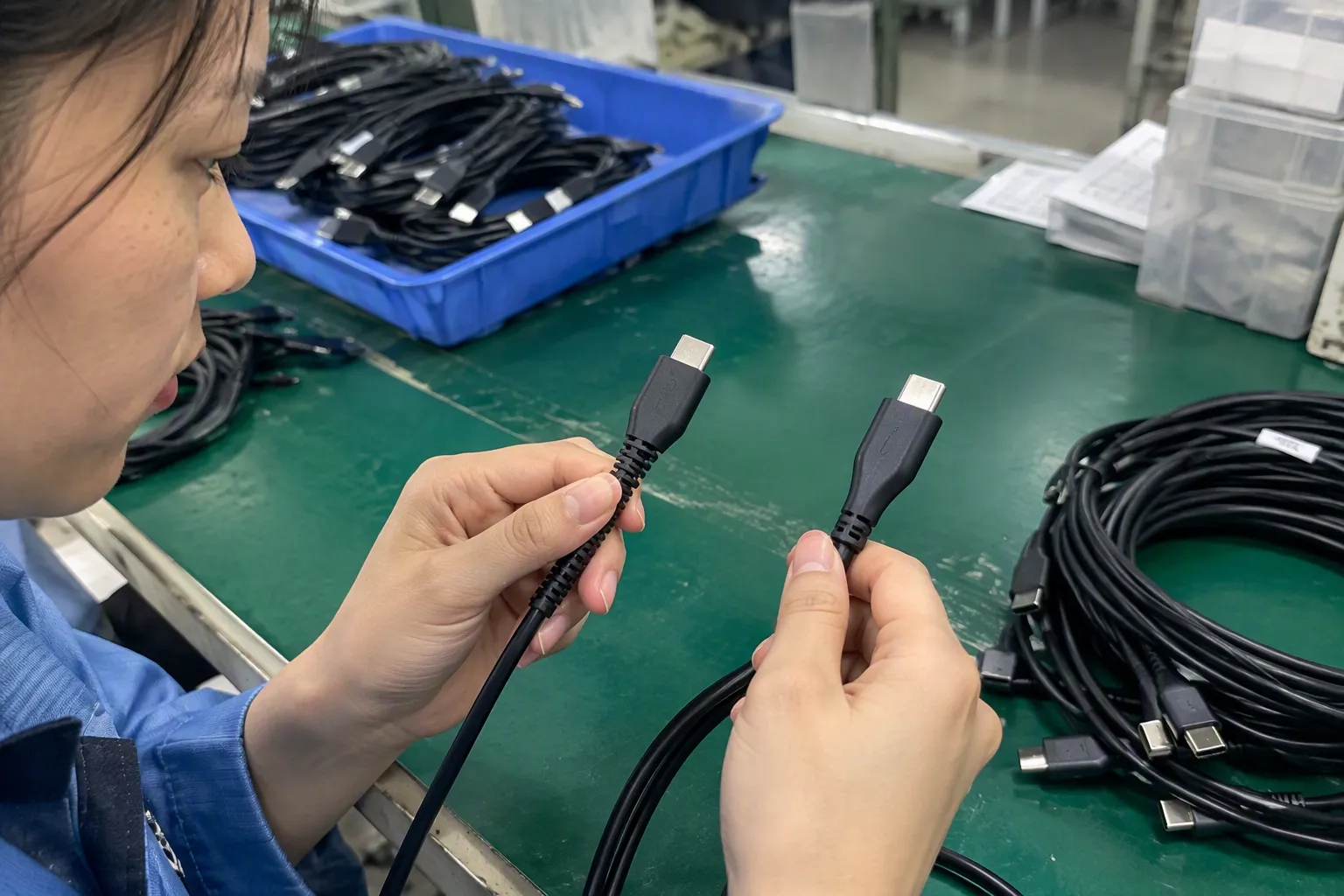
In my 15 years of handling 3C export enquiries from Shenzhen, I have often seen buyers start with one simple question: “Is the connector blue?” That question is understandable, but it is not enough for procurement or accurate retail listings. A better process separates what a cable looks like from what the cable is documented to support.
Can a USB Cable Be Reliably Identified as USB 3.0 by Color, Connector Shape, or Printing Alone?
A buyer may see a blue USB-A insert, a larger Micro-B plug, or an “SS” symbol and assume that the cable is a USB 3.0 cable. That assumption can lead to incorrect listings, avoidable returns, and compatibility questions after delivery. I recommend treating visible details as initial clues, then confirming the cable’s actual data specification with the supplier.
No, a USB cable cannot be reliably identified as USB 3.0 by color, connector shape, or printing alone. Visible features may suggest that a cable was designed for SuperSpeed USB use, but they do not prove internal conductor construction, actual data support, or supplier compliance with the stated specification. Buyers should request the cable’s exact claimed standard, connector combination, and specification sheet.
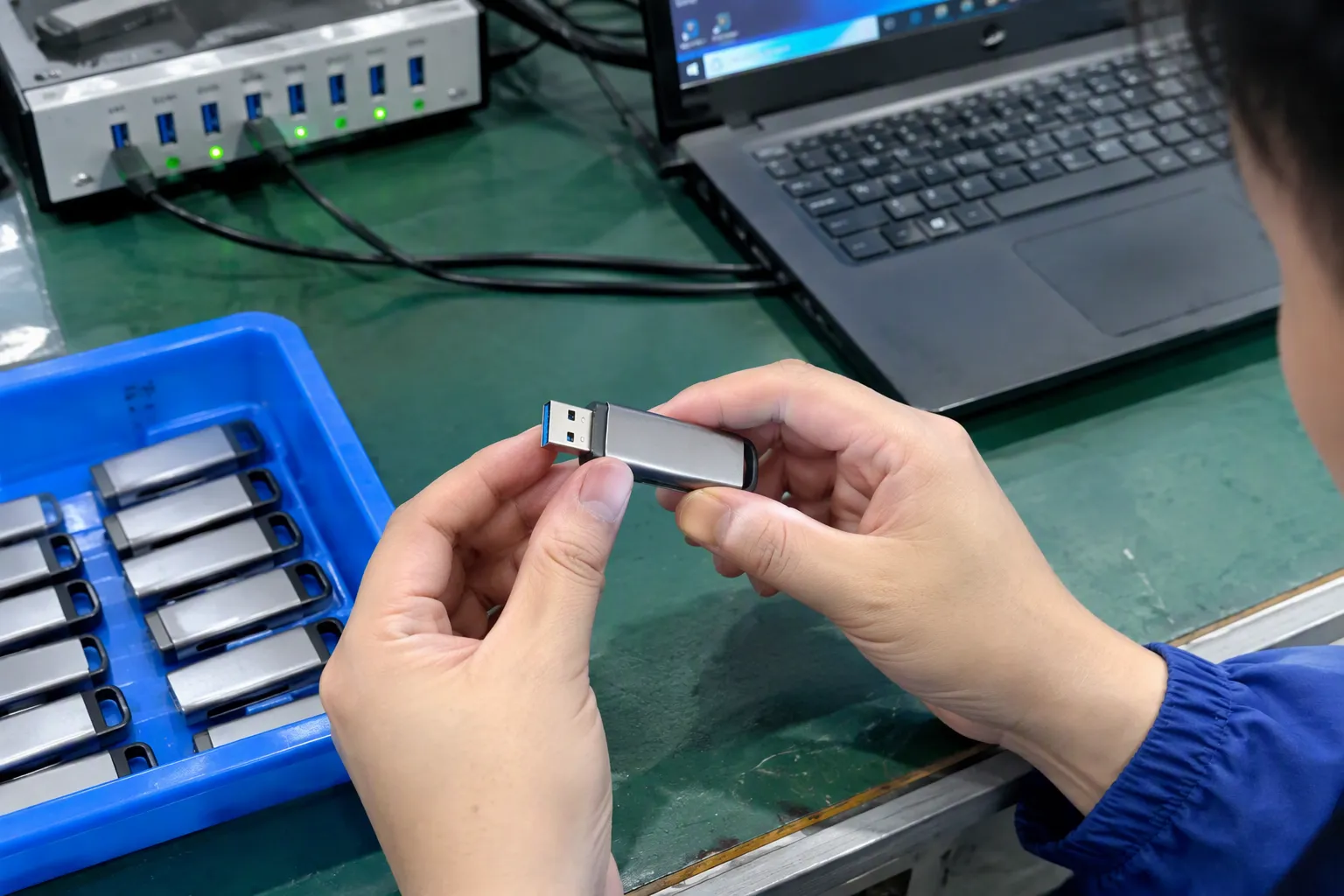
Why Visible USB Cable Clues Can Mislead Buyers
I understand why visual checks are popular. They are fast, simple, and useful when buyers compare many cable samples or supplier catalogues. However, visual checks should only be the first step in a sourcing decision.
For example, many people associate a blue insert inside a USB-A connector with USB 3.0. That association comes from common market practice. A blue insert may be a useful indication that a cable or port is intended for SuperSpeed use. Still, color is not a complete technical verification method.
A supplier may use different insert colors for branding, production availability, or product positioning. A white, black, blue, red, or other colored insert does not independently confirm a cable’s transfer capability. The same issue applies to printed labels.
Common visual clues include:
- A blue insert in a USB-A connector
- An “SS” marking, often used to indicate SuperSpeed USB
- A larger USB Micro-B connector with an additional section
- Extra visible contacts in certain connector types
- Product packaging that says “USB 3.0,” “SuperSpeed,” or “5Gbps”
- A thicker cable outer diameter compared with a basic charging cable
I consider these clues useful for narrowing down products, but not for approving a purchase order.
A visible clue can help a buyer ask better questions. It should not replace a written specification.
The problem becomes more important when a retailer lists a cable online. If the listing says “USB 3.0 cable” but the supplier only confirmed charging use or did not provide a data specification, the seller may face returns from customers who connect external drives, docking stations, cameras, or other data-sensitive devices.
Connector Appearance and Cable Capability Are Different Things
A connector family does not automatically define the data capability of a cable. This is one of the most important points I explain to buyers.
A USB-C connector is the clearest example. USB-C describes a connector format. It does not, by itself, confirm whether a cable supports USB 2.0 data, USB 5Gbps data, higher data modes, video functions, or specific charging capabilities.[2]
Two USB-C to USB-C cables can look almost identical while having very different internal construction and supported functions.[3] One may be designed for basic charging and USB 2.0 data. Another may be specified for a higher-speed data standard. A third may include different capabilities for power delivery or display output. Buyers should not group them together simply because the connectors look the same.
The same principle applies to other cable types.
| Connector Combination | What the Appearance May Suggest | What I Recommend Verifying |
|---|---|---|
| USB-A to USB-A | May be used for different legacy or specialist applications | Exact data standard and intended device use |
| USB-A to USB-B | Often used with printers, scanners, and external devices | Whether the USB-B connector and cable are specified for SuperSpeed use |
| USB-A to Micro-B | A standard Micro-B shape may indicate USB 2.0-era use[8] | Whether the plug has the wider SuperSpeed Micro-B configuration |
| USB-A to USB-C | Common for charging and data | Exact supported data-transfer specification |
| USB-C to USB-C | Appearance alone provides very limited information | Data standard, charging scope, and any additional supported functions |
| USB-C to Micro-B | May serve older devices | Device-side requirements and stated cable capability |
A buyer should also remember that device ports matter. A properly specified USB 3.0 cable connected to a lower-speed device port may operate at the lower capability of that connection.[4] The cable is only one part of the full system.
For this reason, I suggest that procurement teams define the intended use before requesting quotations:
- Is the cable mainly for charging, data transfer, or both?
- What devices will customers connect?
- What connector types are required at each end?
- Does the end user need external storage, camera, hub, docking, or printer connectivity?
- Does the retail listing need to state a particular transfer specification?
These questions make supplier communication much clearer.
Why Charging Support Does Not Prove USB 3.0 Data Support
Many sourcing mistakes happen because buyers combine charging and data into one decision. In practice, they are related but separate product requirements.
A cable can charge a phone, tablet, headset, speaker, or other device without being suitable for USB 3.0-level data transfer.[5] Charging performance depends on several factors, including conductor design, cable length, connector configuration, device negotiation, charger output, and the claimed charging protocol. Data capability depends on different internal paths, shielding considerations, connector contacts, and the cable’s stated data specification.
I recommend that buyers use separate lines in their product requirement sheet:
| Requirement Area | Example Buyer Question |
|---|---|
| Data transfer | What exact data-transfer specification does this cable claim to support? |
| Charging | What charging use is the cable designed for, and under what stated conditions? |
| Connector type | Is the cable USB-A to USB-C, USB-C to USB-C, or another configuration? |
| Cable length | Does the stated capability apply to every length in the order? |
| Product marking | What is printed on the cable, packaging, and carton label? |
| Documentation | Can the supplier provide a current specification sheet? |
This separation is especially helpful for e-commerce sellers. A listing that says “fast charging cable” does not automatically tell a customer whether the cable is suitable for transferring large files. In the same way, a listing that says “USB 3.0” should not make unconfirmed charging claims.
I have found that a clear listing reduces customer confusion. Retailers can describe the connector type, cable length, claimed data standard, and intended use in separate bullet points. That format is more useful than one broad phrase such as “high-speed charging and data cable.”
What Does “USB 3.0” Actually Mean in Current Product Communication?
The term “USB 3.0” remains common in the market, especially in buyer searches, catalogue titles, and customer enquiries. However, USB naming has changed over time. That creates room for misunderstanding.
Historically, “USB 3.0” was widely associated with SuperSpeed USB and a nominal signalling rate of up to 5Gbps.[6] Later naming updates introduced terms such as USB 3.1 Gen 1 and USB 3.2 Gen 1 for the same general 5Gbps class of capability.[7] Product pages, packaging, and supplier documents may still use older terminology.
I do not recommend assuming that every use of “USB 3.0” means exactly the same thing in every listing. Instead, I recommend asking the supplier to state the specific claimed transfer specification in writing.
A useful request may look like this:
Please confirm the exact claimed data-transfer specification for this cable, the connector combination, the applicable cable lengths, and whether the claim applies to the complete finished cable rather than only the connector type.
This wording is practical because it asks for details without making unsupported assumptions.
For purchasing and listing purposes, a buyer may want the supplier to clarify whether the product is described as:
- USB 2.0 data capability
- SuperSpeed USB / 5Gbps-class capability
- USB 3.1 Gen 1 terminology
- USB 3.2 Gen 1 terminology
- A USB-C cable with only USB 2.0 data support
- A cable with charging-focused use and limited data information
I recommend that retailers use the supplier’s documented terminology carefully and avoid making broader claims than the documentation supports. If a packaging design says “USB 3.0” while the specification sheet uses another term, the buyer should ask for clarification before finalizing artwork.
A Practical USB 3.0 Cable Verification Sequence for Buyers
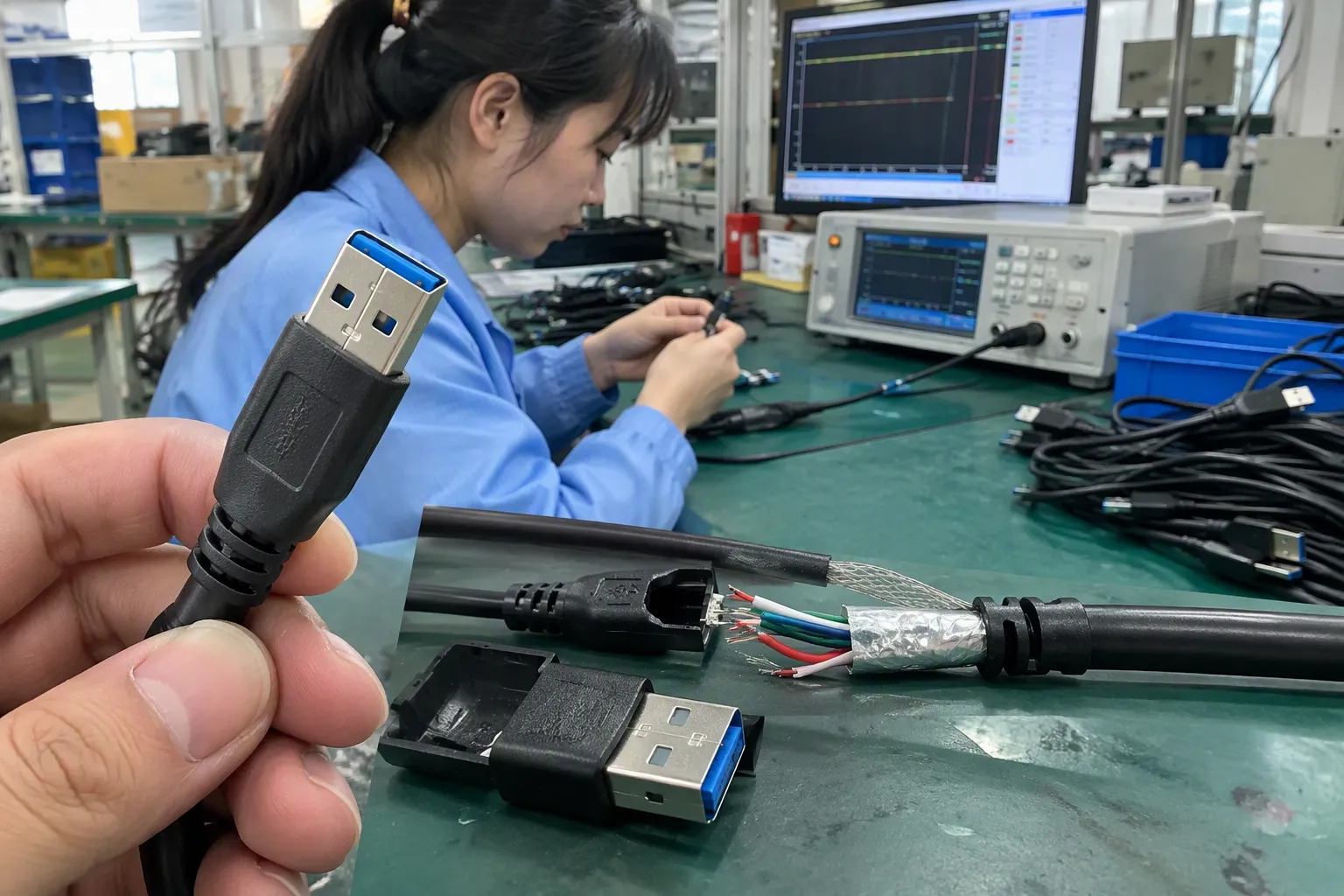
A structured verification process is more reliable than relying on connector photos. I use this type of sequence when discussing cable requirements with wholesale buyers, private-label customers, and importers.
Step 1: Define the Device Connection and User Task
First, I ask what the customer needs the cable to do.
A cable for charging a wireless earbud case has different requirements from a cable for connecting an external hard drive. A cable for a printer or industrial device may require a specific connector combination. A cable sold with a docking accessory may need more detailed compatibility review.
I recommend writing down:
- Device-side connector
- Host-side connector
- Required cable length
- Main use: charging, data, or both
- Claimed data standard needed for the listing
- Packaging language requirements
- Target market requirements for the product category
This step prevents buyers from requesting “USB 3.0 cables” when their actual requirement is a specific USB-C to USB-C charging cable or a USB-A to Micro-B data cable.
Step 2: Request the Exact Connector Combination
A buyer should ask for the full cable configuration, not just “USB cable” or “USB 3.0.”
For example:
- USB-A to USB-C
- USB-C to USB-C
- USB-A to SuperSpeed Micro-B
- USB-A to USB-B
- USB-C to USB-A
The connector combination affects both product suitability and how easily consumers understand the item. It also affects the physical construction that a supplier needs to provide.
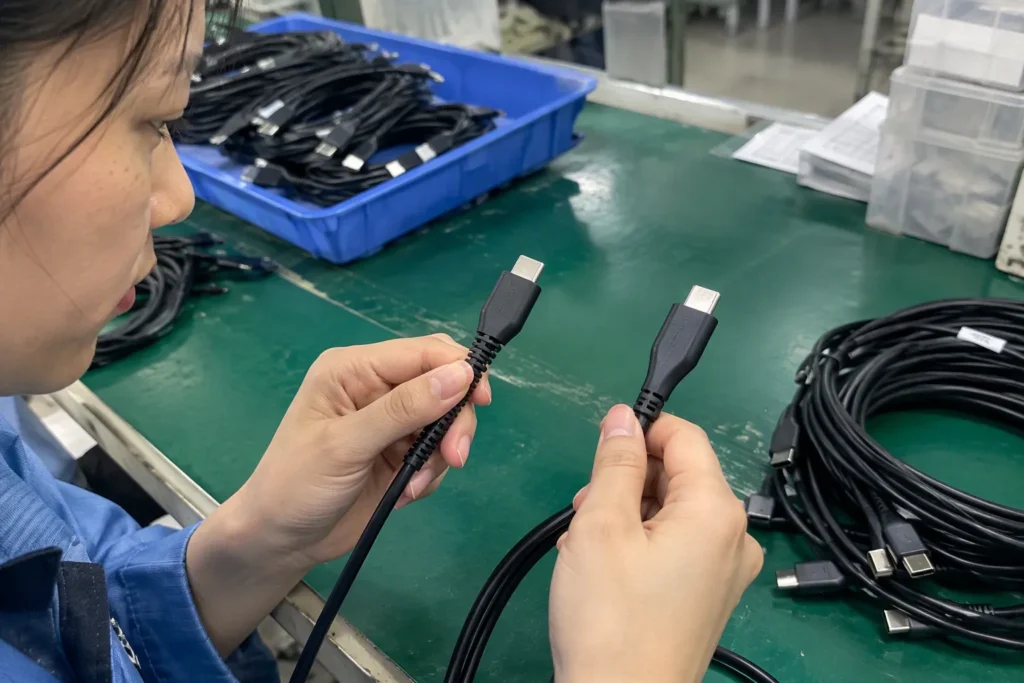
I recommend asking for clear product photos of both ends, close-up connector images, and dimensional drawings when relevant. Photos do not prove performance, but they help identify obvious mismatches before sampling.
Step 3: Ask for the Claimed Data Specification
This is the core verification step.
The supplier should state the claimed data-transfer specification in a clear format. Broad labels such as “high speed,” “fast cable,” or “premium quality” are not enough for technical sourcing.
A buyer can ask:
- What data-transfer standard does this cable claim to support?
- Is the stated claim for the finished cable or only the connector?
- Does the claim apply to all cable lengths offered?
- Does the claim apply to every color and packaging version?
- Is the cable intended for charging only, charging plus data, or a specific application?
- What information can be printed on the retail package without overstating the product?
I would also ask whether the supplier’s claim is based on a product specification sheet, an internal product control process, third-party documentation, or another stated source. Buyers should review the scope of any document rather than assuming it covers every feature or every cable version.
Step 4: Review the Specification Sheet Carefully
A useful specification sheet should help a buyer compare products consistently. It should not only contain marketing language.
The document may include information such as:
- Product model number
- Connector types at both ends
- Cable length options
- Outer jacket material
- Conductor and shielding description, where provided
- Claimed data-transfer specification
- Intended charging and data use
- Packaging configuration
- Carton quantity
- Product markings
- Applicable documents or declarations, where relevant
I recommend checking whether the model number on the quotation, sample label, specification sheet, packaging artwork, and purchase order all match. Small differences in model codes can create confusion when a supplier offers several cables with similar appearance but different internal construction.
Step 5: Confirm What the Supplier’s Claim Covers
This is a step that buyers sometimes skip. A supplier may state that a connector type is “USB 3.0 compatible,” but the phrase may not clearly explain what the finished cable supports.
I recommend asking the supplier to confirm the scope of the claim:
- Does it refer to the connector format?
- Does it refer to data-transfer capability?
- Does it apply to a specific length only?
- Does it refer to a sample, a production model, or a product family?
- Does it include charging claims?
- Does it include retail packaging claims?
This level of detail matters for private-label orders. If your package says “USB 3.0 cable,” the finished cable, inner box, master carton, specification sheet, and sales listing should not contradict each other.
Step 6: Use Samples and Qualified Evaluation for Application-Specific Decisions

I recommend ordering samples before bulk production when the cable will be sold for a specific technical use. A sample review can help buyers check connector fit, packaging quality, labeling, appearance, and basic product consistency.
However, I would not treat a casual sample check as a substitute for qualified technical evaluation. If your product will be used with external storage, high-value equipment, business systems, specialist cameras, docking solutions, or other application-sensitive products, you should arrange appropriate professional evaluation under relevant conditions.
A supplier should be able to explain what product information they provide. The buyer should decide whether additional validation is needed for the intended market and application.
How Should Retailers and Importers Describe USB 3.0 Cables Accurately?
Accurate product descriptions protect both buyers and sellers. I suggest avoiding vague phrases that combine charging speed, data speed, device compatibility, and certification into one unverified claim.
Instead, use separate, document-supported statements.
For example, a clearer listing structure may include:
- Connector: USB-A to USB-C
- Length: 1 metre
- Data claim: Supplier-stated SuperSpeed / 5Gbps-class data specification, subject to compatible host and device equipment
- Use: Charging and data transfer
- Package contents: One cable
- Important note: Actual system performance depends on connected devices, ports, software, and operating conditions
This approach is more responsible than promising a guaranteed transfer result. It also makes it easier for consumers to compare products.
For marketplace sellers, I recommend checking that product titles, bullet points, images, A+ content, manuals, and packaging all use consistent terminology. A blue connector image should not be the main evidence used to support a USB 3.0 claim. The written specification should do that work.
What Should Buyers Ask a USB Cable Supplier Before Ordering?
I recommend using a short, repeatable questionnaire. It saves time during quotation review and makes it easier to compare multiple suppliers.
- What is the exact cable model number?
- What connectors are used at each end?
- What is the exact claimed data-transfer specification?
- Is the cable intended for charging, data transfer, or both?
- Does the stated capability apply to all offered lengths?
- Can you provide a current product specification sheet?
- What product marking and packaging wording do you recommend?
- What does any supplied documentation specifically cover?
- What is the minimum order quantity for standard and customized packaging?
- What is the estimated production lead time for samples and bulk orders?
- What quality-control steps does the supplier state for this model?
- Can the supplier provide pre-production packaging artwork for approval?
For European and North American importers, I also recommend reviewing the documentation required for the specific product, market, and sales channel. Certifications, declarations, and test reports should be checked as documents with defined scope, not treated as general proof for every product feature.
Frequently Asked Questions
Is a blue USB connector always a USB 3.0 cable?
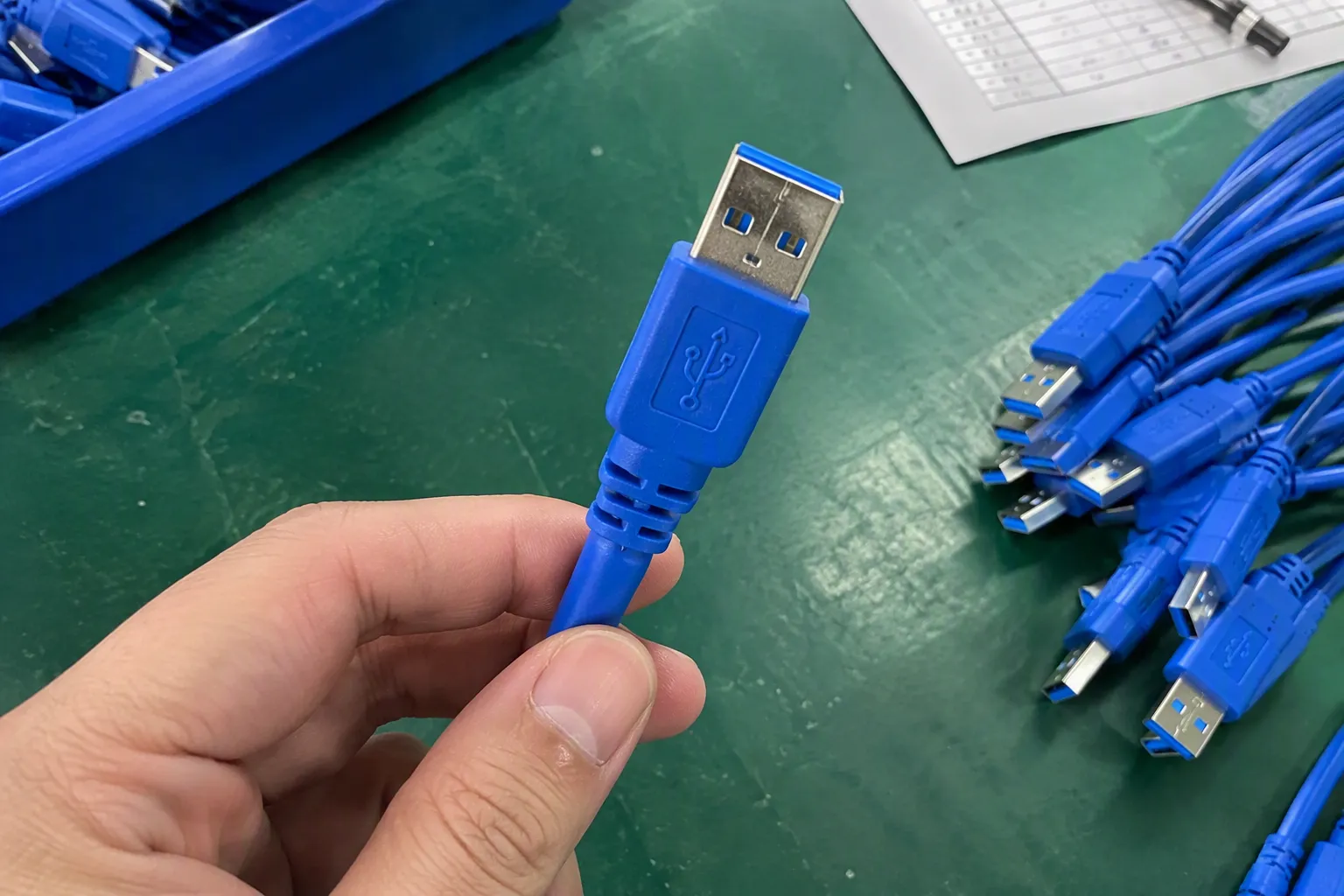
No. I consider a blue USB-A insert a useful initial clue, but it is not proof that the finished cable supports a USB 3.0-level data specification. Buyers should request the exact claimed data standard and review the supplier’s specification sheet before making purchasing or listing decisions.
Can a USB-C cable support USB 3.0 data transfer?
Yes, some USB-C cables can support higher-speed data specifications, but the USB-C connector shape alone does not confirm this. I recommend asking the supplier for the exact claimed data-transfer capability, cable model, supported length, and documentation for the finished cable.
Does a USB 3.0 cable automatically charge faster?
No. Data-transfer capability and charging capability are separate product considerations. A cable may support a certain data standard while having different charging characteristics. I recommend reviewing charging claims, connector configuration, cable length, and intended device use separately from data requirements.
What is the difference between USB 3.0 and USB 3.2 Gen 1?
The terminology has changed over time. The term USB 3.0 has often been associated with the same general 5Gbps-class capability later described using USB 3.1 Gen 1 or USB 3.2 Gen 1 terminology. I recommend confirming the exact supplier claim rather than relying on the name alone.
What documents should I request when sourcing USB 3.0 cables?
I recommend requesting a product specification sheet, model confirmation, connector details, claimed data-transfer specification, packaging information, and any relevant documents the supplier offers for the specific product. Buyers should verify what each document covers and seek qualified evaluation when the application requires it.
Conclusion
A USB 3.0 cable should not be identified only by a blue insert, connector appearance, extra contacts, or “SS” printing. These details can help with initial screening, but they do not replace specification review. I recommend that buyers define the device connection and intended task, request the exact claimed data standard, confirm the connector combination, and review the supplier’s product documentation before ordering. If you are sourcing USB cables for retail, wholesale, or private-label sales, I can help you organize clear product requirements, packaging details, MOQ expectations, and supplier communication.
Sources
- [PDF] Universal Serial Bus Type-C Cable and Connector Specification", USB Implementers Forum branding and specification materials distinguish SuperSpeed USB identifiers from the technical requirements that determine a cable’s supported operation
- USB Charger (USB Power Delivery) - USB-IF", USB Type-C defines a reversible connector and cable architecture; supported USB data rates, USB Power Delivery features, and Alternate Modes depend on the particular port, cable, and device implementation
- Universal Serial Bus Type-C Cable and Connector ...", The USB Type-C Cable and Connector Specification defines multiple cable classes with different signal paths, current capabilities, and identification requirements, so outwardly similar USB-C cables need not provide the same functions
- USB 3.2 Specification", USB interoperability specifications provide for operation between generations, with an actual connection using a mode supported by the participating host, device, and cable path
- How to easily tell whether a USB-C cable is data-only, ...", USB Type-C documentation treats power delivery and USB data signaling as distinct functions: a cable can carry charging power while supporting only USB 2.0 data rather than SuperSpeed signaling
- USB 3.2 Specification", USB 3.0 introduced SuperSpeed USB, specified with a nominal signaling rate of 5 Gbit/s
- [PDF] USB 3.2 Specification Language Usage Guidelines from USB-IF", USB-IF nomenclature identifies USB 3.1 Gen 1 and USB 3.2 Gen 1 as names used for the 5 Gbit/s SuperSpeed capability class formerly marketed as USB 3.0
- (2 Pack) Super Speed USB Micro-B Universal Data ... - Amazon", USB connector specifications define SuperSpeed Micro-B as an extended form that adds contacts alongside the USB 2.0 Micro-B interface, distinguishing it physically from the standard Micro-B connector