Quick Answer
USB cable types for external SSDs can look almost identical, yet they can produce very different results. I often see buyers choose a cable by connector shape or attractive “high-speed” wording, then discover that the SSD transfers slowly or disconnects. That problem creates extra returns and complaints.
I solve it by checking the complete connection: host, enclosure, and cable.
The best USB cable types for external SSDs are cables whose verified data specification matches the host port and SSD enclosure. A USB-C connector alone does not guarantee fast transfer.[1] Buyers should confirm the required USB or USB4 performance level, cable length, power capability, and compatibility across the complete device chain. The slowest component normally limits the practical result.[2]
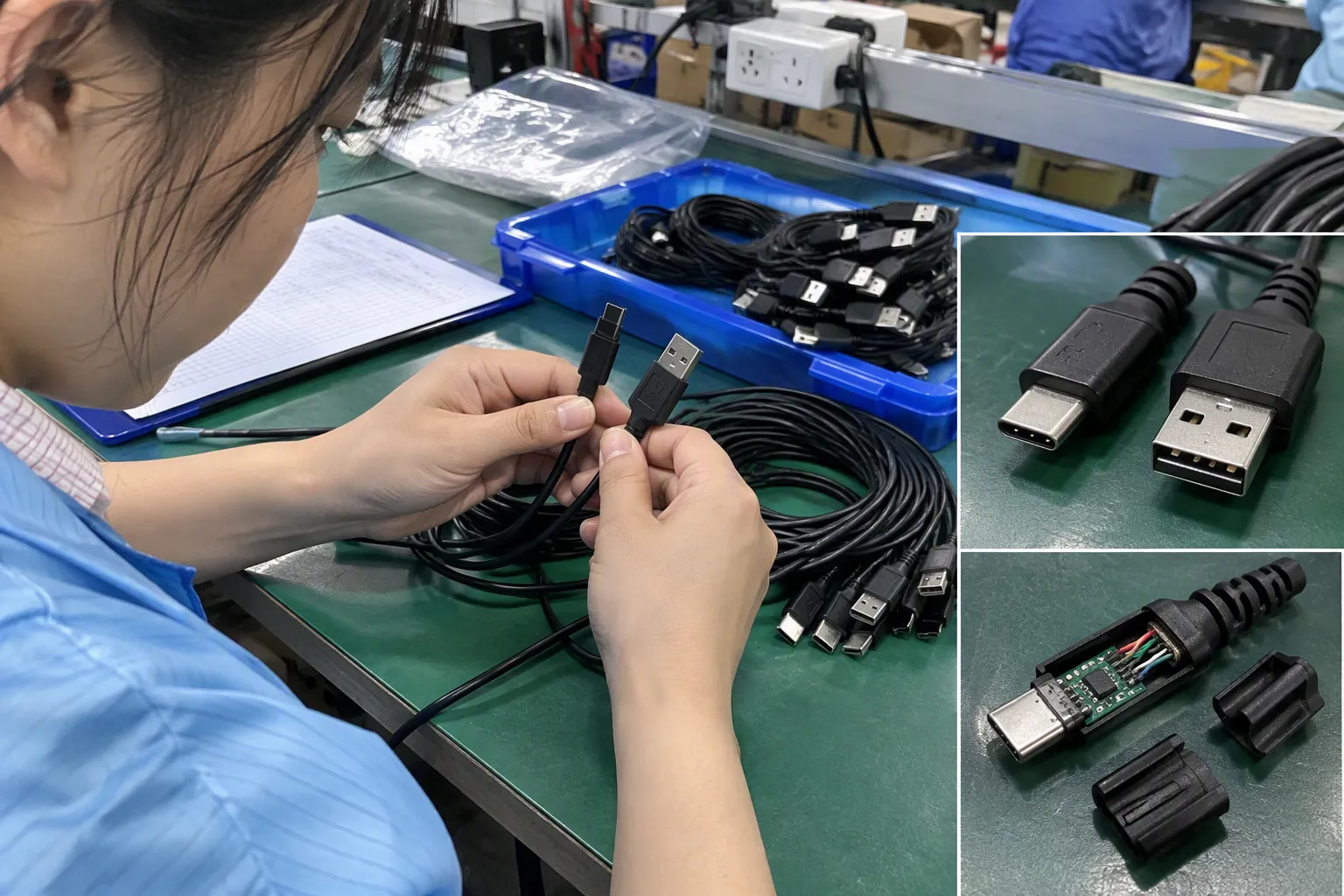
The right selection is therefore not simply “USB-C versus USB-A.” It is a compatibility decision. I look at the connector on each end, the advertised data rate, the enclosure controller, the computer or tablet port, the cable length, and the evidence behind the product description. This approach also helps retailers and e-commerce sellers describe products more accurately.
What Are the Best USB Cable Types for External SSDs and High-Speed Storage?
Many buyers face the same risk: a cable fits the external SSD but cannot support the intended transfer rate. A vague listing may use “USB-C fast cable” without stating a data specification. I recommend treating that phrase as a starting point, not as proof of performance.
The best cable depends on the slowest part of the system. For a modern external SSD, the buyer should normally select a cable with a clearly documented data capability that equals or exceeds the enclosure and host-port specification. A USB-C cable with verified USB 3.2, USB4, or another relevant standard may be suitable, but the connector shape by itself proves very little.
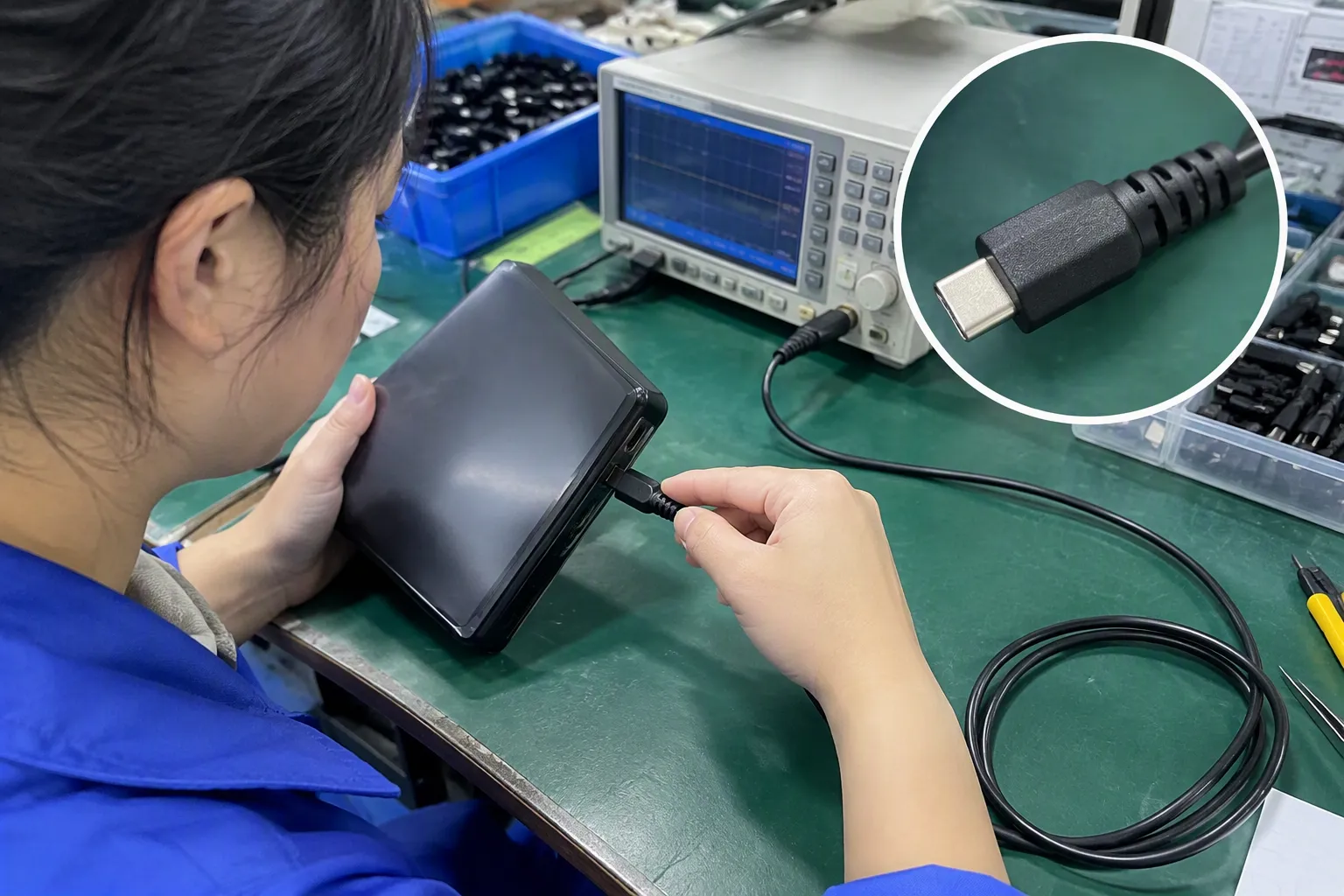
Why Does USB-C Not Automatically Mean High Speed?
I frequently explain this point during product inquiries: USB-C describes a connector and port shape, not one guaranteed data-transfer speed[3]. A USB-C cable may support only basic USB data, a faster USB 3.x mode, USB4, or in some cases charging without the data performance that a customer expects. The external SSD, computer port, and cable must all support the same intended operating mode.
The same principle applies to USB-A. A USB-A connector does not automatically mean that a cable is slow. Some USB-A ports and cables can support useful USB 3.x data rates.[4] However, the buyer must verify the actual specification rather than infer it from the physical appearance.
This distinction matters because product pages often combine several different features:
- Connector type, such as USB-C or USB-A
- Data protocol or USB generation
- Maximum advertised data rate
- Charging or power capability
- Cable length
- Video support, where applicable
- Compatibility with a host device or enclosure
These features are related, but they are not interchangeable. A cable can support high charging power while offering limited data performance. Another cable can support a fast data mode but lack the power profile needed by a particular device. An attractive braided finish does not resolve either issue.
Which USB Specifications Should Buyers Compare?
I begin with the enclosure and host-port specifications. If an enclosure manufacturer states that the enclosure uses USB 3.2 Gen 2 with a 10Gbps interface, I look for a cable with a verified data rating of at least 10Gbps. If the host computer offers only a lower-speed port, a faster cable will not raise the system beyond that port’s capability.
The following table gives a practical comparison. It describes nominal interface classes, not guaranteed real-world file-transfer results.
| Interface description | Common nominal data rate | Typical buyer consideration |
|---|---|---|
| USB 2.0 | Up to 480Mbps | Usually unsuitable when a buyer expects modern external SSD performance |
| [USB 3.2 Gen 1 | Up to 5Gbps](https://www.usb.org/usb-32-0)[5] | May be adequate for basic SSD use, but can limit faster enclosures |
| USB 3.2 Gen 2 | Up to 10Gbps | Common choice for many mainstream external SSD enclosures |
| [USB 3.2 Gen 2x2 | Up to 20Gbps](https://www.usb.org/usb-32-0)[6] | Requires compatible host, enclosure, and cable |
| USB4 | Depends on the declared implementation | Requires careful checking of host, device, cable, and supported modes |
| Thunderbolt-based connection | Depends on the Thunderbolt generation and equipment | Requires compatible Thunderbolt hardware and a suitable certified or documented cable |
I use these labels as a screening tool. I do not treat them as a promise of a specific file-copy speed. Storage performance depends on the SSD flash, controller, enclosure thermal conditions, operating system, file size, workload, and other factors.
USB naming also creates confusion. A listing that says “USB 3.2” without stating the relevant generation may not give a buyer enough information. A retailer should ask for the precise capability, such as 5Gbps, 10Gbps, or 20Gbps, and should check whether the wording follows the manufacturer’s technical documentation.
How Does the Complete Connection Limit Performance?
An external SSD connection is a chain:
- The host device provides a USB or compatible port.
- The cable carries power and data between the host and enclosure.
- The enclosure controller converts the interface connection to the internal SSD.
- The SSD controller and flash memory process the data.
- The operating system and workload affect the observed transfer behavior.
The weakest link normally becomes the bottleneck. A 20Gbps cable cannot make a 5Gbps host port operate at 20Gbps. A 10Gbps computer port cannot make a 5Gbps enclosure operate at 10Gbps. A fast enclosure may also show lower sustained performance when it becomes hot or when the storage drive has limited cache.
I once reviewed a recurring customer question in which the buyer described a USB-C cable as “not working fast enough.” The available information did not prove that the cable was defective. The more useful response was to request the host-port specification, enclosure model, cable length, and expected use. In many cases, buyers had identified the connector correctly but had not identified the data capability of the port or cable.
That is why I avoid diagnosing performance from photographs alone. A picture can show whether the connector is USB-C, but it normally cannot confirm the cable’s internal construction or verified data rating.
What Cable Length and Construction Factors Matter?
Cable length can affect signal integrity and product design, especially at higher data rates.[8] I do not use a universal rule that every short cable is fast or every long cable is slow. Instead, I check the supplier’s stated support for the intended interface and the available compliance or test documentation.
A short cable may be convenient for an external SSD positioned beside a laptop. A longer cable may help with a desktop workstation, but it may introduce more demanding signal conditions and additional handling concerns. The correct choice depends on the application.
I ask suppliers or manufacturers to clarify:
- The maximum supported data rate
- The length at which that rate is supported
- Whether the cable is passive, active, or otherwise engineered for the stated application
- The connector type on both ends
- Whether the product supports the required power level
- Whether the cable has been tested or certified for the claimed standard
- Whether the specification applies to the finished cable, not only to a connector or chip
The external appearance can still matter for commercial reasons. A braided cable may resist visible wear, and reinforced strain relief may help during repeated use. Those are useful product qualities, but they do not replace data verification.
Should Buyers Choose USB-C to USB-C or USB-A to USB-C?
The answer depends on the host device. USB-C to USB-C is common with modern laptops, tablets, docking stations, and many external SSD enclosures. USB-A to USB-C remains relevant for desktops, older laptops, retail bundles, and customers who need backward compatibility.
I do not recommend choosing one only because it looks newer. I map the connection first:
| Host port | SSD enclosure port | Possible cable configuration | Main check |
|---|---|---|---|
| USB-C | USB-C | USB-C to USB-C | Verify both USB-C ports and the data rating |
| USB-A | USB-C | USB-A to USB-C | Confirm the USB-A host supports the required data mode |
| USB-C | USB-A | USB-C to USB-A | Confirm the enclosure’s USB-A interface and intended use |
| Thunderbolt-capable USB-C | USB-C | USB-C to USB-C or documented Thunderbolt cable | Confirm the actual protocol supported at both ends |
A USB-C host port may support USB, DisplayPort, charging, Thunderbolt, USB4, or a combination of these functions.[7] The small port symbol and the computer’s technical documentation provide better evidence than the shape alone.
A USB-A to USB-C cable can be perfectly appropriate for a 5Gbps or 10Gbps connection when the host and cable support that mode. However, some older USB-A ports are limited to USB 2.0. The buyer should check the port specification before promising a customer fast SSD transfers.
How Should Retailers and E-Commerce Sellers Describe These Cables?
For a retailer, wholesaler, or online seller, inaccurate wording creates more than a technical misunderstanding. It can cause returns, negative reviews, support tickets, and disputes over whether a product is defective. I recommend writing listings around verified compatibility rather than broad marketing terms.
A stronger product description states:
- Connector configuration: for example, USB-C to USB-C
- Verified data capability: for example, up to 10Gbps where documented
- Supported USB specification or manufacturer designation
- Cable length
- Charging or power information, if relevant
- Whether the cable is intended for external SSDs, phones, laptops, or other devices
- Important limitations, such as host and enclosure requirements
- The basis for the stated specification
A weaker description says “super-fast Type-C cable” without identifying the data rate. That phrase may attract attention, but it does not help a customer determine compatibility.
I also avoid placing an unverified maximum speed in a product title. If the supplier has provided only a general USB version name, I ask for clearer evidence before using a numerical claim. A buyer should be able to compare the cable against an enclosure specification without guessing.
What Documentation Should a Buyer Request?
I treat certifications and test reports as documents to verify, not as automatic guarantees. The buyer should check that the document applies to the actual model, length, connector configuration, and production version being purchased.
Useful documentation may include:
- A technical data sheet
- A declaration of supported interface and data rate
- Relevant compliance or certification information
- Test conditions and equipment details
- Product identification or model number
- Quality-control inspection records
- Sample approval records
- Packaging and labeling specifications
I ask whether the quoted cable and the mass-production cable will use the same construction and components. A sample can perform differently from a later production batch if the supplier changes wire structure, connectors, shielding, or internal components without clear approval.
For B2B procurement, I also review operational information. Technical suitability matters, but so do:
- MOQ and price breaks
- Sample lead time
- Production lead time
- Packaging options
- Private-label or custom branding capability
- Quality inspection process
- Replacement and after-sales procedure
- Export documentation
- Batch traceability where appropriate
Our company works with 3C product inquiries from international buyers, and I have found that early clarification saves time on both sides. A buyer who provides the intended host, enclosure, data target, length, packaging, and sales market usually receives a more useful quotation than a buyer who asks only for “the cheapest fast USB-C cable.”
How Can Buyers Reduce Mismatched Purchases?
I use a simple compatibility workflow before recommending a cable to a customer.
1. Identify the actual host port
I check the computer, tablet, docking station, or other host device. I look for the manufacturer’s documentation rather than assuming that every USB-C port has the same capabilities.
2. Identify the enclosure interface
I check the external SSD enclosure or portable SSD specification. The internal drive may be fast, but the enclosure controller can still define the external interface limit.
3. Set a realistic data target
I decide whether the application needs a basic 5Gbps connection, a 10Gbps connection, a 20Gbps connection, or another interface class. I do not select a premium cable without confirming that the connected devices can use it.
4. Match the cable specification
I request a clear cable data rating and check the length, connector configuration, power capability, and supporting documentation.
5. Test representative samples
A sample evaluation should use the intended host and enclosure where possible. A general test with different equipment may not represent the customer’s real application. I also record the test conditions because file size, operating system, SSD temperature, and software can influence results.
6. Approve the listing and packaging carefully
I ensure that the product title, bullet points, carton labels, and user instructions use the same verified claims. I include a compatibility note that explains the host-device limitation.
This process does not guarantee that every user will see the same file-transfer result. It does reduce avoidable confusion and makes the sales promise more defensible.
How Should Buyers Evaluate Cable Samples and Production Quality?

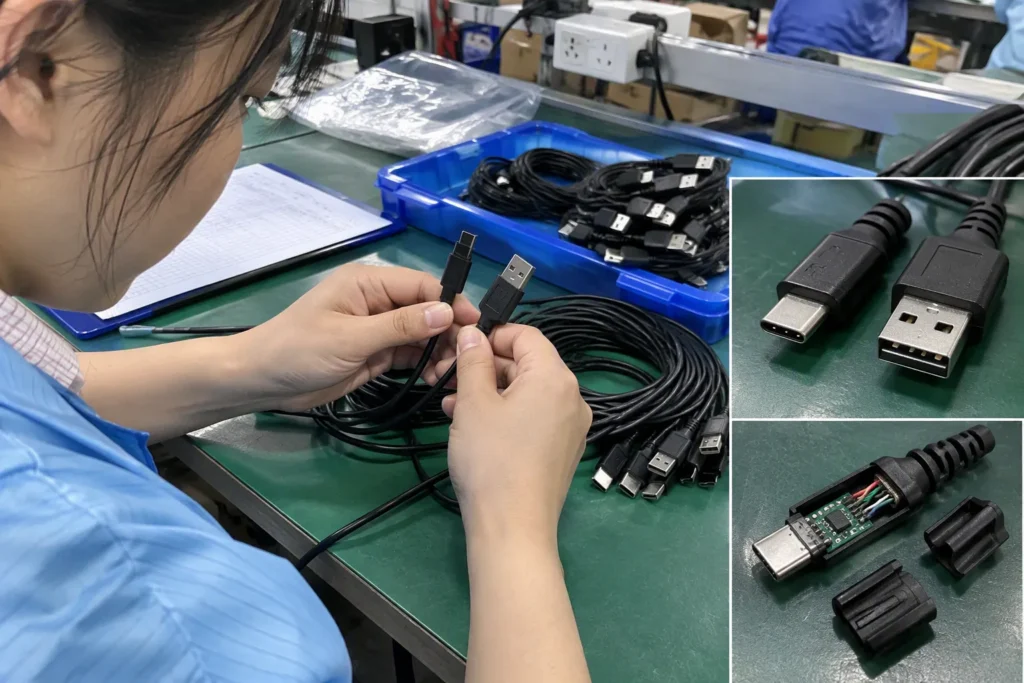
A cable sample is useful for checking fit, finish, labeling, and basic function. I also inspect whether the connector sits securely, whether the overmold shows gaps, and whether the cable has visible damage after normal handling. These checks do not replace technical testing, but they help identify obvious quality problems.
For larger orders, I recommend defining acceptance criteria before production begins. Those criteria may cover:
- Connector dimensions and fit
- Cable length tolerance
- Jacket material and color
- Markings and logo placement
- Packaging quantity
- Data specification shown on the label
- Continuity and basic electrical checks
- Required sample or batch testing
- Defect classification
- Replacement process for nonconforming goods
A buyer should also clarify which party performs the test and what equipment is used. “Passed testing” is incomplete unless the test method and product identity are clear.
I separate three questions:
- Does the cable physically connect?
- Does it support the intended data mode?
- Does the complete system deliver an acceptable result in the customer’s workload?
A cable can pass the first question and fail the second. It can pass the first two and still produce a lower real-world result because the SSD enclosure, host, thermal behavior, or file workload becomes the limitation.
What Common Buying Mistakes Should Be Avoided?
I see several mistakes repeated across product inquiries and after-sales discussions.
Mistake one: treating USB-C as a speed rating.
The connector shape does not identify the internal conductors or supported protocol.
Mistake two: buying by color, braid, or thickness.
These features may influence durability or appearance, but they do not prove a data rate.
Mistake three: reading only the SSD specification.
An SSD may have a high internal performance figure while its enclosure uses a lower external interface.
Mistake four: ignoring the host port.
A laptop may have several USB-C ports with different functions and speeds.
Mistake five: accepting “high-speed” without a number or standard.
The phrase has limited procurement value unless the seller defines it.
Mistake six: assuming a faster cable creates faster performance.
A higher-rated cable can preserve compatibility headroom, but it cannot upgrade a slower host or enclosure.
Mistake seven: promising laboratory-style results in a listing.
Real-world transfer performance varies. Sellers should distinguish nominal interface rates from measured file-copy results.
Mistake eight: changing components after sample approval.
A supplier should communicate material or construction changes, especially when the cable is sold under a private label.
I use plain compatibility language because it helps the final customer make a better decision. A short note such as “Actual speed depends on the host port and SSD enclosure” can prevent an unrealistic expectation.
How Does Price Fit Into the Decision?
Price matters in every B2B order, but I do not use the lowest quotation as the main selection rule. A very low price may reflect a lower data capability, shorter effective specification, different conductor construction, or weaker quality control. The buyer needs to understand what is included before comparing offers.
I compare quotations on a like-for-like basis:
| Procurement factor | Questions I ask |
|---|---|
| Data capability | Is the stated rate documented for the finished cable? |
| Length | Is the quoted length the usable cable length? |
| Connectors | Are both connector types and specifications stated? |
| Materials | Are conductor, shielding, jacket, and connector details available? |
| Testing | What checks are performed before shipment? |
| Packaging | Does the price include retail packaging, labels, and manuals? |
| MOQ | Does the order quantity fit the buyer’s sales plan? |
| Lead time | Does the production schedule match the launch date? |
| After-sales | How does the supplier handle verified quality issues? |
| Customization | Can the supplier maintain the approved specification under private label? |
A retailer may prefer a dependable 10Gbps cable with clear documentation over a cheaper cable described only as “fast.” The first option may have a better total commercial outcome because it reduces customer confusion and returns.
What Is a Practical Recommendation for Different Buyer Needs?
I do not give one cable recommendation to every customer. I group the requirement by the complete application.
For a basic external SSD used with a host known to support 5Gbps, a properly specified USB 3.2 Gen 1 cable may be sufficient. The buyer should still check the enclosure, because a cable with a suitable connector can be internally limited to a lower mode.
For a 10Gbps enclosure and compatible computer, I would normally evaluate a cable with a verified 10Gbps data capability. I would also check the required length and whether the supplier’s document applies to that length.
For 20Gbps or USB4-related products, I use more caution. I request precise documentation, confirm host and enclosure support, and avoid broad claims based only on USB-C appearance. A premium cable is justified only when the connected equipment can use its capability or when the buyer wants documented future compatibility.
For mixed retail inventory, I may suggest clear product segmentation:
- Standard USB-C data cable
- 5Gbps external storage cable
- 10Gbps external SSD cable
- Higher-performance cable for a specified USB4 or Thunderbolt application
The labels should remain accurate and should not imply that every USB-C device will achieve the same performance. This structure helps sales staff and online customers choose according to their equipment.
Frequently Asked Questions
Is every USB-C cable suitable for an external SSD?
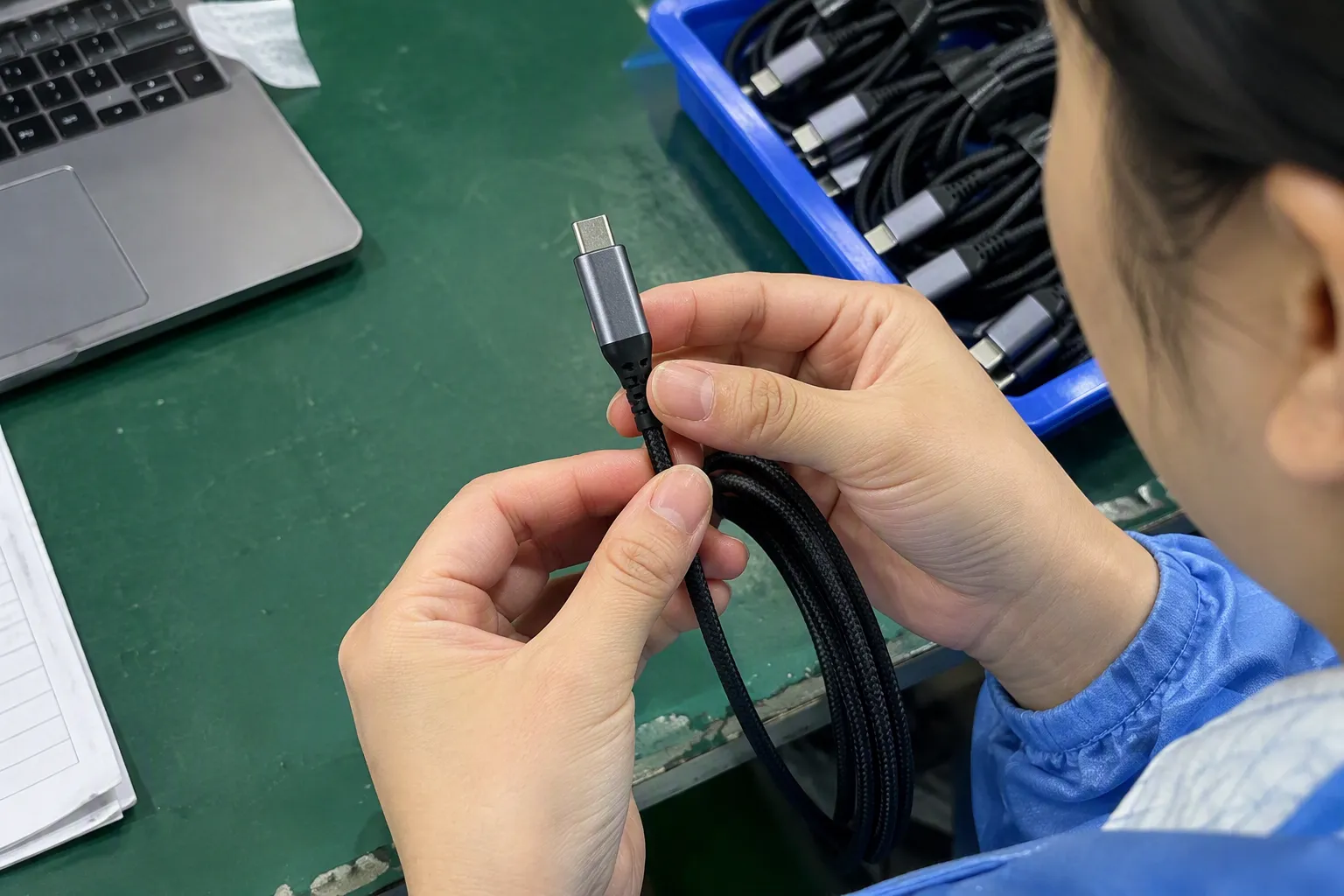
No. USB-C identifies the connector shape, but cables can support different data rates and power capabilities. I recommend checking the cable’s verified data specification, the SSD enclosure interface, and the host port before purchase. A cable that charges a device may still provide limited or unsuitable data performance.
Can a faster USB cable improve a slow external SSD?
A faster cable can remove the cable as a bottleneck when the host and enclosure support the higher mode. It cannot upgrade a slower host port, enclosure controller, SSD, or operating system. I treat cable selection as one part of a complete connection rather than as an independent performance upgrade.
Is USB-C to USB-C always faster than USB-A to USB-C?
No. The connector arrangement does not automatically determine the data rate. A USB-A to USB-C cable can support a useful USB 3.x connection when the host port and cable are properly specified. A USB-C to USB-C cable can also be limited if its construction or documentation supports only a lower data mode.
What should an e-commerce listing say about an external SSD cable?
The listing should state the connector configuration, verified data capability, cable length, relevant USB specification, and important compatibility limits. I also recommend explaining that actual performance depends on the host port and SSD enclosure. Sellers should avoid relying only on phrases such as “high-speed” or “fast charging.”
Should retailers stock USB4 or 20Gbps cables?
Retailers should stock them when their customers use compatible devices and when the supplier provides reliable documentation. I would first confirm demand, price positioning, packaging, and technical claims. Higher-rated cables can add value, but they should not be marketed as necessary for every USB-C external SSD.
Conclusion
The best USB cable types for external SSDs are selected through system compatibility, not connector appearance. I check the host port, enclosure controller, cable data specification, length, power requirements, documentation, and production quality before recommending a product. Retailers and e-commerce sellers can reduce returns by using precise speed language and clear limitations. If you need help comparing USB cable specifications, MOQ, customization, lead time, or quality-control requirements, I can help you organize the product inquiry and evaluate suitable options for your market.
Sources
- USB Type C and USB 3.2 – Clarifying the Connection", The USB Implementers Forum documentation distinguishes the USB Type-C connector from the USB data, power, and optional alternate-mode capabilities implemented by a particular product; thus, connector shape alone does not specify maximum data rate
- Three-dimensional photonic integration for ultra-low-energy ...", Technical analyses of USB links describe capability negotiation among the host, peripheral, and interconnect, under which the connection operates at a mutually supported mode rather than at the rating of its fastest component
- Why your USB-C Cables Never Work.", Reference descriptions of USB Type-C define it as a reversible connector and cable interface that can carry multiple USB generations and alternate modes, rather than as a unique data-speed class
- USB 3.2 Specification", USB specification references document USB Type-A implementations for USB 3.x connections, demonstrating that the connector form does not by itself imply USB 2.0 performance
- USB 3.2 Specification", USB specification terminology identifies USB 3.2 Gen 1 as a 5Gbps signaling-rate mode
- USB 3.2 Specification", USB 3.2 documentation specifies Gen 2x2 as a two-lane configuration with a nominal aggregate signaling rate of 20Gbps
- Does thunderbolt 4 supports displayport through usb-c?", USB Type-C technical guidance describes support for USB data and power functions as well as optional alternate modes such as DisplayPort and, on compatible systems, Thunderbolt or USB4
- Signal integrity research of high-speed interconnection ... - PMC", High-speed interconnect research shows that increasing transmission distance raises attenuation and signal-integrity challenges, requiring suitable channel design and compensation at higher data rates