Quick Answer
USB-C vs Thunderbolt confuses many electronics buyers because the two terms often appear on the same product page, while they describe different parts of the customer experience. A wrong assumption can lead to unclear listings, compatibility complaints, costly returns, and disappointed end users. We help buyers turn broad requests into practical specification checks before they source.
USB-C vs Thunderbolt is not simply a comparison of connector shapes. USB-C describes a connector format, while Thunderbolt refers to a higher-performance connection technology that may use the USB-C-shaped connector.[1] Buyers should start with the customer’s task—such as charging, file transfer, display output, docking, or high-performance peripherals—then verify the host device, accessory, cable, power requirements, and documented compatibility before purchasing or listing a product.
In our 15 years of exporting 3C products from Shenzhen, we have seen that many purchasing problems begin with one short question: “Will this USB-C product work with Thunderbolt?” The useful answer is rarely a simple yes or no. It depends on the complete connection path and the customer’s intended use.
USB-C Thunderbolt: What Buyers Need Know
USB-C Thunderbolt sourcing becomes difficult when buyers treat a USB-C port as a guarantee of charging, video, data transfer, and docking support. That assumption creates product-selection risk. A cable may fit physically, yet fail to deliver the display, charging, or data result that an end user expects.[3]
For USB-C Thunderbolt products, buyers should verify each required function separately. Confirm what the host device supports, what the hub, dock, cable, or adapter supports, and what the product documentation explicitly states. A USB-C connector alone does not confirm data speed, external-display output, power delivery level, or Thunderbolt functionality.[2]
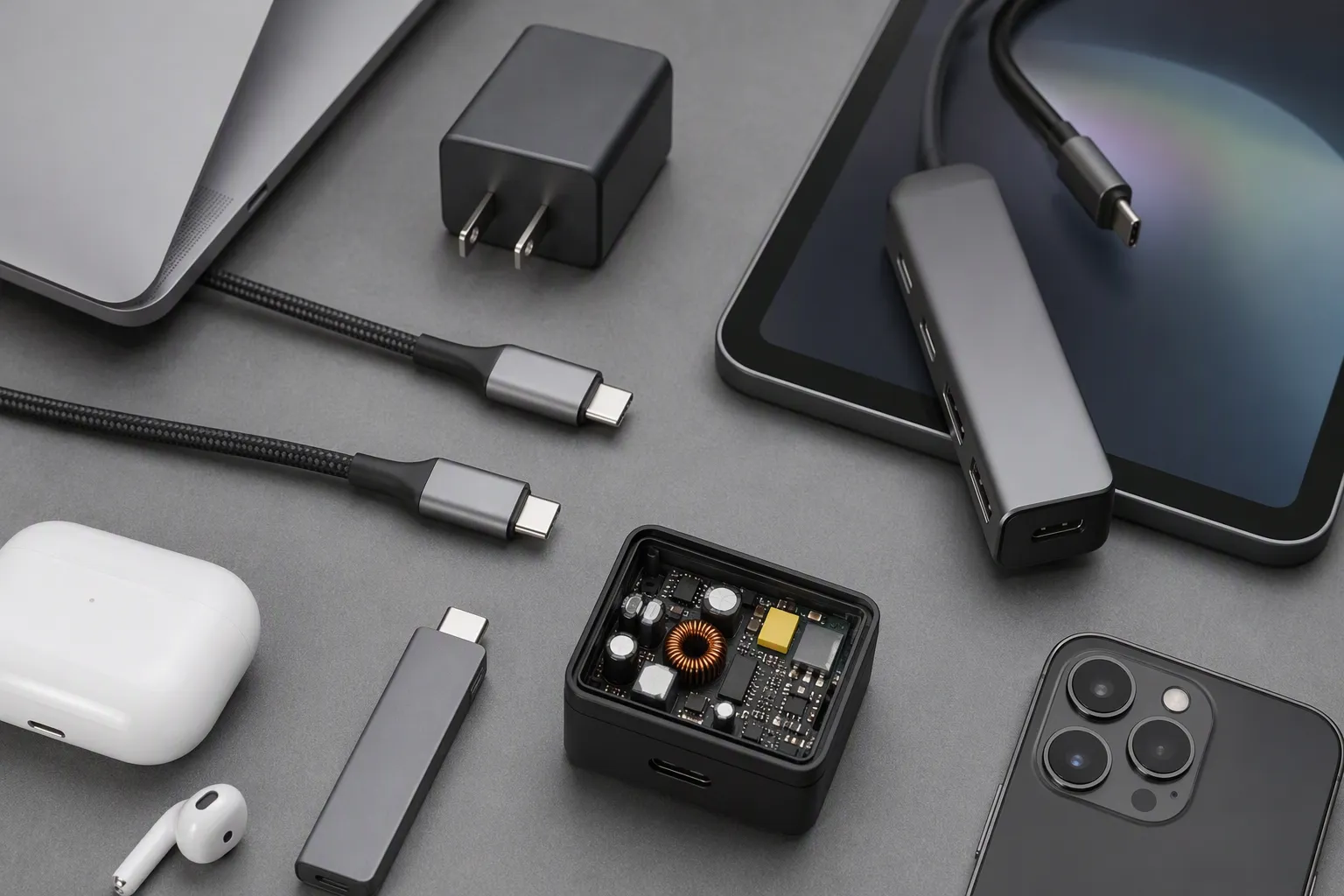
When we receive a sourcing inquiry, we do not begin by asking whether the buyer wants “USB-C” or “Thunderbolt.” We begin with the end-user task. A retailer selling charging cables has a different requirement from an e-commerce seller listing multi-display docks. A wholesaler supplying office users may need broad compatibility, while a specialist reseller may need products for high-performance workstation environments.
The point is simple: the right SKU depends on the use case, not the connector label alone.
Start With the Customer Task, Not the Port Name
In pre-sales conversations, we often hear phrases such as:
- “My customer needs a cable for a USB-C laptop.”
- “We need a dock that supports monitors.”
- “This device has Thunderbolt, so any USB-C hub should work.”
- “We need fast charging and fast data in one cable.”
- “We want one universal dock for all laptops.”
These requests are understandable, but they are not complete buying specifications. We usually reframe them into questions that a supplier, buyer, and product listing team can actually verify.
For example, “a cable for a USB-C laptop” could mean several different products:
| Customer task | Possible product category | Questions we recommend verifying |
|---|---|---|
| Charge a laptop | USB-C charging cable | Required power, charger compatibility, cable length, connector durability |
| Transfer files | USB-C data cable | Required data capability, device port capability, cable specification |
| Connect a monitor | USB-C video cable, adapter, hub, or dock | Host video-output support, display resolution and refresh needs, cable compatibility |
| Add USB peripherals | USB-C hub | Host port function, required ports, power needs, peripheral requirements |
| Use storage or professional peripherals | Thunderbolt-related cable, dock, or enclosure | Host compatibility, device support, required performance, documented functionality |
| Create a desktop workstation | Docking station | Number of displays, host capabilities, charging needs, operating system considerations, supported peripherals |
A purchasing team should avoid building a product range around vague terms such as “full-featured,” “universal,” or “all-in-one” unless the supplier documentation clearly defines those claims. These terms may be useful marketing language, but they do not replace a compatibility matrix.
We also recommend separating physical fit from functional support. A USB-C connector may plug into another USB-C-shaped port. However, the connection may not provide the expected data, video, charging, or Thunderbolt-related function.[4]
A connector tells buyers what may fit. Product documentation helps buyers understand what should work.
This distinction matters especially for online listings. If a listing says “supports monitor output” without explaining the host-device conditions, customer expectations can become wider than the product’s actual supported use.
USB-C Is a Connector Format, Not a Complete Performance Promise
USB-C has become common across laptops, smartphones, tablets, monitors, chargers, hubs, docks, storage devices, and accessories. That wide adoption is useful for buyers, but it also makes product descriptions easier to misunderstand.
We encourage our customers to treat USB-C as a starting point for verification, not a conclusion.
A USB-C-shaped port or cable may be associated with one or more functions, depending on the product design and documented specifications. These functions can include:
- Charging
- Data transfer
- Video output
- Connection to hubs and docks
- Connection to external storage
- Support for selected peripherals
- Compatibility with certain alternate operating modes
- Connection to Thunderbolt-related accessories in specific conditions
The exact combination depends on the host device, accessory, cable, configuration, and sometimes the operating environment. Buyers should not assume that every USB-C cable supports the same function set. They should also avoid assuming that every USB-C laptop port supports charging input, display output, or high-performance docking.[5]
For retail and wholesale sourcing, this means the product page needs clear boundaries. A strong listing does not merely say “USB-C compatible.” It explains what the product is designed to do and what buyers should confirm before use.
For example, a clearer cable listing could include points such as:
- Designed for USB-C devices, subject to device-port compatibility.
- Charging capability depends on the connected charger, host device, and supported power profile.
- Video output requires a compatible host device and compatible display setup.
- Data performance depends on device ports and product specifications.
- Buyers should confirm the required function with their device documentation before purchase.
This wording is more responsible than making broad promises. It may seem less aggressive than a “works with everything” claim, but it can reduce post-sale disputes and negative reviews.
In our experience, the best commercial approach is to make the product’s intended use easy to understand. Clear SKU selection often creates better customer satisfaction than overpromising a premium specification that the end user may never need.
Thunderbolt Can Matter, but It Is Not a Universal Shortcut
Thunderbolt is often relevant when customers need higher-performance connectivity, more demanding docking arrangements, or certain professional peripheral workflows. However, we advise buyers not to position Thunderbolt as an automatic solution for every USB-C customer.
The most common misunderstanding is this: a customer sees a USB-C-shaped connector and assumes that all Thunderbolt functions will be available. That is not a safe assumption.
A Thunderbolt-related product may require a compatible host device and a suitable cable to deliver its intended functions.[6] If a customer connects it to a USB-C host with different capabilities, the result may vary. Some functions may work, some may work with limits, and some may not work at all. The outcome depends on the specific host, accessory, cable, and documented compatibility conditions.
For sourcing teams, the practical question is not “Is Thunderbolt better?” The practical question is:
Does this end user need the functionality that this Thunderbolt-related product is designed to support, and can their host system support it?
We recommend using a simple positioning framework.
| Buyer situation | Practical sourcing approach |
|---|---|
| Basic charging use | Focus on charging requirements, cable quality, connector design, length, packaging, and documented power support |
| Everyday data transfer | Select according to the required device compatibility and stated data capability |
| Single external display use | Verify the host’s video-output capability, the display connection type, and the adapter or cable documentation |
| Office desk setup | Consider a hub or dock, but verify charging, display, USB peripheral, and network requirements separately |
| Multiple display or demanding peripheral setup | Review the entire system requirement carefully, including host port capability and product compatibility documentation |
| Professional or specialist workflow | Recommend application-specific evaluation and supplier confirmation before making broad retail claims |
We have found that premium products perform best commercially when they are sold to the right customer segment. A specialized dock may be valuable for a professional user with a compatible workstation. The same product may create unnecessary support work if listed as a universal solution for every USB-C laptop owner.
Retailers and e-commerce sellers should therefore avoid treating Thunderbolt as a simple upgrade label. It is better to explain the intended application, compatibility conditions, and required host support.
External Display Claims Need Extra Care
External display support is one of the most sensitive areas in USB-C vs Thunderbolt sourcing. Many end users assume that a USB-C cable, hub, or dock will automatically connect their laptop to a monitor. That is not always the case.
A successful display setup can depend on several parts of the chain:
- The host device must support the required display-output function through its relevant port.
- The host port must provide the needed capability.
- The cable, adapter, hub, or dock must support the intended display connection.
- The monitor must accept the selected input and configuration.
- The operating system and device setup may affect the final result.
- The intended display arrangement matters, especially if the customer expects multiple screens.
We recommend that buyers avoid generic phrases such as “USB-C supports external display” unless they clearly explain the conditions. The safer commercial statement is that display output depends on the host device’s supported functions and the compatibility of the full setup.
A buyer sourcing a USB-C hub with an HDMI output, for example, should not only ask whether the hub has an HDMI port. The buyer should ask:
- Which host devices is the hub intended for?
- What host-side display capability is required?
- What display use case does the product documentation describe?
- Does the supplier provide a compatibility list or tested-device guidance?
- Are there known limitations that should be shown in the listing?
- What cable type is included, if any?
- What happens when the hub is connected to a USB-C port that does not support the required display function?
These questions help buyers create better listings and more useful customer-service scripts.
We recommend that sellers describe the expected setup, not only the ports on the product.
For example, “USB-C hub with HDMI output” is a basic product title. A more useful product description explains that the host device must support compatible video output through its USB-C port. This approach protects the seller from avoidable claims and helps the customer make an informed purchase.
Build a Supplier Checklist Before You Approve a SKU
A reliable sourcing process needs more than product photos and a price quotation. We recommend using a written checklist for USB-C cables, hubs, docks, adapters, and Thunderbolt-related products. This checklist gives the buyer a consistent way to compare suppliers and avoid unclear claims.
Below is a practical checklist we use as a commercial starting point. It does not replace technical testing or professional evaluation for specialized applications, but it can help buyers ask better questions.
Host Device Requirements

Ask the supplier to clarify:
- What host port type is required?
- What host capabilities are required for charging, data, video, or docking?
- Does the product have any known operating-system, device-category, or configuration limitations?
- Does the supplier provide compatibility guidance for common use cases?
- Which functions depend on the host device rather than the accessory itself?
Charging and Power Requirements
For chargers, cables, hubs, and docks, verify:
- The intended charging use case
- Whether the product is designed for device charging, host charging, or both
- Whether power capability depends on a separate charger
- Whether a charger is included
- The cable length and connector form
- Any documented limitations related to simultaneous peripheral use and charging
Buyers should be careful when creating “fast charging” claims. Charging performance depends on the charger, cable, device, supported charging methods, battery condition, and other factors.[8] We suggest that customers verify final claims against supplier documentation and applicable product testing.
Data and Peripheral Requirements
For data products, request clear information about:
- Intended data-transfer use
- Supported connection interfaces
- Included cable type and length
- Storage or peripheral compatibility conditions
- Backward-compatibility notes, if documented
- Known limitations when multiple peripherals are connected
A hub with several ports may look similar to another hub, yet the end-user experience may differ depending on how the host device allocates connectivity and power. That is why a port-count comparison alone is not enough.
Video Requirements
For video-enabled products, document:
- The display connection type
- The required host capability
- The intended single-display or multi-display use case
- Any documented display limitations
- Whether the product is intended for mirroring, extended displays, or specific system environments
- Whether customers need a separate cable for the monitor connection
We advise buyers to request written answers rather than relying only on verbal statements. Written documentation helps purchasing teams prepare product pages, packaging text, customer-service guidance, and internal approval records.
Quality-Control and Supplier Questions
For our export customers in Europe and North America, product consistency is often as important as the initial feature list. A supplier checklist should also include commercial and quality-control topics:
| Evaluation area | Questions for the supplier |
|---|---|
| Product specification | Can the supplier provide a detailed specification sheet for each SKU? |
| Samples | Can the buyer evaluate samples before placing a larger order? |
| Batch consistency | How does the supplier control key materials, connectors, cables, housings, and assembly? |
| Packaging | Can packaging show clear compatibility conditions and warnings where needed? |
| Customization | What is the MOQ for logo, color, cable length, packaging, or bundle customization? |
| Delivery | What is the production lead time for samples, repeat orders, and customized orders? |
| After-sales process | How does the supplier handle confirmed quality issues or specification disputes? |
| Documentation | Which compliance or certification documents are available for buyer review and verification? |
We always suggest that buyers verify applicable certification documents, market requirements, and product claims before import or sale. Documentation should be reviewed for the specific SKU and destination market, not assumed from a similar product.
Create Clear SKUs and Listings That Reduce Returns
For wholesalers and online sellers, SKU clarity is a major part of product quality. A well-made product can still receive poor reviews if the listing leads customers to expect a function that their device cannot support.
We recommend separating products according to use case rather than placing every USB-C accessory in one broad collection. For example:
- USB-C charging cables
- USB-C data cables
- USB-C display adapters
- USB-C hubs for everyday peripherals
- USB-C docking stations
- Thunderbolt-related cables and docking products
- Accessories for specific workstation or professional-use requirements
Each product page should answer four customer questions quickly:
- What problem does this product solve?
- What device capability does the customer need?
- What is included in the package?
- What should the customer verify before purchasing?
A simple compatibility box can make a large difference. We suggest including plain-language notes such as:
Before purchase: Please confirm that your device’s USB-C or Thunderbolt port supports the function you need, such as charging, video output, data transfer, or docking. Actual performance depends on the host device, cable, connected peripherals, and product configuration.
This type of note is not a weakness. It is responsible product communication. It can help reduce unnecessary returns from customers who only checked the connector shape.
For B2B buyers, it is also useful to prepare sales-team training. Sales representatives should know the difference between these customer questions:
- “Will it fit?”
- “Will it charge?”
- “Will it transfer data?”
- “Will it connect to my monitor?”
- “Will it run two displays?”
- “Will it work with my computer?”
Each question needs a different level of verification. A clear internal FAQ can prevent staff from making broad promises during a fast sales conversation.
A Practical Buying Workflow for USB-C and Thunderbolt Products

We recommend this workflow before approving a new cable, hub, adapter, or dock range.
1. Define the Target Customer
Start with the end user:
- Consumer charging customer
- Mobile-device user
- Office worker
- Home-office user
- Business laptop user
- Creative professional
- IT procurement team
- Specialist workstation user
A product range becomes easier to price, package, and market when the intended user is clear.
2. Define the Main Task
Choose the core purpose:
- Charging
- Data transfer
- Display connection
- Peripheral expansion
- Docking
- Storage connection
- High-performance peripheral use
Avoid combining every possible function into one product claim unless the documentation supports it.
3. Request Complete Product Documentation
Ask for a specification sheet, product manual, packaging artwork, compatibility guidance, and available test or compliance documents. Buyers should review documents for the exact SKU being sourced.
4. Evaluate Samples Against Real Use Cases
Sample evaluation should reflect the planned sales channel. A retailer may need packaging clarity and easy setup. A wholesaler may need consistent SKU labeling. An e-commerce seller may need accurate listing images and customer-support instructions.
For specialized applications, we recommend qualified technical evaluation before making application-specific compatibility promises.
5. Build Product Listings Around Conditions
Use clear product titles, feature bullets, included-accessory details, and compatibility notes. Do not hide important limitations in a manual that customers only see after purchase.
6. Plan the After-Sales Response
Before launch, prepare answers for common customer questions. This reduces response time and helps customer-service teams give consistent guidance.
A good after-sales process does not begin when a customer complains. It begins when the buyer creates accurate product expectations.
USB-C vs Thunderbolt FAQs
Is USB-C the same as Thunderbolt?
No. USB-C generally refers to a connector format, while Thunderbolt refers to a connection technology that may use a USB-C-shaped connector. A USB-C port does not automatically provide Thunderbolt functionality. Buyers should verify the host device and product documentation for each required feature.
Can every USB-C port connect to an external monitor?
No. External-display support depends on the host device, its port capabilities, the cable or adapter, the hub or dock, and the monitor setup.[7] We recommend that buyers confirm display-output requirements before sourcing or listing a USB-C video product.
Will a Thunderbolt dock work with any USB-C laptop?
Not necessarily. A Thunderbolt dock may connect physically to some USB-C ports, but the available functions can depend on the laptop’s port capabilities, operating environment, cable, and dock documentation. Buyers should confirm the intended host compatibility before making sales claims.
How should retailers describe USB-C hub compatibility?
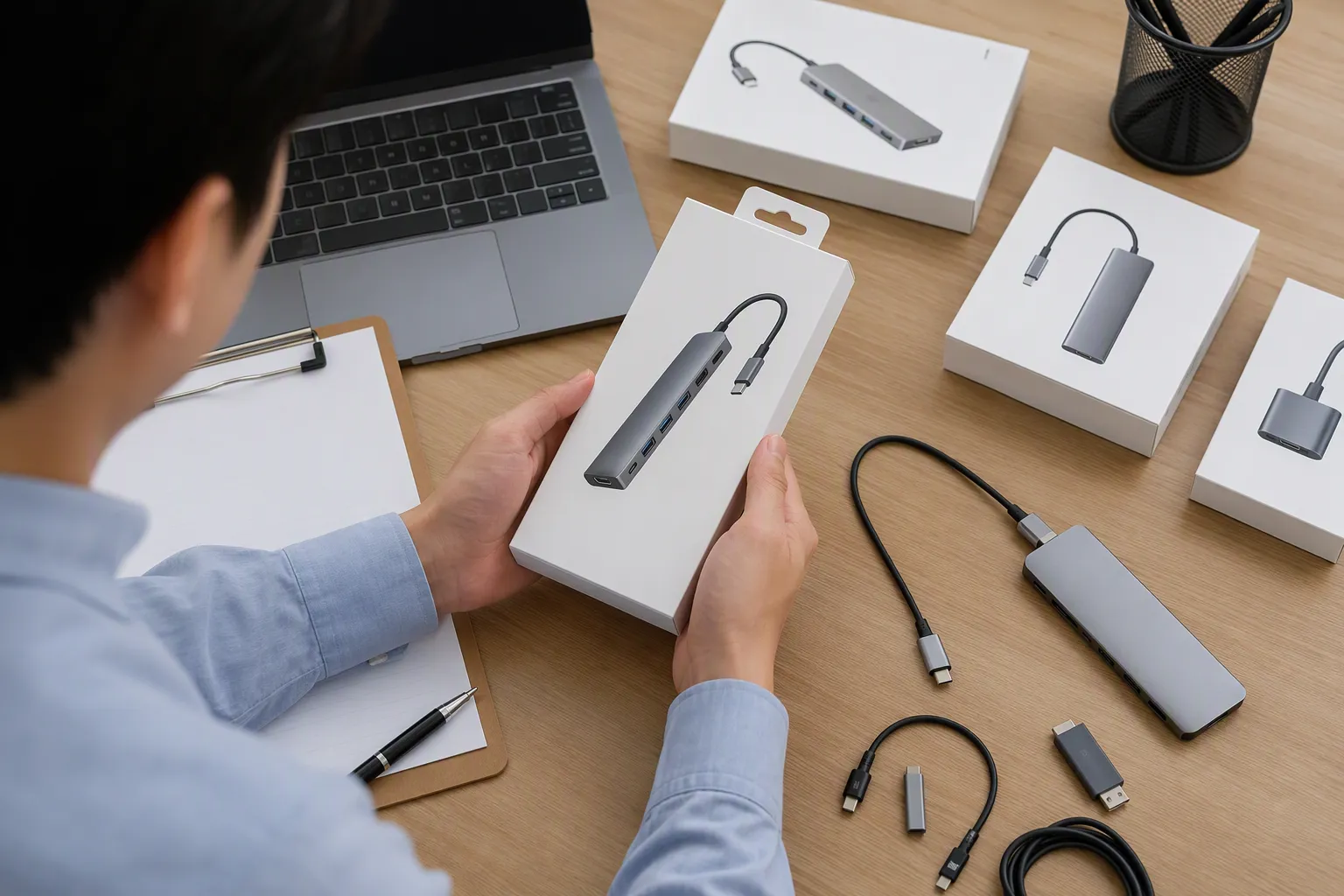
Retailers should explain the hub’s intended use and state that charging, video, data, and peripheral functions depend on the host device and full connection setup. Clear compatibility notes are usually better than broad “universal” claims that may create customer confusion and returns.
What should buyers ask a USB-C or Thunderbolt supplier?
Buyers should ask about host requirements, charging conditions, data capability, video requirements, included cables, product limitations, packaging language, sample availability, MOQ, lead time, quality-control process, and available documentation. Each answer should relate to the exact SKU and intended market.
USB-C vs Thunderbolt: Make Sourcing Decisions With More Clarity
USB-C vs Thunderbolt decisions should begin with the customer task, not with a connector shape or a premium label. USB-C products can serve many useful purposes, while Thunderbolt-related products may suit more demanding use cases. However, every charging, data, display, and docking claim should be verified against the host device, accessory, cable, and supplier documentation. We help retailers, wholesalers, and e-commerce sellers source clearer 3C product ranges with practical SKU guidance, customization options, and export-focused support.
Sources
- [PDF] Universal Serial Bus Type-C Cable and Connector Specification", USB Implementers Forum documentation defines USB Type-C as a connector and cable specification; Thunderbolt technical documentation describes Thunderbolt 3 and later as interfaces using the USB-C connector
- USB Charger (USB Power Delivery) - USB-IF", USB-IF and VESA technical materials distinguish the USB Type-C connector from optional USB data capabilities, USB Power Delivery, and DisplayPort Alternate Mode; Thunderbolt support is separately specified
- USBSnoop - Revealing Device Activities via USB Congestions - arXiv", USB Type-C specifications provide for cables with different electrical and functional capabilities, so mechanical compatibility alone does not establish support for a particular data, power, or display use
- USB Charger (USB Power Delivery) - USB-IF", USB-IF, VESA, and Thunderbolt documentation treat power delivery, display transport, and Thunderbolt operation as defined capabilities beyond the shared USB-C receptacle
- [PDF] Dell Docking Station WD19 Dual Cable - Ferris State University", University IT guidance commonly notes that USB-C port functions vary by device and that charging and external-display support must be verified in the computer's specifications
- Thunderbolt™ Technology: A Universe of Possibilities - Intel", Thunderbolt technical documentation specifies compatible host hardware and certified cable characteristics as conditions for obtaining the interface's supported functionality and performance
- Dell Pro Thunderbolt 4 Smart Dock SD25TB4 - ser - Dartmouth", VESA documentation explains that DisplayPort over USB-C is carried through DisplayPort Alternate Mode and requires compatible source devices, cables or adapters, and display equipment
- [PDF] Heat Generation Concerns associated with extreme fast charging", USB Power Delivery specifications describe negotiated source–sink power contracts, and battery research shows that charging behavior is affected by conditions including state of charge and temperature