Quick Answer
USB-A, USB-B and USB-C can look like a basic connector-identification topic, but incorrect assumptions often lead to the wrong cable being ordered, listed, or stocked. I see buyers focus on one end of a cable and overlook the device port, charger port, or required function. A two-end compatibility check offers a safer way to choose.
USB-A, USB-B and USB-C are different connector formats, but connector shape alone does not confirm charging speed, data transfer capability, or video support[1]. I recommend identifying both ports involved—the device-side port and the charger, computer, or accessory-side port—then checking the cable and equipment specifications for the intended task before buying or listing a product.
For 3C retailers, wholesalers, and e-commerce sellers, this distinction matters beyond product knowledge. Accurate connector identification helps us write clearer listings, select a more practical cable assortment, answer pre-sale questions faster, and reduce compatibility-related returns.
Why Should USB-A, USB-B, and USB-C Not Be Treated as a Simple Shape-Recognition Question?
USB-A, USB-B and USB-C are easy to recognize once a buyer has seen them a few times. However, a cable can have the correct physical plug at each end and still fail to meet the customer’s charging, transfer, or display expectations. That gap creates avoidable customer-service work.
I treat USB-A, USB-B and USB-C as a compatibility decision involving connector shape, both connected devices, cable construction, and supported functions. A buyer should first identify the two physical ports, then confirm whether the intended use is charging, data transfer, device synchronization, display output, or a combination of these tasks.
Start With the Physical Connector, but Do Not Stop There
The first step is still visual identification. It is useful because it narrows the cable options quickly. Yet it should be the beginning of the evaluation, not the final decision.
Here is the practical visual guide I use when discussing common cable requests with buyers.
| Connector type | Common visual characteristics | Typical equipment categories | Buyer consideration |
|---|---|---|---|
| USB-A | Flat rectangular plug, usually inserted in one orientation | Older computers, wall chargers, power banks, car chargers, hubs | Check whether the other end matches the device and whether the cable supports the intended use |
| USB-B | Larger, more square-shaped connector with angled upper corners in its standard form | Printers, scanners, certain office devices, audio equipment, specialized equipment | Do not remove from stock automatically if customers use printers or legacy equipment |
| USB-C | Small, rounded, symmetrical connector that can be inserted either way | Newer phones, tablets, laptops, chargers, docks, accessories | Confirm supported charging, data, and display functions separately |
I want to make one point clear: USB-B is a connector family name, not a single purchasing scenario.[2] Standard USB-B is often associated with printers and desktop equipment. Buyers may also encounter Mini-B or Micro-B connectors on older cameras, external devices, accessories, and specialized products. These formats are physically different from standard USB-B, so a listing should not use “USB-B” as a vague catch-all term.
In our recurring cable inquiries, I often see a buyer confirm only one end of the connection. For example, they may say they need “a USB-C cable” because their customer has a USB-C phone. That description is incomplete. The other end may need to connect to a USB-A charger, a USB-C charger, a computer, a car charger, a power bank, or another accessory. Each use case can require a different cable configuration.
A useful product listing should therefore name both ends clearly:
- USB-A to USB-C cable
- USB-C to USB-C cable
- USB-A to USB-B printer cable
- USB-C to USB-B cable
- USB-A to Micro-B cable, where applicable
- USB-C to Micro-B cable, where applicable
This naming approach seems simple, but it reduces ambiguity. It also makes product filters more useful for online shoppers.
Connector Type and USB Performance Are Separate Questions
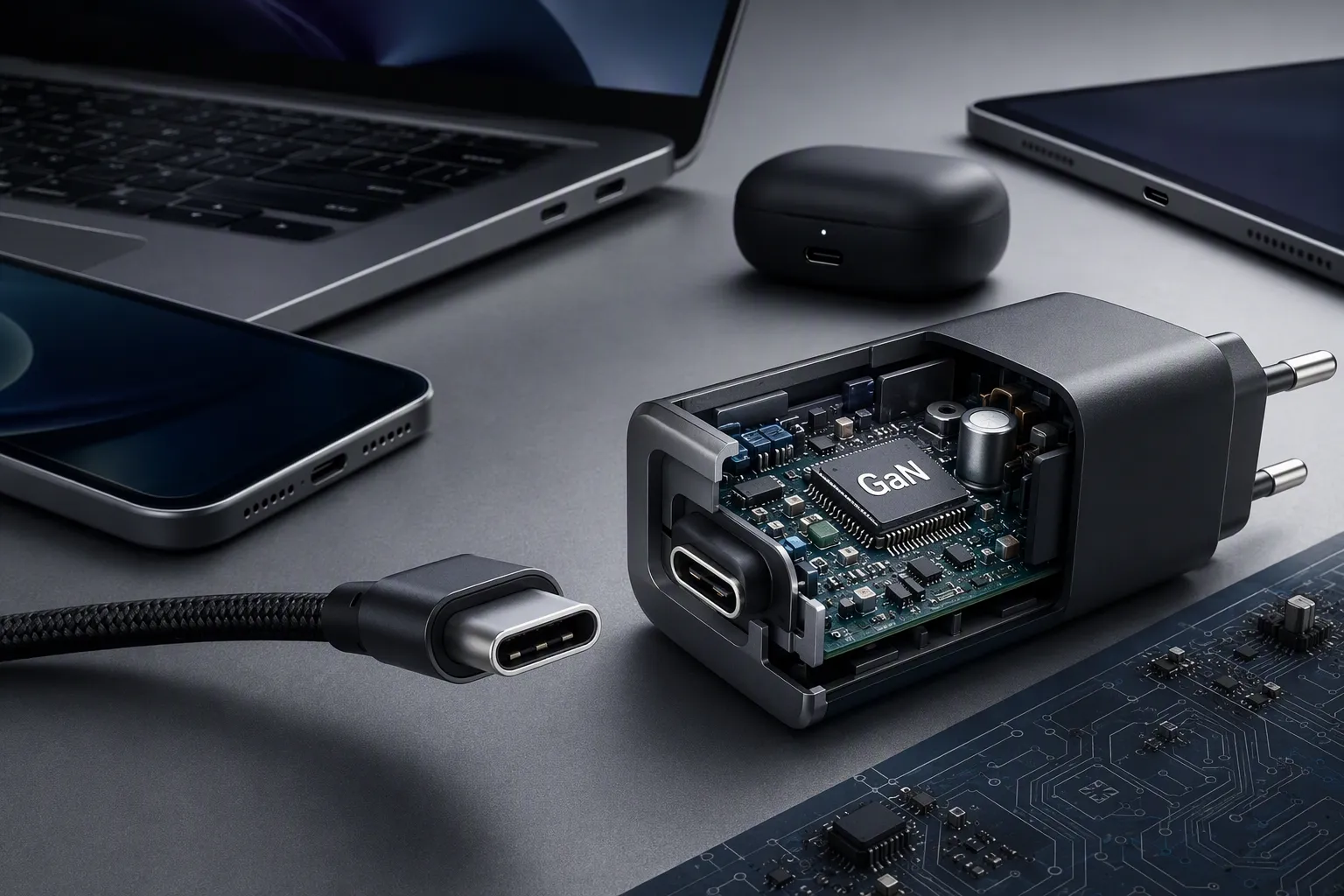
A physical connector tells us what can plug into a port. It does not automatically tell us what the connected products can do together.
This is especially important with USB-C. USB-C is reversible, which means users can insert the plug in either orientation.[3] That convenience has helped it become widely used across modern consumer electronics. Still, I do not advise retailers to describe USB-C as automatically fast, high-power, or display-ready.
Actual performance depends on several linked parts:
-
The source device
This could be a wall charger, laptop, desktop computer, power bank, docking station, or vehicle charger. -
The receiving device
This could be a phone, tablet, laptop, monitor, printer, wireless earbud case, smart watch, or other accessory. -
The cable itself
A cable may be designed for basic charging, data transfer, higher-capability data applications, or a specific use case. Its internal design matters.[6] -
The supported standards and device configuration
The equipment must support the required charging method, data function, or display feature. A compatible shape does not create a feature that the device does not support. -
The complete connection path
Adapters, hubs, extension cables, docks, and ports can affect compatibility. The weakest or unsupported part in the chain can limit the result.[7]
I recommend that buyers avoid claims such as “all USB-C cables support fast charging[4]” or “USB-C always supports display output[5].” These statements are too broad for accurate B2B listings.
For example, a USB-C to USB-C cable may physically connect a laptop to a USB-C charger. Yet charging behavior depends on the charger, laptop, cable, and their supported charging specifications. A cable may also connect two USB-C products without supporting every function that one customer expects, such as a particular data mode or external display setup.
The same principle applies to USB-A. A USB-A to USB-C cable may be the right choice for charging a USB-C phone from an existing USB-A power adapter. However, that cable does not turn the USB-A adapter into a USB-C charger with every capability associated with newer USB-C equipment.
Use a Two-End Compatibility Method Before Ordering
I find that the most reliable approach is to ask buyers to work from both ends of the connection. This method is useful for purchasing teams, product managers, marketplace sellers, and store staff.
Step 1: Identify the port on the device being used
First, identify the port on the phone, tablet, laptop, printer, camera, speaker, charging case, or other product.
Questions I would ask include:
- Is the device port USB-C, USB-A, standard USB-B, Mini-B, Micro-B, or another format?
- Does the port appear in the device manual or technical documentation?
- Is the port intended for charging, data, accessories, display output, or multiple functions?
- Does the device manufacturer state any cable requirements?
For business buyers, product documentation is more reliable than visual guessing alone. Product photos can be unclear. Port shapes can also appear similar at a glance, especially when a customer is looking at a small image on a marketplace page.
Step 2: Identify the port on the source or accessory
Next, identify the other end. This may be a charger, computer, power bank, hub, dock, printer, monitor, vehicle charger, or another peripheral.
A customer who says “I need a charging cable” may actually be working with one of several combinations:
| Device port | Source port | Likely cable category to evaluate |
|---|---|---|
| USB-C phone | USB-A charger | USB-A to USB-C |
| USB-C phone | USB-C charger | USB-C to USB-C |
| Standard USB-B printer | USB-A computer | USB-A to USB-B |
| Standard USB-B printer | USB-C laptop | USB-C to USB-B |
| USB-C accessory | USB-C computer or hub | USB-C to USB-C, with function checked |
| Legacy Micro-B device | USB-A charger or computer | USB-A to Micro-B |
I use the word “evaluate” deliberately. The connector pairing identifies the physical cable layout. It does not complete the performance review.
Step 3: Define the task before selecting the cable
The intended use should be stated in plain language. This helps a retailer avoid selling a cable based only on appearance.
Common use cases include:
- Basic charging
- Charging and syncing a phone with a computer
- Connecting a printer to a computer
- Connecting an external accessory
- Connecting a laptop to a dock
- Transferring files
- Using a cable in an office, retail, industrial, or educational environment
- Supporting a display-related setup, where equipment documentation confirms compatibility
A cable for a printer counter may have different priorities from a cable for a premium retail phone display. For the printer use case, buyers may value a suitable length, dependable connectors, stable supply, and clear compatibility labeling. For a consumer USB-C cable, buyers may need to consider charging claims, data requirements, packaging, color options, and local-market listing language.
Step 4: Check the complete product specification
I encourage our buyers to request and verify the relevant product documents before making performance claims. This is especially important when sourcing cables for European and North American markets.
The review may include:
- Connector configuration at both ends
- Cable length and tolerance
- Intended charging capability, where documented
- Intended data function, where documented
- Material and construction details
- Packaging requirements
- Branding, color, and customization options
- Batch consistency and quality-control process
- Applicable test reports or certification documents, where required by the buyer’s market and product category
- Warranty, replacement, and after-sales handling process
Certification statements should be handled carefully. I would advise buyers to verify current documents, the product model covered, the issuing body, validity period, and destination-market relevance. A general statement that a supplier has “all certifications” is not enough for a procurement decision.
Why USB-C Creates So Many Listing and Return Problems
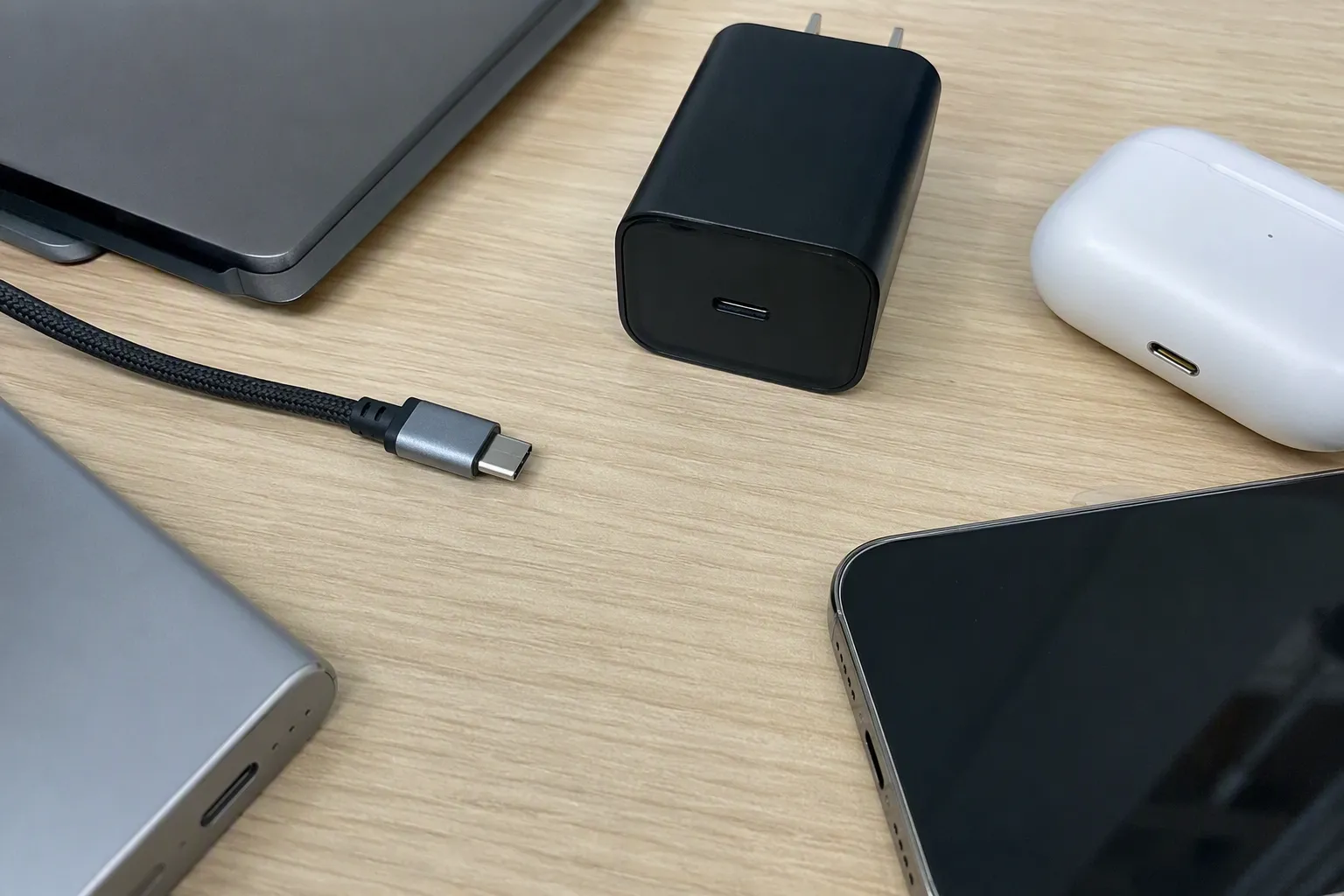
USB-C has simplified the physical user experience in many cases. The connector is compact, reversible, and common on many newer products. However, it has also created a new kind of confusion: customers often assume that one USB-C cable is interchangeable with every USB-C task.
I understand why this happens. The plugs look the same, and product descriptions sometimes use broad words like “universal,” “fast,” or “full function” without defining the actual tested conditions. Those phrases can increase clicks, but they can also increase returns if the buyer’s device setup is different.
For retailers and marketplace sellers, I recommend separating the product’s claims into clear categories.
| Listing claim area | Better listing approach | Avoid |
|---|---|---|
| Connector type | State both ends: “USB-C to USB-C” | “USB-C cable” with no second-end detail |
| Charging | State supported claim only when verified for the exact model | “Fast charging for all USB-C devices” |
| Data | Describe data capability only from confirmed specifications | Assuming every USB-C cable has the same transfer capability |
| Video or display | Mention only when the cable and devices support the stated use | Saying USB-C automatically supports monitors |
| Compatibility | List tested or documented device categories with conditions | “Compatible with everything” |
| Length | State the actual length and unit clearly | Using only lifestyle photos with no size detail |
A strong listing also includes an image that shows both connectors. I suggest using close-up images rather than relying only on a lifestyle photo. Buyers should be able to see whether they are purchasing USB-A to USB-C, USB-C to USB-C, or USB-A to USB-B at a glance.
I also recommend a short compatibility reminder near the buy button:
Please check both the device port and the charger, computer, or accessory port before ordering. Connector type does not by itself confirm charging speed, data transfer, or display compatibility.
This note does not replace good specifications. It supports them and helps set realistic expectations.
USB-B Still Has a Practical Place in Many Product Ranges
Some buyers treat USB-B as a product category that can be removed from inventory because USB-C is more visible in current consumer electronics. I would be cautious with that decision.
Standard USB-B cables remain relevant for many printers, scanners, label printers, audio interfaces, point-of-sale peripherals, and certain office or specialized devices.[8] The exact demand depends on the buyer’s customer base. A consumer electronics store focused on new smartphones may carry a limited range. A wholesaler serving offices, schools, repair shops, small businesses, or mixed-product retailers may need more consistent USB-B availability.
I would assess USB-B demand using actual sales and customer questions rather than assuming the category has disappeared.
Useful questions include:
- Do our customers sell printers or office equipment?
- Do local repair businesses request USB-B cables?
- Do schools, offices, or small enterprises buy replacement cables?
- Are customers using newer USB-C laptops with older USB-B printers?
- Do we need USB-C to USB-B options as well as USB-A to USB-B options?
- Which lengths and packaging formats move most reliably?
A smaller but focused USB-B range can be commercially sensible. It may include a few popular lengths, clear connector labeling, and durable packaging for retail shelves or warehouse picking. The goal is not to stock every legacy format without evidence. The goal is to match inventory to real customer demand.
Build a More Accurate USB Cable Assortment
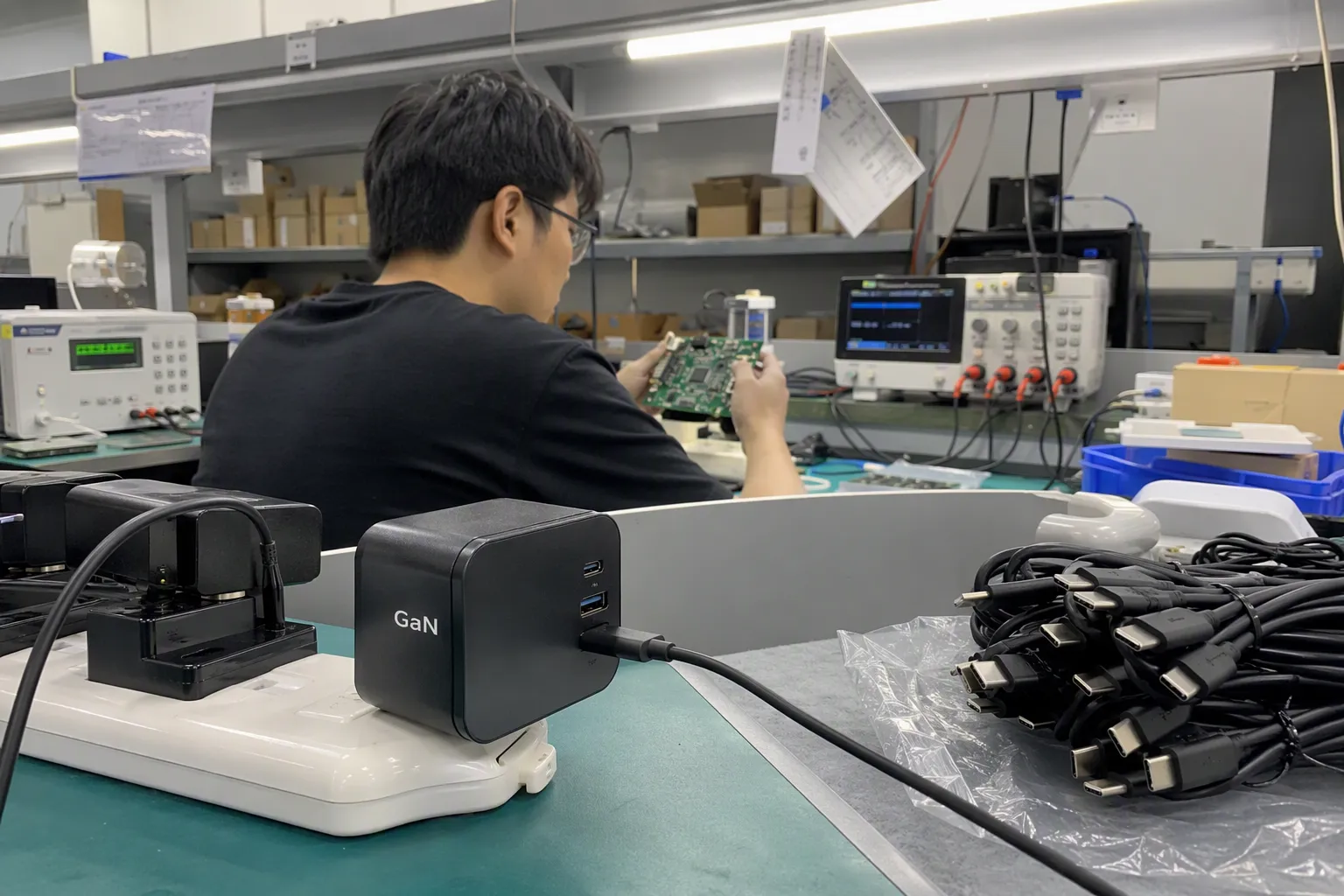
From a sourcing perspective, I believe cable assortment planning should start with customer usage patterns, not only market trends. A retailer may need a broad USB-C selection, but it may also need USB-A to USB-C cables because many customers still use USB-A chargers, power banks, and computers. Another retailer may need USB-B cables because printers remain part of its local customer base.
For a practical starting range, I would consider dividing stock into clear groups:
-
USB-C to USB-C cables
These serve customers whose device and source both use USB-C. Each model should have verified, accurately stated capabilities. -
USB-A to USB-C cables
These remain useful for customers connecting newer USB-C devices to existing USB-A charging or computer ports. -
USB-A to USB-B cables
These are relevant for common printer and peripheral connections. -
USB-C to USB-B cables
These can help customers connect newer USB-C computers to compatible legacy USB-B devices. -
Legacy connector options where demand supports them
This can include Micro-B or Mini-B products, based on local sales history and customer profile.
For each SKU, I recommend building a procurement checklist that covers more than appearance:
- Is the connector combination correct?
- Is the length suitable for the intended channel?
- Are product claims supported by supplier documentation?
- Are the connectors, molding, cable jacket, and packaging consistent across samples and production?
- Does the supplier provide a clear model number and specification sheet?
- Can the supplier support the required MOQ, lead time, private label, barcode, and packaging design?
- Is there a defined quality-control process before shipment?
- Can the supplier explain how compatibility questions and after-sales issues will be handled?
As a Shenzhen-based exporter working with USB cables and related 3C accessories, I see this pre-sale clarification as part of quality control. Quality is not limited to whether a cable looks neat in the carton. It also includes whether the product description, connector configuration, and customer expectation match the item being supplied.
Frequently Asked Questions
Is USB-C always faster than USB-A?
No. USB-C describes a connector format, not a guaranteed performance level. Actual charging, data, and display capability depend on the connected devices, cable design, charger or computer port, and supported standards. I recommend verifying the exact product specifications before making speed claims.
Can I use a USB-C cable with any USB-C device?
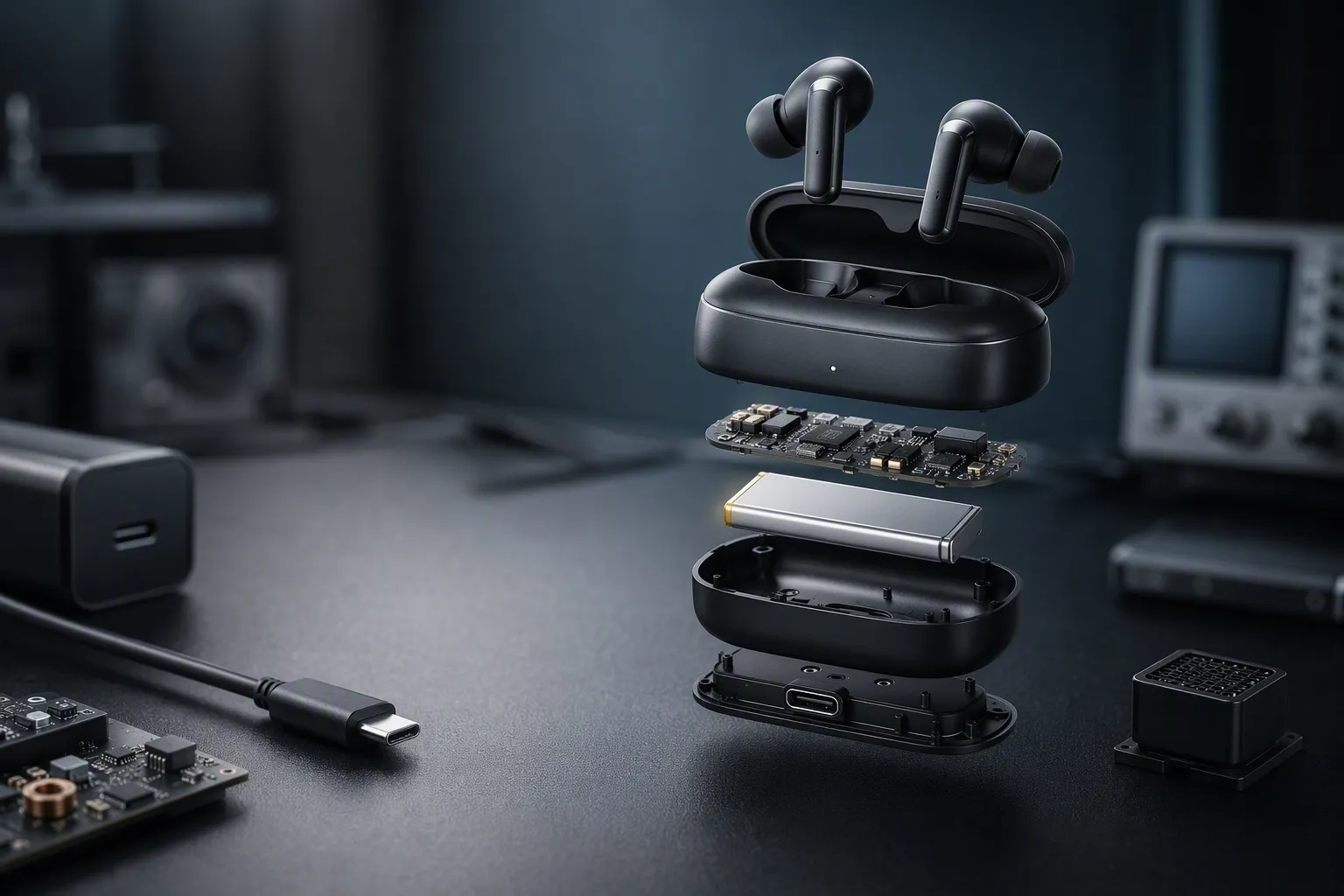
A USB-C cable may fit physically, but physical fit does not guarantee every function. A device may have different charging, data, or display requirements. I recommend checking both devices and the cable specification for the intended application before purchase.
What is the difference between USB-A to USB-C and USB-C to USB-C?
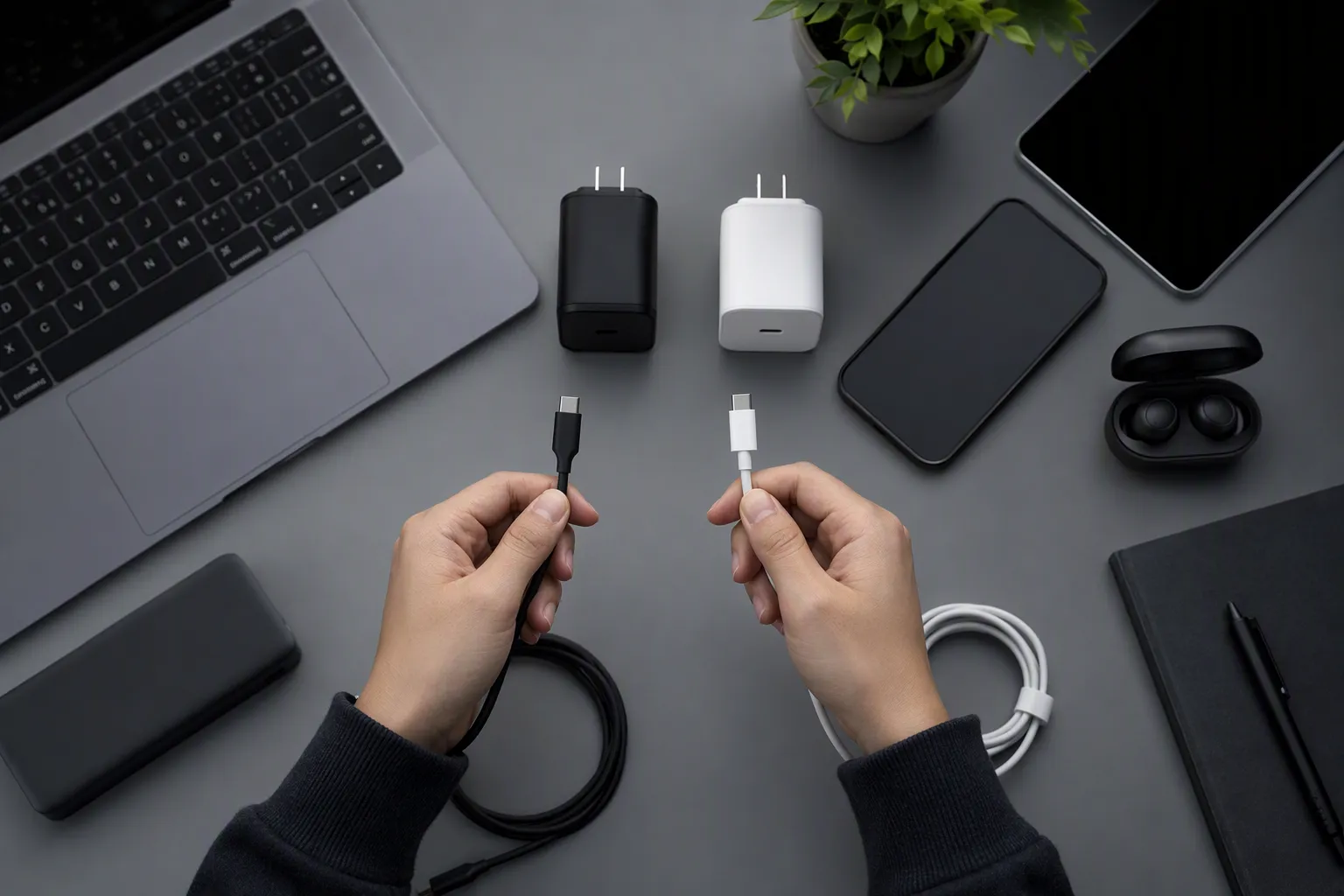
USB-A to USB-C cables connect a USB-A port to a USB-C port. USB-C to USB-C cables connect two USB-C ports. The correct choice depends on both ends of the connection, such as the device port and the charger, computer, power bank, or hub port.
Is USB-B still used for printers?
Yes, standard USB-B remains common on many printers and similar peripherals. Demand varies by market and customer type, but I would not assume USB-B is irrelevant. Retailers serving offices, schools, repair channels, or business customers may still need USB-B cable options.
How can I reduce USB cable returns in my store?
I recommend showing both connector ends in product images, naming the connector combination clearly, stating only verified performance claims, and adding a short compatibility reminder. Staff should also ask customers what device they have and what they need to connect it to.
Conclusion
USB-A, USB-B and USB-C are best understood as connector formats within a complete compatibility decision. I recommend that buyers identify both ports, define the intended task, and verify cable and device specifications before placing an order or publishing a listing. USB-C is convenient and widely used, but it does not automatically guarantee a particular charging, data, or display result. USB-B also remains relevant for many printer and specialized-device users. If you are planning a USB cable range for your market, we can help you review connector combinations, MOQ, packaging, customization, and pre-shipment quality requirements.
Sources
- Understanding USB-C Alt Mode - Plugable Knowledge Base", USB Implementers Forum documentation distinguishes the USB Type-C connector from the USB data, USB Power Delivery, and Alternate Mode specifications that determine available functions
- Universal Serial Bus Micro-USB Cables and Connectors ...", The USB connector specifications define distinct Standard-B, Mini-B, and Micro-B receptacles and plugs, confirming that “USB-B” does not identify one mechanically interchangeable connector
- USB Type-C® Cable and Connector Specification", USB Implementers Forum materials describe USB Type-C as a reversible connector, allowing plug insertion in either orientation
- USB Charger (USB Power Delivery)", USB Power Delivery documentation specifies negotiated power roles and cable-current requirements, so a USB-C connector alone does not establish a common charging rate across cables and devices
- What is USB-C DisplayPort (DP Alt Mode) and Why it Matters", VESA’s DisplayPort over USB-C materials explain that display transport uses DisplayPort Alt Mode on compatible USB-C devices; the presence of a USB-C connector alone is therefore not proof of display capability
- Universal Serial Bus Type-C Cable and Connector ...", USB specifications assign cable-dependent signaling and power characteristics, including electronic marking for some higher-capability USB Type-C cables, demonstrating that internal cable design can determine supported operation
- Understanding USB Hubs: The Backbone of ...", USB architecture documentation describes hubs and links as elements with defined port and speed capabilities, meaning an end-to-end connection is constrained by the capabilities available across the complete path
- What Does A Usb Cable Look Like - Sandbox Environment", Reference descriptions of USB hardware identify the Standard-B connector as a peripheral-side connector commonly associated with printers and other external devices