Quick Answer
USB-B 2.0 vs USB-B 3.0 can create costly confusion for retailers and online sellers. A cable may look close enough in a product image, yet fail to fit the customer’s device or deliver the transfer speed they expected. We help buyers avoid this problem by checking the actual port, plug, cable specification, and listing language before an order is placed.
USB-B 2.0 vs USB-B 3.0 changed in more than transfer speed. USB 3.0 Standard-B connectors use additional contacts and a physically extended plug design to support SuperSpeed data paths[1], while USB 2.0 Standard-B connectors use a smaller, older layout. A USB 3.0 cable alone cannot guarantee faster transfer rates because the host, device, port, cable, and operating conditions must all support the same standard.
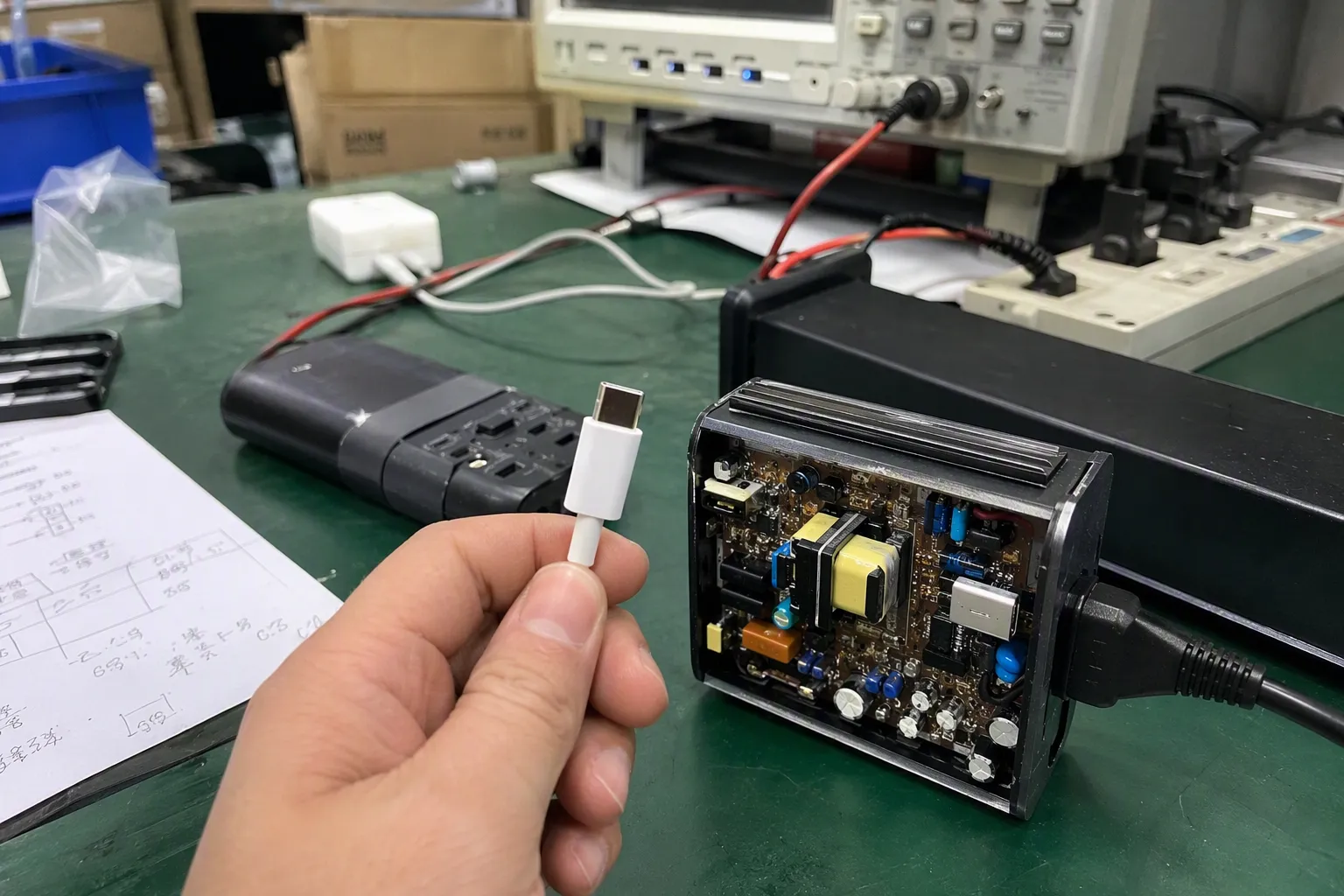
The practical question for a buyer is not simply, “Which cable is faster?” The better question is, “Will this exact plug fit this exact device port, and what performance can the complete connection support?” In our export work, this is where many pre-sale questions begin—and where clear verification can prevent returns later.
USB-B 2.0 vs USB-B 3.0 Is Not Simply a “Slower Versus Faster” Comparison
When retailers compare USB-B 2.0 vs USB-B 3.0, they often focus on the published speed figures first. That approach can create problems. A faster-rated cable may not fit an older device-side port, while a compatible plug may still operate only at USB 2.0 speed because another part of the connection limits the link.
USB-B 2.0 vs USB-B 3.0 should be evaluated as a connector, cable, port, and system compatibility question. USB 2.0 supports a theoretical maximum signaling rate of 480 Mbps, while USB 3.0—now commonly referenced within USB 3.2 naming—can support 5 Gbps for the original SuperSpeed generation.[2] However, the actual connection speed depends on every component in the data path.[7]
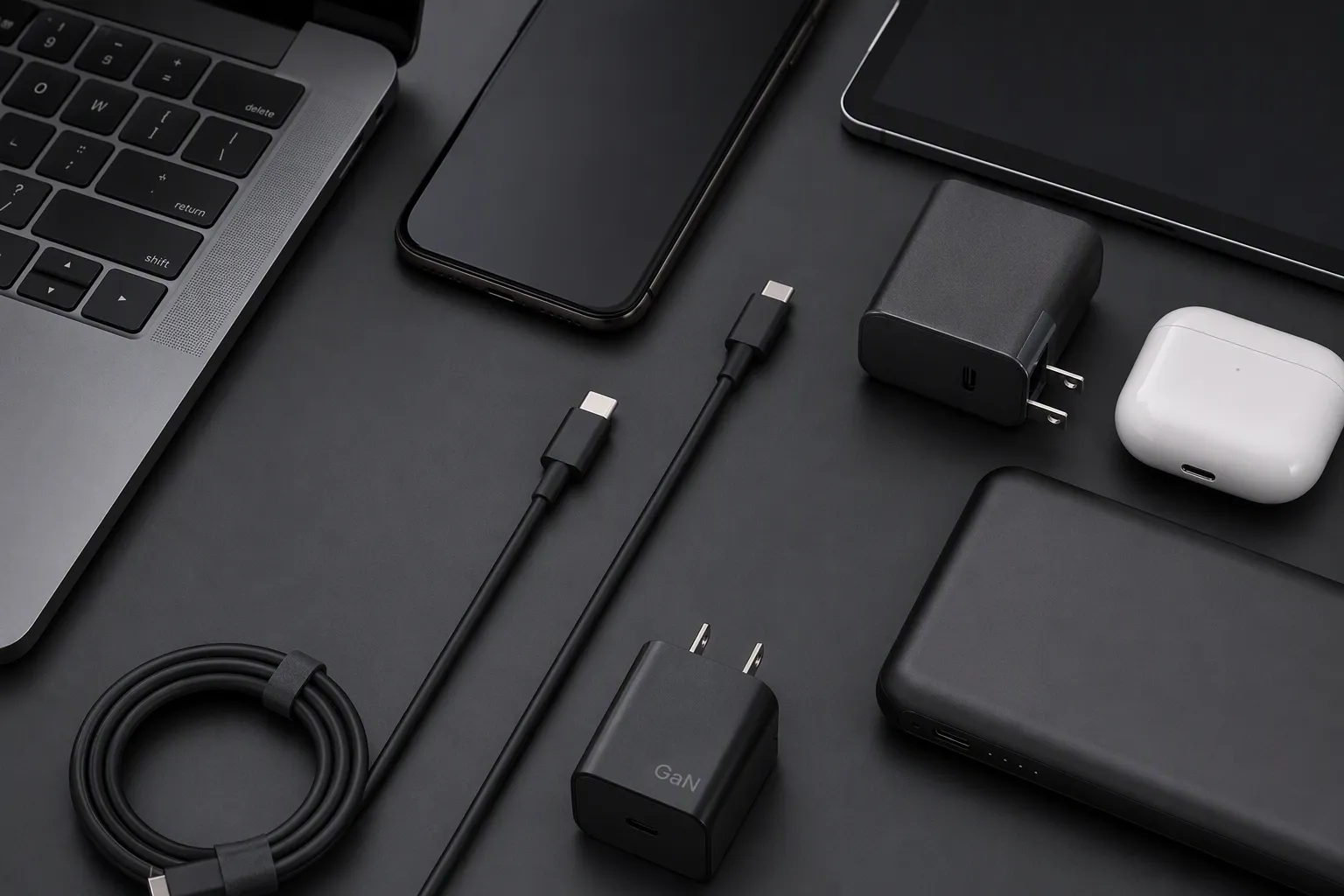
The connector shape changed, not just the speed rating
The first sourcing risk in USB-B 2.0 vs USB-B 3.0 is assuming that both plugs are physically identical. They are not.
A typical USB 2.0 Standard-B connector has the familiar squarish profile often found on older printers, scanners, audio equipment, and industrial peripherals. It uses four contacts for USB 2.0 operation.[3]
A USB 3.0 Standard-B connector has an extended upper section. This additional area accommodates extra contacts needed for SuperSpeed data transmission. The shape is therefore visibly different when compared carefully with the USB 2.0 version.
This physical difference affects what can be plugged into what:
| Connection situation | Expected fit | Expected data capability |
|---|---|---|
| USB 2.0 Standard-B plug into USB 2.0 Standard-B port | Yes | USB 2.0, if the full system supports it |
| USB 2.0 Standard-B plug into compatible USB 3.0 Standard-B receptacle[4] | Usually designed to fit | USB 2.0 operation |
| USB 3.0 Standard-B plug into USB 2.0 Standard-B port[5] | No, in normal Standard-B configurations | Not applicable |
| USB 3.0 Standard-B plug into USB 3.0 Standard-B port | Yes | Up to the supported SuperSpeed level of the full system |
The phrase “usually designed to fit” matters. We recommend that buyers confirm the product drawing, actual port image, or device manual rather than relying on a general compatibility statement. A seller should never use a broad claim such as “fits all USB-B devices.”
We also advise buyers to distinguish Standard-B from Micro-B. USB 3.0 Micro-B connectors are common on some external hard drives and other portable devices.[6] They have a different shape from USB 3.0 Standard-B. A listing that simply says “USB 3.0 B cable” can be unclear if the connector family is not stated.
For product listings, “USB 3.0” describes neither the complete connector shape nor universal device compatibility. The listing should identify both connector ends in plain language.
A USB 3.0 cable does not create USB 3.0 performance by itself
The second major issue in USB-B 2.0 vs USB-B 3.0 is the assumption that a cable determines the final speed. In reality, a USB connection is a complete path.
For SuperSpeed operation, the following parts must support the relevant USB generation:
-
The host device
This may be a computer, docking station, hub, POS terminal, or other source device. -
The host port implementation
A computer may have several USB ports with different capabilities. A physical port style does not always tell the whole story. -
The cable assembly
The cable must have the appropriate connector design and internal conductors for the claimed function. -
The device-side port
A printer, storage enclosure, or professional device may use a USB-B-shaped port but support only USB 2.0. -
The device’s internal controller and firmware
Even when the connector fits and the cable is correctly specified, the device itself may limit transfer performance. -
Operating conditions
Cable length, signal quality, hubs, adapters, power conditions, and the files being transferred can affect the practical user experience.
The published USB 2.0 high-speed rate is 480 Mbps, while the original USB 3.0 SuperSpeed rate is 5 Gbps. These figures are signaling-rate references, not a promise that an end user will see the same file-copy speed. Protocol overhead, storage performance, software, and system configuration also affect real-world results.[8]
For that reason, we encourage wholesalers and e-commerce sellers to avoid wording such as:
- “Guaranteed 5 Gbps speed”
- “Makes any USB-B device USB 3.0”
- “Automatically upgrades old printers”
- “Universal USB 3.0 replacement for all USB-B cables”
More accurate wording is usually simpler:
- “USB 3.0 Standard-A to USB 3.0 Standard-B cable”
- “Designed for devices with a USB 3.0 Standard-B port”
- “Backward operation may be limited by the connected device and host port”
- “Actual transfer performance depends on the connected equipment”
This type of wording helps customers understand what they are buying without creating unrealistic expectations.
Why product titles and photos are not enough
In our day-to-day export inquiries, we often see product requests that start with only a short phrase: “USB printer cable,” “USB-B 3.0 cable,” or “high-speed USB cable.” These descriptions are useful as a starting point, but they are not enough for purchase confirmation.
Marketplace titles can be inaccurate. Product images can show an older revision. Some listings use “USB 3.0 compatible” without explaining whether the cable has a USB 3.0 connector at both required ends. Even color can mislead buyers. Blue inserts are often associated with USB 3.0 products, but color is not a complete technical specification and should not be used as proof of performance.
We recommend asking for at least one of the following before confirming a bulk order:
- A clear, close-up photo of the device-side port
- The device brand and exact model number
- A page from the device manual showing the port type
- A dimensional drawing or connector requirement
- The existing cable’s connector photos from both ends
- The required transfer standard stated by the customer
For private-label projects, we also recommend reviewing the final retail packaging and online listing before production. This step can catch avoidable errors, such as showing a USB 2.0 Standard-B plug in an image for a USB 3.0 Standard-B cable.
A practical sourcing checklist for USB-B cables
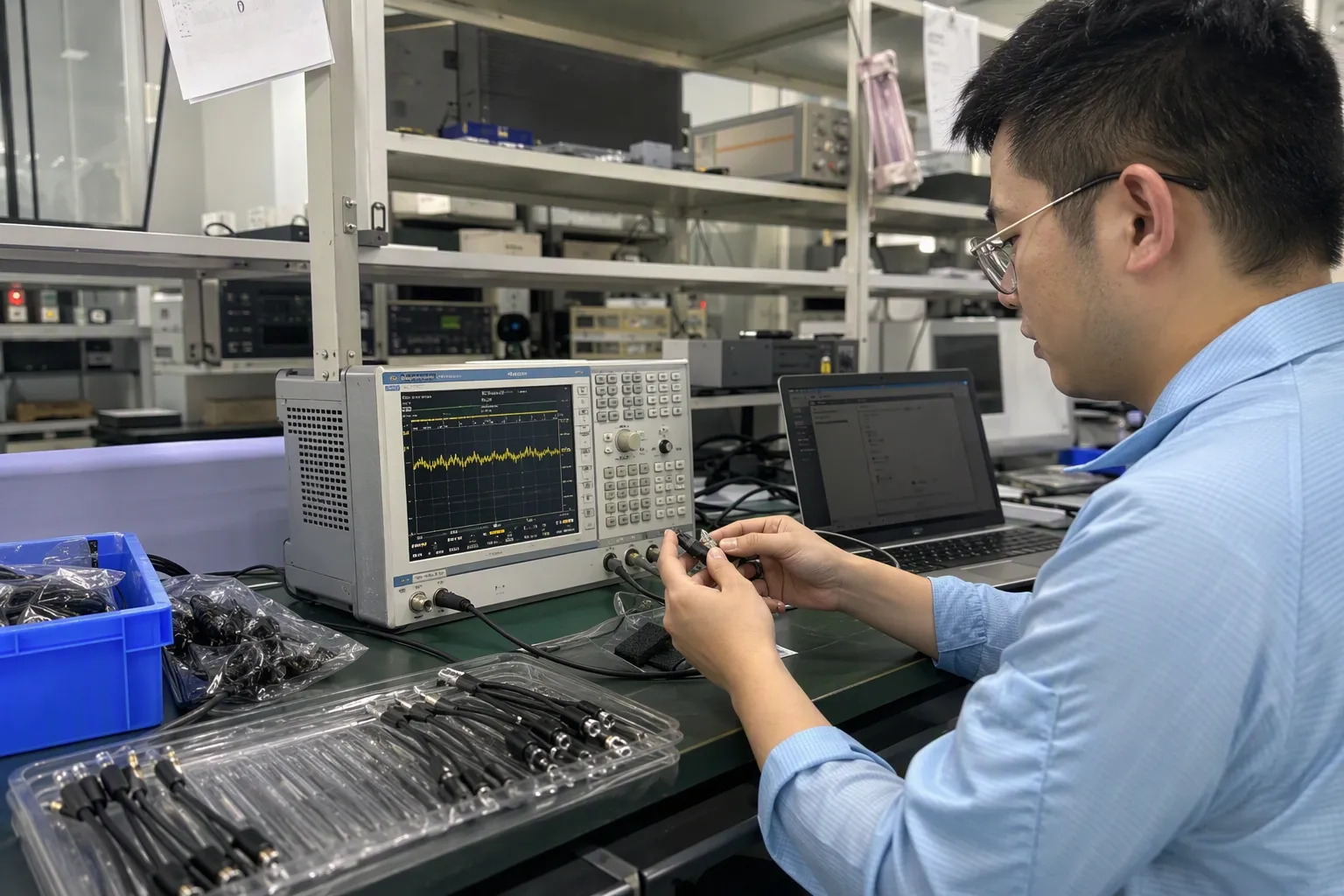
A useful USB-B 2.0 vs USB-B 3.0 sourcing process should be repeatable. It should not depend on one salesperson’s memory or on a marketplace image. We use specification confirmation as part of the normal pre-sale discussion because it makes communication clearer for both sides.
1. Confirm the connector at both ends
State both ends in full. For example:
- USB Type-A to USB 2.0 Standard-B
- USB Type-A to USB 3.0 Standard-B
- USB-C to USB 3.0 Standard-B
- USB Type-A to USB 3.0 Micro-B
Avoid descriptions such as “USB printer cable” unless the full connector configuration appears elsewhere in the listing.
2. Confirm the device-side port
The device-side port is usually the most important detail. Ask whether the customer’s equipment has:
- USB 2.0 Standard-B
- USB 3.0 Standard-B
- USB 3.0 Micro-B
- Another proprietary or non-USB connection
A product photo is helpful, but the model number or official device documentation provides stronger support for a sourcing decision.
3. Confirm the intended function
A cable used for a basic printer connection may have different requirements from a cable used with a storage device, machine-vision device, or high-data-volume peripheral.
Ask practical questions:
- Is the cable intended mainly for printing, charging, syncing, or file transfer?
- Does the customer require a particular USB generation?
- Is the cable used in a fixed installation or frequently moved?
- Is a longer cable length required?
- Will the cable connect through a hub, adapter, docking station, or extension?
These questions do not replace qualified technical evaluation for specialized applications. However, they help buyers select a product specification that matches the intended commercial use.
4. Review cable construction and stated specifications
Cable construction affects durability, signal stability, and product positioning. For a retail or wholesale order, buyers may ask suppliers to confirm documented details such as:
| Specification point | Why it matters for buyers |
|---|---|
| Connector type | Prevents fitment mistakes |
| USB standard supported | Supports accurate listing claims |
| Cable length | Affects usability and may affect signal margin |
| Conductor and shielding description | Helps compare product construction |
| Outer jacket material | Supports durability and compliance discussions |
| Connector housing | Affects appearance and retail positioning |
| Packaging format | Supports shelf display and e-commerce fulfillment |
| Private-label options | Supports brand differentiation |
We suggest treating supplier specifications as documents to review, not as assumptions. If a buyer needs specific certifications, compliance documentation, or market-entry requirements, the buyer should verify the applicable documents for the exact product configuration and destination market.
Listing accuracy is the most practical return-prevention tool
For European and North American sellers, product-page clarity can matter as much as the cable itself. Many compatibility-related returns begin before shipment, when a customer sees a title that sounds universal.
A strong listing for a USB-B cable should include:
- The exact connector type at both ends
- Clear images of both plugs
- A close-up image of the device-side connector
- The supported USB standard, stated carefully
- A compatibility note based on connector and port type
- A reminder that host and device capabilities affect final speed
- A short exclusion statement when relevant
For example, a more precise bullet point could read:
“This cable has a USB Type-A connector on one end and a USB 3.0 Standard-B connector on the other end. Please check that your device has a matching USB 3.0 Standard-B port. It is not designed to plug into a standard USB 2.0 Standard-B device port.”
That wording may look less aggressive than “universal high-speed cable,” but it can reduce avoidable questions and improve buyer confidence.
We have found that clear compatibility language is especially important for online channels because customers often make decisions from photos and short bullet points. Wholesale buyers also benefit from this information because they may need to train sales staff, build catalog entries, or answer end-user questions.
What buyers should request from a cable supplier
Before placing a larger order, we recommend that buyers request a structured confirmation rather than a general “yes, compatible” response.
A supplier confirmation can include:
- Product photos showing both connector ends
- Connector naming in the quotation and proforma invoice
- Cable length and color
- Stated USB standard or intended application
- Packaging artwork or label wording
- Available product documentation relevant to the target market
- Pre-production sample review, where appropriate
- Compatibility wording for the buyer’s listing or packaging
For customized projects, the approval sample should match the agreed connector type, length, appearance, packaging, and printed claims. We do not recommend approving a bulk order based only on a generic catalog image, particularly when the product is described as USB 3.0.
A qualified professional should evaluate application-specific requirements for medical, industrial, high-reliability, or regulated equipment. A standard consumer cable specification may not be suitable for every environment.
USB-B 2.0 vs USB-B 3.0: Frequently Asked Questions
Can a USB 3.0 Standard-B cable plug into a USB 2.0 Standard-B port?
No, a USB 3.0 Standard-B plug generally cannot fit into a USB 2.0 Standard-B receptacle because the USB 3.0 version has an extended physical design. Buyers should confirm the actual device-side port rather than assume that all USB-B connectors are interchangeable.
Will a USB 3.0 Standard-B port work with a USB 2.0 Standard-B cable?
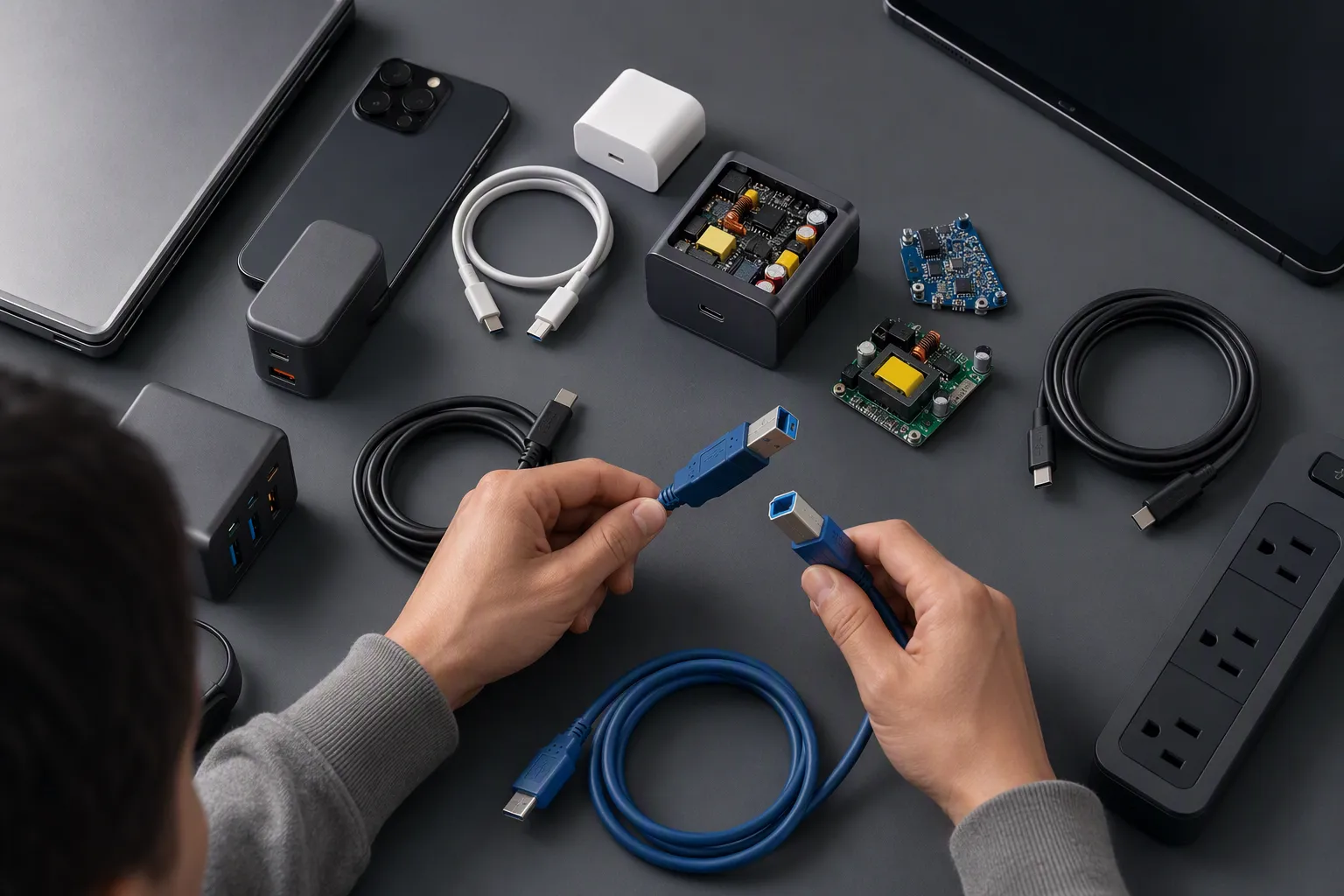
A USB 3.0 Standard-B receptacle is typically designed to accept a USB 2.0 Standard-B plug. However, the connection will operate within USB 2.0 capability because the USB 2.0 cable and plug do not provide the additional SuperSpeed contacts.
Does a USB 3.0 cable guarantee 5 Gbps transfer speed?
No. A USB 3.0 cable does not independently guarantee 5 Gbps performance. The host device, host port, device-side port, cable construction, connected hardware, and operating conditions all affect the negotiated link speed and practical data-transfer results.
Is a blue USB connector always USB 3.0?
No. Blue color is sometimes used as a visual convention for USB 3.0-related products, but it is not a reliable technical verification method. Buyers should check connector shape, product specification, device documentation, and supplier-confirmed details instead.
What should an online seller include in a USB-B cable listing?
An online seller should state the connector type at both ends, show close-up plug photos, identify the supported USB standard carefully, and explain that the device port must match. The listing should also avoid universal compatibility or guaranteed-speed claims unless verified for the exact use case.
Conclusion: USB-B 2.0 vs USB-B 3.0 Requires a Full Compatibility Check
USB-B 2.0 vs USB-B 3.0 is a sourcing and listing issue, not only a speed comparison. The plug shape, device-side port, cable design, host connection, and product wording all matter. We recommend that buyers verify the actual device model or port photo, confirm both cable ends, review the stated specification, and approve accurate packaging before ordering. If you are sourcing USB cables for retail, wholesale, or e-commerce channels, we can help you confirm connector details, MOQ options, packaging requirements, and product documentation before you list or purchase.
Sources
- Types of USB 3.0 Connectors: How to Choose the Right ...", USB 3.0 Standard-B connectors incorporate additional SuperSpeed contacts in an extended connector section compared with the four-contact USB 2.0 Standard-B interface
- What's the Difference between USB 3.0, 3.2 Gen 1 and ...", USB specifications identify USB 2.0 High-Speed at 480 Mb/s and the original SuperSpeed USB mode at 5 Gb/s; later USB 3.2 naming incorporates that 5 Gb/s mode
- USB 2.0 Specification", The USB 2.0 Standard-B interface uses four contacts for power, ground, and the D+ and D− data pair
- Types of USB 3.0 Connectors: How to Choose the Right ...", USB 3.0 Standard-B receptacles were designed to accept USB 2.0 Standard-B plugs, but such a connection uses the USB 2.0 contacts rather than the SuperSpeed contact set
- How to identify your USB connector or USB cable type", Because the USB 3.0 Standard-B plug includes an added connector section for SuperSpeed contacts, it is not mechanically compatible with a USB 2.0 Standard-B receptacle
- USB 3.0 Hard Drive Cable, USB-A to Micro B for External ...", USB 3.0 Micro-B connectors have been widely used on portable external hard drives, where the connector’s added SuperSpeed section distinguishes it from USB 2.0 Micro-B
- How does a USB cable signify its speed?", A USB connection operates at a mode supported across the connected path, so host, hub, device, port, and cable capabilities can limit the available transfer rate
- Real Embedded USB Host Performance", Nominal USB signaling rates are not equivalent to file-copy throughput, which is reduced or limited by protocol overhead and by the performance of storage devices, software, and host systems