Quick Answer
USB header connectors for motherboards often look like a simple pin-count problem. In my sourcing work, buyers frequently ask for a “5-pin,” “10-pin,” or “20-pin” connector and expect an immediate compatibility answer. That approach can cause wasted purchases, poor fit, or incorrect wiring.
I use the motherboard model, pinout, connector shape, and target device to verify the right option.
USB header connectors for motherboards are not interchangeable based only on pin count.[1] A buyer should verify the exact motherboard model, header label, connector geometry, keying, missing-pin position, pinout, USB function, and target device before ordering a cable or adapter. A connector that physically fits may still have the wrong wiring or support a different function.[2]
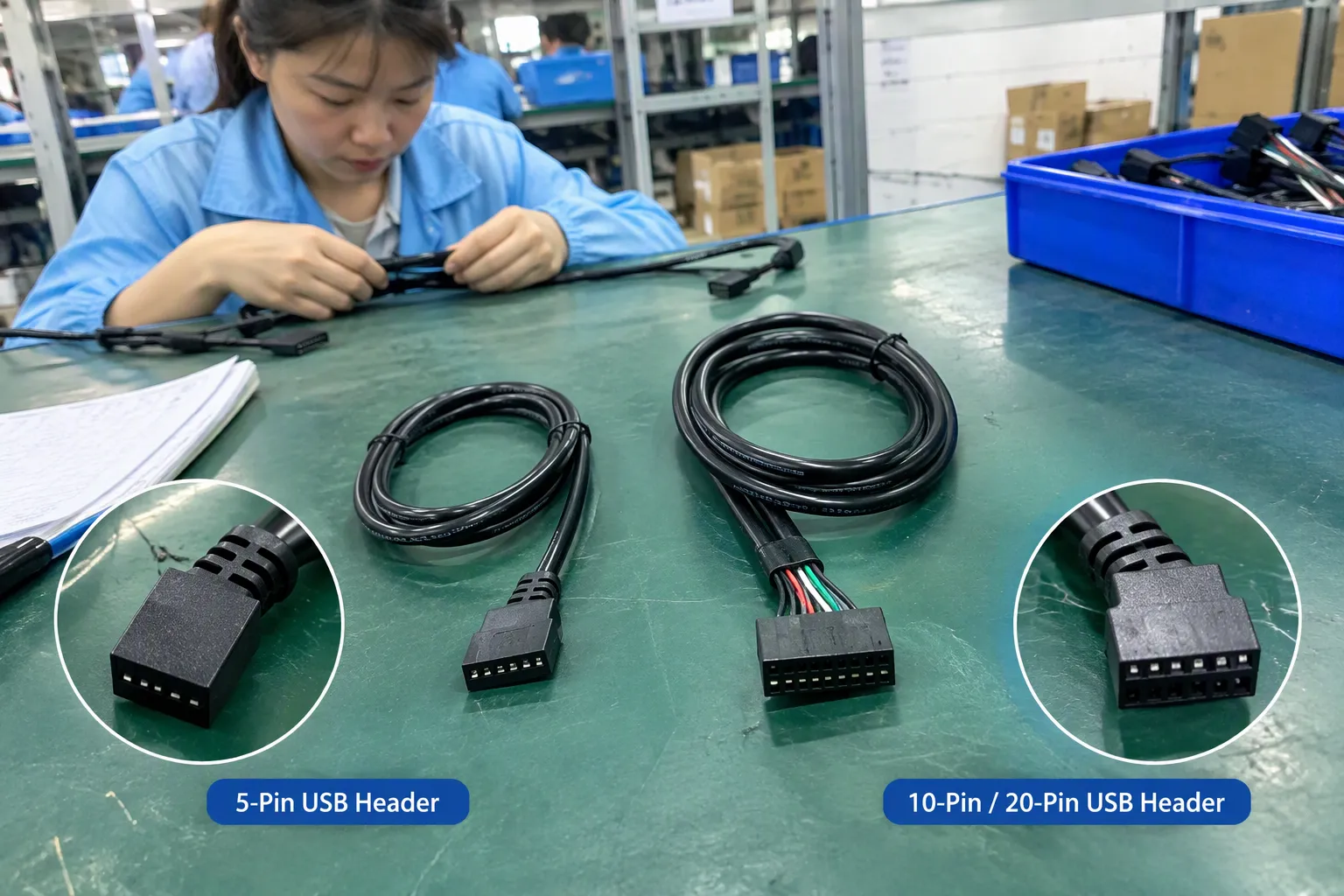
The central question is not simply whether a connector has 5, 10, or 20 pins. The better question is whether the exact connector fits the motherboard, matches the electrical layout, and provides the required front-panel or internal USB function. I will explain a practical verification process that works for both individual PC builders and commercial buyers.
USB Header Connectors for Motherboards: Which 5-Pin, 10-Pin, or 20-Pin Option Fits
A wrong header connector can create problems before a PC is even powered on. The cable may not fit, the key may face the wrong direction, or the wiring may not match the motherboard. I often see this issue in customer and procurement inquiries because product listings use short descriptions that leave out the details that matter most.
The correct choice depends on physical compatibility and functional compatibility. Physical compatibility covers the housing, pitch, keying, orientation, and terminal arrangement. Functional compatibility covers the motherboard pinout, USB generation, data channels, power connections, and the device connected to the header. Pin count is only the first clue.
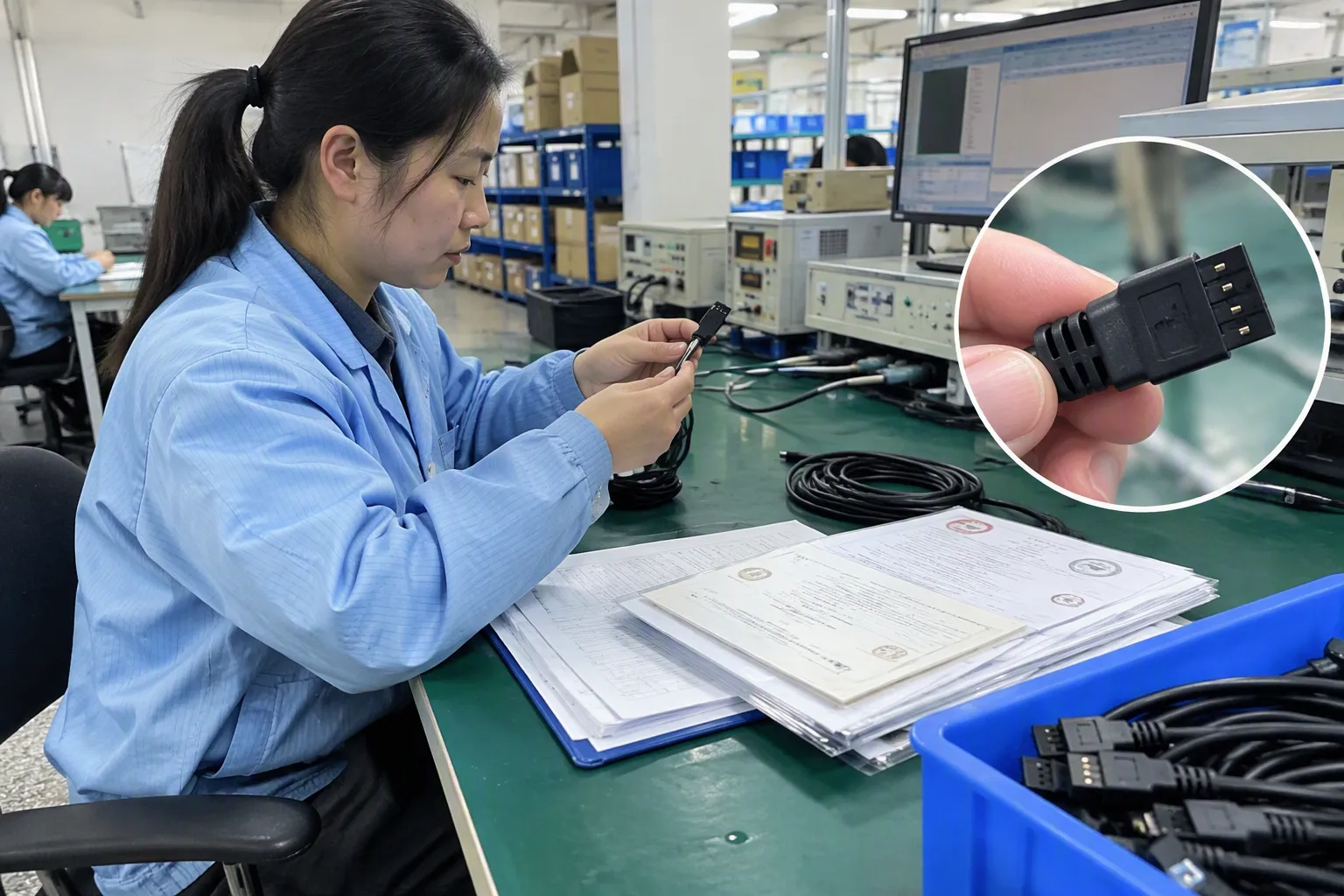
Why does pin count not identify the connector by itself?
A pin count describes how many electrical contact positions a connector may have.[3] It does not fully describe the connector standard, wiring arrangement, USB capability, or intended application. Two connectors with the same number of positions may have different housings, key locations, contact layouts, or pin assignments.
For example, a buyer may search for a “10-pin USB motherboard cable” and find several products that look similar. One may be intended for a particular internal header layout. Another may use a different key position or wire order. A third may be designed for a different front-panel function. The product title alone cannot establish compatibility.
I recommend treating these numbers as identification clues rather than universal standards:
- 5-pin: Verify whether the connector is a single-row or another specific arrangement, and confirm the manufacturer’s pinout.
- 10-pin: Check the exact housing, pitch, keying, missing-pin position, and whether the header serves one or more USB channels.
- 20-pin: Confirm whether the connector is a specific internal header design, whether it is keyed, and which USB functions the motherboard supports.
I do not use “5-pin equals one USB version” or “20-pin equals a particular speed” as a general rule.[4] The motherboard manufacturer and connector documentation must confirm those details.
What should I check before ordering?
I use a short information checklist before asking a supplier to quote a USB header cable or adapter:
- Exact motherboard model and revision
- Motherboard manual or official pinout
- Photo of the header and the connector
- Silkscreen label beside the header
- Number of rows and approximate pitch
- Location of the missing pin or key
- Target front-panel, hub, case, or internal USB device
- Required data and charging function
- Cable length, routing direction, and connector orientation
- Required quantity, packaging, MOQ, and delivery date
The motherboard model is especially important.[5] A buyer may have two boards from the same brand that use different internal headers. A product family name is not always sufficient because revisions can change the layout.
Physical compatibility versus functional compatibility
I separate the decision into two stages.
Stage one: Can the connector fit?
I check:
- Housing shape
- Number of rows
- Contact pitch
- Connector height and width
- Key or blocked position
- Missing-pin location
- Plug and socket orientation
- Locking or friction features
- Cable exit direction
A connector can appear close to the original and still fail at this stage. A small difference in pitch can prevent proper insertion.[7] A different key position can make the connector impossible to install. A cable with a reversed housing may fit only after excessive force, which is a warning sign rather than proof of compatibility.
Stage two: Will the connection perform the required function?
I then check:
- Pin assignment
- Ground and power positions
- Data-line arrangement
- Number of supported USB channels
- USB generation or interface description in the manual
- Device-side connector and wiring
- Power or charging expectations
- Whether the header is intended for data, front-panel I/O, a hub, or another internal accessory
This second stage matters because a physically compatible connection may still be electrically wrong.[8] It may fail to detect a device, support only part of the intended function, or create a risk if power and ground positions do not match.
I never recommend relying on insertion force, connector appearance, or a product title as the final compatibility test.
What does the motherboard manual tell me?
The manual is usually the most reliable starting document available to the buyer.[6] I look for a diagram that identifies the header name, pin numbering, key position, and supported function. Some manuals also identify whether the header supports a particular internal USB interface or front-panel feature.
I compare the manual with the actual board because photographs and product pages can be incomplete. The board may have a label such as an internal USB header designation, but the label alone may not show every pin assignment. I also check the board revision where the manufacturer provides one.
A useful verification record can look like this:
| Item to verify | Information I record | Why it matters |
|---|---|---|
| Motherboard | Brand, model, revision | Prevents selection based on a similar board |
| Header label | Printed name beside the socket | Helps identify the intended function |
| Header geometry | Rows, pitch, key, and orientation | Confirms physical fit |
| Pinout | Power, ground, data, and unused positions | Confirms wiring |
| Target device | Case port, hub, cable, or accessory | Confirms the required function |
| Cable specification | Length, direction, housing, terminals | Supports installation and procurement |
| Documentation | Manual, drawing, or supplier specification | Creates a traceable buying decision |
Are 5-pin, 10-pin, and 20-pin connectors universal categories?
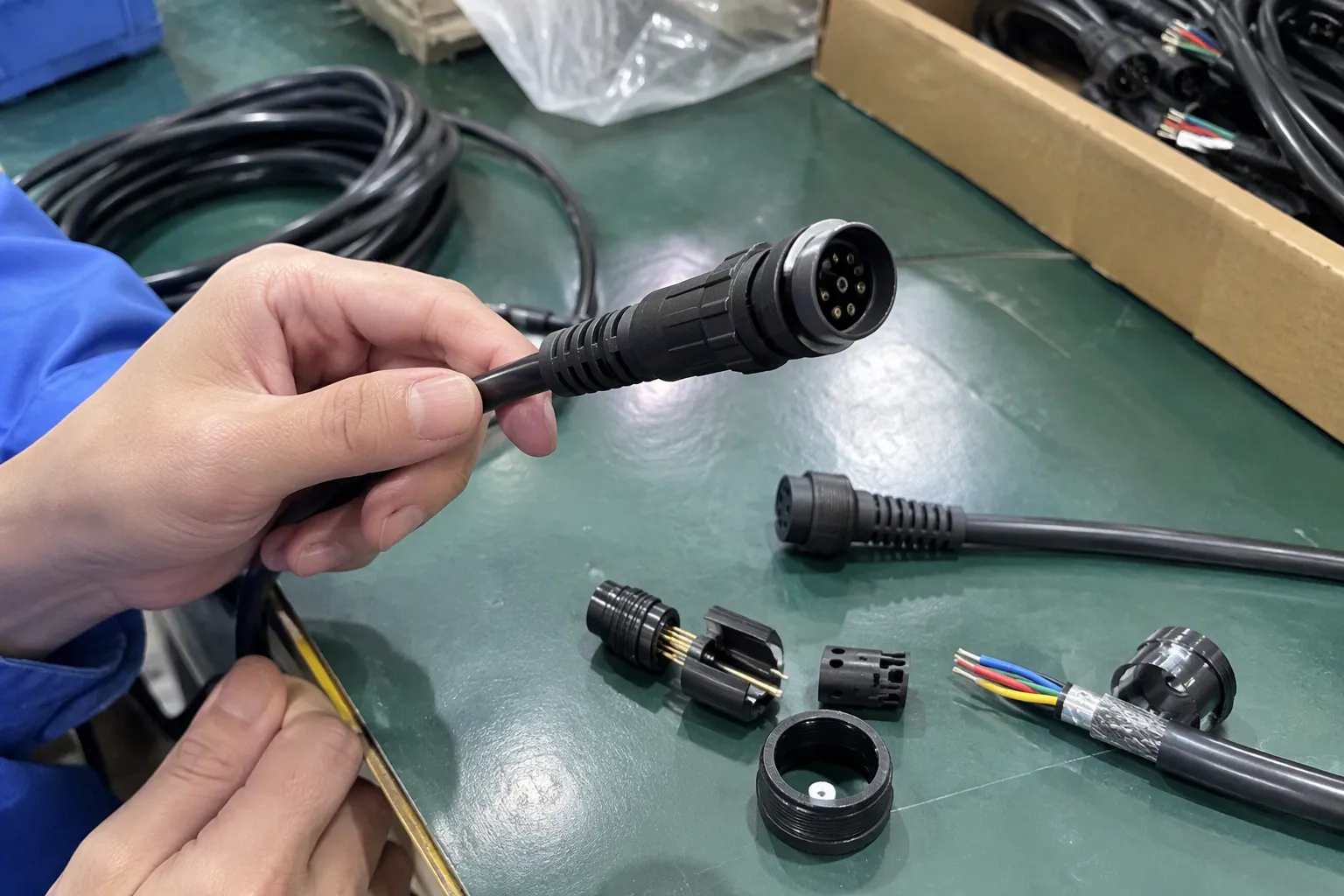
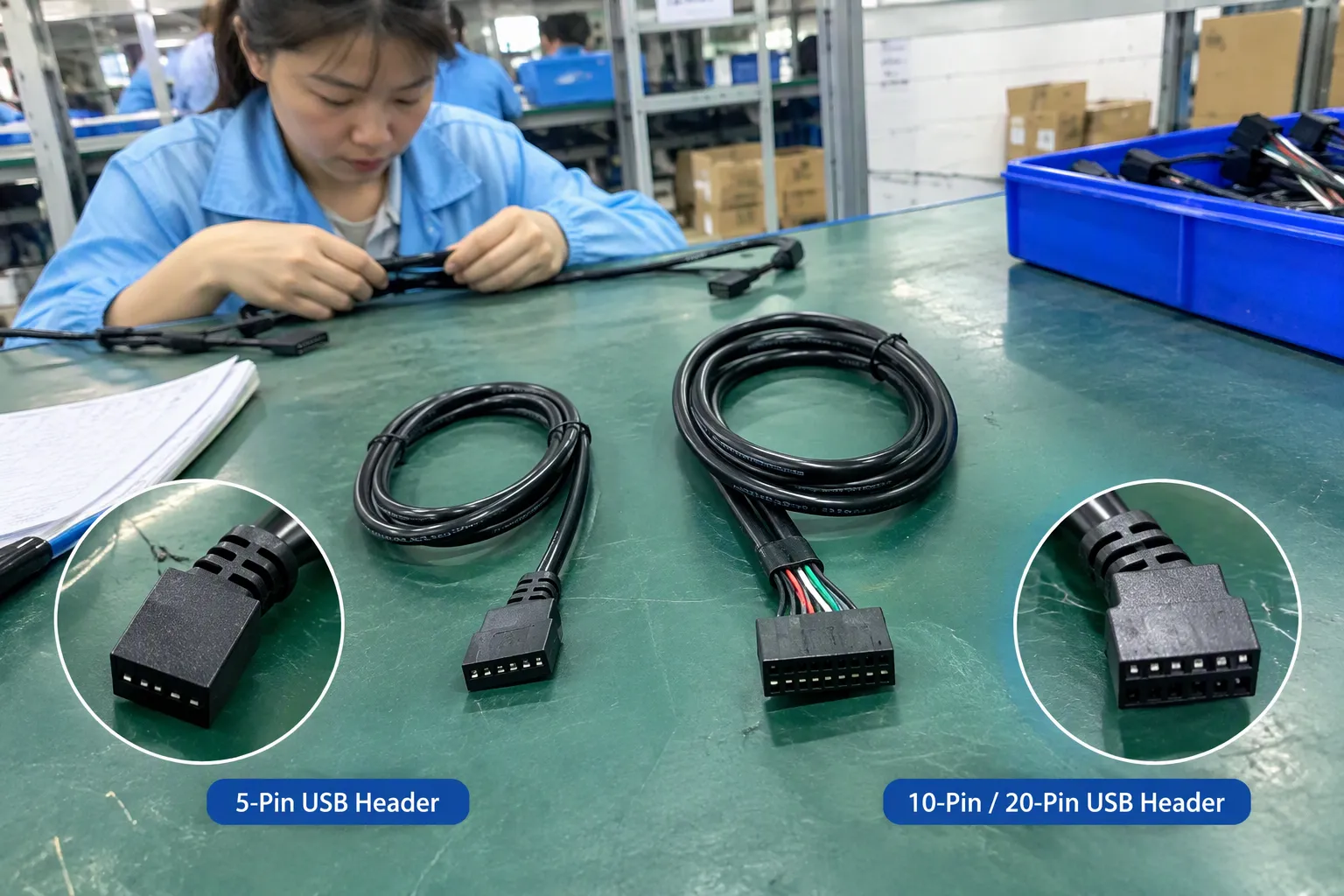
No. These terms are useful for searching, but they do not provide enough information for a safe universal comparison. I avoid presenting a generic table that assigns one USB version or speed to each pin count because that would give buyers false confidence.
The same pin count can appear in different connector families or applications. The connector may also include unused positions, duplicated contacts, a blocked position, or several data channels. The number of metal contacts that a buyer can see does not necessarily explain how the motherboard uses them.
I suggest that buyers describe the connector in a more complete way:
- “A keyed internal header with two rows and a missing position”
- “A single-row connector with five contacts and a cable exiting to the left”
- “A motherboard socket marked with a specific header label”
- “A front-panel cable that needs to connect to this exact board model”
That description gives a supplier much more useful information than “I need a 10-pin USB connector.”
How do I avoid damaging hardware?
I stop the installation if the connector does not slide into place with normal, light pressure. I also avoid modifying the housing or rearranging wires unless a qualified technician has confirmed the pinout and the modification process.
Before connecting the cable, I recommend these precautions:
- Shut down the computer completely.
- Disconnect the power supply from the mains.
- Check the motherboard manual again.
- Compare the cable key with the socket key.
- Confirm that the cable’s red or marked wire follows the documented orientation where applicable.
- Avoid assuming that colored wires follow a universal order.
- Do not force a connector into a socket.
- Do not power the system if the wiring remains uncertain.
- Ask a qualified professional to inspect application-specific connections.
For commercial buyers, I also recommend requesting a drawing or sample before placing a larger order. A supplier should be able to confirm the connector housing, terminal arrangement, cable map, and intended motherboard application from documented information. If the supplier cannot explain the basis of the compatibility claim, I treat the item as unverified.
What information should I send to a supplier?
I usually get a faster and more accurate answer when the buyer sends evidence rather than a short product name. I ask customers to provide:
- A clear photo of the motherboard header from above.
- A second photo showing the surrounding silkscreen label.
- The exact motherboard model and revision.
- A page or screenshot from the manual showing the header pinout.
- A photo of the existing cable plug.
- The target device or front-panel component.
- The required cable length and connector direction.
- The quantity, packaging, and delivery requirement.
A close-up photo should show the key or missing position. A wide photo helps identify the board and header location. I do not rely on a low-resolution image that hides the contact arrangement.
For B2B orders, I add a written compatibility statement to the quotation or purchase specification. The statement should identify the tested or documented motherboard models, connector type, cable length, and any limitations. I also ask for pre-production samples when the product will be supplied to retailers, system builders, or e-commerce customers.
How can procurement teams evaluate a supplier?
A good supplier conversation should focus on evidence. I look for a supplier that asks questions before offering a definitive answer. A supplier that immediately says “all 10-pin headers are compatible” is not addressing the real technical issue.
I use the following supplier evaluation points:
| Evaluation point | Buyer question |
|---|---|
| Product identity | What is the exact connector family and housing specification? |
| Compatibility | Which motherboard models or pinouts support this cable? |
| Documentation | Can you provide a drawing, wiring map, or sample approval record? |
| Quality control | How do you check terminal insertion, crimping, continuity, and polarity? |
| Traceability | Can you identify the production batch and inspection record? |
| Customization | Can you change length, wire gauge, housing, label, or packaging? |
| Commercial terms | What are the MOQ, lead time, sample cost, and replacement policy? |
| After-sales support | How will you handle incorrect fit or confirmed quality problems? |
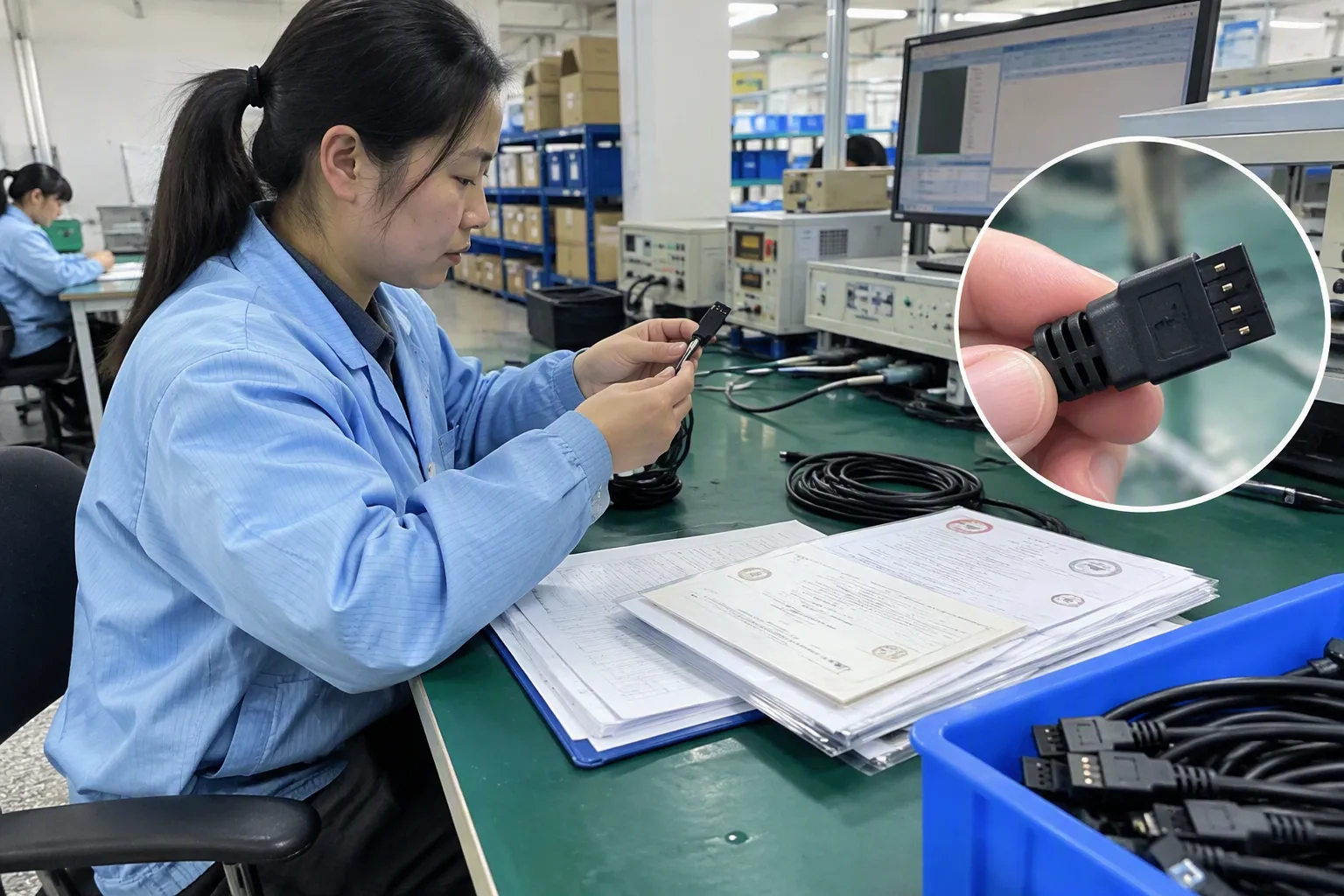
In my 3C sourcing work, I find that stable quality depends on more than the visible connector. The supplier must control the housing, terminals, crimp process, cable assembly, inspection, and packing. Buyers should verify any claimed certifications and quality documents directly for the relevant product and factory. A certificate shown on a sales page is not a substitute for product-specific verification.
What quality checks matter for USB header cables?
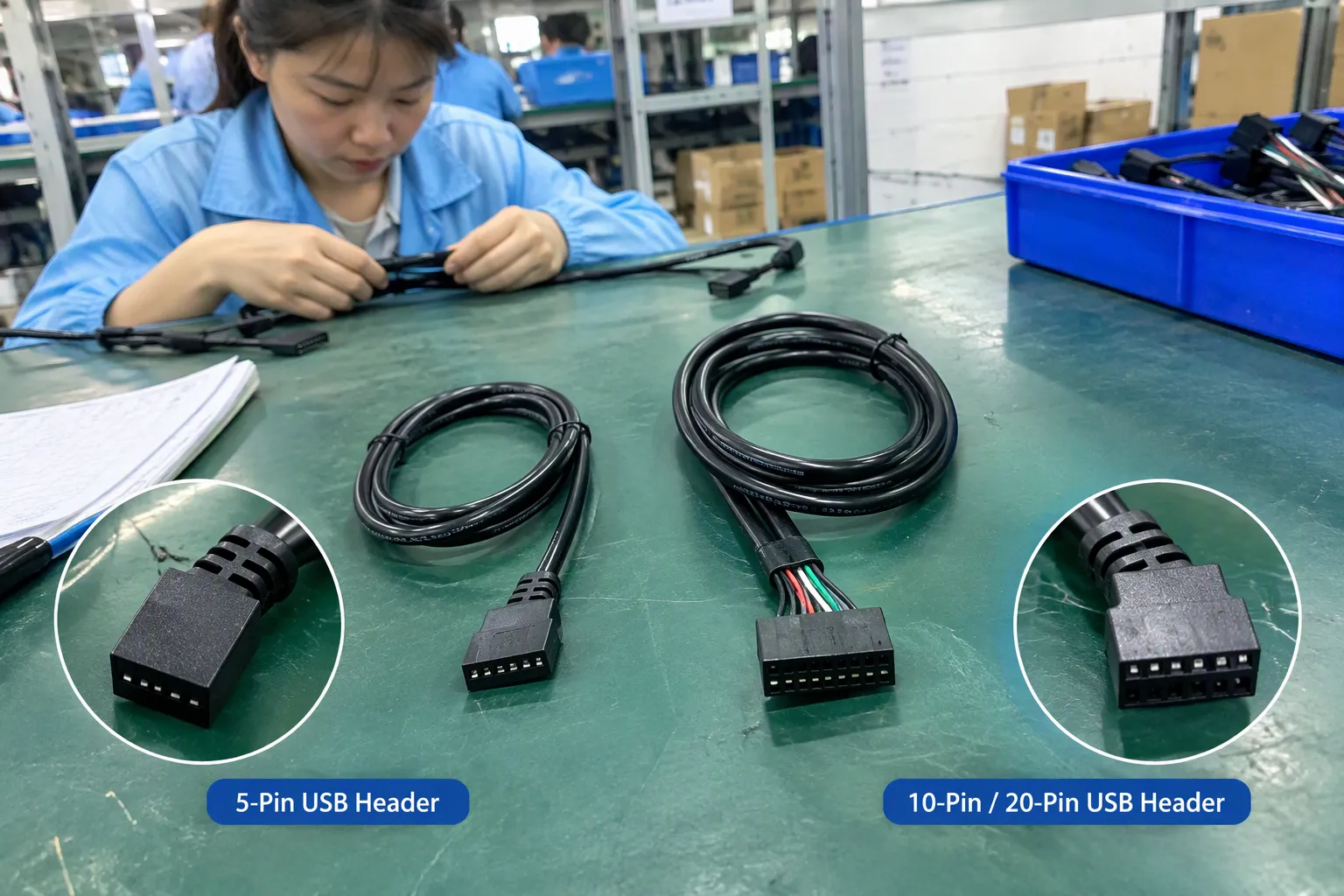
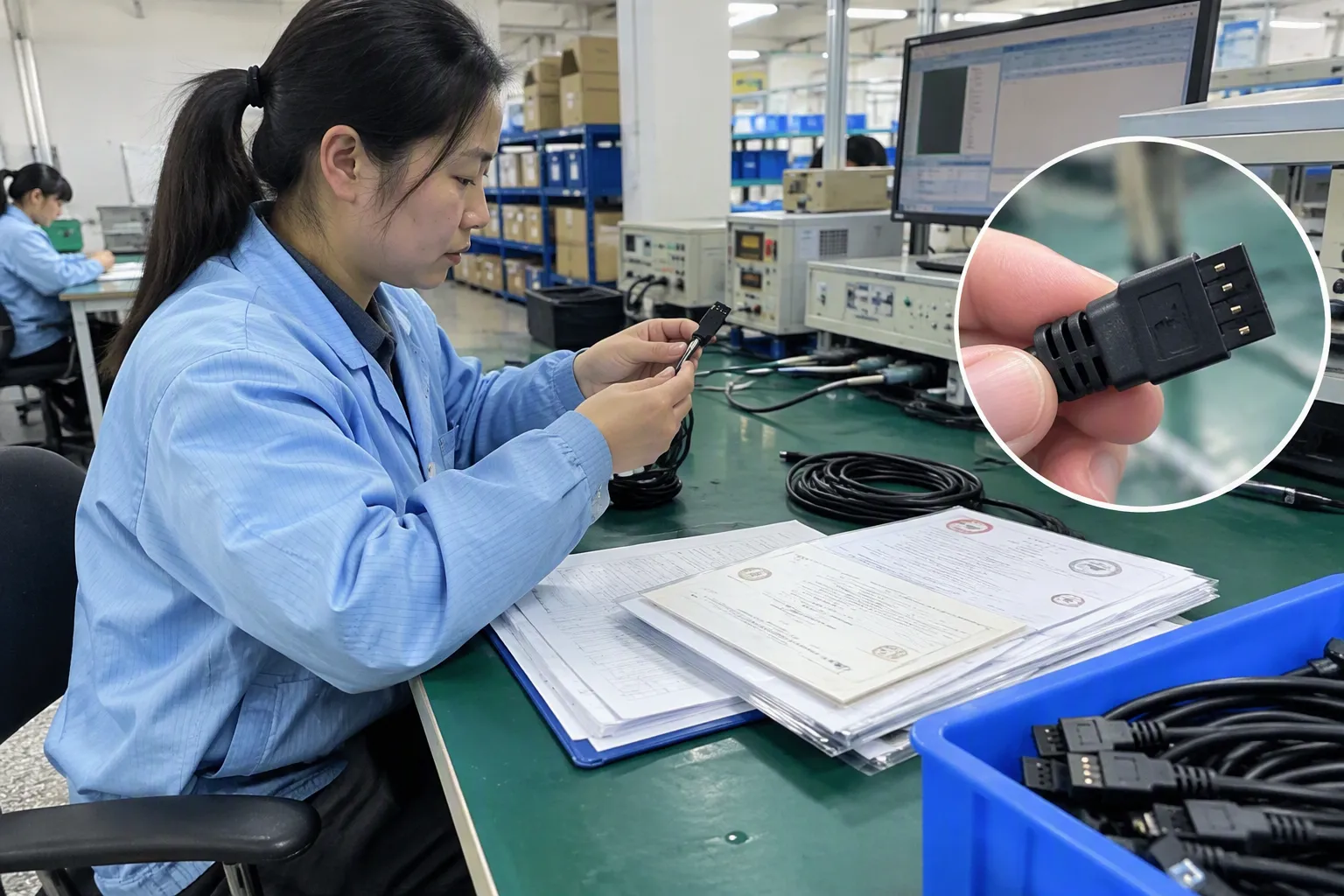
A buyer does not need to perform laboratory testing to create a sensible incoming inspection plan. I recommend checking the features that affect fit, wiring, and reliability:
- Connector housing dimensions
- Key and missing-pin location
- Terminal retention
- Wire order and polarity
- Cable length and jacket condition
- Continuity according to the approved pinout
- Short-circuit checks between relevant conductors
- Strain relief and crimp appearance
- Label and packaging accuracy
- Sample fit with the approved motherboard or test fixture
The inspection method should match the product and application. A qualified technical person can define the appropriate electrical and mechanical checks. I would not claim that a visual inspection alone proves USB speed, signal quality, or long-term reliability.
For retail and e-commerce products, I also recommend documenting the compatible motherboard information on the package or listing. Clear limitations reduce returns. A listing should not promise universal compatibility when the connector depends on a specific header layout.
Why is the target device important?
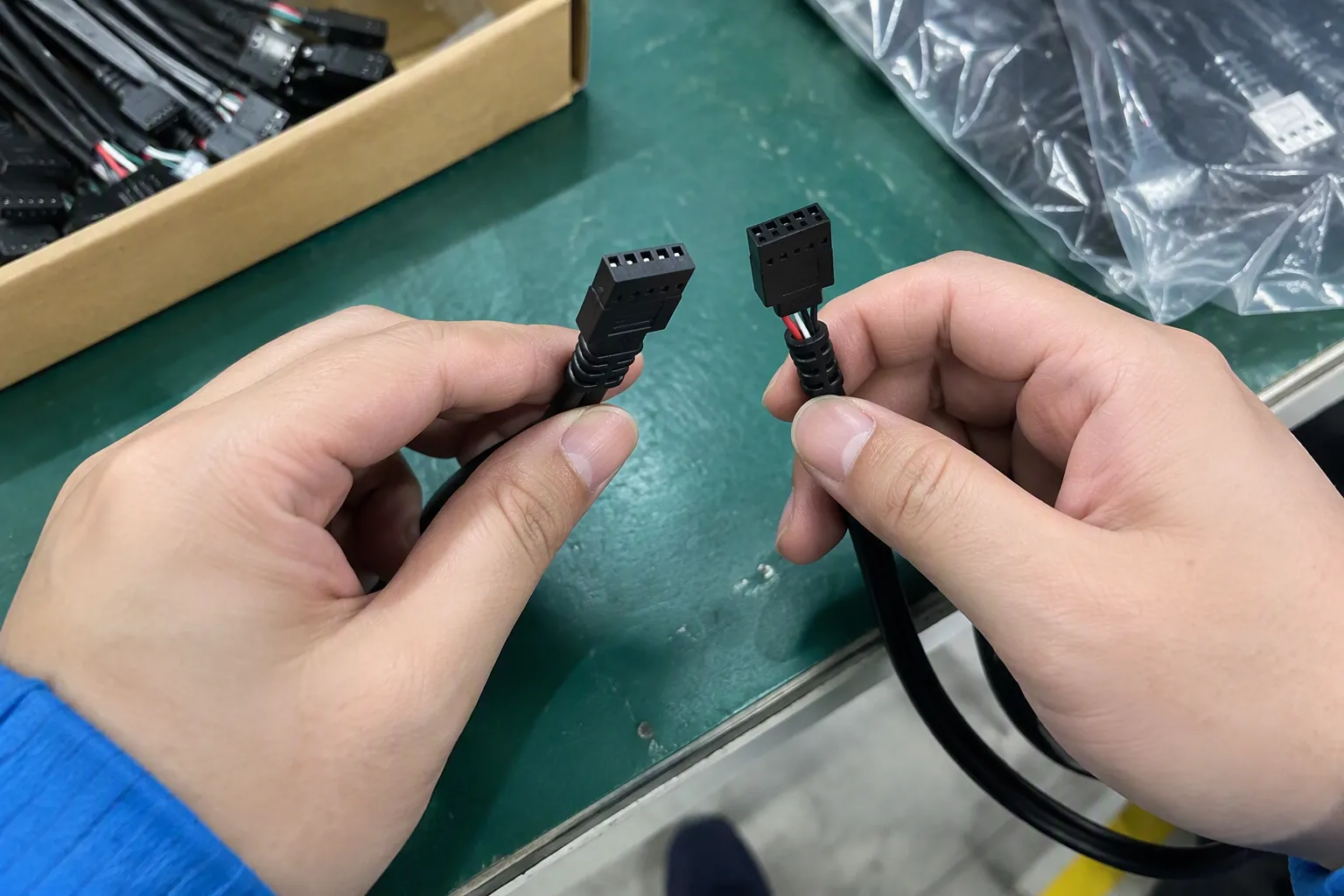
The motherboard header is only one side of the connection. The target device may be a computer case front-panel port, internal hub, expansion accessory, card reader, or another USB-connected product. Each device may use a different housing, cable direction, or channel arrangement.
I ask what the user wants the connection to do:
- Provide data transfer to a front-panel port
- Connect an internal hub
- Supply power to an accessory
- Connect a case-mounted USB socket
- Support a particular data interface
- Replace a damaged original cable
- Adapt an existing device to a different board
The answer affects the specification. A cable that works for a simple front-panel connection may not be appropriate for another accessory. A buyer should also distinguish between data support and power or charging expectations. The connector arrangement alone does not establish the performance of the complete system.
When should I choose a custom cable?
I consider a custom cable when the standard product does not match the motherboard model, connector orientation, installation space, or target device. Customization may involve:
- Cable length
- Wire color or marking
- Connector housing
- Key orientation
- Terminal arrangement
- Right-angle or straight exit
- Dual-connector layout
- Retail packaging
- Private labeling
Custom production requires an approved drawing or sample. I ask the buyer to confirm the pinout before production begins. I also recommend a first article or pre-production sample for approval. This step is especially important for distributors and retailers because a small wiring error can affect an entire shipment.
My company works with international 3C buyers on USB cables and related accessories, including product communication, sourcing, packaging, and export coordination. I still treat each motherboard header application as a product-specific verification task. General sourcing experience helps organize the questions, but it does not replace the motherboard manual or qualified technical evaluation.
Frequently Asked Questions
Are 5-pin USB header connectors for motherboards interchangeable?
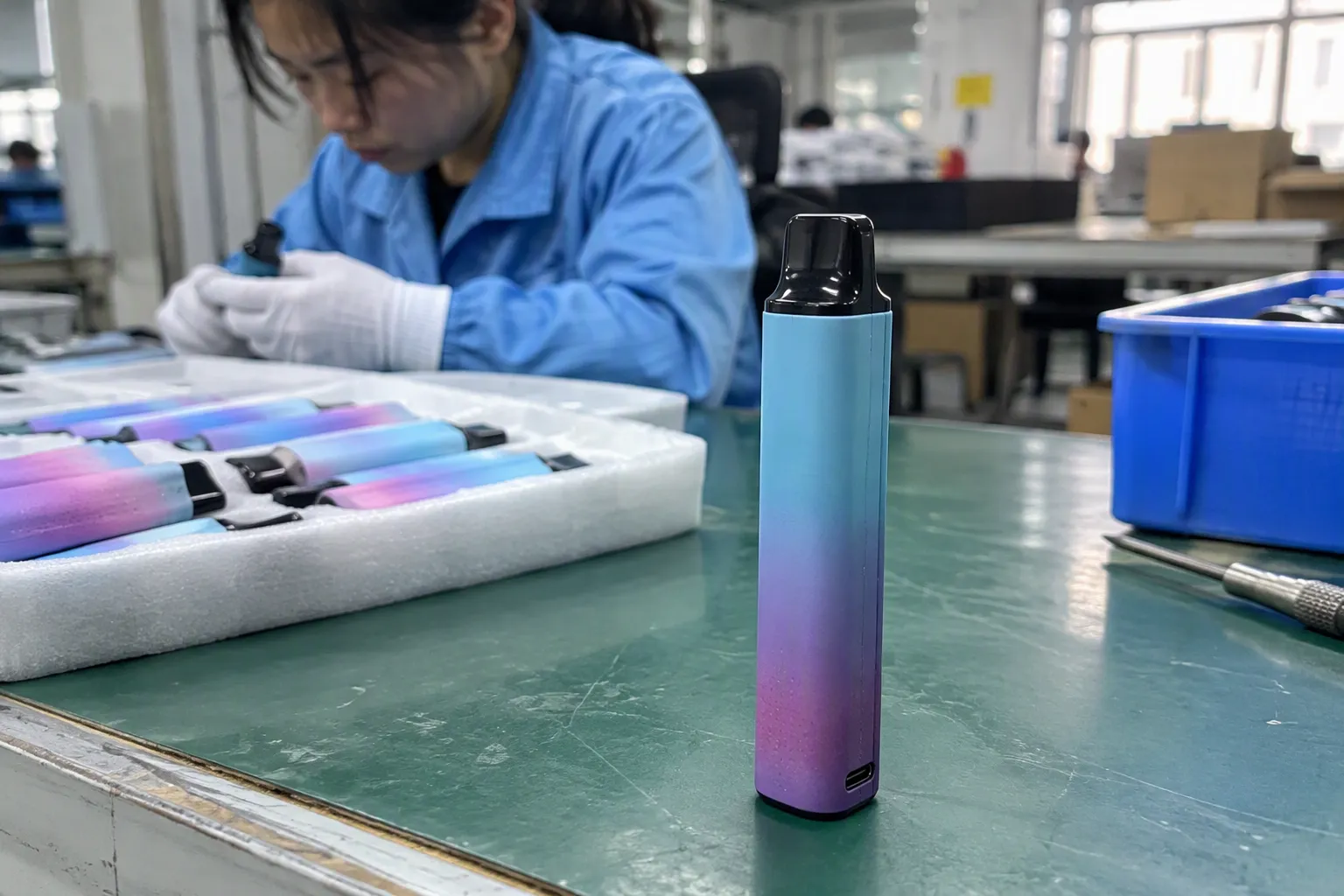
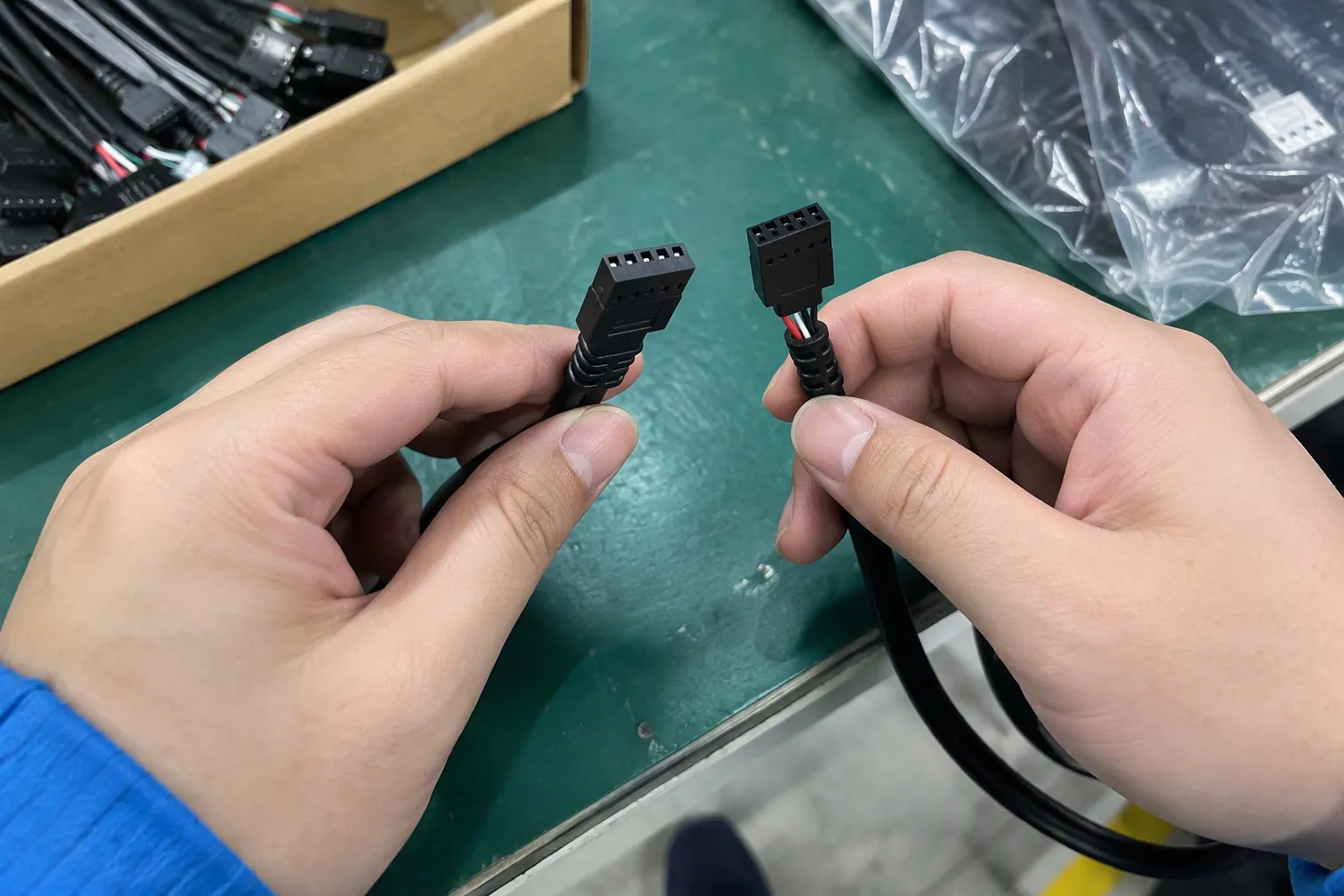
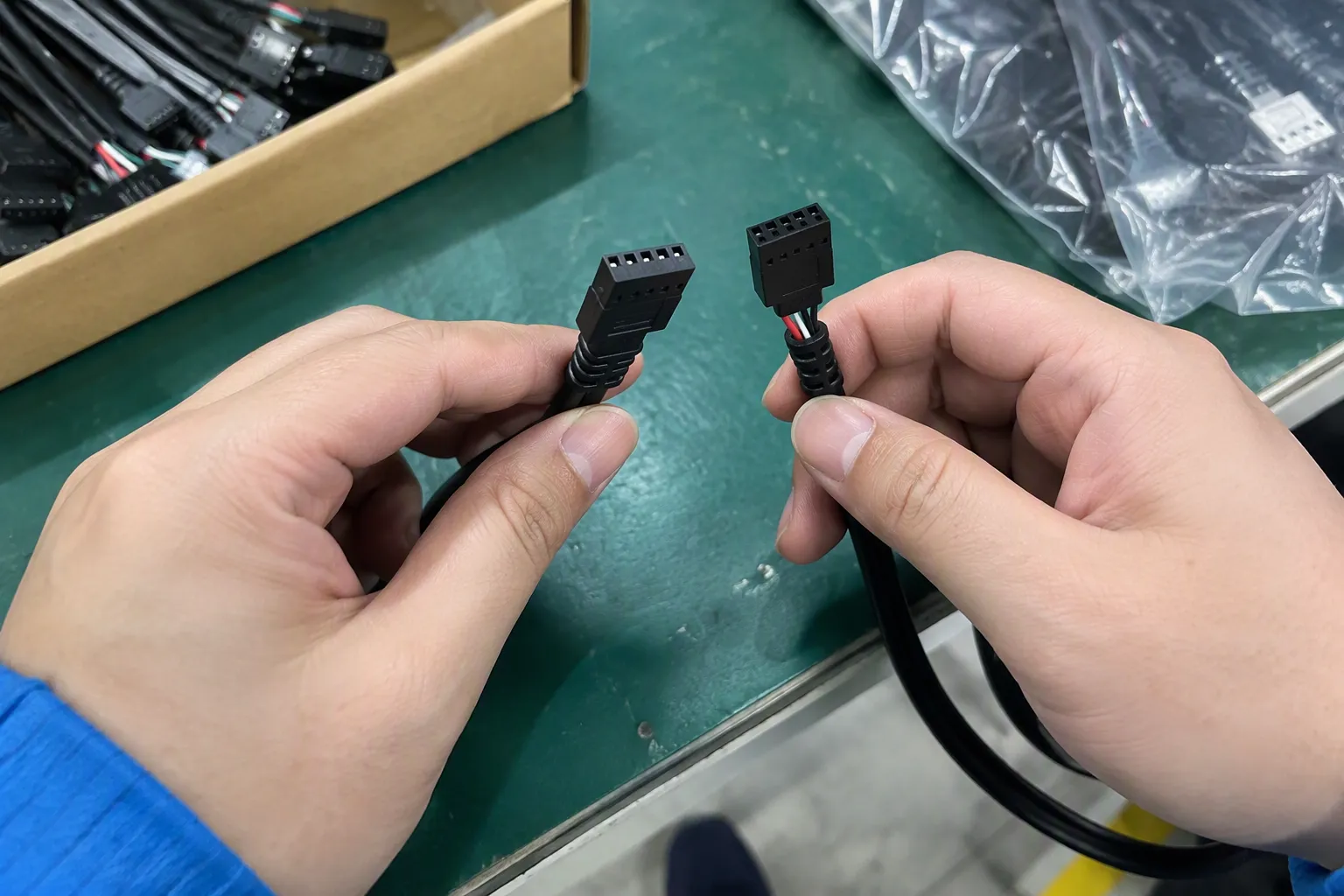
No. A 5-pin description does not identify the complete connector standard or pinout. I recommend checking the motherboard model, header drawing, connector shape, pitch, keying, orientation, and target device before selecting a replacement cable or adapter.
Does a 10-pin motherboard header always support a specific USB version?
No. Pin count does not automatically determine USB version, speed, data channels, or power capability. I would verify the motherboard documentation and the connector manufacturer’s specification instead of relying on a product title or a general online chart.
Can I use a 20-pin connector if it physically fits?
Not necessarily. Physical insertion does not prove that the wiring matches. The key position, contact arrangement, power pins, ground pins, data channels, and supported function must all correspond. I recommend stopping the installation if the pinout cannot be confirmed.
What photos should I send when asking about a USB header cable?
I recommend sending a close-up photo of the motherboard socket, a wider photo showing the header label, a photo of the existing cable plug, and the exact motherboard model. A manual page or official pinout diagram makes the compatibility review much more reliable.
Can a supplier customize a motherboard USB header cable?
Many cable suppliers can customize length, housing, orientation, wiring, terminals, and packaging. I would provide the motherboard pinout, target device, approved sample, and quantity requirement. I also recommend confirming a pre-production sample before ordering commercial volume.
Conclusion
USB header connectors for motherboards require more than a simple 5-pin, 10-pin, or 20-pin comparison. I recommend verifying the exact motherboard model, manual pinout, connector geometry, keying, orientation, wire map, USB function, and target device before buying. Buyers should also review samples, inspection requirements, MOQ, lead time, and after-sales support when sourcing for resale. If you need help identifying a USB header cable or developing a customized 3C accessory, send me the motherboard details, connector photos, and target quantity so I can help organize the right sourcing questions.
Sources
- I can't be the last one to know this. Facts about internal ...", Connector engineering specifications distinguish contact count from housing geometry, keying, and contact assignment, supporting the conclusion that pin count alone does not establish interchangeability
- Wire Connectors - Purdue University", Electrical connector design references distinguish mechanical mating from electrical compatibility, indicating that a connector may mate while presenting incompatible signal, power, or ground assignments
- Essential Connector Terms and Definitions for Specifiers of ...", Technical connector terminology defines contact count as the number of conductive positions and treats it separately from housing form, keying, and circuit assignment
- [PDF] Universal Serial Bus Device Class Definition for Audio ... - USB-IF", USB specifications describe data rates and signaling capabilities through interface and protocol requirements rather than treating an isolated contact count as a universal speed designation
- [PDF] Intel Embedded Processor Module", Hardware documentation conventions identify motherboard model and revision as necessary references for interpreting board-specific connector layouts and pin assignments
- 48 CFR 204.7301 -- Definitions. - eCFR", Manufacturer technical manuals provide the board-specific connector names, diagrams, and pin assignments needed to interpret an internal header, making them a more direct source than an undetailed product listing
- [PDF] University of Colorado Boulder", Connector design literature identifies contact pitch and mating tolerances as dimensional constraints that determine alignment and whether corresponding contacts can engage
- 8+ Simple Tips: How to Read a Pin Sheet [Quick Guide]", Electrical interconnection guidance treats mechanical mating, conductor assignment, and circuit suitability as separate verification conditions because incorrect power or signal mapping can prevent operation or damage equipment