Quick Answer
USB4 asymmetric bandwidth can confuse cable buyers because “120/40Gbps” sounds like a simple speed rating, but it is not. A high-spec USB-C cable may still deliver lower performance when the host, display, dock, SSD, or power setup does not support the same mode. We help buyers reduce that risk by evaluating the complete connection chain before they source, label, or list a cable.
USB4 asymmetric bandwidth refers to a directional USB4 data mode that can allocate up to 120Gbps in one direction and 40Gbps in the other[1]. It is not a guaranteed cable speed for every device.[2] To make accurate sourcing and product-page claims, buyers should verify host support, connected-device capability, cable specification, cable length, display needs, power-delivery needs, and the workload being promoted.
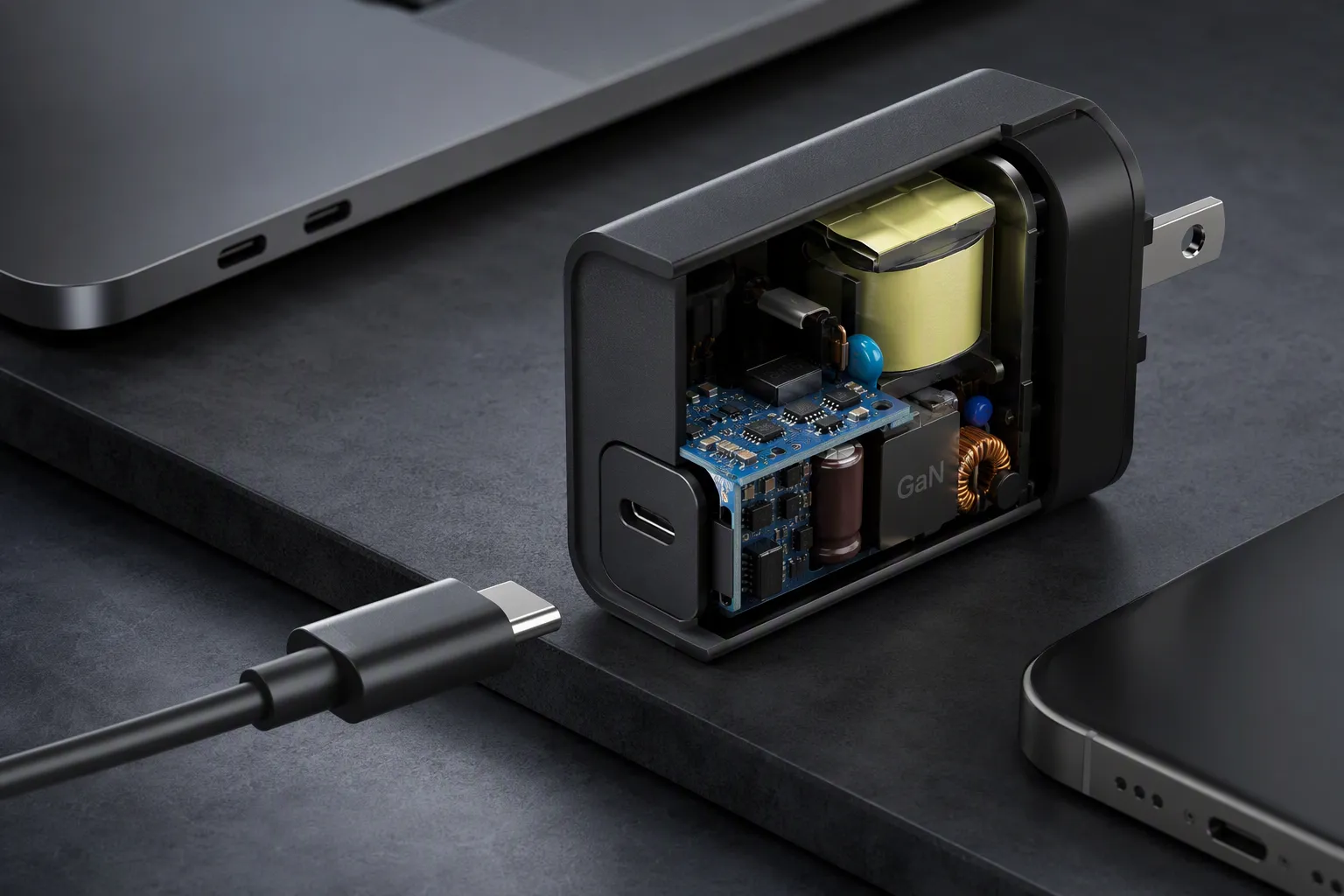
For retailers and e-commerce sellers, the real question is not simply whether a cable carries a USB4 label. The question is whether the cable SKU supports the customer’s likely setup and whether the listing explains that capability without creating unrealistic expectations. That distinction can protect margins, reviews, and post-sale support time.
USB4 120/40Gbps Is Not a Standalone Cable-Speed Promise
USB4 asymmetric bandwidth creates a common sourcing problem: buyers may assume that a cable marked 120/40Gbps automatically makes every USB-C setup run at that level. That assumption can lead to unclear listings, compatibility complaints, and avoidable returns. The practical solution is to treat 120/40Gbps as a connection-mode capability that depends on the full hardware chain.
A USB4 120/40Gbps claim describes an asymmetric bandwidth mode, not a universal two-way cable speed. In supported setups, the connection may allocate more bandwidth in one direction—up to 120Gbps—while keeping up to 40Gbps available in the reverse direction. Actual results depend on the host, connected device, cable, operating conditions, and workload.
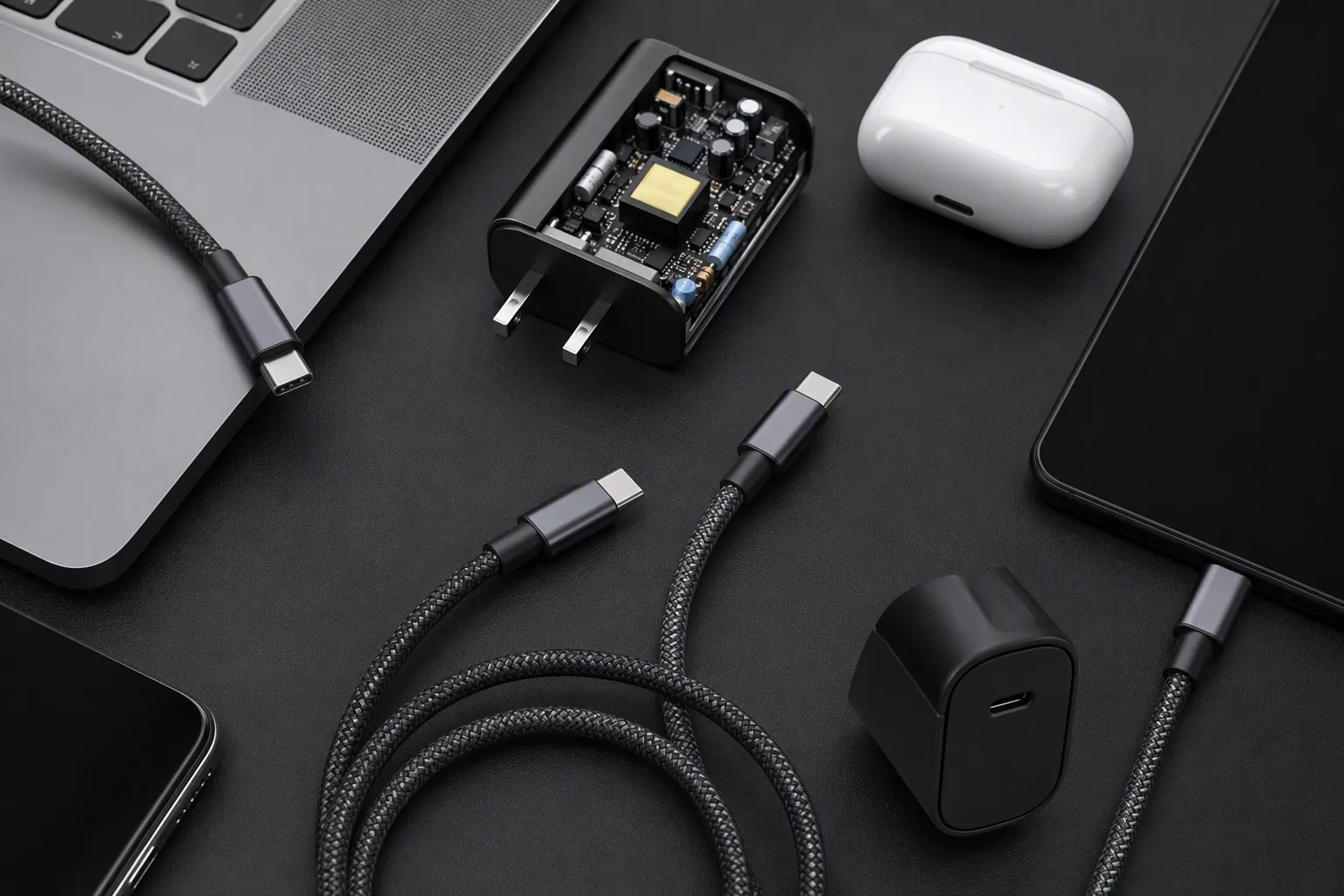
What does “asymmetric” mean in buyer language?
In simple terms, asymmetric bandwidth means that data capacity is not divided equally in both directions[3].
Traditional buyer language often treats a cable speed as one number. A cable may be marketed as 40Gbps, for example, and the buyer expects that number to describe the connection generally. With USB4 asymmetric bandwidth, the label needs more context.
The 120/40Gbps expression indicates that, in a compatible mode, the connection can prioritize one direction:
- Up to 120Gbps in the high-bandwidth direction
- Up to 40Gbps in the return direction
- Not 120Gbps simultaneously in both directions[4]
- Not a promise that every connected USB-C device will enter that mode
This type of allocation can matter in display-heavy use cases. A host may need to send a large amount of display-related data outward to a monitor or dock while requiring less bandwidth in the opposite direction. However, the exact behavior depends on the device design, supported USB4 implementation, operating system, display configuration, and other parts of the connection.
We encourage buyers to avoid treating USB4 asymmetric bandwidth as a consumer-facing “faster in every situation” claim. It is more accurate to explain it as an advanced capability for compatible systems and directional workloads.
A cable can be an important part of a high-performance USB4 connection, but it is only one part of that connection.
For product planning, this distinction matters because customers may use the same cable in very different ways:
- Connecting a portable SSD
- Charging a laptop
- Connecting a dock
- Running external displays
- Transferring files between devices
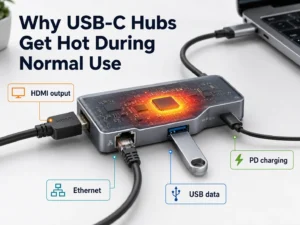
- Combining display, USB peripherals, Ethernet, storage, and charging through one dock
Each use case places different demands on the connection. The customer may see a cable labeled “USB4” and expect all of these functions to work at the highest possible level. A responsible listing should explain that the final capability depends on compatible devices and supported modes.
Why the cable alone cannot create 120/40Gbps performance
A USB-C cable does not generate bandwidth on its own.[5] It carries the signals that the host and connected device negotiate and support. This is the most important point for any retailer building a USB4 cable range.
We often hear a version of the same question during buyer discussions: “If we source a 120/40Gbps cable, can we say customers will get 120Gbps?” The safer answer is no. The cable may support the relevant specification, but the system may not.
A complete setup normally includes the following elements:
| Connection element | What buyers should verify | Why it matters |
|---|---|---|
| Host device | USB4 generation, supported modes, port capability | A laptop, tablet, or desktop may not support the required USB4 mode |
| Connected device | Dock, SSD enclosure, display, hub, or accessory specification | The receiving device may have a lower bandwidth limit |
| Cable | Rated capability, construction, length, power support | The cable must be suitable for the intended data and power use |
| Display setup | Resolution, refresh rate, number of displays, display protocol support | Display demand may change how bandwidth is allocated[8] |
| Power arrangement | Required wattage, charger support, cable e-marker requirements where applicable | A fast data cable does not automatically support every charging level |
| Software and configuration | Driver, firmware, operating system, device settings | Device behavior may vary with updates and configuration |
For example, a retailer may sell a premium USB4 cable to a customer who connects an older USB-C laptop to a portable SSD. The laptop may support a lower USB data mode. The SSD enclosure may also have its own limit. In that case, the cable can still be well made and correctly specified, but the customer will not see the highest advertised system result.
The same issue appears with docks. A dock may use bandwidth for several functions at once:
- External displays
- USB-A or USB-C peripherals
- Ethernet
- SD card readers
- Audio
- Storage devices
- Laptop charging pass-through
The dock design determines how those functions share available bandwidth. A cable described as supporting USB4 asymmetric bandwidth cannot remove the dock’s internal limitations.
USB-C connector shape does not prove feature support
The USB-C connector is convenient, reversible, and widely used. It is also a major source of buyer misunderstanding. The connector shape alone does not confirm USB4 capability, 120/40Gbps support, high-wattage charging, DisplayPort functionality, or dock compatibility.[6]
A USB-C port or cable may support one or more of these functions:
- USB 2.0 data
- USB 3.x data
- USB4 data
- Display output
- USB Power Delivery
- Alternative modes
- Thunderbolt compatibility in certain implementations
- Proprietary or device-specific functions
However, support is not automatic across all products. We recommend that buyers avoid broad wording such as:
- “Works at 120Gbps with all USB-C devices”
- “Supports every USB-C monitor and dock”
- “Maximum speed guaranteed”
- “Universal 8K display cable”
- “Full-function USB-C means all features are supported”
These phrases can create a high return risk because they describe outcomes that may depend on devices outside the cable supplier’s control.
A more credible listing can say:
- “Designed for compatible USB4 systems.”
- “Actual data, display, and charging performance depends on host and device support.”
- “Please confirm your laptop, dock, display, and peripheral specifications before purchase.”
- “For display use, verify supported resolution and refresh rate with the device manufacturer.”
- “Power Delivery performance depends on the charger, host device, cable rating, and connected equipment.”
This wording may look more careful, but it can improve customer confidence. In our experience working with European and U.S. retail and e-commerce buyers, accurate compatibility language is often more valuable than a large headline number without explanation.
Select a USB4 cable based on the workload
A buyer should begin with the intended customer use case, not the largest number printed on a cable package. USB4 asymmetric bandwidth may be relevant for some advanced configurations, but it may not be the deciding factor for every SKU.
High-speed storage transfer
Customers using external SSDs usually care about file-copy speed, workflow reliability, and cable durability. For this use case, buyers should ask:
- What is the maximum interface capability of the host?
- What is the maximum interface capability of the SSD enclosure?
- Does the storage device support USB4, another USB mode, or a different protocol?
- What cable length does the customer need?
- Does the cable need charging support as well as data?
A short, high-quality cable may be more suitable for a portable SSD bundle than a longer cable designed mainly for desk use. However, buyers should not state that the cable will make every SSD reach a specific transfer result. Storage speed also depends on the drive, enclosure controller, thermal condition, source files, and host configuration.
External display output
Display use is where USB4 asymmetric bandwidth can become especially relevant, but it also requires the most careful wording. A display setup may depend on:
- Host display-output support
- Graphics hardware capability
- Dock or adapter design
- Display resolution
- Refresh rate
- Color settings
- Compression behavior where supported
- Number of connected monitors
- Operating system support
- Cable and adapter compatibility
A customer who wants one external display has a different requirement from a customer who wants multiple high-resolution displays through a dock. We recommend that buyers ask the supplier for the cable’s documented capabilities and then compare those details with the target host and dock ecosystem.
Retailers should avoid using one broad display claim across every listing. A more practical approach is to create use-case-specific SKUs or clear comparison charts.
| Customer use case | Main sourcing question | Safer listing focus |
|---|---|---|
| Portable SSD | Does the cable suit the host and enclosure’s supported data mode? | High-speed data for compatible USB-C and USB4 devices |
| Single external monitor | Does the complete host-to-display path support the intended display mode? | Display support depends on compatible host, display, and adapter |
| Docking station | Can the cable support the dock’s data, display, and power requirements? | Suitable for compatible USB4 docks and multifunction setups |
| Laptop charging | What power level is required, and does the cable support it? | Confirm charging wattage and device compatibility |
| Mixed desk setup | How will displays, storage, Ethernet, and peripherals share bandwidth? | Check dock specifications for multi-device performance |
Docking and mixed workloads
A dock is not simply a cable extension. It is an active product with its own controller design, port allocation, power architecture, and compatibility limits.[7] This is why a buyer should never rely on cable labeling alone when sourcing for docking use.
For mixed workloads, we suggest a practical checklist:
- Confirm the host port type and documented USB4 capability.
- Confirm whether the dock supports the required functions.
- Check the intended number of displays.
- Check the display resolution and refresh-rate target.
- Confirm whether customers need high-speed external storage at the same time.
- Confirm Ethernet, card-reader, and peripheral requirements.
- Confirm power-delivery input and output requirements.
- Review the cable’s length and stated data/power capabilities.
- Request supplier documentation for the specific SKU.
- Ask the device manufacturer when exact behavior is unclear.
This process may seem detailed, but it is less costly than handling returns from customers who expected one cable to solve every desk-setup limitation.
Cable length, construction, and power requirements still matter
When buyers focus on USB4 asymmetric bandwidth, they can overlook basic sourcing factors that still influence the sellable quality of a cable.
Cable length is one example. A very short cable may suit portable SSDs, compact docks, or desktop use. A longer cable may be more convenient for monitors or standing-desk setups. However, buyers should confirm how a supplier’s stated performance applies to the exact length being purchased. It is not safe to assume that every length in a product family carries identical capability.
Construction also matters. Depending on the SKU, buyers may review:
- Connector shell material
- Strain-relief design
- Braided or non-braided jacket
- Cable flexibility
- Outer diameter
- E-marker presence where relevant
- Heat management in intended applications
- Connector retention and durability expectations
- Packaging protection for retail channels
For charging-focused products, the buyer should separately confirm the power-delivery capability. A cable promoted for high data performance may not automatically meet a customer’s desired charging requirement. Likewise, a cable with a high charging rating does not automatically provide advanced USB4 data or display capability.
We advise buyers to build product specifications in separate lines rather than combining everything into one vague promise:
| Specification area | Example of a clearer buyer question |
|---|---|
| Data | What USB data capability is documented for this exact cable length? |
| Directional bandwidth | Does the cable support the relevant USB4 asymmetric bandwidth mode in compatible systems? |
| Charging | What power-delivery level is supported, and under what conditions? |
| Display | What display claims can be documented, and what device dependencies apply? |
| Compatibility | Which host, dock, SSD, and display conditions should be disclosed? |
| Compliance documents | Which test reports, declarations, or certifications are available for buyer review? |
As a Shenzhen 3C export trading company with 15 years of export experience, we see that a clear specification sheet often prevents more problems than an aggressive package headline. Buyers should verify available compliance and certification documents for the exact product and target market rather than assuming that a general factory statement applies to every cable variation.
Build product pages that reduce returns

For online sellers, USB4 asymmetric bandwidth is not only a technical subject. It is also a product-page management issue. The listing needs to attract the right buyer while filtering out incompatible expectations.
A useful product page should answer the customer’s likely questions before checkout:
-
What type of cable is this?
State the USB4 capability clearly, but avoid describing 120/40Gbps as a guaranteed universal speed. -
What can it be used for?
List relevant use cases, such as compatible USB4 laptops, docks, SSD enclosures, and displays. -
What must the customer verify?
Explain that the host, connected device, display, dock, and charger affect the final result. -
Does cable length affect the selection?
Show the exact length and ensure the claim applies to that SKU. -
What charging capability is supported?
State the supported power specification separately from data capability. -
What should a customer do before buying for a complex setup?
Recommend that they confirm device specifications with the device manufacturer.
Here is an example of careful listing language:
“This USB4 cable is designed for compatible high-performance USB-C systems. USB4 asymmetric bandwidth modes, display output, data transfer rates, and charging performance depend on the capabilities of the host device, connected device, dock, display, charger, cable length, and system configuration. Please verify your equipment specifications before purchase.”
This is not weak marketing. It is accurate marketing. It tells serious buyers that the seller understands the product category. It also gives customer service teams a useful reference when questions arise after purchase.
A practical pre-order checklist for retail buyers
Before approving a USB4 cable order, we recommend that buyers ask suppliers and internal product teams the following questions.
Technical and product questions
- Is the cable specification documented for the exact length and connector configuration?
- Is USB4 asymmetric bandwidth support being described accurately and with appropriate conditions?
- What is the stated data capability?
- What is the stated charging capability?
- Does the cable include an e-marker where required for its intended power or data function?
- What display-related claims, if any, are supported by supplier documentation?
- Is the cable intended for passive, active, short-distance, or other specific use conditions?
- Which claims require device-side confirmation?
Commercial questions
- What is the MOQ for each length, color, and packaging option?
- What is the sample lead time and mass-production lead time?
- Can the supplier provide retail packaging, barcode placement, inserts, and private labeling?
- What quality-control steps are used for the finished cable?
- What documents can be supplied for market review?
- How are production changes managed after sample approval?
- What is the warranty or post-sale support process?
- Can the supplier provide consistent specification wording for listings and packaging?
Listing and customer-service questions
- Does the package use language that could imply guaranteed 120Gbps performance?
- Does the product page distinguish data, display, and charging capabilities?
- Does the listing explain that USB-C shape alone does not confirm all functions?
- Are compatibility notes visible before the customer buys?
- Does the support team have a troubleshooting checklist for host, dock, display, and cable questions?
A cable category with advanced specifications can be commercially attractive. Still, the best SKU is usually the one with a claim that your team can support consistently across packaging, Amazon listings, retail shelves, distributor catalogs, and customer-service replies.
USB4 Asymmetric Bandwidth FAQs
Does a 120/40Gbps USB4 cable guarantee 120Gbps file-transfer speed?
No. USB4 asymmetric bandwidth describes a directional connection mode, not a guaranteed file-transfer result. Actual storage performance may depend on the host port, SSD enclosure, drive speed, cable capability, software, thermal conditions, and the type of files being transferred.
Can every USB-C laptop use USB4 asymmetric bandwidth?
No. A USB-C connector does not prove USB4 support or support for a specific asymmetric bandwidth mode. Buyers should verify the laptop manufacturer’s technical documentation and confirm the capability of the connected dock, display, SSD, or other device.
Is USB4 asymmetric bandwidth mainly for displays?
It may be particularly relevant for display-heavy workloads because one direction can receive more bandwidth allocation in compatible systems. However, exact behavior depends on the host, display hardware, dock, operating system, and supported standards. Buyers should verify application-specific performance.
Does a USB4 cable automatically support high-wattage charging?
No. Data capability and charging capability are related but separate specifications. Buyers should confirm the cable’s supported USB Power Delivery level, the charger output, the laptop or device input requirement, and the exact product documentation for the cable SKU.
What should we write on a 120/40Gbps cable listing?
Use careful wording such as “designed for compatible USB4 systems” and explain that actual data, display, and charging performance depends on the complete device chain. Avoid universal promises such as “120Gbps for all USB-C devices” or “guaranteed maximum speed.”
Conclusion: Source USB4 Asymmetric Bandwidth Cables With Clear Claims
USB4 asymmetric bandwidth can be a valuable feature for advanced, compatible USB4 setups, especially where directional bandwidth allocation may matter. However, 120/40Gbps is not a standalone cable-speed promise. Retail buyers should verify the host, connected device, cable length, charging requirement, display setup, and exact listing language before placing an order. We help B2B buyers source USB cables with practical specifications, stable quality, customizable packaging, and clearer claims for European and U.S. markets. Contact us to discuss your target SKU, MOQ, lead time, and compatibility requirements.
Sources
- USB4", The USB Implementers Forum describes USB4 Version 2.0 asymmetric operation as supporting up to 120 Gbps in one direction and 40 Gbps in the reverse direction
- USB4", USB4 operation is negotiated across the connected system; consequently, a cable's rated capability alone does not establish the bandwidth achieved by every host-and-device combination
- Welcome to the 80Gpbs Ultra-High Speed Era of USB4", In USB4 terminology, an asymmetric link configuration provides unequal directional bandwidth, unlike a symmetric configuration with equal capacity in both directions
- USB-C can hit 120Gbps with newly published USB4 ...", The USB4 120/40 Gbps asymmetric configuration specifies up to 120 Gbps in one direction and up to 40 Gbps in the other; it is not a bidirectional 120 Gbps-per-direction mode
- Universal Serial Bus 4 (USB4™) design details and ...", USB4 bandwidth is an end-to-end link property established by compatible connected components; a cable can preserve or constrain a supported mode but does not independently create host or device capability
- What is USB-C DisplayPort (DP Alt Mode) and Why it Matters", USB Type-C identifies the connector system, not a uniform feature set: supported USB data modes, USB Power Delivery levels, and alternate modes must be determined from the specific product's specifications
- Details about USB, Thunderbolt and dock operation", USB4 docking architectures incorporate active routing and controller functions, so display, storage, networking, and peripheral traffic can be subject to the dock's available bandwidth and implementation
- Universal Serial Bus 4 (USB4™) design details and ...", USB4 supports DisplayPort tunneling, and the bandwidth required by active display transport can affect the bandwidth available to other traffic on the same USB4 connection