Quick Answer
When I discuss a USB connector with a retailer or importer, the first problem is rarely the shape of the plug. The real problem is that a cable can fit a device while failing its required charging, data, or video function. That confusion can lead to wrong SKUs, misleading listings, returns, and difficult after-sales conversations.
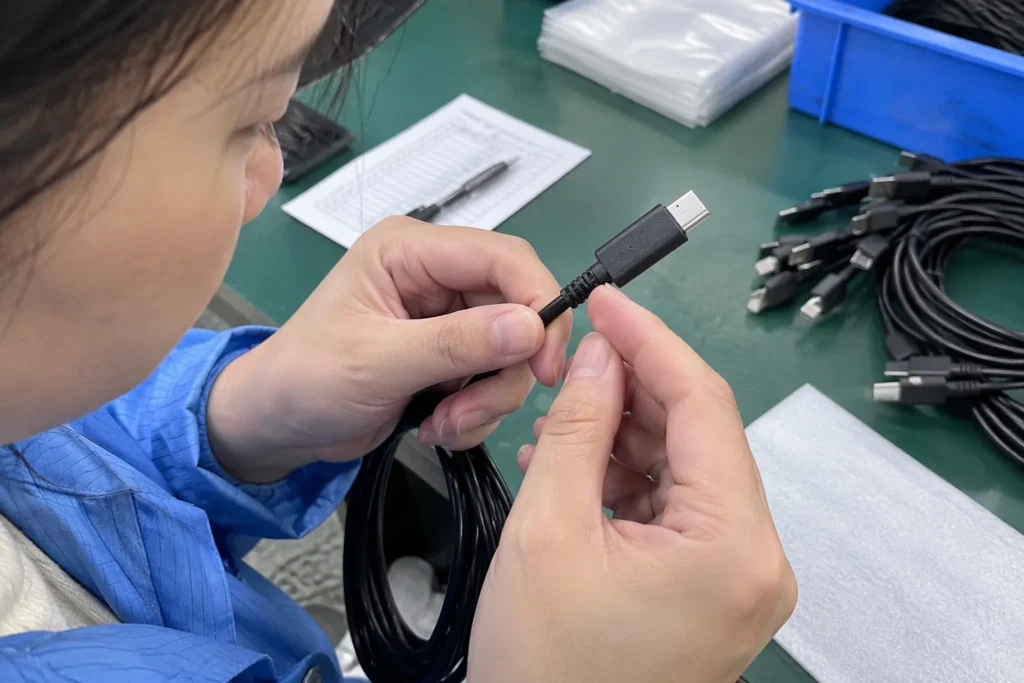
A USB connector guide should begin with the device, the connector on each side, and the intended use. USB-C, Micro-USB, Lightning, and USB-A describe physical connector forms, but they do not automatically confirm charging power, data speed, or video support.[1] Buyers should verify the device specification, cable construction, charger output, and required protocol together before selecting or listing a product.
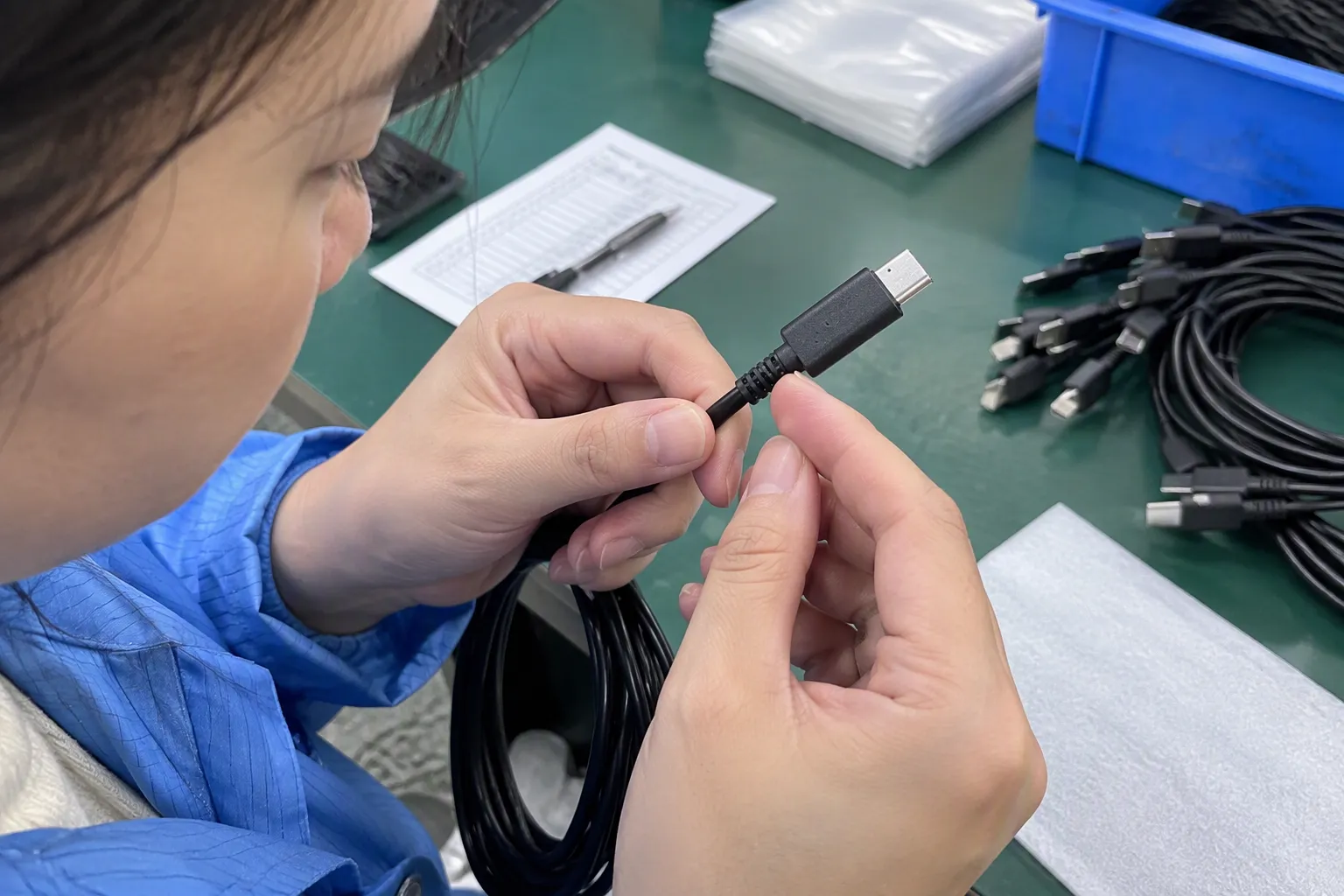
In my experience handling European and American customer discussions, repeated clarification usually happens because buyers describe a product only by its connector name. I use a more practical method: identify the device port, define the job the cable must perform, and then check whether the complete connection supports that job.
Which USB Connector Fits Smartphones, Tablets, and Portable Devices?
A wrong connector choice can look correct during a quick visual check. The plug may enter the port, yet the cable may not provide the expected charging or data result.[3] I therefore treat connector selection as a purchasing decision rather than a simple glossary exercise.
The right USB connector depends on four points: the device port, the cable side, the intended function, and the technical information confirmed by the supplier or device manufacturer. USB-C is common in newer products, while Micro-USB and Lightning remain relevant in existing device groups.[4] USB-A still appears on many chargers, computers, hubs, and power sources.
I recommend that a buyer document each connection in a simple format:
Source or charger side → cable → device side → required function
For example, “USB-A charger to USB-C smartphone for standard charging” is more useful than simply writing “USB-C cable.” If the customer needs fast charging, file transfer, or display output, I add that requirement separately and verify it against reliable documentation.
Why connector shape is only the first check
A connector identifies the physical interface. It does not, by itself, identify the complete electrical or communication capability. Two cables with the same plug shape can have different internal conductors, power ratings, data capabilities, lengths, and quality levels.[2]
I often explain the difference through three compatibility layers:
-
Physical compatibility
The plug fits the device port and the other equipment. -
Electrical compatibility
The charger, cable, and device can negotiate or deliver the required power safely within their supported specifications. -
Functional compatibility
The complete connection performs the required job, such as charging, data transfer, synchronization, or video output.
A listing that says “USB-C cable for tablets” may be incomplete. It should ideally explain the cable sides, supported purpose, length, and any verified limitations. A wholesale buyer may also need packaging language, model references, test documents, and consistency between the sample and mass production.
Common connector forms buyers may encounter
| Connector form | Where I commonly see it | What buyers should not assume |
|---|---|---|
| USB-C | Smartphones, tablets, power banks, laptops, earbuds, accessories | Every USB-C port supports the same power, data, or video function |
| Micro-USB | Older smartphones, basic accessories, speakers, cameras, and low-cost electronics | A Micro-USB cable is suitable for every device with a similar-looking port |
| Lightning | Certain smartphones, tablets, and accessories | A physically suitable cable automatically has every desired device or certification feature |
| USB-A | Chargers, computers, power banks, hubs, and legacy equipment | USB-A alone indicates the speed or charging performance of the complete setup[5] |
This table helps my customers compare product categories, but I still ask them to verify the exact device and application. Port trends can guide inventory planning, but they should not replace model-level compatibility checks.
USB-C, Micro-USB, and Lightning are not interchangeable descriptions
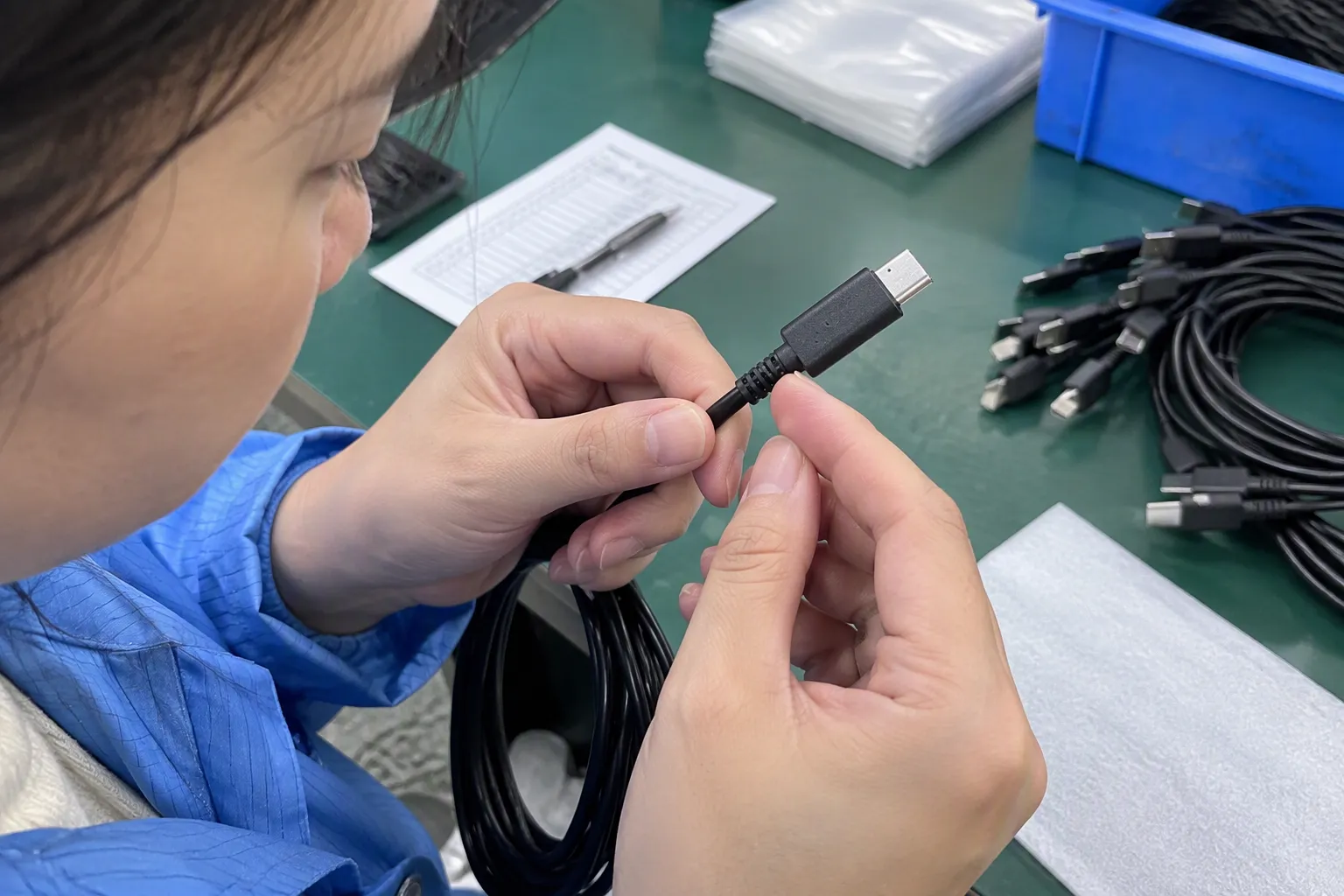
USB-C has become an important connector form across mobile and portable electronics. Its reversible design is convenient, and many newer products use it.[6] However, I never describe all USB-C products as “fast” or “universal” without supporting documentation. A USB-C charging cable, USB-C data cable, and USB-C cable intended for display use may have different requirements.
Micro-USB continues to matter when a retailer supports older devices, low-cost electronics, or existing customer accessories. A buyer who removes Micro-USB products too quickly may create gaps in replacement demand. At the same time, I would not recommend stocking this connector broadly without reviewing the target market and device mix.
Lightning may still appear in established product categories and accessory programs. Because device ecosystems and applicable requirements can change, I advise buyers to verify current product authorization, technical documents, and market-entry requirements before placing an order.
The device side and source side both matter
Many buyers ask for “a Type-C cable” but do not specify whether USB-C is needed on one end or both ends. That difference affects the charger, computer, power bank, and device connection.
Common combinations include:
- USB-A to USB-C
- USB-C to USB-C
- USB-A to Micro-USB
- USB-A to Lightning
- USB-C to Lightning
- USB-C to Micro-USB through an appropriate cable or adapter arrangement
The correct combination depends on the equipment already owned by the end user. A retailer serving customers with older wall chargers may need USB-A-to-device cables. A retailer focused on newer chargers may need USB-C-to-USB-C products. I usually ask for photographs of both ports or a device model list when the description is unclear.
Charging, data, and video require separate confirmation
I separate the requested function before I discuss price or MOQ. A buyer may need:
- Basic charging
- Higher-power charging
- File transfer
- Device synchronization
- Connection to a computer
- Audio or accessory connection
- Video output or display connection
The same connector shape does not prove that all these functions are available.[7] A cable may charge but have limited or no data capability.[8] Another cable may transfer data but not support the requested charging arrangement. A video connection may depend on the device port, cable design, adapter, source equipment, display, and supported protocol.
I encourage buyers to request a clear specification sheet that identifies what has been verified. If the supplier uses broad phrases such as “high speed,” “super fast,” or “full function,” I ask for the exact meaning and supporting evidence. I also recommend that buyers have qualified technical professionals assess application-specific requirements, especially when a cable will be bundled with a regulated or safety-sensitive product.
A practical SKU-selection framework
I use the following process when helping a customer decide which products to stock:
-
List the target devices.
I ask whether the range covers smartphones, tablets, earbuds, watches, power banks, cameras, or other portable equipment. -
Record the device-side port.
I separate USB-C, Micro-USB, Lightning, and other interfaces rather than grouping them under “mobile accessories.” -
Record the source-side port.
I check whether customers will connect to a USB-A charger, USB-C charger, laptop, power bank, hub, or another device. -
Define the main use.
I label each SKU for charging, data, synchronization, video, or a confirmed combination. -
Confirm technical boundaries.
I request documentation for rated power, supported data function, cable construction, length, and any relevant protocol claims. -
Review the customer-facing description.
I remove claims that the documents do not support. -
Check commercial details.
I compare MOQ, lead time, packaging, customization, sample approval, inspection arrangements, and after-sales responsibilities.
This process may take more time before an order. In my experience, it saves time later because the buyer, supplier, warehouse, and marketing team work from the same product definition.
How I would describe a cable listing
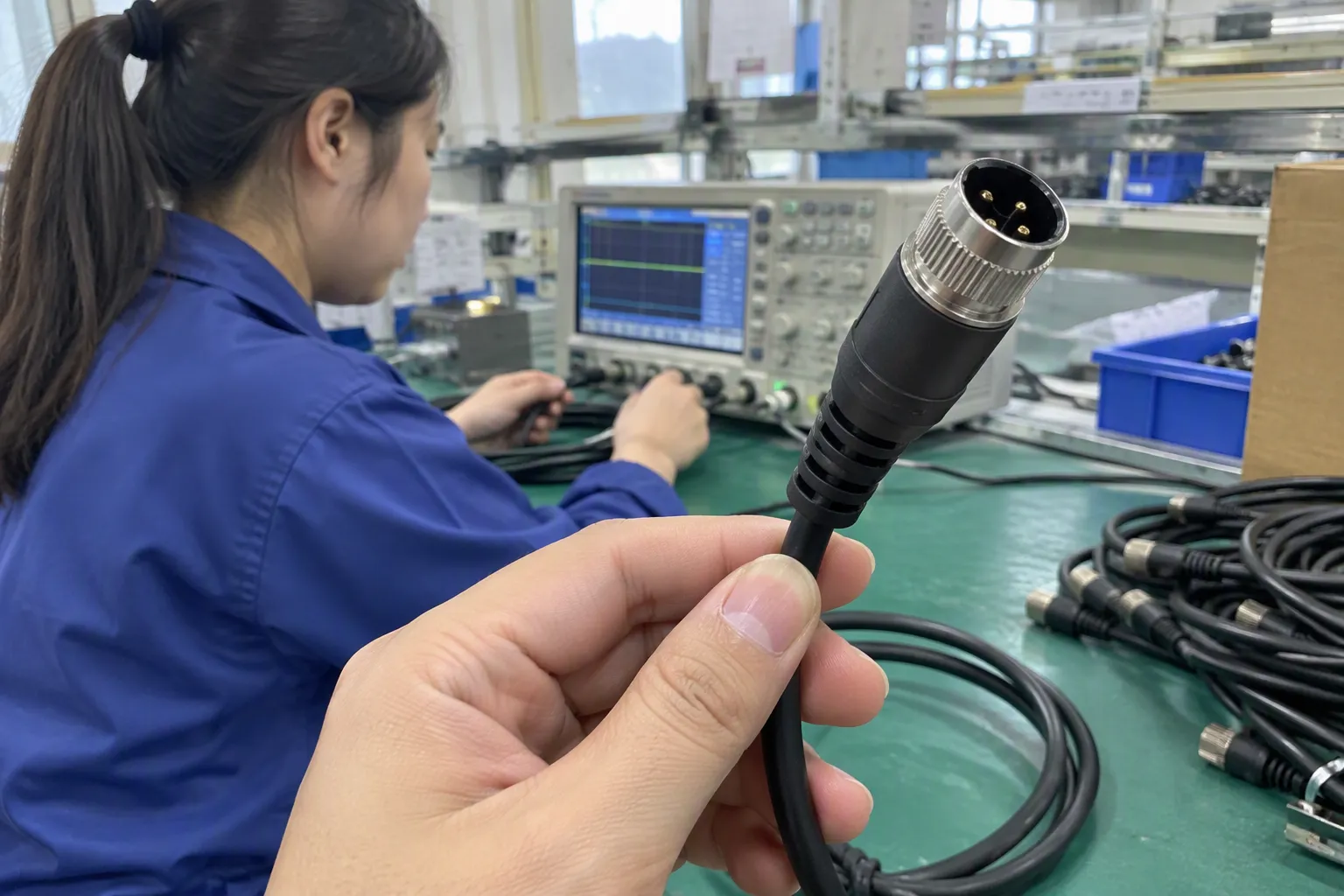
A weak listing might say:
Universal USB-C fast charging data cable.
That wording creates several questions. Which side is USB-C? What does “fast charging” mean? What data function is supported? Which devices are covered? Is video included? Has the claim been verified for the intended market?
A clearer listing structure would include:
- Connector on each end
- Intended device category
- Primary use
- Confirmed power or data information
- Length and materials
- Packaging details
- Any stated exclusions
- Applicable documents available for buyer review
I would not promise universal compatibility when the product has not been evaluated across every device. Clear limits often build more trust than exaggerated claims.
Quality control points for a USB connector product
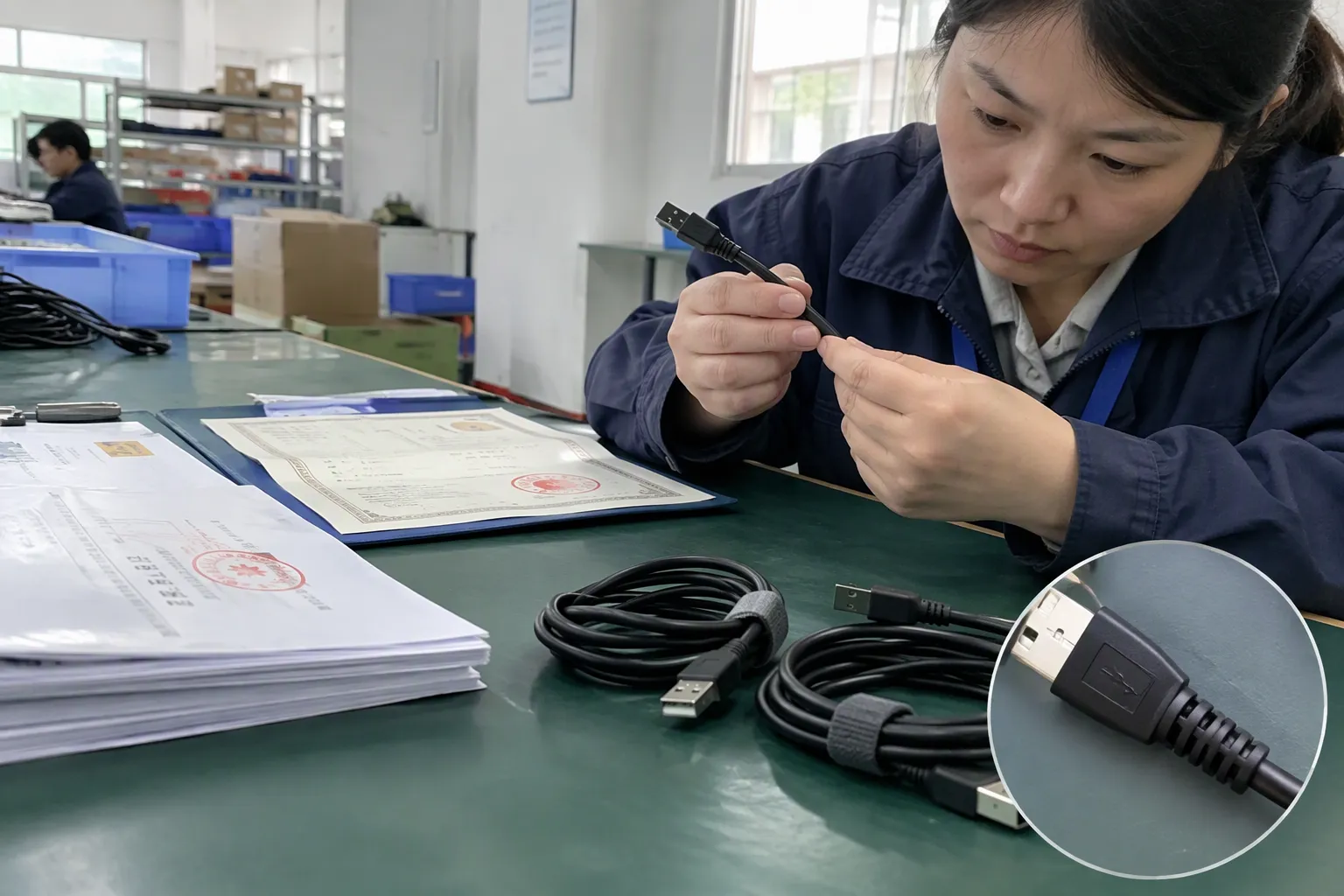
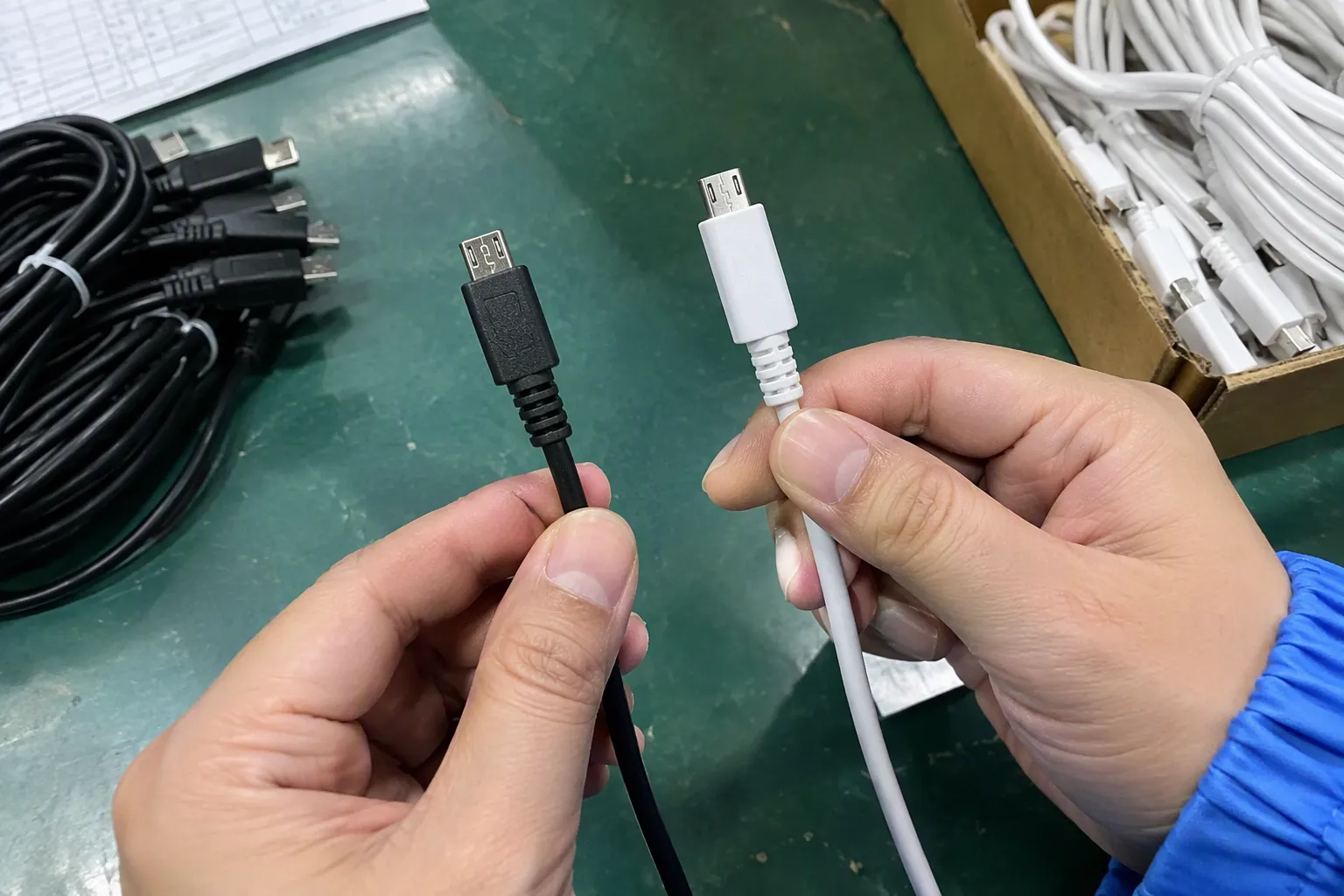
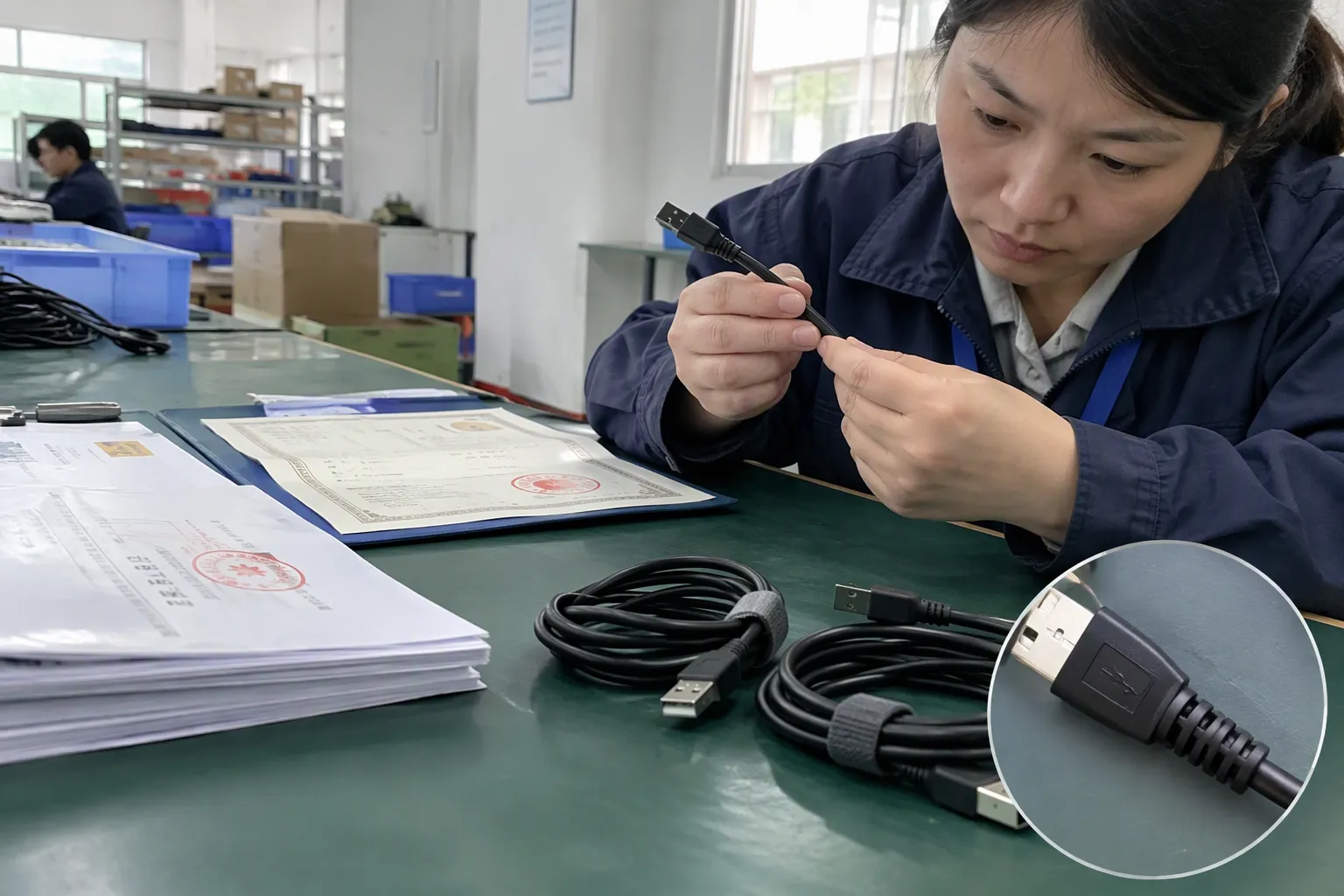
For procurement, I look beyond the connector shell. The production and inspection plan should consider:
- Plug dimensions and fit
- Housing quality and strain relief
- Cable length tolerance
- Conductor and insulation specifications
- Visible molding defects
- Contact finish and cleanliness
- Connection stability
- Label and packaging accuracy
- Batch consistency
- Required electrical or functional checks
The exact inspection method should match the product and application. I do not present a supplier certificate or test report as proof of every performance claim. I ask buyers to verify the document issuer, product model, test scope, date, and whether the mass-production item matches the tested sample.
For private-label products, I also recommend approving the artwork and technical wording before production. A packaging claim can create a commercial problem if the cable supplied does not support the same function.
How retailers can reduce returns and confusion
Retailers and e-commerce sellers can reduce compatibility problems by organizing products around customer needs. I prefer categories such as:
- Cable for USB-A charger to USB-C device
- Cable for USB-C charger to USB-C device
- Cable for legacy Micro-USB equipment
- Cable for a specified Lightning device group
- Charging-only cable
- Charging and data cable
- Cable with separately verified display or other advanced function
I also recommend a compatibility note near the purchase button. The note should identify the device side and source side in plain language. Product images should show both ends of the cable, not only the most attractive connector.
A short question-and-answer section can help:
- Does this cable fit my device?
- What charger port do I need?
- Is data transfer supported?
- Is the cable intended for charging only?
- Does my device support the advertised function?
These details support better customer decisions and give the after-sales team a clearer reference when a buyer asks for help.
Supplier questions I ask before purchasing
When I compare suppliers, I ask questions that connect technical and commercial requirements:
- Which connector combinations are available?
- What device-side and source-side configurations does each SKU use?
- Which functions are confirmed for each model?
- Which claims are based on supplier documents, and which require buyer-side verification?
- What quality-control checks occur during production?
- Can the supplier provide a pre-production sample?
- What are the MOQ and lead time for standard and customized packaging?
- How does the supplier handle defective units or inconsistent batches?
- Which certifications or compliance documents are available for the exact product?
- Can the supplier maintain the approved specification during repeat orders?
I avoid treating a low unit price as the main selection criterion. A cheaper cable can become expensive when the buyer faces returns, relabeling, replacement shipments, lost shelf space, or marketplace complaints.
What my Shenzhen export experience adds
I am based in Shenzhen, and I have handled customer discussions involving USB products, interface compatibility, and specification clarification. My role in those discussions is not that of a laboratory tester or standards engineer. I help translate a buyer’s sales requirement into a clearer product specification and supplier communication process.
I have found that the most useful question is often simple: “What exactly must the customer do with this cable?” That question changes the discussion from connector appearance to real use. A buyer may initially ask for a high-power USB-C cable, but the final requirement may be a standard charging cable for a particular power bank. Another buyer may ask for a universal tablet cable when the assortment actually needs two separate connector combinations.
My company has 15 years of export experience and supplies 3C products such as USB cables, chargers, GaN chargers, TWS earbuds, and smartwatches. We mainly work with European and American markets. We can discuss product options, MOQ, lead time, packaging customization, and after-sales expectations, while buyers should independently verify certifications, technical claims, and application-specific suitability.
A buyer’s final checklist
Before I approve a USB connector SKU, I check the following:
- [ ] I know the exact target device category.
- [ ] I know the device-side connector.
- [ ] I know the source-side connector.
- [ ] I have defined charging, data, video, or another required function.
- [ ] I have separated physical fit from functional compatibility.
- [ ] I have reviewed the product specification.
- [ ] I have checked whether performance claims are documented.
- [ ] I have approved the sample before mass production.
- [ ] I have reviewed packaging and listing language.
- [ ] I have confirmed MOQ, lead time, inspection, and after-sales terms.
- [ ] I will verify certification and market requirements for the exact product.
This checklist works for a single cable order and for a wider accessory program. It also helps buyers reduce duplicate SKUs. Instead of purchasing several products that appear similar, the buyer can map each SKU to a device group and a clearly defined use.
Frequently Asked Questions
Is USB-C the same as fast charging?
No. USB-C identifies a connector form, not a guaranteed charging level. Charging performance depends on the device, charger, cable, power arrangement, and supported specifications. I recommend verifying the complete charging chain rather than using “USB-C” as a substitute for a confirmed fast-charging claim.
Can every USB-C cable transfer data?
No. USB-C cables can differ in their internal design and supported functions. Some products may be intended mainly for charging, while others support specified data functions. I advise buyers to request clear documentation and to avoid listing a cable as a data product unless that capability has been confirmed.
How do I choose between USB-A-to-USB-C and USB-C-to-USB-C?
I first check the port on the charger, computer, power bank, or other source equipment. I then check the device port. If the source has USB-A and the device has USB-C, an USB-A-to-USB-C cable may be appropriate. If both sides use USB-C, a USB-C-to-USB-C cable may be suitable, subject to function and specification checks.
Should retailers still stock Micro-USB cables?
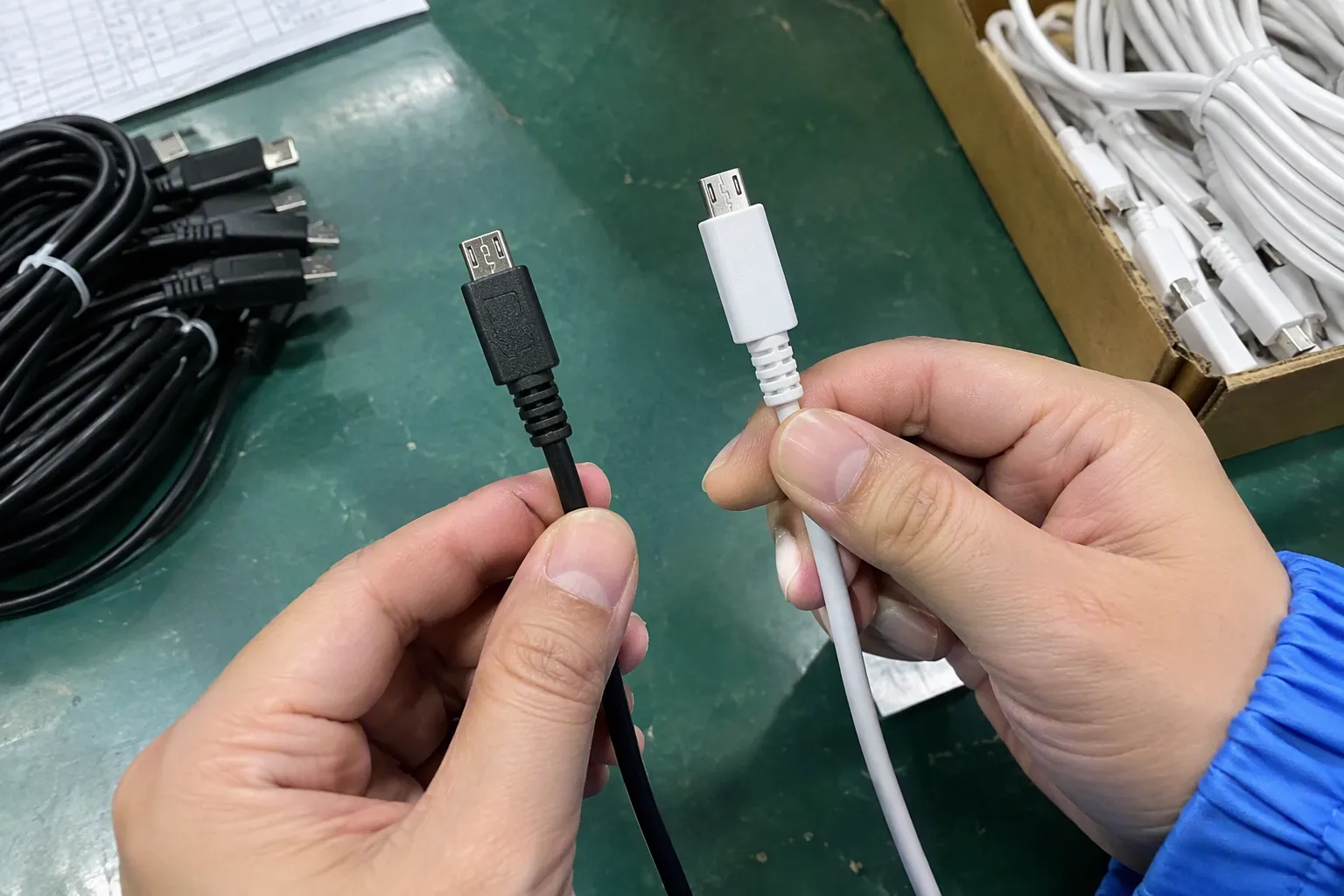
The answer depends on the retailer’s device mix and customer demand. Micro-USB remains relevant for some older or lower-cost electronics and replacement purchases. I would review sales history, target devices, regional demand, and supplier MOQ before deciding whether to stock it as a core SKU or a limited-range item.
What documents should I request from a USB cable supplier?
I request the product specification, sample information, applicable test or compliance documents, packaging details, and quality-control information for the exact model. I also check the document scope and validity. Buyers should verify certifications and regulatory requirements independently, especially before importing, private-labeling, or selling in a specific market.
Conclusion
A reliable USB connector guide should help buyers make better purchasing decisions, not simply identify plug shapes. I start with the device, confirm both sides of the connection, define the required function, and then review the cable, charger, and supporting documentation as one compatibility chain. Retailers, wholesalers, importers, and e-commerce sellers can reduce wrong SKUs and returns by using precise product descriptions and approved samples. If you are sourcing USB cables or related 3C accessories, I can help you compare connector combinations, MOQ, lead time, customization, and supplier documentation for your target market.
Sources
- [PDF] xHCI Interoperability Testing v0.94 - USB-IF", USB technical specifications distinguish the physical USB Type-C connector from separately negotiated power-delivery and data or alternate-mode capabilities
- USB-C E-Marker Chips: Power, Data & Video Guide", Studies and USB specifications describe cable-dependent variation in conductor configuration, current rating, signaling capability, and length-related performance
- USB Types and Connectors Guide", USB interface documentation indicates that mechanical connection is followed by electrical detection, power negotiation, and protocol-specific communication; therefore insertion alone does not establish functional compatibility
- USB-C Compatibility Guide 2026: Devices, Chargers, Cables and ...", European Union common-charger legislation reflects a regulatory transition toward USB-C for specified categories of portable equipment while existing products using other connector arrangements remain in circulation
- Document Library | USB-IF", Reference descriptions of USB Type-A identify it as a physical connector used across multiple USB standards, whose data rate and power behavior depend on the applicable revision and implementation
- The European Union's New USB-C Standardization ...", USB Type-C documentation defines a reversible plug and receptacle design, while institutional device requirements illustrate its increasing use in specified categories of portable electronics
- USB-C Cable Guide: Power, Data Speed, and Video", Technical literature on USB Type-C describes multiple optional capabilities, including power delivery and alternate modes, that are not implied solely by the connector’s physical form
- Plugable USB-C Cable, Data Blocker Charge Only, 240W ...", USB cable design references distinguish power conductors from data-signaling conductors, allowing a cable to provide charging without supporting the full range of USB data functions