Quick Answer
A USB cable can fit your phone, tablet, charger, or laptop and still charge slowly, disconnect, or fail to transfer data. I have seen buyers focus on the connector shape while overlooking power ratings, protocols, and device limits. I use a simple compatibility check instead: match the cable to the device, charger, task, and required performance before purchasing.
To choose the right USB cable, first identify the device’s connector and intended task, such as charging, data transfer, or display output. Then check the device capability, charger output, charging protocol, cable power rating, and data specification together. A USB-C connector alone does not guarantee fast charging, high-speed data, or video support.[1]
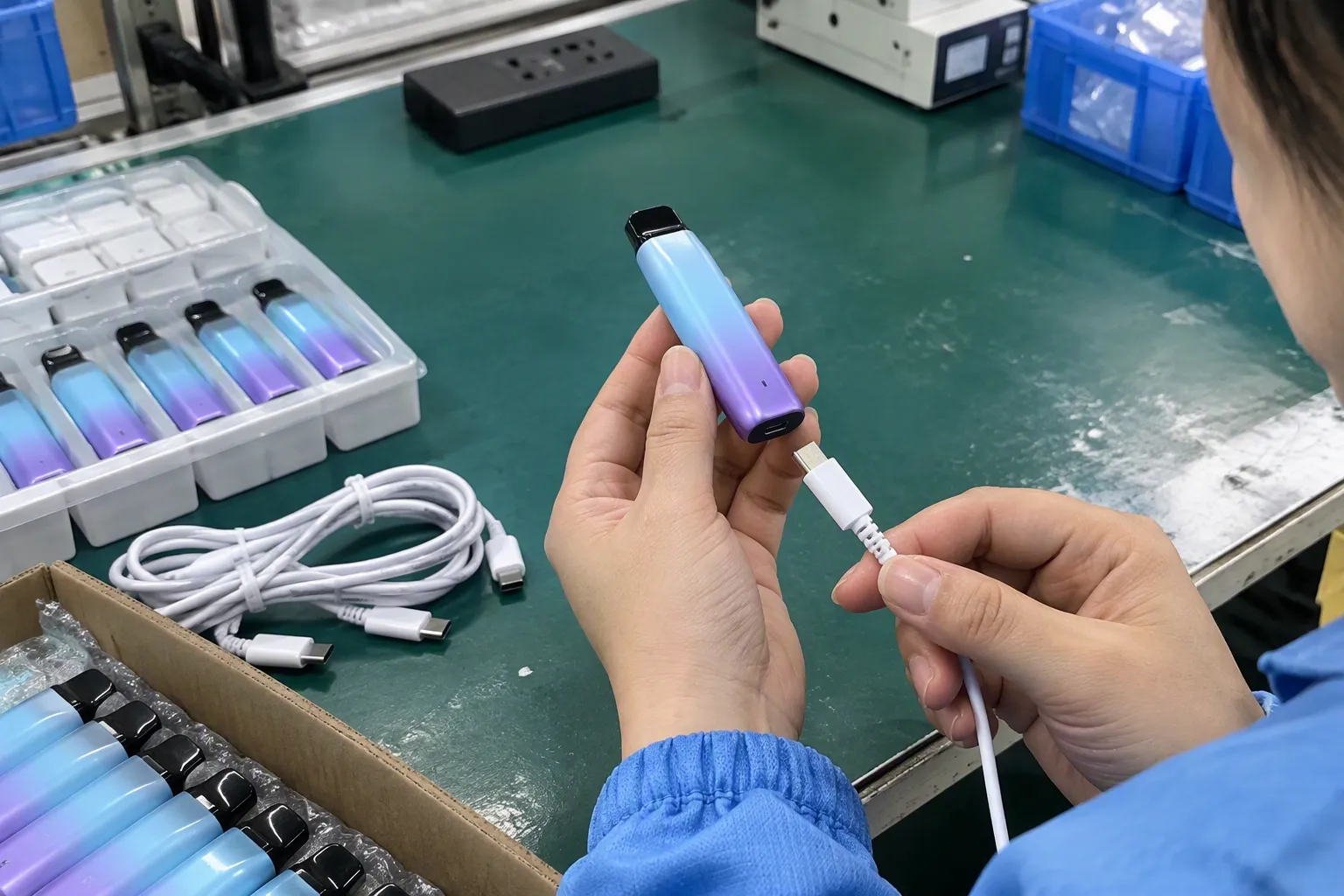
I use this system-based approach because the cable is only one part of the connection. A suitable cable must work with the device port and charger, while also meeting the user’s expectations for speed and stability. The following steps show how I evaluate USB cable options for personal use and product sourcing.
How Do I Choose the Right USB Cable for My Device?
Many purchasing mistakes begin with a simple assumption: if the plug fits, the cable must be suitable. I understand why this happens, especially when USB-C, USB-A, Micro-USB, and Lightning connectors look familiar. However, a physical match does not prove that the cable supports the required charging, data, or display function.
I choose the right USB cable by starting with the task, checking both ends of the connection, reviewing the device and charger specifications, and confirming the cable’s verified power and data capabilities. I then consider length, construction, safety documentation, and supplier reliability before placing an order.
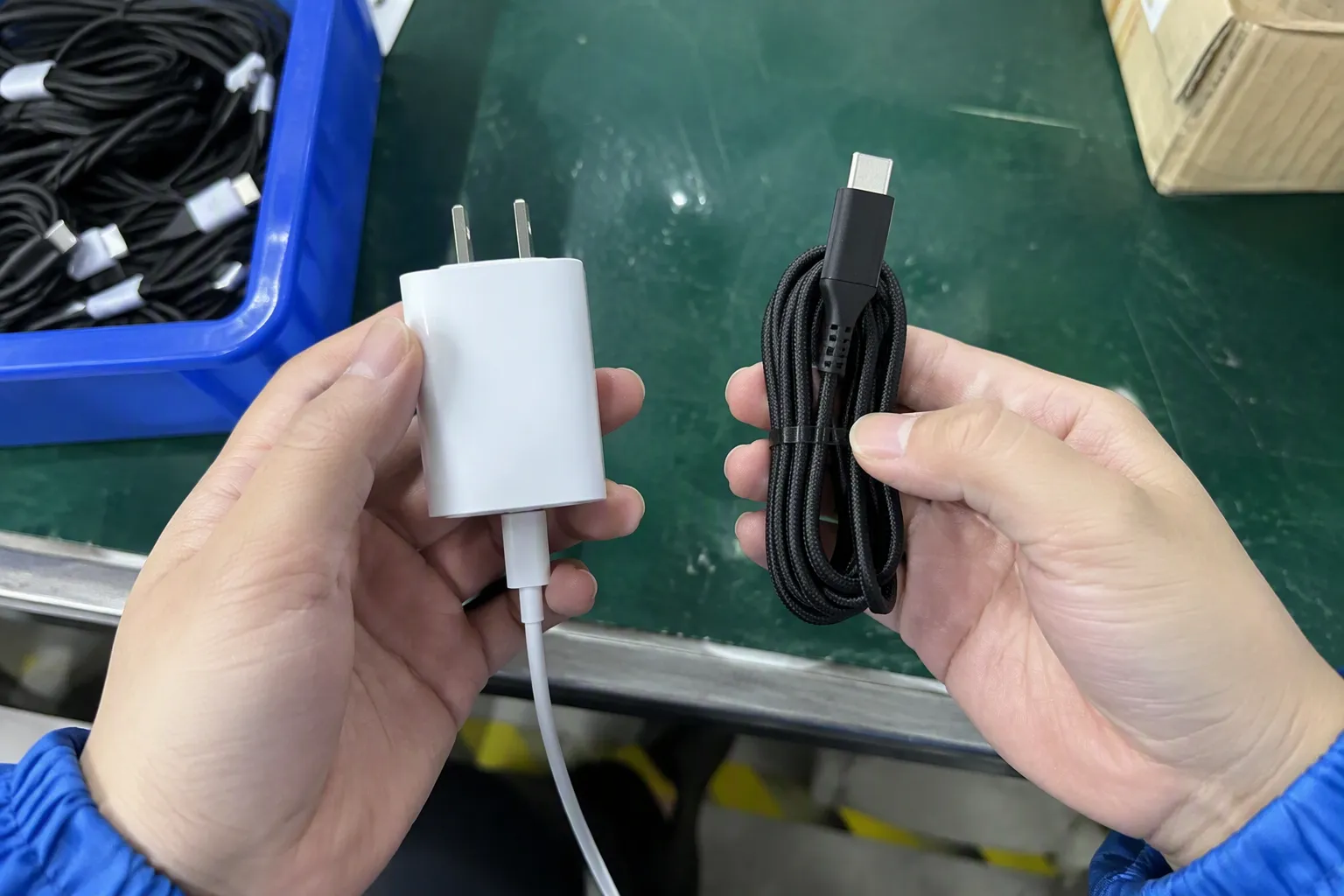
Start with the task instead of the connector
I first ask what the cable must do:
- Charge a smartphone or tablet
- Charge a laptop or other higher-power device
- Transfer photos, documents, or other files
- Connect a phone to a computer
- Support an external display or docking station
- Perform several of these functions through one cable
This first question matters because different tasks require different cable capabilities. A basic charging cable may work well for a phone but perform poorly when I use it for high-speed data transfer. A cable that supports charging and data may still lack the specification required for display output.[5]
I also separate physical compatibility from functional compatibility:
| Check | What I need to confirm |
|---|---|
| Connector shape | Whether both plugs physically fit |
| Charging | Whether the device, charger, protocol, and cable support the expected power |
| Data transfer | Whether the cable supports the required data speed |
| Video output | Whether the device, cable, adapter, and display support the necessary video function |
| Mechanical use | Whether the length, flexibility, and strain relief suit the application |
This table explains why I do not select a cable by connector name alone. “USB-C cable” describes the plug format, but it does not fully describe the internal conductors, electronic components, power handling, data rate, or alternate functions.
USB-C is a connector, not a complete performance description
USB-C is now common on phones, tablets, laptops, power banks, chargers, headphones, and accessories. However, two USB-C cables can have very different capabilities. One may be intended mainly for basic charging and ordinary data use. Another may be designed for higher power, faster data transfer, or display-related applications.
When I review a USB-C product, I look for more than the words “Type-C” or “fast charging.” I check the stated specification and the documents supporting the claim. I also look at both connectors. A USB-C-to-USB-C cable and a USB-A-to-USB-C cable do not necessarily offer the same charging behavior or data performance.
I treat the following terms carefully:
- USB-C: The physical connector type.
- USB Power Delivery, or USB PD: A power negotiation system used by compatible devices and chargers.
- Fast charging: A general marketing term that can refer to different systems and power levels.
- Data speed: The supported transfer capability, which depends on the USB specification and the connected devices.
- Video support: A feature that requires compatible hardware and signaling, not merely a USB-C shape.
I do not assume that a cable supports every feature associated with USB-C. I verify the product documentation and compare it with the device manufacturer’s information.
Check the complete charging system
Charging speed does not come from the cable alone.[2] I view it as the result of several connected limits:
- The device’s maximum accepted power.
- The charger’s available output.
- The charging protocol supported by the device and charger.
- The cable’s power capability.
- The quality and stability of the physical connection.
- Conditions such as temperature, battery level, and device use.
For example, a high-output charger cannot force a phone to accept more power than the phone supports.[3] A phone and charger may support a particular charging protocol, but a cable with unsuitable construction or insufficient capability may prevent the expected result. In another case, the cable may work normally at low power but become unstable under a higher-power load.
I explain this point to customers because it prevents unrealistic expectations. If a buyer wants faster charging, I do not recommend changing only the cable without checking the charger and device. I ask the buyer to treat all three as a system.
Understand the difference between charging and data
A cable can charge a device while offering limited data performance. This outcome surprises many users because charging and data transfer use different parts of the cable and may have different requirements.
For ordinary phone charging, a buyer may not need a high-speed data cable. However, a customer who regularly moves large video files should review the data specification carefully. The actual transfer speed can also be limited by the phone, computer, storage device, operating system, and software.[4]
I use this practical rule:
If I only need dependable charging, I prioritize verified power capability and connection quality. If I need fast file transfer, I verify the data specification separately. If I need video output, I confirm the complete display pathway.
The same reasoning applies to business purchasing. A retailer may list one cable under a simple product name, but the product page should state its intended use clearly. A cable marketed for charging should not create the expectation of high-speed data or display support unless those features are verified.
Consider the connector combinations
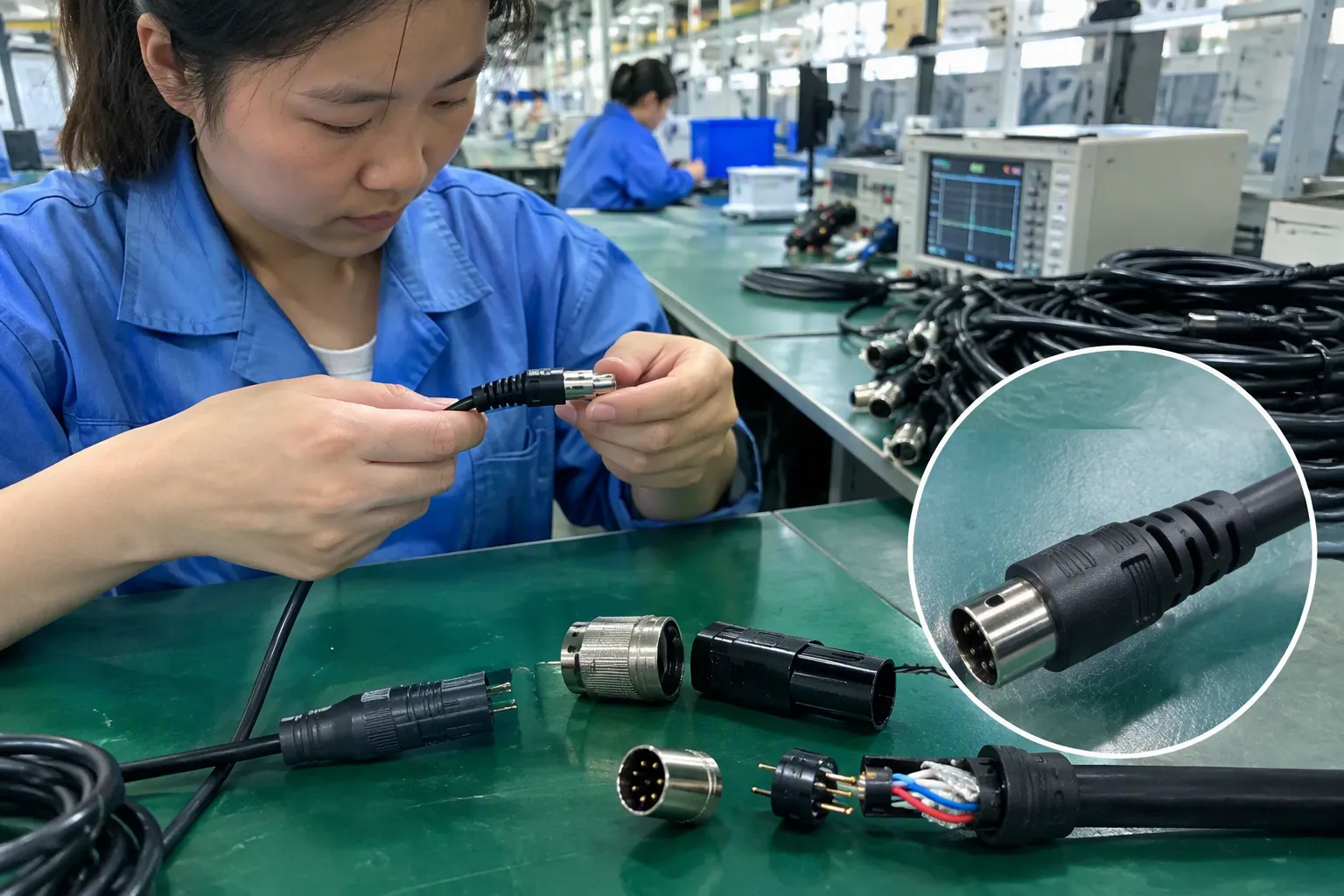
The two ends of the cable often determine the most practical use.
| Cable type | Common use | Points I verify |
|---|---|---|
| USB-A to USB-C | Older chargers, computers, and car ports connected to newer devices | Charging output, data capability, and host-port limitations |
| USB-C to USB-C | Modern chargers, laptops, tablets, phones, and power banks | Power rating, USB PD compatibility, data rate, and possible electronic identification |
| USB-A to Micro-USB | Older accessories and some low-cost devices | Device compatibility, wear, and charging requirements |
| USB-C to Lightning | Compatible Apple devices and USB-C chargers | Device certification or compatibility documentation, charging behavior, and data use |
| USB-C to USB-C with video use | Compatible laptops, docks, monitors, or tablets | Device video output, cable support, adapter requirements, and display specification |
I do not rank one connector combination as universally better. I select the combination that matches the available charger, device port, and intended use. A newer connector may offer more potential, but the complete system still determines the result.
Review power ratings without overpromising
Power labels need careful interpretation. I may see a cable advertised with a wattage figure, but I still need to ask what conditions support that figure and whether the connected equipment can use it. Some higher-power USB-C applications may require appropriate electronic identification or a cable designed for that use.[6] I verify the manufacturer’s technical documentation rather than treating a large number on packaging as independent proof.
I also distinguish between:
- The cable’s stated maximum capability
- The charger’s rated output
- The device’s accepted input
- The power actually negotiated during use
These numbers do not automatically equal the same result. A cable rated for a certain power level does not make a low-output charger more powerful. A high-output charger does not guarantee that every connected device will charge at that level.
For a retail or wholesale product, I ask suppliers to provide clear specification sheets, test information where available, and relevant compliance documents. I present certifications and declarations as documents for buyers to verify, not as a substitute for application testing.
Look for construction quality and daily-use durability
A cable can have the right specifications and still be unsuitable for rough daily use. I inspect several physical details:
- Connector housing strength
- Strain relief at both ends
- Conductor and insulation description
- Jacket material and flexibility
- Braided or smooth outer construction
- Resistance to repeated bending
- Plug fit and surface finish
- Cable length and storage behavior
I avoid claiming that a particular outer material automatically guarantees long life. A braided jacket may improve abrasion resistance, but the internal design, connector assembly, and strain relief also matter.[8] A soft cable may be easier to use in a car or beside a bed, while a stiffer cable may suit a desk or fixed installation.
Length also affects practical performance. A longer cable can improve convenience, but I check whether the manufacturer states the same charging and data performance across the offered lengths.[7] I do not assume that a two-meter version performs exactly like a short version without supporting information.
Use a simple buyer verification process
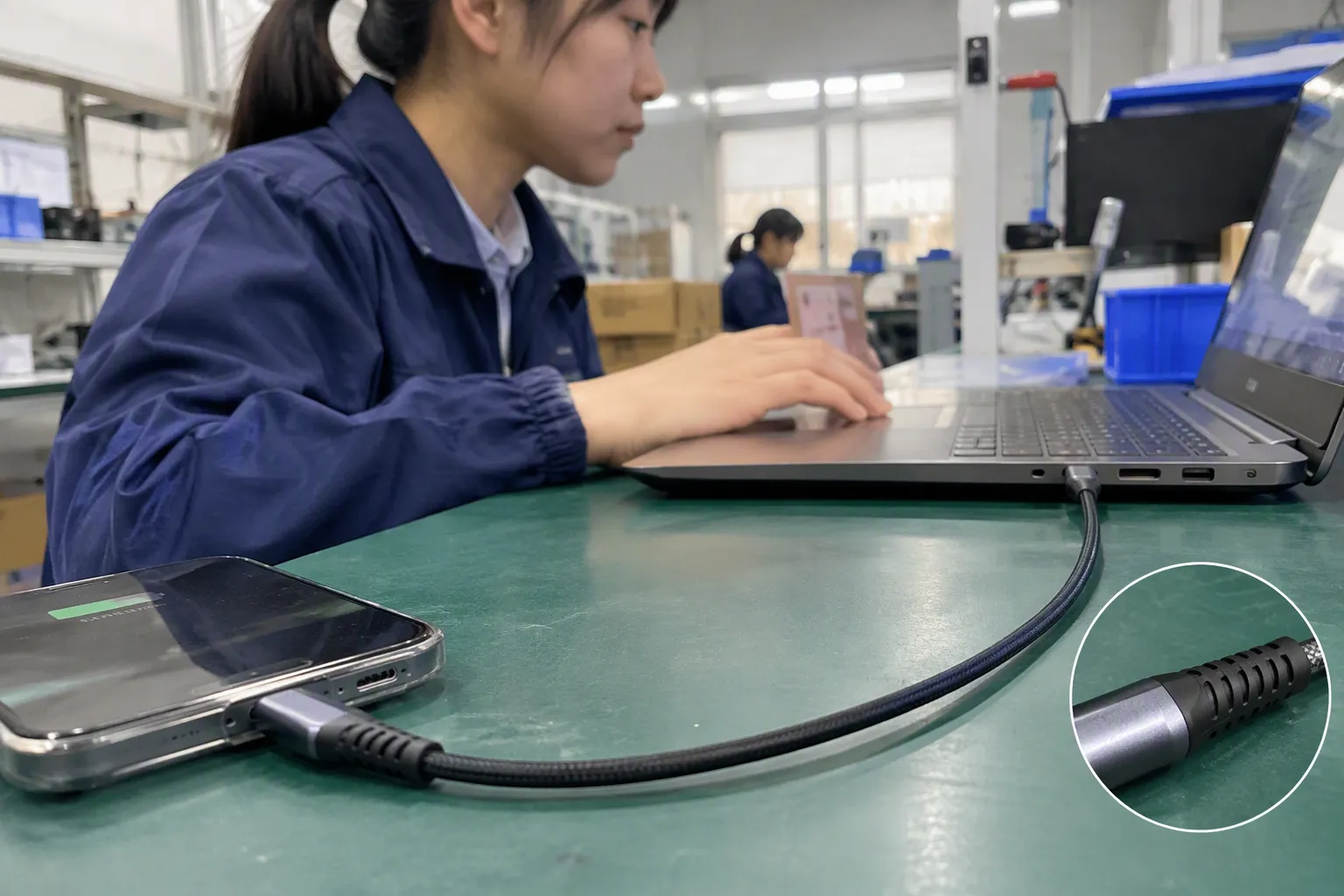
Before I purchase or source a USB cable, I record the following information:
- Device model: I identify the exact phone, tablet, laptop, or accessory.
- Port type: I confirm the port on the device and charger.
- Primary task: I state whether the cable is for charging, data, video, or multiple uses.
- Charger output: I check the charger’s output ratings and protocol information.
- Required cable capability: I identify the needed power, data, and feature specifications.
- Physical requirements: I choose the suitable length, jacket, color, and connector housing.
- Verification documents: I request technical files and relevant compliance information.
- Sample testing: I test representative samples in the intended application.
- Production controls: I confirm that mass production will use the approved materials and construction.
- After-sales process: I agree how defects, inconsistency, or customer complaints will be handled.
I find this process more reliable than choosing the most expensive cable or the one with the biggest marketing claim. It connects the purchase to a real use case.
How I handle a slow or unstable charging complaint
When a customer reports that charging is slower than expected, I avoid blaming the cable immediately. I ask several questions:
- Does the same device charge normally with another charger?
- Does the same charger work normally with another cable?
- Does the problem happen only at high battery levels or during heavy device use?
- Is the connector loose, dirty, damaged, or exposed to movement?
- Does the charger support the device’s expected charging protocol?
- Is the cable being used with an adapter, hub, or extension?
- Does the problem occur with every unit or only one sample?
This troubleshooting approach helps separate a cable problem from a charger, device, or environmental problem. A loose connector or damaged cable can cause interruptions. A mismatched protocol can reduce charging speed. A device may also lower its charging rate because of heat or battery-management behavior.
In one type of customer situation I have handled, the buyer initially believed that replacing the cable alone would solve an unstable charging issue. The more useful approach was to review the device, charger, cable, and usage conditions together. That process produced a clearer purchasing decision than relying on the cable label.
How retailers and importers can evaluate suppliers
For B2B buyers, the right USB cable is also a supplier-management decision. I recommend asking suppliers for consistent and specific information rather than broad promotional language.
A supplier evaluation can include:
| Supplier question | Why it matters |
|---|---|
| Can the supplier provide a detailed specification sheet? | It clarifies what the cable is designed to support |
| Can the supplier provide samples before mass production? | It allows application and appearance checks |
| Does the supplier control materials and connector components? | It reduces variation between batches |
| Can the supplier support custom packaging or labeling? | It helps match the retailer’s market and channel |
| What is the MOQ and normal lead time? | It supports inventory planning |
| What inspection process is used? | It gives buyers a basis for quality discussions |
| Can the supplier provide relevant compliance documents? | It helps buyers complete their own verification |
| How are warranty and customer complaints handled? | It limits the commercial risk after launch |
I have worked with international 3C buyers who care about more than the unit price. They also consider stable quality, delivery time, packaging, minimum order quantity, customization, and after-sales response. A low-cost cable that creates returns can become more expensive than a slightly higher-priced product with better consistency.
I also recommend that buyers approve a reference sample. The approved sample should include the final connector type, length, color, jacket, packaging, and stated specifications. The buyer and supplier can then use that sample as a reference during production inspection.
Do not use packaging as the only evidence
Packaging can communicate useful information, but packaging claims are not independent test results. I treat words such as “super fast,” “high speed,” or “universal” as prompts for further questions. I ask which standard, test method, or device conditions support the statement.
For product listings, I prefer precise wording:
- “Designed for charging compatible USB-C devices”
- “Supports the listed power capability under compatible conditions”
- “Data performance depends on connected devices and supported specification”
- “Display support requires compatible device and equipment”
- “Buyers should verify compatibility with the original device documentation”
This wording gives customers a more accurate expectation. It also reduces returns caused by a cable that fits physically but does not perform the advertised task.
When professional evaluation is appropriate
I can explain the buying framework, but application-specific decisions may need qualified technical evaluation. Professional review is especially useful when a cable will be used with:
- High-power computing equipment
- Docking stations or monitors
- Industrial or commercial systems
- Medical or safety-sensitive equipment
- Large retail programs with strict compliance requirements
- Custom cable assemblies
- Products requiring formal market-access documentation
A buyer should verify current standards, regional requirements, and device documentation before placing a commercial order. I do not treat a supplier statement as a replacement for independent review where the application has significant technical or regulatory risk.
Frequently Asked Questions
Is USB-C the same as fast charging?
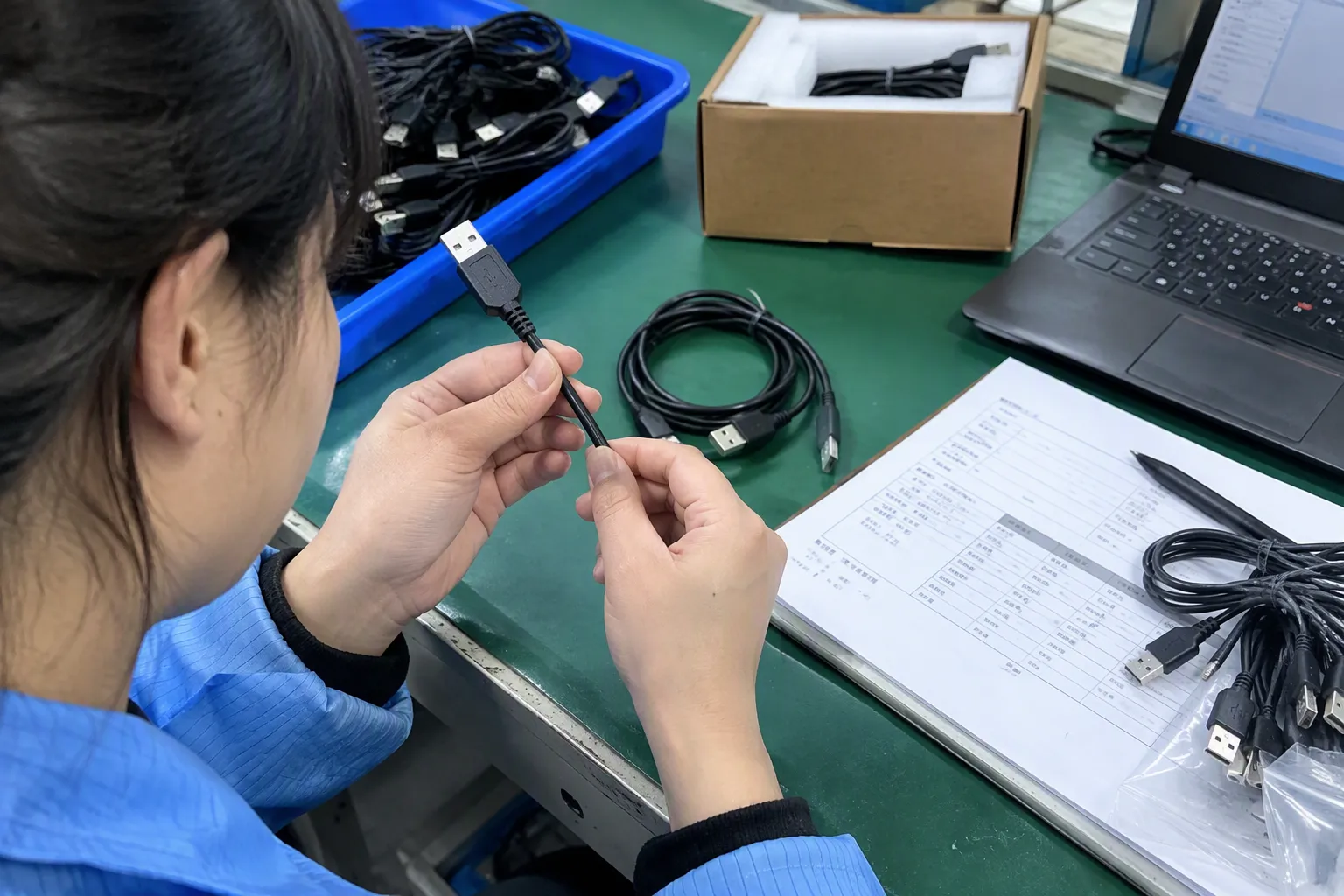
No. USB-C describes the connector shape. Different USB-C cables can support different power levels, charging protocols, data rates, and other functions. I check the device, charger, protocol, and cable specifications together before expecting fast charging.
Can any USB-C cable charge a laptop?
Not necessarily. The cable must be suitable for the laptop’s required power and the charger must provide compatible output. Some cables may charge a laptop slowly, while others may not support the expected power or stable operation. I recommend checking the laptop and charger documentation first.
Why does my USB cable charge slowly?
Slow charging can result from a limited charger, unsupported protocol, device temperature, battery-management behavior, a damaged connector, or an unsuitable cable. I test the device with a known-compatible charger and cable, then compare the results before identifying the cause.
Do all USB cables support data transfer?
No. Some cables are designed mainly for charging or provide limited data capability. I verify the cable’s stated data specification when I need to move files, connect storage, or use a computer connection. A connector that fits does not prove high-speed data support.
Does a longer USB cable charge more slowly?
Length can affect performance, but the result depends on the cable design, conductors, construction, power level, and connected equipment. I check whether the manufacturer specifies the same performance for the selected length. I also test long cables in the intended application when reliability matters.
Conclusion
Choosing the right USB cable requires more than matching a plug to a port. I start with the task, then check the device capability, charger output, charging protocol, cable power rating, data specification, length, construction, and supplier documentation. This approach helps prevent slow charging, unstable connections, and disappointing data performance. For retailers, wholesalers, and online sellers, I also recommend sample approval and clear quality controls. If you need USB cables with stable specifications, competitive pricing, customization, and export support, contact my Shenzhen 3C team to discuss your device requirements and target market.
Sources
- [PDF] Universal Serial Bus Type-C Cable and Connector Specification", USB-IF technical documentation distinguishes the USB Type-C connector system from separately negotiated power capabilities, USB data specifications, and alternate modes, supporting the conclusion that connector shape alone does not establish complete performance
- [PDF] Energy Conservation Program: Test Procedure for Battery Chargers", Technical analyses of USB charging describe delivered power as a system outcome constrained by the charger, device, negotiated protocol, and interconnecting cable rather than by the cable in isolation
- USB Charger (USB Power Delivery)", USB Power Delivery documentation describes the receiving device as negotiating or requesting an allowable power level, so a higher-rated source does not by itself compel the device to draw more power
- [PDF] FlashFire: Overcoming the Performance Bottleneck of Flash Storage ...", Studies of USB and storage performance distinguish negotiated link bandwidth from measured application throughput, which can be reduced by host processing, storage performance, protocol overhead, and software behavior
- [PDF] Universal Serial Bus Type-C Cable and Connector Specification", USB-C and DisplayPort standards documentation treats display output as a compatible alternate-mode or signaling function, separate from the basic availability of USB charging and data connections
- [PDF] USB Power Delivery", USB Type-C and USB Power Delivery specifications define electronically marked cable assemblies and related identification rules for certain higher-current or higher-power operating conditions
- USB Cable Max Length Explained: Extending and Optimizing", Electrical engineering analyses show that cable length can increase resistance and transmission loss, making power drop and high-speed signal integrity dependent on cable construction and operating conditions
- [PDF] Rope Selection for Rope Drive Transmissions Used in Robotic ...", Cable-mechanics studies associate service life with abrasion, repeated bending, conductor and insulation fatigue, and termination or strain-relief design; this supports treating braided construction as only one durability factor