Quick Answer
USB ports and connectors often look simple, but a small shape difference can create a large purchasing problem. I regularly see buyers request “USB-C cables” without identifying the device port, the cable ends, or the required function. That uncertainty can lead to wrong stock, customer complaints, and avoidable returns.
A visual guide helps, but verification must follow.
USB ports and connectors can be identified by their shape, size, and orientation, but appearance alone does not confirm charging power, data speed, video support, or protocol compatibility. Buyers should identify the device port, both cable ends, and the intended application first. They should then verify the manufacturer’s specifications before purchasing, listing, or customizing the product.
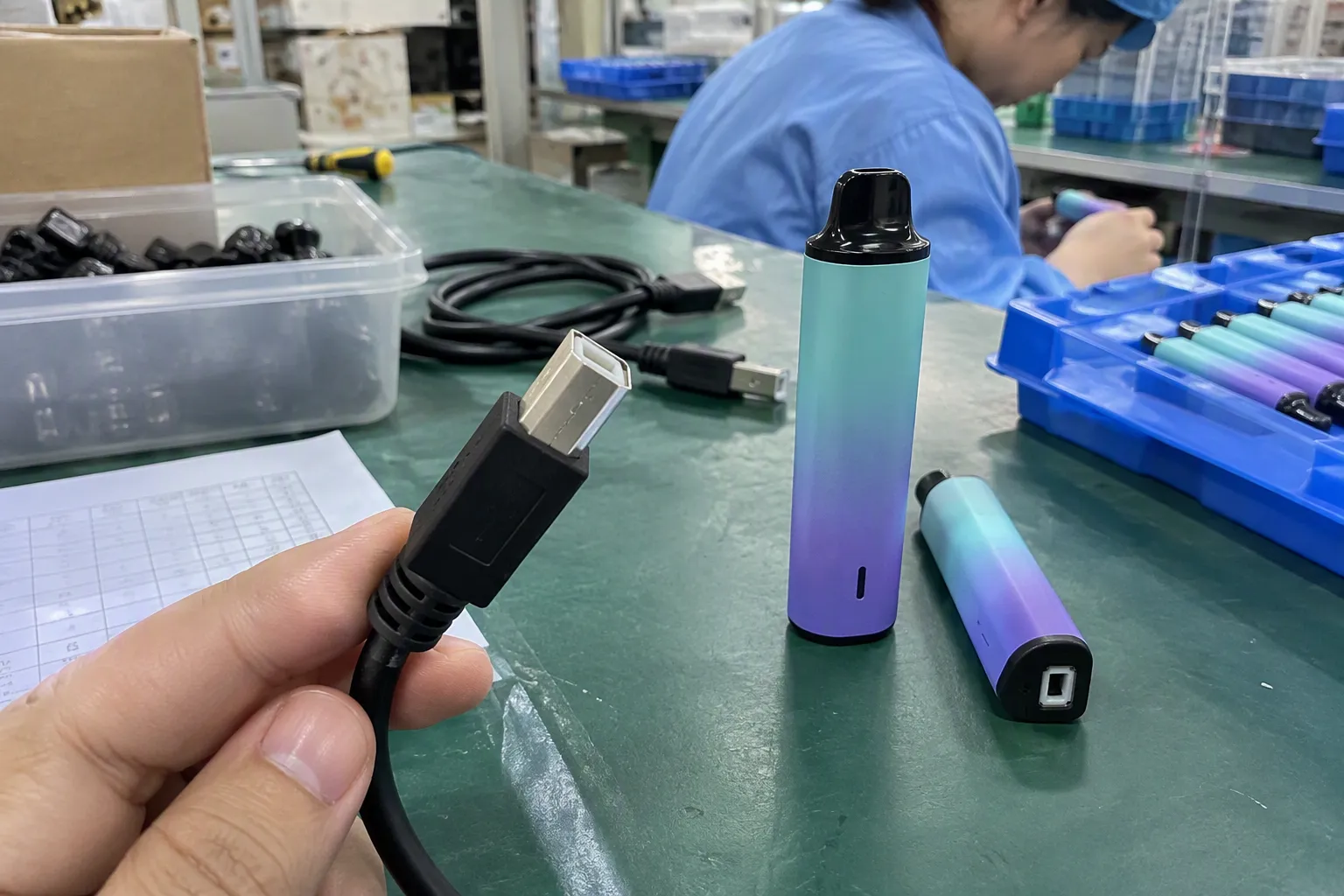
A clear visual reference is a useful starting point for retailers, wholesalers, and e-commerce sellers. However, the commercial decision involves more than recognizing USB-A, USB-B, Micro-USB, or USB-C. I also need to match the connector combination with the device, application, specifications, packaging, and customer expectations.
How Can I Identify Common USB Ports and Connectors?
Many buyers confuse a port with a plug because both use similar names. A port is the socket built into a device, charger, computer, or hub. A plug is the removable connector attached to a cable.[1] A USB cable can also have two different ends, such as USB-A to USB-C or USB-C to USB-C.
The most common visual types include USB-A, USB-B, Micro-USB, Mini-USB, and USB-C.[2] Their shapes provide useful clues, but they do not independently establish performance. I always treat the visual check as step one, not as the complete product specification.
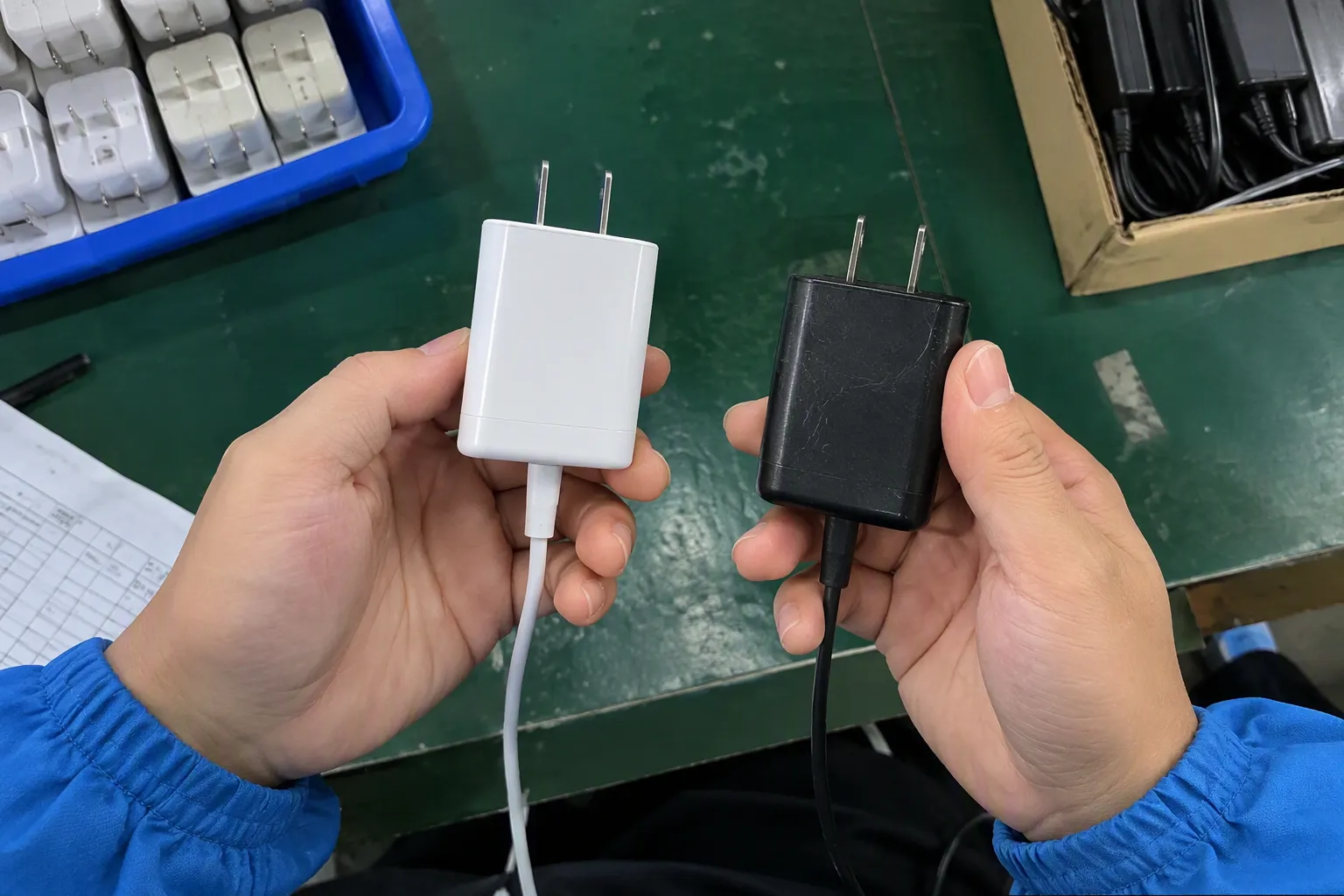
USB-A: The familiar rectangular connector
USB-A is the classic, flat rectangular plug[3] that many people associate with a traditional USB cable. It commonly appears on desktop computers, older laptops, wall chargers, power banks, car chargers, hubs, keyboards, mice, and other accessories.
A USB-A plug usually inserts in only one orientation. The device-side port is also rectangular and relatively large compared with newer formats.
From a stocking perspective, USB-A remains relevant because many households and businesses still use existing chargers and computers. It is not accurate to assume that a newer connector has removed every need for USB-A products. The correct question is whether the target customer still owns devices with USB-A ports.
Common cable combinations include:
- USB-A to Micro-USB
- USB-A to USB-C
- USB-A to Lightning, where applicable and legally suitable for the intended market
- USB-A extension cables
- USB-A to USB-A cables for specific equipment
I would not describe every USB-A cable as offering the same performance. The cable construction, host device, charging equipment, chipset, data standard, and manufacturer specification can all affect the result.
USB-B: A larger square-shaped device connector
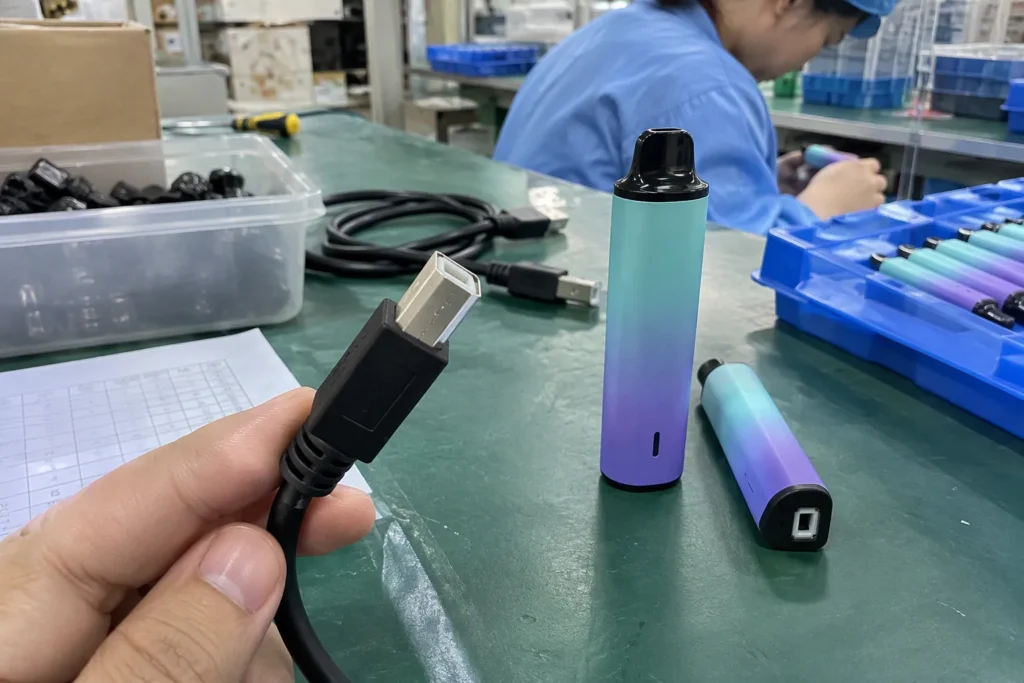
USB-B is most often associated with printers, scanners, some audio equipment, older external devices, and certain industrial or office products. Its plug has a squarish shape with angled upper corners. The port is usually easy to recognize once a buyer has seen it.
USB-B is less common in mobile charging than USB-A, Micro-USB, or USB-C. However, it can still be commercially important in printer and peripheral categories. A seller who stocks only mobile accessories may rarely need it, while an office-equipment distributor may need regular supply.
USB-B should not be confused with Micro-B. The full-size USB-B connector is considerably larger. Buyers should ask for a device photo or model number when a customer provides only the phrase “printer USB cable.”
Micro-USB: Small, older, and still present
Micro-USB connectors are much smaller than USB-A and often have a slightly tapered or trapezoidal appearance. Micro-USB Type-B became common on older Android phones, Bluetooth speakers, cameras, GPS devices, e-readers, power banks, game accessories, and other compact electronics.
Many newer products have moved to USB-C, but Micro-USB has not disappeared from every channel. I still see demand from replacement-accessory buyers and sellers who serve customers with existing devices.
A common mistake occurs when a buyer assumes that a Micro-USB cable will fit any small port. Mini-USB and Micro-USB are different formats. A product photograph, device model, or sample remains important when the port is difficult to identify.
Micro-USB cables may also differ in wiring and function. Some support charging and data transfer, while others may be designed primarily for charging. The connector shape cannot prove which internal conductors are present.[7]
Mini-USB: An older format with niche demand
Mini-USB is larger and generally thicker than Micro-USB. It appeared on older digital cameras, MP3 players, GPS units, and some accessories. The connector is no longer the default choice for new consumer electronics, but replacement demand can exist in specialist and legacy-device markets.
I would usually treat Mini-USB as a targeted purchasing item rather than a broad, high-volume replacement for modern charging cables. The right stocking decision depends on the buyer’s existing customer base, product category, and historical sales.
USB-C: A small, reversible connector
USB-C is a compact, rounded rectangular connector. It is reversible[4], which means the user can normally insert the plug in either orientation. This feature has made it popular across phones, tablets, laptops, monitors, chargers, power banks, headphones, handheld consoles, and many other products.
USB-C is now widely used, but “USB-C cable” is not a complete specification. It only identifies at least one connector shape. I still need to know:
- Is the other cable end USB-A or USB-C?
- Is the cable intended for charging, data transfer, video, or several functions?
- What power level does the product need to support?
- Which device and charger will be used?
- Does the cable include the required identification components or e-marker, where applicable?[6]
- What speed and protocol claims does the manufacturer document?
USB-C can support different capabilities depending on the product design and applicable USB specifications.[5] A USB-C plug on a low-cost charging cable does not automatically make that cable suitable for a laptop, high-speed storage device, monitor, or high-power application.
A quick visual comparison
| Connector type | Typical visual appearance | Common applications | Important buying caution |
|---|---|---|---|
| USB-A | Large, flat rectangle | Computers, older chargers, hubs, power banks | Performance varies by cable and equipment |
| USB-B | Squarish shape with angled corners | Printers, scanners, office equipment | Confirm the exact device port |
| Micro-USB | Small, tapered or trapezoidal shape | Older phones, speakers, cameras, accessories | Charging and data wiring may differ |
| Mini-USB | Small but thicker than Micro-USB | Older cameras, GPS products, legacy devices | Often a replacement or niche item |
| USB-C | Small, rounded rectangle, reversible | Phones, laptops, chargers, monitors | Shape does not confirm power, speed, or video |
This table helps with the first visual screening. It does not replace a product datasheet, sample check, or device compatibility review.
Why cable ends need separate attention
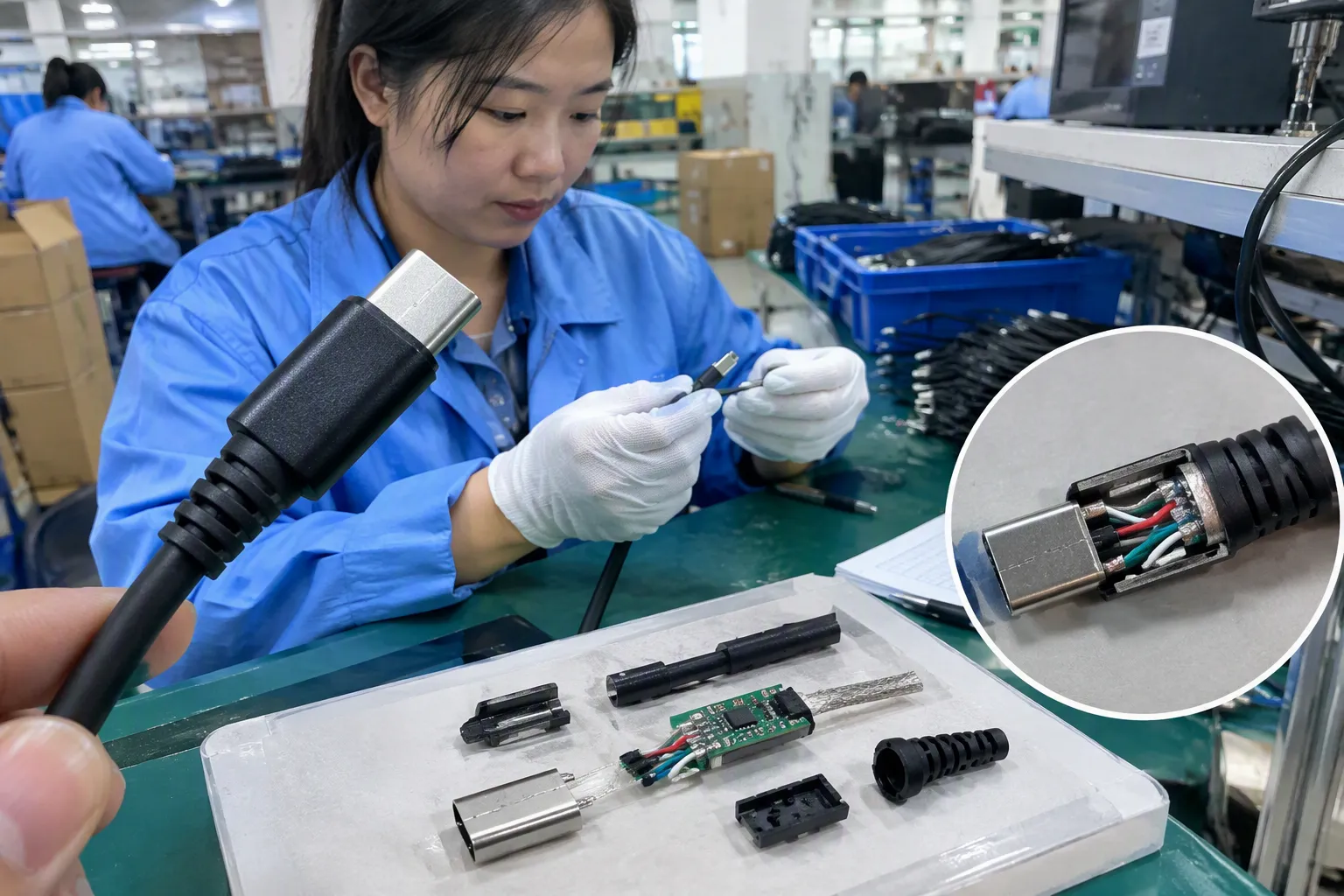
A customer may say, “I need a USB-C cable.” That request can describe several different products:
- USB-A plug to USB-C plug
- USB-C plug to USB-C plug
- USB-C plug to a proprietary connector
- USB-C device port with a cable intended only for charging
- USB-C cable intended for data, display, or power delivery
These products may have different target markets, packaging, prices, and after-sales risks. When I prepare a quotation, I try to confirm both ends before discussing price or MOQ. This simple step prevents many misunderstandings.
For example, a retailer selling replacement phone cables may need USB-A to USB-C because customers still use older wall chargers. A laptop-accessory seller may need USB-C to USB-C. The two cables look similar at the USB-C end, but they serve different purchasing situations.
Shape does not equal performance
A connector identifies a physical interface family. It does not automatically identify:
- Maximum charging wattage
- Supported voltage or current
- Data-transfer rate
- Display or video capability
- USB generation
- Power Delivery support
- Compatibility with a specific fast-charging protocol
- Cable length performance
- Internal conductor size
- Shielding or durability
- Safety and regulatory status
I ask buyers to separate the mechanical question from the electrical and commercial questions.
The mechanical question is: “Will the plug fit the port?”
The electrical question is: “Will the cable and connected equipment support the intended power or data function?”
The commercial question is: “Can I describe, stock, sell, and support this product accurately?”
All three questions matter.
USB generations and marketing language
USB terminology can create confusion because connector names and USB performance standards are not the same thing. A USB-C connector may be used with different data capabilities.[8] A USB-A connector may also appear on products with different specifications.
Product listings sometimes use broad phrases such as “high speed,” “fast charging,” or “super cable.” I prefer to request the supporting specification before using such language in a quotation or online listing. The buyer should check the manufacturer’s documentation and, for important applications, arrange qualified testing.
I do not treat a printed claim on packaging as a substitute for technical verification. Buyers should review the relevant product specification, test documents, labeling requirements, and market obligations. Certifications should also be treated as documents to verify, not as general proof that every performance claim is correct.
Device ports, plugs, receptacles, and cable assemblies
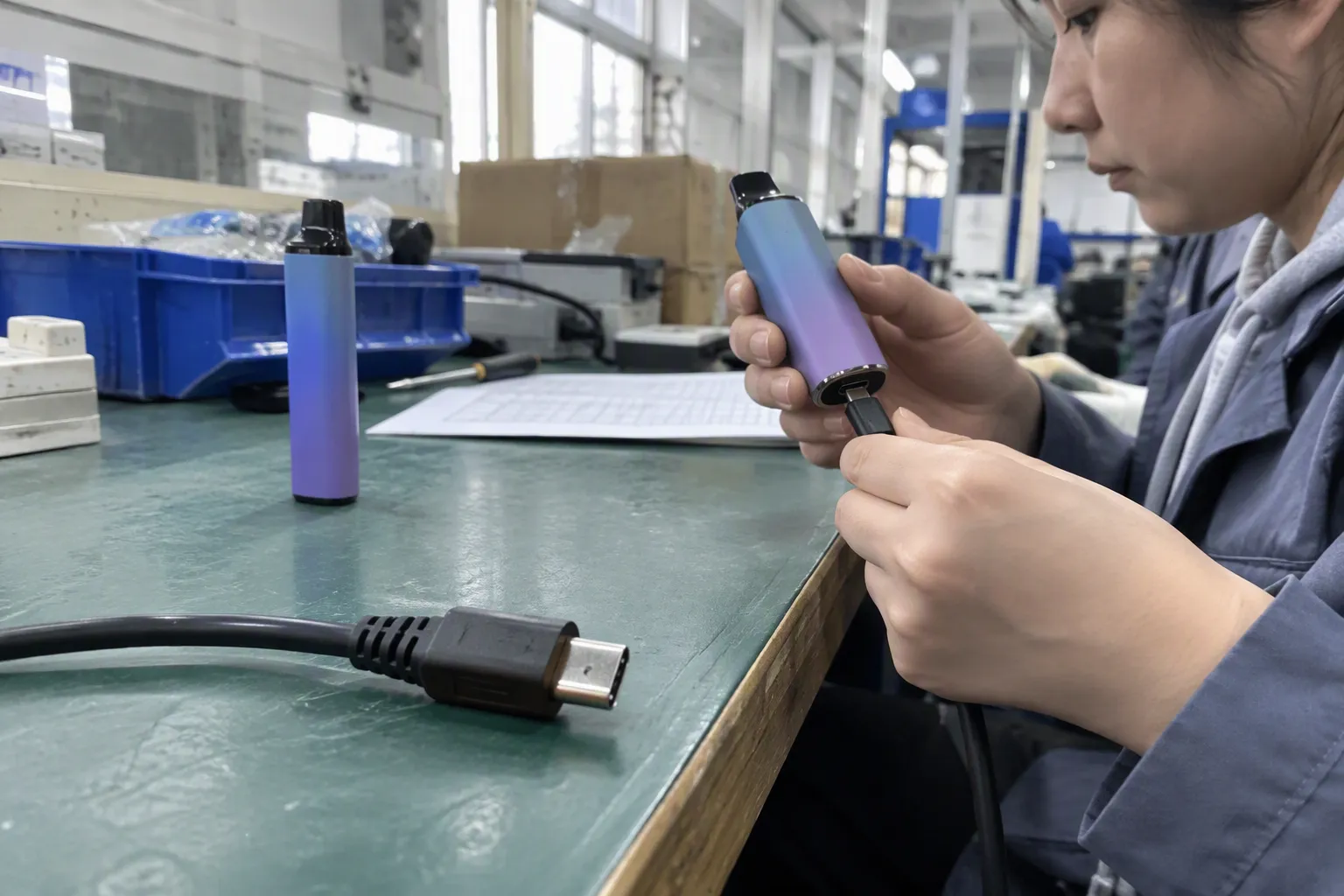
A simple vocabulary can improve communication between a buyer, supplier, and end customer.
- Device port or receptacle: The socket built into a device.
- Cable plug: The connector attached to the cable.
- Cable assembly: The complete cable, including conductors, shielding, connectors, overmolding, and sometimes electronic components.
- Host device: The computer, charger, hub, or equipment that controls or supplies a connection.
- Peripheral device: The connected accessory, such as a printer, phone, drive, or headset.
When a buyer sends me only one close-up image, I may still need a second image showing the full product and the device label. A photograph of a loose connector can identify the general shape, but it may not reveal whether the cable has data lines, special wiring, or a particular power design.
How retailers can reduce inventory risk
Connector selection is also an inventory decision. I recommend that retailers and wholesalers review the following points before placing a larger order:
- Existing sales data: Identify which connector combinations already sell in the target market.
- Customer device mix: Review the phones, chargers, laptops, accessories, and office products used by customers.
- Product positioning: Decide whether the item is a basic replacement cable, a premium braided cable, a travel accessory, or a specialized product.
- Packaging clarity: State both ends and the main verified use case on the package.
- SKU control: Avoid combining different specifications under one vague “USB cable” SKU.
- After-sales planning: Prepare a compatibility explanation for customers and resellers.
- MOQ and replenishment: Confirm whether the supplier can support repeat orders at a manageable MOQ.
- Customization needs: Check printing, color, length, connector housing, packaging, and labeling requirements before sampling.
I have found that a clear product description often prevents more problems than a lower initial price solves. If a customer buys the wrong cable because the listing was unclear, the seller may face returns, negative reviews, and unnecessary support work.
How wholesalers and e-commerce sellers should describe USB cables
A strong product title should identify the cable ends and the main verified application. For example:
- “USB-A to USB-C charging and data cable for compatible devices”
- “USB-C to USB-C cable for compatible charging equipment”
- “USB-B printer cable for compatible printers and computers”
The description should then explain what has been verified and what the buyer must check. I avoid promising universal compatibility unless the supplier has documentation that supports such a claim.
A useful product-information block may include:
| Information to show | Why it matters |
|---|---|
| Connector at each end | Prevents buyers from ordering the wrong cable |
| Cable length | Helps customers judge convenience and use |
| Main function | Separates charging-only from charging-and-data products |
| Supported specifications | Provides a basis for power or speed claims |
| Compatible device category | Helps customers make a practical choice |
| Materials and construction | Supports product positioning |
| Packaging and included items | Reduces order and return confusion |
| Verification documents | Supports procurement review |
The final wording should match the supplier’s official specifications. I would not add a wattage, speed, or video statement merely because similar products make that claim.
What buyers should ask a supplier before ordering
When I receive an unclear inquiry, I normally ask for a few basic details first. These questions make quotation and sampling more efficient:
- What connector is on each end?
- Is the cable for a device port, a charger, a computer, or an accessory?
- Does the buyer need charging, data transfer, video, or a combination?
- What power, voltage, current, speed, or protocol requirement applies?
- What length, color, material, and packaging are required?
- Is the cable for retail, wholesale, a chain store, or an online marketplace?
- What quantity and target price are expected?
- Does the buyer require customization?
- Which market will receive the product?
- Which documents or testing records must the supplier provide?
The supplier should answer from a current specification sheet. The buyer should compare the answer with a sample and, where the application is important, use qualified technical evaluation.
A practical verification checklist
Before I approve a USB cable quotation, sample, or listing, I use a checklist like this:
1. Confirm the physical connection
- Identify the port on the device.
- Identify the plug at each end of the cable.
- Confirm whether the connector is full-size, Mini, Micro, or USB-C.
- Check the orientation and mechanical fit.
- Use a device model number or clear image when necessary.
2. Confirm the intended function
- Charging only
- Charging and data transfer
- Data transfer for a peripheral
- Display or video connection
- Connection to a hub, charger, computer, or docking system
3. Confirm the documented performance
- Power and current claims
- Data speed or USB generation
- Protocol support
- Video support
- Cable length limitations
- Connector and conductor construction
- Any electronic identification requirements
4. Confirm the commercial details
- MOQ
- Sample availability
- Production lead time
- Packaging format
- Private-label options
- Color and length options
- Warranty or replacement process
- Inspection arrangements
- Export-market documentation
5. Confirm the final customer communication
The packaging, product page, quotation, and invoice should describe the same product. I recommend that sellers avoid vague phrases such as “works with everything” or “supports all fast charging” unless those claims have clear, applicable evidence.
How I approach quality control and supplier selection
A visual check can identify an obvious connector mismatch, but it cannot evaluate the complete cable assembly. For B2B procurement, I recommend a staged process:
- Initial document review: Ask for the product specification and available test or compliance documents.
- Sample review: Check connector fit, molding quality, cable appearance, labeling, and packaging.
- Functional evaluation: Use suitable equipment or a qualified testing provider for the required application.
- Pre-production confirmation: Approve the final artwork, specification, color, length, and materials.
- Production inspection: Compare finished goods against the approved sample and documents.
- Shipment release: Confirm quantity, packaging, carton marks, and agreed inspection results.
I can support the communication and sourcing side of this process, but I do not present a visual inspection as engineering certification. Application-specific decisions should involve qualified professionals, especially when products are used with laptops, displays, high-power chargers, medical equipment, industrial systems, or regulated products.
How my Shenzhen sourcing experience affects product selection
I have spent years handling USB cable and charging-product inquiries from international buyers. In my experience, the first quotation is often not the difficult part. The difficult part is clarifying what the buyer actually wants to sell or use.
A buyer may send a reference image and ask for the “same USB-C cable.” The image may show only one end. It may not show the wire construction, charging requirement, data function, packaging, or intended market. I therefore separate the discussion into connector, function, specification, and commercial requirements.
Our company is based in Shenzhen, and we work with 3C product supply chains for overseas customers. We handle product communication, quotation, sampling, and export coordination. We can discuss USB cables, chargers, GaN chargers, TWS earphones, smartwatches, and related products. We can also review customization requirements such as branding, packaging, color, and product combinations.
We have experience serving European and North American retailers, wholesalers, e-commerce sellers, chain stores, and grocery-import businesses. Each group may need a different product strategy. A retailer may prioritize packaging and shelf appeal. A wholesaler may prioritize stable supply and carton efficiency. An online seller may prioritize accurate images, clear compatibility information, and low return rates.
I also remind buyers to verify certifications and market documents for the exact product and destination. A supplier’s general certification statement should not be treated as proof that every model, batch, or claim is covered. Buyers should request current documents and arrange independent review when their procurement policy requires it.
Frequently Asked Questions
Is USB-C better than USB-A?
USB-C offers a reversible connector and can be used in many modern devices, but it is not automatically better for every application. USB-A remains useful for existing computers, chargers, hubs, and accessories. Buyers should compare the device port, required function, documented performance, cost, and customer demand.
Does a USB-C connector guarantee fast charging?
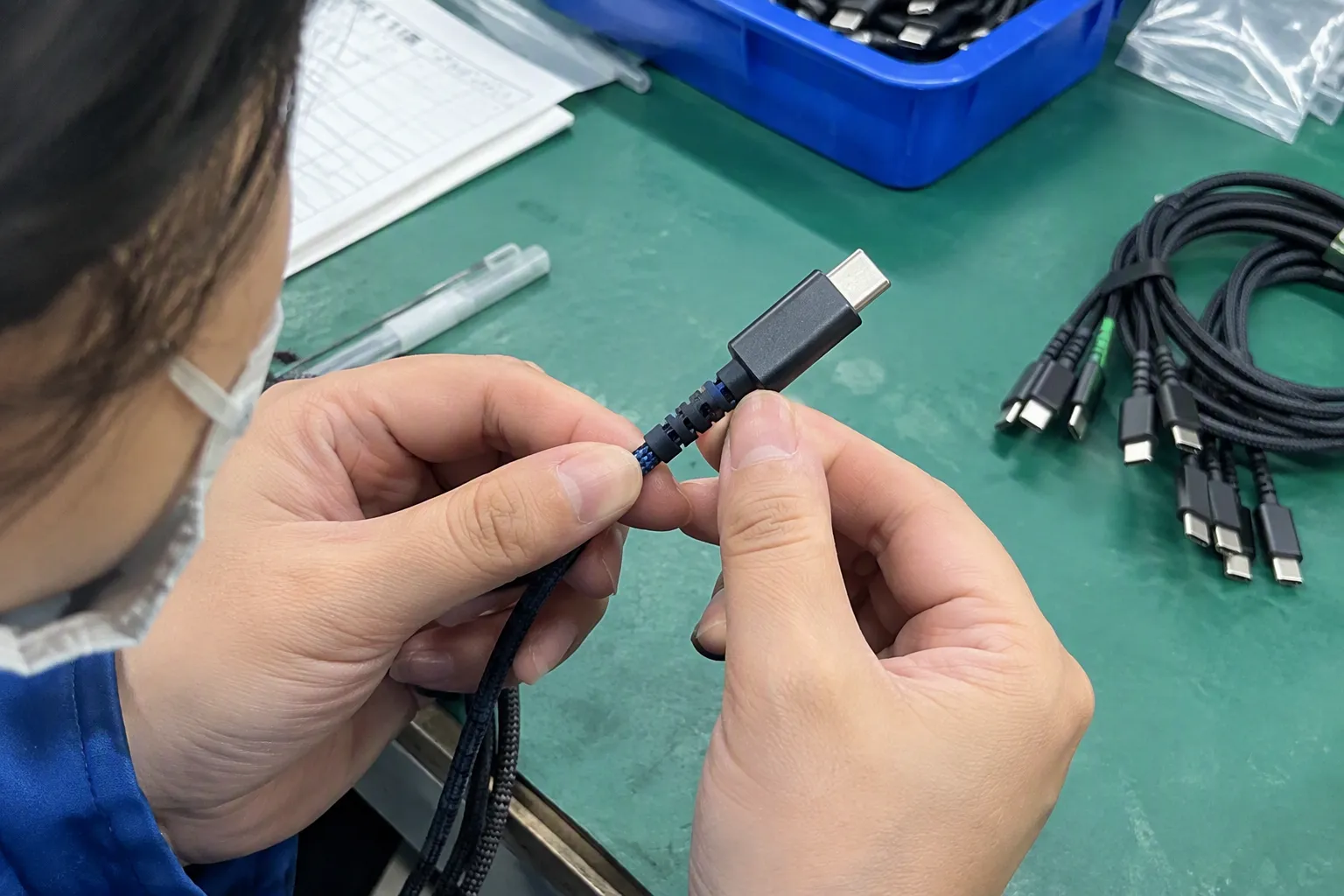
No. USB-C describes the connector shape and interface family, not a guaranteed charging speed or wattage. Fast-charging performance depends on the charger, device, cable design, supported standards, and documented specifications. Sellers should verify the exact product before making a power claim.
How can I tell whether a USB cable supports data transfer?
A visual inspection usually cannot confirm the internal wiring or data capability. Buyers should check the manufacturer’s specification and, when needed, evaluate a sample with suitable equipment. Product listings should state charging-only or charging-and-data functionality only when the claim is supported.
What is the difference between a USB port and a USB plug?
A USB port, also called a receptacle, is the socket built into a device or charger. A USB plug is the connector attached to a cable. A cable can have different plugs at its two ends, so a request for “a USB cable” is incomplete until both ends are identified.
What should I provide when requesting a USB cable quotation?
I recommend providing the connector at both ends, device type or model, intended function, required power or speed, cable length, materials, packaging, target market, quantity, and customization needs. A clear reference image or sample can also reduce communication errors.
Conclusion
A visual guide to USB ports and connectors can help buyers recognize common shapes, but appearance is only the beginning. I recommend confirming the device port, both cable ends, intended function, documented power and data requirements, and applicable product specifications before purchasing or selling. Retailers and wholesalers should also consider MOQ, lead time, packaging, customization, and after-sales risk. If you need help selecting or sourcing USB cables and related 3C products for European or North American markets, contact my Shenzhen export team to discuss your requirements.
Sources
- USB Charger (USB Power Delivery) | USB-IF", The USB Implementers Forum’s connector terminology distinguishes a receptacle integrated into equipment from a plug attached to a cable, supporting the article’s distinction between a device port and a cable connector
- USB Types and Connectors Guide", Reference works and USB specification documents classify Standard-A, Standard-B, Mini-USB, Micro-USB, and USB Type-C as distinct USB connector families, supporting the article’s visual taxonomy
- [PDF] USB 'A' Plug Form Factor Revision 1.0 - USB.org", USB connector specifications describe the Standard-A plug as a rectangular, keyed connector with a defined mechanical interface, supporting the article’s physical description
- USB Type-C® Cable and Connector Specification", The USB Type-C specification defines a reversible plug and receptacle interface, supporting the claim that a Type-C plug can be inserted in either orientation
- (PDF) What is USB Type-C?", USB Type-C and USB Power Delivery specifications define multiple supported operating configurations, while related USB standards describe differing data and alternate-mode capabilities; together they support the claim that Type-C shape alone does not specify function
- Overview of E-Marker in a USB Type-C Cable", USB Type-C and USB Power Delivery documentation describes electronically marked cables as containing identification circuitry used to communicate cable capabilities in specified configurations, supporting the article’s reference to e-markers
- How can I tell charge-only USB cables from USB data ...", USB cable construction standards and engineering references distinguish power and signal conductors within cable assemblies, supporting the conclusion that an external connector form cannot alone verify internal wiring or data capability
- How to easily tell whether a USB-C cable is data-only, ...", USB standards treat the Type-C connector specification and USB data-transfer specifications as related but distinct layers, supporting the statement that a Type-C connector may be used with different data capabilities