Quick Answer
USB connector types can look confusing when I check product samples, cables, or supplier quotations. A wrong visual assumption can lead to incompatible accessories, delayed production, or customer complaints. I use the connector’s shape as a starting point, then verify the port, cable, specifications, and required functions before I approve a purchase.
I can usually identify a likely USB connector type by checking its shape, size, symmetry, orientation, and visible contacts. Common examples include USB-A, USB-B, Mini-USB, Micro-USB, and USB-C.[1] However, appearance alone cannot confirm charging power, data speed, video support, or full compatibility[2], so I always compare the physical sample with supplier documentation and the product specification.
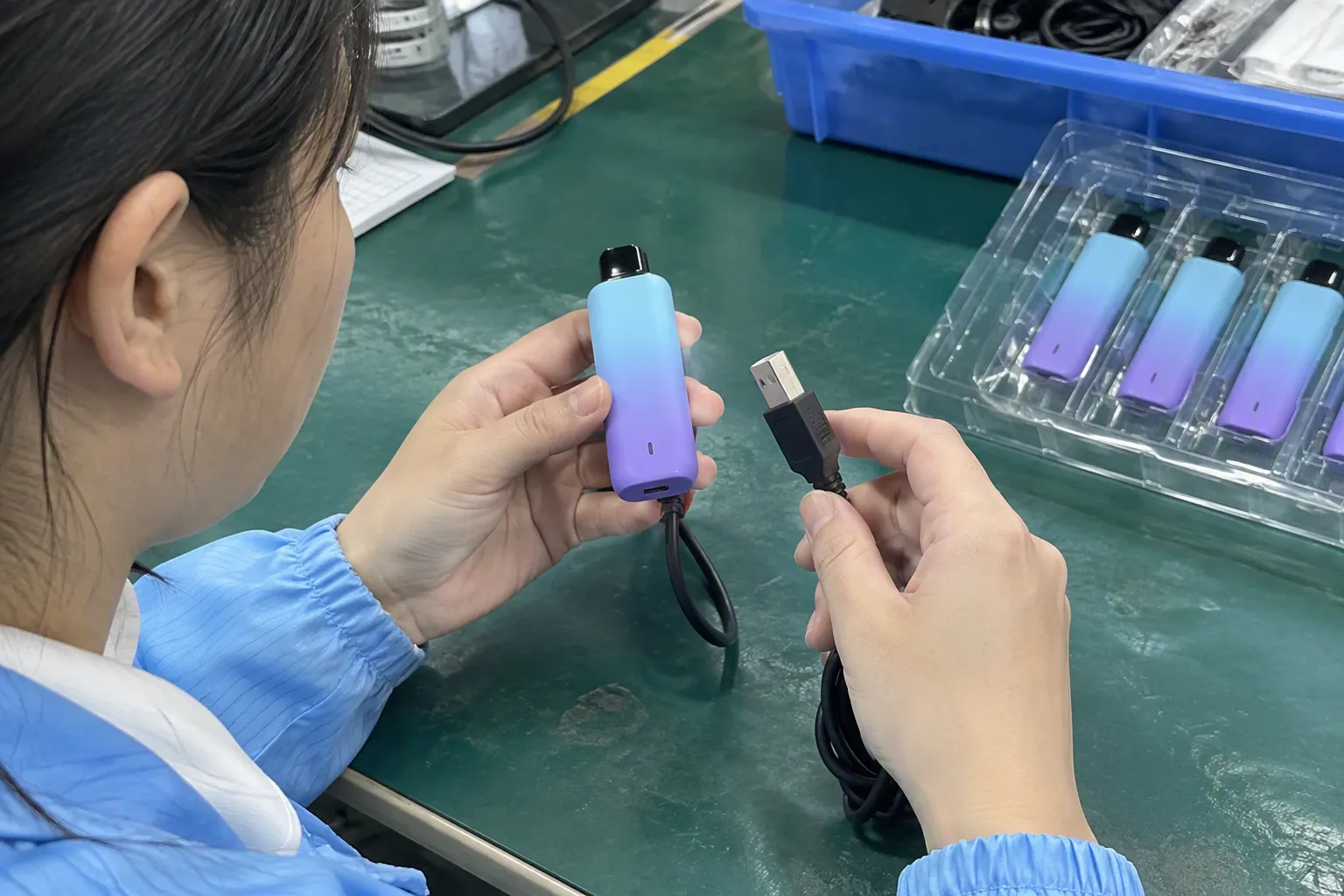
A quick visual classification helps me narrow down the possibilities. It does not replace technical verification. In procurement, I need to confirm that the connector on the product, the connector on the cable, and the promised performance all match the order.
Identify USB Connector Types at a Glance
A vague supplier description such as “USB cable” creates a practical purchasing problem. It may describe the connector on one end only, or it may leave out the connector generation and function. I reduce this risk by checking both ends and recording the physical and technical details separately.
The fastest method is to inspect the connector’s overall outline, compare its width and height, check whether it is reversible, and identify whether it is used as a device port or cable plug. I then confirm the result against a product drawing, sample, quotation, and technical datasheet.
What visual features should I check first?
I start with five visible features:
- Overall shape: Is the connector rectangular, square-like, tapered, or oval?
- Symmetry: Does it have a clear top and bottom, or can it be inserted in either orientation?
- Relative size: Is it a full-size connector, a small mobile-device connector, or a compact modern connector?
- Contact arrangement: Can I see a single row, a central tongue, or contacts on more than one side?
- Application context: Is it fitted to a computer, printer, phone, power bank, camera, game controller, or another product?
These cues usually help me identify the likely physical family. They do not tell me every capability.
Common USB connector types and their visual clues
| Connector type | Typical visual appearance | Common context | Procurement caution |
|---|---|---|---|
| USB-A | Flat, wide, rectangular plug or receptacle | Computers, chargers, hubs, power adapters | It has a defined orientation and may support different USB generations |
| USB-B | Squarish plug with angled upper corners | Printers, scanners, some industrial equipment | Buyers should confirm the exact device-side port |
| Mini-USB | Smaller, trapezoidal connector | Older cameras, GPS units, and accessories | Similar-looking legacy connectors are not automatically interchangeable |
| Micro-USB | Very small, thin, slightly tapered connector | Older phones, power banks, cameras, and electronics | The connector shape does not confirm charging or data performance |
| USB-C | Small, rounded-rectangle or oval-looking plug | Newer phones, laptops, tablets, monitors, and accessories | USB-C describes the connector form, not one complete performance specification |
I treat this table as a recognition guide rather than a technical approval document. A supplier may use a familiar connector shape while offering a different internal wiring arrangement or a different product capability.
USB-A: the familiar rectangular connector
USB-A is often the easiest connector to recognize. The plug has a flat rectangular metal shell, and the receptacle normally has a clear insertion direction.[3] The internal plastic tongue and visible contacts can vary in appearance, so I avoid using color alone as an identification method.
I commonly see USB-A on desktop computers, wall chargers, car chargers, hubs, keyboards, mice, and older cables. A cable can have USB-A on one end and USB-C, Micro-USB, or another connector on the other end. Therefore, describing a cable only as “USB-A” is incomplete.
When I review a quotation, I record the connector as a combination, such as:
- USB-A plug to USB-C plug
- USB-A plug to Micro-USB plug
- USB-A plug to USB-B plug
- USB-A plug to USB-A receptacle extension
This format gives the supplier less room to misunderstand the required configuration.
USB-B: a squarer device-side connector
USB-B is generally more square than USB-A. It often has angled upper corners that create a distinctive shape.[4] I have seen it most often on printers, scanners, and selected equipment that uses a separate device-side cable.
USB-B is not the same as Mini-USB or Micro-USB. A supplier who receives only the phrase “printer USB cable” may still need the printer model, a port photograph, or a reference sample. I ask for these details before requesting a final quotation.
I also check whether the buyer needs a standard USB-B connector or a less common variation. Similar product descriptions can hide different physical configurations. The safest practice is to combine the connector name with:
- A clear photograph of the port
- The device model
- A dimensioned drawing, if available
- The required cable length
- The connector type on the opposite end
- Any data or power requirement stated by the original equipment maker
Mini-USB and Micro-USB: small but not interchangeable
Mini-USB and Micro-USB are both smaller than USB-A, but their outlines differ. Mini-USB is usually thicker and taller.[5] Micro-USB is thinner and more compact, with a shape that many buyers associate with older smartphones and portable electronics.
I do not approve a cable because a supplier says it is “for an old phone.” I compare the cable plug with the actual product port. I also check the intended orientation because these connectors normally have a top and bottom.
The product application matters. A camera, handheld scanner, power bank, and audio accessory may use similar-looking connectors while requiring different cable arrangements. If a product is sold with a cable, I check both the plug and the supplied accessory. If the buyer plans to sell replacement cables separately, I check the consumer-facing description as well.
The name also needs careful handling. “Micro USB” may refer to the physical connector family, but it does not automatically confirm:
- A particular USB generation
- A particular data rate
- A particular charging current
- Support for a special accessory function
- Compatibility with every device using a similar port
I keep physical identification and capability verification as two separate steps.
USB-C: a symmetrical shape with many possible functions
USB-C is easy to recognize because it is a compact, rounded-rectangle connector that can generally be inserted in either orientation.[6] The plug and receptacle are symmetrical in a way that distinguishes them from USB-A, Mini-USB, and Micro-USB.
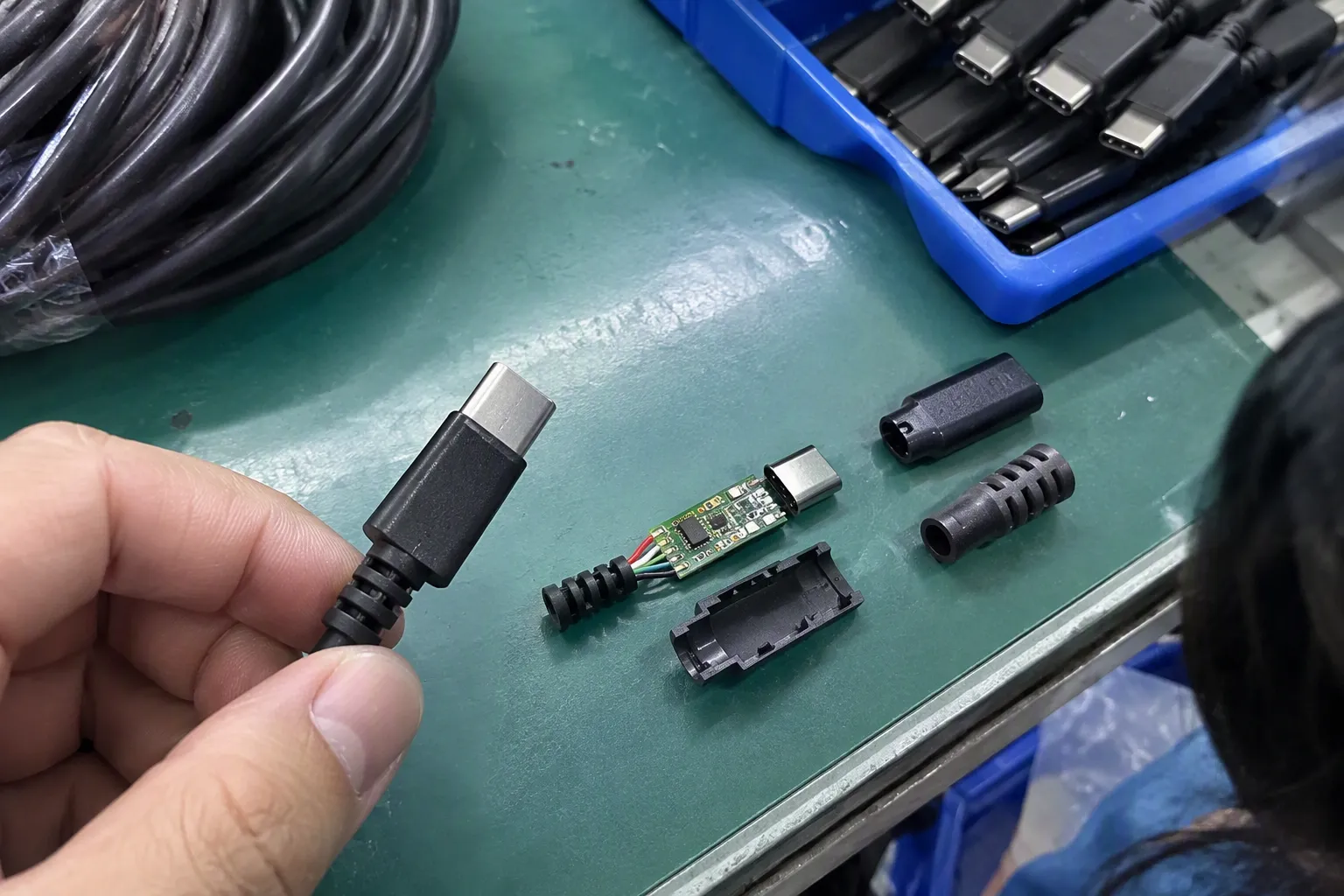
However, USB-C is one of the clearest examples of why appearance is not enough. Two products may both use USB-C while differing significantly in data performance, charging behavior, display support, cable construction, and protocol support.[7]
When I source USB-C accessories, I ask the supplier to state the required details in writing. Depending on the product, I may need confirmation of:
- The connector arrangement on both ends
- Cable length and outer material
- Data performance claimed by the supplier
- Charging-related specifications
- Whether video or display output is supported
- Whether the cable is intended for a particular device or protocol
- Whether the product includes any required identification or control components
- Applicable test reports or compliance documents
I do not treat a USB-C plug as proof that every USB-C function is available. I also avoid presenting visual inspection as an electrical test. If the application depends on high power, high-speed data, video, or another specialized function, I recommend a qualified technical review and appropriate testing.
Why connector shape cannot confirm performance
A connector describes a physical interface. It does not always describe the complete system behind that interface.
For example, a USB-C cable may fit a device physically but fail to provide the required data speed or charging performance. A USB-A cable may also exist in different versions and constructions. The same general plug shape can appear across products with different internal conductors, shielding, controllers, or wiring arrangements.[8]
I therefore separate the inspection into two questions:
Question one: Does the connector physically fit the product and the intended accessory?
Question two: Does the product provide the required electrical, data, display, and protocol functions?
The first question can often begin with visual inspection. The second question requires documentation, supplier confirmation, sample evaluation, and, where necessary, qualified testing.
How I compare the port and the cable
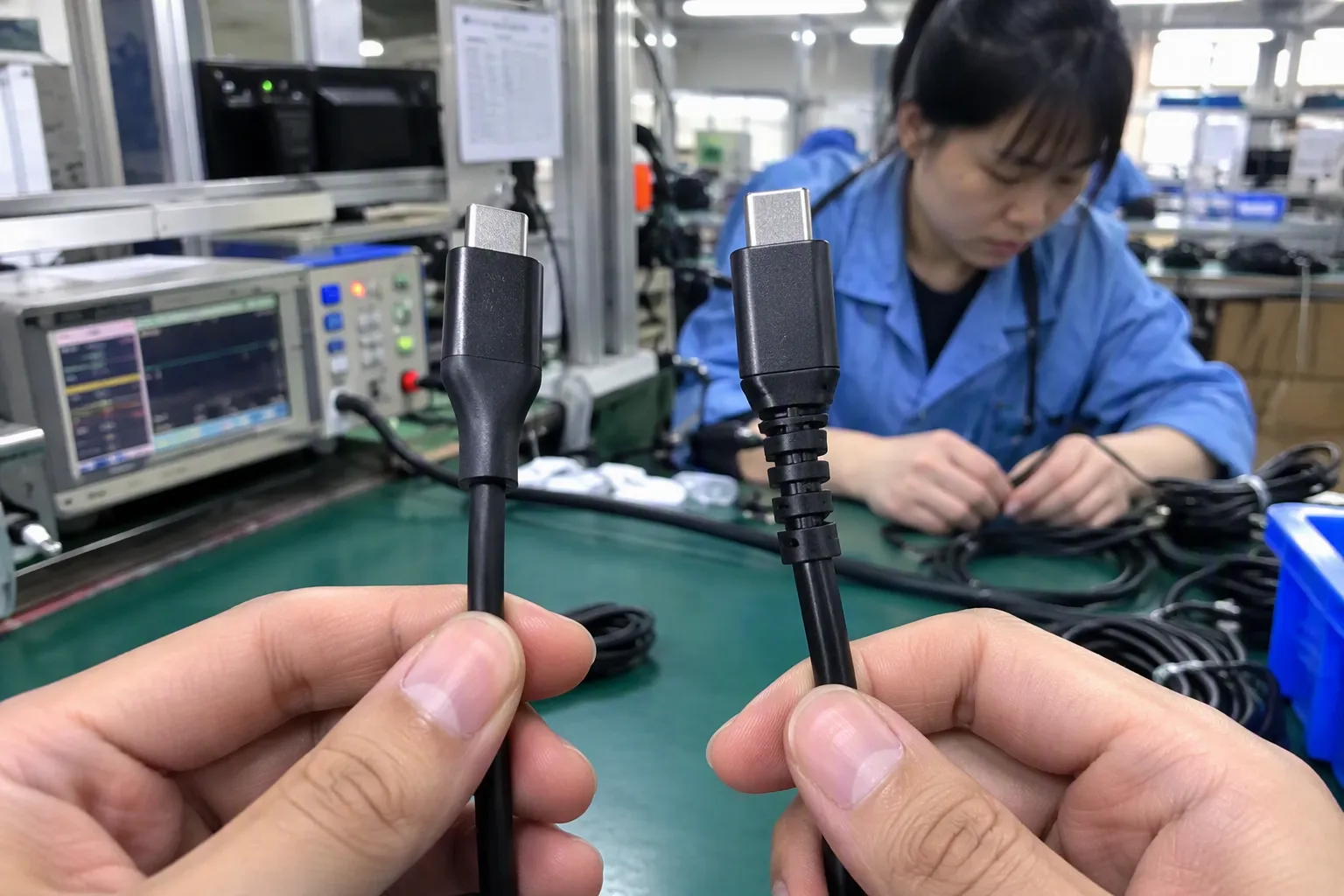
A common sourcing mistake is identifying only the port on the product. I check the complete connection path instead.
For a simple cable purchase, I document the following:
| Checkpoint | What I record |
|---|---|
| Product-side port | Connector type and whether it is a receptacle |
| Cable device-side plug | Exact physical connector |
| Charger or host-side plug | Exact physical connector |
| Orientation | Reversible or directional insertion |
| Cable length | Required length and acceptable tolerance |
| Product function | Charging, data transfer, display, or another stated use |
| Supplier wording | Exact description in quotation and datasheet |
| Sample result | Whether the supplied sample matches the approved reference |
This approach is useful for both procurement and quality control. It also helps when a product contains several ports. A power bank, laptop stand, hub, or charging station may use different USB connector types for input, output, data, or service functions.
I label each port in the product specification. Instead of writing “USB port,” I ask the supplier to identify whether it is, for example, a USB-C input, USB-A output, or another defined connection. I also ask for a clear product drawing if the port is recessed or difficult to photograph.
What I check in supplier quotations
Supplier quotations often shorten technical descriptions to save space. That creates risk when several connector configurations look similar. I request a quotation that states the complete arrangement and does not rely on a product photograph alone.
My quotation checklist includes:
- Exact connector name on each end
- Plug or receptacle designation
- Quantity of cables or adapters included
- Cable length and color
- Outer jacket material, if relevant
- Product-side port description
- Intended use
- Stated data or power requirements
- Packaging and labeling requirements
- Sample reference number
- Any supporting technical documents
I compare this information with the buyer’s purchase order. If the quotation says “Type-C cable” but the purchase order requires a particular charging or data function, I ask the supplier to clarify the missing information before production.
I also look for inconsistent terms. A supplier might use “USB 3 cable,” “fast cable,” “Type-C data cable,” and “charging cable” in different parts of the same document. These phrases do not necessarily mean the same thing. I ask the supplier to provide one consistent specification and to identify which claims are documented.
How I use samples during inspection
I use visual inspection to compare the production sample with the approved reference. I check the connector shell, dimensions, finish, insertion direction, strain relief, cable marking, and the arrangement of both ends.
I do not rely on one photograph. I normally want photographs that show:
- The complete cable or product
- The connector from the front
- The connector from the side
- The connector next to a reference or dimension
- Both ends of the cable
- The port installed in the product
- Product labels and packaging claims
I also compare the physical sample with the supplier’s specification sheet. If the sample appears correct but the description is incomplete, I record the issue rather than assuming that the missing feature is acceptable.
For higher-risk orders, a visual check should be supported by suitable functional inspection. A qualified inspector or technician may need to verify continuity, charging behavior, data transfer, or another application-specific requirement. The exact inspection method depends on the product and the buyer’s specification.
Visual differences that can mislead buyers
Some differences are obvious, but others are easy to miss. I pay attention to the following details:
- Shell size: A connector can be similar in width but different in height.
- Tapered edges: Mini-USB and Micro-USB can be confused in poor photographs.
- Reversibility: USB-C normally has a symmetrical insertion design, while many older connectors do not.
- Port depth: A recessed product port may make the connector appear shorter or narrower.
- Overmolding: Thick cable molding can hide the actual metal shell shape.
- Adapters: An adapter can make one connection appear to be another.
- Extension products: The connector may be a plug on one end and a receptacle on the other.
- Multiple ports: A product may include several USB connector types with different intended functions.
I ask suppliers to send unedited photographs when I cannot identify a connector confidently. A cropped image can hide the orientation, shell profile, or surrounding port design.
How connector identification supports supplier selection
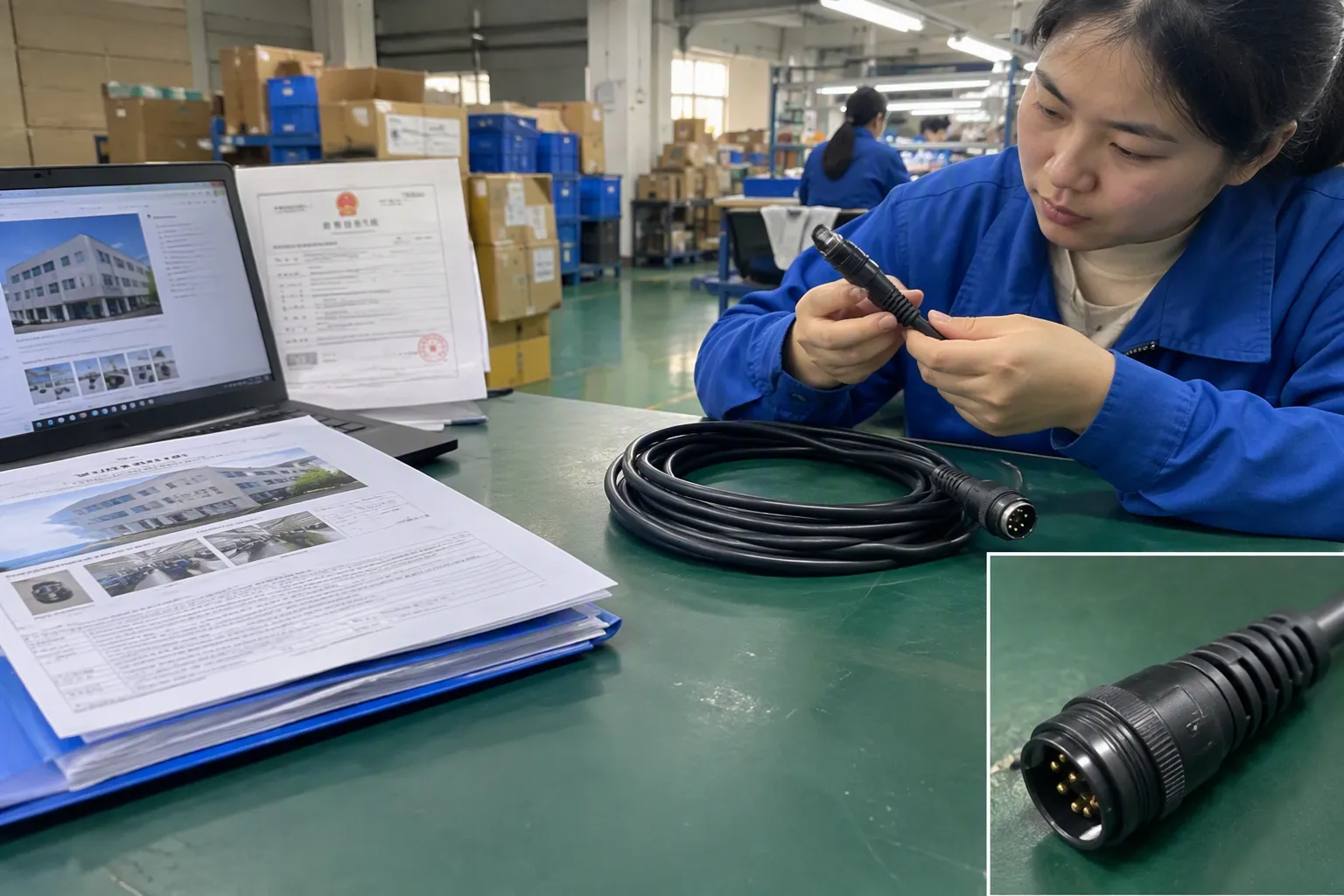
Connector identification is not only a product-checking task. It also helps me compare suppliers more fairly. If one supplier quotes a complete cable specification and another provides only “USB cable,” the prices are not directly comparable yet.
Before I select a supplier, I review:
- Whether the supplier understood the connector configuration
- Whether the supplier asked for the correct product details
- Whether the sample matches the written quotation
- Whether the supplier can provide relevant technical documents
- Whether the factory has a clear quality-control process
- Whether packaging and labels match the intended market
- Whether the supplier can support inspection before shipment
A supplier that communicates clearly about connector types is not automatically the best supplier. However, clear documentation reduces ambiguity during sampling and production. I still verify the factory, inspect the sample, and confirm the commercial terms.
For buyers sourcing from several Chinese factories, I recommend using one standardized specification sheet. I use the same fields for every supplier so that connector descriptions, cable lengths, functions, and included accessories can be compared line by line.
A practical identification workflow
I use the following workflow when a buyer sends me a product photograph or asks for a cable quotation:
Step 1: Identify the visible shape
I classify the likely connector family by looking at the outline, size, symmetry, and contact arrangement. I mark the result as likely, not final.
Step 2: Check both sides
I identify the product-side port and every cable end. I record whether each side is a plug or receptacle.
Step 3: Confirm the application
I ask what the connection must do. The requirement may involve charging, data transfer, display output, an accessory connection, or more than one function.
Step 4: Compare supplier documents
I match the visual result with the quotation, datasheet, product drawing, packaging artwork, and sample photographs.
Step 5: Request clarification
I ask the supplier to clarify any missing or inconsistent terms. I do not allow “fast,” “universal,” or “compatible” to replace a measurable requirement.
Step 6: Approve the reference sample
I assign a sample number or written reference. The supplier should use the approved specification for production.
Step 7: Inspect before shipment
I check connector appearance and product accessories during quality control. I arrange suitable functional checks when the order depends on power, data, or another performance claim.
This workflow is simple, but it prevents a visual guess from becoming an expensive purchasing assumption.
What buyers should include in a product specification
A useful USB accessory specification does not need to be complicated. It needs to remove uncertainty. I normally include:
- Product name and intended application
- Connector type on every end
- Plug or receptacle status
- Port location and orientation
- Cable length
- External material and color
- Required function
- Excluded or unsupported functions
- Packaging and labeling
- Reference photographs or drawings
- Sample approval procedure
- Inspection points
- Required supplier documents
I also ask the buyer to identify the exact device models when compatibility matters. A generic connector description may be sufficient for a simple cable, but it may not be sufficient for a customized product, hub, charging station, or electronics accessory.
When I recommend professional technical evaluation
I can help classify connector types and organize supplier verification, but I do not treat visual inspection as a laboratory test. I recommend qualified professional evaluation when the product depends on:
- High-power charging
- High-speed data transfer
- Video or display output
- Complex docking functions
- Medical, industrial, or safety-sensitive applications
- Strict regulatory or market-entry requirements
- A custom wiring or proprietary interface
- Claims that the supplier cannot document clearly
Buyers should verify certifications, test reports, and declarations directly against the product and intended market. A document should identify the relevant product, model, and scope. A general certificate from a supplier is not automatically proof that every version of a cable or accessory meets the buyer’s requirements.
How I prevent connector mistakes in larger orders
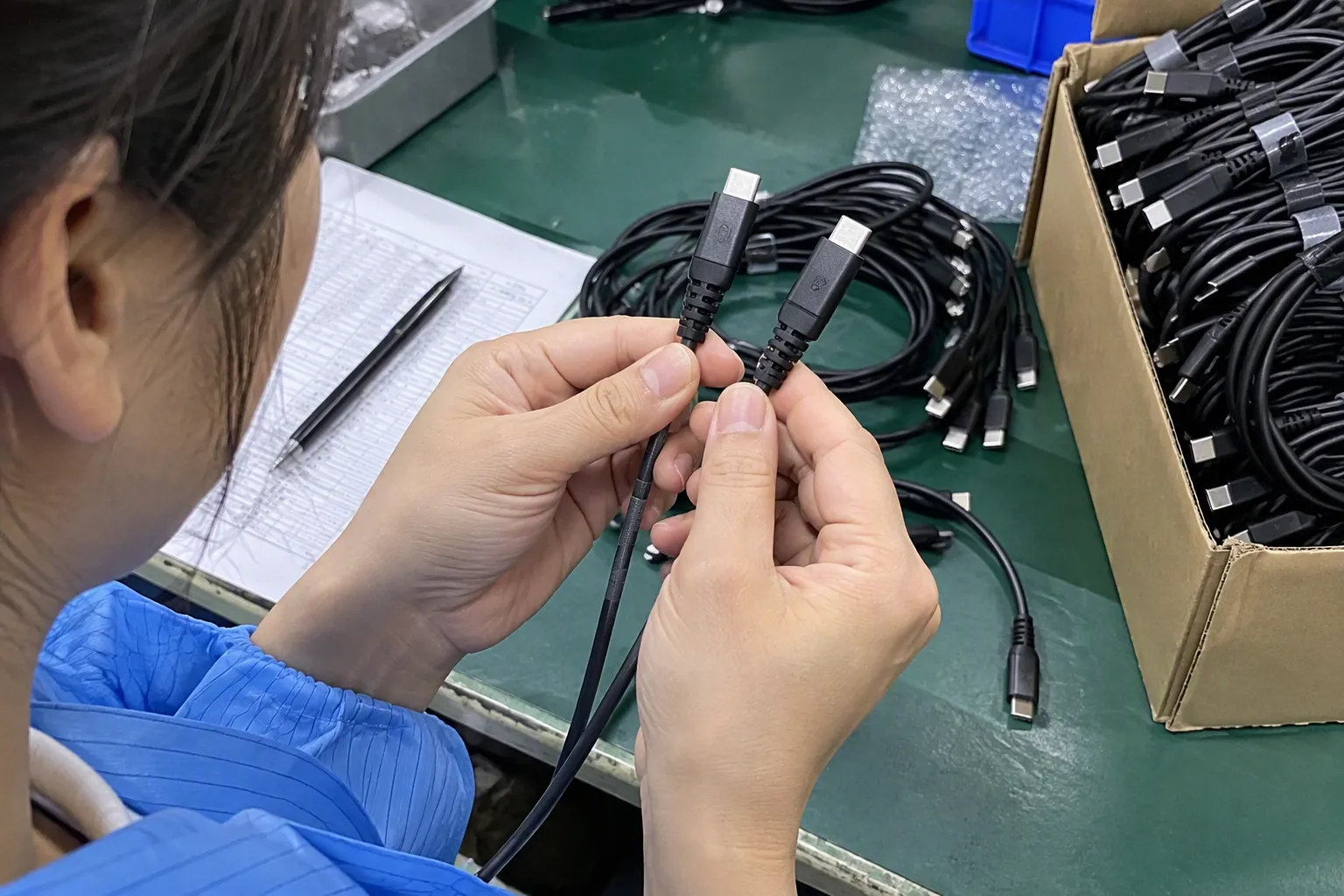
For repeat purchasing, I convert the approved sample into a controlled reference. I include photographs, dimensions, connector descriptions, and packaging details in the purchase file. I also ask the supplier to notify me before changing the connector, cable construction, molding, or accessory list.
For multi-SKU orders, I assign a separate specification to each SKU. This matters because one product family may include several versions:
- USB-A to USB-C
- USB-C to USB-C
- USB-A to Micro-USB
- Cable-only version
- Cable-and-adapter version
- Different lengths or packaging
- Different data or charging claims
I check the SKU label against the physical product during production follow-up and final inspection. If the buyer sources from multiple factories, I can also coordinate samples, compare quotations, consolidate products, and check that each supplier is using the correct reference.
A short decision rule
I use this rule when I need a quick answer:
Shape identifies the likely connector family. The complete specification confirms whether the product is suitable.
If I can see a USB-C connector, I record “likely USB-C.” If the buyer needs a cable for a particular laptop or charging application, I continue checking the cable construction, supplier claims, compatibility requirements, and any required testing.
This distinction protects buyers from a common error: assuming that a connector that fits must also deliver the required result.
Frequently Asked Questions
Can I identify USB connector types from a photograph?
A clear photograph can help identify the likely physical connector family by showing its outline, size, orientation, and visible contacts. However, a photograph cannot confirm data speed, charging power, video support, internal wiring, or complete device compatibility. I use images for initial classification and documentation for final verification.
Is USB-C the same on every cable and device?
No. USB-C describes the physical connector form. USB-C products can differ in data capability, charging performance, display support, cable construction, and protocol compatibility. I ask suppliers to document the functions required for the specific product instead of assuming that every USB-C cable performs in the same way.
Are Mini-USB and Micro-USB interchangeable?
No. Mini-USB and Micro-USB have different physical shapes and are not automatically interchangeable. I compare the cable plug with the actual device port and confirm the connector description in the product specification. I also check whether the accessory is intended for charging, data transfer, or another function.
Does a USB connector shape show charging power?
No. The connector shape alone does not show charging power. Charging performance can depend on the device, cable construction, charger, protocol, and other design factors. I request written supplier specifications and recommend suitable technical evaluation when the charging requirement is important.
What should I do if a supplier only writes “USB cable”?
I ask the supplier to specify both ends of the cable, the plug or receptacle type, cable length, intended function, and any required performance. I also provide product photographs, device models, or a reference sample. I do not compare quotations accurately until each supplier is quoting the same configuration.
Conclusion
I use visual recognition to identify the likely USB connector type, but I do not stop there. I check both the product port and cable ends, separate connector shape from technical capability, and compare the sample with the quotation and required specification. Buyers should verify supplier documents and arrange qualified testing when power, data, video, or compatibility claims are important. If you need help sourcing, checking, or consolidating USB accessories from China, contact KingSourcing to discuss your product requirements.
Sources
- USB Cables 101 • A Guide to USB Connector Types", A technical overview of USB connectors identifies USB-A, USB-B, Mini-USB, Micro-USB, and USB-C as distinct connector forms used across different generations and device applications
- USB-C Cable Guide: Power, Data Speed, and Video", USB Type-C and USB power-delivery documentation distinguishes the connector and receptacle form from negotiated power capabilities, signaling rates, and alternate-mode functions; therefore, visual inspection alone cannot establish those capabilities
- Why Are USB Ports Rectangular?", Reference descriptions of USB Type-A characterize the plug and receptacle as rectangular, keyed connectors that require alignment in a particular orientation
- USB Types and Connectors Guide", Technical descriptions of the standard USB Type-B interface depict a generally square device-side connector with chamfered or angled upper corners
- Types of USB Cables: The Ultimate Guide", Comparative connector references describe Mini-USB as a larger, thicker form than the later, lower-profile Micro-USB family
- USB Type-C® Cable and Connector Specification", The USB Type-C specification defines a symmetrical, reversible plug and receptacle interface, whose compact profile is commonly described as rounded or oval-ended rather than rectangular USB-A-like
- [PDF] Universal Serial Bus Type-C Cable and Connector Specification", USB Type-C documentation supports the existence of multiple capability combinations among Type-C ports and cables, including differences in USB data signaling, negotiated power, and display-related alternate modes
- Overview of E-Marker in a USB Type-C Cable", USB Type-C technical documentation describes cable assemblies with differing signal wiring, shielding, and electronically marked components, supporting the distinction between external connector appearance and internal construction