Quick Answer
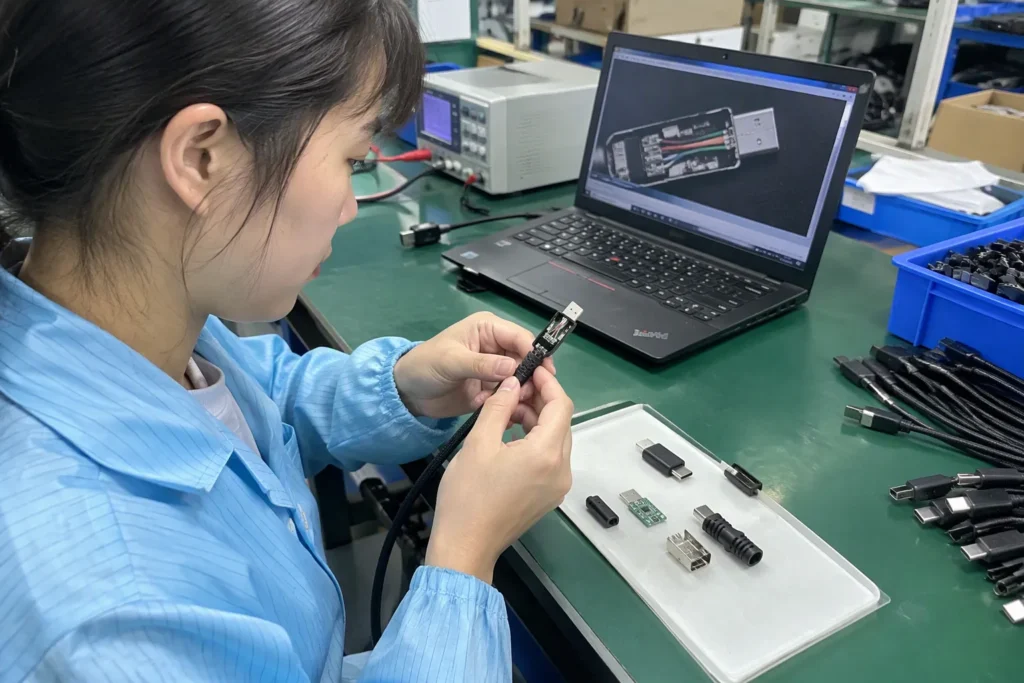
Micro USB vs USB-C is a common question when I help buyers select cables, chargers, earbuds, smartwatches, and other 3C products. The wrong connector can create compatibility problems, customer complaints, and avoidable SKU risk. I find that a careful review of the device, charging system, target market, and existing inventory usually gives buyers a safer answer.
USB-C is usually the better default for new devices because it is reversible, widely used in modern product ecosystems, and easier for consumers to handle. However, USB-C does not automatically provide faster charging, higher wattage, or faster data transfer[3]. The device, charger, cable, protocol, and product specifications must support those features. Micro USB can still be the practical choice for existing devices, low-cost products, and legacy-compatible product lines.
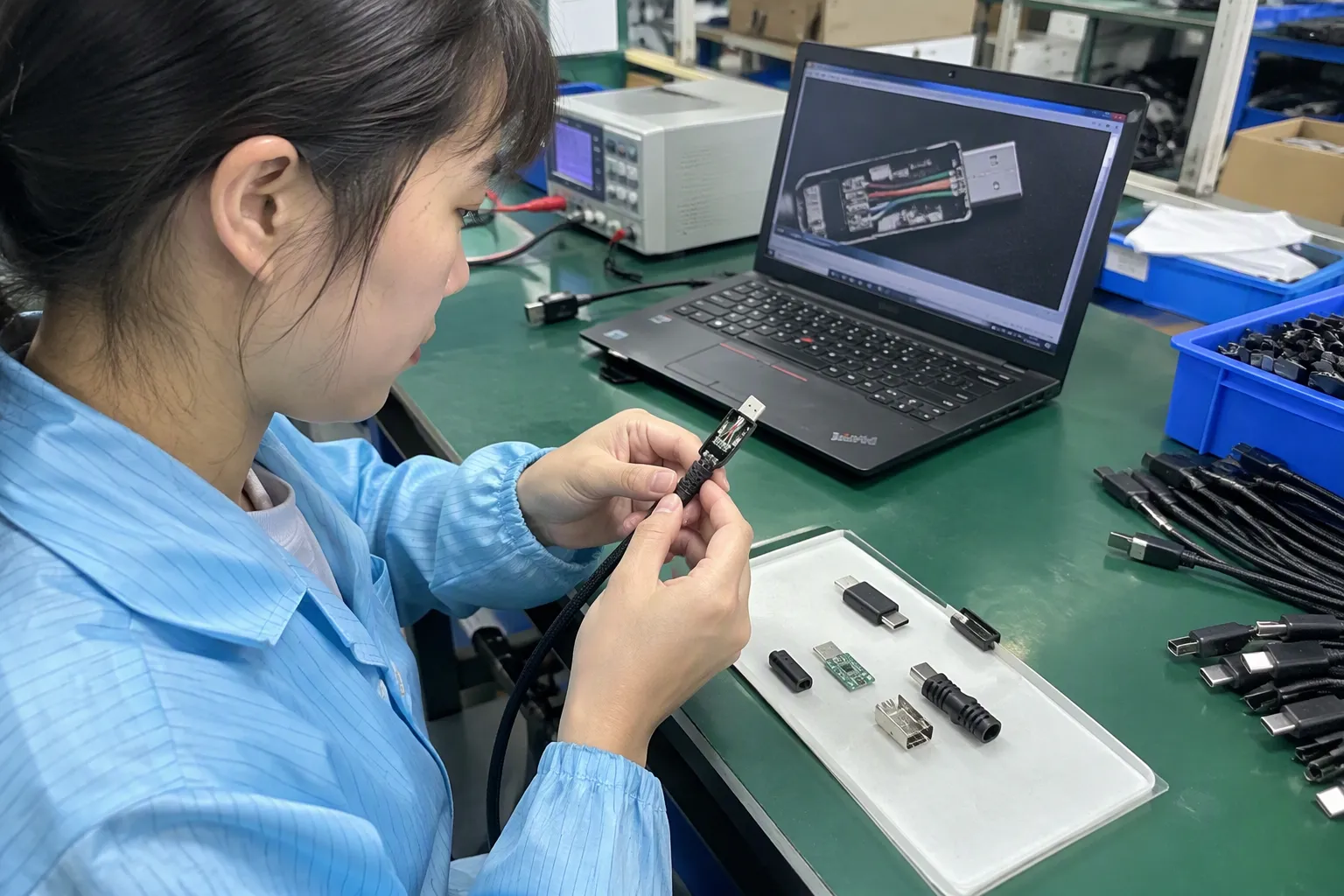
The most important point is that connector shape and product performance are not the same thing. I often hear buyers describe USB-C as “fast charging” and Micro USB as “slow charging,” but that description is too simple for responsible product selection. I would first confirm compatibility, required performance, customer expectations, and supply risk.
Micro USB vs USB-C: Which Is Better for Modern Devices
Many buyers want one clear winner, but a simple old-versus-new answer can lead to poor purchasing decisions. A retailer may choose USB-C for a product that still needs to connect with a Micro USB ecosystem, or a buyer may assume that every USB-C cable supports the same charging power. I recommend evaluating the complete product system instead of the connector alone.
USB-C is generally better for new product development and modern device ranges. Its reversible plug improves daily usability[1], and many newer phones, tablets, laptops, power banks, headphones, and accessories now use USB-C[2]. Micro USB remains useful when a product must match an existing port, meet a strict cost target, or support a legacy customer base.
What Does the Connector Actually Tell Buyers?
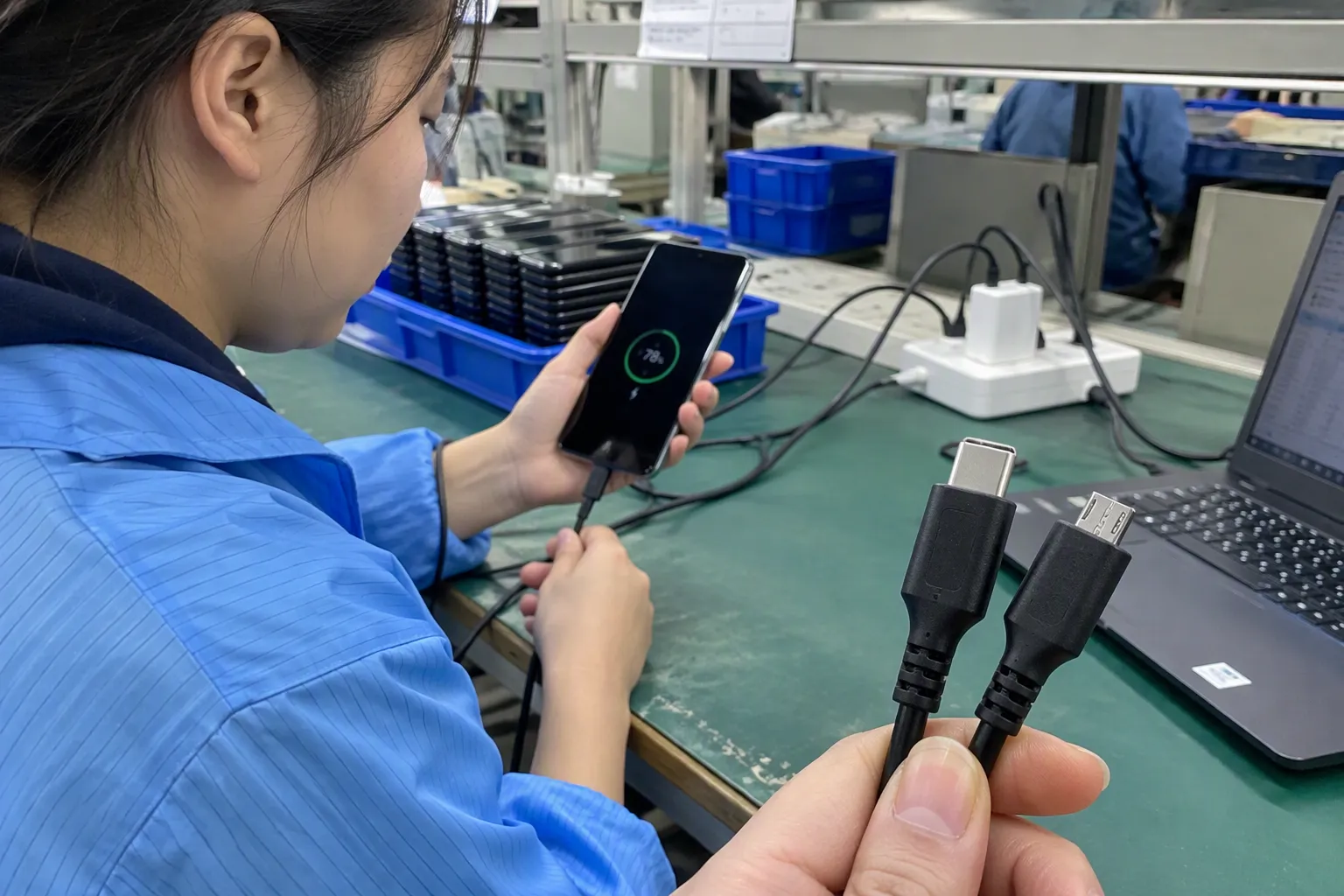
The connector tells me how a cable or accessory physically connects to a device. It does not tell me the complete charging or data specification.
For example, a USB-C product may support only basic charging and USB data transfer. Another USB-C product may support a much higher power level or faster data rate. Those capabilities depend on the complete design, including:
- The device charging circuit
- The charger output
- The cable construction
- The supported USB or charging protocol
- The power-management system
- The manufacturer’s stated specifications
- Any required identification or communication components
Micro USB also appears in different product designs. A basic Micro USB cable may serve a small accessory, while another cable may have different conductor quality or data capability. The connector alone does not establish a universal performance level[4].
I therefore treat “USB-C” as an interface description, not as a complete performance claim. When I review a product for a retailer or importer, I ask the supplier to separate the following points:
| Procurement question | Why it matters |
|---|---|
| Which port is on the device? | It confirms physical compatibility. |
| What charging input does the device accept? | It prevents unsupported power claims. |
| What charger should the customer use? | It helps define the complete user experience. |
| What cable is included? | The included cable may limit charging or data performance. |
| Which protocol is supported? | USB-C alone does not identify the protocol. |
| Does the product support data, charging, or both? | Some cables and accessories have limited functions. |
| Are specifications documented? | Buyers need evidence for listings and internal approval. |
Why Do Buyers Usually Prefer USB-C for New SKUs?
USB-C usually creates less friction in a modern product range. I see three practical reasons.
First, the reversible plug is easier for consumers to use. Customers do not need to check the orientation before inserting the connector. This small convenience matters for products used every day, especially chargers, earbuds, power banks, and portable accessories.
Second, USB-C is increasingly common across newer device categories. A customer may already carry one USB-C charger and cable for several devices. A product that uses the same interface can fit more naturally into that customer’s routine.
Third, USB-C can give a new product a more current market position[5]. Buyers often want an accessory to look relevant when it reaches retail shelves or an online marketplace. A modern connector may support that positioning, but I would not use the connector as the only selling point.
I also consider the product’s expected life cycle. If I am helping a buyer develop a new SKU for several selling seasons, I usually examine whether Micro USB could make the product appear outdated or create compatibility questions later. That does not mean every product should change immediately. It means the buyer should understand the likely channel expectations before confirming the specification.
When Does Micro USB Still Make Sense?
Micro USB remains a legitimate choice in several situations[6]:
-
Existing device compatibility:
A replacement cable or accessory should match the port already used by the customer’s device. -
Legacy product lines:
A retailer may have an established product range built around Micro USB. Changing the interface could create confusion or require packaging and listing updates. -
Cost-sensitive products:
Some basic accessories have very limited functional requirements. A buyer may decide that the added value of USB-C does not justify a higher target cost. -
Specific low-power devices:
Certain small electronics, lights, controllers, and older accessories may still be designed around Micro USB. -
Replacement and after-sales demand:
Customers who own older devices may continue to look for compatible cables. A retailer that removes all Micro USB options could lose those sales.
I do not recommend keeping Micro USB simply because it is familiar. I recommend keeping it when the device, customer base, or commercial objective clearly supports it. The buyer should also manage the product description carefully so that customers understand exactly which devices are compatible.
Does USB-C Always Charge Faster Than Micro USB?
No. USB-C does not automatically charge faster than Micro USB.
Charging performance depends on the complete power path. The device must accept the intended power level, the charger must provide it, and the cable must be suitable for that use. The charging protocol must also be supported by the relevant devices.
A basic USB-C cable connected to a basic charger may provide only basic charging. A Micro USB product that uses a compatible fast-charging design may perform better than a basic USB-C product[7] in a particular application. I would still verify the manufacturer’s technical documentation rather than make a general claim.
I use this simple model when explaining charging performance to buyers:
Actual charging result = device capability + charger capability + cable capability + protocol compatibility
If one part of the system has a lower limit, the overall result may be limited[8]. For example, a high-output charger cannot force a device to accept more power than its design supports. A capable device may also charge more slowly if the buyer supplies an unsuitable cable or charger.
What Should Retail Buyers Check Before Choosing a Connector?
I suggest that retailers, wholesalers, and e-commerce sellers review the following areas before selecting a connector.
1. Device and accessory compatibility
The buyer should list the devices that the product must support. A cable for a new USB-C phone has a different role from a replacement cable for an older Micro USB speaker. A general product name such as “charging cable” is not precise enough for purchasing.
2. Customer use case
The buyer should identify whether customers need:
- Charging only
- Charging and data transfer
- Connection to a computer
- Connection to a power bank
- Connection to a vehicle charger
- Use with a gaming accessory
- Use with a smartwatch or small wearable
- Replacement support for an existing product
The use case helps the buyer choose the correct cable construction and specification.
3. Channel expectations
A chain store may want a consistent interface across several categories. An online seller may focus on search demand, compatibility clarity, and low return risk. A wholesale importer may prioritize broad device coverage and competitive landed cost. Each channel can reach a different conclusion.
4. Packaging and listing accuracy
The packaging should state the connector type clearly. The product listing should identify both ends of the cable, such as USB-A to USB-C or USB-C to USB-C. It should also explain whether the cable supports charging, data transfer, or a stated charging protocol.
I would avoid unsupported phrases such as “universal fast charger” or “maximum speed” unless the supplier has provided the evidence and the wording accurately reflects the product.
5. Supplier consistency
A buyer should confirm that the approved sample matches mass production. I pay attention to connector moulding, cable length, conductor construction, strain relief, labeling, and packaging. A supplier may quote a USB-C cable, but the buyer still needs to define the complete specification.
Which Connector Creates Lower SKU Risk?
USB-C often creates lower long-term risk for new product families, while Micro USB can create lower short-term compatibility risk for established products. The answer depends on the product’s position in the buyer’s range.
I would separate the risk into four categories:
| Risk area | USB-C consideration | Micro USB consideration |
|---|---|---|
| Consumer usability | Reversible connection can reduce insertion frustration. | Plug orientation may be less convenient. |
| New-product positioning | Usually fits modern device expectations. | May appear less current in some categories. |
| Existing compatibility | May not connect to older devices. | Often matches older accessories and electronics. |
| Specification confusion | Consumers may assume advanced performance. | Consumers may assume limited performance. |
| Inventory planning | Can support new device ecosystems. | Can support replacement and legacy demand. |
| Listing accuracy | Capability claims require careful explanation. | Compatibility details remain important. |
I have found that many buyer problems begin before production. The team may select a connector during a short product meeting, then discover later that the packaging, cable, charger, and target device do not match. A short compatibility review at the beginning can prevent a much larger issue at launch.
How Can I Compare USB-C and Micro USB Products from Suppliers?
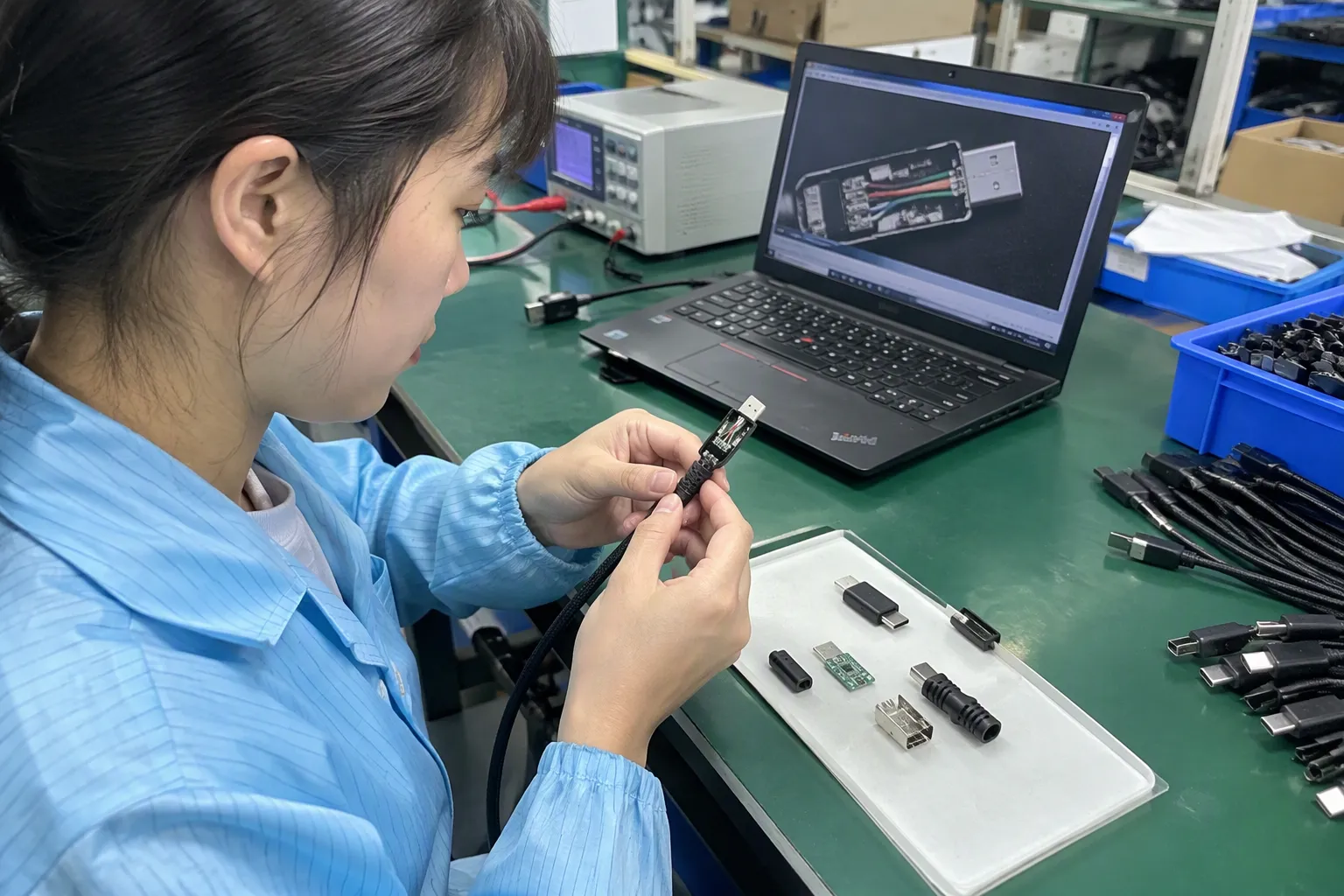
I recommend sending suppliers a written specification sheet instead of asking only, “Can you provide USB-C?” The request should identify the intended application and the performance that the buyer actually needs.
A basic supplier comparison can include:
- Connector configuration
- Cable length and permitted tolerance
- Outer material
- Conductor specification
- Charging function
- Data-transfer function
- Supported protocol, if applicable
- Recommended charger
- Packaging requirements
- Quality-control checkpoints
- Sample approval process
- Production lead time
- Minimum order quantity
- Warranty and after-sales process
- Required market documentation
I also ask suppliers to identify what they have verified and what still requires testing. This distinction matters because a supplier’s product description is not automatically independent proof of performance.
For products sold in Europe or North America, I would ask the supplier to provide relevant compliance and safety documents for buyer review. The buyer should verify that the documents apply to the exact model, factory, market, and current production version. I would not treat a certificate or test report as valid merely because a sales representative attaches it to an email.
Should Buyers Stock Both USB-C and Micro USB?
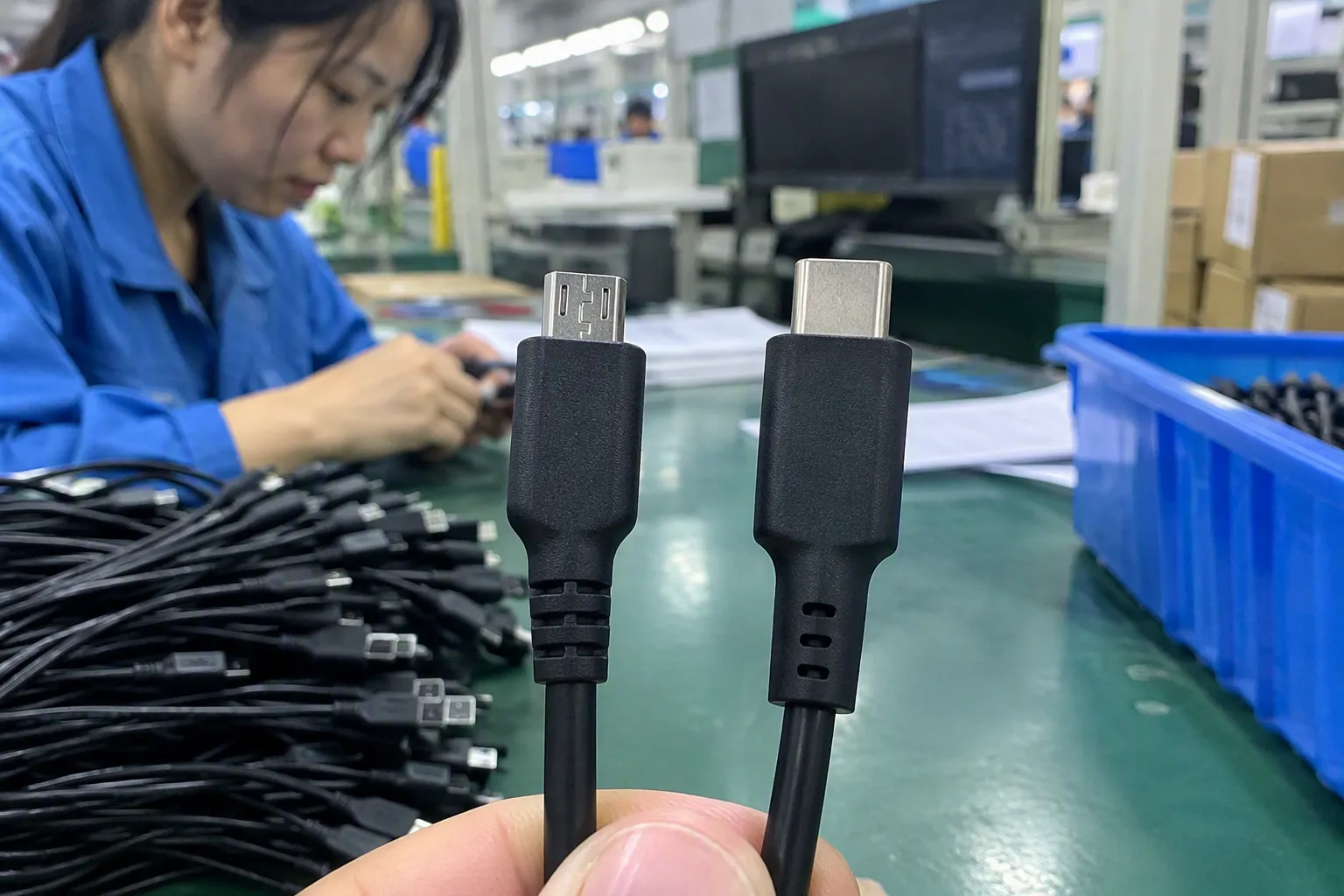
Some retailers should stock both, especially when their customers own a mixture of newer and older electronics. A two-interface strategy can reduce compatibility gaps, but it also increases SKU count and inventory complexity.
I would consider stocking both when:
- The retailer serves a broad consumer base.
- The product category contains both old and new devices.
- Replacement demand remains relevant.
- The buyer can explain the difference clearly in-store and online.
- Inventory turnover supports separate SKUs.
- The packaging can prevent customer selection errors.
I would consider focusing on USB-C when:
- The buyer is launching a new accessory range.
- The target devices are mainly current-generation products.
- The channel values a modern, consistent ecosystem.
- The buyer wants to reduce future interface changes.
- The customer expects USB-C compatibility.
I would not decide based only on the lowest purchase price. A cheaper SKU can become expensive if customers order the wrong version, return it, leave negative reviews, or require after-sales support. The buyer should compare total commercial risk, not only the unit quotation.
What Quality-Control Checks Matter for Both Connectors?
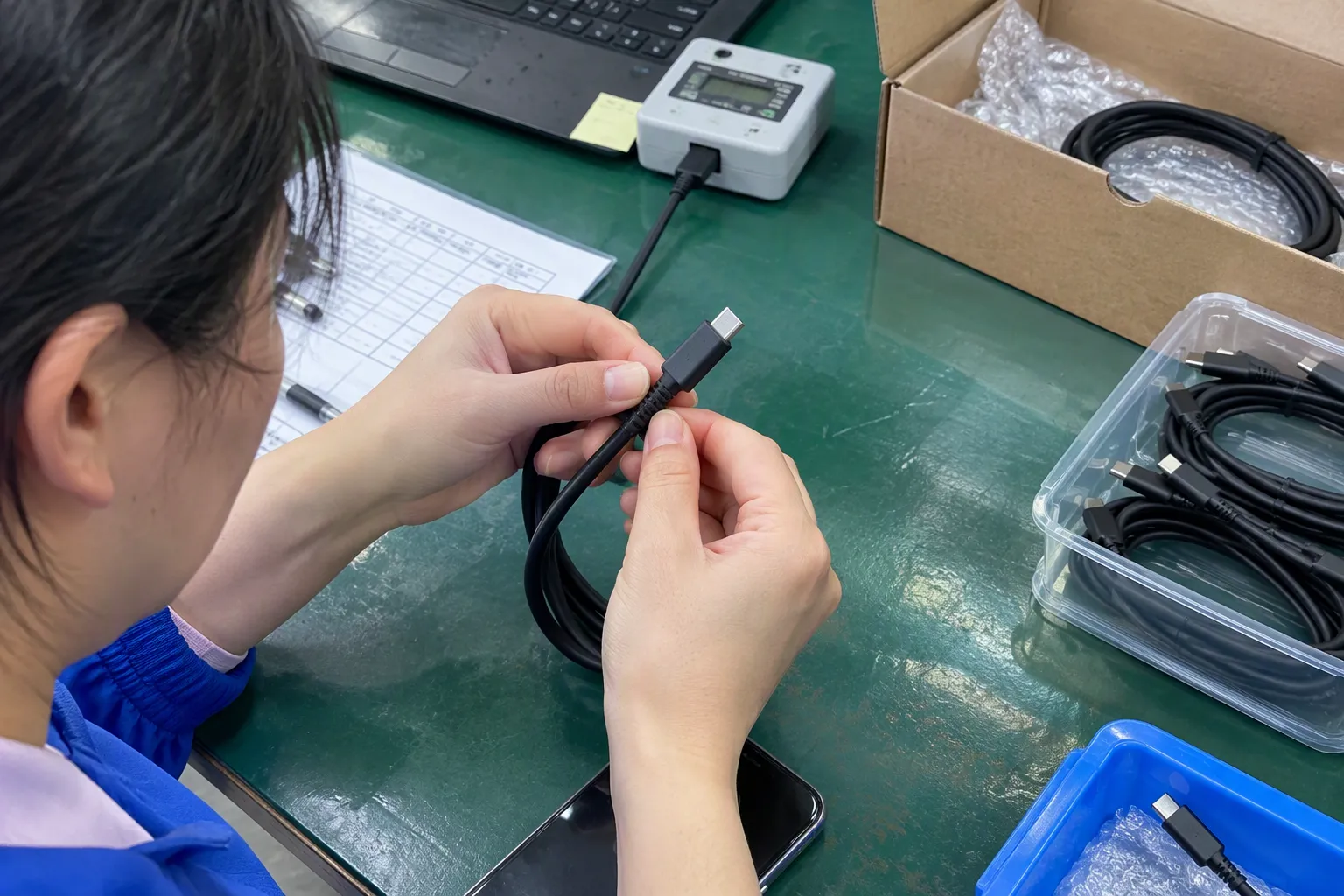
Connector selection does not replace quality control. A correctly selected interface can still fail if the cable, moulding, soldering, or assembly quality is inconsistent.
I recommend that buyers discuss these checks with the supplier:
Physical inspection
The quality team can check connector dimensions, housing appearance, insertion fit, cable length, surface finish, and strain relief. The team should compare production samples with the approved reference sample.
Electrical testing
The factory should use an appropriate test method for continuity, short circuit, resistance, and the intended charging or data function. The exact test requirements should match the approved specification.
Mechanical testing
The buyer can define suitable pull, bending, insertion, and flexing checks based on the product’s expected use. I would not publish a durability number unless the supplier has completed a documented test under a defined method.
Label and packaging checks
The team should verify the connector description, cable direction, model number, barcode, warning information, and language requirements. A correct product in an incorrect package can still create returns.
Batch traceability
The buyer should retain the purchase order, approved sample, inspection record, test documents, and production batch information. These records support faster investigation if a customer or distributor reports a problem.
I encourage buyers to involve a qualified testing or engineering professional when the product has specific power, data, safety, or regulatory requirements. Supplier discussion is useful, but application-specific decisions may require independent evaluation.
What Mistakes Do Buyers Make in Micro USB vs USB-C Selection?
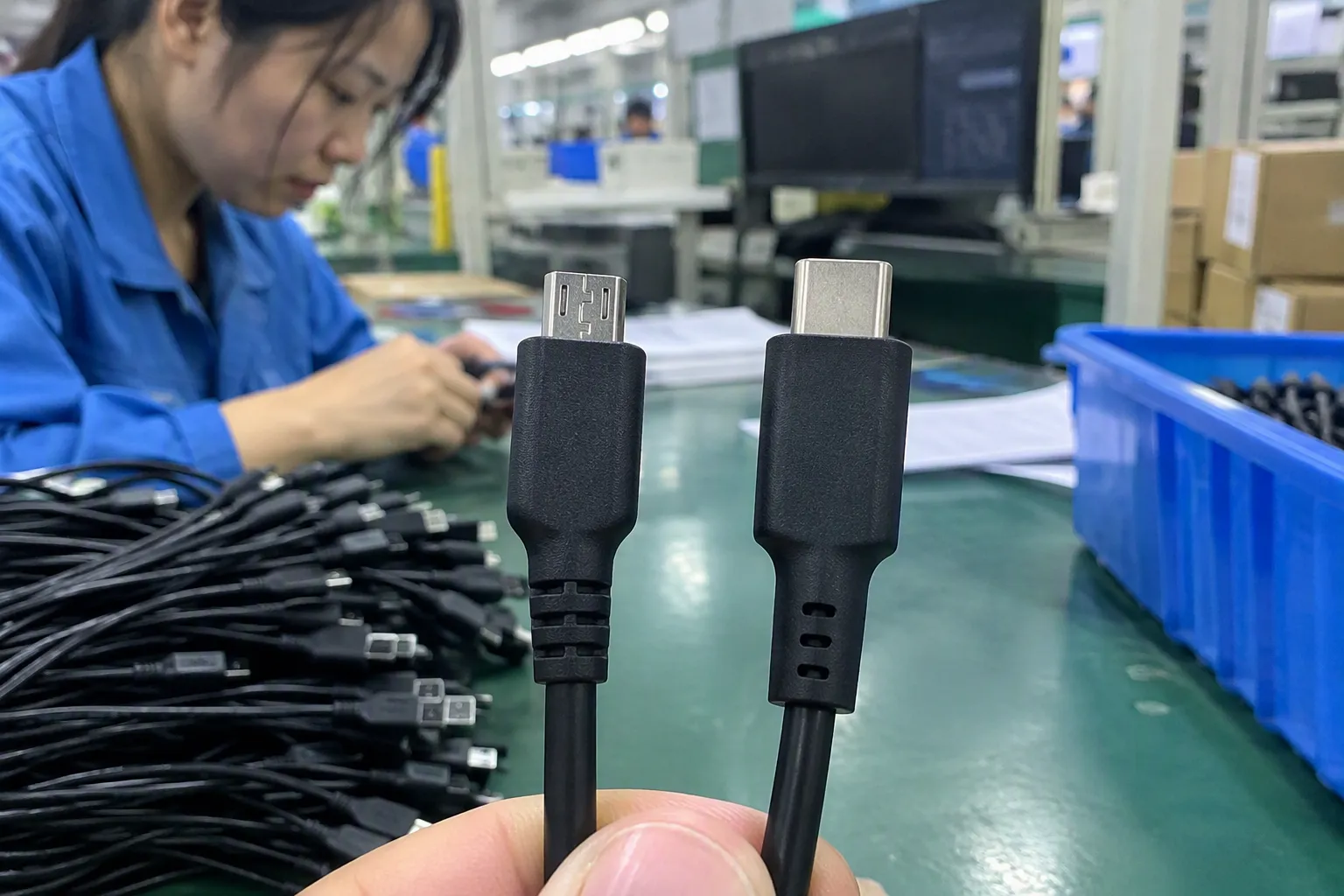
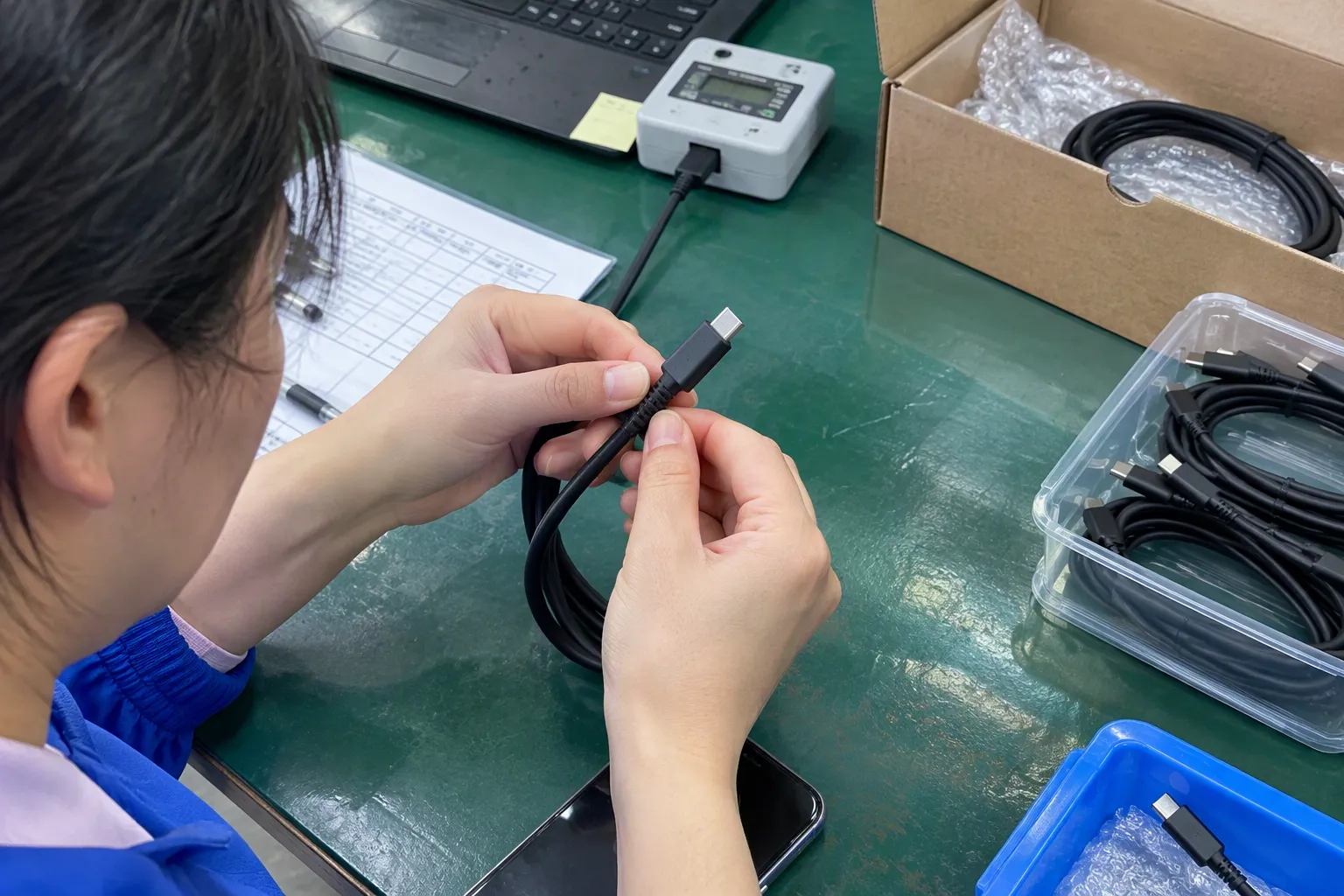
I see several recurring mistakes in product-selection conversations.
Mistake one: treating the connector as a performance guarantee.
A buyer may approve USB-C and then assume that the product supports a particular wattage or data speed. The buyer should approve the full specification instead.
Mistake two: ignoring both ends of the cable.
USB-A to USB-C, USB-C to USB-C, and Micro USB to USB-A cables serve different systems. The product name and packaging should make both ends clear.
Mistake three: checking only the sample.
A sample can look good while the production specification remains unclear. The buyer should document the approved materials and inspection points.
Mistake four: removing Micro USB too quickly.
A retailer may follow the latest trend and discontinue a cable that existing customers still need. The buyer should review sales history and device compatibility before changing the range.
Mistake five: keeping Micro USB without a clear reason.
A low-cost legacy SKU may continue to occupy shelf space even when demand has moved elsewhere. Buyers should review the product’s role and margin regularly.
Mistake six: using vague online descriptions.
The words “fast,” “universal,” and “high power” can create expectations that the product does not meet. Clear specifications protect both the seller and the customer.
Frequently Asked Questions
Is USB-C better than Micro USB for charging?
USB-C is usually the better choice for new products and modern device ecosystems, but it is not automatically better for charging. The actual result depends on the device, charger, cable, and supported charging protocol. I recommend verifying the complete power specification before making a performance claim.
Does every USB-C cable support fast charging?
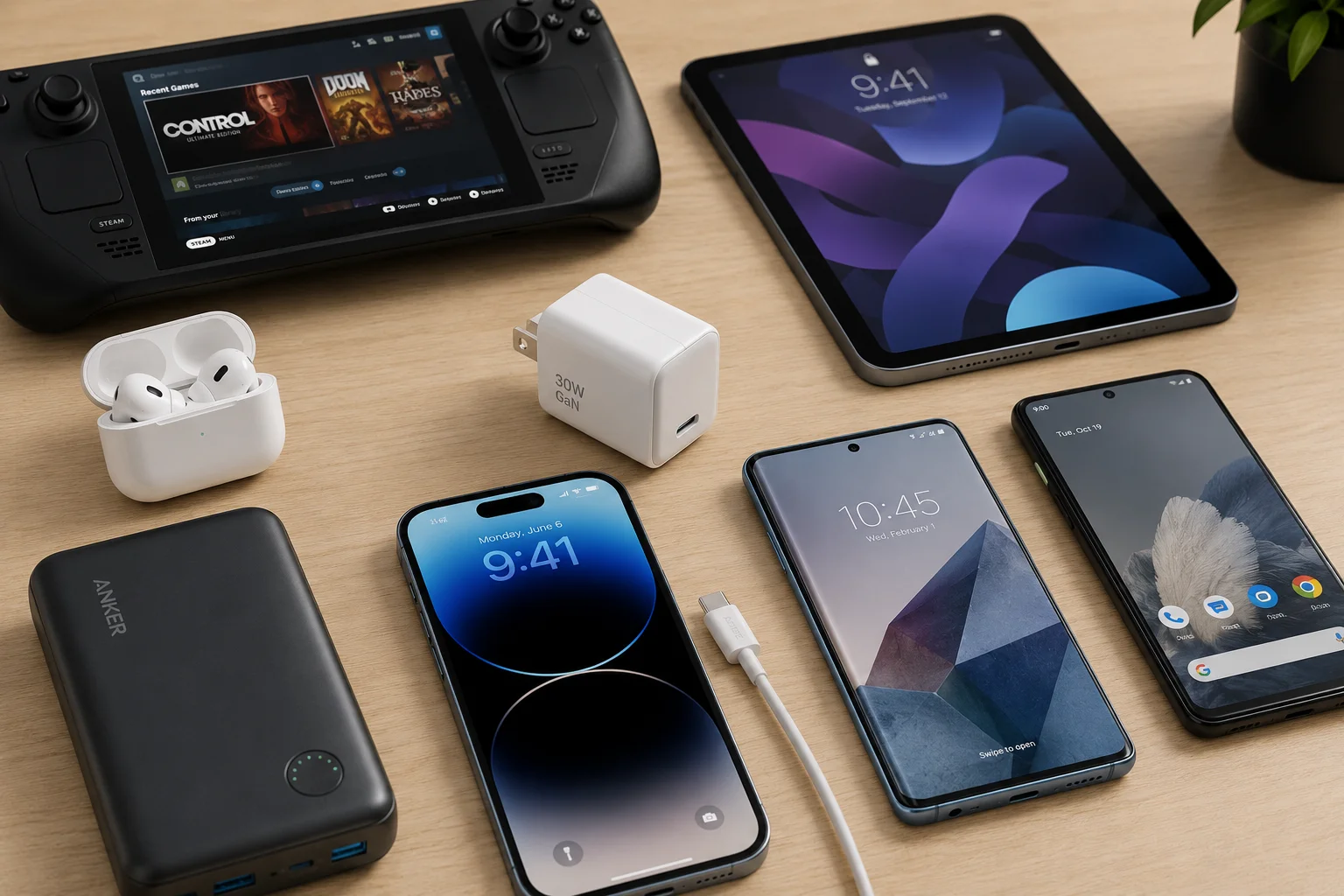
No. USB-C identifies the connector format, not one universal charging speed. Cable construction, device capability, charger output, and protocol compatibility all affect performance. I would ask the supplier to state the supported charging conditions and provide relevant documentation for the exact cable model.
Should I replace all Micro USB products with USB-C?
I would not replace every Micro USB product automatically. I would review the device port, customer demand, inventory, product life cycle, and target price. USB-C is often the stronger option for new SKUs, while Micro USB can remain practical for legacy devices and replacement products.
Can a USB-C cable connect to a Micro USB device?
A standard USB-C connector cannot directly fit into a Micro USB port. An appropriate adapter or a cable with the correct connector ends may be required, but the buyer should also confirm charging and data compatibility. Physical connection alone does not guarantee the intended function.
What should a retailer ask a 3C cable supplier?
A retailer should ask about the connector configuration, charging and data functions, supported protocol, materials, quality-control process, packaging, MOQ, lead time, warranty, and market documentation. I also recommend confirming that the supplied certificates and test reports apply to the exact product and factory.
Conclusion
Micro USB vs USB-C is not simply a question of old technology versus new technology. I usually recommend USB-C as the default for new products because its reversible design and broad presence fit modern customer expectations. However, USB-C does not prove fast charging, high wattage, or high data speed. Buyers must verify the device, charger, cable, protocol, and documentation together. Micro USB still has a valid role in legacy products, replacement demand, and cost-sensitive ranges. I can help buyers compare suitable USB cables, chargers, and 3C accessories while reviewing compatibility, MOQ, lead time, customization, quality documents, and after-sales requirements.
Sources
- The USB Type C Connector: A Brave New World for the PC ...", A usability study or technical specification may support the claim that USB Type-C's reversible orientation simplifies connector insertion compared with orientation-dependent plugs
- USB Type C Market Size, Share, Report, Forecast 2035", Market-adoption research can substantiate the increasing prevalence of USB Type-C interfaces in selected consumer-electronics categories
- Document Library | USB-IF", USB-IF technical documentation distinguishes the USB Type-C connector and cable interface from the USB power-delivery and USB data capabilities implemented by a product
- [PDF] Source Power Requirements Test Specification - USB-IF", USB standards documentation supports treating USB Type-C as a connector and interface specification rather than as a single universal performance rating
- A STUDY ON CO-BRANDING EFFECTS", Consumer-perception research may provide contextual support for an association between USB-C adoption and perceptions of product currency among defined respondent groups
- USB 3.0 Market Size, Share Growth & Analysis, Drivers 2035", Market and engineering evidence can support the continued contextual use of Micro USB where installed-device compatibility, product cost, or legacy supply requirements remain relevant
- What makes a USB-A (could be USB-C) to USB micro ...", USB charging specifications support the principle that a compliant charging implementation can determine power delivery independently of a simple comparison between Micro USB and USB Type-C connector shapes
- USB Charger (USB Power Delivery)", USB Power Delivery documentation supports the systems principle that negotiated charging is bounded by the capabilities communicated or enforced by the source, sink, cable, and applicable charging rules