Types of USB Cables can look simple until a buyer must match a cable with a device, charger, data requirement, and retail promise. A wrong choice can cause slow charging, failed data transfer, unclear listings, and avoidable returns. I use a specification-first approach so buyers select the cable their customers actually need.
Quick Answer
- Choose a USB cable by connector, USB data standard, charging capability, supported protocol, length, construction, and intended use.
- Do not assume that every USB-C cable supports the same charging power, data speed, or video output.
- Match the cable to the device, charger, required power, data workload, and accessories.
- Confirm product specifications and labeling before private-label production or bulk purchasing.
- For resale, create separate SKUs when customers have clearly different performance requirements.
The best USB cable is the one that matches the complete application. USB-C, USB-A, and Lightning describe connector choices, but they do not fully describe charging power, data speed, video support, or durability. I recommend checking the device, charger, protocol, cable rating, length, and use environment together before selecting a product for personal use or resale.
Many buyers begin with connector shape because it is visible and easy to explain. I understand that approach, especially when a retailer needs a simple product title. However, connector shape is only the first layer. The sections below separate the important specifications and show how I would evaluate them for a retail, wholesale, or private-label program.
Types of USB Cables: Which Classification Should I Use
A cable may have one connector type but several possible performance levels. This creates a common purchasing problem: a product title says “USB-C cable,” while the buyer expects fast data, high-power charging, or display support. I reduce that risk by classifying cables across separate dimensions instead of using one broad label.
The main types of USB cables should be evaluated through connector type, data standard, charging capability, protocol support, physical design, and application. USB-C describes the connector, not the complete performance.[1] USB-A and Lightning also require additional specification checks.
Connector type
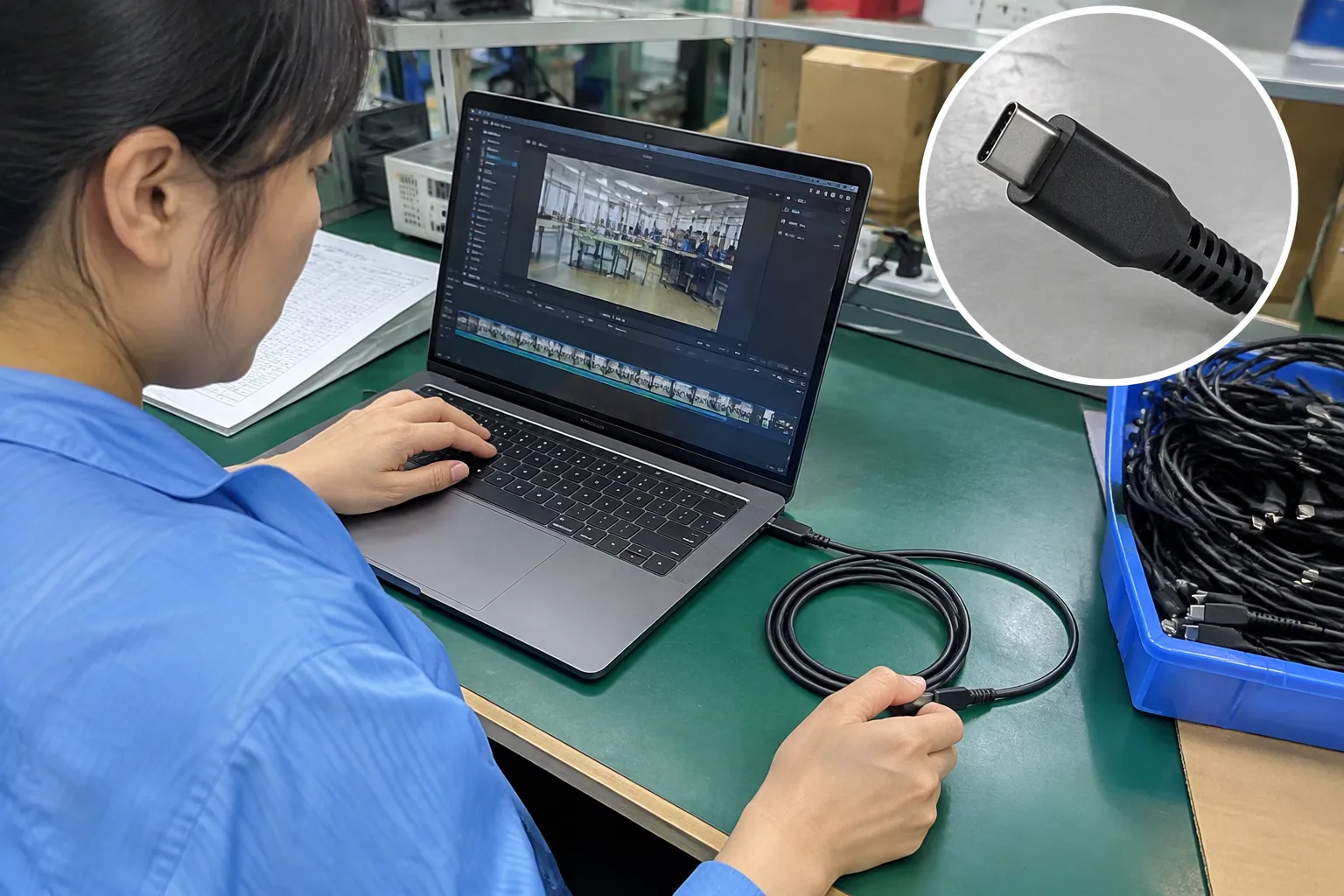
| Cable configuration | Common use | Important purchasing question |
|---|---|---|
| USB-A to USB-C | Older chargers, computers, car ports, and legacy accessories | Does the USB-A source limit charging or data performance? |
| USB-C to USB-C | Modern phones, tablets, laptops, chargers, and power banks | What power, data, and video requirements does the cable support? |
| USB-A to Micro-USB | Older accessories and low-cost electronics | Is Micro-USB still suitable for the target market? |
| USB-C to Lightning | Compatible Apple devices and accessories | Is the connector and product claim appropriate for the intended device? |
| Lightning to USB-A | Older charging setups and legacy chargers | Does the customer still use USB-A power sources? |
USB data standard
The USB data standard indicates how the connection may handle data. Buyers should confirm the specific product documentation because naming can become confusing across generations and commercial descriptions.
The stated maximum is not always the speed a customer experiences. The device, host port, storage accessory, operating system, and cable must all support the required level.[2] A high-speed cable cannot make a slower phone or computer transfer data faster.
Charging capability
Charging capability includes more than the connector. I check the cable’s stated current or power support, whether it is designed for a relevant charging protocol, and whether the charger and device can negotiate that power.
Physical construction
- Conductor design and gauge
- Shielding
- Connector housing and strain relief
- Jacket material
- Braided or smooth exterior
- Bend resistance
- Plug insertion and extraction
- Cable length and flexibility
USB-C, USB-A, and Lightning: How Do They Differ
Connector selection becomes difficult when a buyer tries to serve both older and newer devices. A retailer may need USB-A cables for legacy chargers while also adding USB-C to USB-C products for current phones, tablets, laptops, and power accessories. I recommend mapping the customer’s complete setup before reducing the range.
USB-C is reversible and increasingly common[7], but it does not guarantee a specific speed or power level. USB-A remains relevant because many existing chargers, computers, vehicles, and office accessories still use it.[6] Lightning remains relevant for compatible devices and accessories, although the required product mix depends on the target market and device base.
USB-A cables
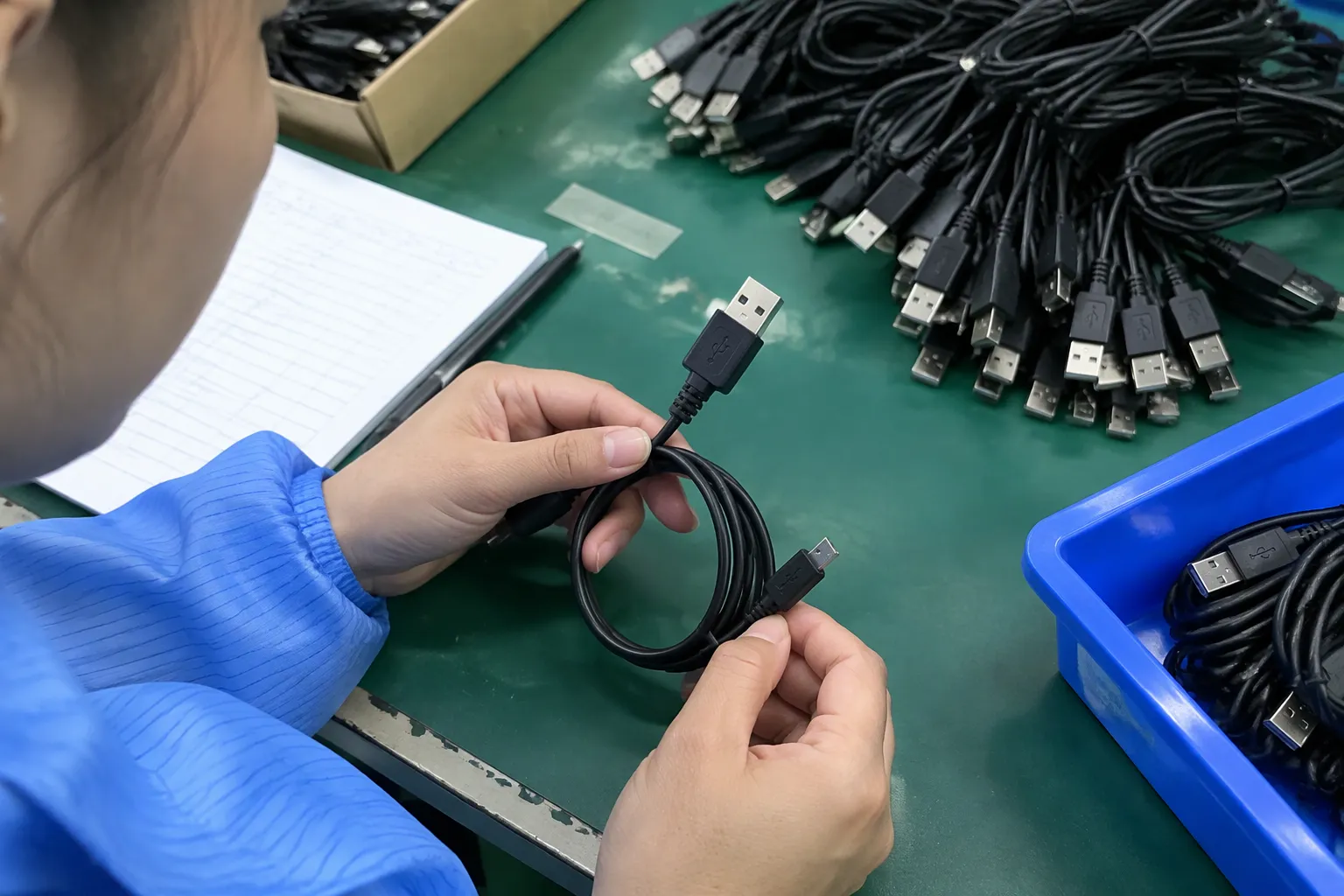
USB-A is still widely used in existing wall chargers, desktop computers, car chargers, hubs, and older consumer electronics. USB-A cables can be a practical choice when the customer has a USB-A power source.
Lightning cables
Lightning cables are designed for compatible Lightning devices and accessories. A buyer should confirm device compatibility, connector construction, required charging setup, and any relevant authorization or compliance requirements before placing a private-label order.
I also recommend careful packaging language. A listing should identify the intended device family without making a broad claim that covers products or functions the cable has not been specified to support.
Connector comparison for buyers
| Question | USB-C | USB-A | Lightning |
|---|---|---|---|
| Reversible plug | Yes | No | Yes |
| Common role | Newer devices and chargers | Legacy sources and accessories | Compatible Apple ecosystem products |
| Performance range | Very broad | Broad but source-dependent | Depends on product design and device use |
| Main buyer risk | Assuming all USB-C cables are equal | Ignoring legacy source limitations | Overstating compatibility or certification |
| Best evaluation method | Check power, data, protocol, and video claims | Check source and device ports | Check exact device use and documentation |
I do not recommend removing USB-A from every product portfolio simply because USB-C is growing. I recommend comparing sales channels, target devices, charger ownership, and regional demand. A European retailer serving office and travel customers may need a different assortment from an online brand selling only modern laptop accessories.
How Do USB Cable Speed and Data Standards Affect Selection?
Data performance matters when customers move photos, video files, backups, or information between devices. It matters less when a cable is used only for low-speed charging. I ask buyers to identify the actual workload before selecting a premium data specification, because a higher specification can add cost without solving a real customer need.
Charging cable versus data cable
Some cables are designed mainly for charging. Other cables support data transfer at a specified level. A charging-focused cable may be perfectly suitable for a phone, lamp, power bank, or small accessory, but it may disappoint a customer who expects fast file transfer.
- Charging cable: for power delivery where data performance is limited or not the main purpose.
- Sync cable: for charging and data transfer at a stated standard.
- High-speed data cable: for compatible devices and accessories requiring a higher data rate.
- Display-capable cable: only where the required video mode and devices have been verified.
Why two USB-C cables can transfer data differently
Two USB-C cables may differ because of their internal conductors, signal design, identification components, shielding, and intended standard.[3] A cable with a USB-C plug may support basic USB data but not a faster USB generation.[8] Another may support a higher data rate but cost more and require more careful production control.
The customer’s equipment also matters. If a laptop port supports only a lower USB standard, a faster cable will not change that port’s limit. If a storage device uses a high-speed interface, a basic cable can become the bottleneck.
- Identify the source device.
- Identify the connected accessory.
- Check the required data standard.
- Check whether the cable states that standard.
- Confirm the cable length and construction are suitable.
- Verify the finished product specification before shipment.
Data speed comparison
| Intended use | Usually sufficient direction | What I would verify |
|---|---|---|
| Charging a small accessory | Basic charging cable | Current capability and connector fit |
| Charging a phone | Charging-focused or sync cable | Device, charger, current, and protocol |
| Moving photos | Sync cable | Data standard on both devices |
| External storage | High-speed data cable | Host, drive, cable, and stated speed |
| Docking station | High-speed or multifunction cable | Data, power, display, and device compatibility |
| Professional video workflow | Cable specified for the required interface | Exact display mode and manufacturer documentation |
I avoid promising a measured transfer rate unless a suitable test method and product-specific result support that claim. In procurement, the safer practice is to state the supported standard and define what has been verified.
How Should I Match USB Cable Charging Power and Protocols?
Charging complaints often result from a mismatch between the device, charger, protocol, and cable. A customer may purchase a high-wattage charger but use a cable that does not support the intended power. Another customer may have a suitable cable but a device that accepts less power. The visible connector does not resolve this interaction.
I recommend matching charging power through the full chain: wall outlet, charger, cable, device, and charging protocol. The final charging result is determined by the compatible limits of those components, not by the highest number printed on one package.[5]
What is the role of USB Power Delivery?
USB Power Delivery, commonly called USB PD, is a power negotiation system used with compatible equipment.[4] The charger and device communicate within the supported specification. The cable must also be suitable for the required power level and configuration.
- Whether the charger supports USB PD
- Whether the device supports USB PD or another charging method
- Whether the cable supports the intended current or power
- Whether the connector arrangement is suitable
- Whether the product label accurately states the capability
I recommend checking current USB-IF documentation and the documentation supplied by the charger and device manufacturers. The USB-IF maintains information about USB specifications and certified products at usb.org.
Power labels require careful wording
A label that says “fast charging” may be attractive, but it is not a complete technical description. A more useful listing identifies the relevant cable capability and explains that actual charging depends on the charger and device.
Power selection table
| Customer need | Cable evaluation focus | Common mistake |
|---|---|---|
| Basic phone charging | Connector, current, length, and daily durability | Assuming any cable gives fast charging |
| Tablet charging | Charger output, device input, and cable capability | Looking only at the plug |
| Laptop charging | Required power, USB PD setup, cable rating, and length | Using a basic cable with a high-power charger |
| Power bank use | Input and output ports, current, flexibility | Assuming output performance equals input performance |
| Multi-device travel | Cable configuration and charger compatibility | Choosing one cable without checking every device |
Does a thicker cable always charge better?
No. A thicker cable can contain larger conductors or additional construction features, but appearance alone does not prove a particular power rating. A very rigid cable can also be inconvenient for travel, bedside use, or compact packaging.
I treat physical design as supporting evidence, not as a substitute for technical documentation. The finished product should be evaluated against its stated specification, and buyers should request relevant test reports or supplier quality records where appropriate.
Which Types of USB Cables Suit Different Applications?
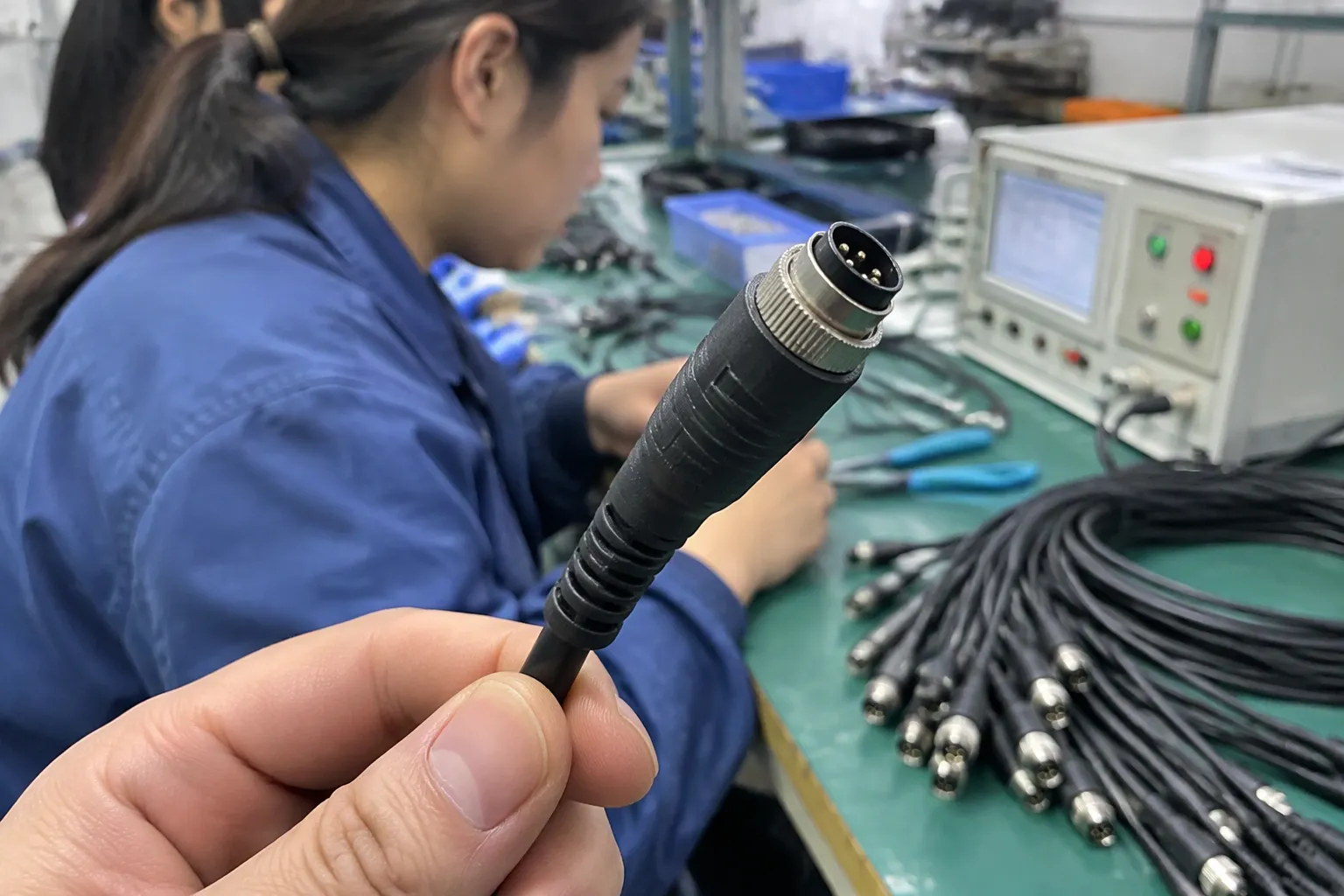
The best cable for a customer depends on the job. A retail buyer serving smartphone users may need a flexible everyday cable. A computer accessory brand may need high-speed data and display support. A distributor supplying hotels or offices may value length, packaging, replacement availability, and consistent quality more than the highest possible specification.
Everyday phone charging
- Correct connector combination
- Appropriate charging capability
- Comfortable length
- Flexible handling
- Reliable strain relief
- Clear compatibility information
- Packaging that is easy to understand
A 1-meter cable may suit desk or bedside use, while a longer cable may suit a sofa, hotel room, or vehicle. Longer cables can introduce additional design and performance considerations, so I do not assume that length is a free upgrade.
Laptop and tablet charging
- Required charging power.
- Charger output and connector.
- Device input capability.
- Cable power specification.
- Desired length and flexibility.
- Whether data or display functions are also needed.
Automotive and travel use
A durable-looking cable may still fail if the connector is poorly supported or if the product is repeatedly bent near the plug. Production inspection should focus on the complete assembly, not just the outer braid.
Retail and e-commerce selection
| Retail SKU | Customer promise | Information that should appear |
|---|---|---|
| Basic charging cable | Everyday power connection | Connector, length, intended charging use |
| USB-C sync cable | Charging plus data | Data standard and device compatibility |
| High-power USB-C cable | Compatible higher-power charging | Power or current capability and conditions |
| High-speed data cable | Faster transfer for compatible systems | Data standard and limitations |
| Long reinforced cable | Reach and handling durability | Length, construction, and intended use |
How Can Importers Evaluate USB Cable Quality and Suppliers?
A good specification can still fail if production control is weak. In my customer discussions, I encourage buyers to treat supplier evaluation and product evaluation as two connected tasks. A cable needs correct materials and assembly, but the supplier also needs a repeatable process for sampling, inspection, packaging, and corrective action.
I cannot treat a supplier presentation, certificate image, or attractive sample as automatic proof of every production batch. Buyers should verify documents and define acceptance requirements before approving a purchase order.
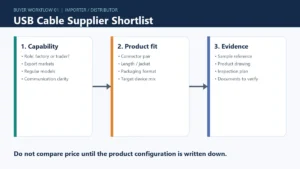
Start with a product specification sheet
- Connector type at each end
- Cable length and tolerance
- Intended charging use
- Stated current or power capability
- USB data standard
- Display or alternate-mode support, if applicable
- Jacket and connector materials
- Color and logo requirements
- Packaging configuration
- Applicable test requirements
- Sampling and inspection method
Ask for evidence that matches the claim
- Product test reports
- Material or component records
- Production inspection reports
- Electrical safety documentation
- Applicable certification records
- Batch traceability
- Samples from the intended production configuration
I recommend verifying certificates with the issuing organization where possible. A certificate for a factory, different model, or expired configuration should not be treated as proof for the exact cable being purchased.
For USB-related claims, buyers can consult the USB Implementers Forum resources and review the specific documentation applicable to the product. For market access, electrical safety, packaging, and environmental requirements, buyers should also check the rules that apply in the destination country. Professional compliance advice may be appropriate for a regulated or higher-risk product program.
Control the first production order
- Approve the written specification.
- Review the development sample.
- Confirm labeling and packaging artwork.
- Inspect a production sample.
- Check the agreed critical dimensions and functions.
- Approve shipment only after the required inspection.
- Retain reference samples and records.
Quality points that matter
| Quality area | Buyer question |
|---|---|
| Connector fit | Does the plug insert and remove consistently without excessive looseness? |
| Strain relief | Does the transition resist normal bending near the connector? |
| Conductor continuity | Does the finished cable maintain the intended electrical connection? |
| Data function | Does the cable meet the stated data use with suitable equipment? |
| Charging function | Does it operate within the stated charging configuration? |
| Appearance | Are color, logo, molding, and surface finish consistent? |
| Packaging | Does the package state the capability without overstating it? |
| Sampling | Are inspection criteria written before mass production? |
I also recommend keeping customer service feedback connected to purchasing decisions. If buyers repeatedly return a cable because they expected display support, the problem may be unclear product communication rather than a manufacturing defect. The solution could involve a new SKU, revised packaging, or a different cable specification.
How Should I Build a USB Cable Product Range?
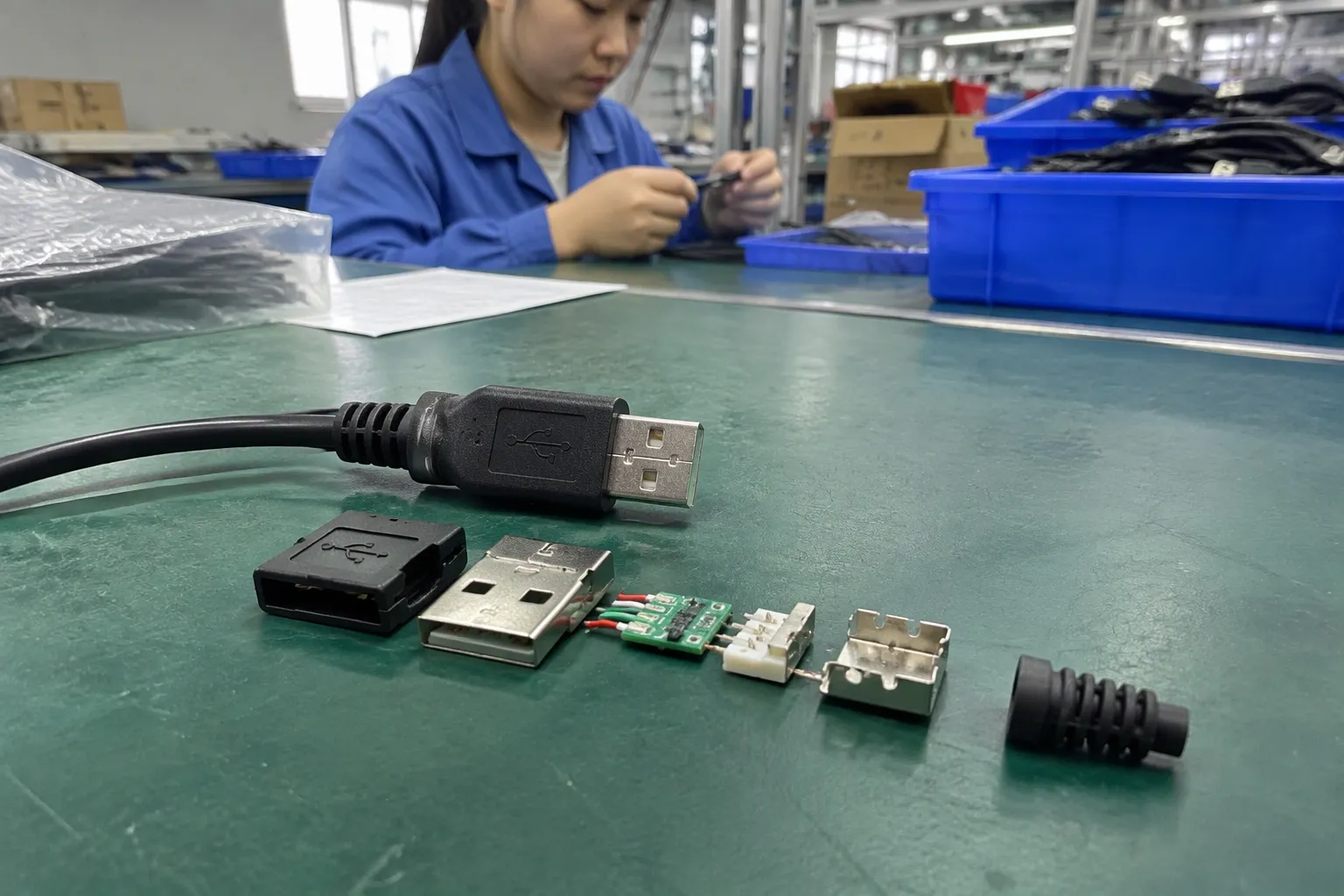
A product range should serve clear customer needs without creating unnecessary confusion. Many importers begin with too many connector combinations and too many similar lengths. This increases inventory complexity and makes online listings difficult to compare.
I would begin with a small, clearly separated range and expand it when sales data or customer requests justify the addition. A range can include one everyday charging model, one modern USB-C to USB-C model, one higher-performance data or power model, and selected legacy configurations where demand remains clear.
Build around customer setups
- Which devices do customers use most?
- Which chargers do they already own?
- Do they need charging only, or charging plus data?
- Do they use laptops, docks, monitors, or external storage?
- Which lengths sell in the target channel?
- Does the channel require retail packaging or bulk cartons?
- What price points and minimum order quantities are realistic?
- Which after-sales problems have appeared in comparable products?
A European electronics retailer may need multilingual packaging and documentation. A US e-commerce seller may prioritize simple listings, bundled accessories, and predictable fulfillment. A wholesaler may need neutral packaging, carton efficiency, and stable replenishment.
Avoid unnecessary specification overlap
A buyer might stock three cables that all look similar but have different internal capabilities. If the packaging does not explain the difference, customers may select by price alone and later complain that the lower-priced product does not perform like the premium model.
| Model | Connector | Main purpose | Data | Charging | Target channel |
|---|---|---|---|---|---|
| A | USB-A to USB-C | Everyday charging | Basic or stated sync use | Standard stated capability | General retail |
| B | USB-C to USB-C | Modern charging | Stated data standard | Stated power capability | Electronics retail |
| C | USB-C to USB-C | High-speed workflow | Higher specified standard | Verified power support | Computer accessories |
| D | USB-C to Lightning | Compatible device charging | Stated function | Device-dependent | Mobile accessory retail |
Private-label and OEM/ODM considerations
- Logo method and position
- Color matching
- Mold or tooling requirements
- Packaging language
- Barcode and carton marks
- Sample approval procedure
- Minimum order quantity
- Production lead time
- Spare or replacement policy
- Inspection responsibility
- Documentation available for the destination market
As a Shenzhen-based OEM/ODM supplier, I often see the best results when buyers provide a clear use case rather than only a target price. Price remains important, but an unclear specification can create higher costs through revisions, relabeling, returns, and delayed launch schedules.
Frequently Asked Questions
Are all USB-C cables the same?
No. USB-C identifies the connector shape and reversible design, but cables can differ in charging power, current, data speed, display support, construction, and length. I recommend checking the exact product specification and the requirements of the connected charger and device.
Is USB-C better than USB-A?
USB-C is often more convenient for modern devices because the plug is reversible and it supports a wide range of current systems. USB-A remains useful for older chargers, computers, vehicles, and accessories. I would choose based on the customer’s complete setup rather than treating one connector as universally better.
Can a USB cable affect charging speed?
Yes. Charging speed depends on the charger, device, protocol, and cable capability. A cable that does not support the intended current or power configuration can limit performance. The highest number printed on a charger does not guarantee that every cable and device will use that level.
Can every USB-C cable transfer data?
Many USB-C cables support some form of data connection, but the speed and function can vary. Some are designed mainly for charging, while others support higher-speed data or additional functions. Buyers should check the stated USB data standard instead of assuming that the connector determines performance.
How should I choose USB cables for resale?
I would begin with customer devices, charger types, intended use, preferred lengths, and target price points. Then I would create clearly separated SKUs for basic charging, sync, higher-power charging, or high-speed data. I would also verify samples, documentation, packaging claims, and production quality before placing a larger order.
Conclusion
Types of USB Cables should be selected by application, not connector appearance alone. I recommend matching the connector, USB data standard, charging capability, protocol, length, construction, and intended use. Retailers and importers should also verify documentation, define inspection requirements, and explain limitations clearly on packaging and product pages. If you are developing a USB cable range, I can help you compare specifications, customize the design, coordinate production, and prepare a practical quality-control plan for your target market.
Sources
- Universal Serial Bus Type-C Cable and Connector ...", USB Implementers Forum specifications distinguish the USB Type-C connector interface from the electrical, power-delivery, data-transfer, and alternate-mode capabilities that a particular product may implement
- How does a USB cable affect data transfer speed? | KingFuji", Studies of computer-interconnect performance describe data throughput as an end-to-end property constrained by the capabilities and configuration of the host, peripheral, protocol stack, and physical link
- Universal Serial Bus Type-C Cable and Connector ...", USB-IF technical requirements distinguish USB Type-C cable assemblies by construction, signaling capability, and, for certain configurations, electronic marking used to communicate supported characteristics
- USB Charger (USB Power Delivery)", The USB Power Delivery specification defines a communication and negotiation protocol through which compatible power sources and sinks establish an available power contract
- USB Charger (USB Power Delivery)", USB power-delivery guidance treats delivered power as the result of negotiated compatibility among the source, cable assembly, protocol, and sink, rather than as a value determined by the largest isolated rating
- MobileCollect MicroBase EVO USB A", Technology-adoption studies document the continuing coexistence of USB-A and USB-C interfaces in installed consumer and office equipment, supporting the contextual claim that USB-A remains relevant for legacy use
- USB Type-C® and USB 2.0 Type-C™ Cable and ...", USB-IF documentation defines USB Type-C as a reversible connector system, and technology-adoption evidence indicates its expanding presence across recent consumer-electronics designs
- USB Type-C® Cable Logo Usage Guidelines", USB-IF documentation treats USB Type-C as a connector specification and identifies USB data-transfer performance through additional protocol and product capability designations