Quick Answer
A USB cable can create frustrating transfer problems when a fast laptop, phone, SSD, or docking station suddenly performs far below expectations. Buyers often focus on the device port or the charging wattage, but those details do not tell the whole story. The right cable specification helps retailers avoid misleading listings, customer complaints, and unnecessary returns.
A USB cable does not increase the maximum data transfer speed supported by connected devices, but it can limit that speed if its data capability is lower than the rest of the connection.[1] Actual performance depends on the host port, the connected device, the cable’s supported protocol, cable length, and the negotiated connection.[2] USB-C shape, charging power, and appearance alone do not confirm transfer speed.[3]
In our 15 years of exporting 3C accessories from Shenzhen, we have seen the same question from buyers many times: “If the cable has USB-C on both ends, will it transfer data quickly?” The practical answer is not always simple, but the purchasing process can be simple when buyers verify the right points before placing an order.
A USB Cable Cannot Raise a Device’s Maximum Transfer Speed, but Can It Become the Bottleneck
A fast device setup can still feel slow when the wrong cable sits between two capable ports. This creates confusion for end users and can lead to claims that a laptop, SSD, or phone is defective. A properly specified USB cable prevents that mismatch by supporting the intended data connection rather than only fitting the connector.
Yes, a USB cable can become the data-transfer bottleneck. The connection normally operates at the highest speed supported by every relevant part of the chain: the host port, connected device, cable, adapters, and selected protocol.[4] If one part supports less, the complete connection may operate at that lower capability.
Think About the Complete Connection Chain
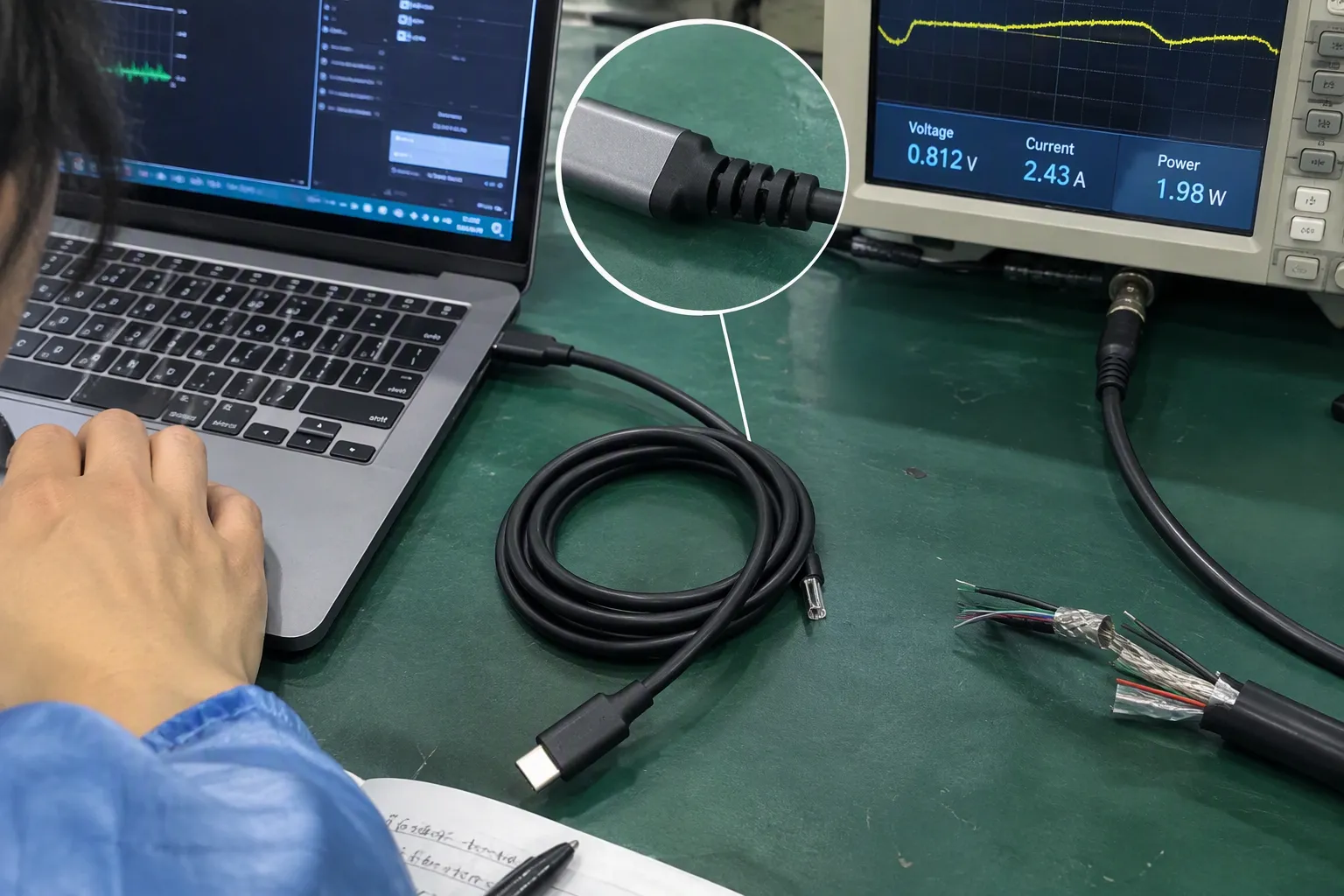
I encourage buyers to view a data connection as a chain rather than a single product. A retail customer may connect a modern laptop to an external SSD and assume that both USB-C ports will provide the fastest possible transfer. However, the final result depends on more than the port shape.
The relevant chain usually includes:
- The host device, such as a laptop, desktop computer, tablet, or smartphone.
- The host port’s supported data protocol, which may differ between ports on the same device.
- The USB cable, including its data design, length, construction, and stated protocol support.
- Any adapter, hub, dock, or extension, which may have its own limitations.
- The connected device, such as a drive enclosure, monitor, camera, phone, or charging station.
- The device software and storage performance, especially when transferring large files.
The slowest relevant link often determines the practical connection level. This does not mean that a lower-speed cable is poor quality. It may be a good cable for charging, syncing a phone, using a keyboard, or supporting a product category that does not need high-speed data. The issue arises only when the cable is sold or selected for a use case that requires more data capability.
For example, a charge-and-sync cable can be a sensible, value-focused SKU for convenience stores, supermarkets, promotional bundles, and basic mobile accessory ranges. A higher-data-capability cable may be more appropriate for external SSDs, docking stations, professional camera workflows, and premium laptop accessories. Each product has a place when its packaging and listing describe it accurately.
In our supplier discussions, I often see buyers compare cable appearance first: braided finish, thick jacket, metal connector shell, or premium retail box. These features may matter for durability and shelf appeal, but they do not prove a particular data-transfer capability.
Why USB-C Does Not Guarantee Fast Data Transfer
USB-C is a connector format.[5] It describes the connector shape and connection system, but it does not automatically describe the data speed supported by a cable. This distinction is important for any buyer sourcing USB-C accessories for European and North American markets.
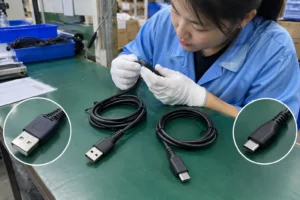
Two USB-C cables can look almost identical on a display hook. Both may charge a phone. Both may connect to a laptop. Yet one may be designed primarily for charging and basic data syncing, while another may be designed to support a higher data standard. A product image alone cannot reliably show the difference.
This is why I recommend that buyers avoid product names such as “USB-C Fast Cable” unless the listing also states what “fast” means. It could refer to charging, data transfer, or simply a marketing description. A clear product page should separate these points.
| Product attribute | What it can tell a buyer | What it does not confirm |
|---|---|---|
| USB-C connector | The physical connector format | Guaranteed data-transfer speed |
| High charging wattage | The cable may be designed for higher power delivery | High-speed data capability |
| Braided exterior | A design or durability feature | Supported USB data standard |
| Thick cable diameter | May relate to materials or power design | Data protocol support |
| Premium price | Market positioning | Verified technical performance |
| “Charging cable” label | Intended charging use | Whether high-speed data is supported |
| Stated data rate | The supplier’s claimed data capability | Real-world speed in every device setup |
A buyer should ask for the actual claimed data specification rather than infer it from style or power rating. If the supplier uses a generational USB term, I recommend asking the supplier to state the claimed transfer rate as well. USB naming has changed over time, and rate-based descriptions are often easier for retail teams and end users to understand.[6]
For example, a specification sheet may refer to cable data capability in terms such as:
- USB 2.0, commonly associated with a maximum signaling rate of 480 Mbps[7]
- 5 Gbps data capability
- 10 Gbps data capability
- 20 Gbps data capability
- USB4 capability, where supported configurations can involve higher rates
These figures are protocol-level reference points, not guaranteed real-world file-copy speeds.[8] Actual file transfers depend on the full setup, including storage hardware, device support, cable length, system overhead, file type, and the presence of hubs or adapters.
Charging Performance and Data Performance Are Different
One of the most common purchasing assumptions I see is that a high-wattage cable must also be a high-speed data cable. This is not a safe assumption.
Charging capability and data capability are separate product attributes. A cable can be designed to support higher charging power while offering basic data transfer. Another cable can support a higher data mode while being selected mainly for external storage, display, or docking applications. Buyers need to confirm both attributes separately.
A useful sourcing question is:
“What charging capability does this cable claim, and what data-transfer capability does this cable claim?”
That question immediately reduces ambiguity.
For retailers, this separation should also appear in the product listing, shelf card, instruction sheet, and outer packaging. If a cable is intended for charging and basic phone sync, the description should say so. If it is intended for high-speed external storage or docking use, the description should state the applicable data capability and compatible connector configuration.
Here is a practical way to group USB cable SKUs without overpromising.
| Intended product position | Typical customer use | Data information buyers should request | Listing approach |
|---|---|---|---|
| Charge-focused cable | Phone charging, power banks, travel use | Whether basic data sync is included | State charging purpose clearly |
| Everyday charge-and-sync cable | Phone data sync, accessories, car use | Claimed USB data version or rate | Separate charging and data claims |
| Higher-data cable | SSDs, laptop accessories, larger file transfers | Claimed rate, length, connector ends, test conditions | State compatible use cases carefully |
| Docking or advanced connectivity cable | Docks, monitors, advanced laptop setups | Supported data mode, display capability if applicable, device requirements | Avoid universal compatibility claims |
I do not recommend describing any cable as “the fastest” without defining the comparison and verifying supplier documentation. A cable may be suitable for one high-speed application but not another. A cable that works well for data transfer may not support every display, dock, or charging scenario a buyer expects.
The Fastest Port Cannot Compensate for a Lower-Capability Cable
A modern laptop may include a high-capability port, but that does not force every connected cable and device to operate at the port’s highest possible level. The system must establish a mode that the connection chain can support.
For procurement teams, the most useful rule is simple:
The fastest advertised port should be treated as a ceiling, not a guaranteed transfer result.
Let us consider a few common purchasing situations.
Laptop to External SSD
A brand buyer may source a USB-C cable to bundle with an external SSD enclosure. The laptop may support a high data standard, and the enclosure may also support a high data standard. If the included cable supports only a lower data mode, the bundle may still work, but it may not operate at the level buyers expected.
The buyer should verify:
- The host-side connector type
- The enclosure-side connector type
- The claimed cable data rate
- The cable length
- Whether the enclosure supplier specifies a cable requirement
- Whether the retail claim matches the lowest supported component
Phone to Computer
For phone accessories, the end user may expect a cable to charge, sync photos, and transfer files. A basic data cable can be appropriate for this use. However, the listing should not imply professional-grade transfer performance if the cable is not designed or specified for that purpose.
A clear description may say:
- “Suitable for charging and everyday data synchronization”
- “Data capability: verify the stated USB specification”
- “Actual transfer speed depends on the connected phone and computer”
This language is more useful than vague phrases such as “ultra-fast data cable.”
Dock, Hub, or Monitor Connection
Docks and monitors add more complexity because they may handle data, charging, and video at the same time. In these cases, the USB cable is only one part of a more demanding system. The dock, laptop port, monitor, and connected peripherals all matter.
I suggest that retailers avoid promising that one cable will enable every dock, monitor, and laptop feature. Instead, buyers should request compatibility details from the dock manufacturer and verify the cable’s claimed use case. A qualified technical evaluation is sensible when the application involves business-critical workstations, display output, or specialized equipment.
Cable Length Can Matter in a Real Product Range
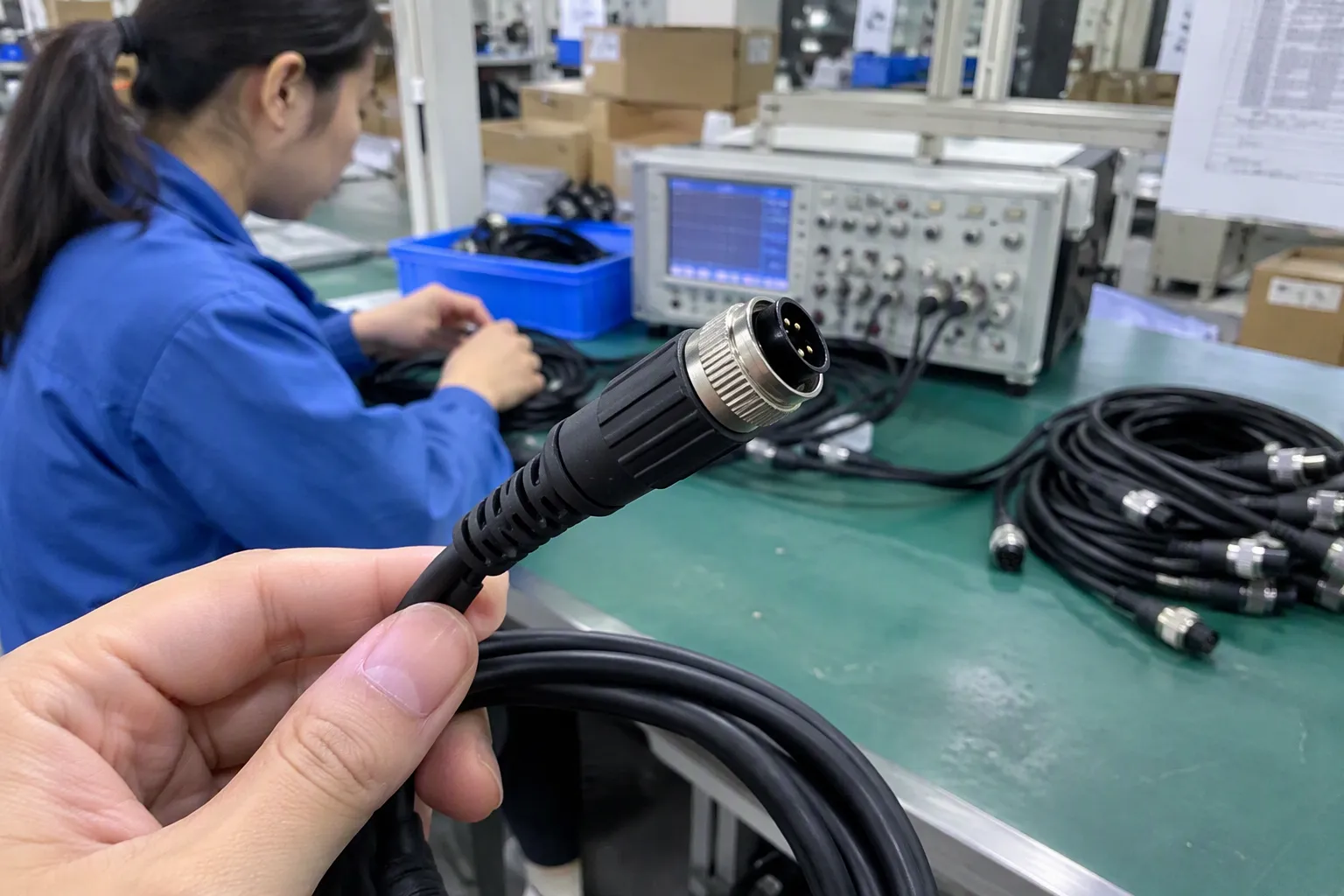
Cable length is not only a packaging decision. It can affect the sourcing conversation because longer cables may have different design requirements from shorter versions when they are intended for higher-speed applications.
A retailer may want 0.3 m, 1 m, 1.5 m, and 2 m versions of the same USB cable. It is tempting to assume that every length can carry the same marketing claim. That may not be appropriate unless the supplier’s documentation supports it.
I recommend treating each length as its own specification item. Buyers should not simply approve the shortest sample and apply the same data statement to all lengths without confirmation.
A practical purchase order should identify:
- Cable length and tolerance
- Connector configuration
- Claimed charging capability
- Claimed data capability
- Jacket material and color
- Packaging language
- Product model number
- Required labeling
- Whether the claim applies to every length in the order
This helps prevent a common issue in private-label projects: the purchasing team approves one sample, while the final assortment includes variants with different specifications or unclear packaging claims.
How We Verify USB Cable Specifications Before Sourcing

As a trading and export team, we do not treat a supplier’s headline claim as a substitute for verification. We compare supplier datasheets, product labels, packaging information, materials declarations, and the intended use case. When buyers require certifications, compliance documents, or test reports, those documents should be requested, reviewed, and verified for relevance to the exact product model and destination market.
The goal is not to create paperwork for its own sake. The goal is to make sure the product description, product sample, packaging, and purchase order point to the same item.
Here is the checklist I use when discussing a USB cable project with a retailer, wholesaler, importer, or e-commerce seller.
1. Confirm the Cable’s Intended Function
Start with the commercial purpose.
Ask whether the SKU is intended for:
- Charging only
- Charging plus everyday data sync
- External storage use
- Laptop and dock connectivity
- A bundled accessory for a specific device
- A premium retail data cable range
This step avoids paying for unnecessary capability, but it also avoids under-specifying a cable that will be used with higher-data devices.
2. Request a Clear Data Claim
Ask the supplier to provide a clear claimed data standard or transfer-rate statement. Avoid accepting only general terms such as “fast,” “high speed,” or “premium.”
The requested documents may include:
- Product specification sheet
- Product label artwork
- Packaging artwork
- Model number list
- Relevant test information where available
- Connector configuration details
- Cable length options
If the supplier provides a stated rate, buyers should ask whether that claim applies to the exact construction, connector combination, and length being ordered.
3. Separate Charging and Data Fields on Your Product Sheet
A good internal specification sheet should have separate rows for charging and data. This protects the product team, customer service team, and marketplace content team from mixing the claims later.
| Specification field | Example of a clear internal entry |
|---|---|
| Product type | USB-C to USB-C cable |
| Intended use | Charging and data synchronization |
| Charging claim | Supplier-stated charging capability |
| Data claim | Supplier-stated data capability |
| Cable length | 1 m |
| Connector configuration | USB-C male to USB-C male |
| Target devices | Compatible devices subject to port support |
| Packaging claim | Must match approved specification sheet |
| Documentation status | Buyer to verify applicable documents |
The exact figures should be filled in only after the buyer reviews the supplier information for the chosen model. This is especially important for sellers that operate across multiple online marketplaces, where inaccurate performance claims can trigger returns, negative reviews, or listing disputes.
4. Check Packaging Language Before Mass Production
Packaging often causes avoidable problems. A carton may use a generic statement such as “Type-C Fast Charging Cable,” while the online listing claims high-speed data transfer. Those two messages create a gap.
I recommend reviewing the final packaging artwork for:
- Correct connector names
- Correct cable length
- Separate charging and data statements
- Clear compatibility language
- Accurate model number
- Required destination-market language
- No unsupported performance promises
For a private-label cable, packaging should help a consumer understand what they are buying in a few seconds. It should not rely on technical jargon that the sales team cannot explain.
5. Keep Claims Consistent Across Every Sales Channel
The same USB cable may appear on a retail shelf, in a wholesale catalog, on Amazon, on a distributor portal, and in a customer service FAQ. Each channel should use consistent specifications.
I have seen buyer teams focus heavily on the product page while overlooking outer packaging, carton markings, and distributor spreadsheets. Later, one channel may say “charging cable,” another may say “high-speed data cable,” and a third may list a different length. This is not only a marketing issue. It becomes a post-sale issue.
A simple claim-control process helps:
- Approve one master specification sheet.
- Match sample labeling to that sheet.
- Match packaging artwork to that sheet.
- Match marketplace content to that sheet.
- Recheck claims when a cable length, connector, or supplier model changes.
Common Buyer Mistakes to Avoid
A USB cable range does not need to be technically complicated, but buyers should avoid a few assumptions that lead to poor product selection.
Mistake: Treating Every USB-C Cable as Equal
USB-C is not a data-speed label. Buyers should ask what the cable is designed and specified to support.
Mistake: Using Charging Wattage as a Data-Speed Shortcut
Higher charging capability does not automatically mean higher data capability. These specifications should be evaluated separately.
Mistake: Copying a Supplier Headline Without Checking the Exact Model
A supplier may offer several similar-looking models with different data functions. The approved product code, length, connector configuration, and artwork should all match.
Mistake: Promising Real-World Transfer Speeds
Published protocol rates are not guaranteed file-transfer results. Storage performance, host support, connected device support, and system conditions all affect actual results.
Mistake: Calling Basic Data Cables “Low Quality”
A basic cable may be well-made and suitable for its intended use. The right question is whether the cable meets the claimed application, not whether every cable serves the same technical purpose.
Frequently Asked Questions
Does a USB-C cable always support fast data transfer?
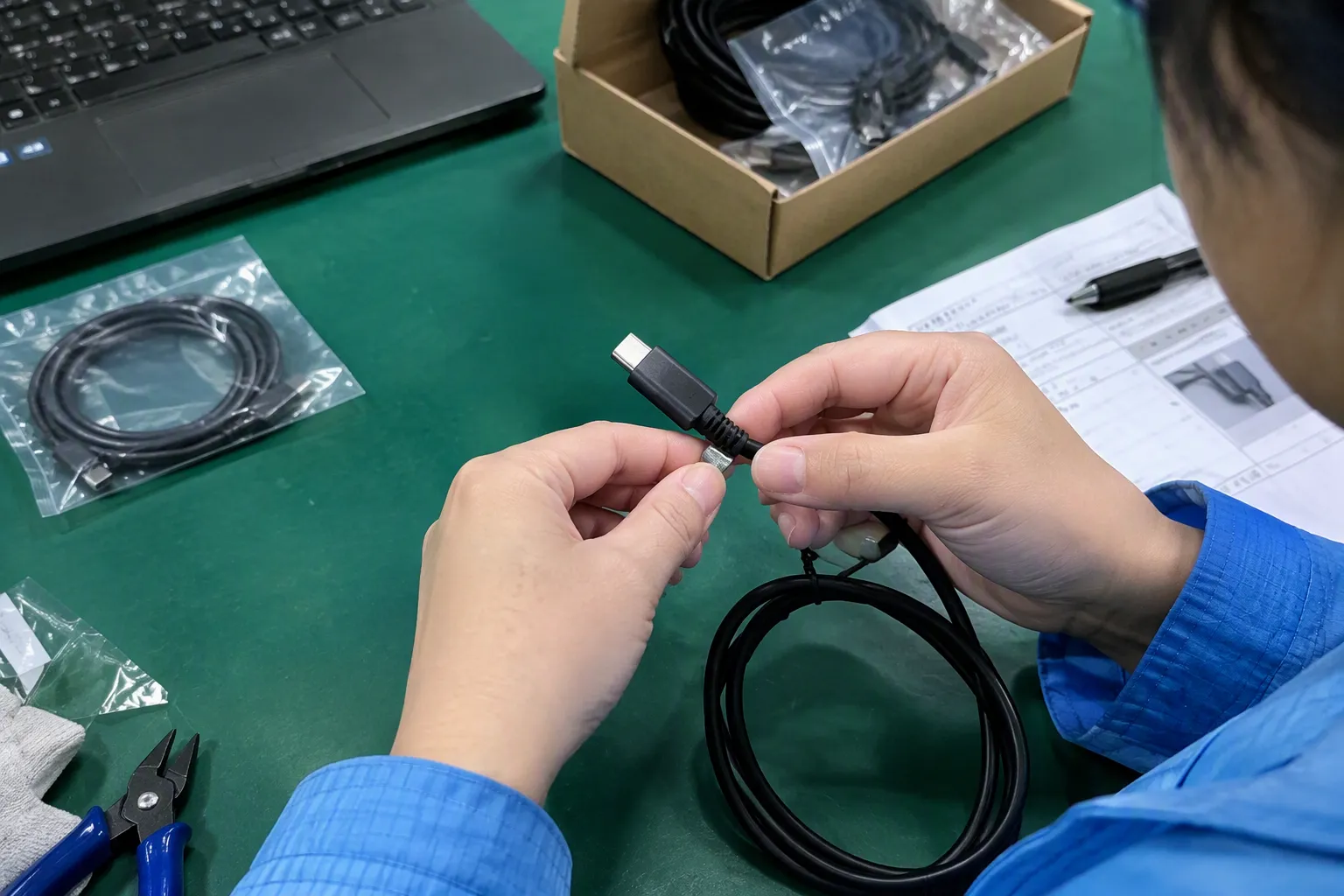
No. USB-C describes the connector format, not a guaranteed data-transfer level. A USB-C cable may support charging, basic data synchronization, or higher data capability depending on its design and stated specification. Buyers should request the supplier’s documented data claim for the exact cable model.
Can a USB cable make my external SSD slower?
Yes. A USB cable can limit the connection if its supported data capability is below that of the computer port and SSD enclosure. The final transfer result also depends on the SSD, enclosure, host device, software, file type, and any connected adapters or hubs.
Does a high-wattage charging cable transfer data faster?
Not necessarily. Charging capacity and data capability are separate attributes. A high-wattage cable may be designed mainly for power delivery, while another cable may be selected for higher data performance. Product sheets should state charging and data information separately.
How should retailers describe USB cable data speed?
Retailers should state the supplier-supported data specification or claimed rate, identify the connector configuration and cable length, and explain that connected devices must support the relevant mode. They should avoid vague claims such as “fastest” or universal compatibility statements without supporting documentation.
Should I verify cable certifications and test reports?
Yes. If certifications, compliance documents, or test reports are relevant to your market or customer requirement, you should request and verify them for the exact product model, factory, and intended destination. A document should not be assumed to apply to every similar-looking cable.
Conclusion
A USB cable cannot make a device exceed its own maximum capability, but it can become the limiting part of a connection when its data specification does not match the intended setup. For buyers, the safest approach is to separate connector shape, charging capability, and data capability. We help 3C retailers, importers, and e-commerce sellers source clearly specified USB cable ranges with consistent product details, packaging, and commercial documentation. Contact us to discuss your target market, MOQ, lead time, and private-label requirements.
Sources
- Document Library", USB standards documentation describes a connection as operating only in modes supported by the participating host, device, and cable; consequently, a cable cannot increase a device interface's maximum capability and may constrain the negotiated mode
- What is the Maximum Length of USB Cable?", Engineering literature on high-speed serial interconnects identifies endpoint capability, negotiated link mode, channel characteristics, and cable length as factors that influence achievable throughput and signal integrity
- How to easily tell whether a USB-C cable is data-only, ...", USB Type-C documentation distinguishes the reversible connector and cable system from the USB data modes and power-delivery functions that a particular implementation may support; connector form alone therefore does not establish transfer speed
- USB 1.0 Host speed negotiation to USB 2.0 Device", Technical descriptions of USB link operation explain that endpoints and intervening components communicate using mutually supported modes; an adapter, hub, or cable lacking a higher-speed capability can therefore limit the end-to-end link
- USB Type-C Cable and Connector Specification", The USB Implementers Forum defines USB Type-C as a connector and cable specification, separate from the USB data specifications that define particular transfer modes and rates
- What's the Difference between USB 3.0, 3.2 Gen 1 and ...", USB-IF branding materials document revisions to USB 3.x nomenclature, including rate-based labels such as USB 5Gbps and USB 10Gbps, which provide context for using explicit transfer-rate descriptions
- USB 2.0 Specification", The USB 2.0 specification identifies High-Speed operation as signaling at 480 megabits per second (Mb/s)
- Why Is My USB Transfer Speed Slower Than Advertised?", Studies of serial-interface throughput distinguish nominal link signaling rates from application-level transfer rates, which are reduced or otherwise constrained by encoding, protocol overhead, operating-system behavior, and source and destination storage performance