USB cable assemblies are often treated as simple accessories, but choosing the wrong model can create returns, charging complaints, and slow-moving inventory. I have seen buyers focus on connector names while overlooking cable construction, intended devices, and verified specifications. A structured USB cable assemblies list helps retailers, wholesalers, and importers select suitable SKUs before they request samples or place a production order.
Quick Answer
A useful USB cable assemblies list should organize products by connector combination, device application, construction, and verified performance. USB-A to USB-C cables suit many legacy chargers and newer devices[1], while USB-C to USB-C cables support modern ecosystems when the cable and connected products meet the required specifications[2]. Micro USB remains relevant for selected older electronics[3]. Buyers should verify charging, data transfer, length, durability, packaging, MOQ, and test documentation at product level rather than assuming that a connector format guarantees performance.
- USB-A to USB-C: A practical choice for older USB-A chargers, computers, car chargers, and many current personal devices.
- USB-C to USB-C: Suitable for modern chargers, laptops, tablets, phones, monitors, and accessories when the required power and data specifications are confirmed.
- USB-A to Micro USB: Still relevant for older accessories, power banks, cameras, speakers, and selected low-cost electronics.
- Specialized assemblies: These may include USB-C to Lightning, USB extension cables, right-angle cables, dual-connector designs, and custom branded versions.
- Before ordering: Confirm connector fit, device use, length, wire construction, charging requirements, data-transfer needs, labeling, packaging, and quality-control documents.
The main purchasing decision is not “Which connector is newest?” It is “Which complete cable assembly matches the customer’s device and use case?” In the sections below, I will organize the common models in a way that supports retail selection, wholesale purchasing, and OEM/ODM development.
List Cable Assemblies Models Products
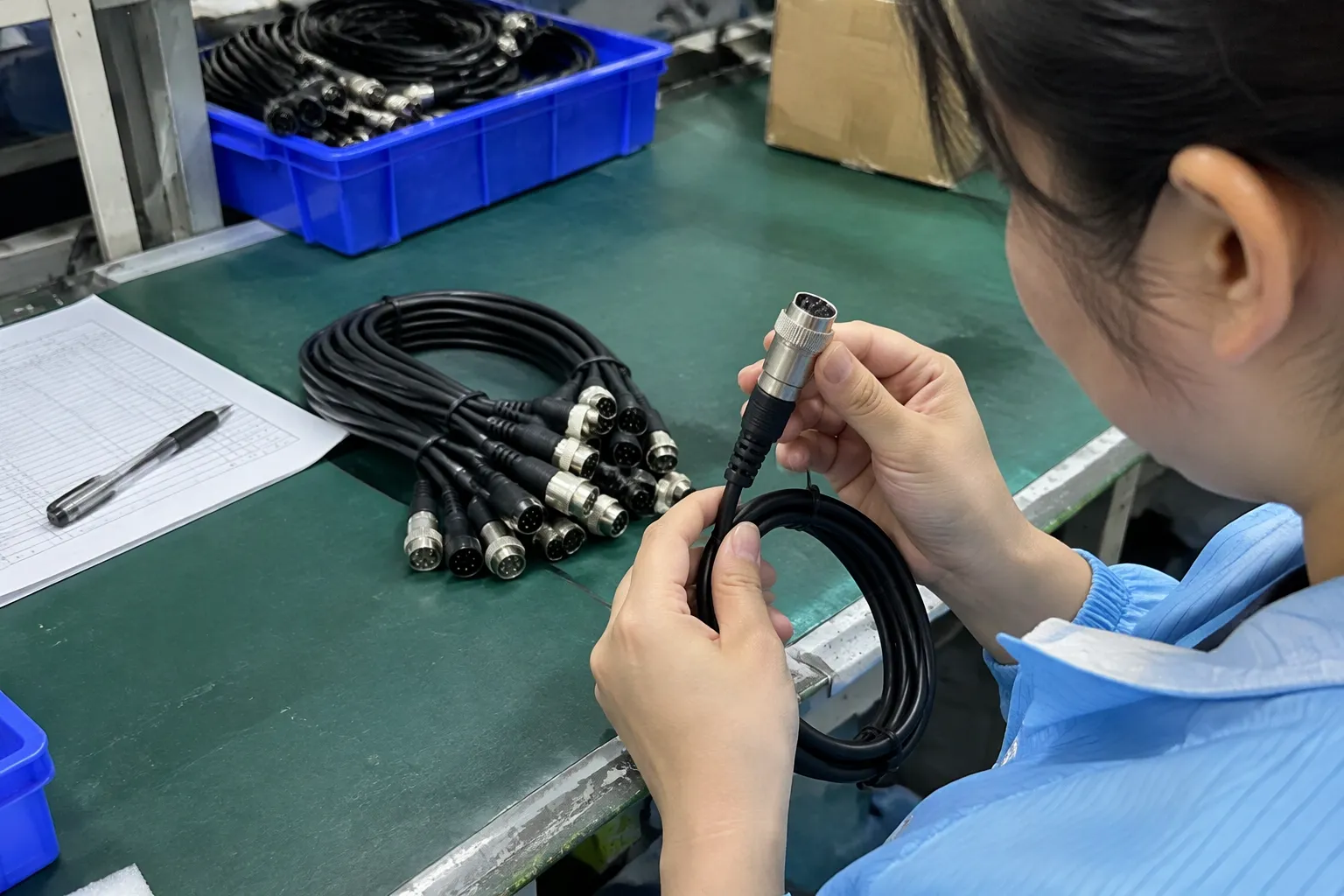
A long catalog can make purchasing harder when it does not explain where each model belongs. Buyers need a practical map of connector combinations, device scenarios, and verification points. I use the connector combination as the starting point, but I do not treat it as the final product specification.
- USB-A to USB-C
- USB-C to USB-C
- USB-A to Micro USB
- USB-C to Micro USB
- USB-C to USB-A or other device-specific connectors
- Extension, right-angle, multi-connector, and custom assemblies
USB-A to USB-C cable assemblies
USB-A to USB-C remains a useful retail and wholesale SKU because many consumers still own chargers, computers, vehicles, hubs, and power banks with USB-A ports. The USB-C end can connect to phones, earbuds, controllers, cameras, portable devices, and other products.
However, this connector combination does not by itself identify charging wattage, data speed, or device compatibility. The buyer should confirm the product specification and test records for each model.
USB-C to USB-C cable assemblies
USB-C to USB-C is increasingly common in modern charging kits and consumer electronics. It can serve phones, tablets, laptops, monitors, docking products, power banks, and other USB-C devices.
The main purchasing risk is assuming that every USB-C to USB-C cable supports the same functions. Some models are intended mainly for charging. Others are designed for higher power, higher-speed data, display-related applications, or a particular device ecosystem. The product-level specification must define the supported use.
USB-A to Micro USB cable assemblies
Micro USB is an older connector format, but it has not disappeared from every product category. Buyers may still need it for older Android devices, Bluetooth speakers, low-cost accessories, cameras, game controllers, GPS products, and some power banks.
I recommend keeping Micro USB models in a separate product group instead of presenting them as outdated or interchangeable with USB-C. Retail demand depends on the installed base of devices in the target market.
Product-list comparison
| Cable assembly | Common application | Main purchasing reason | Key verification point |
|---|---|---|---|
| USB-A to USB-C | Legacy chargers to newer devices | Broad everyday use | Charging and data specification |
| USB-C to USB-C | Modern chargers, tablets, laptops, monitors, power banks | Current device ecosystems | Power, data, and protocol requirements |
| USB-A to Micro USB | Older accessories and electronics | Replacement and installed-base demand | Connector fit and intended use |
| USB-C to Micro USB | Selected legacy devices with newer chargers | Niche compatibility | Device-side pin and function requirements |
| Right-angle USB cable | Gaming, compact spaces, portable products | Better cable routing | Mechanical clearance and strain relief |
| Multi-connector cable | Travel kits and mixed-device households | Fewer separate cables | Independent connector function and safety |
| USB extension cable | Desktop, office, and charging setup | Additional reach | Signal and power suitability for the intended use |
Which USB Cable Assemblies Fit Common Devices?
The correct USB cable assemblies model depends on the ports at both ends and the job the customer expects the cable to perform. A phone cable, laptop charging cable, camera data cable, and retail travel cable may use similar connectors but require different specifications and construction.
I normally ask buyers to describe the complete use case before discussing a final model. The same connector can appear in multiple product categories, so a connector-only request often leaves important questions unanswered.
Match the source, cable, and device
- Source: wall charger, computer, car charger, power bank, hub, monitor, or docking product
- Cable assembly: connector combination, wire construction, length, shielding, and supported functions
- Device: phone, tablet, laptop, earbud case, camera, controller, speaker, or another accessory
The cable must physically connect to both products, but physical fit is only the first step.[6] The buyer should also consider whether the assembly supports the intended charging or communication function.
Application-based model selection
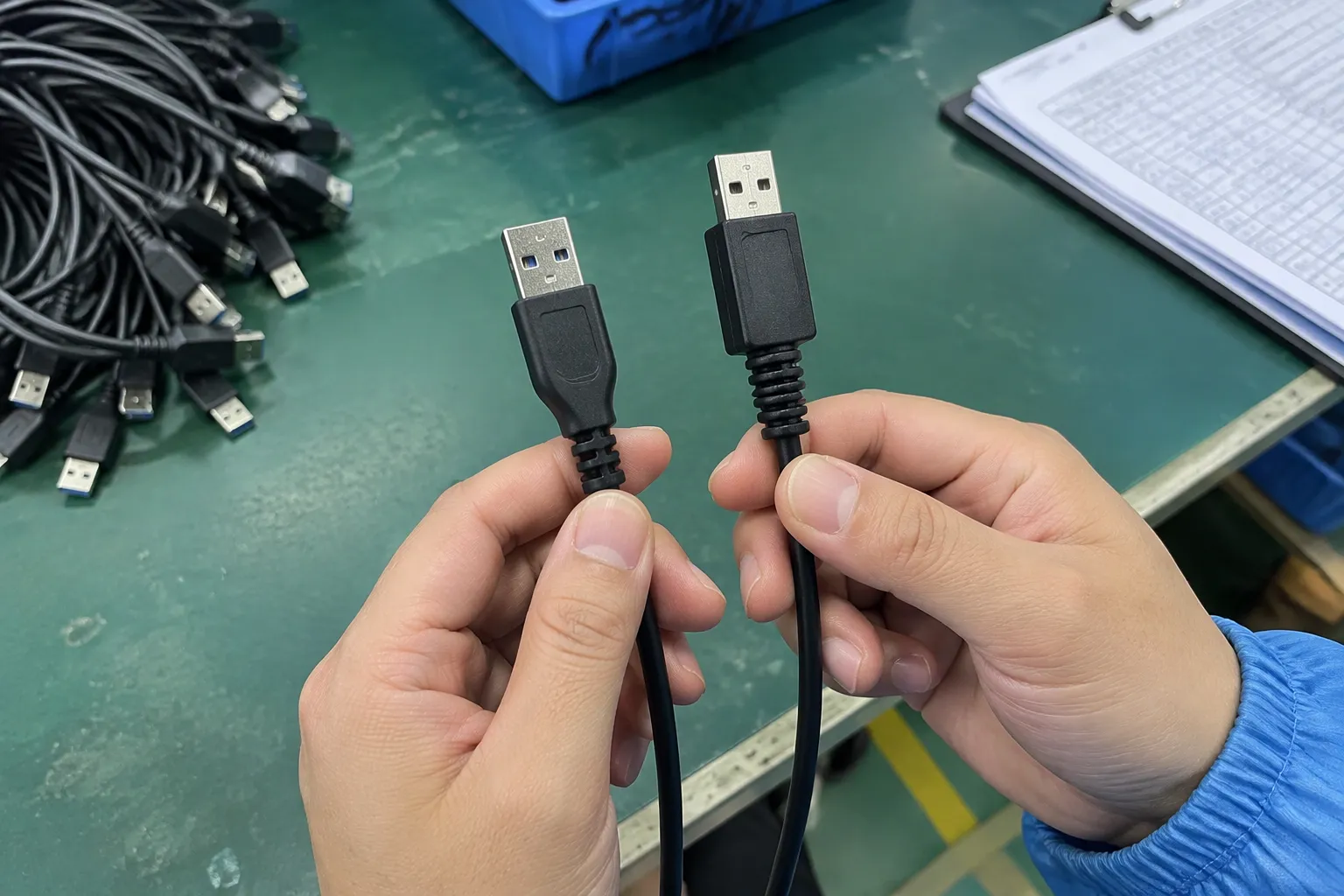
| Customer application | Common model to evaluate | Questions to ask |
|---|---|---|
| General phone charging from older wall chargers | USB-A to USB-C | What charging level is required and documented? |
| Modern phone or tablet charging | USB-C to USB-C | Does the cable support the required power and charging protocol? |
| Laptop charging | USB-C to USB-C | Is the required power rating documented for this exact model? |
| Data transfer between a computer and device | USB-A to USB-C or USB-C to USB-C | What data speed and device protocol are required? |
| Older Bluetooth speaker or power bank | USB-A to Micro USB | Is the Micro USB port for charging only or also data? |
| Travel kit for mixed devices | Multi-connector design | Does each connector support the advertised function? |
| Tight space behind furniture or equipment | Right-angle version | Will the angle reduce strain without blocking nearby ports? |
Why device context matters
- Which devices will the customer connect?
- Is the main purpose charging, data transfer, or both?
- What power or data requirement does the device manufacturer specify?
- What cable length does the retail package need?
- Does the customer want a standard, braided, flat, reinforced, or compact design?
- Does the product need a particular protocol, certification, or test document?
- Which market, packaging language, and labeling rules apply?
Internal product planning
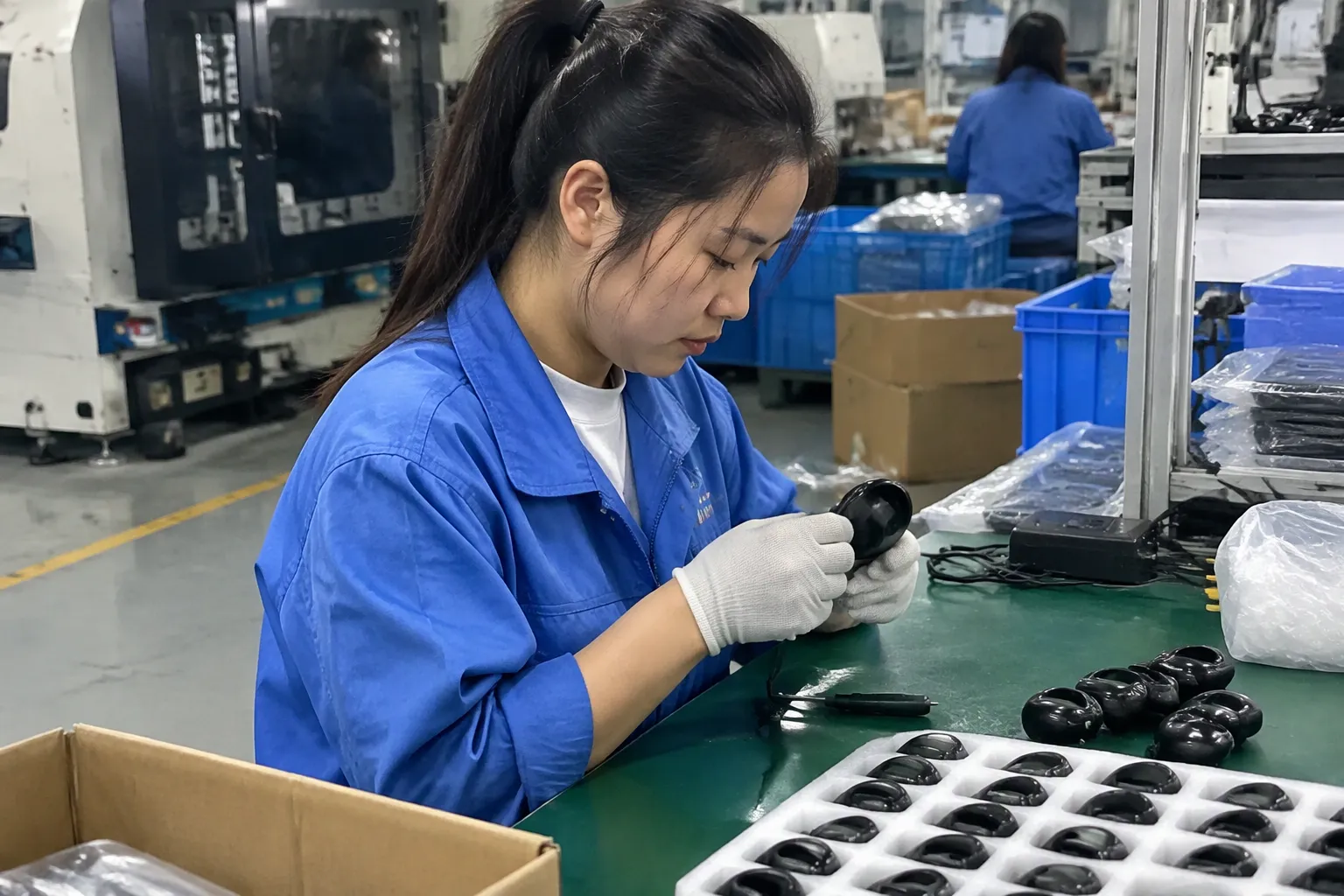
- Everyday charging cables
- Charging and data cables
- Premium braided cables
- Laptop or higher-power USB-C cables
- Legacy Micro USB replacements
- Travel and multi-connector products
- Custom-length or custom-color assemblies
In my OEM/ODM work, product development usually becomes more efficient when the buyer provides the intended device group early. A factory or manufacturing partner can then review the conductor, connector, jacket, strain relief, and test requirements against the application instead of quoting a generic cable.
Do USB Connector Types Guarantee Charging or Data Performance?
USB-A, USB-C, and Micro USB describe connector formats. They do not automatically guarantee a particular charging power, data-transfer speed, protocol, or device compatibility.[4] Buyers should treat performance as a product-level claim that requires a specification and appropriate verification.
This distinction is especially important for USB-C. A USB-C connector can appear on cables designed for different applications[5]. The outside shape does not tell the buyer everything about the internal conductors, identification components, shielding, or supported functions.
Connector format versus product capability
| Term | What it generally describes | What it does not prove |
|---|---|---|
| USB-A | A common host-side connector format | Exact charging power, data speed, or compatibility |
| USB-C | A reversible connector format used across many device categories | That every cable supports the same power, data, or display functions |
| Micro USB | A smaller connector format used in many older products | That the assembly supports modern charging or data functions |
| USB cable assembly | A complete product with connectors, conductors, jacket, and termination | That advertised claims are correct without product documentation |
What buyers should verify
- Rated charging or power capability
- Supported data-transfer specification
- Cable length and tolerance
- Conductor or wire construction
- Connector material and plating
- Shielding design
- Resistance or electrical test results
- Continuity and short-circuit test records
- Bend or flex testing where relevant
- Temperature or safety information where relevant
- Applicable certification or declaration documents
Charging claims need careful wording
Terms such as “fast charging,” “high power,” and “super speed” may have different meanings across markets and product categories. The buyer should define the claim in measurable terms and connect it to the complete charging system.
- The wall charger
- The source device
- The cable assembly
- The receiving device
- The charging protocol
- Firmware or device restrictions
- Cable length and construction
- Test conditions
For this reason, I encourage buyers to review the relevant USB-IF information and the documentation for the exact product. The USB Implementers Forum publishes technical and compliance information that buyers can use as a reference. Buyers should also review applicable market requirements, such as European Commission product safety information and the requirements that apply to their own distribution channel.
Avoiding misleading assortment names
For example, a buyer might use an internal description such as “USB-C to USB-C, 1.5 m, charging and data, braided jacket, specification verified.” The final consumer-facing claim would still need to follow the actual product documentation.
How Should Buyers Compare USB Cable Assemblies Models?
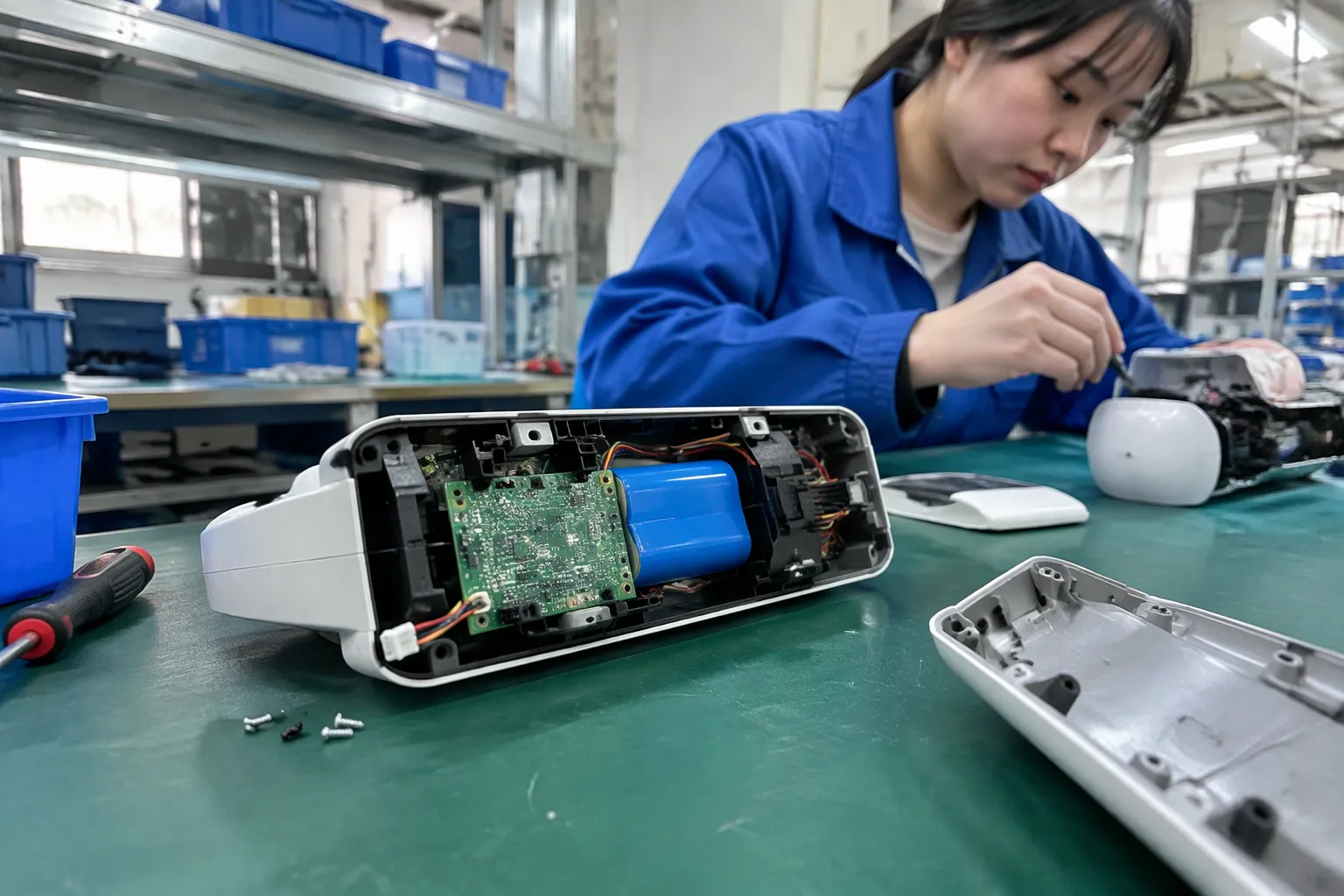
A good comparison looks beyond unit price. USB cable assemblies can have similar outside appearances while differing in conductor construction, connector quality, strain relief, testing, packaging, and after-sales risk. A lower initial price may not be lower total cost if the product generates returns or inconsistent customer reviews.
Core comparison criteria
| Evaluation area | What to compare | Why it matters |
|---|---|---|
| Connector combination | USB-A, USB-C, Micro USB, or custom combination | Determines basic physical connection |
| Intended use | Charging, data, or combined use | Prevents an unsuitable model from entering the assortment |
| Verified performance | Documented power, data, and protocol support | Supports accurate product claims |
| Length | Common retail lengths and tolerance | Affects convenience, packaging, and performance |
| Construction | PVC, TPE, silicone, braided, flat, reinforced | Affects feel, flexibility, and positioning |
| Connector housing | Standard, compact, metal, molded, custom | Affects appearance and mechanical use |
| Strain relief | Basic or reinforced design | Helps manage repeated bending |
| Quality control | In-process and final testing | Supports consistency between batches |
| Packaging | Polybag, blister, box, private label | Affects retail presentation and logistics |
| MOQ and lead time | Standard and custom versions | Affects inventory planning |
| Documentation | Specifications, test records, declarations | Supports procurement and market review |
Construction choices
PVC cables often support cost-sensitive programs and can be suitable for standard retail products when the specification is appropriate. TPE or silicone jackets may offer a different hand feel and flexibility. Braided cables can provide a premium visual appearance, but the braid alone does not prove higher electrical performance.
- Outer jacket material
- Jacket diameter
- Conductor size or structure
- Shielding
- Connector overmold
- Strain-relief geometry
- Plug housing
- Braid material and coverage, if applicable
The correct choice depends on product positioning and intended use.[7] A premium appearance may help a specialty retail SKU, while a simple cable may be more suitable for promotional bundles or bulk distribution.
Length and packaging
Common lengths may include short travel versions, standard desk lengths, and longer versions for bedside or office use. I do not recommend offering every possible length without a channel plan. Excessive SKU variety can increase inventory complexity.
Price comparison
| Cost factor | Questions for the supplier |
|---|---|
| Unit price | What quantity and packaging does the price cover? |
| Tooling | Is custom mold or logo tooling required? |
| Testing | Which tests are included in the quoted price? |
| Packaging | Does the quote include artwork, inserts, labels, and cartons? |
| Sampling | Is the sample from the intended production construction? |
| Logistics | What are carton size, gross weight, and shipping terms? |
| Rework risk | How are nonconforming units handled? |
| Warranty | What process applies to confirmed product defects? |
For European and North American buyers, I also recommend reviewing packaging language, importer responsibilities, applicable environmental requirements, and market-specific documentation with a qualified professional. A supplier can provide documents, but the importer remains responsible for confirming that the product and claims fit the intended market.
What Quality Checks Should USB Cable Assemblies Pass?
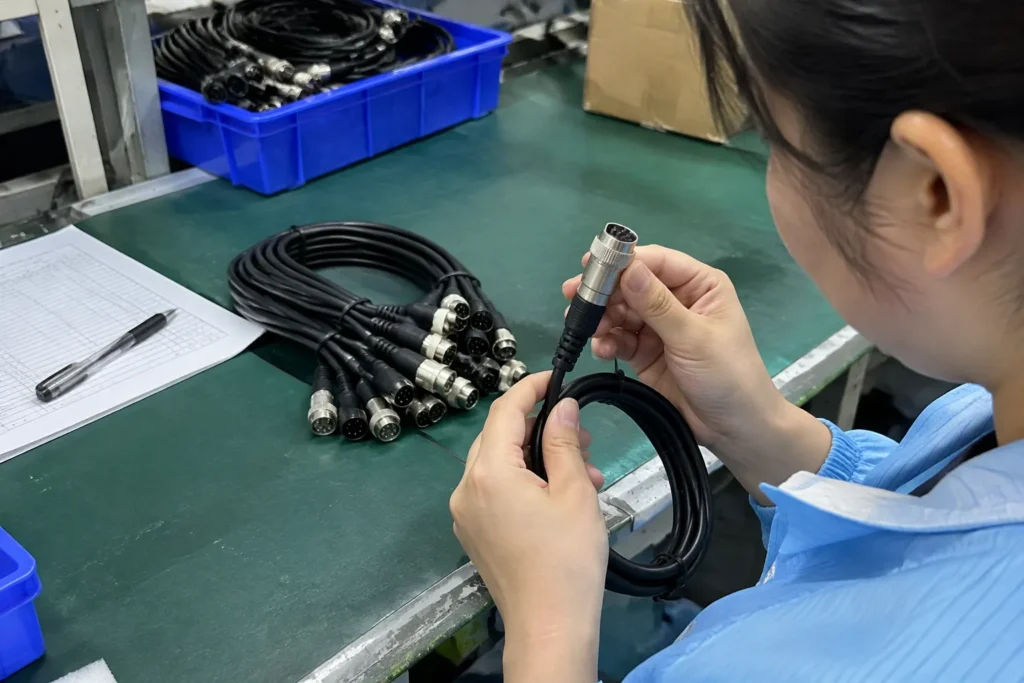
Quality control should begin before mass production. A final visual inspection alone may identify damaged housings, poor molding, or incorrect labels, but it may not prove that the cable meets its electrical or functional requirements.
I treat quality control as a chain of checks: approved specification, incoming materials, production inspection, functional testing, and final sampling. The exact plan should match the product and its advertised use.
In-process controls
- Correct wire and connector materials
- Correct soldering or termination process
- Correct overmold dimensions
- Correct strain relief
- Correct cable length
- Clear and complete markings
- Proper assembly orientation
- Continuity and short-circuit screening
The supplier should document the inspection method and sampling level. Buyers can request inspection records for review, while independent inspection may be appropriate for higher-risk programs.
Functional and electrical verification
The actual tests depend on the cable’s claimed function. A charging-only cable does not need the same verification plan as a cable sold for a specific data application. Likewise, a cable associated with a higher-power use requires appropriate product-level verification.
- Continuity testing
- Open and short testing
- Connector fit checks
- Charging function checks with defined equipment
- Data-transfer checks using defined devices or test equipment
- Resistance or electrical performance checks where applicable
- Flexing or bend testing for the intended construction
- Visual and dimensional inspection
Certification and documentation
My business context includes a range of certifications and export documentation, but I would still advise every buyer to verify documents for the exact product, factory arrangement, market, and claim. A certificate for one model does not automatically cover every cable assembly in a supplier’s catalog.
- Certificate holder and manufacturer identity
- Product description and model number
- Validity period
- Applicable standard or directive
- Test laboratory or issuing body
- Scope and limitations
- Whether the document covers the final production configuration
The U.S. Consumer Product Safety Commission provides useful business guidance for companies selling consumer products in the United States. European buyers should also consult official EU sources and qualified compliance advisers for product-specific obligations.
Incoming inspection after delivery
- Carton and packaging condition
- Quantity
- Connector type
- Cable length
- Color and appearance
- Logo and label accuracy
- Sampled continuity
- Sampled function
- Visible molding or braid defects
- Documentation and batch traceability
In my experience, the strongest quality discussions happen before the purchase order. Once the production specification, approved sample, and inspection method are clear, both sides have a more objective way to manage the order.
How Can Retailers Build a Practical USB Cable Assemblies Assortment?
Retailers and wholesalers do not need the largest possible product list. They need an assortment that matches the devices, price levels, and channels they serve. A focused assortment can reduce duplicate SKUs while still covering the most common purchase situations.
I suggest starting with demand evidence from current sales, customer requests, returns, and channel feedback. Buyers can then add specialized models only when the application or margin justifies the extra inventory.
A sample assortment structure
| Assortment tier | Possible products | Commercial purpose |
|---|---|---|
| Core | USB-A to USB-C in selected lengths | Everyday replacement demand |
| Modern | USB-C to USB-C with verified specifications | Current chargers and devices |
| Legacy | USB-A to Micro USB | Existing older-device base |
| Premium | Braided or reinforced construction | Higher retail positioning |
| Travel | Short, compact, or multi-connector models | Mobility and convenience |
| Specialty | Right-angle, custom length, or branded designs | Specific applications or private label |
Private label and OEM/ODM considerations
- Target device category
- Connector combination
- Required function
- Cable length
- Construction preference
- Performance claim
- Test requirement
- Packaging format
- Target quantity
- Delivery window
This brief helps the buyer compare suppliers on the same basis. It also helps the manufacturing partner identify whether the request is a standard model or requires development and tooling.
MOQ and lead-time planning
| Customization | Likely planning question |
|---|---|
| Custom color | Is the color available from standard materials or does it require a new batch? |
| Logo | Does the logo require printing, laser marking, or a custom mold? |
| Packaging | Is artwork approval required before production? |
| Length | Is the requested length a standard cut length? |
| Connector housing | Is a new mold or tooling required? |
| Special function | Does the model need additional testing or engineering review? |
I provide broader information about OEM and ODM product development and USB cable customization in related resources. Buyers can use these topics to prepare a more complete sourcing brief before contacting a supplier.
The goal is a commercially useful product range. A carefully organized list helps the buyer stock the right cable for the right customer instead of accumulating similar models that create confusion.
Frequently Asked Questions
Are all USB-C cable assemblies the same?
No. USB-C describes the connector format, not a universal performance level. USB-C cable assemblies can differ in charging capability, data-transfer support, construction, and protocol compatibility. Buyers should review the specification and test documentation for the exact model before making a product claim.
Which USB cable assemblies should a retailer stock first?
Many retailers begin by evaluating USB-A to USB-C and USB-C to USB-C models, then add USB-A to Micro USB if their customers still use older devices. The final selection should reflect local demand, charger ownership, target price, device categories, and verified product functions.
Can a USB-A to USB-C cable charge every USB-C device?
No. The cable may physically connect to a USB-C device, but charging results depend on the source, receiving device, cable construction, and supported requirements. The buyer should confirm the intended application and avoid promising a specific charging result without product-level verification.
How can I verify a supplier’s USB cable specifications?
Ask for a model-specific datasheet, approved sample, test method, and relevant test records. Check that the documents identify the correct manufacturer, model, configuration, and claim. For market compliance, buyers should also obtain qualified advice for the destination country.
Should I choose braided USB cable assemblies for better quality?
A braided jacket can improve appearance, positioning, or resistance to certain types of surface wear, but it does not automatically prove superior electrical performance.[8] Buyers should assess the complete construction, including conductors, connectors, strain relief, testing, and the intended use.
Conclusion
A useful list of USB cable assemblies models and products should guide a purchasing decision, not simply display connector names. I recommend organizing the assortment by connector combination, device application, verified charging or data function, construction, and quality documentation. USB-C is not a performance grade, and Micro USB still has relevant replacement demand in selected categories. If you are planning retail, wholesale, or private-label USB cable assemblies, contact my OEM/ODM team with your target devices, specifications, quantity, packaging, and market requirements so I can help evaluate a suitable product direction.
Sources
- The Hidden Genius Behind What Is A Usb C", USB-IF technical materials describe USB Type-C as an interface used in systems that may interoperate with earlier USB connector types through appropriate cables or adapters
- USB Charger (USB Power Delivery)", USB-IF specifications distinguish the USB Type-C connector from the particular power, data, and alternate-mode capabilities implemented by a complete connection
- Agencies Need to Plan for Modernizing Critical Decades- ...", Reference sources describe Micro USB as a widely adopted interface in earlier generations of mobile and peripheral electronics, providing historical context for continued replacement demand
- USB Charger (USB Power Delivery)", USB-IF documentation treats the USB Type-C connector specification and the capabilities negotiated or implemented over that connection as related but distinct aspects of a USB system
- USB Type-C® System Overview", Technical descriptions of USB Type-C systems indicate that cables sharing the same reversible connector geometry can implement different electrical and protocol capabilities
- How to tell a USB charge-only cable from a USB data cable", USB system documentation distinguishes mechanical mating from the electrical and protocol conditions required for power delivery and data communication
- Wire and Cable Insulation and Jacketing: Life-Cycle ...", Cable-material studies associate jacket composition and construction with properties such as flexibility, abrasion resistance, and mechanical durability, supporting application-specific selection
- Biomechanical performance of different cable and wire ... - PMC", Cable-construction literature treats an outer braid primarily as a mechanical or shielding element whose presence alone does not establish conductor resistance, data rate, or power-delivery capability