The Standard Series USB 3.1 (Gen 2) USB-C to USB-C Cable 3ft may look like a simple accessory, but buyers often discover that a USB-C connector does not guarantee a particular speed, charging level, or feature[1]. I have seen European and US buyers ask the same practical question: will this cable perform the job their devices require?
Quick Answer
The Standard Series USB 3.1 (Gen 2) USB-C to USB-C Cable 3ft is worth considering when both connected devices support the required USB data standard and the product documentation confirms the needed functions. Buyers should verify data speed, charging capability, video support, cable labeling, and quality records before placing a wholesale or retail order.
- Use it for compatible USB-C devices that require high-speed data transfer.
- Check the capability of both ports, not only the cable.
- Do not assume that USB-C automatically means fast charging or video output.
- Confirm the exact product specification before publishing a retail listing.
- Ask the supplier for available inspection records, certifications, and packaging details.
A three-foot cable can be a convenient length for desks, laptops, hubs, and portable drives. However, length alone does not decide suitability. The real purchasing decision depends on the connected equipment, the required task, the documented specification, and the supplier’s ability to control quality consistently.
What Is the Standard Series USB-C Cable (Gen 2)?
A buyer may see “USB-C” on a product page and assume that every USB-C cable works in the same way. That assumption creates returns and support questions. The Standard Series is better evaluated as a specified cable product, not simply as a cable with a modern connector.
The Standard Series USB 3.1 (Gen 2) USB-C to USB-C Cable 3ft is specified by its USB-C connector format, its stated USB 3.1 Gen 2 data category, and its three-foot length. The product specification still needs to confirm other functions, including charging support, video capability, wire construction, shielding, and connector details.
USB-C describes the connector
- Data-transfer capabilities
- Charging-current or power-support ratings
- Internal conductors
- Shielding and signal quality
- Video or alternate-mode support
- E-marker or identification requirements
- Cable lengths and construction quality
The USB Implementers Forum explains that USB Type-C and USB performance specifications are related but not identical. Buyers can review the USB-IF USB Type-C documentation and the USB-IF certified product information when they need to understand formal terminology.
What “USB 3.1 (Gen 2)” tells a buyer
USB 3.1 Gen 2 is a data-interface designation commonly associated with a theoretical signaling rate of up to 10 Gbps[2]. That number describes the interface category, not necessarily the file-copy speed that a user will see in every setup[3].
- The host computer or phone
- The connected storage device
- The hub, dock, or adapter
- Operating-system drivers
- File size and file type
- Storage read and write performance
- Cable construction and product compliance
- The use of adapters between different standards
For this reason, I use careful wording in product discussions. I would say that the cable is specified as USB 3.1 Gen 2, rather than promising that every customer will receive a measured 10 Gbps transfer rate.
Why three feet matters
A 3ft cable is approximately 0.91 meters. This length often works well for a laptop connected to a portable SSD, a phone connected to a computer, or a desk-based device connected to a hub.
- The charger is far from the user
- A device is mounted behind furniture
- A retail customer needs a bedside or vehicle cable
- The cable must pass through a large desk or equipment rack
Shorter cables can be easier to manage, but the right length depends on the installation. A buyer should not select 3ft only because it looks neat in a product photograph.
Is the USB 3.1 (Gen 2) USB-C to USB-C Cable 3ft Right for the Intended Task?
The most reliable selection process starts with the task. Buyers should identify what they want to connect and what result they expect before comparing packaging, color, or price.
The USB 3.1 (Gen 2) USB-C to USB-C Cable 3ft may be suitable for compatible high-speed data applications, but it should not automatically be marketed as a universal charging, display, and synchronization cable. The seller should match the product description to the confirmed specification.
Start with the connected devices
- What is the host device?
- What is the peripheral device?
- Which USB standard does each port support?
- Is the priority data, charging, display, or a combination?
- Does the device manufacturer require a particular cable rating?
A laptop may have several USB-C-shaped ports with different capabilities. One port may support high-speed data and display output, while another may support charging but have a lower data specification. A phone may also use USB-C while offering a slower internal data interface.
The cable cannot create capability that does not exist in the computer, phone, drive, charger, or hub[4]. The weakest part of the connection can limit the result[5].
Match the cable to the use case
| Intended use | What the buyer should confirm | Main risk |
|---|---|---|
| Portable SSD or external drive | USB data standard at both ends | The drive or computer may limit speed |
| Phone-to-computer transfer | Phone data capability and computer port | Some phones use USB-C but support slower data |
| Laptop-to-hub connection | Host port, hub input, and hub output standards | The hub may not pass through the expected speed |
| Charging | Cable charging specification and charger/device requirements | USB-C shape does not prove high-power charging |
| Monitor or docking setup | Video support, alternate mode, and device documentation | Data-rated cable wording may not prove display support |
| General synchronization | Data support and connector compatibility | A charging-focused cable may not support the needed data rate |
This table is useful for B2B sellers because it turns a technical specification into a buying conversation. A customer who wants to transfer large video files has a different requirement from a customer who only wants to charge a small accessory.
Data transfer is not the same as charging
USB Power Delivery is a separate area of specification[6]. The USB-IF Power Delivery overview provides useful background, but a seller still needs the exact product documentation for the cable being offered.
- Whether the cable is intended for charging
- The stated current or power support
- Whether an e-marker is included or required
- Whether the cable is suitable for the target charger and device
- Whether the rating applies to the complete finished cable
Can a USB-C Cable Guarantee Fast Data, Charging, or Video?
A USB-C cable cannot guarantee the final result by itself. The cable, host, peripheral, charger, hub, monitor, and operating environment must work together. This point is simple, but it is one of the most common sources of product confusion.
The USB 3.1 (Gen 2) USB-C to USB-C Cable 3ft should therefore be described using confirmed functions only. Data performance may be documented, while charging or video support may require separate confirmation.
The port is as important as the cable
- USB data transfer
- Charging input or output
- DisplayPort Alternate Mode
- Thunderbolt or another related interface
- Several functions at the same time
- Only basic USB functions
A laptop specification sheet, technical manual, or manufacturer support page can reveal more than the shape of the port. I recommend that retailers include a compatibility note in their product listing instead of relying on a generic “works with all USB-C devices” statement.
Video output requires additional evidence
Some USB-C connections can carry video through an alternate mode[7]. That does not mean every USB-C cable with a high data designation supports every display setup.
- The source device supports the relevant video mode.
- The display or dock accepts the same signal.
- The cable is specified for that use.
- The required resolution and refresh rate are supported.
- Any adapter or docking device does not create a limitation.
Charging claims need careful wording
Many online buyers judge a cable by whether it charges a laptop quickly. That expectation can be risky when the listing does not state the cable’s power capability.
- The charger’s output
- The device’s charging input
- The cable’s supported current and power
- USB Power Delivery negotiation
- Connector and electronic identification components
- The condition of the cable and ports
A safe product listing can say that the cable is intended for compatible USB-C connections if that wording matches the documentation. A stronger claim, such as “100W laptop charging,” requires specific evidence.
Practical compatibility language
“USB-C to USB-C cable specified for USB 3.1 Gen 2 data connections. Confirm the data, charging, and display capabilities of both connected devices before purchase.”
That sentence is less dramatic than a universal compatibility claim, but it is more useful. It protects the customer and gives the seller a clear basis for handling technical questions.
How Should Buyers Evaluate the Product Specification?
A product page can contain a long list of attractive terms while still leaving important questions unanswered. Procurement teams need a specification that is precise enough for purchasing, quality control, online merchandising, and after-sales support.
The main risk is not always that a cable fails physically. The risk can also be that a cable works for one task but does not meet the customer’s expected speed or function.
Build a specification checklist
1. Physical specification
- Connector type at each end
- Cable length
- Outer jacket material
- Cable color
- Connector housing material
- Strain-relief design
- Approximate cable diameter
- Packaging format
The buyer should also ask whether the connector shell and jacket are consistent across production batches. Small changes can affect appearance, fit, and perceived quality.
2. Electrical and data specification
- Stated USB data category
- Maximum stated signaling rate
- Charging support, if documented
- Current or power rating, if documented
- Cable orientation or plug requirements
- Shielding or conductor information where relevant
3. Functional specification
4. Compliance and quality documents
Ask what records are available for the specific model and production version. Depending on the target market and product classification, buyers may need documents related to:
- Product safety
- Electromagnetic compatibility
- Material restrictions
- Packaging and labeling
- Factory quality systems
- Market-specific importer requirements
Certifications and declarations should be treated as documents to verify. The buyer should check the product name, model number, issuing organization, validity, and scope. A certificate for another cable model should not automatically be presented as evidence for this cable.
Compare common cable-positioning options
| Product position | Strength | Limitation | Suitable buyer message |
|---|---|---|---|
| Basic USB-C cable | Usually simple and price-focused | May not suit high-speed data | State the supported basic use clearly |
| USB 3.1 Gen 2 USB-C cable | Better suited to documented high-speed data needs | Other functions still require verification | Emphasize the stated data category |
| High-power charging cable | Useful for compatible charging systems | Data speed may be limited | State power and data ratings separately |
| Video-capable USB-C cable | Can support a documented display setup | Device and monitor compatibility still matters | Name the confirmed display use |
| Multi-function premium cable | Broader potential use | Higher cost and more specification risk | Provide complete, verifiable documentation |
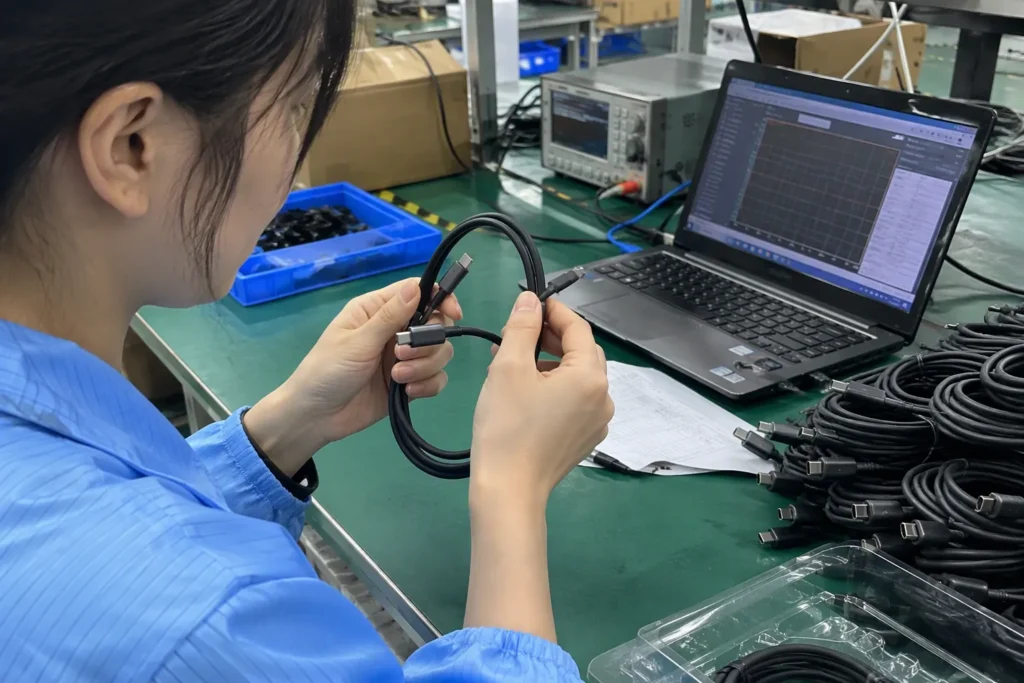
Quality control questions for suppliers

- Is the model number fixed across the quotation, sample, packaging, and shipment?
- Are the connector shells and cable jackets from an approved material list?
- Does the production inspection include connector fit and appearance?
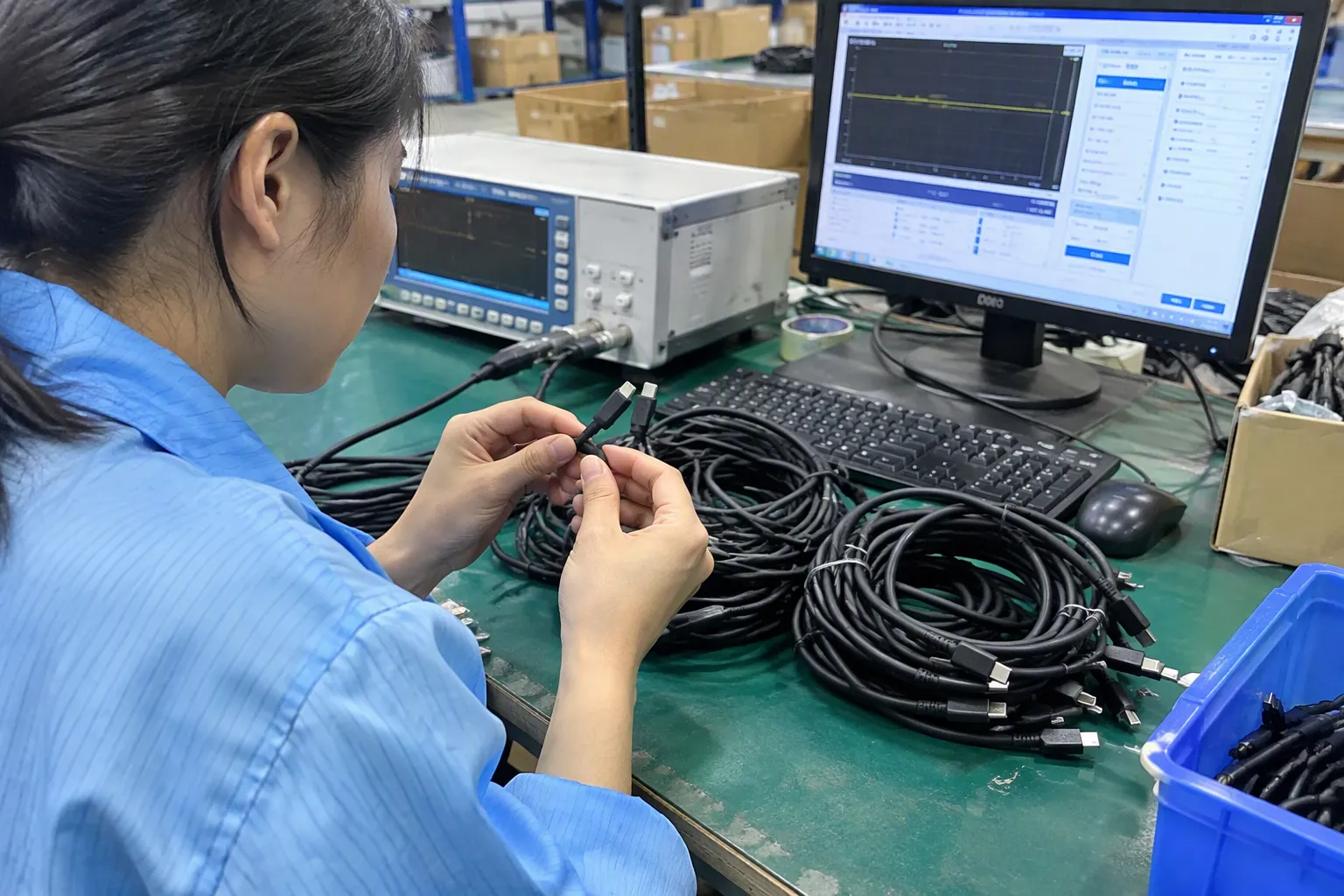
- Are continuity and data-related checks included where suitable?
- Does the supplier retain batch records?
- Can the supplier provide a pre-shipment inspection report?
- Does the product packaging match the agreed retail claims?
- Has any component changed since the approved sample?
A supplier may not perform every possible laboratory test on every shipment. That does not remove the need for a practical quality plan. The buyer should agree on what will be inspected and what evidence will be supplied.
What Should Retailers and Wholesalers Check Before Importing?
A cable can be technically suitable and still be a poor commercial choice if the MOQ, delivery time, packaging, documentation, or after-sales process does not fit the sales channel.
US and European buyers often ask me about more than the cable itself. They want to know whether the supplier can deliver stable quality, support private labeling, meet a target price, and respond when a customer reports a compatibility issue.
Confirm the commercial specification
- Exact product name and model number
- Cable length and tolerance
- Connector-to-connector configuration
- Confirmed data specification
- Confirmed charging specification, if any
- Confirmed video specification, if any
- Color and packaging
- Logo or customization requirements
- MOQ by color and packaging
- Sample approval process
- Production lead time
- Inspection standard
- Warranty or replacement procedure
Think about the sales channel
A chain retailer may need barcode labels, shelf-ready packaging, multilingual instructions, and stable carton dimensions. An e-commerce seller may focus more on product photographs, compatibility tables, return rates, and customer-service scripts. A wholesaler may need neutral packaging or bulk packing.
| Buyer type | Common priority | Useful supplier support |
|---|---|---|
| Consumer electronics retailer | Packaging, barcode, consistency | Retail-ready artwork and carton data |
| Wholesale importer | Cost, MOQ, delivery stability | Bulk packing and repeat-order planning |
| E-commerce seller | Clear listing, images, returns | Compatibility copy and product photos |
| Chain store | Compliance files and audit process | Document control and inspection records |
| Private-label buyer | Brand presentation and exclusivity | Artwork, samples, and packaging approval |
Control listing language
- “USB-C to USB-C connector configuration.”
- “Specified for USB 3.1 Gen 2 data connections.”
- “Three-foot cable length.”
- “Check both device ports for matching data capability.”
- “Charging and display support depend on the confirmed product specification and connected devices.”
Plan for returns and support
- “It fits, but the drive is slow.”
- “It charges my phone but not my laptop.”
- “It does not show a picture on my monitor.”
- “The cable works with one port but not another.”
Some complaints indicate a defective cable. Others indicate a mismatch between the cable and the equipment. A seller needs a simple troubleshooting process before approving a return.
- The device model and port specification.
- Whether the same device works with a known suitable cable.
- Whether the customer is using a hub, adapter, or dock.
- Whether the expected function was data, charging, or video.
- Whether the cable and connectors show visible damage.
A qualified technical professional should evaluate unusual or safety-related charging issues. Sellers should not ask customers to continue using a cable that shows heat damage, loose contacts, or damaged insulation.
How Can Buyers Compare This Cable With Other USB-C Options?
Price comparisons become unreliable when products use the same connector but have different internal specifications. A lower-priced cable may be correct for a simple charging application, while a higher-priced cable may be unnecessary for that task. The right comparison starts with the required function.
The Standard Series USB 3.1 (Gen 2) USB-C to USB-C Cable 3ft is most defensible when its stated data capability matches the buyer’s application and the supplier can support the specification with consistent production controls.
Use a task-based comparison
| Buyer requirement | Preferred evaluation point | Avoid assuming |
|---|---|---|
| Occasional phone charging | Confirm charging suitability and connector fit | That Gen 2 data automatically means high-power charging |
| Large file transfer | Confirm data capability at both device ports | That the cable alone controls final transfer speed |
| Laptop docking | Confirm host, dock, display, and cable functions | That every USB-C cable carries video |
| Portable storage | Confirm drive interface and cable data category | That advertised maximum speed equals actual copy speed |
| Retail value pack | Confirm packaging, defect controls, and consistent supply | That a low unit price means lower total cost |
Review the total landed cost
- Sample and approval costs
- Packaging and artwork
- Inspection charges
- Freight and insurance
- Import duties and local fees
- Defect replacement
- Customer returns
- Product relabeling
- Delayed delivery costs
Ask for a sample, but define what it proves
A sample does not automatically prove long-term batch consistency or every claimed electrical function. If the product is important to a retail program, the buyer should define additional inspection or testing requirements.
- Does the sample match the agreed physical design?
- Does the sample support the stated use in the buyer’s equipment?
- Can the supplier demonstrate repeatable production control?
Relevant internal and external resources
Buyers can also review our related guides on how to choose USB-C cables for wholesale, questions to ask a 3C accessories supplier, and USB charger procurement. These topics help connect product selection with sourcing and quality control.
For external reference, the USB-IF USB specifications page provides official technical documentation. The European Commission product safety information and the US Consumer Product Safety Commission provide broader market-safety resources. Buyers should still obtain professional advice for their exact product classification and import obligations.
What Is the Final Procurement Checklist for This Cable?
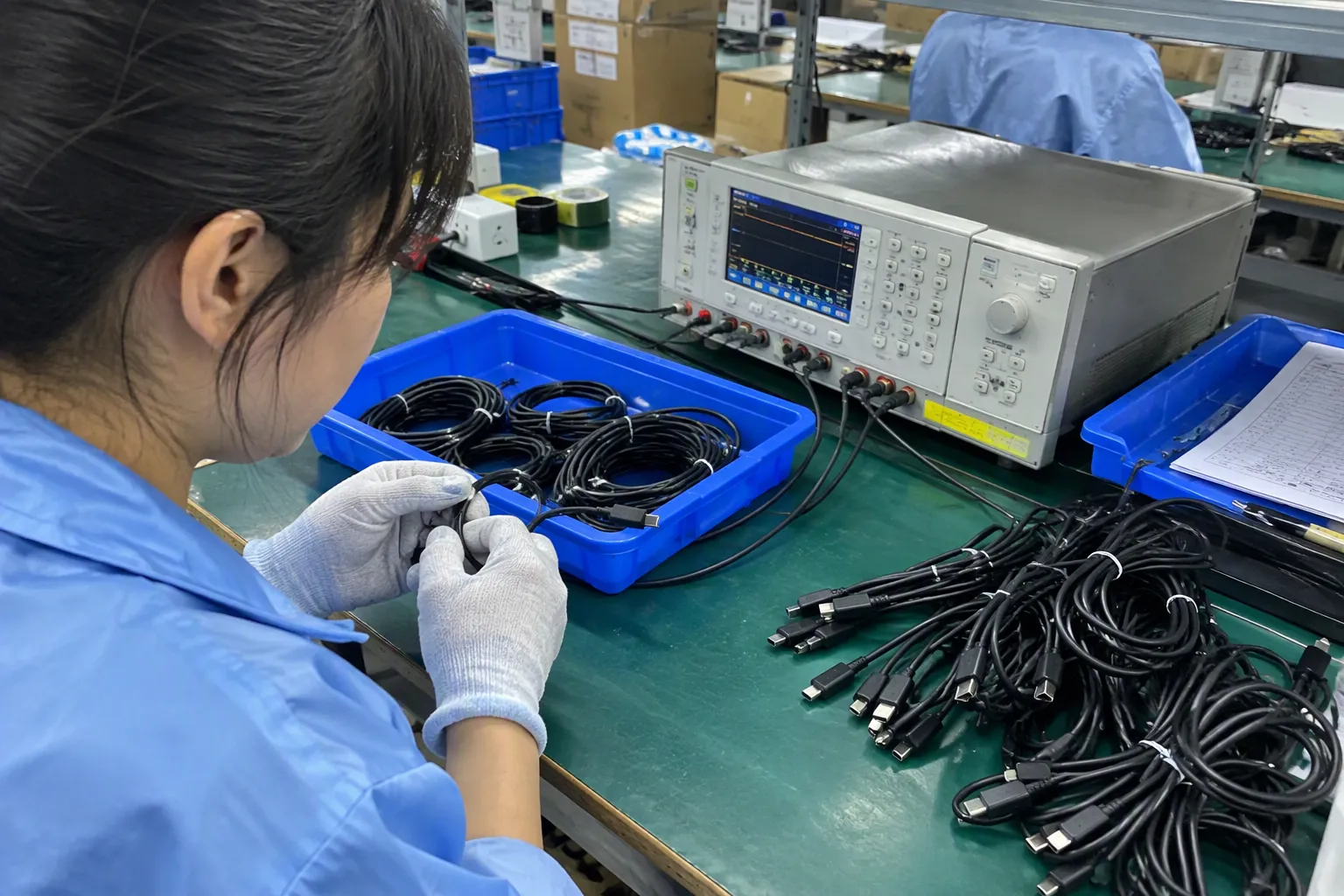
A short checklist can prevent a long dispute. Buyers should confirm the product’s physical identity, intended function, commercial terms, and documentation before they approve mass production.
The Standard Series USB 3.1 (Gen 2) USB-C to USB-C Cable 3ft is a reasonable option when the documented data capability fits the connected devices and the supplier gives the buyer enough information to market it accurately.
Product checklist
- [ ] The cable is USB-C to USB-C.
- [ ] The length is confirmed as 3ft or approximately 0.91m.
- [ ] The exact model number appears on all documents.
- [ ] USB 3.1 Gen 2 is stated in the approved specification.
- [ ] Charging capability is separately confirmed.
- [ ] Video capability is separately confirmed or excluded.
- [ ] Packaging does not make unsupported claims.
- [ ] The sample matches the approved appearance.
Compatibility checklist
- [ ] The host device supports the required data standard.
- [ ] The peripheral device supports the required data standard.
- [ ] The charger and device support the intended charging function.
- [ ] The hub, dock, adapter, or monitor does not create a limitation.
- [ ] The buyer has tested the cable with representative equipment.
- [ ] The product listing explains important limitations.
Supplier checklist
- [ ] The supplier has a clear MOQ and lead time.
- [ ] The supplier can support repeat orders.
- [ ] The supplier explains its inspection process.
- [ ] The supplier can provide relevant documents for verification.
- [ ] The supplier has an agreed replacement or claims process.
- [ ] Custom packaging and labeling have been approved before production.
A practical approval sequence
- Define the target customer and intended use.
- Request the complete product specification.
- Check both device-side requirements.
- Review available quality and compliance documents.
- Approve a physical sample.
- Test the sample in representative applications.
- Approve packaging and product copy.
- Confirm MOQ, price, lead time, and inspection terms.
- Complete pre-shipment checks.
- Keep the approved specification with the purchasing record.
This process is not unnecessarily complicated. It is a way to make sure that the product description, physical goods, and customer expectation remain aligned.
Frequently Asked Questions
Does USB-C mean that a cable supports USB 3.1 Gen 2?
No. USB-C describes the connector format, while USB 3.1 Gen 2 describes a data-interface category. A USB-C cable may support a different data speed or mainly support charging[8]. Buyers should check the product documentation and both connected devices.
Is a 3ft USB-C cable suitable for a portable SSD?
It can be suitable when the cable specification, computer port, and portable SSD all support the intended data function. The final transfer speed may still depend on the drive, computer, file type, operating system, and other equipment in the connection.
Can this cable charge a laptop?
The cable may be usable in a laptop charging setup, but buyers should verify its charging specification, the charger output, the laptop input requirement, and USB Power Delivery compatibility. A USB 3.1 Gen 2 data designation alone does not prove a specific charging wattage.
Can a USB 3.1 Gen 2 USB-C cable connect a monitor?
Not automatically. Monitor support depends on the source device, display, cable specification, and any dock or adapter. Sellers should confirm video or DisplayPort Alternate Mode support before making a display-related product claim.
What documents should a wholesale buyer request?
A buyer should request the product specification, model details, available test or inspection records, applicable declarations or certifications, packaging information, and quality-control details. The buyer should verify that each document applies to the exact product model and target market.
Conclusion
The Standard Series USB 3.1 (Gen 2) USB-C to USB-C Cable 3ft should be selected according to the device, task, and documented capability—not simply because the connector fits. Buyers should verify data performance at both ends, treat charging and video as separate questions, and align product listings with available evidence. I help US and European 3C retailers, wholesalers, and e-commerce sellers review USB cable specifications, packaging, MOQ, delivery, and customization requirements. Contact me to discuss a suitable sourcing plan for your market.
Sources
- USB Charger (USB Power Delivery)", The USB Implementers Forum distinguishes the USB Type-C connector specification from separate USB data-transfer, power-delivery, and alternate-mode specifications, supporting the claim that the connector shape alone does not establish every supported function
- USB 3.1 Specification Language Usage Guidelines from ...", USB-IF nomenclature identifies USB 3.1 Gen 2 as a 10-Gbps signaling category, although the designation refers to nominal interface signaling rather than guaranteed application-level throughput
- File Transfer", Research on high-speed USB data transfer shows that nominal link rates are reduced by protocol overhead and endpoint limitations, so advertised signaling speed should not be interpreted as a guaranteed file-copy rate
- Medical Device Interoperability", USB architecture documentation indicates that link operation is determined by the capabilities of the host, device, hubs, and cable involved; a cable therefore cannot provide a mode unsupported by the connected equipment
- Revealing Device Activities via USB Congestions", USB interoperability principles support the view that the achievable mode of a connection is bounded by the capabilities of its participating components, including hosts, peripherals, hubs, and cables
- USB Charger (USB Power Delivery)", USB-IF documentation treats USB Power Delivery as a power and charging specification distinct from USB data-transfer speed classifications, supporting the separation made here
- VESA – DisplayPort TM Alternate Mode on USB-C®", USB-IF and VESA specifications describe DisplayPort Alternate Mode as a mechanism by which compatible USB-C systems can transport DisplayPort video signals
- USB Type-C® Cable Logo Usage Guidelines", USB-IF cable specifications recognize that USB Type-C cables may differ in supported data rates and power functions, so the connector format does not by itself identify a cable’s complete capability set