Quick Answer
USB ports and speeds can create expensive confusion when a product listing promises more than the hardware can deliver. I often see buyers focus on the connector shape first, then discover that data transfer, charging, video output, and compatibility depend on several separate specifications. A clear evaluation process helps me reduce returns, complaints, and mismatched orders.
USB ports and speeds depend on more than the connector shape. USB-C may support different data rates, charging levels, and video functions depending on the device, cable, protocol, and charger.[1] Buyers should verify each capability separately, compare the complete connection, and describe supported conditions accurately instead of relying on terms such as “high speed” or “fast charging.”
The most useful starting point is the intended task. A cable for charging a phone does not necessarily need the same features as a cable for moving large video files. A retailer also needs different information from a consumer. I will explain how I separate connector type, USB generation, data speed, power delivery, video support, and compatibility when I review products with customers and suppliers.
Everything You Need to Know About USB Ports and Speeds
A familiar connector can make a product look easy to compare, but USB ports and speeds contain several independent specifications. I have learned through customer inquiries that many misunderstandings begin when a buyer treats USB-C as a complete performance description. The shape identifies the interface, not every function behind it.[2]
USB ports and speeds should be evaluated through five separate questions: What connector does the product use? What USB standard or protocol does it support? What data rate is available? What charging power is supported? Can it carry video, and with which devices? The final result is limited by the weakest compatible component in the connection.[3]
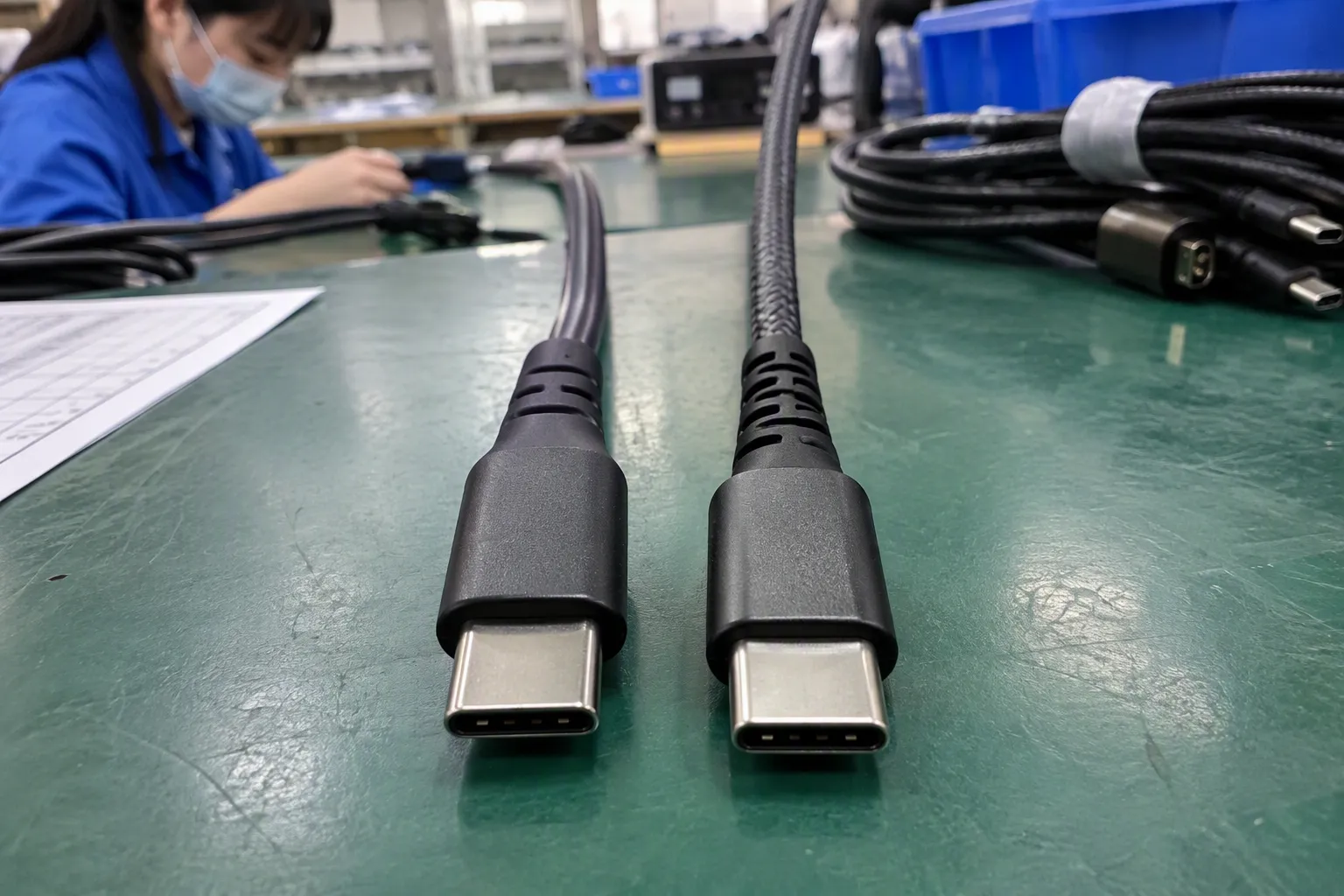
Why does the USB connector shape not tell me the full specification?
The connector is the physical interface that plugs into a device. It does not automatically reveal the internal wiring, controller, protocol, power capability, or alternate functions. USB-A, Micro-USB, and USB-C products can all have different performance levels. Even two USB-C cables may support very different functions.
I use this distinction when I help buyers prepare product descriptions:
| Product detail | What it tells me | What it does not guarantee |
|---|---|---|
| USB-A, Micro-USB, or USB-C | The physical connector format | A specific data rate or charging power |
| USB generation or protocol | The communication technology | That every connected device supports it |
| Rated data speed | The specified transfer capability under stated conditions | The exact speed in every real-world setup |
| Power rating | The supported electrical power under defined conditions | That every charger or device will use that power |
| Video support | Whether the connection can carry a display signal | That every USB-C port can output video |
| Cable length and construction | Factors that can affect signal and power performance | Universal compatibility with every device |
USB-C has become especially important in retail because it appears across phones, tablets, laptops, power banks, chargers, hubs, and accessories. However, a USB-C port may be used mainly for charging, or it may support data, display output, and higher power. The product documentation must confirm those functions.
I do not treat the connector as a shortcut for the entire specification. If a customer asks for a “USB-C fast cable,” I normally ask several follow-up questions:
- Does the buyer need charging only or charging plus data?
- Which devices will the cable connect?
- Does the buyer require file transfer for cameras, phones, or external storage?
- Does the application involve a monitor or docking station?
- What charger and power protocol will be used?
- Does the sales channel require a specific certification or marking?
- Does the buyer need a particular length, braid, connector housing, or MOQ?
These questions may feel basic, but they prevent a common purchasing mistake. A cable can fit physically and still fail to meet the customer’s actual use case.
What is the difference between USB generation, protocol, and speed?
USB generations and protocol names describe technical capabilities, but product names and industry labels have changed over time. Buyers should therefore verify the exact current terminology before printing packaging or publishing an online listing. I recommend asking the supplier for a complete specification sheet instead of copying a broad phrase from a marketplace listing.
A useful internal comparison can include:
- Connector: USB-C to USB-C, USB-A to USB-C, or another combination.
- Data capability: The supported transfer mode and stated maximum rate.
- Power capability: The rated current, voltage conditions, and charging protocol.
- Video function: Whether display output is supported and under which device conditions.
- Cable construction: Conductors, shielding, length, e-marker requirements where applicable, and connector quality.
- Test basis: The equipment, source device, receiving device, and conditions used to confirm the claim.
I avoid presenting a theoretical maximum as a guaranteed customer experience. Real transfer performance can be lower because of the source device, receiving device, storage speed, operating system, file type, thermal conditions, cable quality, and other connected equipment.[4] A supplier can state a rated capability, but the retailer should describe it in a way that does not promise identical results in every setup.
Why can two USB-C cables look identical but perform differently?
A cable’s external appearance does not show all of its internal conductors or electronic components. Some USB-C cables are designed primarily for charging.[5] Others support higher data rates. Some cables include additional identification components that help devices negotiate certain power or data conditions.[6] The packaging and technical documentation should identify the intended capability.
I usually ask suppliers to separate cable categories instead of grouping every USB-C model under one name:
| Buyer requirement | Information I would request |
|---|---|
| Basic charging cable | Connector combination, current rating, supported charging conditions, length |
| Phone data and charging cable | Data mode, stated data rate, power rating, compatible devices |
| Laptop charging cable | Power rating, charging protocol, charger compatibility, cable length |
| Monitor or dock cable | Video support, data capability, power delivery details, device conditions |
| Storage or professional transfer cable | Data protocol, rated speed, shielding, connector quality, test conditions |
A buyer should also consider cable length. Longer cables may introduce additional design requirements for signal integrity and power delivery.[7] I do not assume that a longer version has exactly the same performance as a short version unless the supplier confirms it.
For an online seller, the safest listing does not say only “USB-C high-speed cable.” The listing should state the connector arrangement, supported data capability, power rating, intended devices, and any limitations. This approach gives the customer useful information and gives the purchasing team a clearer basis for supplier comparison.
How should I evaluate USB data transfer speed?
Data transfer speed matters when customers move photographs, videos, documents, backups, or other files. It matters less for a cable used only to charge a small accessory. I begin by matching the data requirement to the product use case instead of automatically selecting the highest advertised rate.
The practical performance ceiling is determined by the slowest relevant part of the chain[8]:
Actual result = the limitation imposed by the device, cable, port, protocol, charger or hub, and receiving equipment.
The charger is usually not the main factor in ordinary data transfer, but it becomes important when the same cable is also used for charging. A USB hub, adapter, docking station, or monitor can also affect the available mode.
For procurement, I recommend a simple verification sequence:
- Identify the source device and its port specification.
- Identify the receiving device and its port specification.
- Confirm that the cable supports the required data mode.
- Check whether a hub, adapter, or dock sits between the devices.
- Ask how the supplier measured the stated capability.
- Request samples for application-specific evaluation.
- Record any limitations in the product listing and packaging.
A supplier sample test can help, but I would not describe one sample result as a universal guarantee. The purchasing team should note the exact source, destination, cable length, operating system, storage device, and test method. A phone may not reach the same result as a laptop with a fast external drive. A low-cost storage device may become the limiting factor even when the cable supports a higher rate.
I also distinguish between interface capability and file-copy performance. A specification may describe the maximum signaling rate, while the customer experiences a lower sustained transfer rate during a real file copy. Both figures can be useful, but they should not be presented as if they mean the same thing.
How should I evaluate charging power separately from data speed?
Charging power is a different product attribute from data speed. A cable may support charging at a specified power while offering basic data transfer. Another cable may support a higher data rate but require a compatible charger, device, and power negotiation system before the customer receives higher charging performance.
When I review charging products, I look for the complete charging path:
- Wall charger or power adapter
- Cable
- Phone, tablet, laptop, or other receiving device
- Supported charging protocol
- Cable current and power rating
- Device temperature and battery-management limits
- Regional plug and compliance requirements
The cable does not create power that the charger cannot provide. The device also decides how much power it accepts. Therefore, a product listing should avoid saying that a cable “charges every device at maximum speed.” The listing should state the tested or rated conditions and identify compatible equipment.
For example, a retailer may sell a USB-C to USB-C cable with a power rating suitable for a certain class of applications. The retailer still needs to explain that the final charging result depends on the charger and the receiving device. A cable that works well with a phone may not be the right choice for a laptop, even if both devices use USB-C.
A basic procurement table can prevent unclear comparisons:
| Charging question | Why it matters |
|---|---|
| What power rating does the cable support? | It helps buyers match the cable to the application |
| What charger will customers use? | The charger controls the available supply |
| What power does the device accept? | The device sets its own charging limit |
| Is a charging protocol required? | Negotiation may depend on compatible standards |
| Is the cable intended for data too? | Some charging-focused cables have limited data capability |
| What test documents are available? | Buyers need evidence for product claims |
I remind customers that a higher number is not automatically a better commercial choice. A premium cable may cost more and offer functions that the target customer never uses. A basic cable may produce more returns if the listing suggests laptop charging or high-speed data without supporting evidence. The right selection balances application, price, reliability, and clearly documented capability.
Does every USB-C port support video output?
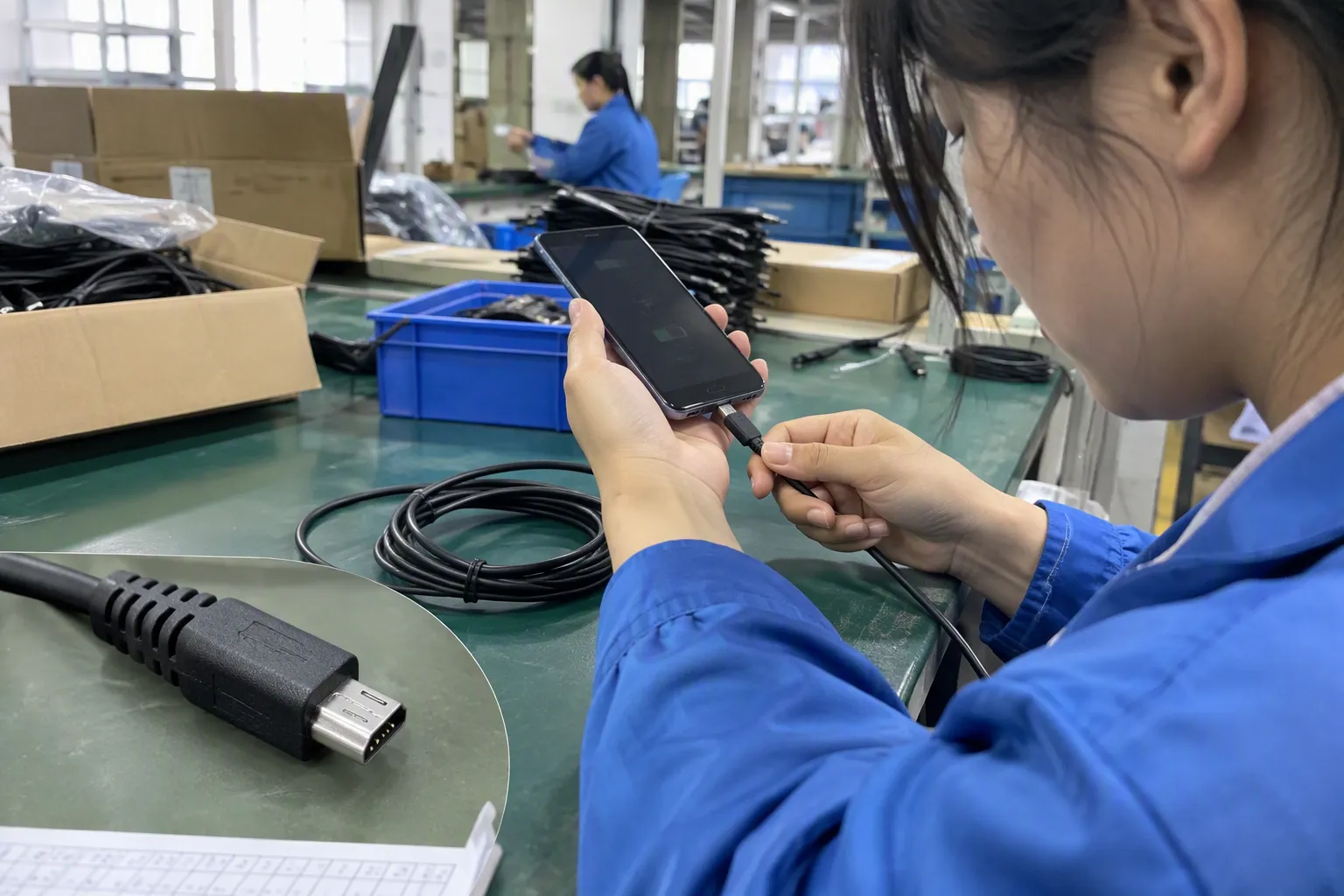
No. USB-C video output depends on the design of the device and the supported alternate function. The presence of a USB-C connector does not prove that a phone, tablet, laptop, or monitor can send or receive a display signal through that port.
This issue creates frequent compatibility complaints because customers see one connector and expect one universal result. A USB-C port may support charging and data but not display output. Another port may support display output but require a compatible adapter, monitor, cable, or device setting.
I would ask the supplier and device manufacturer to confirm:
- Whether the source port supports display output
- Which display protocol or alternate mode is used
- Whether the cable supports the required signal
- Whether the adapter or dock changes the available function
- The supported display resolution and refresh conditions
- Whether power delivery works at the same time
- Whether the product has been evaluated with the target devices
Retailers should be careful with packaging language. “USB-C to HDMI cable” describes a connector arrangement, but it does not by itself explain whether the source device can output video or whether the cable contains the necessary conversion components. The buyer needs a compatibility statement that matches the actual product design.
I also recommend a qualified technical review for products used in business presentation systems, point-of-sale displays, medical environments, or other applications where failure creates operational risk. Product samples and supplier documents are useful, but application-specific evaluation remains important.
What does compatibility mean when I compare USB products?
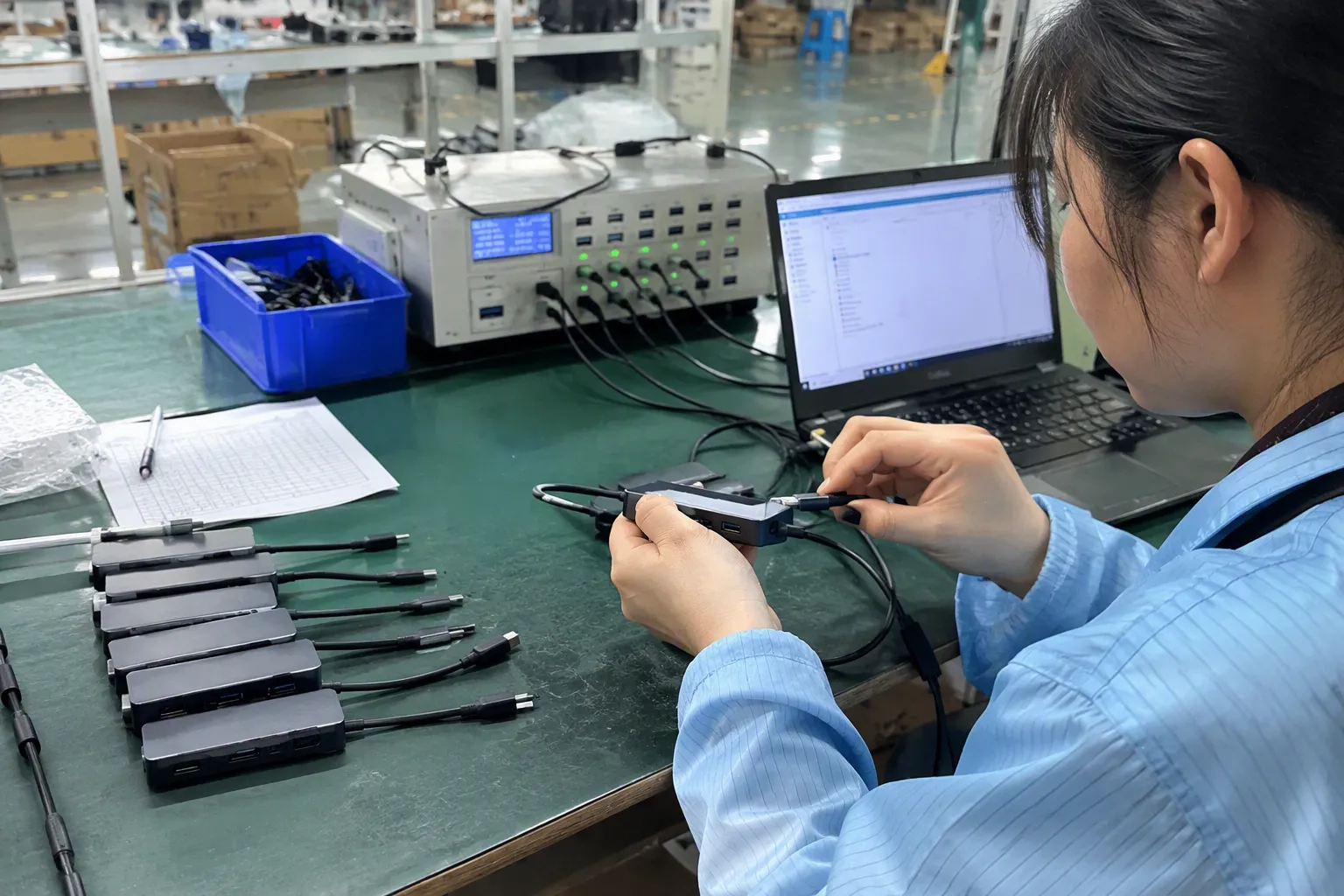
Compatibility has at least two layers. The first layer is physical fit. The plug must fit the port. The second layer is functional compatibility. The connected devices must support the same required data, power, and video functions.
A product can pass the first layer and fail the second. A USB-C cable can connect to a phone but provide only charging. A USB-C hub can connect to a laptop but offer fewer functions than the buyer expected. A cable can work with one charger but not provide the same charging result with another.
I organize compatibility checks around the customer’s complete setup:
| Area | Questions for the buyer |
|---|---|
| Device | Which brands and models will use the product? |
| Connector | What are the plug types on both ends? |
| Charging | What power level and protocol are required? |
| Data | What files or peripherals will be connected? |
| Video | Is display output needed? What equipment is involved? |
| Environment | Will the product be used at home, in retail, or in a business setting? |
| Commercial needs | What MOQ, lead time, packaging, customization, and warranty terms apply? |
My experience in export communication has shown me that a clear question at the start is often more valuable than a long argument after delivery. I do not claim that customer conversations replace engineering tests. I use them to identify the exact requirement that a supplier or qualified evaluator should verify.
A retailer should also keep compatibility language controlled. Instead of listing “works with all USB-C devices,” the retailer can name the tested device categories and explain important limitations. This wording may look less dramatic, but it is more useful and more defensible.
How can I compare USB suppliers for quality and procurement reliability?
USB specifications are only one part of supplier selection. A buyer also needs confidence that the delivered product matches the approved sample and the published description. I recommend comparing suppliers through documents, samples, production controls, and communication quality.
My procurement checklist includes:
Product and technical information
- Connector type and cable direction
- Stated data capability
- Power rating and charging conditions
- Video support, if applicable
- Length and construction
- Available colors and customization
- Packaging and labeling details
- Recommended device compatibility
Quality and production controls
- Incoming material inspection
- Connector and cable assembly checks
- Continuity and charging tests
- Sample approval process
- Pre-shipment inspection options
- Batch traceability
- Defect handling and replacement policy
Commercial performance
- MOQ by model and packaging
- Sample availability
- Production lead time
- Shipping terms
- Spare or replacement policy
- Communication speed
- Ability to maintain specification consistency
Certifications and compliance documents should be treated as records for verification, not as automatic proof that every product claim is correct. I would ask to review the document scope, product model, issuing organization, validity, and applicable market. European and American buyers should confirm the requirements that apply to their own product category and sales channel.
I also ask whether the supplier can provide a written specification confirmation before production. The document should avoid vague phrases and identify the conditions behind each claim. If a supplier cannot clearly explain whether a model supports data, charging, or video, I would not use a broad performance promise in the listing.
What should a product listing say about USB ports and speeds?
A product listing should help a customer decide whether the item fits a specific use. It should not force the customer to guess what “super fast” or “universal” means.
I prefer a specification format like this:
- Connector: USB-C to USB-C
- Primary use: Charging and data connection for compatible devices
- Data capability: State the supported mode or rated maximum, subject to device and cable conditions
- Power capability: State the power rating and relevant conditions
- Video: State whether video is supported; do not imply it without confirmation
- Compatibility: List tested or intended device categories
- Length: Give the finished cable length
- Limitations: Explain when a charger, device, adapter, or hub may reduce performance
A retailer can also include a short buyer notice:
Performance depends on the connected device, charger, protocol, cable length, and other equipment in the connection. Customers should confirm device support before purchase.
This notice does not replace a proper specification. It gives the customer realistic expectations.
I would avoid these unsupported phrases:
- “Works with every USB-C device”
- “Maximum speed for all phones”
- “Fast charging guaranteed”
- “USB-C means high speed”
- “Supports all monitors”
- “Universal laptop charging”
I would replace them with specific, qualified statements. If the supplier provides a data rate, I would identify it as a rated or maximum capability and explain that actual results vary. If the product has charging limits, I would state them directly. Accurate listings support better reviews because customers receive a product that matches the purchase decision.
For customized packaging, I recommend approving the technical wording before mass production. A small wording error can appear on thousands of units. My company works with USB cables, chargers, GaN chargers, TWS earbuds, smartwatches, and related 3C products, so I regularly see how a precise specification helps purchasing teams compare models more efficiently. I still expect buyers to verify technical documents and samples for their own application.
Frequently Asked Questions About USB Ports and Speeds
Is USB-C always faster than USB-A?
No. USB-C describes a connector shape, while USB-A describes another connector format. The actual data capability depends on the USB generation, protocol, device port, cable construction, and connected equipment. A USB-C product may have limited data performance, while a USB-A product may support the capability required for a particular application.
Can a USB-C cable charge a laptop?
A USB-C cable may charge a laptop if the cable, charger, laptop, and charging protocol support the required power conditions. The connector alone does not prove laptop charging capability. I recommend checking the cable power rating, charger output, laptop input requirements, and any supplier test documentation before making a product claim.
Does a high-speed USB cable automatically support video?
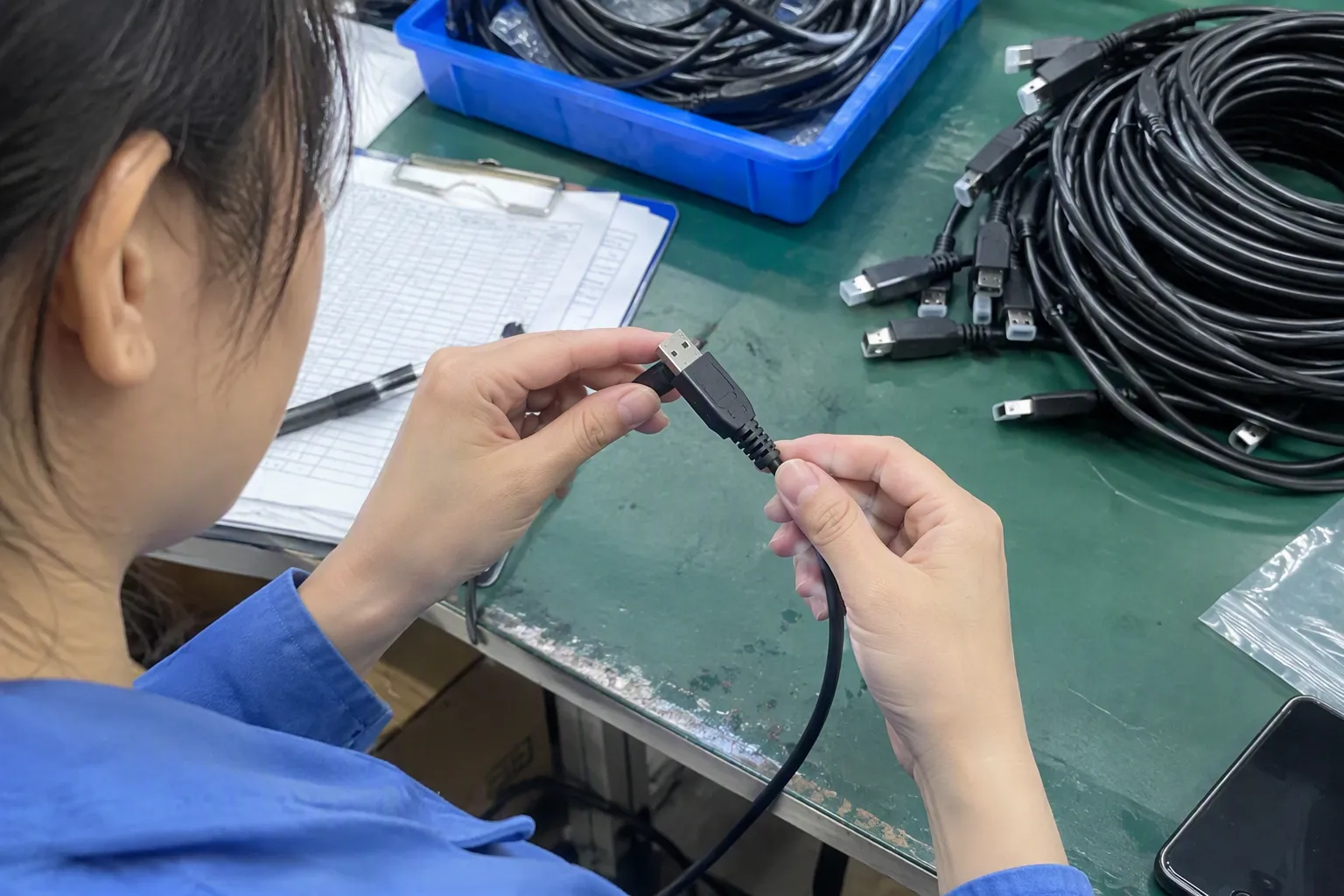
No. Video support depends on the source device, port function, cable design, adapter or dock, and display equipment. A cable with a high data rating should not automatically be advertised as a video cable. Buyers should verify the supported display function and the conditions under which it works.
Why is my file transfer slower than the advertised USB speed?
Advertised speed may describe a maximum or rated interface capability rather than sustained file-copy performance. The source device, receiving storage, operating system, cable, hub, adapter, and file type can all reduce the result. I recommend testing the complete connection and describing the rating with appropriate conditions.
What should a retailer ask a USB supplier before placing an order?
A retailer should ask for connector details, data capability, power rating, video support, compatibility information, sample availability, quality-control procedures, lead time, MOQ, packaging options, and relevant compliance documents. The buyer should also request written confirmation that the mass-production specification will match the approved sample.
Conclusion
USB ports and speeds are easier to evaluate when I separate connector shape from data performance, charging power, video output, and compatibility. USB-C does not guarantee every function, and theoretical maximum speeds do not guarantee identical real-world results. Buyers should match the product to the intended task, verify the complete connection, review supplier documents, approve samples, and write precise listings. For sourcing USB cables, chargers, and other 3C accessories, contact my Shenzhen export team to discuss suitable models, MOQ, lead time, customization, and application-specific requirements.
Sources
- USB Charger (USB Power Delivery) | USB-IF", USB-IF technical documentation distinguishes the USB Type-C connector from the USB data, power-delivery, and alternate-mode functions that a particular product may implement
- [PDF] Universal Serial Bus Type-C Cable and Connector Specification", Reference documentation on USB Type-C defines the connector form separately from the USB protocol generations and optional functions carried through it
- Does a USB 3.0 hub slow down data transfer?", Technical analyses of USB links describe negotiated operation and intermediary bottlenecks, supporting the conclusion that end-to-end performance cannot exceed the limiting compatible component
- Trezor Raspberry Pi: MITM Defence and Dedicated Bridge", Benchmarking studies of USB storage and host connections report that measured file-transfer throughput is generally below nominal interface rates and varies with hardware, software, and workload conditions
- USB Charger (USB Power Delivery) | USB-IF", USB-IF cable and connector documentation differentiates USB Type-C cable capabilities, including supported charging and USB data signaling, rather than treating all Type-C cables as functionally identical
- Cables and Connectors | USB-IF", USB Type-C and USB Power Delivery specifications describe electronically marked cables as providing identification and capability information used in defined connection-management procedures
- C cable's signal integrity impact data transfer? - Blog", Interconnect and USB engineering literature identifies cable length as a factor in signal attenuation, impedance control, voltage drop, and high-speed-link margins
- Revealing Device Activities via USB Congestions", Research on USB communication paths supports modeling practical throughput as constrained by the least-capable active link or component in the connection