Quick Answer
Data transfer rate is often the first number a buyer asks about when sourcing USB cables, but that number can create confusion. I regularly see buyers compare USB versions, connector shapes, charging wattage, and cable prices as if they describe the same capability. A better evaluation connects the advertised speed with the devices, protocol, application, and purchasing risk.
Data transfer rate describes how quickly digital information can move between connected devices, usually in Mbps or Gbps.[1] However, the usable result depends on the device ports, USB protocol, cable construction, operating system, and task.[2] Buyers should therefore verify the complete connection rather than selecting a cable from a speed number alone.
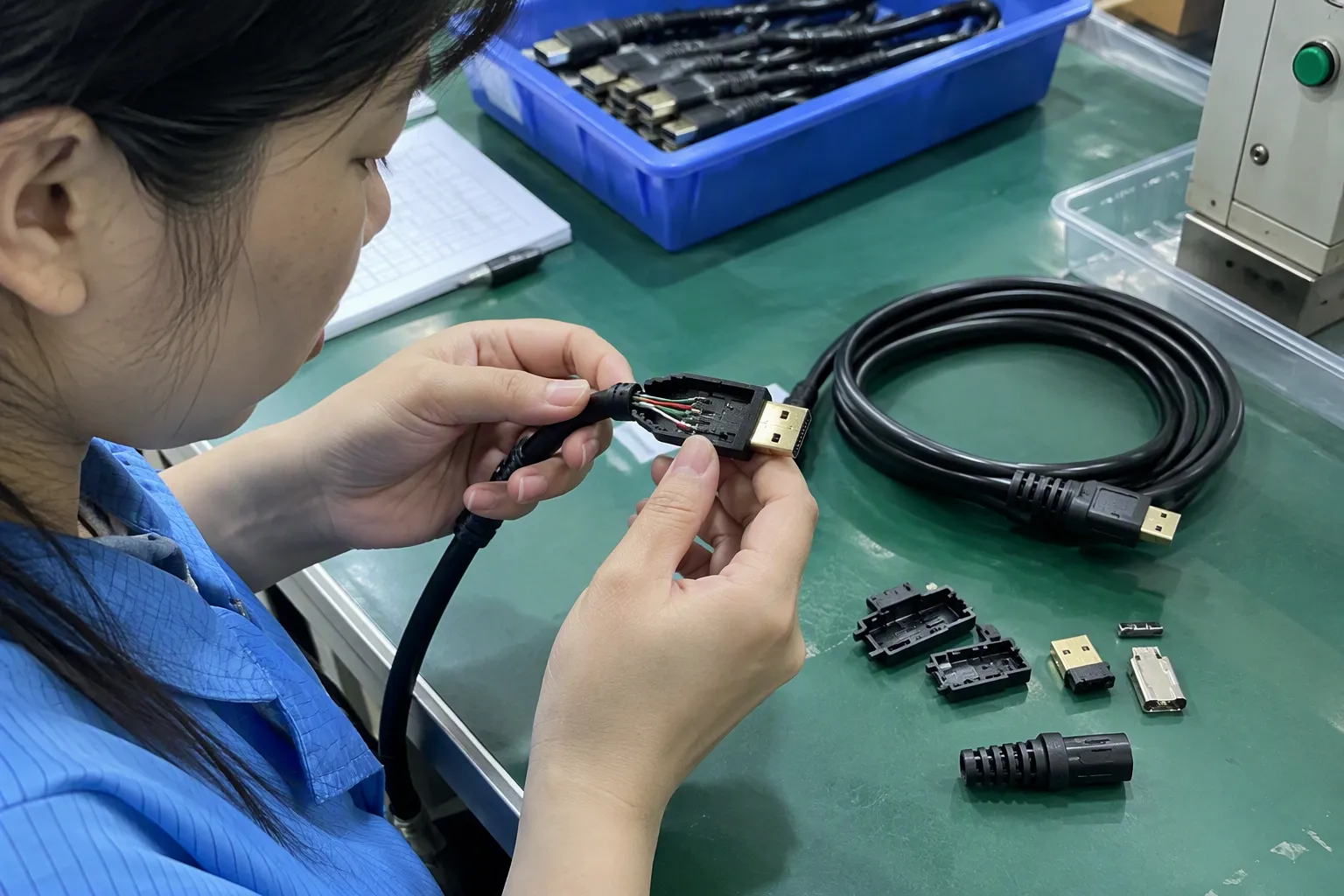
When I discuss cable specifications with European and North American retailers, wholesalers, and e-commerce sellers, the same issue appears in different forms. One buyer needs a cable for ordinary charging and phone connectivity. Another wants to move large files or connect a display. Both may ask for a “fast cable,” but their actual requirements are not the same.
The sections below explain how I would turn that broad question into a practical procurement decision. I will focus on compatibility, product claims, supplier communication, and commercial risk rather than treating speed as an isolated technical number.
Data Transfer Rate: How Should Buyers Evaluate It
Many buyers start with a simple question: “How many Gbps does this cable support?” The question sounds precise, but it does not identify the devices, ports, protocol, file type, or required result. If a supplier answers with only one number, the buyer may still face incompatibility, slow performance, returns, and customer complaints.
In my view, buyers should evaluate data transfer rate as part of a complete connection. The relevant chain includes the source device, source port, cable, destination port, protocol, software, and task. The slowest or incompatible part can limit the final result.

I have found that a short specification discussion can prevent a long after-sales discussion. Before I recommend a product, I try to clarify what the customer wants to connect and what the customer wants to do. This process helps me avoid presenting a higher-priced cable when a standard product would perform the required job.
What Does Data Transfer Rate Actually Mean?
Data transfer rate measures the amount of digital information that can move over a connection during a period of time. Manufacturers commonly express it in megabits per second (Mbps) or gigabits per second (Gbps). In basic terms, a higher rate can allow compatible devices to exchange data more quickly.
However, the printed rate usually represents a theoretical maximum[3] under defined technical conditions. It does not guarantee that every device will reach that result in daily use. File size, storage speed, software, signal quality, protocol overhead, and other system limits can reduce the practical result.
I usually explain the concept in three steps:
-
The interface sets a possible capability.
A device port and its controller determine which communication standard it can use. -
The cable must support the required signals.
A connector may fit physically while the cable does not support the same data performance. -
The complete system determines the result.
The computer, phone, storage device, operating system, and task all influence actual performance.
This distinction matters because a buyer may see a high-speed port on a laptop and assume every connected cable will provide the same result. That assumption is unsafe. The cable, connected accessory, and protocol must be suitable as a group.
Is USB Version the Same as Data Transfer Rate?
USB version and data transfer rate are related, but they are not identical. A USB version describes a technical standard or generation. The data transfer rate describes a possible communication speed associated with a particular implementation. A connector shape describes the physical form. Charging power describes electrical energy delivery. These are separate product attributes.[4]
The naming of USB standards can also create confusion because branding and terminology have changed over time. Product listings may use a USB generation, a speed label, or both. Buyers should ask the supplier to state the specific data capability clearly instead of relying on a vague phrase such as “latest USB” or “high-speed USB.”
| Product detail | What it describes | What it does not prove |
|---|---|---|
| USB version or standard | A communication standard or generation | The guaranteed result with every device |
| Connector shape | The physical interface form | The cable’s data capability |
| Charging wattage | The supported power-delivery capability | The speed of file transfer |
| Data transfer rate | A possible data communication speed | A guaranteed real-world result in every system |
| Cable length | The physical distance between devices | Automatic compatibility with all protocols |
| Cable construction | Conductors, shielding, insulation, and design | A complete guarantee without verification |
I often see a Type-C connector treated as proof of advanced performance. That is not a reliable purchasing method. The same connector shape can appear on products with different charging and data capabilities.[5] The physical fit answers only one question: whether the plug can enter the port.[6] It does not answer what the connection can do.
Why Does Connector Shape Not Guarantee Speed?
Connector shape is easy for customers to recognize, so online listings often emphasize it. A buyer may search for a USB-C cable and expect a particular transfer performance. In practice, the connector is only one part of the specification. A cable with the same plug shape may be designed mainly for charging, ordinary synchronization, or a higher-performance data connection.
This difference creates a common retail problem. The product title may say “USB-C cable,” while the customer assumes “fast data cable.” If the product page does not state the data capability separately, the listing can create unrealistic expectations.
For procurement, I recommend that buyers record the following details separately:
- Connector at each end
- Supported USB standard or protocol
- Stated data transfer rate
- Charging capability
- Cable length
- E-marker or other relevant identification requirements, where applicable
- Supported video functions, if the product is intended for display use
- Compatibility limitations
- Test documents or supplier evidence that should be verified
I do not treat a familiar connector as a substitute for technical confirmation. If a buyer wants to sell a cable for external storage, professional cameras, or display-related applications, I would ask for more information about the host devices and intended use before finalizing the specification.
How Do Device, Cable, and Protocol Affect the Result?
The complete connection usually has several possible limiting points. If one device supports only a lower data capability, a higher-rated cable cannot upgrade that device.[7] If the cable does not support the required protocol, a fast port may not deliver the expected result. If the connected storage is slow, the connection may also appear slower even when the interface is capable of more.[8]
I use this simple model when clarifying specifications:
Practical data performance depends on the least capable relevant part of the connection and the conditions of the task.
This is not a laboratory formula. It is a useful procurement principle. It helps buyers avoid treating a cable as an independent guarantee.
A buyer should identify:
-
The source device
This might be a smartphone, laptop, tablet, camera, game console, or desktop computer. -
The destination device
This might be a charger, hard drive, solid-state drive, monitor, printer, or another mobile device. -
The port capability on both sides
A matching connector does not necessarily mean matching protocol support. -
The cable specification
The buyer should confirm data performance separately from charging power. -
The application
File transfer, backup, video output, device synchronization, and simple connectivity may have different requirements. -
The operating environment
Software, drivers, storage performance, and system settings can affect actual use.
For example, a retailer selling a cable for normal phone synchronization may not need the same specification as a specialist seller offering a cable for large media files. Both products may use similar connector shapes, but the commercial descriptions and verification process should differ.
Should Buyers Choose the Highest Available Speed?
I do not recommend selecting the highest advertised speed automatically. A higher specification can increase product cost, testing requirements, packaging complexity, and the risk of customer misunderstanding. If the target customer only needs charging and occasional basic synchronization, a premium high-speed cable may not create enough value to justify the additional cost.
I normally compare the required performance with the actual selling context:
| Intended use | Main buyer question | Procurement focus |
|---|---|---|
| Charging with occasional basic connection | Does the cable support the required device connection? | Compatibility, safety documents, durability, price |
| Phone or tablet synchronization | Is the data capability suitable for the devices? | Protocol clarity, connector quality, return risk |
| Large file transfer | Can the complete system support the needed performance? | Host devices, storage devices, cable specification, verification |
| External storage | Does the cable match the drive and computer interface? | Stable connection, shielding, length, practical testing |
| Display-related use | Does the cable support the required video function? | Device compatibility, protocol support, application-specific verification |
| Retail multipurpose cable | Can the product description avoid overpromising? | Clear labeling, packaging, customer education, after-sales control |
A lower-speed product can be the better commercial choice when it satisfies the task reliably. A buyer should consider fit for purpose, not only the largest number printed on a quotation.
This approach also supports better inventory management. A retailer that sells several confusingly similar cables may create unnecessary returns. A smaller, clearly separated range can be easier for staff and customers to understand. For example, the retailer might offer a standard charging and synchronization cable, a clearly identified higher-performance data cable, and a separate product for specialized display applications.
What Information Should a Buyer Request From a Supplier?
I recommend using a written specification sheet rather than relying on a short message such as “yes, high speed.” The supplier should state what has been confirmed, what depends on the customer’s equipment, and what still requires verification.
A practical request can include:
- Exact connector combination
- Cable length and construction
- Claimed data transfer rate
- Applicable USB standard or protocol
- Charging capability stated separately
- Supported devices or known limitations
- Whether video transmission is supported
- Packaging and labeling language
- Minimum order quantity
- Sample availability
- Production lead time
- Quality-control process
- Warranty or after-sales policy
- Available compliance and certification documents
I would also ask the supplier to clarify the wording that can appear on the product page. “Supports data transfer” is very different from “supports up to a specified theoretical maximum.” The final claim should match the evidence and the intended product configuration.
In my own customer conversations, specification clarification often takes less time than correcting a misunderstanding after mass production. A buyer may begin by asking for a low price and a high speed. After discussing the application, the buyer may discover that length, connector orientation, housing durability, packaging, or compatibility has a greater effect on customer satisfaction.
How Should Speed Claims Be Verified?

Buyers should treat a speed claim as a specification that requires suitable evidence. I do not present a supplier quotation as independent laboratory proof. I also do not assume that a sample result applies automatically to every production batch, host device, or usage condition.
A reasonable verification process may include:
-
Confirm the exact product configuration.
The test sample should match the proposed length, connector, materials, and internal construction. -
Identify the test equipment and conditions.
The buyer should understand which host device, storage device, software, and file type were used. -
Separate theoretical and practical claims.
The product page should not convert a theoretical maximum into a guaranteed everyday result. -
Check more than one sample when appropriate.
Application risk and order volume should guide the level of inspection. -
Review production consistency.
A buyer may need incoming inspection or a third-party quality-control process for larger orders. -
Keep application limitations visible.
Packaging and online descriptions should explain that actual performance depends on compatible equipment.
I recommend qualified technical evaluation when the cable will be used in a demanding or specialized application. A general trading company can help clarify requirements and coordinate documentation, but application-specific engineering decisions should be reviewed by an appropriate professional.
What Other Procurement Factors Matter Besides Data Transfer Rate?
Speed is only one variable in a sourcing decision. I have seen buyers focus heavily on a specification that customers may never use while overlooking cable length, bending resistance, packaging, delivery timing, or return exposure.
I usually evaluate the product across five areas:
1. Technical fit
The cable must match the intended devices and application. Buyers should distinguish:
- Data capability
- Charging capability
- Connector type
- Protocol support
- Video support
- Length and physical design
2. Manufacturing quality
The buyer should ask how the supplier controls:
- Connector assembly
- Soldering or internal connection quality
- Cable jacket consistency
- Strain relief
- Tensile and bending performance
- Label accuracy
- Batch consistency
The precise inspection items should reflect the product design. I do not claim that a general checklist replaces a qualified quality engineer.
3. Commercial terms
The sourcing decision should include:
- MOQ
- Sample cost
- Unit price at different quantities
- Packaging cost
- Customization cost
- Lead time
- Payment terms
- Shipping arrangement
A cable with a stronger technical specification may not be commercially suitable if the MOQ is too high for the buyer’s sales channel.
4. Market communication
A product needs a clear description that ordinary customers can understand. The listing should avoid combining charging wattage, connector type, and data transfer rate into one vague claim. Clear product naming can reduce customer questions and returns.
5. After-sales exposure
The buyer should consider what happens when a customer connects the product to an unsupported device. A clear compatibility note, useful packaging, and trained sales staff can reduce avoidable disputes.
I see procurement as a balance between performance and risk. The best product is usually not the one with the most impressive number. It is the one that delivers a suitable experience at a sustainable cost and can be described accurately.
How Can Retailers Describe Data Transfer Rate Accurately?
Retailers and e-commerce sellers should write product listings around the customer’s task. A technical number alone may not help a buyer decide whether the product is suitable.
A clearer listing structure can include:
- Product type: USB cable for charging and data connection
- Connector configuration: For example, the connector at each end
- Data capability: State the supplier’s verified or specified capability
- Charging capability: State separately
- Use case: Phones, tablets, computers, storage, or other supported equipment
- Compatibility note: Actual performance depends on connected devices and protocol support
- Limitations: State clearly if video or special functions are not supported
I would avoid phrases such as “works with all devices,” “maximum speed in every situation,” or “universal fast data” unless the claim has a very specific and supportable meaning. Those phrases may attract clicks, but they can also increase returns.
A buyer can use a simple customer-facing explanation:
“This cable supports data transfer when connected devices and ports support the relevant protocol. Actual performance may vary by equipment, file type, software, and system conditions.”
That sentence may not be the most exciting marketing line, but it is more responsible. It also helps a retailer build trust with customers who need a cable for a specific application.
How Do MOQ, Lead Time, and Customization Affect the Choice?
A technically suitable cable may still be a poor sourcing choice if the supplier cannot support the buyer’s commercial model. European and North American customers often compare MOQ, delivery time, packaging, logo printing, color options, and warranty arrangements alongside technical specifications.
I recommend discussing these points before approving the final sample:
- Can the supplier support the buyer’s initial order quantity?
- Can the supplier provide stable replenishment?
- Does customization change the internal construction or only the appearance?
- Will custom packaging state the data capability accurately?
- Does a longer cable require a different specification or verification process?
- Can the supplier provide replacement support for quality complaints?
- Are certification and compliance documents available for the exact product configuration?
Our company is based in Shenzhen, and we have 15 years of export experience with 3C products such as USB cables, chargers, GaN chargers, TWS earbuds, and smartwatches. In supplier discussions, I use that experience mainly to clarify product requirements, coordinate communication, and help buyers compare commercial options. I do not treat our business background as a substitute for independent testing or professional engineering review.
Certifications and compliance documents should be checked by the buyer for scope, validity, issuing organization, and product configuration. A document for one model, length, or design should not automatically be assumed to cover another version.
Frequently Asked Questions
Is data transfer rate the same as charging speed?
No. Data transfer rate describes how quickly information can move between devices. Charging speed describes electrical power delivery, often discussed through voltage, current, or wattage. A cable may support strong charging but limited data performance, or it may support higher data performance without being the ideal charging cable for every device.
Does a USB-C connector guarantee a high data transfer rate?
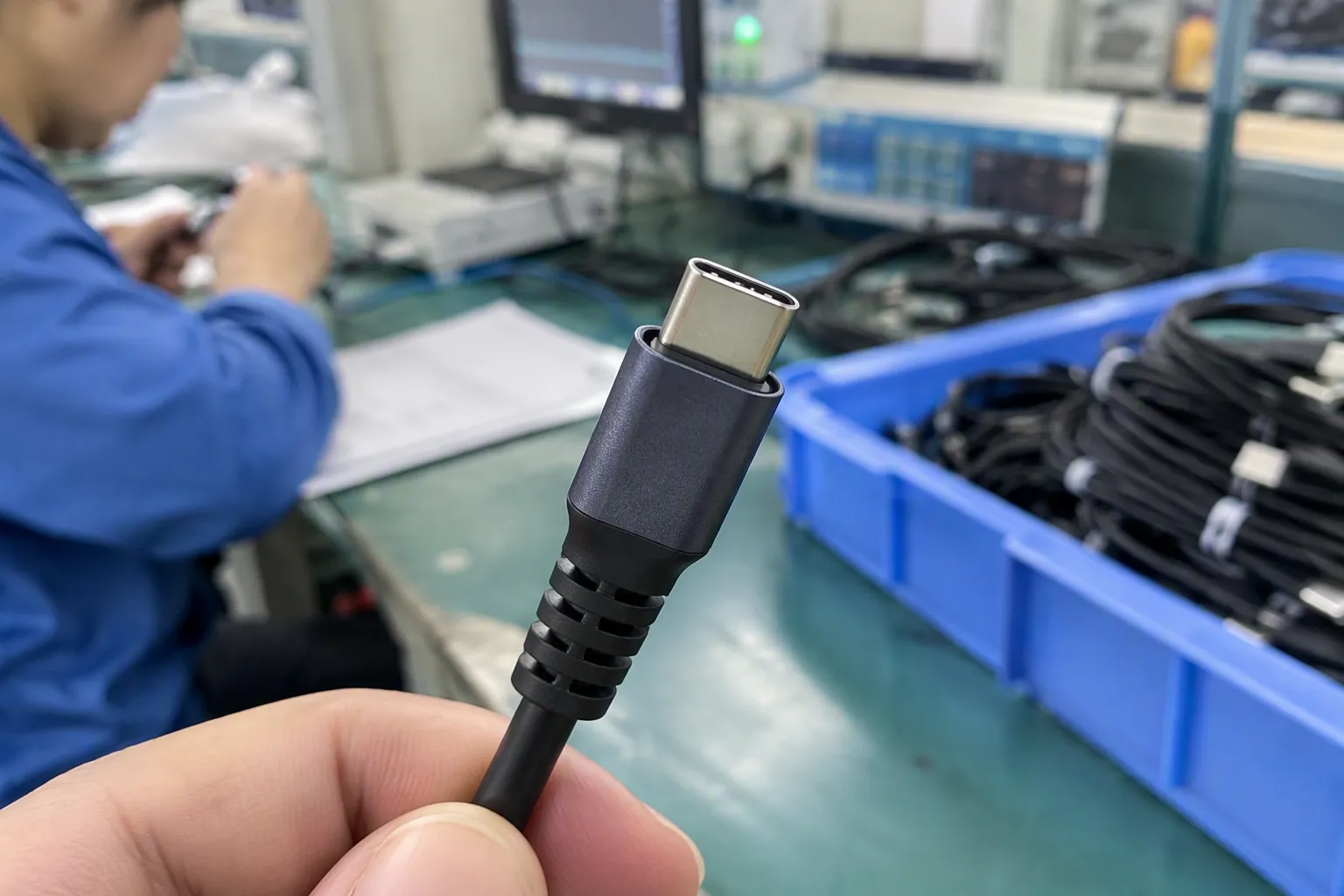
No. USB-C describes a connector shape and interface form. Products with that connector can have different data, charging, and video capabilities. Buyers should check the exact product specification, connected devices, protocol support, and supplier evidence instead of using connector shape as a speed guarantee.
Can a high-speed cable make a slower device transfer data faster?
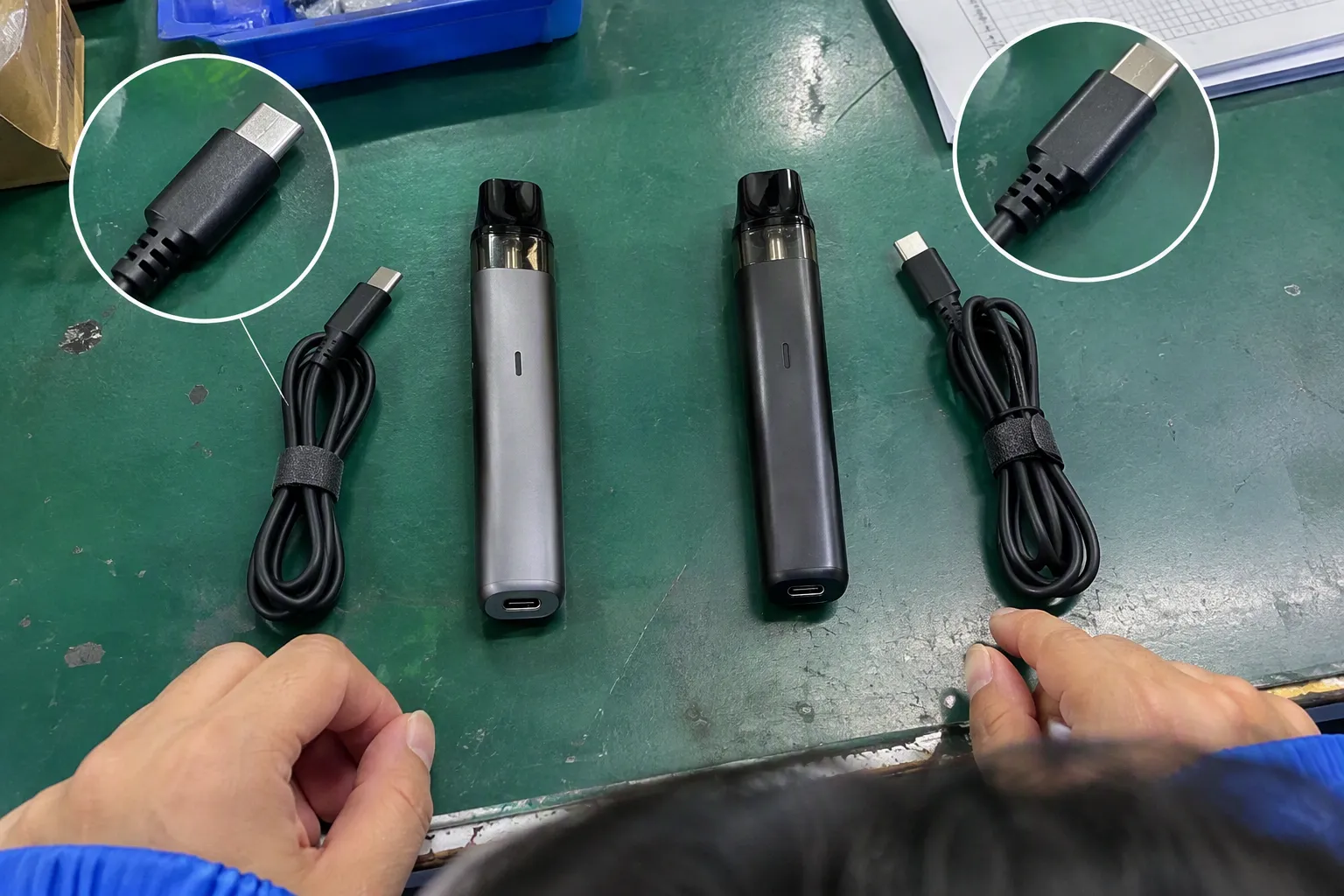
Usually, no. A cable cannot upgrade a device port, controller, storage system, or protocol. The final result depends on the complete connection. A higher-capability cable may be compatible with a slower system, but it will not automatically make that system operate at the cable’s theoretical maximum.
What data transfer rate should a retailer source?
The suitable rate depends on the intended use and target devices. A standard product may be appropriate for ordinary charging and synchronization, while large file transfer or specialized applications may require a higher capability. I recommend confirming the application, devices, required performance, price target, MOQ, and return risk before choosing.
How should buyers verify a supplier’s speed claim?
Buyers should request the exact specification, test conditions, sample configuration, and any relevant quality or compliance documents. They should separate theoretical maximum speed from practical results and consider testing samples under representative conditions. For demanding applications, a qualified technical or laboratory evaluation should supplement supplier information.
Conclusion
Data transfer rate is an important specification, but it should not control the entire purchasing decision. I recommend that buyers separate data performance from USB version, connector shape, charging wattage, and cable length. Then they should match the complete product with the devices, protocol, task, customer expectation, and commercial model. A suitable lower-speed cable can be more valuable than an expensive product with unnecessary capability. If you are sourcing USB cables or related 3C products for the European or North American market, contact me to discuss specifications, MOQ, customization, lead time, documentation, and after-sales requirements.
Sources
- [PDF] Chapter 3 – Description of MesoNet - NIST", A terminology reference from the National Institute of Standards and Technology defines data rate in terms of information transmitted per unit of time and uses bit-per-second units for expressing communication capacity
- USB communication. Research Papers", USB technical documentation describes data operation as a property of the host, device, and interconnecting implementation, indicating that a cable rating alone does not determine end-to-end throughput
- What's the maximum speed possible with a USB2.0 drive?", Performance research on USB and related serial interfaces distinguishes nominal link rates from measured application throughput, attributing part of the difference to protocol overhead and endpoint limitations
- USB Charger (USB Power Delivery)", USB standards materials distinguish the physical Type-C connector from supported USB data protocols and USB Power Delivery functions, confirming that connector form does not by itself specify data rate or charging power
- USB Charger (USB Power Delivery) | USB-IF", USB Type-C guidance identifies the connector as a common physical interface whose supported data and power functions depend on the implementation of the connected ports and cable
- FAQ - USB Type-C connector on a Windows system - Microsoft Learn", Technical guidance on USB-C compatibility explains that mechanical mating is distinct from support for particular data protocols, power modes, and alternate functions
- USB 1.0 Host speed negotiation to USB 2.0 Device", USB technical specifications describe link operation as negotiated among the connected components, so a cable with a higher nominal capability cannot raise the supported rate of a lower-capability host or peripheral
- Measuring file transfer speed from USB to PC's HDD", Storage and I/O benchmarking studies report that observed file-transfer throughput reflects both interface capacity and the read or write performance of the participating storage devices