Quick Answer
USB-C has become the default connector shape on many new phones, laptops, chargers, cables, and accessories. That can make product selection look simple, but it often creates costly assumptions. A USB-C port may look familiar while offering very different charging, data, or video capabilities.
We help buyers avoid that mismatch by starting with the intended task, not the connector shape.
A USB-C connector does not guarantee fast charging, high-speed data transfer, video output, or universal compatibility. USB-C describes the physical connector design, while charging speed and accessory performance depend on the charger, cable, device, supported protocols, and intended use.[1] Buyers should define the task first, then verify every relevant specification across the complete product chain.

In our export-side conversations with European and U.S. retailers, wholesalers, and e-commerce sellers, we often hear a version of the same question: “If it is USB-C, will it work?” The useful answer is always another question: work for which device and which task? That is where better sourcing, clearer listings, and fewer returns begin.
Is USB-C Only a Connector Shape?
USB-C product descriptions can create confusion because buyers see one connector shape across many categories. A cable may fit a laptop, smartphone, power bank, monitor, or docking station, yet the result can vary widely. If a retailer assumes that all USB-C products perform the same way, the commercial risk appears after the sale.
USB-C is primarily a connector format, not a complete performance specification. A USB-C port or cable can support charging, data transfer, video output, or a limited combination of these functions.[3] Buyers need to verify the relevant power, data, display, and protocol requirements for the intended product use before placing an order.
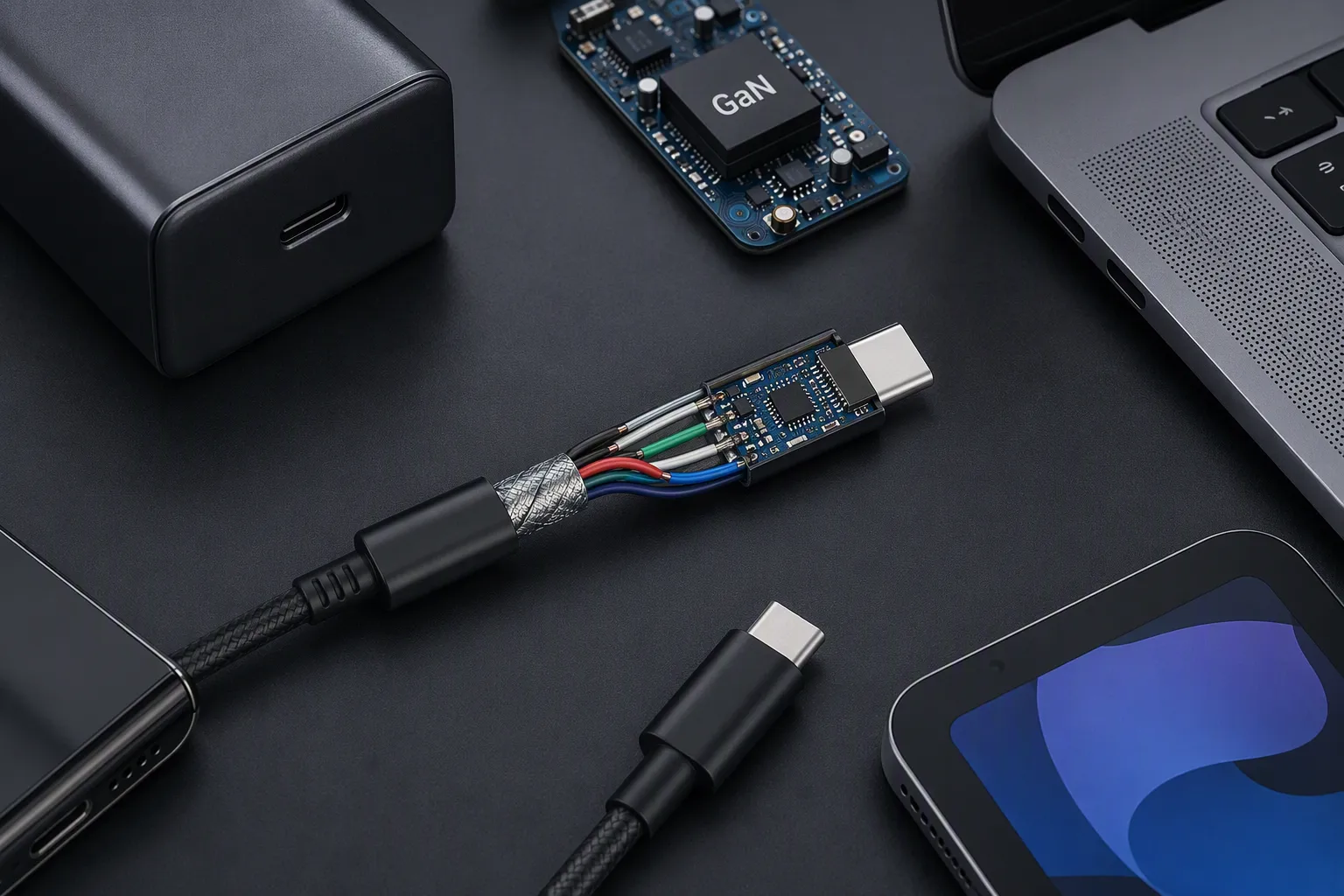
The shape tells us less than many buyers expect
The USB-C connector has practical benefits. It is compact, reversible, and widely used across current consumer electronics.[2] However, the connector itself does not tell us whether a product supports:
- Fast charging
- USB Power Delivery (USB PD)
- A particular charging profile
- High-speed file transfer
- External display output
- Multi-monitor docking
- Audio accessories
- Data and charging at the same time
- A specific level of power delivery through the cable
This distinction matters in procurement. A buyer may source a USB-C cable that looks suitable for a laptop charger, but the cable may not match the required power capability or intended data use. Another buyer may order a USB-C hub based on its connector description, then find that a customer’s device does not support the display feature required for video output.
We do not treat “USB-C” as a standalone answer in quotation or pre-sales discussions. Instead, we try to clarify the complete chain:
Device + charger + cable + protocol + use case = real-world result
Each part of that chain can limit the outcome.
For example, a charger can offer a higher maximum output, but the connected device may only accept a lower charging level. A cable can physically connect the products, but it may not be designed or specified for the same task as another cable with the same connector ends. A laptop may have a USB-C port, but the port may not provide the display capability needed for a monitor connection.
Why USB-C product selection starts with the task
We recommend that buyers begin with the job the product must perform. This sounds basic, but it changes the entire sourcing conversation.
| Intended task | Main specifications to confirm | Common sourcing mistake |
|---|---|---|
| Phone charging | Charger protocol support, cable current capability, device compatibility | Assuming a higher-watt charger always charges faster |
| Laptop charging | Required power range, USB PD support, cable capability, port requirements | Selecting by charger wattage only |
| File transfer | Data standard, transfer requirement, cable data capability | Assuming every charging cable is a high-speed data cable |
| Monitor connection | Device display support, cable capability, display standard, monitor input | Assuming every USB-C port supports video |
| Docking station use | Device port capabilities, display needs, power pass-through, peripheral requirements | Marketing a dock as universally compatible |
| Travel accessory retail | Typical customer devices, label clarity, use-case positioning | Using “USB-C compatible” without defining the function |
This table is not a substitute for product-specific evaluation. It is a procurement starting point. We encourage buyers to request clear documentation for the exact SKU they plan to sell, especially when a product is positioned for laptops, displays, gaming devices, or multi-function docking.
Charging: wattage is not the whole question
One of the most common questions we receive is: “What wattage is it?” Wattage matters, but it is not enough on its own.
A charger’s stated maximum output describes what the charger may be designed to provide under its specified conditions. It does not mean that every connected device will receive that maximum level. Actual charging behavior depends on negotiation between the charger and the device, supported charging protocols, cable capability, port configuration, battery conditions, and sometimes whether other ports are in use.[4]
For sourcing purposes, we encourage a more useful question:
Which device needs to charge, using which protocol, with which cable, in which usage scenario?
A retailer selling an everyday phone charging kit may prioritize a practical combination of charger output, cable length, reliable fit, packaging clarity, and price point. A buyer sourcing laptop charging accessories may need to evaluate power delivery requirements, cable specifications, port allocation, and whether the customer will use one or multiple charger ports.
For multi-port chargers, buyers should also ask how power is allocated when several devices connect at once. A charger may have one total maximum output and different output behavior depending on the number of active ports.[5] Product labels, manuals, and listings should present this clearly. Vague claims can lead customers to expect full maximum power from every port at the same time.
Data transfer: charging cables and data cables are not interchangeable categories
Many end users see a USB-C cable and expect it to handle charging and high-speed file transfer equally well. That expectation is understandable, but it can be wrong.
Some USB-C cables are mainly selected for charging. Others are designed and specified for data transfer[6], while certain products are intended to support more demanding workflows. The connector shape does not communicate the data capability by itself.
For B2B buyers, the important point is not to fill a listing with technical terms. The important point is to match the specification to the customer’s purpose.
A simple retail range might include:
- Charging-focused USB-C cables for daily phone, tablet, and power bank use.
- Data-capable USB-C cables for customers who transfer files between compatible devices.
- Higher-specification USB-C cables for qualified laptop, storage, display, or docking applications.
- Clearly labeled bundles that pair cables with chargers for a defined charging use case.
This approach helps a buyer build a range that customers can understand. It also reduces the risk that a low-cost charging cable is purchased for a demanding workstation or display setup.
We have found that better product positioning often matters as much as the technical specification itself. A clear phrase such as “charging cable for compatible USB-C devices” can be more helpful than an unsupported blanket claim about speed or universal use.
Video output: the port must support the display task
Video is one of the areas where USB-C assumptions create the most post-sale confusion.[7] A USB-C connection can be used in display setups, but video output is not guaranteed merely because the device has a USB-C port.
The device must support the relevant display capability.[8] The cable or adapter must also be appropriate for the intended application, and the monitor or display must have a compatible input. A docking solution adds further considerations, including the host device’s capabilities, connected peripherals, power requirements, and display configuration.
We recommend that buyers avoid broad statements such as:
- “Works with all USB-C laptops”
- “USB-C means monitor ready”
- “Any USB-C cable supports display output”
- “Universal docking for every device”
Instead, a responsible product listing can explain what the accessory is designed to do and ask customers to confirm their device specifications. This is especially important for e-commerce sellers, where a customer may purchase based on a product image and a short title rather than a detailed consultation.
The commercial cost of unclear USB-C specifications

For a retailer or importer, unclear USB-C specifications are not only a technical issue. They affect margin, support workload, review quality, and repeat purchasing.
When customers receive a product that physically connects but does not perform the task they expected, they may assume the product is defective. The seller then faces avoidable questions, returns, negative ratings, and disputes.
Common examples include:
- A buyer expects a USB-C cable to support a display connection.
- A customer expects maximum charger wattage on a device that does not request it.
- A shopper uses a cable outside its intended charging or data application.
- A multi-port charger is used with several devices, but the customer has not reviewed the power-sharing information.
- A docking accessory is purchased without confirming the laptop’s port capabilities.
For this reason, we view specification communication as part of product quality management. The physical product matters, but so do the carton markings, package copy, online listing, instruction sheet, and after-sales guidance.
A practical USB-C procurement checklist
Before we recommend a USB-C cable, charger, hub, or accessory for a buyer’s range, we suggest working through a structured checklist.
1. Define the customer task
Start with the practical job:
- Is this product for charging only?
- Is the target use phone charging, tablet charging, laptop charging, or mixed devices?
- Does the customer need file transfer?
- Does the customer need display output?
- Will the accessory be used with a dock, monitor, SSD, or other peripherals?
- Is portability, cable length, packaging, or price point the main retail priority?
2. List the required capabilities
Then identify the specification categories that matter:
- Required charging protocol support
- Expected charger output and port configuration
- Cable power capability
- Required data capability
- Need for display output
- Number and type of ports
- Required cable length
- Device and operating environment considerations
- Packaging and user-facing claims
3. Confirm the full product chain
We encourage buyers to verify the exact combination:
| Component | Questions to ask |
|---|---|
| End device | What charging, data, or display functions does it support? |
| Charger | What are the supported output profiles and multi-port conditions? |
| Cable | What charging, data, and display functions are specified for this SKU? |
| Adapter, hub, or dock | What host-device capability does it require? |
| Display or peripheral | What input and operating conditions must be met? |
| Supplier documents | Which specifications, test records, and compliance documents are available for review? |
4. Review product claims before launch
A product description should match the confirmed use case. We recommend that buyers review:
- Product title
- Packaging text
- Instruction content
- Marketplace bullet points
- Compatibility notes
- Wattage claims
- Images and icons
- Warranty and after-sales wording
Certification and compliance documents can be important procurement records, particularly for products entering European and U.S. markets. However, buyers should verify the documents for the specific product and market. These documents should not be treated as proof that every charger-cable-device combination will provide identical performance.
5. Use qualified evaluation for demanding applications
For specialized applications, we recommend qualified technical evaluation before making broad compatibility or performance claims. This is particularly sensible for high-power laptop charging, display output, docking, business deployments, and product bundles intended for multiple device brands.
As an export trading company, we can support the specification and communication process with product documentation, quotation details, customization discussions, and supplier coordination. We do not position ourselves as an independent testing laboratory, and we encourage buyers to validate application-specific requirements through appropriate professional channels.
Frequently Asked Questions
Does USB-C mean fast charging?
No. USB-C identifies the connector shape, not a guaranteed charging speed. Fast charging depends on the device, charger, supported charging protocol, cable capability, and operating conditions. Buyers should confirm the exact charging requirements instead of using USB-C as a performance claim.
Does every USB-C cable transfer data?
No. USB-C cables can be specified for different purposes. Some products are primarily intended for charging, while others support data transfer or more demanding applications. Retailers should confirm the cable’s stated data capability and describe the intended use clearly.
Can every USB-C port connect to a monitor?
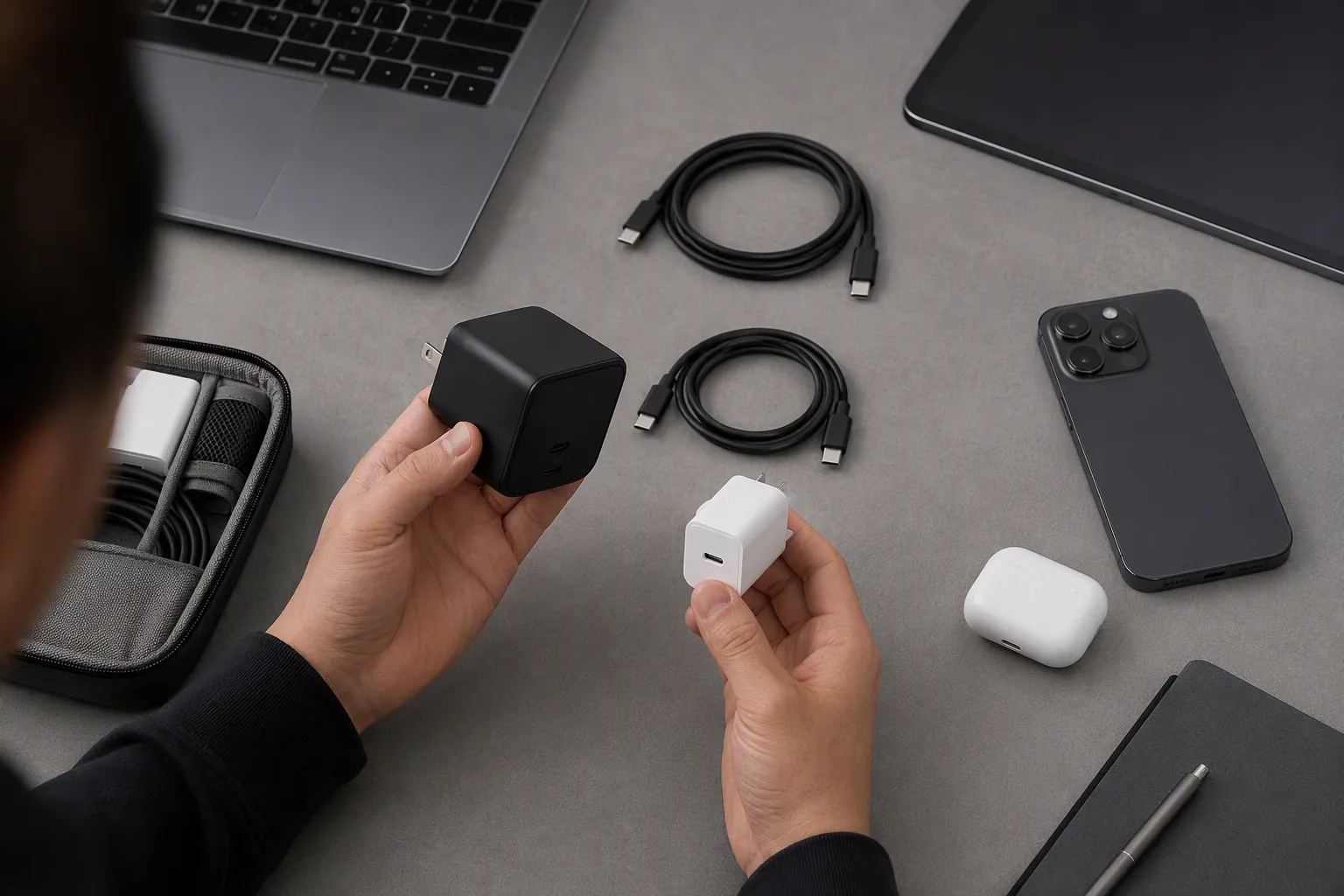
No. A USB-C port does not automatically provide video output. The source device must support the required display function, and the cable, adapter, dock, and monitor must also be suitable for the setup. Product-specific verification is important before selling display accessories.
Does a higher-watt USB-C charger always charge devices faster?
No. A higher maximum charger output does not independently determine real charging speed. The connected device must support the relevant charging profile, and the cable and port configuration must also be appropriate. Multi-port use can also affect available output.
What should retailers ask a USB-C supplier before ordering?
Retailers should define the intended use first, then request confirmation of charging protocols, output details, cable capability, data support, display support where relevant, packaging claims, MOQ, lead time, and available product-specific compliance documentation. Clear requirements reduce post-sale mismatch risk.
Conclusion
USB-C is a useful connector standard, but USB-C alone does not describe what a cable, charger, hub, or port can actually do. Better sourcing starts with the customer task: charging, data transfer, video output, or multi-purpose docking. From there, buyers should verify the complete device, charger, cable, and protocol chain. If you are building a USB-C accessory range for European or U.S. retail, wholesale, or e-commerce channels, we can help you clarify specifications, product positioning, MOQ, customization, and documentation before you place an order.
Sources
- USB Type-C® Cable and Connector Specification", USB Implementers Forum specifications distinguish the USB Type-C connector and cable interface from USB Power Delivery and optional data or Alternate Mode capabilities
- USB Type-C® Cable and Connector Specification", USB Implementers Forum documentation characterizes USB Type-C as a slim connector with a reversible plug orientation
- What is USB-C DisplayPort (DP Alt Mode) and Why it Matters", USB Type-C supports multiple functions, but display transport and particular power or data capabilities depend on the relevant supported specifications and implementations
- The Basics of USB Power Delivery Negotiations", The USB Power Delivery specification provides for source–sink capability exchange and negotiated power contracts, with cable and system characteristics constraining supported operation
- Using Your Multi-Port Charger Correctly: Tips to Avoid ...", Technical analyses of multi-port USB charging describe shared input or output power budgets, under which the available power at an individual port can depend on concurrent loads
- Product Search", USB standards documentation identifies USB Type-C cable assemblies with differing supported USB data rates and functional capabilities
- How to Determine Your USB-C Port Video Capabilities", Studies or support analyses documenting recurring uncertainty about USB-C display capability would support the article's characterization of video compatibility as a common source of confusion
- VESA® Brings DisplayPort™ to New USB Type-C Connector", VESA's DisplayPort over USB-C guidance explains that display operation through USB-C depends on support for DisplayPort Alt Mode by the relevant devices and connection path