A Type C 3.2 Gen 2 cable factory can look attractive when its catalog shows “USB-C,” “10Gbps,” and fast charging, but these labels do not prove the complete product capability. I have seen many buyer inquiries where the connector type was clear while the data protocol, test conditions, and production consistency were not. A structured verification process helps reduce costly compatibility and quality problems.
Quick Answer
To choose a reliable Type C 3.2 Gen 2 cable factory, I recommend verifying the complete USB specification, not only the USB-C connector or a “10Gbps” package claim. Ask for detailed construction data, applicable certifications, test reports, samples, production quality controls, MOQ, lead time, and after-sales procedures. The supplier should also explain how it controls performance across different lengths, materials, devices, and production batches.
- Confirm that the product is intended to support USB 3.2 Gen 2 data transfer up to 10Gbps under defined test conditions[2].
- Separate connector format from protocol, charging power, video support, and cable construction.
- Request specifications, sample approval records, test evidence, and relevant certification documents.
- Test samples with the devices and applications used by your customers.
- Evaluate the Type C 3.2 Gen 2 cable factory as a long-term delivery partner, not only as the lowest-price source.
When I review a USB cable inquiry, I start with the application rather than the marketing name. A retailer may need a reliable external-drive cable, while an e-commerce seller may need a short cable for a docking accessory. Those products can both use USB-C connectors but require different construction, testing, packaging, and customer guidance. The following checks help buyers turn a broad request into a manageable purchasing decision.
Why Is Choosing the Right Type C 3.2 Gen 2 Cable Factory Difficult?
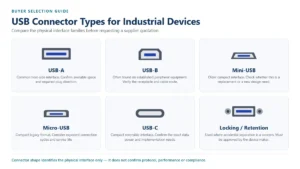
The main difficulty is that USB-C describes a connector system, while USB 3.2 Gen 2 describes a data-transfer capability[1]. Buyers can therefore receive a cable with the correct-looking connector but an incomplete or unsuitable specification. That problem becomes more serious when the product page promises charging, video, or 10Gbps performance without supporting details.
I often see purchasing teams begin with a simple request: “Please quote a USB-C 10Gbps cable.” That request is understandable, but it leaves several commercial and technical questions unanswered. A supplier may interpret the request as a cable with USB-C plugs at both ends, while the buyer may expect high-speed data, laptop charging, monitor connectivity, and universal device compatibility.
USB-C is not the complete specification
- USB 2.0, USB 3.2 Gen 1, or USB 3.2 Gen 2 data performance
- Charging power or USB Power Delivery support[6]
- DisplayPort Alt Mode or another video function
- Cable length and signal integrity
- E-marker requirements for certain power applications[7]
- Whether both ends are USB-C or one end is USB-A
- Whether the product has passed a relevant compliance or interoperability test
The USB Implementers Forum provides official information about USB standards and terminology through its USB technology resources. I recommend that buyers use authoritative standards information as a reference, then ask suppliers to explain how the proposed product matches the requested application.
“10Gbps” needs a test context
A “10Gbps” label is a performance claim, not a complete product description. Actual results depend on the cable, host controller, connected device, storage hardware, operating system, ports, protocol support, and test method[3]. A suitable cable cannot make a USB 2.0 host operate at USB 3.2 Gen 2 speed[5].
| Buyer question | Why it matters |
|---|---|
| What USB protocol does the cable support? | USB-C alone does not establish the data rate. |
| What is the maximum tested length? | Longer cables create greater signal-integrity challenges[4]. |
| Are both ends USB-C? | A USB-A-to-USB-C product may have different limits. |
| Does the cable support charging? | Data capability and power capability are separate checks. |
| Does it support video? | Video depends on the host, device, protocol, and cable design. |
| What evidence is available? | Documents help buyers evaluate claims before mass production. |
The best supplier conversation is specific and written. I prefer a specification sheet that states the connector arrangement, data protocol, length, conductor design, shielding, jacket material, rated power if applicable, packaging, and test references. This document becomes the baseline for quotation comparison and sample approval.
How Should I Evaluate a Type C Cable Factory Before Ordering?
I evaluate a Type C cable factory through evidence, communication, samples, and process information rather than the word “factory” in a sales profile. A credible sourcing decision should establish who will manufacture the product, who will test it, how the supplier controls changes, and how the supplier handles nonconforming goods.
Start with the supplier’s role
- Who makes the cable?
- Who owns the technical specification?
- Who performs incoming, in-process, and final inspection?
- Who issues commercial and compliance documents?
- Who manages corrective action when a batch fails?
- Who is responsible for packaging and shipment accuracy?
I do not advise buyers to reject a trading company automatically. A capable exporter can help compare factories, consolidate products, manage documents, and communicate with overseas customers. However, the supplier should explain its production structure honestly. Buyers should avoid relying on an unverified claim that a company is a direct factory.
Review communication quality
The first quotation often reveals more than the price. A supplier that asks about the host devices, cable length, required power, target market, packaging, and application is more likely to understand the project than a supplier that sends one low unit price without clarification.
- Does the supplier distinguish USB-C from USB 3.2 Gen 2?
- Does it state whether the quoted speed is a design target or a test result?
- Does it identify the cable length and connector configuration?
- Does it disclose what the quoted price includes?
- Does it explain sample and mass-production approval?
- Does it provide a realistic lead time instead of an unsupported promise?
Use a supplier evaluation table
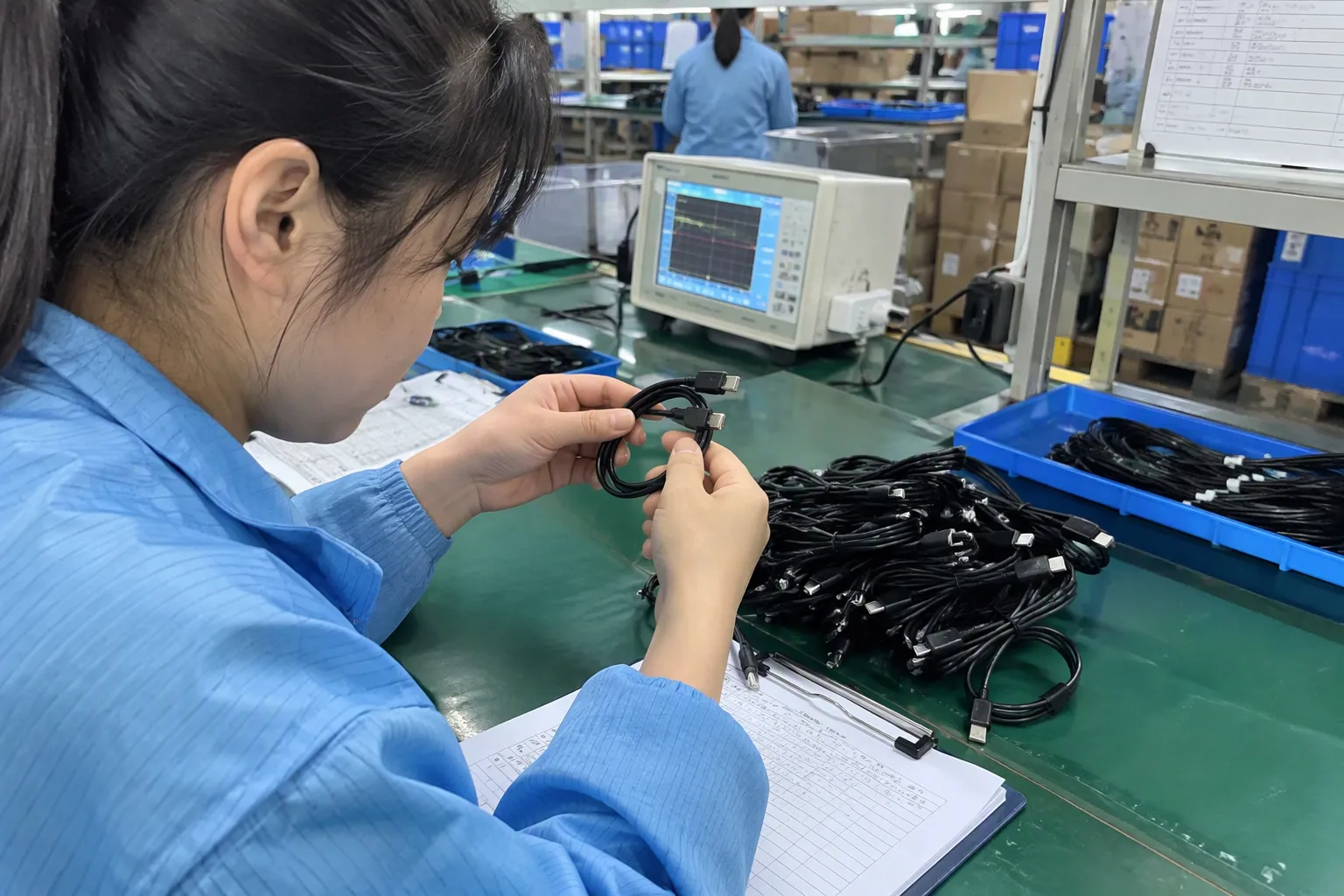
| Evaluation area | Evidence I would request | Warning sign |
|---|---|---|
| Company identity | Business details, export documents, responsible contact | Inconsistent company names |
| Production capability | Product range, process description, factory or partner information | Generic photos with no explanation |
| Technical control | Complete specification sheet and revision number | Only a short marketing description |
| Quality control | Inspection plan, sampling method, corrective-action process | “We check everything” without details |
| Compliance | Applicable certificates and test reports for the exact product | Documents for another model |
| Delivery | MOQ, sample time, production lead time, shipping terms | Guaranteed dates without capacity review |
| After-sales | Defect handling and replacement process | No written procedure |
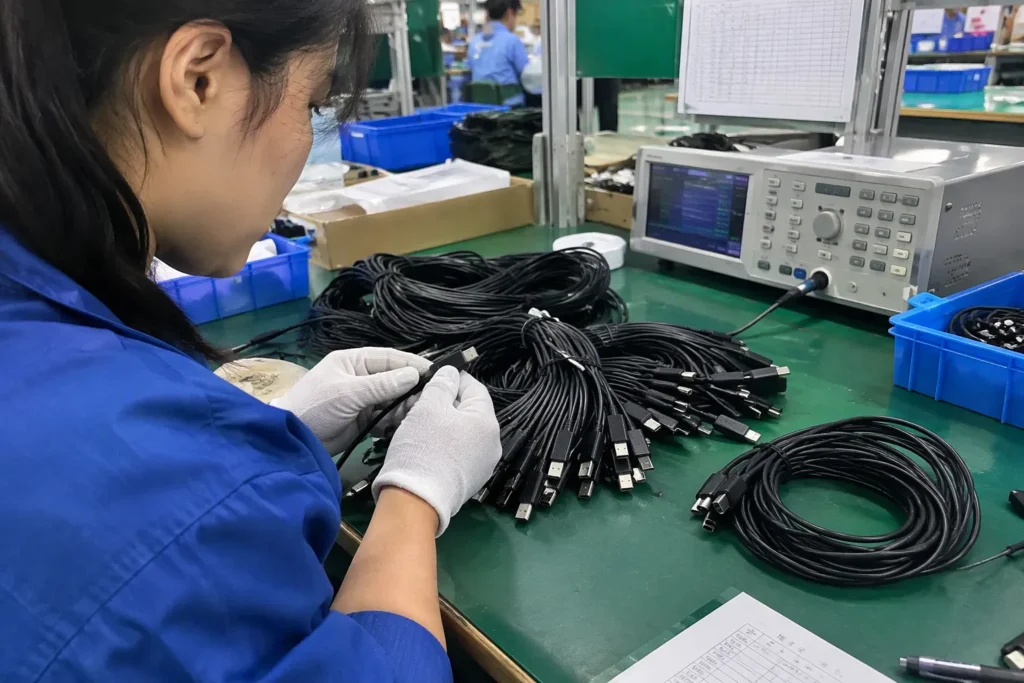
For a larger retail program, I may also recommend a factory audit or third-party inspection. The audit should be proportional to the order value and risk. A small sample order may require document review and inspection. A chain-store program may justify a more formal audit, pre-shipment inspection, and batch traceability.
Which Specifications Should I Confirm for a Type C 3.2 Gen 2 Cable?
I confirm the cable specification in separate categories because data transfer, power delivery, video support, mechanical durability, and compliance are related but not interchangeable. This approach prevents a supplier from answering one question with a different specification.
A Type C 3.2 Gen 2 cable should have a written product specification covering connector design, protocol, length, materials, electrical performance, and intended use. Buyers should also confirm which claims appear on packaging and which claims have supporting documents.
Data and connector specification
- USB connector configuration, such as USB-C to USB-C
- USB protocol and claimed maximum data rate
- Cable length and tolerance
- Conductor size or construction where relevant
- Shielding and drain-wire design where relevant
- Connector shell, contact plating, and strain-relief construction
- Whether the cable is passive or uses an active design
- Applicable identification or electronic marker requirements
The term “USB 3.2 Gen 2” should not be used as a substitute for a full product specification. Buyers should ask the supplier to state the conditions under which the cable was evaluated. I would also ask whether the sample, approved production version, and final shipment use the same materials and connector components.
Charging and power claims
Data speed does not automatically establish charging performance. A cable may support high-speed data but have a different power rating from another USB-C cable. If the product will be marketed for laptop, tablet, or phone charging, the buyer should confirm:
- Rated current and power
- USB Power Delivery relevance
- Whether an electronic marker is included where required by the design
- Connector and wire temperature considerations
- Compatibility with the intended charger and devices
- Safety and compliance documentation for the target market
Video and other functions
Some buyers assume that any USB-C to USB-C cable can connect a laptop to a monitor. That assumption is unsafe. Video output depends on the host port, device support, alternate-mode implementation, monitor, adapter, and cable design[8]. The supplier should state whether video support is part of the tested application, and the buyer should test the product with representative equipment.
Mechanical and appearance requirements
Certification and documentation
Certifications are documents to verify, not automatic proof of every product claim. The buyer should check the product model, manufacturer name, test scope, issue date, laboratory, and market relevance. A certificate for a charger may not cover a passive data cable. A report for one connector configuration may not cover another.
Useful background sources include the European Commission’s product safety information and the U.S. Consumer Product Safety Commission. These sources do not replace application-specific legal advice, but they help buyers understand why market requirements and product documentation matter.
How Can I Verify a 10Gbps Cable Claim Before Mass Production?
I verify a 10Gbps cable claim through document review, representative samples, controlled testing, and production inspection. I do not treat packaging, a product title, or a sales message as sufficient evidence. The test setup must include compatible host and device hardware, and the result must be recorded with the sample identity and conditions.
Build a sample verification plan
- Supplier and manufacturing location or responsible production partner
- Product model and specification revision
- Connector configuration
- Cable length and color
- Data protocol and claimed rate
- Power claim, if applicable
- Packaging wording
- Sample quantity and date
- Test equipment and connected devices
- Results and observed compatibility issues
The buyer should test more than one sample when consistency matters. One successful sample does not prove that every production unit will perform identically. For a commercial program, I recommend agreeing on a golden sample or signed specification before mass production.
Test the complete system
A practical test may involve a compatible computer, USB controller, certified or known-good peripheral, and appropriate benchmarking software. The result will still depend on the connected equipment. The supplier should not promise that the cable alone controls the final data-transfer result.
For example, a buyer evaluating an external SSD cable should test the same type of host port, storage device, operating system, and cable length that the customer will use. A short cable tested with a high-performance device cannot automatically represent a longer retail version.
Distinguish verification from certification
| Document or activity | What it can help verify | What it may not prove |
|---|---|---|
| Product specification | Intended design and declared features | Actual consistency of every batch |
| Supplier internal test | Factory test method and sample result | Independent confirmation |
| Third-party laboratory report | Specific test scope and sample performance | Universal device compatibility |
| Buyer sample test | Performance in the buyer’s system | Long-term mass-production stability |
| Pre-shipment inspection | Quantity, appearance, packaging, and sampling results | Every unit’s maximum data rate |
| Certification listing | Recognition under a defined program, if applicable | Claims outside the listed scope |
Control production batches
- Approved bill of materials
- Component supplier control
- Engineering-change notification
- Incoming material inspection
- Connector and cable assembly checks
- Final electrical or functional testing
- Batch records and traceability
- Retention samples
- Corrective-action reporting
I treat an unapproved substitution as a specification change, even when the supplier says the replacement is “similar.” A different conductor, shielding layer, connector shell, or chipset can affect performance or customer experience. The purchase order should state that material or specification changes require written approval.
How Do MOQ, Lead Time, and Customization Affect Supplier Selection?
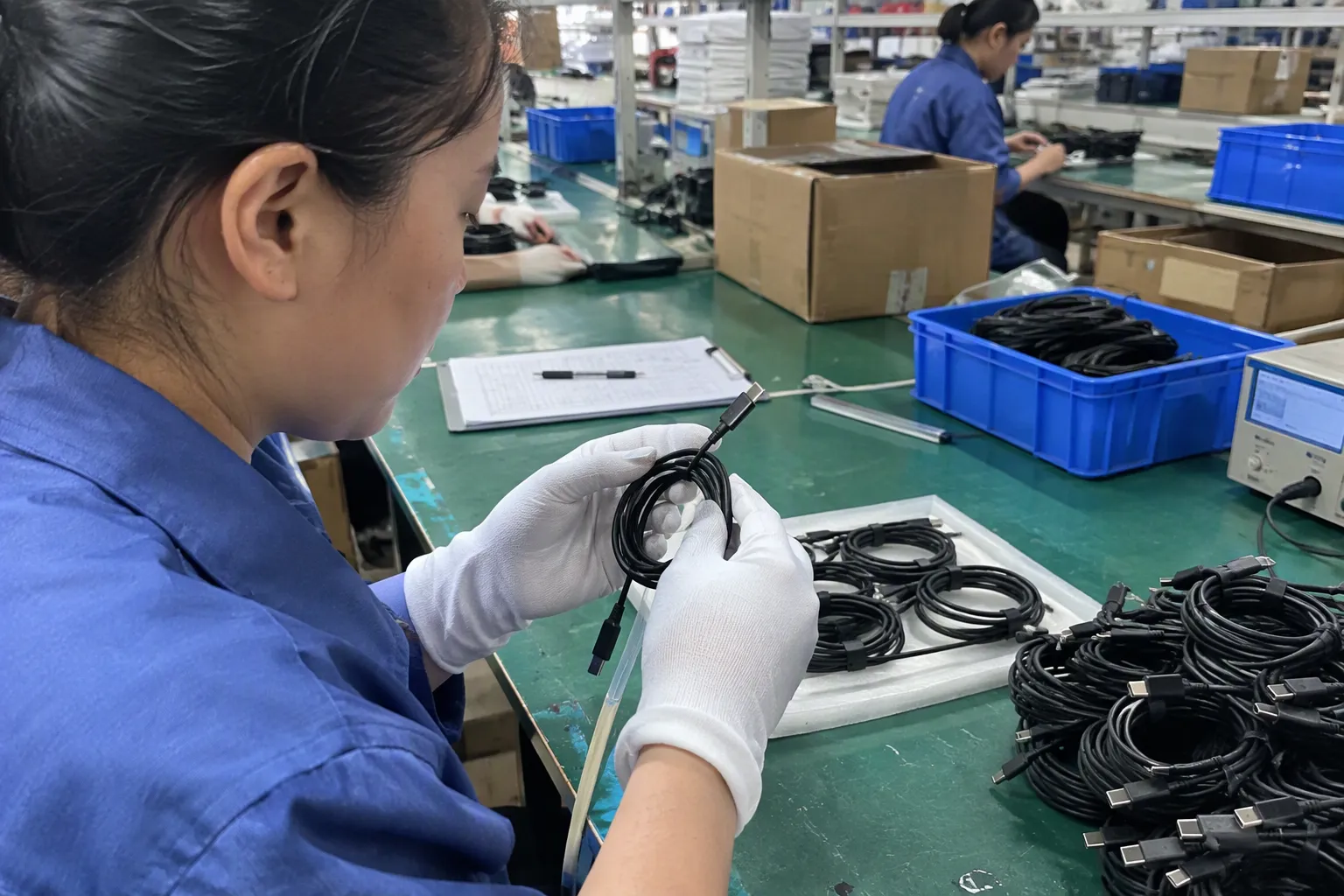
MOQ, lead time, packaging, and customization affect the total commercial value of a Type C 3.2 Gen 2 cable. A low unit price becomes less attractive if the minimum order creates excess inventory, the lead time misses a launch date, or customized packaging contains an incorrect technical claim.
MOQ should match the sales plan
The right MOQ depends on cable length, color, connector design, packaging, logo method, and production setup. Standard black cables with standard packaging usually have more flexible purchasing conditions than highly customized versions. The buyer should ask whether the MOQ applies to:
I recommend that new customers begin with a controlled sample or pilot order when the product is unfamiliar. The pilot should not be so small that it fails to represent the intended production process, but it should limit inventory exposure while the buyer confirms market acceptance.
Lead time needs milestones
| Stage | Questions to confirm |
|---|---|
| Sample preparation | How many days after specification approval? |
| Packaging artwork | Who prepares and approves the file? |
| Material procurement | Are components in stock or made to order? |
| Production | When does the production clock begin? |
| Inspection | Is inspection included before packing? |
| Shipment | Which shipping term and document set apply? |
Customization must protect technical accuracy
- USB-C connector type with USB 3.2 Gen 2 data capability
- Data speed with charging power
- Charging support with universal fast charging
- USB-C to USB-C construction with video compatibility
- A maximum tested rate with guaranteed performance on every device
After-sales terms should be written
I do not recommend promising zero defects to customers. I recommend defining a reasonable quality standard, sampling plan, and response process with the supplier. Buyers with high-volume programs should consider independent pre-shipment inspection and periodic market-return analysis.
What Should a Buyer Ask a Type C 3.2 Gen 2 Cable Factory?
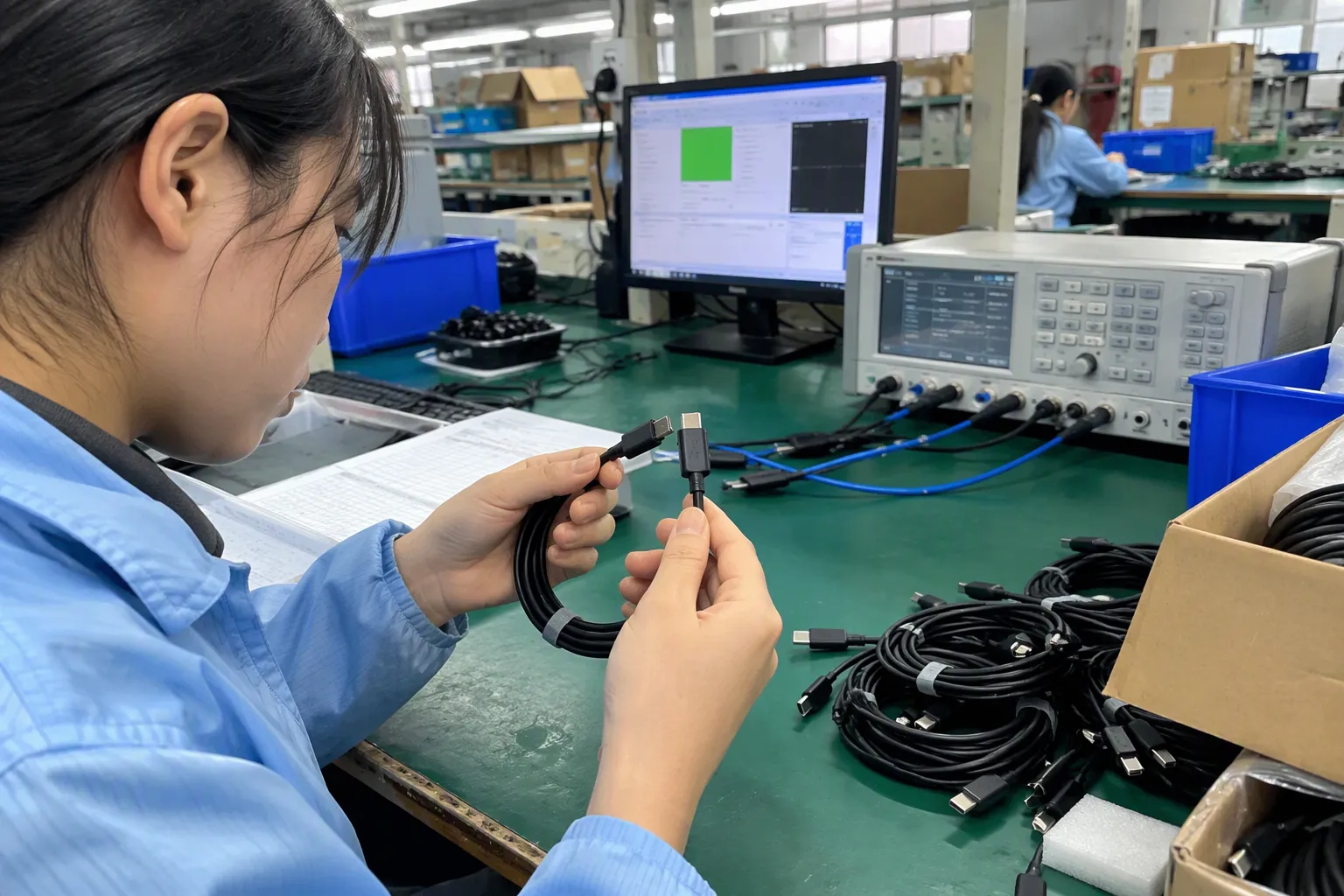
A buyer should ask questions that convert marketing language into measurable purchasing information. The supplier’s answers should appear in the quotation, product specification, sample record, or quality agreement. Verbal assurances are difficult to compare and difficult to enforce later.
Technical questions
- What is the exact connector-to-connector configuration?
- Which USB protocol does the product support?
- What is the declared maximum data rate?
- What cable lengths are available?
- Is the cable passive or active?
- What is the conductor and shielding construction?
- Does the product support the requested charging power?
- Is video support included, excluded, or application-dependent?
- Which test conditions support the performance claim?
- Does the production version match the submitted sample?
Quality and compliance questions
- What inspection occurs before production?
- What tests occur during assembly?
- What final inspection is performed?
- Which certification documents apply to this exact model?
- Are the documents current and issued to the relevant company or product?
- How does the supplier control component changes?
- Can the supplier provide batch traceability?
- What is the corrective-action process?
Commercial questions
- What is the MOQ by model, length, color, and packaging?
- What is the sample cost and sample lead time?
- What is the standard production lead time?
- Which packaging options are available?
- Can the supplier support private labeling?
- What are the payment and shipping terms?
- How are defects handled?
- What forecast information would improve replenishment planning?
Supplier comparison scorecard
| Category | Suggested review focus |
|---|---|
| Specification clarity | Complete and internally consistent product data |
| Evidence | Relevant reports, certificates, and sample records |
| Sample result | Performance with the buyer’s representative devices |
| Manufacturing control | Material control, inspections, and traceability |
| Commercial fit | MOQ, price, packaging, and customization |
| Delivery reliability | Lead-time assumptions and communication |
| Market support | After-sales response and document support |
I avoid assigning a supplier a perfect score based on price. A slightly higher price may include stronger connector components, better packaging control, more reliable inspection, or lower after-sales risk. The buyer should calculate total procurement cost, not only the quoted unit cost.
How Can I Reduce Risk When Importing USB-C Cables?
I reduce import risk by creating a written product baseline, approving samples, checking documents, inspecting production, and managing customer-facing claims. I also recommend that buyers obtain qualified legal, compliance, and technical advice for their target market and application.
A cable is a small product, but a specification error can affect thousands of retail units. The risk is not limited to electrical performance. It can include incorrect labeling, missing documents, packaging claims, customs information, or inconsistent materials.
Use a controlled purchasing file
- Approved product specification
- Technical drawing or product photos
- Packaging artwork
- Approved sample reference
- Commercial quotation
- Purchase order
- Certification and test documents
- Inspection instructions
- Shipping documents
- Change-control records
- Complaint and corrective-action records
Consider independent inspection
- Pre-production review: Confirm materials, artwork, and specifications.
- During-production check: Review assembly and early production output.
- Pre-shipment inspection: Check quantity, appearance, packaging, labeling, and selected functional requirements.
- Laboratory testing: Use a qualified laboratory when the application or market risk justifies it.
- Post-market review: Track returns, complaints, and recurring defects.
Keep market claims conservative
A retailer can reduce complaints by using precise language. Instead of saying “works with every USB-C device,” the packaging might identify the supported data protocol and state that actual performance depends on connected equipment. A charging claim should state a defined rating when the supplier has supporting evidence.
The European Commission USB-C common charger information may be relevant to some products placed on the EU market, but buyers should obtain current professional guidance for their specific product category and sales plan. Requirements can depend on the product, market, importer role, and applicable legislation.
Plan for repeat orders
- Compare packaging and labeling with the approved version.
- Confirm that the connector and cable appearance remain consistent.
- Review the supplier’s change notifications.
- Test samples from selected batches.
- Track customer returns by lot or shipment.
- Reconfirm lead time before placing urgent orders.
Frequently Asked Questions
Is every USB-C cable a USB 3.2 Gen 2 cable?
No. USB-C describes the connector format, not the complete data protocol. A USB-C cable may support USB 2.0, USB 3.2 Gen 1, USB 3.2 Gen 2, charging functions, or other combinations. Buyers should confirm the exact protocol and test evidence for the selected model.
Does a 10Gbps cable guarantee 10Gbps in every device?
No. Actual performance depends on the cable, host port, peripheral, controller, storage hardware, operating system, and test conditions. The supplier should define the intended performance conditions, and the buyer should test samples with representative devices before approving mass production.
Can a Type C 3.2 Gen 2 cable support laptop charging?
It may support charging, but data speed alone does not establish the power rating. The buyer should confirm current, power, USB Power Delivery relevance, electronic-marker requirements where applicable, and compatibility with the intended charger and devices.
Should I buy directly from a factory or through an exporter?
Both options can work. A direct factory may provide production access, while an experienced exporter may coordinate several suppliers, documents, packaging, inspection, and shipping. I recommend comparing technical evidence, quality responsibility, communication, MOQ, lead time, and after-sales support instead of judging only by the supplier label.
What documents should I request before placing an order?
I would request a complete product specification, quotation, sample record, applicable certification and test documents, packaging proof, inspection plan, and written after-sales terms. Buyers should verify that documents apply to the exact model and intended market rather than assuming that a general certificate covers every cable.
Conclusion
Choosing a Type C 3.2 Gen 2 cable factory requires more than finding a supplier that prints “USB-C 10Gbps” on a catalog page. I recommend separating connector type, data protocol, charging capability, video support, mechanical design, compliance documents, and production controls. Buyers should approve representative samples, verify the test context, inspect production, and define change and after-sales procedures. As a Shenzhen-based 3C exporter with 15 years of export experience, I help retailers, wholesalers, and e-commerce sellers compare specifications, MOQ, lead time, customization, and supplier evidence. Contact me to discuss your USB-C cable requirements and request a practical sourcing evaluation.
Sources
- Document Library", USB Implementers Forum documentation distinguishes the USB Type-C connector specification from USB data-transfer specifications such as USB 3.2 Gen 2
- USB 3.2 Specification", USB Implementers Forum materials identify USB 3.2 Gen 2 as a USB mode with a nominal signaling rate of 10 Gbps
- Revealing Device Activities via USB Congestions", Technical performance studies of USB links show that measured throughput is determined by the negotiated link, host and peripheral controllers, storage hardware, software stack, and measurement procedure rather than by the cable label alone
- Universal Serial Bus Type-C Locking Connector Specification", High-speed interconnect research describes increased attenuation and signal-integrity constraints as transmission distance increases, providing technical context for length limits in USB cabling
- USB Backwards-Compatibility", USB technical documentation indicates that a USB connection operates at a mode supported by the participating host, device, and interconnect; a cable cannot upgrade a USB 2.0 host to USB 3.2 Gen 2 operation
- USB Charger (USB Power Delivery)", USB Type-C and USB Power Delivery specifications define power-current and power-negotiation features separately from USB data-transfer modes
- Overview of E-Marker in a USB Type-C Cable", USB Type-C and USB Power Delivery documentation specifies electronically marked cable behavior for cable identification and, in applicable configurations, higher-current or higher-capability operation
- VESA® Brings DisplayPort™ to New USB Type-C Connector", VESA and USB Type-C technical documentation describes display output over USB-C as dependent on compatible DisplayPort Alternate Mode support and the capabilities of the connected source, sink, adapter, and interconnect