Nintendo Switch Dock Chargers can look suitable on a product page and still fail when a customer connects a dock to a television. A high wattage number does not remove that risk.[1] I have found that the safer solution is to evaluate the charger, USB-C cable, dock, display setup, and test records as one system before listing the product.
Quick Answer
Nintendo Switch Dock Chargers should be selected through documented combination testing, not wattage claims alone. I recommend checking the charger’s USB-C PD profiles, negotiation behavior, cable specification, dock configuration, and TV-output results with the exact production version. A charger that charges a Switch console directly may still be unsuitable for full Dock operation.
- Confirm the exact charger model, hardware version, firmware, and production batch.
- Review the available PD voltage and current profiles instead of relying on total wattage.
- Test direct console charging separately from Dock-to-TV operation.
- Use a suitable USB-C cable and record the dock, display, resolution, and test conditions.
- Treat supplier specifications as starting information, not proof of universal compatibility.
- Keep combination test records available for procurement and after-sales teams.
I have seen sourcing discussions become difficult because buyers treat “USB-C PD” as a complete compatibility statement. It is not. The next sections explain what I check before I recommend a charger for a European or North American retail, wholesale, or e-commerce program.
Why Do Nintendo Switch Dock Chargers Need More Than a Wattage Check?
A charger with an attractive 65W or 100W headline may still produce a different Dock result from another charger with lower advertised output. The problem becomes serious when a retailer receives returns that describe a charger as “working for charging” but “not working on the TV.”
Nintendo Switch Dock Chargers need a suitable power-delivery negotiation for the Dock’s operating conditions.[2] The charger also needs to work with the selected cable, dock, display device, and related hardware.
The headline wattage is only one data point
- Which voltage levels the USB-C port can provide.
- Which current levels are available at each voltage.
- How the source responds to a particular PD request.
- Whether the charger changes behavior when another port is used.
- Whether the cable has suitable current capability.
- Whether the Dock completes its display-related start-up sequence.
For example, two chargers may both advertise 45W. One may offer a PD profile set that matches a tested Dock combination, while the other may expose a different set of voltage and current options. The total wattage looks similar, but the negotiation result can differ.
PD negotiation happens before normal operation
USB Power Delivery uses communication between the source and the connected device.[4] The charger advertises available power data objects, and the connected equipment requests an appropriate option. The final operating condition depends on what both sides support and accept.
I do not treat the printed PD table as a guarantee. I use it to decide which combinations deserve testing. The test record then shows whether the connected Dock actually started and maintained the intended function.
The USB-IF USB Power Delivery overview is useful background for buyers who want to distinguish a formal USB-C PD concept from a general “fast charger” marketing claim. I also ask suppliers for the original specification sheet and the exact port-level output table.
A high-power laptop charger is not automatically a Dock charger
Laptop compatibility can show that a charger works with one class of USB-C device. It does not prove compatibility with every Dock.[3] Laptops often negotiate power differently, and their display output path is not identical to a game-console Dock.
| Supplier statement | What I can reasonably infer | What I still need to test |
|---|---|---|
| “The charger supports USB-C PD” | The product claims a PD function | The actual profiles and negotiation behavior |
| “The charger is 65W” | The product has a stated maximum output | Port allocation and Dock performance |
| “It charges laptops” | It worked with some listed laptops | Switch console and Dock combinations |
| “It supports HDMI devices” | A display-related claim exists | The exact Dock, cable, TV, and start-up result |
| “It is compatible with Switch” | A supplier or seller makes a claim | Evidence for the exact version and test setup |
I learned to keep these categories separate because customer expectations follow the strongest sentence they see on a product page. If I write “compatible with Switch Dock,” I need evidence that supports that exact level of confidence.
Are Direct Console Charging and Dock Power the Same Test?
Direct console charging and Dock power are different use cases. A console may accept power directly while the Dock fails to provide the expected TV output.[5] I recommend treating them as separate acceptance tests, with separate result fields and separate customer-facing descriptions.
Direct charging is a limited result
When I connect a charger directly to a console, I am mainly checking whether the console receives and maintains charging under the selected conditions. That test may reveal useful information about basic USB-C behavior, but it does not reproduce the full Dock workload.
- Power negotiation between the charger and Dock.
- Power delivery from the Dock to the console.
- Communication between the console and Dock.
- HDMI or other display-path activity.
- Television or monitor detection.
- Cable quality and connector fit.
- Possible changes during start-up or reconnection.
The Dock is a system, not a simple adapter[6]
I describe the Dock as a system because it sits between the charger, console, display cable, and screen. The customer may judge the charger by the final result, but the result can be influenced by several components.
| Test type | Charger connection | Main result to record | Commercial meaning |
|---|---|---|---|
| Console charging | Charger to console | Charging begins and remains stable | Supports a direct-charge listing claim |
| Dock power only | Charger to Dock | Dock powers the connected console | Useful but incomplete |
| Dock with display | Charger, Dock, HDMI, TV | TV output starts and remains stable | More relevant to Dock retail claims |
| Reconnection test | Disconnect and reconnect selected cables | System recovers as expected | Helps assess customer-use behavior |
| Alternate combination | Different approved cable or display | Whether result changes | Shows limits of the test evidence |
Why this distinction affects returns
A customer who buys a third-party charger for travel may only need direct console charging. Another customer may buy it specifically to replace an original Dock power adapter. These customers have different expectations.
- “Tested for direct console charging with the listed setup.”
- “Dock-to-TV function verified only with the specified charger, cable, Dock, and display.”
- “Compatibility depends on the complete equipment combination.”
The exact language should match the available evidence. I also recommend directing customers to the manufacturer’s current support information, such as Nintendo’s official support pages, rather than presenting a supplier’s test as an official Nintendo approval.
Which PD Profiles Should Buyers Review in Nintendo Switch Dock Chargers?
Buyers should review the complete USB-C PD profile table for the relevant port and then compare it with recorded Dock behavior. A profile is meaningful only when I connect it to the power request, the Dock’s operating task, and the actual negotiation result.
Nintendo Switch Dock Chargers are not selected safely by adding up every port’s maximum wattage. I check single-port output, shared-port behavior, and the profile that remains available in the intended use.
What I look for in a profile table
- Fixed voltage and current options.
- Programmable power support, if applicable.
- Output changes when multiple ports operate.
- Port priority or automatic power allocation.
- Protection behavior during overload or thermal conditions.
- Whether the listed values apply to the retail version or only an engineering sample.
I avoid turning one profile into a universal rule. The important question is not simply “Does the charger have enough watts?” The better question is “Does this exact charger offer a suitable negotiation path for this exact Dock combination?”
A profile mismatch can appear as a Dock problem
A customer may report no TV image, intermittent output, repeated reconnection, or a Dock that appears unpowered. These symptoms can have multiple causes. A different PD profile or negotiation outcome is one possible cause, but I should not state it as the confirmed cause without test evidence.
- The profile advertised by the supplier.
- The profile detected during the test, where test equipment is available.
- The Dock start-up result.
- The display result after reconnection.
- Any change when another charger or cable is used.
How I record negotiation results
| Record field | Example of the information needed |
|---|---|
| Charger identity | Model name, SKU, hardware revision |
| Port used | USB-C port number and single-port condition |
| PD information | Supplied profile table and captured result if available |
| Cable | Part number, length, stated rating |
| Dock | Exact version or identifying label |
| Console | Model and software condition, if relevant |
| Display | TV or monitor model, input used |
| Display cable | HDMI type, length, and part number |
| Test sequence | Initial connection, power cycle, reconnect |
| Result | Charging, image, stability, and observed limitations |
| Batch evidence | Sample date and production-batch reference |
For deeper background, buyers can review the USB-IF compliance program information and ask suppliers which claims are supported by formal documentation. Certification documents should be verified against the actual model and production version. A logo or PDF copied into a sales presentation is not enough.
How Should Sellers Test Nintendo Switch Dock Chargers Before Listing?
I recommend a staged pre-listing process that starts with documents and ends with combination testing. The process should verify the exact product version, test direct charging and Dock operation separately, and preserve the records for the batch that will be sold.
Stage one: verify the product identity
- SKU and model number.
- Housing revision and label artwork.
- USB-C port layout.
- Rated input and output information.
- Firmware or control-board revision, if the supplier uses one.
- Factory and production-batch reference.
- Packaging claims that will appear in the final listing.
This step sounds basic, but it prevents a common sourcing error. A factory may send a newer engineering sample while the commercial order uses an earlier board. The sample result then becomes difficult to apply.
Stage two: collect the technical documents
I request the output specification, safety documents, test reports, and certification records relevant to the sales market. I treat certifications as documents that buyers must verify, not as automatic proof of Dock compatibility.
For European and North American customers, the exact documentation requirements may depend on the product design, destination, importer role, and sales channel. I avoid promising legal compliance based only on a supplier’s message. A qualified compliance professional can review the product and market-specific obligations.
- Does the document identify the exact model?
- Does the output table match the sample label?
- Does the report identify the manufacturer and test date?
- Does the document cover the intended market?
- Does the report relate to safety, EMC, USB behavior, or compatibility?
- Does it apply to the current production version?
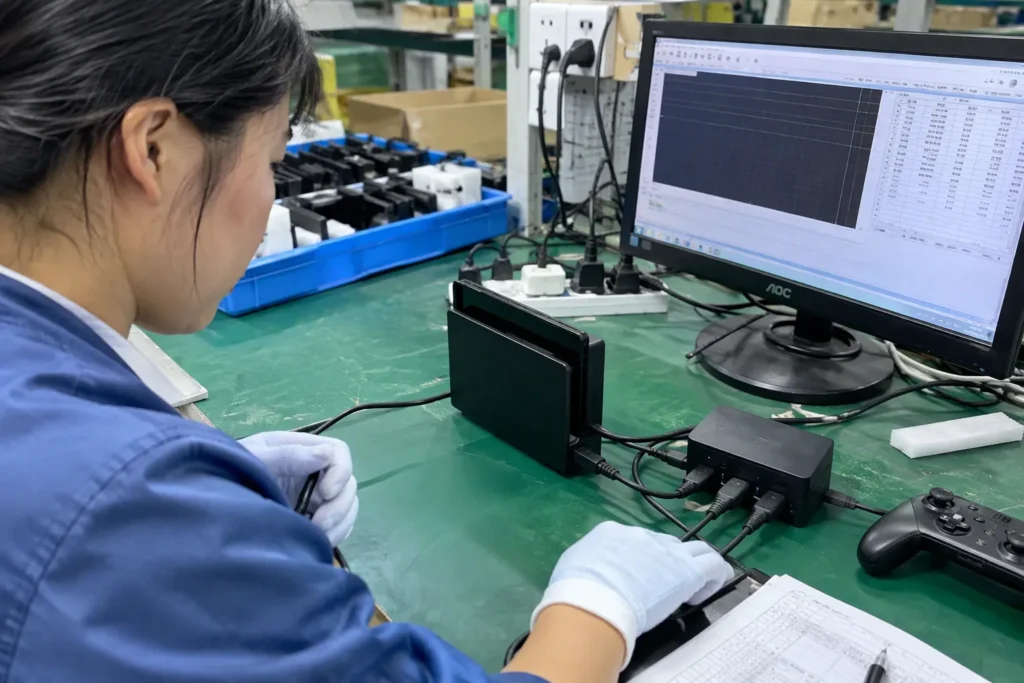
Stage three: perform a combination test
- Inspect the charger, ports, cable, and Dock for visible issues.
- Connect the charger to the Dock using the selected cable.
- Connect the Dock to the console and display.
- Start the system under a repeatable sequence.
- Confirm charging behavior and display output separately.
- Remove and reconnect selected cables.
- Power-cycle the equipment.
- Repeat the test where the result is important to the planned listing.
- Compare the result with the original or reference charger, if available.
- Save photographs, video, notes, and model identifiers.
Stage four: test the production batch
The test record should follow the product version into purchasing and quality control. If a factory changes the controller, components, port allocation, or assembly site, I ask for a review before shipment.
- No component or PCB change without notification.
- No label or output-profile change without document review.
- Sample approval tied to the exact SKU.
- Random production inspection against the approved sample.
- Retention of batch information.
- Clear handling of failed or mixed lots.
A practical acceptance table
| Area | Minimum question | Action if unclear |
|---|---|---|
| PD profiles | Does the relevant USB-C port have a documented profile table? | Hold listing and request a controlled specification |
| Cable | Is the tested cable identified and available to customers? | Test the proposed retail cable |
| Dock mode | Was TV output tested, not only direct charging? | Run a full Dock combination test |
| Display | Is the display device recorded? | Add a second representative display where practical |
| Batch | Does the test match the production version? | Request a new sample or written change control |
| Claims | Does listing language match the evidence? | Reduce the claim or add clear limitations |
| After-sales | Can the team reproduce a reported failure? | Store the test setup and troubleshooting steps |
What Role Do Cables, Docks, and Displays Play in Compatibility?
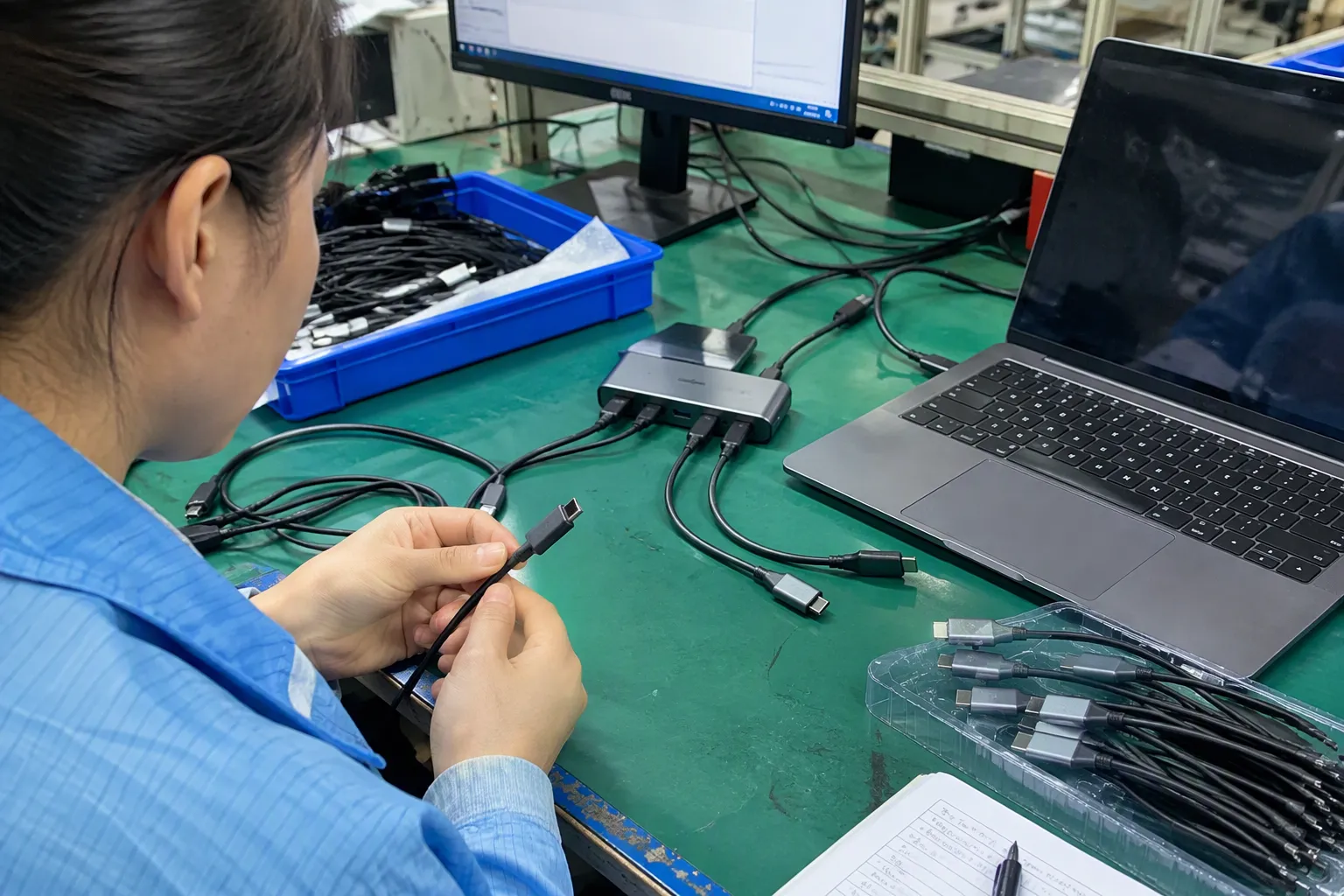
Cable selection matters
A USB-C cable can differ in length, construction, current capability, signal performance, and identification features.[7] A cable that performs well for charging may not produce the same result in a display-related setup.
I record the cable part number and length in every meaningful test. I also avoid replacing the factory-tested cable with an unverified low-cost cable simply to reduce the product cost. If the cable is included in the retail package, the included cable becomes part of the compatibility proposition.
The Dock version must be identified
Different Dock versions or replacement Docks may not behave identically. I do not assume that a result from one Dock applies to all Docks. I ask the supplier or test team to record identifying labels, revision information, or photographs.
I also distinguish a genuine manufacturer Dock from an aftermarket Dock. A third-party Dock may have different power and display requirements. It needs its own test plan and should not be covered by an unsupported claim based on another product.
Display devices can expose system limits
A television or monitor can influence the result through input behavior, signal detection, power state, and display settings.[8] A connection that works on one screen may require troubleshooting on another. I therefore record the display model and input used.
- One common television used by the target market.
- One computer monitor, if the product listing mentions monitor use.
- A second HDMI cable when the first result is unstable.
- A power-cycle and reconnection test.
- The display’s input-selection behavior.
How I investigate a reported failure
- The charger model and production label.
- A photograph of the cable and connections.
- The Dock identity.
- The display model and selected input.
- Whether direct console charging works.
- Whether the original charger works with the same Dock.
- The result after a complete power cycle.
- Any change after replacing the USB-C or HDMI cable.
How Can Retailers Write Safer Compatibility Claims?
Retailers should match every product claim to the strength of the evidence. A controlled test of one charger and one Dock can support a specific tested-combination statement. It cannot support a promise covering every Switch model, Dock, television, cable, firmware version, and future production batch.
Strong claims need strong evidence
| Claim level | Example wording | Evidence needed |
|---|---|---|
| Basic charging claim | “USB-C PD charger for compatible devices” | Accurate port and output documentation |
| Tested direct-charge claim | “Direct console charging tested with the listed setup” | Recorded console, charger, cable, and result |
| Tested Dock claim | “Dock-to-TV operation tested with the specified combination” | Full combination test and identified components |
| Universal claim | “Works with all Switch Docks and displays” | Extremely broad evidence that I would not normally support |
Use limitations as useful information
- “For Dock use, please use the included cable and follow the connection sequence.”
- “Compatibility was verified with the listed Dock and display setup.”
- “Results may vary with aftermarket Docks, cables, or display equipment.”
- “Please confirm the required output profile before using a replacement adapter.”
- “The product has not been represented as an official Nintendo accessory.”
Product pages should answer procurement questions
- MOQ and available packaging options.
- Sample availability.
- Lead time for the confirmed version.
- Port output table.
- Cable inclusion and specification.
- Test setup and date.
- Batch or revision control.
- Warranty and replacement process.
- Custom label and carton options.
- Documentation available for the destination market.
This information helps a retailer compare suppliers on total commercial risk, not just unit price. My experience in Shenzhen export sourcing has shown me that a slightly cheaper charger can become expensive after returns, replacement shipping, negative reviews, and customer-service labor.
How Should Buyers Compare Suppliers of Nintendo Switch Dock Chargers?
Buyers should compare suppliers by evidence quality, manufacturing control, communication, and after-sales capability. Price remains important, but it should come after the buyer understands what product version, test scope, and service commitment the quotation actually covers.
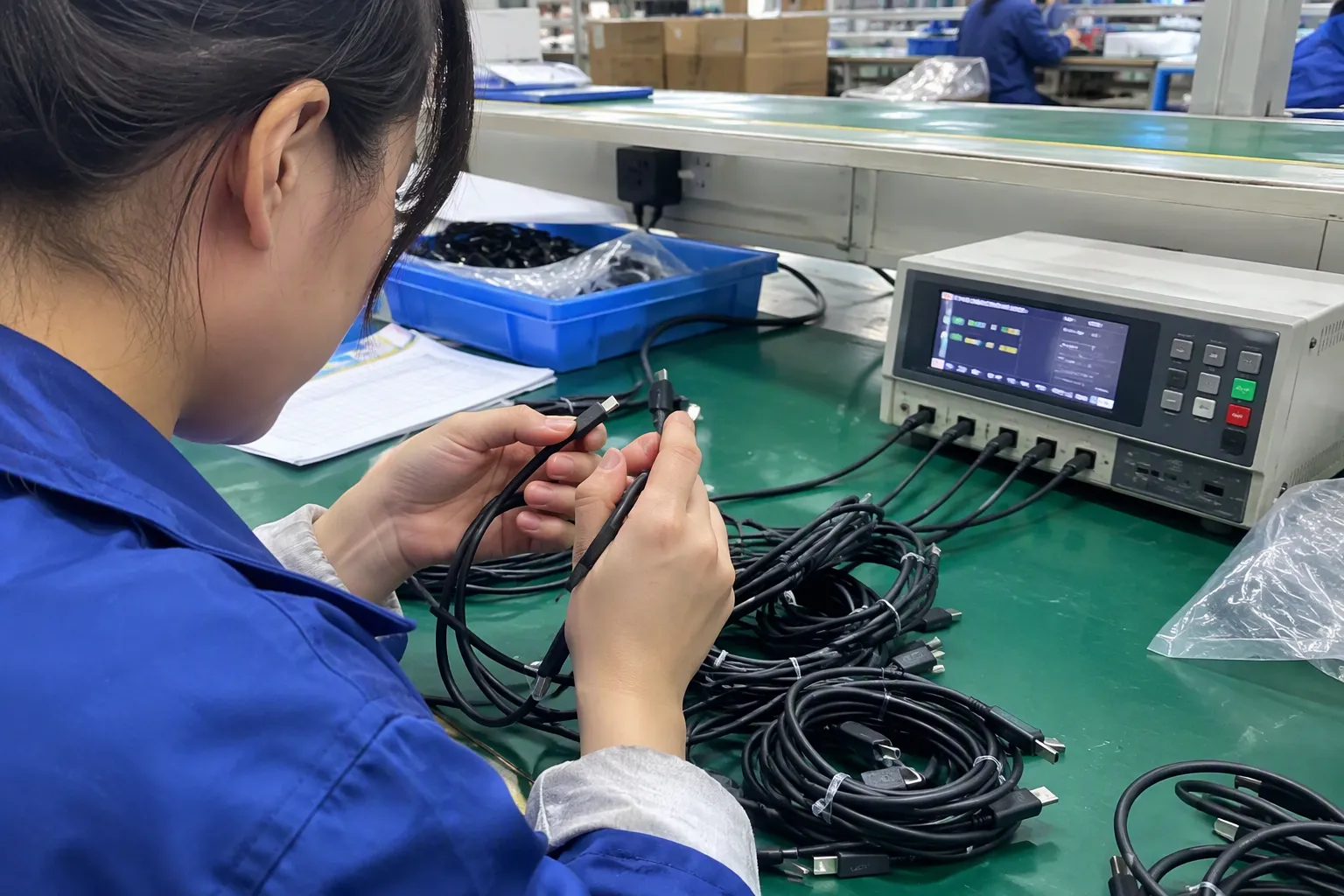
Questions I ask during supplier evaluation
- What is the exact model and hardware revision?
- Which USB-C PD profiles are available on the intended port?
- Does multi-port use change those profiles?
- Which cable was used in the Dock test?
- Which Dock and display were used?
- Was direct charging tested separately?
- Can the supplier provide dated test records?
- Does the record identify the production sample?
- What happens if the PCB or controller changes?
- What is the replacement process for confirmed failures?
- Which documents can the supplier provide for the destination market?
- Can the supplier provide samples before an MOQ order?
Price should be compared with total risk
| Evaluation area | Low-risk signal | Warning signal |
|---|---|---|
| Product identity | Stable SKU and revision records | Sample differs from order description |
| Technical data | Port-level PD table | Only a total wattage headline |
| Compatibility | Combination test with records | “Works with everything” statement |
| Quality control | Batch inspection and change control | No traceability after sample approval |
| Documentation | Verifiable model-specific files | Generic or mismatched certificates |
| Service | Defined replacement procedure | Informal promises only |
| Customization | Artwork and label review process | Marketing changes without technical review |
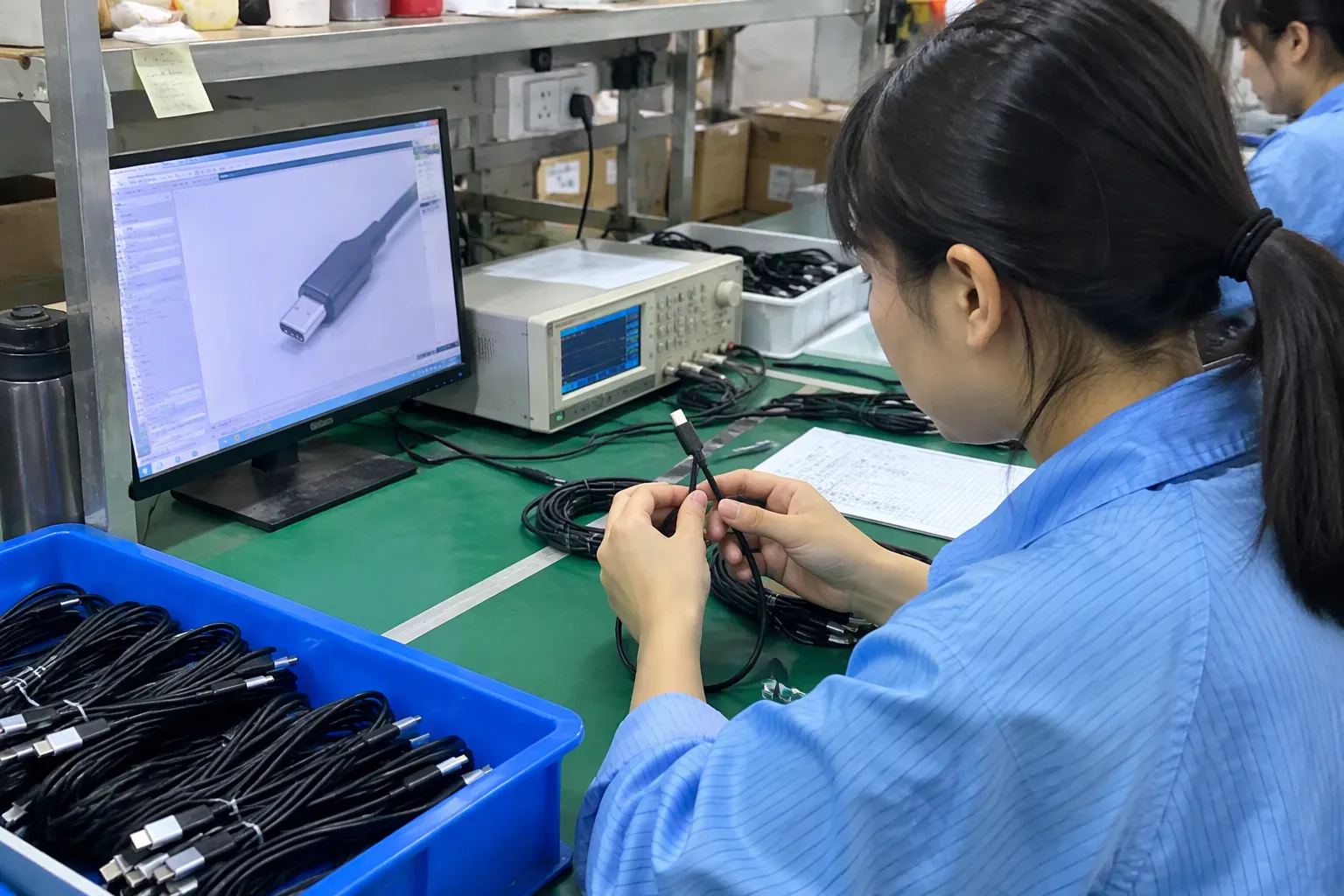
I use this type of scorecard when comparing factories and trading partners. It also helps my customers explain their decision internally. A purchasing team can show why a supplier with a stronger test process may offer better value even when the unit price is not the lowest.
Build a small pilot order
- Failure and return reasons.
- Customer reports about direct charging.
- Customer reports about Dock-to-TV use.
- Cable-related complaints.
- Packaging and instruction clarity.
- Delivery damage.
- Replacement response time.
- Batch consistency.
My company works with 3C products such as USB cables, chargers, GaN chargers, TWS earphones, and smartwatches for export markets. When I discuss a charger program with a buyer, I connect the product discussion to MOQ, lead time, packaging, documentation, customization, and after-sales support. These factors determine whether a product can be operated successfully at retail scale.
Frequently Asked Questions
Does a higher-wattage charger always work with a Switch Dock?
No. Higher wattage does not automatically mean suitable PD profiles or successful Dock negotiation. I recommend checking the exact port profile, cable, Dock, display, and test record. A high-power charger may work in one combination and fail in another.
Is direct console charging proof that a charger works with the Dock?
No. Direct charging tests a different use case. Dock operation can involve additional power negotiation and display-related functions. I keep direct charging and Dock-to-TV results as separate fields in my test records and product claims.
What should a supplier include in a Dock compatibility test report?
I look for the charger model and revision, USB-C port, PD information, cable identity, Dock, console, display, HDMI cable, test sequence, date, and result. The report should relate to the production version or clearly identify any difference between the tested sample and the proposed order.
Can a retailer claim universal compatibility after one successful test?
No. One successful test supports only the tested combination unless broader evidence exists. I avoid promises covering every model, Dock, cable, display, firmware version, region, and batch. I use specific wording that identifies the tested equipment and known limitations.
Should buyers verify charger certifications separately from compatibility results?
Yes. Certification documents and compatibility tests answer different questions. Certifications should be checked against the exact product, manufacturer, market, and production version. They do not automatically prove Dock operation. Buyers should use qualified compliance professionals for application-specific or market-specific decisions.
Conclusion
Nintendo Switch Dock Chargers should be evaluated as part of a complete system, not selected by USB-C PD labeling or headline wattage alone. I check PD profiles, negotiation behavior, cables, Docks, displays, production revisions, and documented test evidence before supporting a listing claim. I also separate direct console charging from full Dock-to-TV operation. If you are sourcing chargers for a European or North American retail, wholesale, or e-commerce program, contact my Shenzhen 3C export team to discuss samples, combination testing, MOQ, customization, lead time, and after-sales requirements.
Sources
- A Primer on USB Type-C and Power Delivery Applications ...", A USB Power Delivery source advertises discrete or programmable power capabilities, and the connected sink selects an operating contract from the capabilities supported by both devices; consequently, maximum rated wattage alone does not establish compatibility with a particular load
- Nintendo Switch uses USB PD (Power Delivery) standard. ...", Available technical documentation indicates that Dock operation depends on the power characteristics supplied to the Dock and on the connected equipment’s accepted power configuration, rather than on a wattage label considered in isolation
- A Comprehensive Guide to USB Power Delivery (USB PD)", Studies of USB-C and Power Delivery interoperability show that successful operation depends on the capabilities and implementation behavior of the particular source and sink pair; therefore, successful laptop charging is evidence for that tested class of device, not proof of universal Dock compatibility
- USB Charger (USB Power Delivery)", The USB Power Delivery protocol establishes a negotiated power contract through communication in which the source advertises capabilities and the sink requests an available operating condition
- Careful using 3rd party chargers with the Switch 2 dock", Manufacturer support information and technical descriptions treat direct console charging and Docked television use as distinct connection configurations, so a successful direct-charge test does not by itself verify the complete Dock-to-display function
- Technical Description | Martin Lahoumh eng21007 - CUNY", Technical descriptions of the Nintendo Switch Dock identify it as an active accessory that routes power and connectivity between the console and external display equipment, rather than merely serving as a passive mechanical adapter
- Do USB-C to USB-C cables need an emarker chip ...", USB Type-C specifications distinguish cable assemblies by supported current and data rates, with some assemblies using electronic markers and with signal performance affected by construction and length; these differences can matter in combined power and display configurations
- HDMI Resources for Testing", HDMI troubleshooting and interoperability guidance identifies source-sink detection, selected inputs, display power state, and signaling conditions as factors that can affect whether an external display establishes a usable connection