Quick Answer
USB connector type questions often look simple during sourcing, yet they can create costly compatibility problems after products reach shelves. A connector may fit physically but fail to support the customer’s charging, data, video, or multi-function needs.[1] We help buyers reduce this risk by matching both endpoints and the intended application before ordering. **The right USB connector type depends on the ports at both ends of the connection and the job the product must perform.
Buyers should verify whether the cable or accessory is intended for charging, data transfer, video output, or several functions, then confirm the documented capabilities of the device, power source, and cable before purchasing.**
For retailers, importers, and online sellers, the goal is not to find one connector that works for every customer. The goal is to build an assortment that reflects current device demand while still serving installed-base products that remain active in the market. That requires a more practical selection process.
Matching a USB connector type to a device application is not a matter of choosing the connector that fits, is it
A physically compatible USB connector type can still create returns, poor reviews, and support requests when buyers assume that fit equals function. This issue becomes more serious when a product listing promises charging, synchronization, display output, or high performance without checking the complete connection path.
No, choosing a USB connector type is not only about physical fit. Buyers should identify the port on the device and the port on the charger, computer, hub, or adapter, then define the required function. The selected cable or accessory must support that intended function according to its documented specifications.
Start with the two physical endpoints
In our pre-sales conversations with overseas buyers, we often see the same question: “Do you have a USB-C cable?” We usually need to ask several follow-up questions before we can give a useful answer. The phrase “USB-C cable” does not identify both ends, the required length, the intended device, or the task the connection needs to perform.
A practical USB connector type evaluation starts with the full path:
-
What port is on the device side?
This may be USB-C, Micro-USB, Lightning, USB-A, or another interface used by the relevant product category. -
What port is on the power source or host side?
The other end may connect to a wall charger, laptop, desktop computer, power bank, vehicle charger, hub, docking product, or display adapter. -
What is the application?
The connection may be used for charging only, charging and data synchronization, data transfer, display output, or a multi-function setup. -
Is the customer buying for a new device ecosystem or an installed base?
A current product trend does not automatically eliminate demand for older connector formats. -
What does the product documentation confirm?
The device, charger, cable, hub, and display may each affect the final result.
This approach helps us avoid treating a connector shape as a complete technical specification. It also gives procurement teams a clearer internal checklist when they compare suppliers.
| Selection question | Why it matters | What buyers should verify |
|---|---|---|
| What are both connector ends? | A cable must connect to the actual ports in the user’s setup. | Device port and charger, host, or hub port |
| What job must it do? | Charging and data needs may differ from video needs. | Intended use stated in the product brief |
| Is this for new or existing devices? | Older devices may still generate steady replacement demand. | Customer profile and installed-base demand |
| What capability is required? | Similar-looking products may have different functionality. | Supplier documentation and device specifications |
| How will it be sold? | Packaging and listing language affect return risk. | Clear compatibility statements and limitations |
USB-C is a connector shape, not a guaranteed feature set[2]
USB-C is central to many current 3C buying discussions, but it also causes some of the most common misunderstandings. We encourage buyers to separate the USB-C connector shape from the functions enabled by the complete product system.
Two USB-C cables can look almost identical. However, their supported charging, data, video, or multi-function capabilities may differ.[3] The connected device and the connected charger, hub, computer, or display can also limit what the customer experiences.
For this reason, we do not recommend broad claims such as “all USB-C cables support fast charging” or “every USB-C cable supports video.”[4] Those claims can create avoidable risk. A USB-C connector type alone does not confirm a particular charging level, transfer capability, or display function.
Instead, buyers can ask suppliers targeted questions:
- Is the cable designed and documented for charging only, charging plus data, or multi-function use?
- Does the product specification state support for the intended device application?
- If video is required, what do the connected device and display or hub specifications say?
- If charging performance matters, what do the device and power source documentation say?
- Are the product listing, packaging, and instruction materials aligned with these verified claims?
- Can the supplier provide relevant test records, specifications, or certification documents for buyer review where applicable?
We advise buyers to treat certifications, compliance files, and performance statements as documents to verify during supplier qualification. Application-specific decisions may also require review by a qualified technical professional.
This does not mean USB-C is difficult to source. It means buyers need better product segmentation. A basic charging cable can be appropriate for many retail programs when the intended use is clearly communicated. A cable for laptop connectivity, data-focused users, or display-related applications may require a more detailed evaluation and different product documentation.
Reframe the question around the job to be done
The most useful sourcing question is not, “Which USB connector type should I buy?” A better question is, “What must this connection do for the end user?”
That small change helps a category manager select products based on customer use instead of appearance. It also makes supplier communication more precise. We find that buyers get faster, clearer quotations when they describe the application first.
Charging-only applications
For charging-only programs, the buyer should focus on connector compatibility, expected charging use, cable construction, length, packaging, and the power source environment. A cable sold with a wall charger, car charger, or power bank should match the ports commonly used in that product bundle.
Useful questions include:
- Which device connector is most common among our customers?
- Which output connector is used by the charger or power bank?
- Is the cable intended mainly for overnight charging, travel, desk use, or vehicle use?
- What cable length is practical for that retail channel?
- Does the listing avoid unsupported performance promises?
A short cable may suit power banks and travel kits. A longer cable may better suit bedside charging or office use. These are commercial choices, but they affect customer satisfaction as much as the USB connector type itself.
Data transfer and synchronization applications
For data-focused demand, buyers should go beyond the connector ends. Customers may use the cable with computers, storage products, smartphones, tablets, cameras, or other devices. The product needs to be selected and marketed based on the documented data needs of that user group.
A cable that is acceptable for charging may not be the right choice for a customer who expects reliable file synchronization. Retail packaging should make the intended function easy to understand. Online listings should also state the supported use clearly rather than relying on a product image.
We recommend that importers request a specification sheet that distinguishes charging and data functions. This helps purchasing teams compare products consistently across factories or trading suppliers. It also supports better internal approval before stock is committed.
Video and multi-function connectivity
Video-capable and multi-function applications require the most careful review. A buyer may be sourcing a USB-C to display adapter, hub, docking product, or cable for office and mobile-device use. In these cases, the connector shape is only one part of the decision.
The device must support the intended output.[5] The hub, adapter, cable, display, and any power source may each influence compatibility.[6] We recommend checking the relevant product documents for every part of the setup instead of making assumptions from the presence of a USB-C port.
For a procurement team, the safest approach is to define the intended user scenario:
| User scenario | Main evaluation focus | Common listing risk |
|---|---|---|
| Phone charging | Device port, charger output port, cable purpose | Assuming every cable delivers identical charging results |
| Laptop charging | Device and charger documentation, cable suitability | Treating USB-C appearance as proof of compatibility |
| Phone-to-computer sync | Both ports and documented data support | Selling a charging-only item as a sync cable |
| Display connection | Device, cable or adapter, hub, and display specifications | Promising video output without verification |
| Desk hub or docking use | Full system compatibility and power arrangement | Ignoring limits of the host device or peripherals |
This method may seem slower at the sourcing stage. In practice, it can save time later by reducing unclear listings, customer complaints, and inventory that does not fit the intended channel.
Build an assortment for current demand and installed-base demand
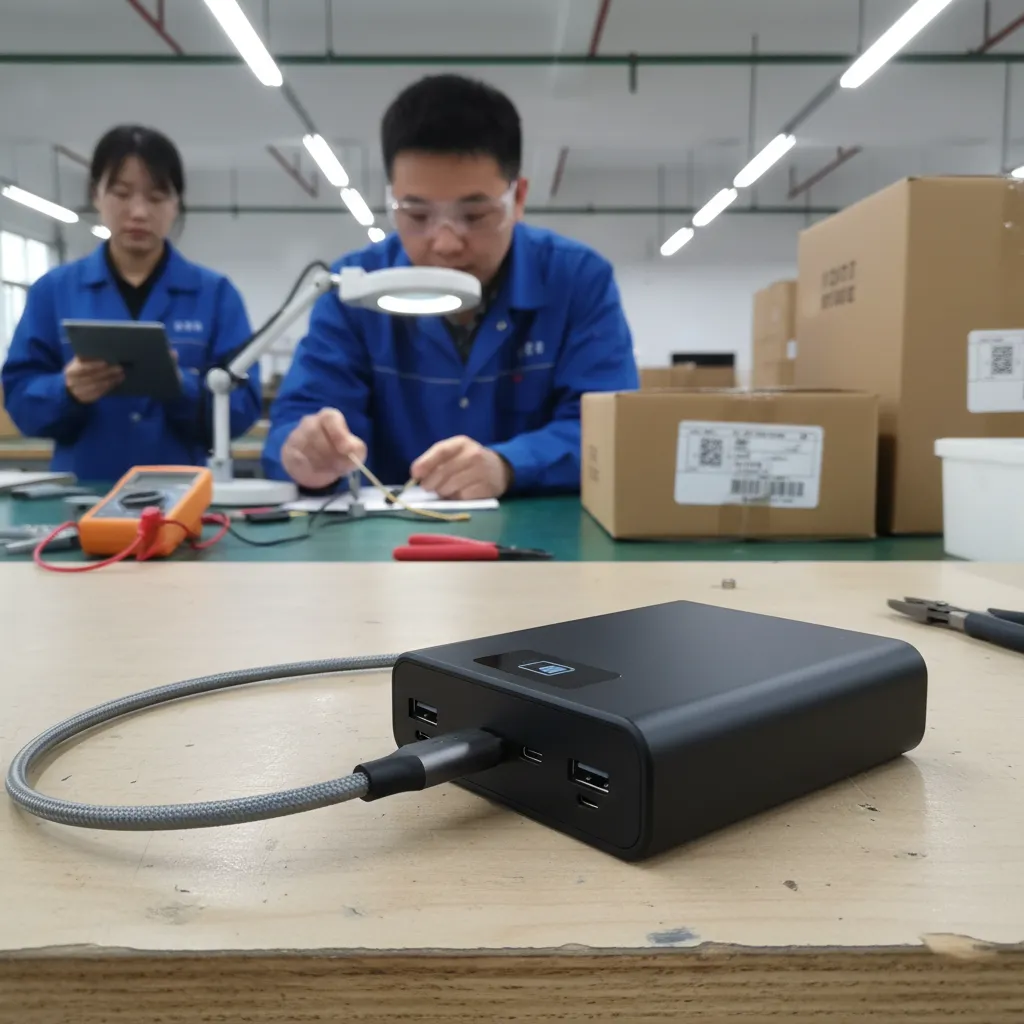
A strong USB connector type assortment should reflect what customers use today, but it should not assume every market changes at the same speed. European and North American buyers often serve mixed customer groups. A chain retailer may focus on newer smartphones, tablets, and laptops, while a wholesaler may need replacement accessories for older devices and value-focused channels.
We recommend separating the assortment into clear product groups rather than trying to make one item serve every need.
A practical assortment framework
1. Core current-device products
These products address the connector formats and device categories most relevant to your present customer base. USB-C may be an important part of this group, especially where newer devices use that connector shape.
2. Installed-base replacement products
Older connector types can remain commercially relevant.[7] Micro-USB accessories, USB-A cables, and other legacy-compatible products may still be needed for existing devices, entry-level categories, accessories, and specific regional sales channels.[8]
3. Function-specific products
This group separates basic charging cables from data-capable, adapter, hub, and display-related products. The packaging and product descriptions should match the documented function.
4. Bundle-ready products
Retailers may pair cables with chargers, power banks, TWS earphones, smart watches, or travel accessories. Each bundle should be checked as a complete connection path, not as separate items that merely have similar connectors.
5. Custom or private-label products
For B2B buyers, custom cable length, color, packaging, logo, connector combinations, and retail presentation can support a differentiated assortment. However, customization should not replace compatibility verification.
We have seen that MOQ, delivery time, after-sales support, and packaging requirements often become part of the connector decision. A buyer may prefer a smaller initial order for a new USB connector type application, then expand the program after reviewing sell-through and customer feedback. This can be a sensible procurement approach when demand is still developing.
Use supplier questions that prevent vague answers
Supplier selection is not only about comparing unit prices. Buyers should also compare how clearly a supplier can define the product being offered. A vague answer such as “this USB-C cable works with everything” should trigger more questions, not less.
We suggest including the following points in an RFQ or product inquiry:
- Required connector type at both ends
- Target device categories and brands, if relevant
- Intended function: charging, data, video, or multi-function
- Required cable length and preferred materials
- Packaging format and labeling language
- Estimated order quantity and target price range
- Required compliance documents for the destination market
- Product specification sheet and available test documentation
- Warranty, defect handling, and after-sales process
- Lead time, sample process, and customization options
A clear RFQ allows suppliers to recommend the correct product category rather than guessing from a single connector term. It also makes quotations easier to compare.
When we support buyers with USB cable or charging accessory inquiries, we find that the best conversations begin with the end-user setup. A buyer who tells us, “We need a cable for customers who connect a newer phone to an existing USB-A charger,” has already provided more useful information than a buyer who only asks for “USB-C cables.”
That detail helps us discuss the right USB connector type, packaging message, and possible product range. It also helps the buyer avoid stocking a product that does not match the actual accessories already in customers’ homes, offices, or vehicles.
Frequently Asked Questions
Is USB-C the best USB connector type for every product?
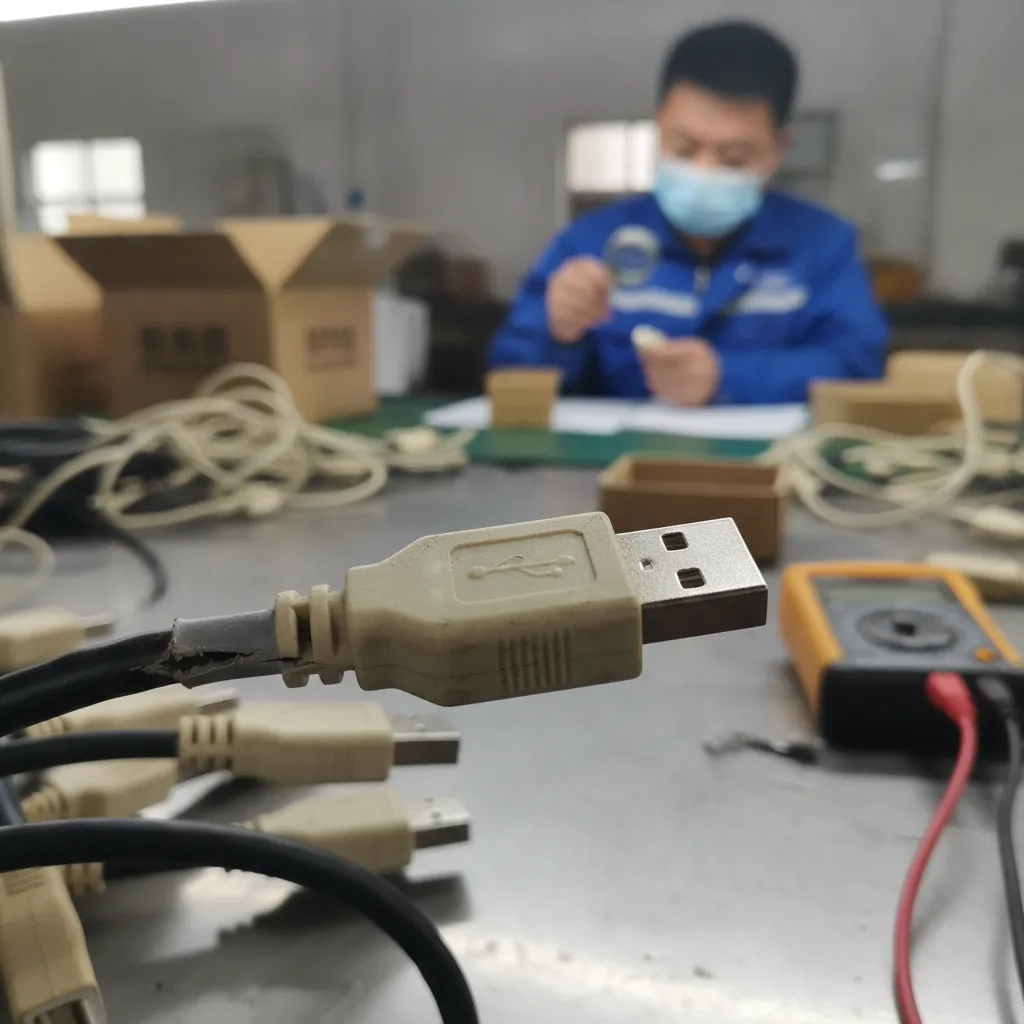
No. USB-C is widely used in many current device categories, but it is not automatically the best choice for every product or customer group. Buyers should consider the ports on both ends, the intended function, installed-base demand, and the documented capabilities of the complete setup.
Can I sell one USB-C cable for charging, data, and video?
You should not make that assumption. Similar-looking USB-C cables may support different functions. Buyers should verify the cable specification and check the connected device, charger, computer, hub, and display documentation before making charging, data, or video claims in retail listings.
Should wholesalers still stock older USB connector types?
Yes, older connector types may still serve active installed-base demand. The right product mix depends on your customer segments, sales channels, and local market. We recommend reviewing sales history, customer inquiries, and replacement-accessory demand instead of removing older formats automatically.
What should I ask a USB cable supplier before placing an order?
You should provide both connector ends, the intended application, device categories, cable length, packaging needs, quantity, and destination market. You should also request product specifications and relevant compliance documents for verification. Clear questions reduce the risk of receiving an unsuitable product.
How can retailers reduce USB cable returns?
Retailers can reduce returns by using accurate compatibility language, separating charging-only and data-capable products, avoiding unverified performance claims, and training purchasing teams to assess the full connection path. Product images and packaging should show connector ends clearly and describe the intended application.
Conclusion
Matching a USB connector type with a device application requires more than checking whether the plug fits the port. We recommend starting with both physical endpoints, defining the job the connection must perform, and verifying the documented capabilities of the device, cable, charger, hub, or display. A balanced assortment should support current demand while recognizing installed-base needs. If you are sourcing USB cables, chargers, adapters, or customized 3C accessories for your market, we can help you review connector combinations, product positioning, MOQ, packaging, and sourcing options.
Sources
- A Primer on USB Type-C and Power Delivery Applications ...", USB Implementers Forum documentation distinguishes the USB Type-C connector system from optional data, power-delivery, and Alternate Mode capabilities, which must be supported by the relevant products in a connection
- Cables and Connectors", USB Implementers Forum materials describe USB Type-C as a connector and cable specification; supported USB generations, USB Power Delivery features, and Alternate Modes are separately specified capabilities
- Overview of E-Marker in a USB Type-C Cable", USB Type-C specifications provide for cables with differing current and data capabilities, including electronically marked cables that communicate specified capabilities to connected equipment
- What is USB-C DisplayPort (DP Alt Mode) and Why it Matters", USB-IF and VESA specifications treat USB Power Delivery and DisplayPort Alt Mode as capabilities requiring compatible implementations; a USB Type-C connector alone does not demonstrate support for either function
- DisplayPort TM Alternate Mode on USB-C", VESA's DisplayPort Alt Mode materials explain that video over USB Type-C relies on DisplayPort Alternate Mode support in the connected source and display or adapter path
- How to Evaluate the Best USB-C® Docking Station for ...", Technical guidance on USB Type-C docking explains that the resulting functions depend on the compatible capabilities of the host, cable, dock or adapter, attached peripherals, and power source
- The EU common charger", European Commission common-charger impact-assessment materials document the coexistence of USB-C and earlier charging interfaces in consumer equipment during the market transition to a common charging solution
- The EU common charger", European Union common-charger policy documentation records the market coexistence of USB-C with earlier connector solutions, providing context for continued compatibility needs among devices already in circulation