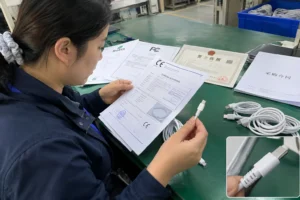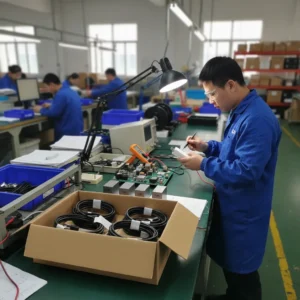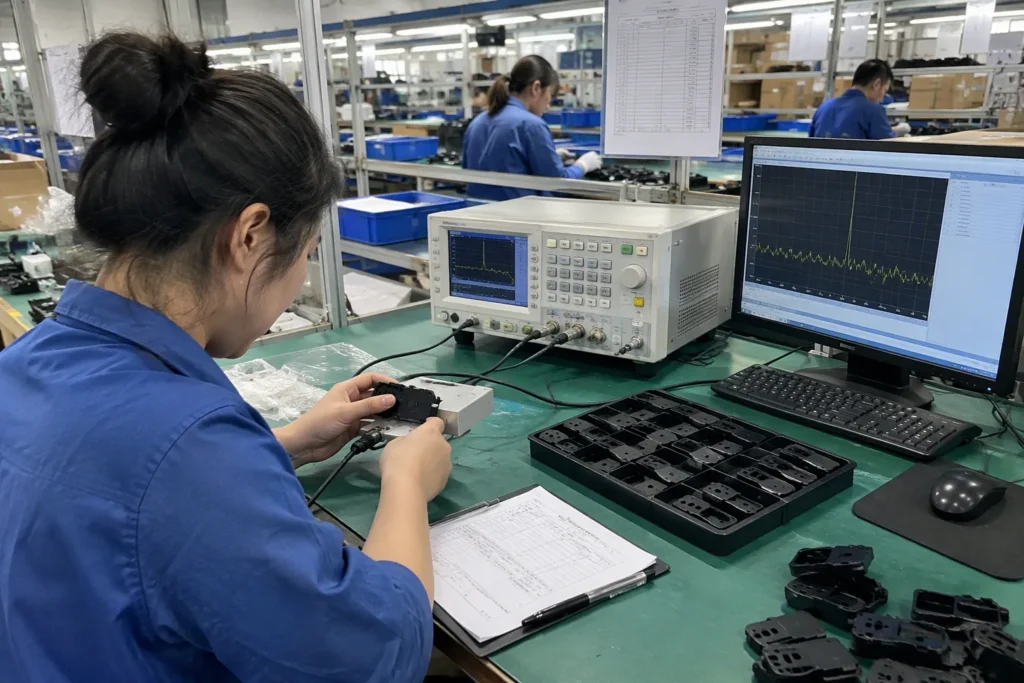
AI noise reduction for wireless mics sounds simple, but the buying problem is not simple at all. Many buyers want cleaner voice fast, yet the same feature can help in one room and hurt speech quality in another. If you choose by marketing alone, you can end up with a mic that sounds processed instead of useful.
The best way to judge AI noise reduction for wireless mics is to test it in transparent, repeatable scenes that match real use.[1] A good system should preserve intelligible voice without making speech thin, robotic, or unnatural.[2] For buyers, the real question is not “Does it have AI noise reduction?” but “Does it improve usable voice in my actual environment?”
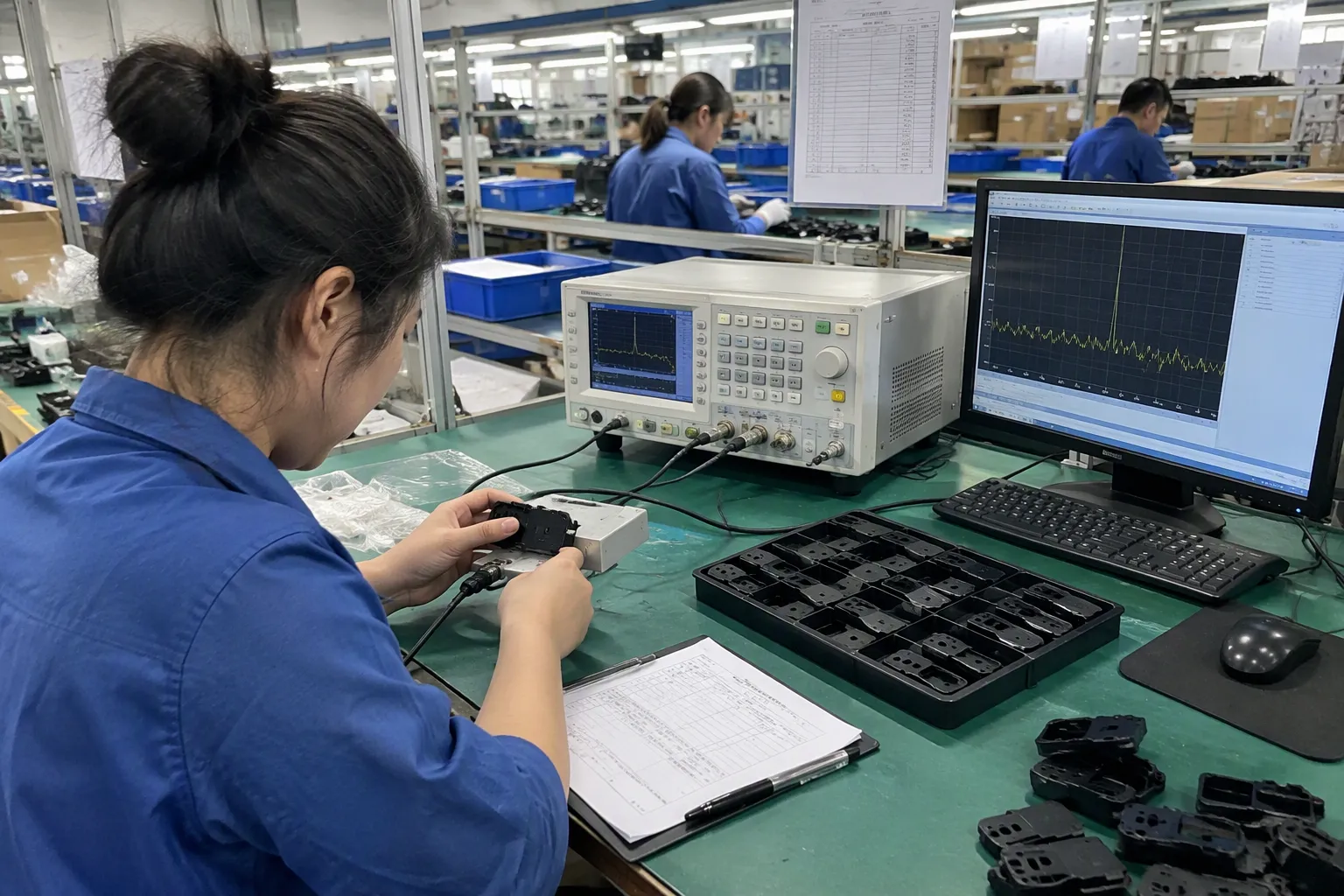
When I talk with buyers in the 3C market, I hear the same pattern again and again. They see a demo, they like the clean sound, and then they ask why the same product feels different in a showroom, a home office, a street, or a busy retail floor. That gap is exactly why transparent testing matters.
Quick Answer
- AI noise reduction for wireless mics should be judged by scene, not slogan.
- A good demo should disclose background type, speaker distance, room size, and mic position.
- Strong noise suppression can reduce hiss and hum, but it can also damage voice naturalness.
- Buyers should compare processed vs. unprocessed audio in the same scene.
- For procurement, the safest choice is the one that keeps speech intelligible in your real workflow, not the one with the loudest marketing claim.
Why Does AI Noise Reduction for Wireless Mics Need Transparent Test Scenes?
AI noise reduction for wireless mics often creates a false sense of certainty. Buyers see a before-and-after clip and assume the result will repeat everywhere. In practice, background type, room echo, speaker movement, and distance from the mic all change the outcome.[3] That creates frustration, wasted sampling time, and avoidable returns.
Transparent test scenes matter because they reveal how the mic behaves under real conditions, not ideal ones. A wireless mic that sounds excellent in a quiet studio may sound much less natural in a kitchen, store aisle, or conference room.[4] The buyer needs scene disclosure to judge whether the processing helps or simply hides noise at the cost of voice quality.
What makes a test scene transparent?
A transparent scene tells the buyer enough to repeat the test and compare it fairly. I usually look for these details:
-
Background type
Fan noise, traffic, crowd talk, keyboard clicks, music, and air conditioning all affect AI differently. -
Speaker distance
A clip recorded at 20 cm from the mouth does not mean the same thing as 1 meter away. -
Room acoustics
Hard walls and reflective surfaces can make noise reduction behave differently from carpeted or furnished rooms. -
Processing mode
Some products offer multiple levels.[8] The buyer should know which mode is on. -
Reference comparison
A fair demo shows raw audio and processed audio from the same scene.[5]
In my own customer conversations, the most useful demos are the ones that feel almost boring. They show the setup clearly, repeat the same sentence, and let the buyer hear what changed.
Why marketing clips can mislead
A polished video often removes uncertainty, but it also removes reality. The clip may use a single speaker, a controlled background loop, and careful post-production. That is fine as promotion, but it is not enough for procurement.
If you want a fair evaluation, ask for:
- the same sentence recorded with and without processing
- the same room and mic placement
- the same background noise
- at least one longer spoken passage, not just a short phrase
For more on audio buying checks, I also recommend reading how to compare wireless mic sample tests and what to ask suppliers before sampling audio products.
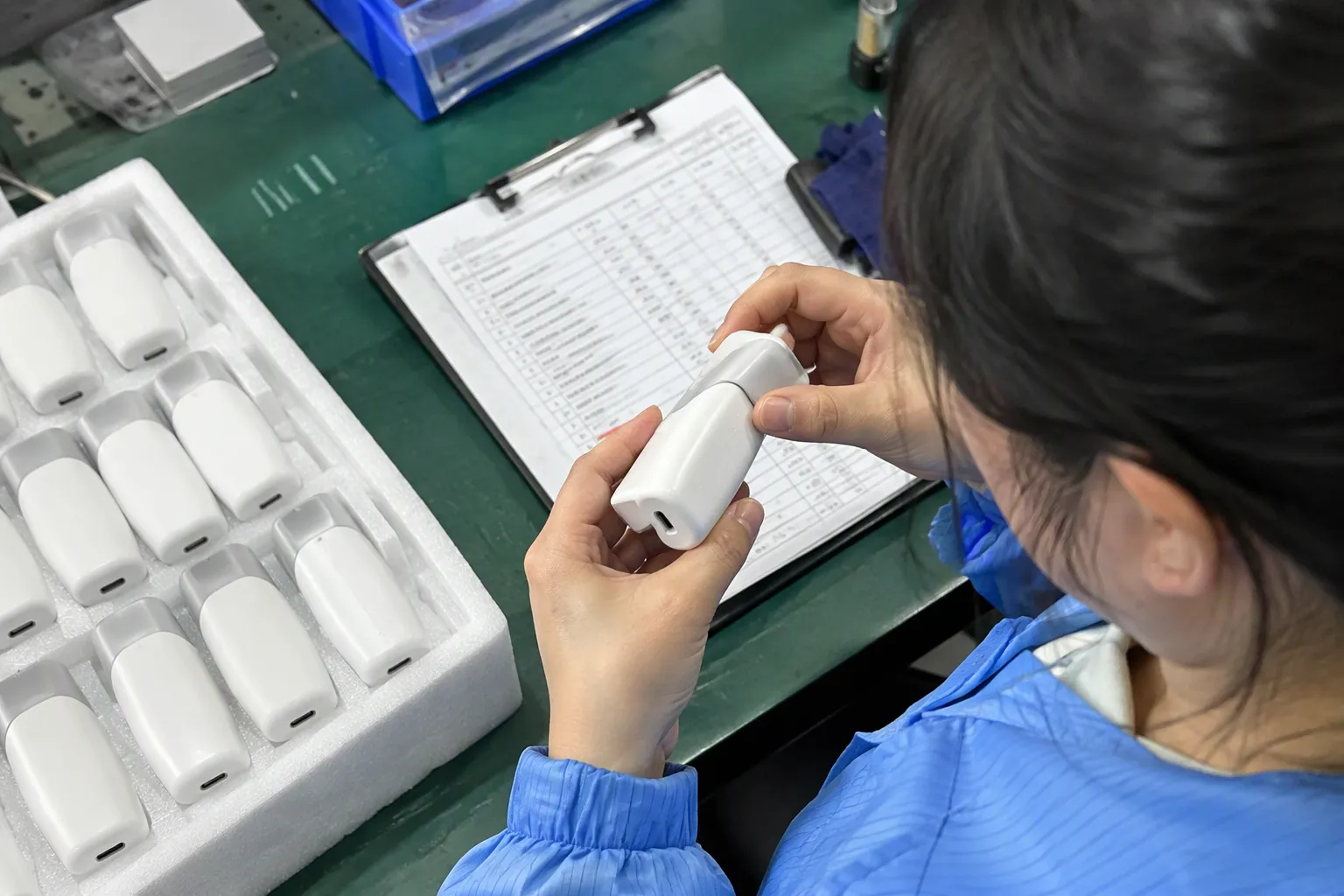
What Does AI Noise Reduction for Wireless Mics Actually Improve?
AI noise reduction for wireless mics usually improves the signal-to-noise experience from the listener’s point of view. It can reduce steady background noise, lower distracting hum, and make speech easier to follow. That said, the improvement is not absolute. The feature helps most when the voice is already reasonably captured and the noise is secondary.[7]
The main benefit is better intelligibility, not perfect silence. If the speaker is too far from the microphone, or if the room is extremely reflective, the processor can only do so much. Buyers should judge whether the voice becomes clearer and easier to understand, not whether the background disappears completely.
Common benefits buyers usually notice
| Area | What buyers may hear |
|---|---|
| Constant noise | Lower fan, AC, or road noise |
| Soft background chatter | Less distraction behind the voice |
| Speech focus | Voice may stand out more in social clips or streams |
| Editing speed | Less cleanup may be needed in post-production |
Where the benefit is limited
AI noise reduction is less impressive when:
- the speaker is too far from the mic
- the room has strong echo or reverb
- the background noise is sudden and irregular
- the voice is already clipped or distorted
- the product applies processing too aggressively
Why intelligibility matters more than “clean sound”
For creators, a nice-sounding clip is useful. For buyers, consistent intelligibility is more important. If the processing makes consonants weaker or adds a robotic tone, listeners may feel the audio sounds “clean” but less human. That can hurt watch time, trust, and brand perception.
I have seen this in buyer feedback many times. Some customers first ask for the strongest noise reduction. After comparing samples, they often switch to the product that sounds a little less aggressive but more natural. That choice is usually smarter for interviews, product demos, and sales content.
How Should Buyers Judge AI Noise Reduction in a Wireless Mic?
AI noise reduction in a wireless mic should be judged with a buying checklist, not just by ear once. The goal is to compare products in the same scene and understand the trade-off between suppression and voice quality. A buyer should test speech clarity, natural tone, latency impact, and consistency across different environments.
The best evaluation method is simple: use the same speaker, the same distance, the same background, and record processed and unprocessed audio side by side. That gives a far better buying signal than a glossy demo video.
A practical evaluation checklist
-
Test one quiet scene and one noisy scene
Quiet scenes show voice tone. Noisy scenes show actual suppression ability. -
Use the same spoken script
Short phrases can hide problems. Longer speech makes artifacts easier to hear. -
Check voice naturalness
Ask whether the voice sounds thin, hollow, or over-compressed. -
Listen for pumping or “breathing” effects
Some processors react too strongly and create unnatural volume changes. -
Check handling of sudden noise
A cough, door slam, or paper rustle tells you more than steady hum. -
Compare battery and workflow impact
Some features may affect device settings, app use, or runtime.
Good questions to ask a supplier
- What background scene was used in this sample?
- How far was the speaker from the mic?
- Was the audio recorded indoors or outdoors?
- Is this the strongest noise reduction mode?
- Can you provide both raw and processed files?
A simple comparison framework
| Evaluation point | Better sign | Red flag |
|---|---|---|
| Voice tone | Natural and stable | Thin, metallic, or robotic |
| Noise control | Noise reduced without killing speech | Noise gone, but voice also damaged |
| Demo transparency | Scene is disclosed | Scene is vague or hidden |
| Repeatability | Similar result in multiple takes | One “perfect” take only |
| Buyer fit | Matches your use case | Only works in a narrow setup |
If you are comparing models for a retail line or e-commerce listing, I suggest collecting sample clips from the same scene set. That is much easier to defend in product selection than a single impressive video. If you want a broader procurement lens, see wireless audio supplier evaluation basics.

Which Transparent Test Scenes Matter Most?
Which transparent test scenes matter most depends on where the mic will actually be used. For most buyers, the important scenes are not exotic. They are everyday environments like home offices, meeting rooms, retail spaces, streets, and event floors. Each one stresses the audio differently, so a product should be checked where it will earn its keep.
A useful scene set is one that reflects real use and exposes weak points quickly. If the mic passes only in a silent room, the test is too narrow. If it fails in a common office scene, the buyer should know that before placing an order.
Scenes I would prioritize first
1. Quiet indoor room
This scene shows base voice tone and microphone naturalness. It helps buyers hear whether the processing changes the speaker’s voice even when noise is minimal.
2. Office with HVAC or fan noise
This scene matters because many buyers work in controlled indoor spaces with constant low noise. AI noise reduction often performs well here, but it should still keep speech smooth.
3. Outdoor street or walkway
Outdoor sound is less predictable. Wind, traffic, and changing noise levels can reveal whether the mic handles real movement.
4. Retail or trade-show environment
This matters for sellers, product demonstrators, and event teams. Background chatter can show whether the system reduces distraction without over-processing the voice.
5. Mixed noise scene
A mixed scene combines voices, hum, and movement. It is often the most honest test because real life rarely has only one kind of noise.
Why scene selection changes the result

Different noises trigger different processing behavior. A constant fan is easier to suppress than overlapping speech. A short loud sound can also confuse the system more than a steady low noise. That is why a buyer should not treat one good result as universal proof.
My practical rule for sampling
I usually suggest three sample levels:
- Level 1: clean room
- Level 2: normal office
- Level 3: active background scene
If a wireless mic sounds good across all three, it is worth serious attention. If it only sounds good in one, I treat the feature as limited rather than strong.
For teams building a catalog or testing two product lines, this approach also makes internal review easier. Everyone can hear the same scenes and judge the trade-off together.
When Is AI Noise Reduction Worth Paying For?
AI noise reduction is worth paying for when the buyer regularly records in noisy, changing, or uncontrolled environments. It is also valuable when the team needs faster editing or more consistent spoken content for social media, interviews, or product demos. If the recording space is already clean, the premium may not be necessary.
The feature is worth the cost only when it solves a real workflow problem.[6] If the environment is quiet and the main issue is poor mic placement, then better mic positioning, a different pickup pattern, or a simpler audio workflow may be the better investment.
Cases where the feature often makes sense
- Creators who record in apartments or shared spaces
- Sales teams making product videos on location
- Retail demos with background chatter
- Small studios with HVAC or computer fan noise
- Mobile content teams that cannot control the environment
Cases where it may be less important
- Quiet studio recordings
- Highly controlled interview setups
- Users who already edit audio heavily in post
- Buyers who need the lowest possible unit cost
- Projects where consistent voice capture matters more than background suppression
A cost-benefit lens for B2B buyers
| Buying factor | Pay more for AI noise reduction | Keep it simpler |
|---|---|---|
| Recording environment | Variable or noisy | Quiet and controlled |
| Content workflow | Fast turnaround, low editing | Post-production available |
| Audience expectation | Casual, social, general viewers | Technical or high-fidelity use |
| Budget pressure | Moderate | Tight |
| Return risk | High if audio is bad | Lower if setup is stable |
I also tell buyers to think about replacement cost. If a poor audio choice creates returns, complaints, or content delays, the “cheaper” mic can become expensive fast. On the other hand, if the use case is stable and simple, the premium feature may not add enough value.
A related question is whether the buyer should spend more on noise reduction or on better mic placement, a lavalier option, or a recording accessory. In many cases, the best answer is a combination. You can explore wireless mic accessory selection for a broader workflow view.
What Should Suppliers Show in a Real Demo?
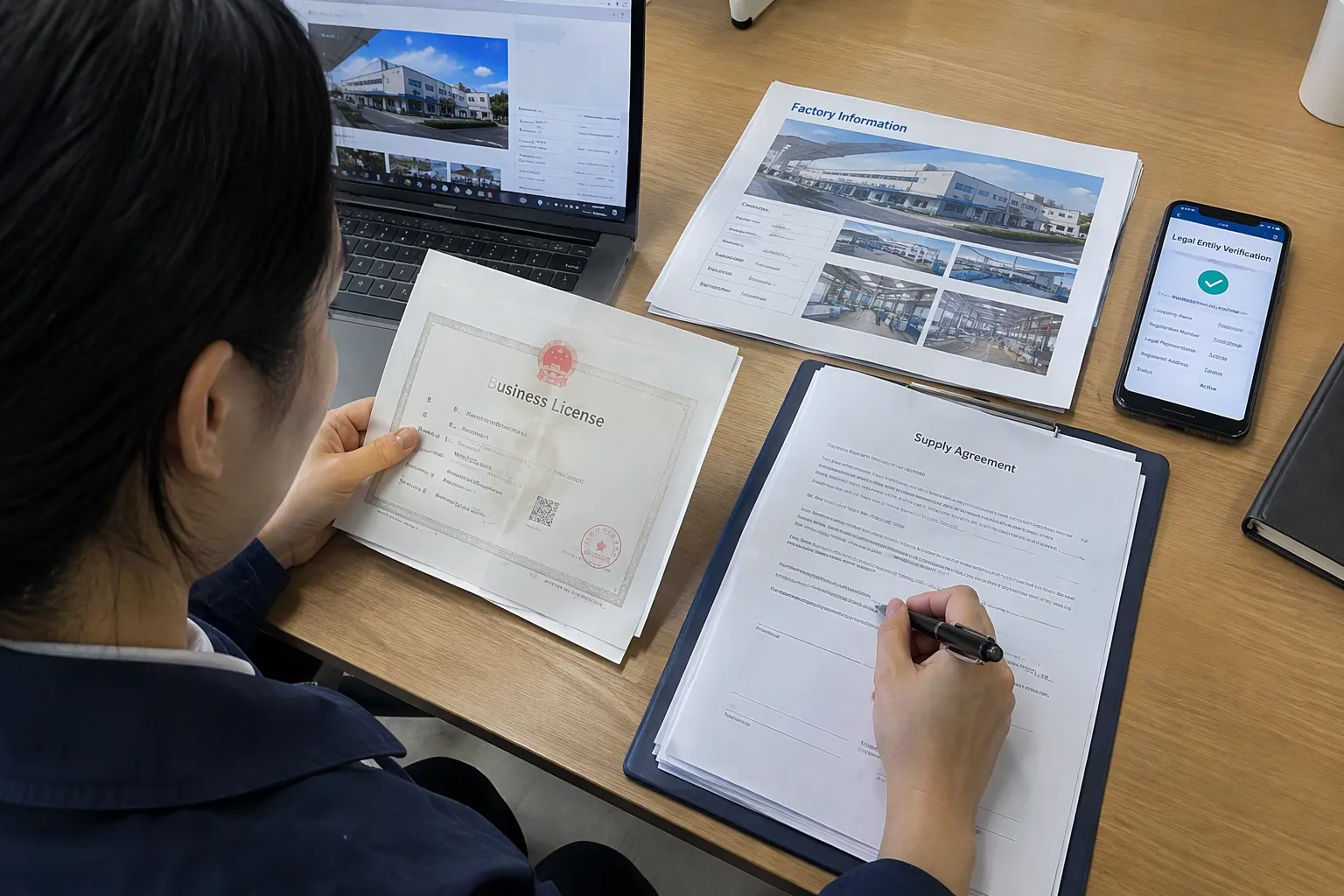
A good supplier demo should show the scene, not hide it. For AI noise reduction in wireless mics, the supplier should disclose the recording conditions, the distance, the noise type, and whether the file is raw or processed. That makes the demo useful for comparison and reduces the risk of misunderstanding later.
A real demo should help a buyer predict performance, not just admire a sample. I usually trust demos more when they look simple and repeatable, because those are easier to verify during sampling and QC.
What I want to see in a supplier demo
- Scene description in plain words
- Recording distance
- Indoor or outdoor setting
- Noise source
- Processing setting
- Unedited raw file
- Processed file
- Same speaker and same sentence
What I treat carefully
If a supplier only shares a short polished clip, I do not treat that as enough. If the speaker is too close to the mic, or if the background is unusually easy, the result may not represent real use. If the product sounds excellent only in one narrow setup, the buyer still needs to know that.
Procurement questions that protect the buyer
- Can you send the original and processed file?
- What is the speaker-to-mic distance?
- What noise was used in the scene?
- Was this recorded in one take?
- Can you repeat the same test in a different room?
- What use case do you think this mic fits best?
Those questions are not hostile. They are normal procurement discipline. In my experience, serious suppliers usually answer them clearly. Vague answers often mean the demo is stronger than the product.
External references can also help buyers keep expectations grounded. For general speech intelligibility concepts, the National Institute for Occupational Safety and Health (NIOSH) and BBC Academy audio guidance are useful starting points. They do not replace product testing, but they help frame what “clear voice” means in practical terms.
FAQ
Does AI noise reduction make a wireless mic sound better in every case?
No. It helps most in noisy or variable scenes, but it can also damage voice naturalness if the processing is too aggressive. Buyers should test the mic in their real environment before making a purchase decision.
What is the most reliable way to test wireless mic noise reduction?
Use the same speaker, the same distance, and the same background noise, then compare raw and processed audio side by side. Transparent, repeatable scenes give a much more useful result than a polished demo clip.
Is stronger noise reduction always better?
No. Stronger processing can remove more background noise, but it can also make speech sound thin, robotic, or compressed. I usually prefer the setting that keeps speech intelligible and natural, not the one that sounds the most “clean.”
Should B2B buyers pay extra for AI noise reduction?
Only if the recording environment is noisy, changing, or hard to control. If the buyer records in a quiet space and can manage mic placement well, the extra cost may not bring enough value.
What should I ask a supplier before sampling?
Ask for the test scene, speaker distance, noise type, raw file, processed file, and whether the clip can be repeated. Those details help you judge whether the sample reflects real use or just a favorable demo setup.
Conclusion
AI noise reduction for wireless mics is useful, but only when buyers judge it through transparent test scenes. The feature should be measured by intelligibility, natural voice tone, and fit with the real recording environment. In my experience, the best purchasing decisions come from simple, repeatable comparisons rather than marketing claims. If you are sourcing wireless audio products for your market, I can help you compare samples, clarify test scenes, and choose the right product mix for your customers.
Sources
- Subjective comparison and evaluation of speech ... - PMC - NIH", Sources on speech enhancement testing support the use of controlled, repeatable scenes that approximate intended listening conditions when evaluating audio processing performance
- SenSE: Semantic-Aware High-Fidelity Universal Speech ...", Research on speech enhancement commonly notes the trade-off between noise suppression and preserving intelligibility and naturalness in the recovered speech signal
- Subjective comparison and evaluation of speech ... - PMC - NIH", Acoustics and speech-processing references support that microphone distance, room reverberation, motion, and background noise characteristics can materially affect speech capture and enhancement outcomes
- Enhancing XR Auditory Realism via Scene-Aware Multimodal ...", Research on speech recording and acoustics supports that performance can vary markedly across environments with different reverberation and background-noise conditions
- Audio-Oscar: A Multi-Agent System for Complex ...", Speech-enhancement evaluation methods commonly compare raw and processed audio captured in the same conditions to isolate the effect of processing on intelligibility and quality
- Improvement of Report Workflow and Productivity Using ...", Studies of speech-processing tools can support the idea that added audio features are most justified when they solve a demonstrable workflow or communication problem
- Influence of Clean Speech Characteristics on Speech ...", Research on speech enhancement generally shows better outcomes when the speech signal is already well captured and background noise is not dominant
- Speech enhancement using a constrained iterative ...", Technical references on speech-processing systems can support that some devices or algorithms offer adjustable noise-reduction levels or modes
Related KingFuji products: T80 dual-mic wireless lavalier kit with noise reduction