Many buyers choose a USB-C cable by price or wattage. Then audio fails, returns grow, and the listing becomes a support problem.
A good USB-C-to-USB-C cable for audio is one that supports data transfer, matches the audio device, fits the use case, and gives stable connection without dropouts. I do not judge it only by charging power, brand name, or the highest USB speed.
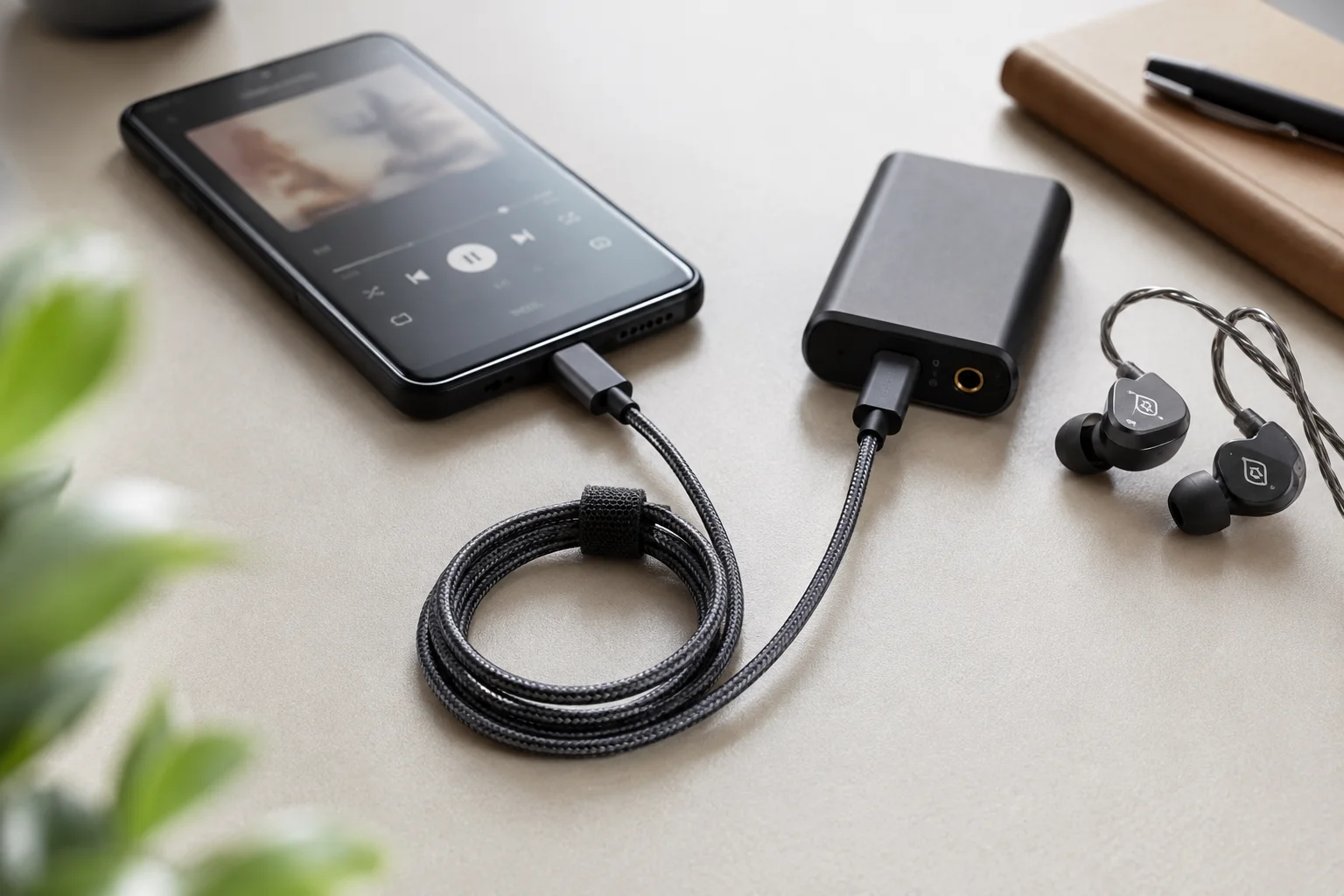
I often get this question from European and North American buyers: “Who makes a good USB-C-to-USB-C cable for audio?” I understand the question. Retailers and online sellers want a safe product. They want fewer returns. They want clear product pages. They also want a cable that works with phones, DACs, tablets, laptops, microphones, and speakers.
But I usually ask one question first. Good for which device?
Based on our experience handling USB-C cable inquiries from overseas buyers, the real answer is not always “buy the most expensive cable” or “buy the highest wattage cable.” A 240W USB-C cable may be excellent for charging, but it may still be a poor choice for a specific audio setup if the data support, connector fit, length, and device compatibility are unclear.
This guide is my practical way to compare USB-C-to-USB-C audio cables. I will look at the cable, the device, the sales promise, and the post-sale risk. If you sell 3C products through retail stores, Amazon, Shopify, wholesale channels, or chain shops, this is the part that can save you from bad reviews later.
What Makes a USB-C-to-USB-C Cable Suitable for Audio?
A buyer may think any USB-C cable can carry audio. That is a risky idea. Some cables charge well, but they do not handle data well.1
A USB-C-to-USB-C cable is suitable for audio when it supports the needed data standard, fits the devices firmly, has proper shielding, and keeps a stable connection during real use.2
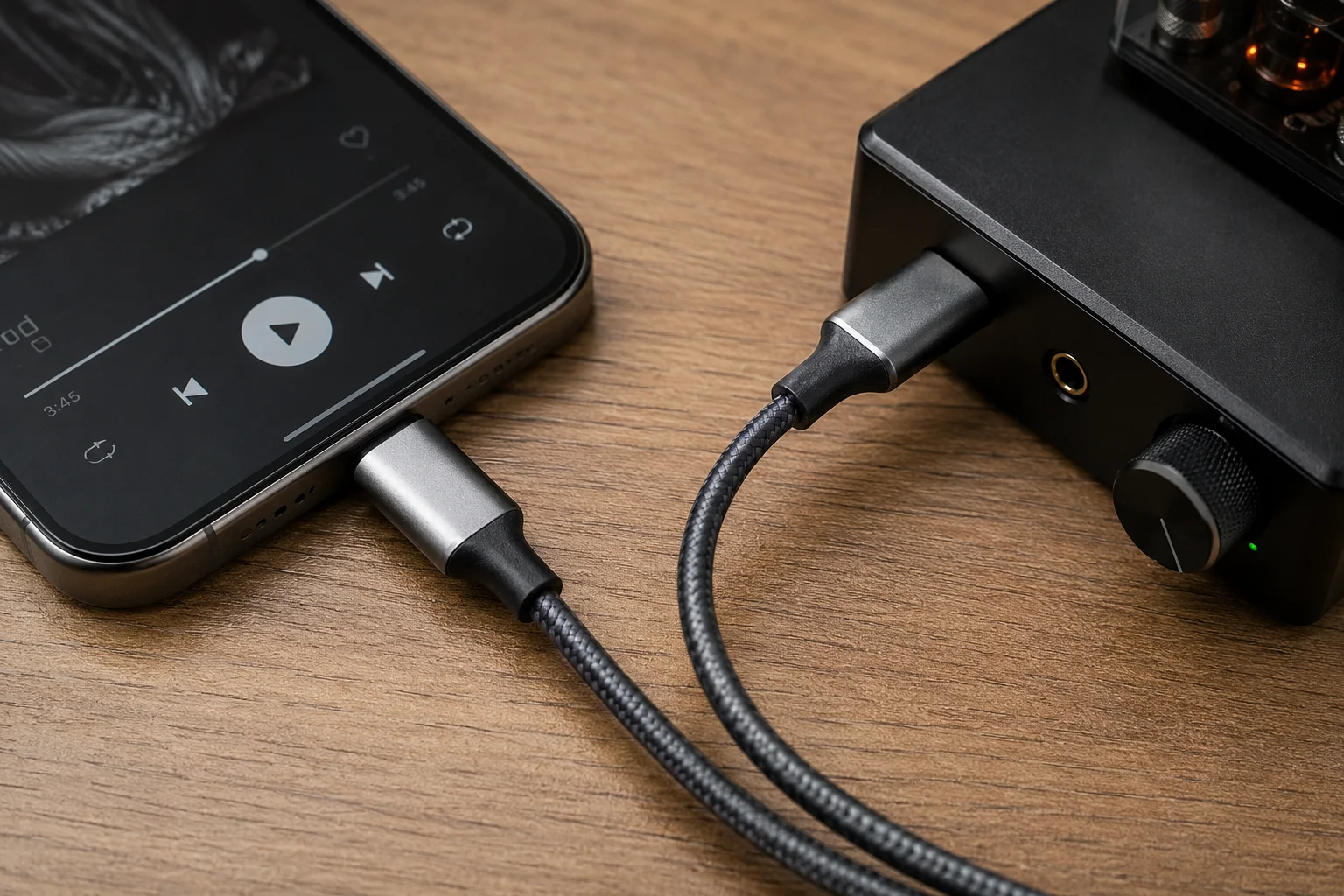
I see audio cable selection as a matching job. The cable must match the device and the sales promise. If a product page says “for USB-C headphones,” “for DAC,” or “for audio interface,” then the cable cannot be treated like a simple charging accessory.
Here are the basic points I check before I recommend a cable for audio use:
| Point to Check | Why I Check It | Buyer Risk If Ignored |
|---|---|---|
| Digital data transmission | USB audio depends on data, not only power | Device may not detect the accessory |
| Stable USB-C connectors | Loose plugs cause dropouts | Bad reviews about unstable sound |
| USB Audio compatibility | Some devices need host or audio support | Cable may be blamed for device limits |
| Shielding | It helps reduce interference risk | Noise or unstable performance may appear |
| Cable length | Long cables can be harder to manage | More dropouts or messy setup |
| Strain relief | Daily bending damages weak cables | Higher return rate |
| USB data standard | DACs and interfaces may need different speeds | Wrong product claim |
| Consistent connection | Audio use is easy to notice when interrupted | Users lose trust quickly |
I do not tell buyers that all USB-C cables are the same. I also do not say every cable needs the highest standard. I ask what the cable will connect. A phone-to-DAC cable has a different job from a laptop-to-powered-speaker cable. A portable cable needs softness and bend resistance. A desktop cable may need more length and better shielding.
The biggest point is simple. A cable that only supports charging is not enough for USB audio.3 If the data specification is not clear, I treat it as a risk.
Which Devices Need a USB-C Audio Cable?
Many sellers list “USB-C audio cable” without checking the device path. Then customers use it in many ways, and support questions start.
A USB-C audio cable can be used between phones, DACs, tablets, laptops, speakers, microphones, audio interfaces, and car systems, but both devices must support compatible USB audio modes4.
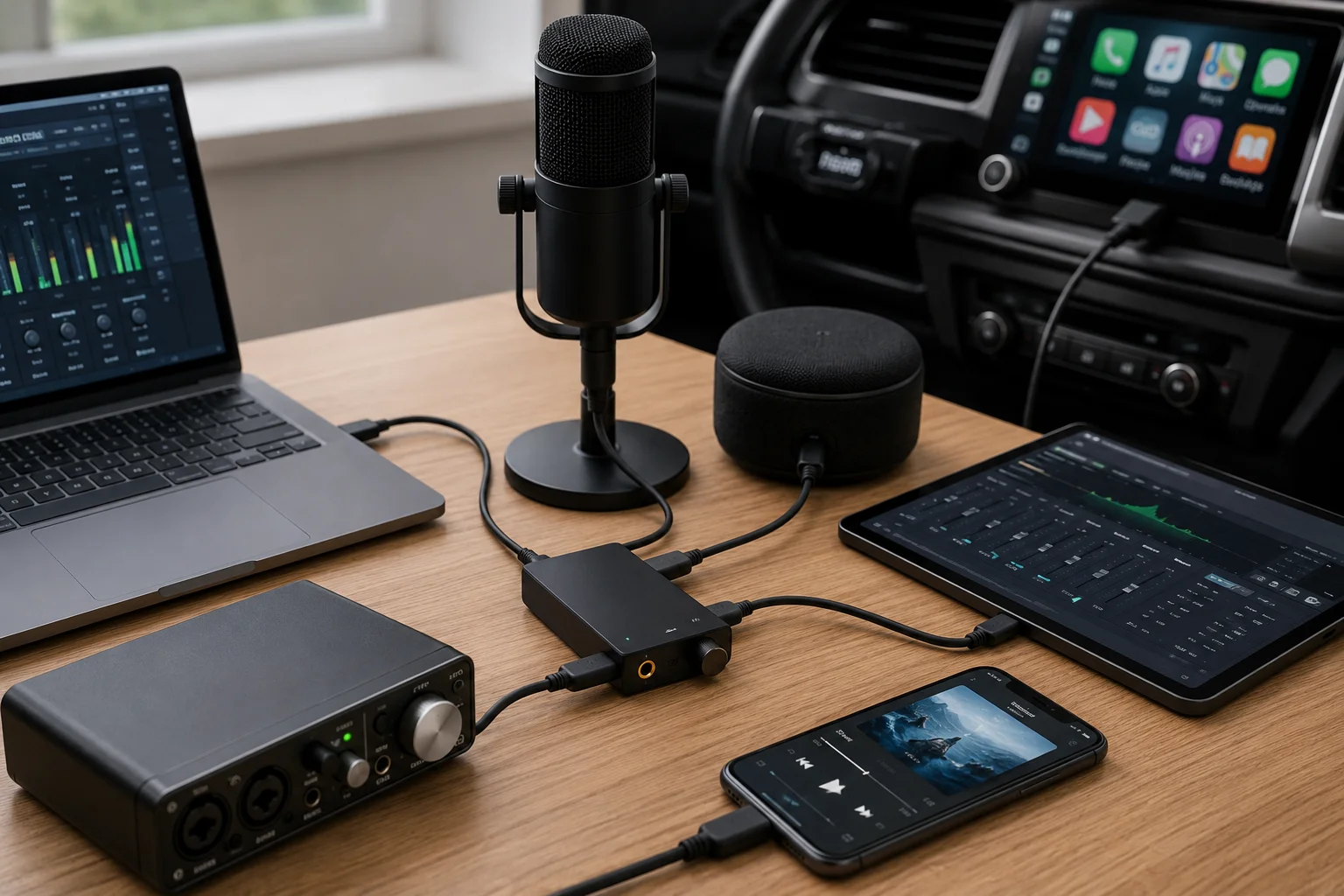
I always ask buyers to map the connection before bulk purchase. The connector shape alone is not enough. USB-C is only the physical port. The device must also support the right audio path.5
Common use cases include:
| Connection | Common Buyer Need | What I Would Confirm |
|---|---|---|
| Smartphone to USB-C headphones | Simple listening | Phone supports USB audio output |
| Phone to portable DAC | Better external audio handling | DAC works with that phone model |
| Tablet to audio interface | Music or video recording | Tablet supports host mode |
| Laptop to USB DAC | Desktop listening | DAC driver or class support |
| Computer to powered speakers | Clean digital input | Speaker USB input type |
| Digital audio player to headphone amp | Portable hi-fi setup | Cable direction and device support |
| USB microphone connection | Recording or streaming | Mic power and data need |
| Mobile recording gear | Field recording | Stable data and bend resistance |
| Car audio with USB-C input | In-car playback | Car system reads USB audio or media |
I have seen buyers focus on the cable first. I prefer to focus on the use case first. If the end user connects a phone to a DAC, I need to know if that phone can act as the host.6 If the end user connects a tablet to an audio interface, I need to know if the interface needs more power. If the cable is sold for car audio, I need to know if the car port supports audio input or only charging.
This matters for retailers. If a listing says “works with all USB-C audio devices,” the claim may create returns. A safer claim is based on tested devices, stated standards, or clear limits. I like product pages that say what the cable supports and what the buyer should confirm.
Do USB-C Cables Affect Audio Quality?
Some sellers use big sound claims to sell cables. Then buyers expect magic. That is a problem when the audio path is digital.
A qualified USB-C digital audio cable does not usually improve sound by premium conductor claims alone. It mainly affects connection stability, device recognition, data transfer, shielding, and durability.7
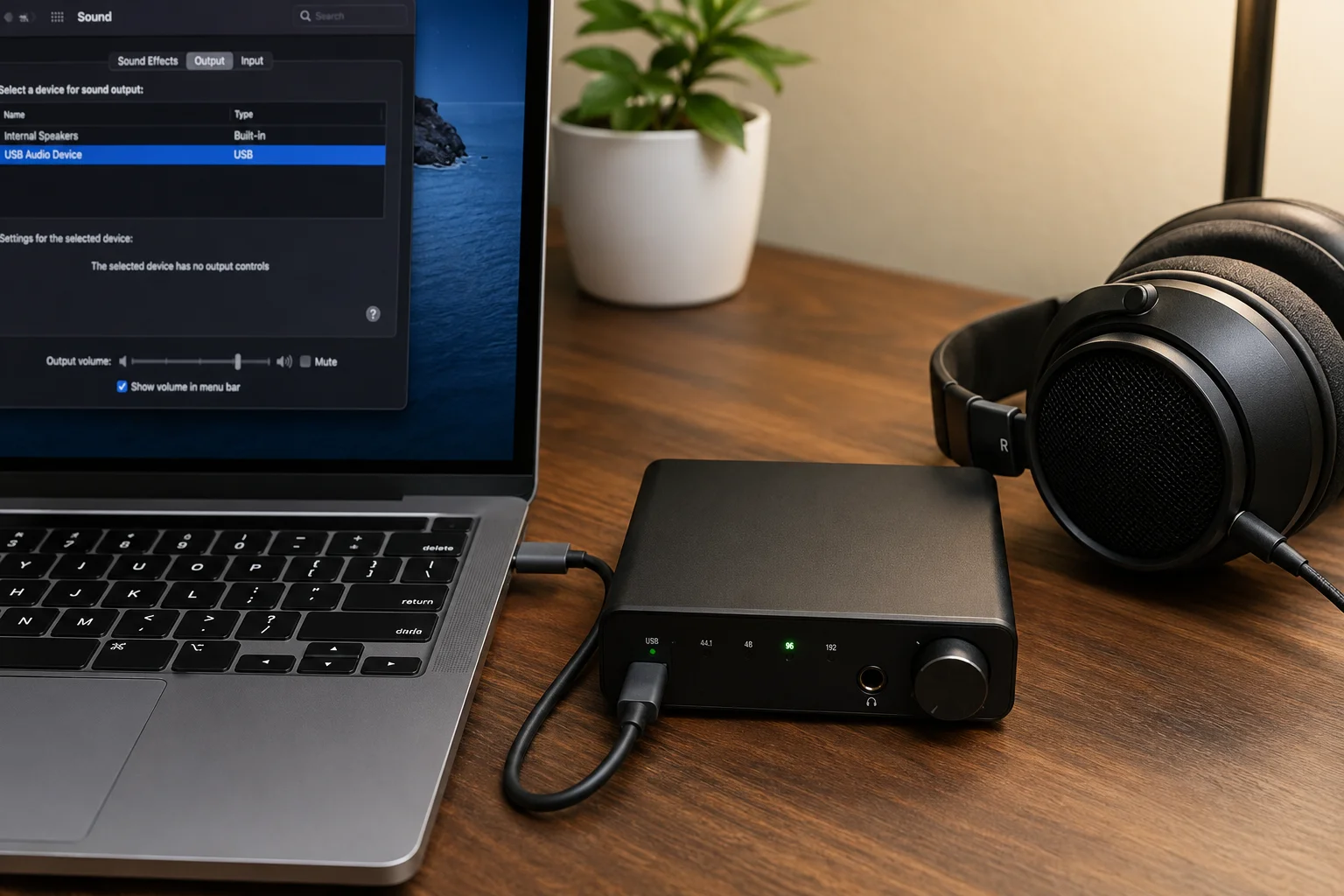
I try to keep this topic clear. Digital audio cables are different from analog audio cables. With analog cables, the electrical signal is directly related to the sound signal. With USB-C digital audio, the cable carries digital data between devices.8 If the cable works correctly, the better buying question is usually stability, not “bigger sound.”
That does not mean the cable is not important. A poor cable can create real problems. It may disconnect. It may fail to recognize a DAC. It may work when still but fail when moved. It may create noise problems if shielding is poor in a messy desk setup. It may also fail after many bends.
Here is how I explain it to buyers:
| Claim or Issue | Practical View |
|---|---|
| “Better soundstage” | I avoid this unless verified by a clear test method |
| “Hi-fi guaranteed” | I avoid this because it is too broad |
| Connection stability | This is important and easy for users to notice |
| Audio dropouts | This causes direct complaints |
| Electrical noise | Shielding and setup can matter |
| Loose connectors | This is one of the most common user frustrations |
| Device recognition failure | This can happen when data support is unclear |
| Data-rate limits | Some devices need more than basic charging cables |
| Cable damage | Bending and pulling affect long-term use |
For e-commerce sellers, the commercial risk is serious. A user may not understand USB standards. The user only knows the product did not work. Then the seller gets a return, a one-star review, or a message asking why the cable did not “make the DAC work.”
So I recommend honest wording. Say the cable supports the stated data standard. Say it is suitable for listed device types when the devices support USB audio. Do not promise a dramatic sound change. A clear claim protects both the buyer and the seller.
What USB Standard Is Needed for Digital Audio?
Some buyers ask for USB4 because it sounds safe. Other buyers choose the cheapest USB 2.0 cable. Both choices can be wrong without context.
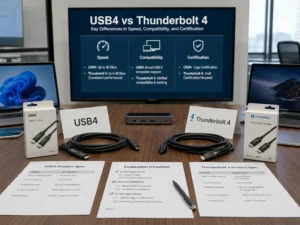
Many USB audio devices work with USB 2.0, while some interfaces, hubs, docks, and professional setups may need USB 3.x, USB4, or Thunderbolt-level support.9
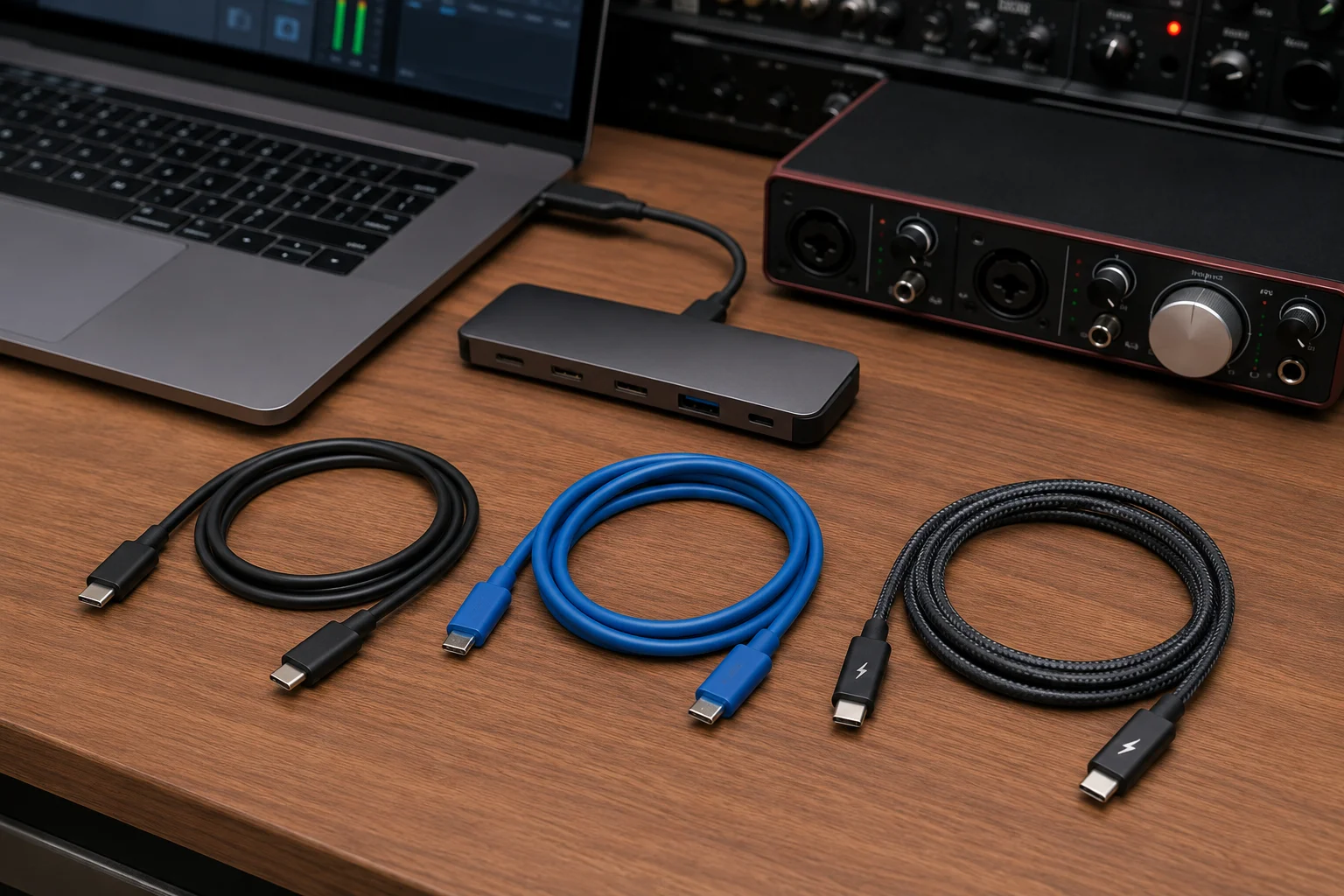
I do not start with the highest number. I start with the device requirement. Many USB DACs and USB-C headphones can work with USB 2.0 data capability. Some audio interfaces may need more bandwidth, mainly when they handle more channels, hubs, video, storage, or other functions at the same time. Professional docks may need USB4 or Thunderbolt cables, but that does not mean a simple phone-to-DAC setup needs the same cable.
Here is a simple view I use with purchasing teams:
| USB Need | Common Audio Case | Buying Note |
|---|---|---|
| USB 2.0 | Many DACs, headphones, simple microphones | Often enough for many audio-only uses |
| USB 3.x | Some audio interfaces, hubs, multi-use setups | Better for mixed data needs |
| USB4 | High-bandwidth docks and advanced setups | Useful when the system really needs it |
| Thunderbolt | Professional docks and special workstations | Confirm device support first |
| USB Audio Class | Driverless audio on many devices10 | Check device compatibility |
| OTG or host mode | Phone or tablet to DAC/interface | Cable alone cannot add host support |
A high-spec cable can give wider compatibility. It can also cost more and may be stiffer. That can be bad for portable audio. I have seen buyers request thick high-speed cables for a small portable DAC. The cable worked, but the user experience was not ideal because the cable was too stiff next to the phone.
So I treat USB standard as one part of the decision. I also check length, softness, connector shape, packaging claim, MOQ, and target selling price. If a buyer wants one SKU for many use cases, a higher specification can make sense. If a buyer sells a short cable for portable DAC users, comfort and stable fit may matter more than the highest possible speed.
How to Compare USB-C Audio Cable Manufacturers?
A famous brand can still have the wrong cable for your use case. A low-price supplier can also create hidden return costs.
I compare USB-C audio cable manufacturers by checking data specifications, connector quality, shielding, bend resistance, warranty, clear compatibility information, and consistent production quality.
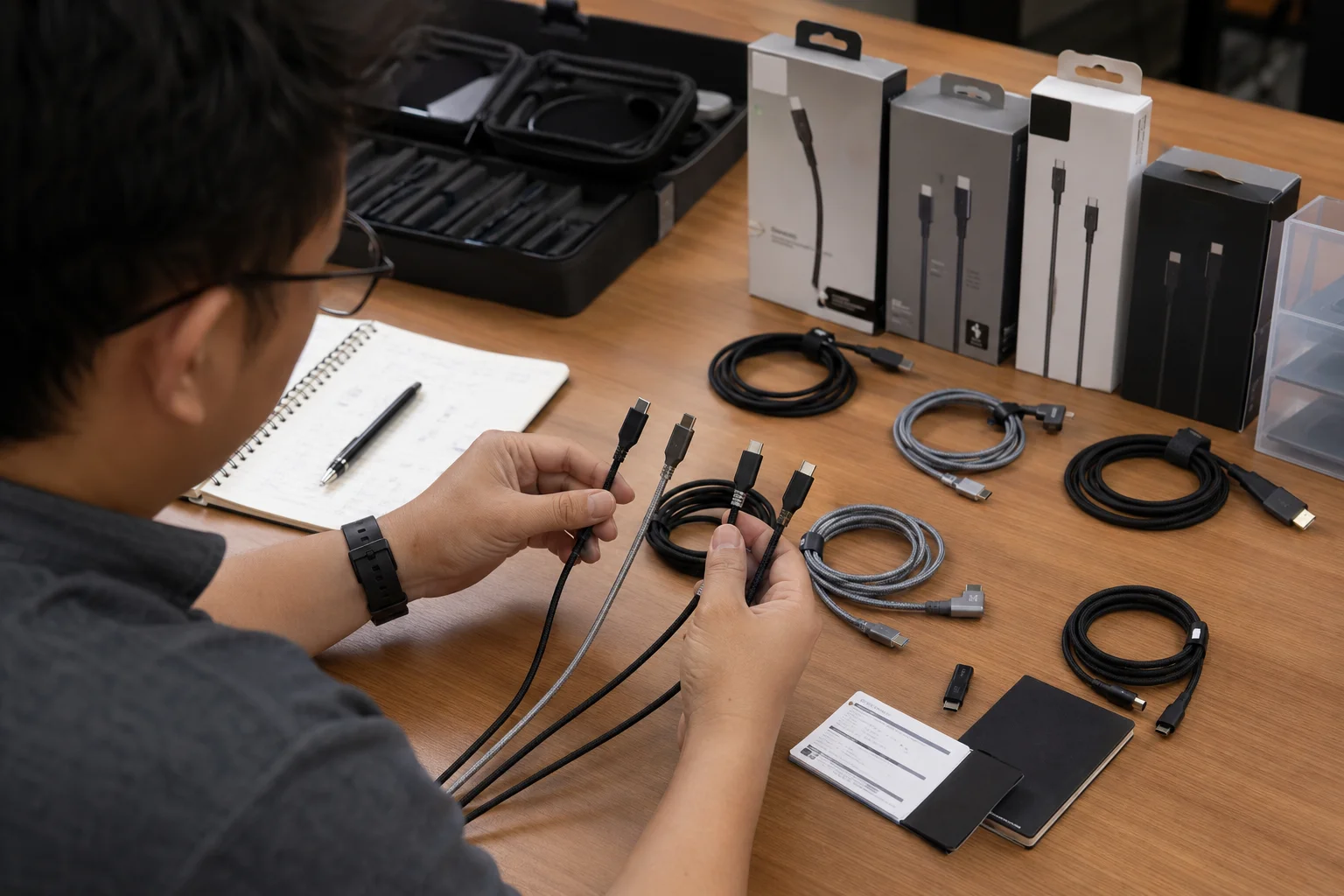
When I help buyers review a USB-C cable supplier, I do not only ask for price. Price is important, but unclear specifications can cost more later. I want to know what the cable is built for and what the supplier is willing to state in writing.
Here is my usual supplier review list:
| Supplier Check | What I Want to See |
|---|---|
| Published data specifications | Clear USB 2.0, USB 3.x, USB4, or other support |
| USB-IF certification where applicable11 | Useful for some products and channels |
| Connector fit | Firm, smooth insertion and stable contact |
| Connector durability | Better plug shell and pin stability |
| Shielding construction | Clear cable structure for data stability |
| Cable flexibility | Good match for portable or desktop use |
| Bend-life testing | Basic durability proof from supplier |
| Warranty coverage | Clear after-sale handling |
| Compatibility information | Device type and limits explained |
| Customer support | Fast answers before and after order |
| Consistent quality | Same performance from sample to bulk order |
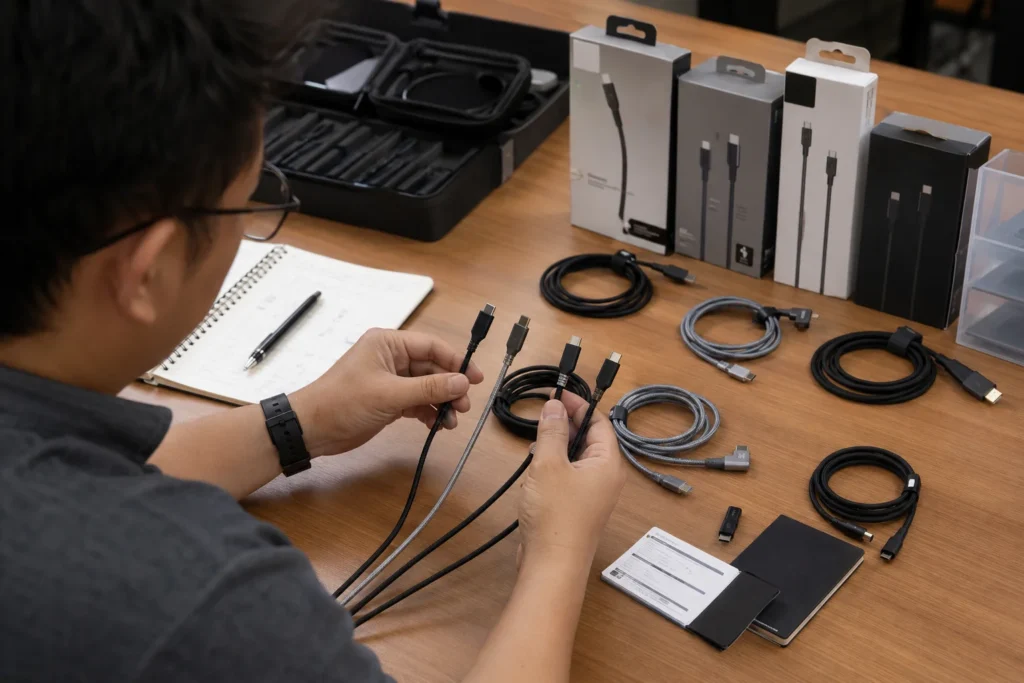
Based on our Shenzhen export experience, I have learned that the sample stage is important. A sample can feel good, but the buyer also needs to check the real device path. If the cable will be sold for DAC use, test it with target DACs where possible. If the cable will be sold to Amazon buyers, check the product page wording before the first shipment.
A responsible supplier should ask questions. What devices will the cable connect? Is the main use audio, charging, data sync, or mixed use? Will the cable be sold online or in retail packaging? What claims will be printed on the box? Does the buyer need sample testing before bulk order? These questions are not delays. They reduce risk.
Short vs Long USB-C Cables for Audio?
Many buyers want one length for all users. That sounds simple, but cable length changes the real user experience.
Short USB-C audio cables fit portable DACs, medium cables fit desktops, and longer cables fit studios or speakers, but unnecessary length can increase stability and setup problems.
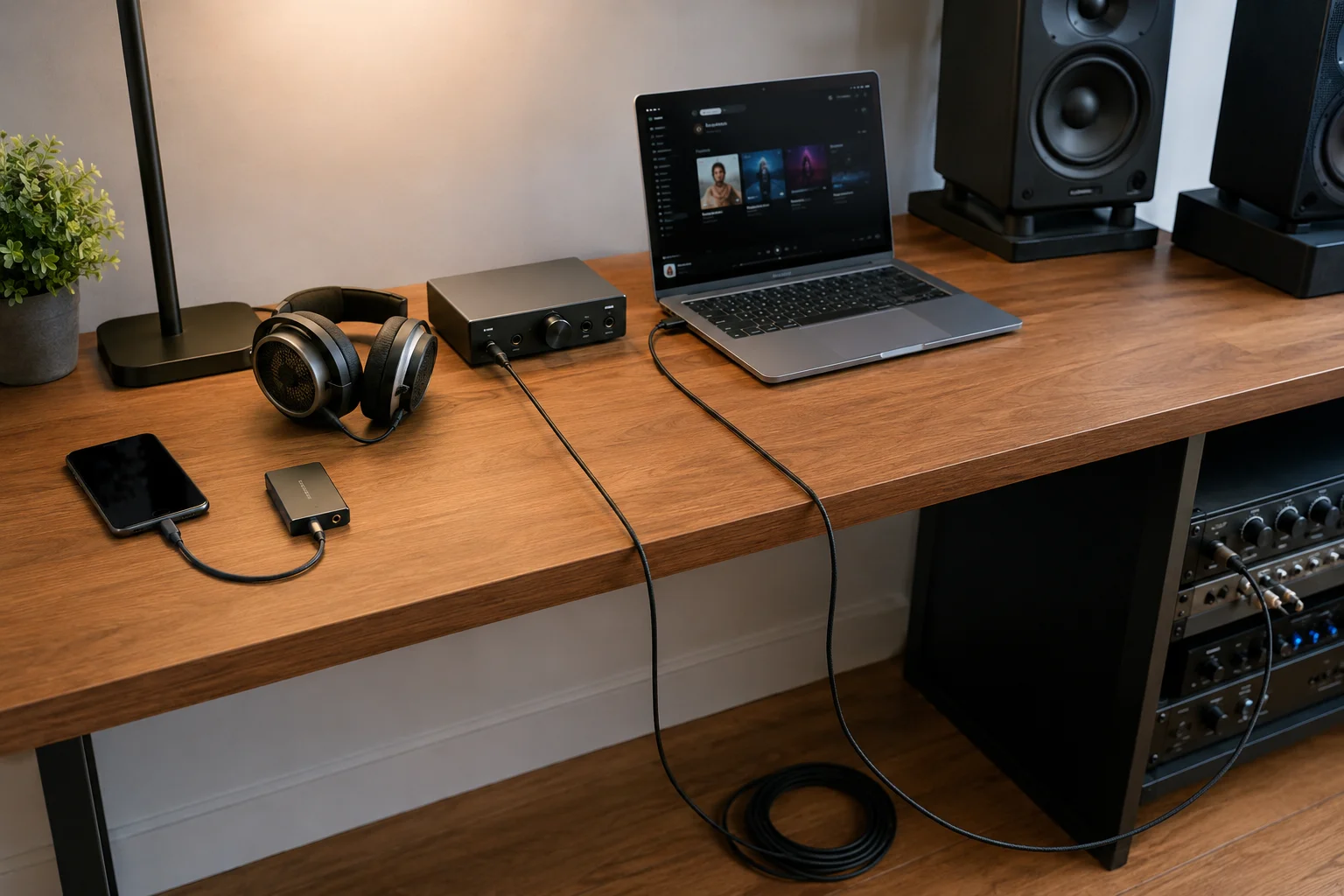
I treat length as a product decision, not only a size choice. A short cable, such as 10 cm to 30 cm, is often better for a phone and portable DAC. It keeps the setup clean. It also reduces pulling on the USB-C ports. A medium cable, such as 0.5 m to 1 m, is often better for a desk. It can connect a laptop to a DAC, speaker, or microphone without too much extra cable. A longer cable may fit a studio, meeting room, or powered speaker setup, but it should not be chosen without checking performance needs.
Here is a simple length guide:
| Length Type | Best Use | Risk to Watch |
|---|---|---|
| Short cable | Phone to DAC, phone to headphones | Too short for desktop use |
| Medium cable | Laptop to DAC, tablet to interface | Must balance flexibility and strength |
| Long cable | Studio desk, powered speakers | More risk of dropouts or voltage loss |
| Right-angle connector | Mobile gaming, portable DACs | May not fit all cases |
| Braided cable | Travel and retail display value | Can be too stiff if poorly made |
| Soft cable | Lightweight portable setup | May need better strain relief |
Longer cables are not always better. They can make a desk messy. They can increase stress on ports if routed badly. They may also be more sensitive to signal stability and voltage drop, based on the device and cable design.12 This is why I do not advise buyers to choose extra-long passive cables without clear performance data.
For retailers, I like to separate SKUs by use case. A short “portable DAC cable” can have different packaging from a longer “desktop audio cable.” This helps the sales team explain the product. It also helps customers choose correctly.
What Should You Avoid When Buying a USB-C Audio Cable?
A bad cable may look normal in photos. The problem appears only when the customer connects it to a real audio device.
I avoid charge-only cables, unclear data claims, loose connectors, unsupported sound claims, very stiff portable cables, very long passive cables, and products without warranty details.
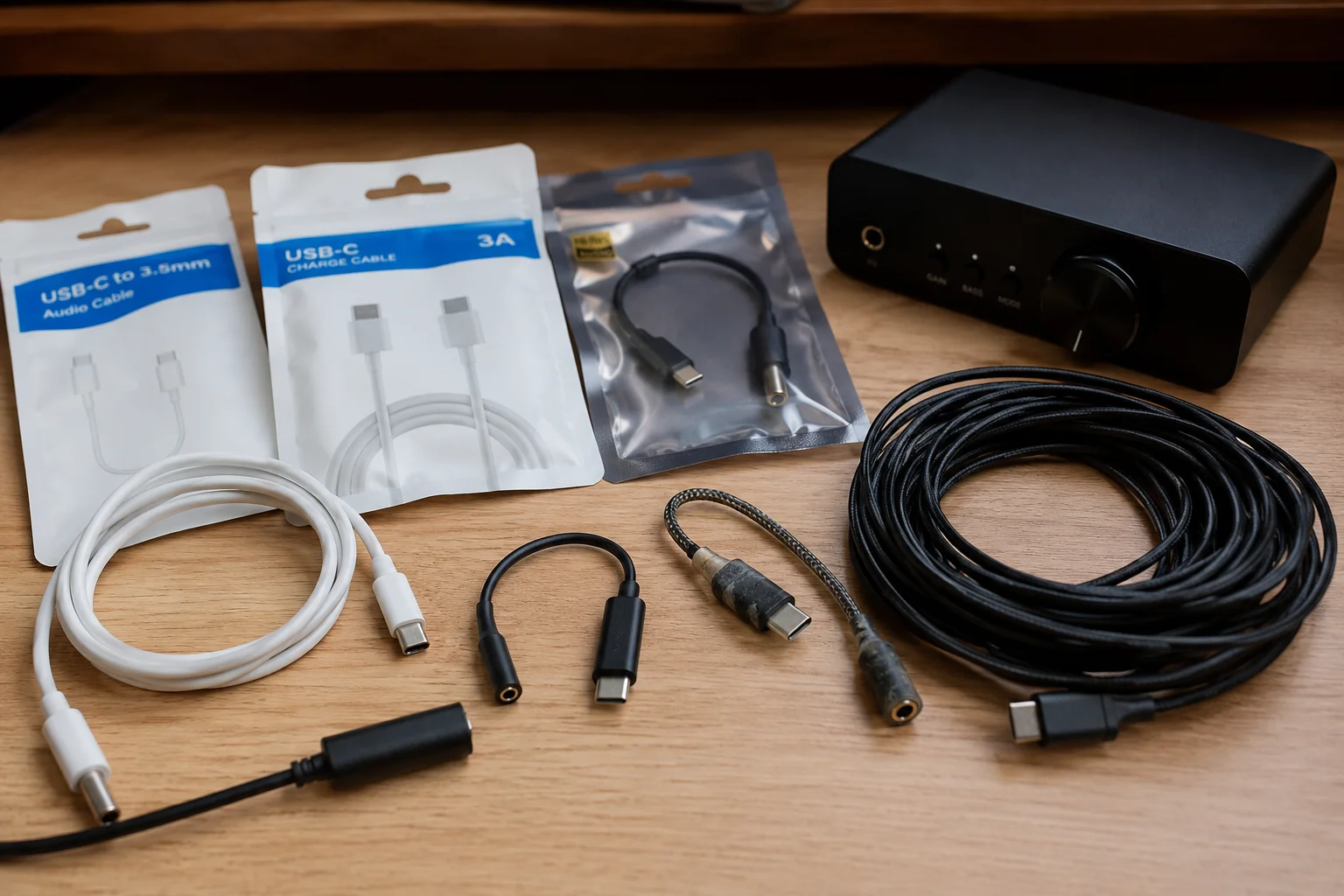
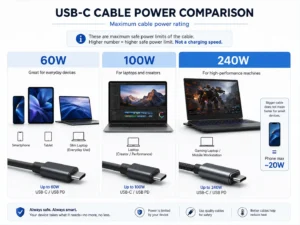
I have seen many buying mistakes come from unclear language. “Fast charging cable” sounds useful, but it does not prove audio data support. “240W cable” sounds powerful, but charging wattage is not the same as audio-data ability. “Audiophile grade” sounds attractive, but it can create customer expectations that the seller cannot prove.
Here are the main items I avoid:
| What to Avoid | Why It Is Risky |
|---|---|
| Charge-only USB-C cables | They may not carry audio data |
| Unclear data specifications | Buyers cannot match the cable to devices |
| Loose connectors | Audio drops out when the cable moves |
| Unsupported “audiophile” claims | Hard to prove and easy to challenge |
| Very stiff portable cables | Bad for phone and DAC use |
| Very long passive cables | May have stability issues if not designed well |
| No host-mode support clarity | Mobile audio may fail |
| No manufacturer information | Hard to handle warranty or returns |
| No warranty policy | Buyer takes all post-sale risk |
| Confusing wattage with data | A charging cable is not always an audio cable |
The biggest problem is that customers often blame the seller, not the device. If a phone does not support a certain USB audio mode, the customer may still leave a bad review on the cable listing. If the cable is charge-only, the return reason may say “does not work with headphones.” If the connector is loose, the review may say “sound keeps cutting out.”
I suggest buyers avoid claims that are too wide. Do not say “works with all USB-C audio devices.” Say what the cable supports. Mention that the connected devices must support compatible USB audio functions. This is not weak marketing. It is safer marketing.
USB-C-to-USB-C Audio Cable Buying Checklist?
A clear checklist saves time before ordering. It also helps the sales team, sourcing team, and supplier talk about the same product.
Before buying, I confirm device support, data capability, USB standard, cable length, connector design, shielding, use case, DAC compatibility, charging needs, bend resistance, warranty, and supplier specifications.
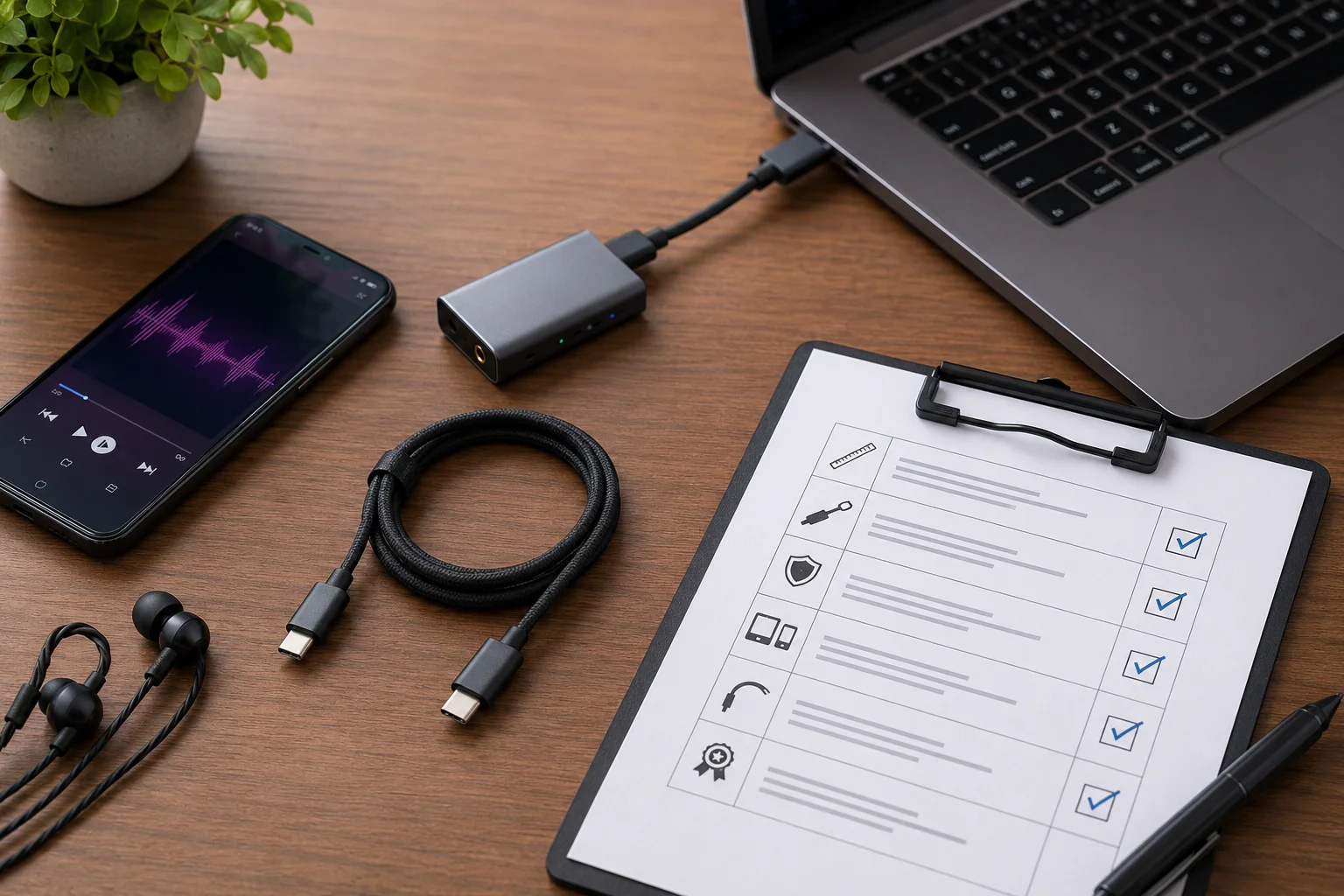
This is the checklist I would use before sampling or bulk order. I prefer to answer these points before I compare final prices. It makes supplier communication faster and cleaner.
| Checklist Item | My Buying Question |
|---|---|
| Both devices support USB audio | Do the source and receiving device support the needed audio mode? |
| Cable supports data | Is it clearly not charge-only? |
| Required USB data standard | Is USB 2.0 enough, or do we need USB 3.x, USB4, or Thunderbolt? |
| Suitable cable length | Is the cable for pocket use, desktop use, or studio use? |
| Connector orientation | Do we need straight or right-angle USB-C plugs? |
| Shielding and construction | Is the cable designed for stable data use? |
| Portable or desktop use | Should the cable be soft, braided, short, or stronger? |
| DAC or interface compatibility | Have we checked target device types or samples? |
| Charging pass-through | Does the use case need charging and data at the same time? |
| Bend resistance | Can it handle travel, daily use, and retail customer handling? |
| Warranty and return policy | Who handles defects and how? |
| Manufacturer specifications | Are the claims clear enough for packaging and listings? |
I also check the sales channel. A chain retail buyer may care more about packaging, warranty, barcode, and stable supply. An Amazon seller may care more about listing claims, review risk, and return reasons. A wholesale importer may care more about MOQ, delivery time, price level, and repeat order quality. The cable can be the same, but the buying risk is different.
My final advice is to test samples in the real use case before bulk orders. If the cable is promoted for a phone-to-DAC setup, test that setup. If it is sold for laptop-to-audio-interface use, test that path. If the packaging says “USB-C audio cable,” make sure the specification supports that claim.
A good USB-C-to-USB-C audio cable is not only a product. It is also a correct promise to the end user.
Conclusion
I choose USB-C audio cables by device, data support, length, build quality, and claim safety, not only by price, wattage, or brand name.
"USB-C", https://en.wikipedia.org/wiki/USB-C. USB-IF documentation distinguishes USB-C cable assemblies by supported data capabilities as well as power delivery characteristics, supporting the claim that charging capability alone does not establish data suitability. Evidence role: definition; source type: institution. Supports: The source should document that USB-C cables vary by supported data standards and are not defined only by charging capability.. Scope note: This is contextual support for cable-capability variation, not evidence that all charge-oriented cables perform poorly for data. ↩
"USB-C - Wikipedia", https://en.wikipedia.org/wiki/USB-C. USB-IF specifications describe USB audio as data communicated over the USB interface and define cable and connector requirements relevant to data signaling and connection integrity; this supports evaluating USB-C audio cables by data capability and physical reliability rather than charging power alone. Evidence role: mechanism; source type: institution. Supports: The source should show that USB audio depends on USB data transmission and that cable construction, shielding, and connector integrity are relevant to reliable USB signaling.. Scope note: This would support the technical rationale, not prove performance for any specific cable model. ↩
"USB - Wikipedia", https://en.wikipedia.org/wiki/USB. The USB Audio Device Class specification defines audio streaming over USB data endpoints, supporting the conclusion that a cable lacking the required data connection cannot serve as a USB audio cable. Evidence role: mechanism; source type: institution. Supports: The source should establish that USB audio uses USB data communication rather than only power conductors.. ↩
"Audio class - emUSB-Host - SEGGER", https://www.segger.com/products/connectivity/emusb-host/add-ons/audio-class/. USB Audio Device Class materials describe interoperable communication between USB hosts and audio devices, supporting the claim that both ends of a USB-C audio connection must implement compatible USB audio functions. Evidence role: mechanism; source type: institution. Supports: The source should show that USB audio depends on class support and compatible communication between host and audio device.. ↩
"USB-C - Wikipedia", https://en.wikipedia.org/wiki/USB-C. Reference descriptions of USB-C identify it as a connector system that can carry multiple protocols, which supports the distinction between the physical port and a device's implemented USB audio capability. Evidence role: definition; source type: encyclopedia. Supports: The source should explain that USB-C describes a connector form factor, while actual functions depend on implemented USB standards or modes.. Scope note: This supports the conceptual distinction but does not verify the audio support of any particular phone, tablet, or DAC. ↩
"USB On-The-Go - Wikipedia", https://en.wikipedia.org/wiki/USB_On-The-Go. USB host-mode documentation explains that a host initiates and manages communication with USB peripherals, supporting the claim that a smartphone connected to an external USB DAC must be capable of acting as the USB host. Evidence role: mechanism; source type: education. Supports: The source should explain USB host/peripheral roles and why a phone must support host mode to control an external USB audio device such as a DAC.. Scope note: This supports the role requirement generally; actual behavior can vary by operating system, device firmware, and DAC design. ↩
"Digital Audio Data from USB Is Not Inherently Bitperfect - Reddit", https://www.reddit.com/r/audiophile/comments/1hwu1mh/digital_audio_data_from_usb_is_not_inherently/. Technical literature on digital audio transmission treats the cable as a data link whose relevant failures include errors, dropouts, and signal-integrity problems, supporting the view that USB-C digital audio cables mainly affect reliability rather than inherently enhancing sound through conductor claims. Evidence role: mechanism; source type: paper. Supports: The source should support that digital audio cables transmit encoded data and that audible problems are more plausibly linked to errors, dropouts, interference, or connection failures than to conductor marketing claims alone.. Scope note: This is general support for digital transmission behavior and does not rule out measurable differences in poorly designed or noncompliant cable setups. ↩
"Digital audio - Wikipedia", https://en.wikipedia.org/wiki/Digital_audio. Educational sources on digital audio distinguish continuous analog audio signals from digitally encoded sample data, supporting the article's distinction between analog audio cabling and USB-C digital audio data transmission. Evidence role: definition; source type: education. Supports: The source should define analog audio as a continuously varying electrical representation and digital audio as encoded sampled data.. ↩
"USB", https://en.wikipedia.org/wiki/USB. USB specifications and USB Audio Class materials show that many audio streams fit within USB 2.0 bandwidth, while higher-bandwidth USB standards are relevant when additional channels, hub functions, displays, or storage share the connection. Evidence role: general_support; source type: institution. Supports: The source should show the bandwidth available under USB 2.0 and higher USB standards and relate USB audio support to device requirements.. Scope note: This supports the bandwidth logic generally; individual audio interfaces may impose requirements for reasons other than raw bandwidth. ↩
"How to Troubleshoot Your Class-Compliant MIDI Keyboard or ...", https://support.inmusicstore.com/en/support/solutions/articles/69000809440-how-to-troubleshoot-your-class-compliant-midi-keyboard-or-controller-connection. Operating-system documentation for USB Audio Class describes built-in class-driver support for compliant audio devices, supporting the statement that USB Audio Class can allow driverless operation on many systems. Evidence role: definition; source type: government. Supports: The source should document that operating systems can provide class drivers for USB Audio Class devices, allowing operation without vendor-specific drivers in many cases.. Scope note: This is not universal; some devices still require vendor drivers for advanced features, firmware control, or unsupported operating systems. ↩
"Cables and Connectors - USB-IF", https://www.usb.org/cable_connector. USB-IF describes certification and compliance programs for USB products, including cable assemblies, supporting the use of USB-IF certification as a relevant compliance indicator where a product category and sales channel require it. Evidence role: expert_consensus; source type: institution. Supports: The source should explain that USB-IF operates compliance and certification programs for USB products, including USB-C cables.. Scope note: Certification indicates conformance testing within the USB-IF program but does not guarantee compatibility with every audio device or use case. ↩
"r/LinusTechTips - LTT Labs Article - USB-C Cable Voltage Drop", https://www.reddit.com/r/LinusTechTips/comments/1r5p9v1/ltt_labs_article_usbc_cable_voltage_drop/. USB electrical specifications define limits for voltage delivery and signal integrity across cable assemblies, supporting the claim that longer passive cables can be more sensitive to voltage drop and stability problems depending on construction and connected devices. Evidence role: mechanism; source type: institution. Supports: The source should show that USB cable electrical requirements include voltage drop, attenuation, and signal-integrity constraints that are affected by cable construction and length.. Scope note: This supports the physical mechanism, not a fixed maximum usable length for every USB-C audio application. ↩