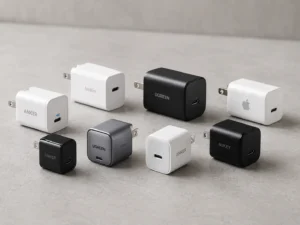
Tired of that heavy bag full of different chargers for each device? It’s a mess, and you always risk forgetting the one you need most. It's a common problem.
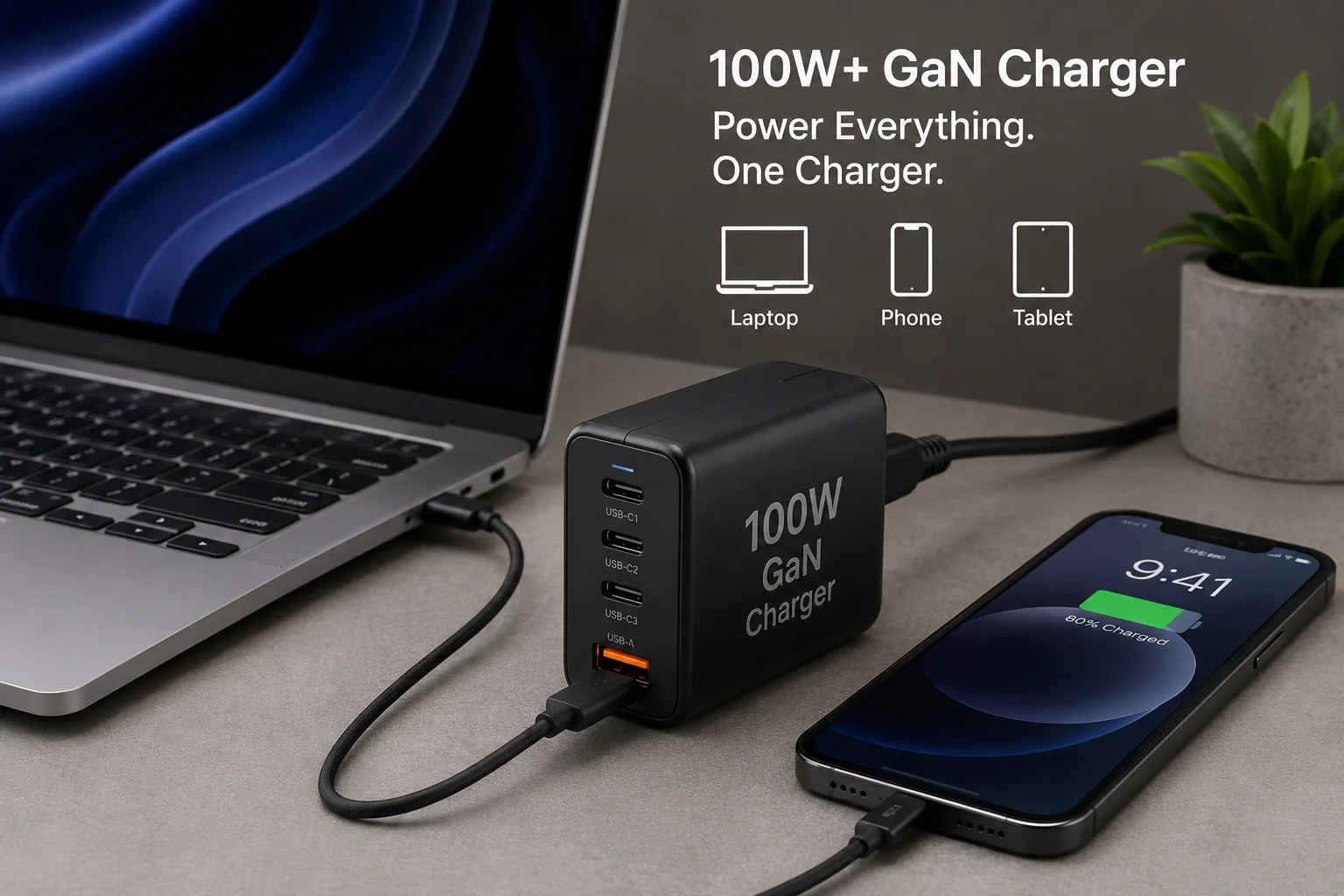
The real point of a 100W+ GaN charger is consolidation. It's designed to replace all your other chargers—for your laptop, phone, and tablet—with a single, compact, and powerful unit. This simplifies travel and declutters your workspace by charging multiple devices simultaneously from one outlet.
I've been in the electronics export business for 15 years, and the shift to GaN technology is one of the biggest I've seen. We get questions from clients all the time about these powerful new chargers. They see the high wattage numbers and wonder if it's just a marketing gimmick. The truth is, these chargers solve a very real problem, but you need to understand how they work to see the true value for you and your customers. Let's break down what you actually need to know.
What Is a 100W+ GaN Charger?
You see "GaN" and "100W+" on packaging, but the terms can be confusing. This makes it hard to decide if it's the right product to stock for your business.
A 100W+ GaN charger is a wall adapter that uses Gallium Nitride (GaN) instead of traditional silicon. This technology allows it to be much smaller, lighter, and more energy-efficient1. It’s capable of delivering over 100 watts of total power to charge demanding devices quickly.
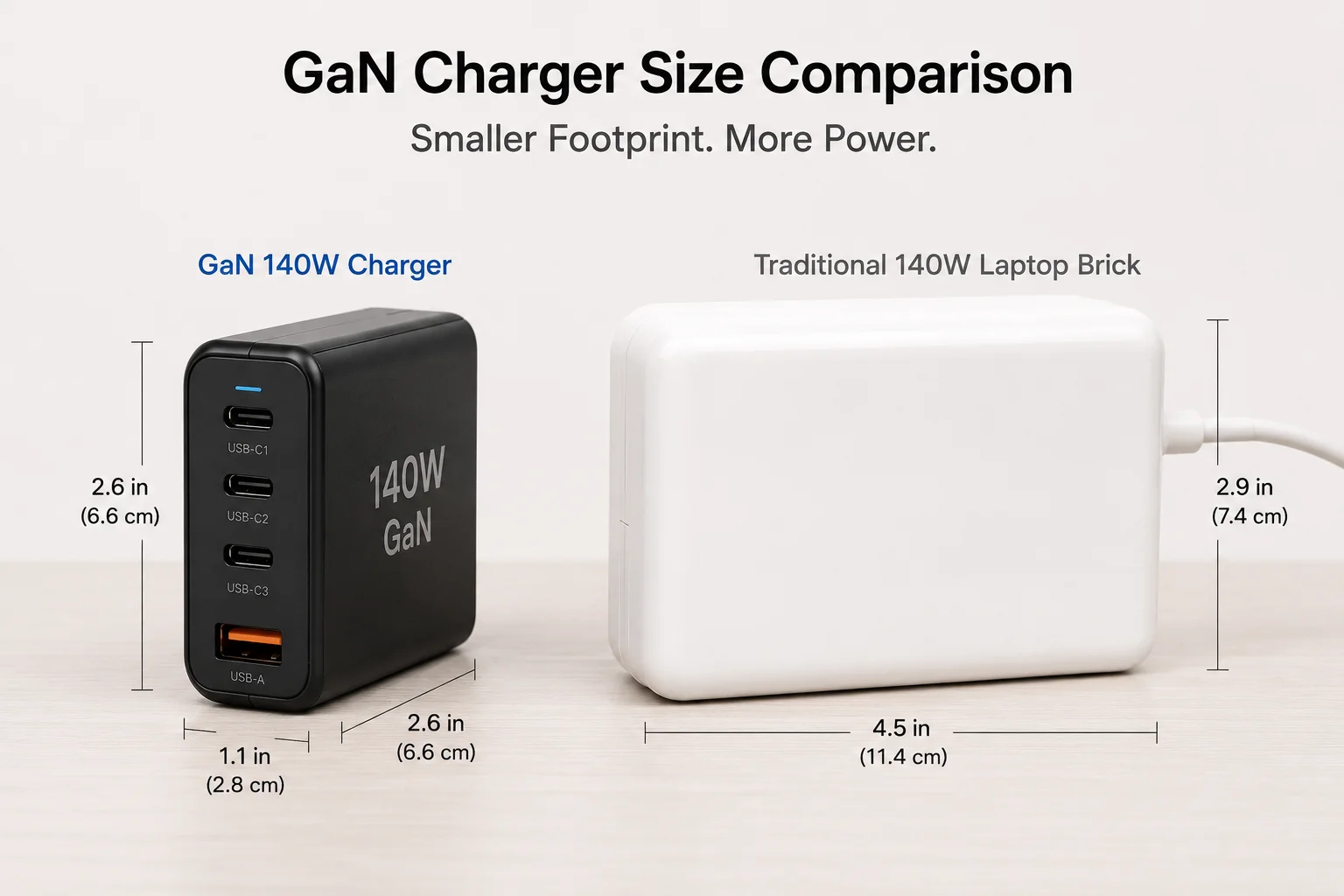
In my line of work, I talk to buyers every day. A frequent topic is how GaN changes the game. For years, more power meant a bigger, heavier charger. GaN flips that rule on its head.
The GaN Advantage
Gallium Nitride is a semiconductor material that is far more efficient than the silicon used in old chargers. It wastes less energy as heat2. Because it runs cooler, manufacturers can pack the components much closer together. The result is a charger that's sometimes half the size of a comparable silicon-based one. For our B2B clients, this is a huge deal. A smaller product means lower shipping and warehousing costs. For your customers, it means a premium, portable product that feels modern and high-tech.
What Does "100W+" Really Mean?
The "100W" or "140W" number on the box is the charger's total maximum output. If it has multiple ports, that power is shared between them. It doesn't mean every port can output 100W at the same time.
| Feature | Traditional 96W Laptop Charger | Modern 100W GaN Charger |
|---|---|---|
| Technology | Silicon | Gallium Nitride (GaN) |
| Size | Large, bulky | Compact, often pocketable |
| Weight | Heavy (e.g., ~300g) | Light (e.g., ~200g) |
| Ports | Usually 1 USB-C Port | 2 to 4 Ports (USB-C & USB-A) |
| Efficiency | Lower (gets hotter) | Higher (stays cooler) |
Which Devices Actually Need More Than 100W of Charging Power?
You don't want to stock products your customers don't need. High wattage sounds impressive, but is it just marketing? Wasting inventory on overpowered chargers can hurt your bottom line.
Very few single devices need more than 100W. The main examples are high-end 16-inch laptops like the latest MacBook Pro, which uses 140W3. The real-world use case for a 100W+ charger is charging a powerful laptop (65W-96W) and other devices simultaneously.
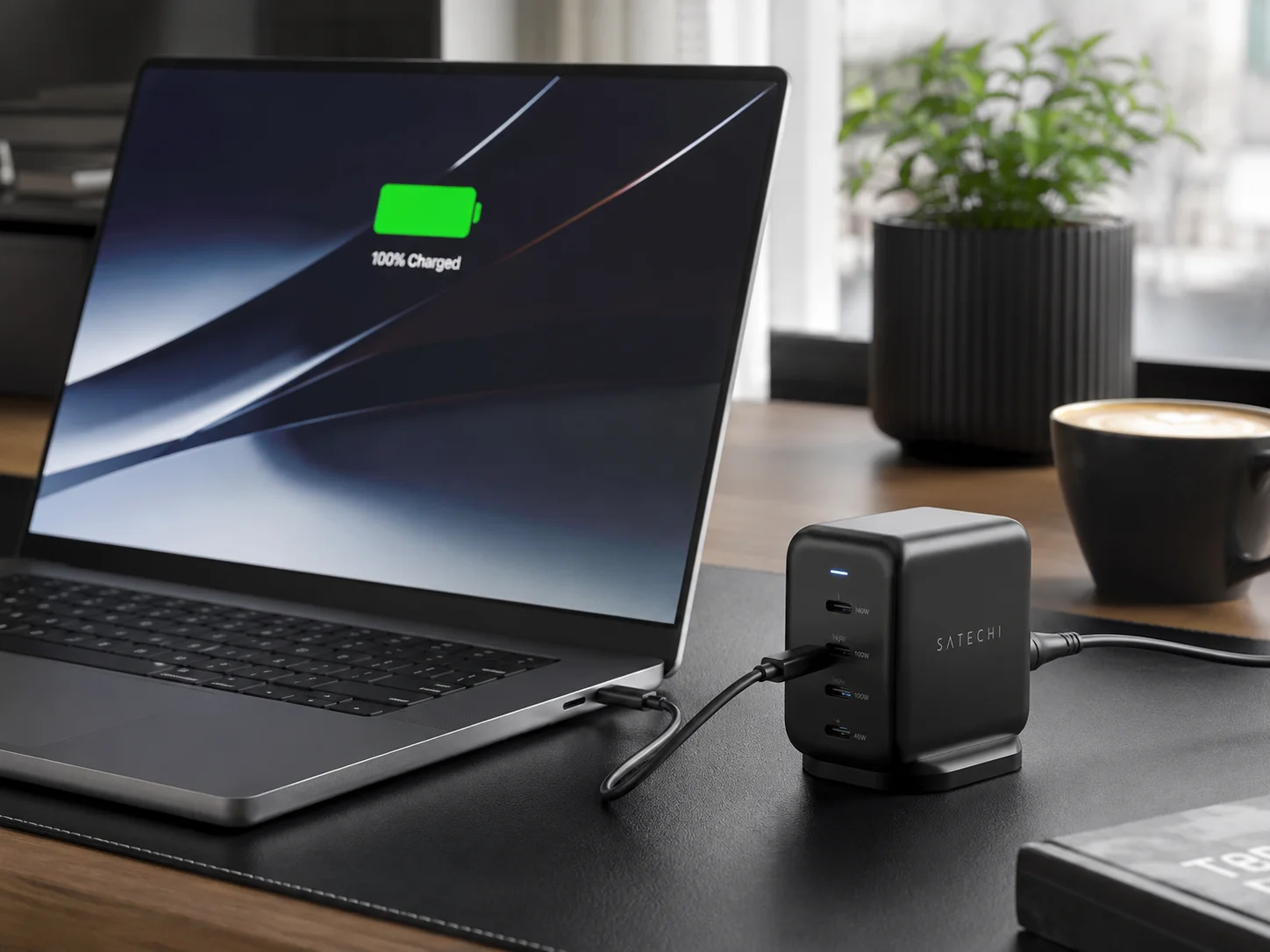
This is a key point I discuss with retailers. The target customer isn't someone with just a phone. The target customer is a power user with a modern, high-performance laptop and other gadgets.
High-Power Laptops are the Main Target
The primary devices that can draw close to 100W are workstation-class laptops.
- Apple MacBook Pro (15" & 16"): These models often ship with 87W or 96W chargers. A 100W GaN charger is a perfect, and smaller, replacement.
- Dell XPS 15/17, HP Spectre x360, Razer Blade: Many high-performance Windows laptops now use USB-C for charging and can draw anywhere from 65W to 130W4. While some still use proprietary chargers for max performance, a 100W USB-C charger is often enough for all but the most intensive tasks.
The Real Use Case: Simultaneous Charging
Here's the scenario I paint for my clients. Your customer has a Dell XPS 15 that needs 90W to charge effectively. They also have an iPhone that fast-charges at 20W. A single 120W or 140W GaN charger can power both at maximum speed. This is the core value proposition. It’s not about one device needing 120W; it’s about a collection of devices needing that much power combined.
Can a 100W+ GaN Charger Replace Multiple Original Chargers?
Your customers are tired of carrying a power brick for their laptop, another for their phone, and a third for their tablet. This clutter is a real pain point they will pay to solve.
Yes, a multi-port 100W+ GaN charger can absolutely replace a laptop brick, a phone fast charger, and a tablet charger. It saves space in a bag, reduces weight, and frees up wall outlets. This makes it a very attractive accessory for travelers and professionals.
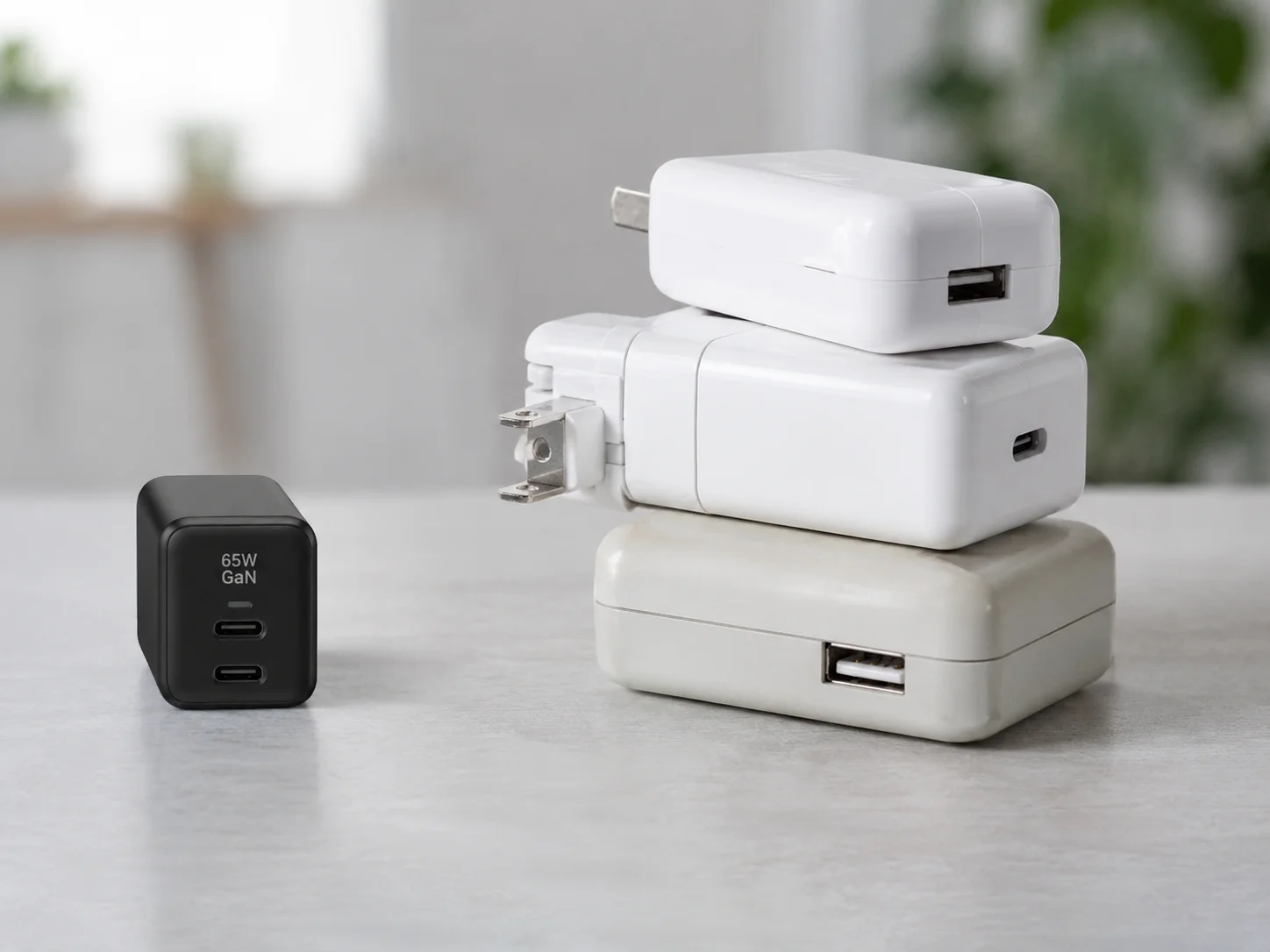
When an e-commerce seller asks me how to market these, I tell them to focus on this "consolidation" story. It's powerful because it's so relatable. Everyone has a drawer full of tangled chargers they hate.
A Real-World "Before and After"
Let's imagine a typical professional's travel bag.
- Before: They pack the 96W MacBook Pro charger, a 20W iPhone charger, and a 12W iPad charger. That's three items taking up space and weight.
- After: They pack one 120W GaN charger with three ports. It's smaller than the single MacBook charger and handles everything.
Here’s how that looks:
| Setup | Items to Pack | Total Weight (Approx.) | Wall Outlets Needed |
|---|---|---|---|
| Before | 1x Laptop Brick, 1x Phone Charger, 1x Tablet Charger | ~450g | 3 (or a power strip) |
| After | 1x 120W GaN Charger | ~220g | 1 |
The key is to ensure the charger uses the USB Power Delivery (PD) standard. This is the universal protocol that allows devices from Apple, Samsung, Dell, and others to communicate with the charger and get the right amount of power. As long as the devices use USB-C PD, a good GaN charger can handle them.
A customer complains that your 100W charger isn't giving their laptop 100W when their phone is also plugged in. This confusion can lead to bad reviews and costly returns for your business.
The total power is split dynamically. A 100W charger with four ports doesn't give 100W to each one. When you connect multiple devices, a smart chip inside allocates power based on pre-set rules5. The top port might get priority (e.g., 65W for a laptop) while others share the rest.
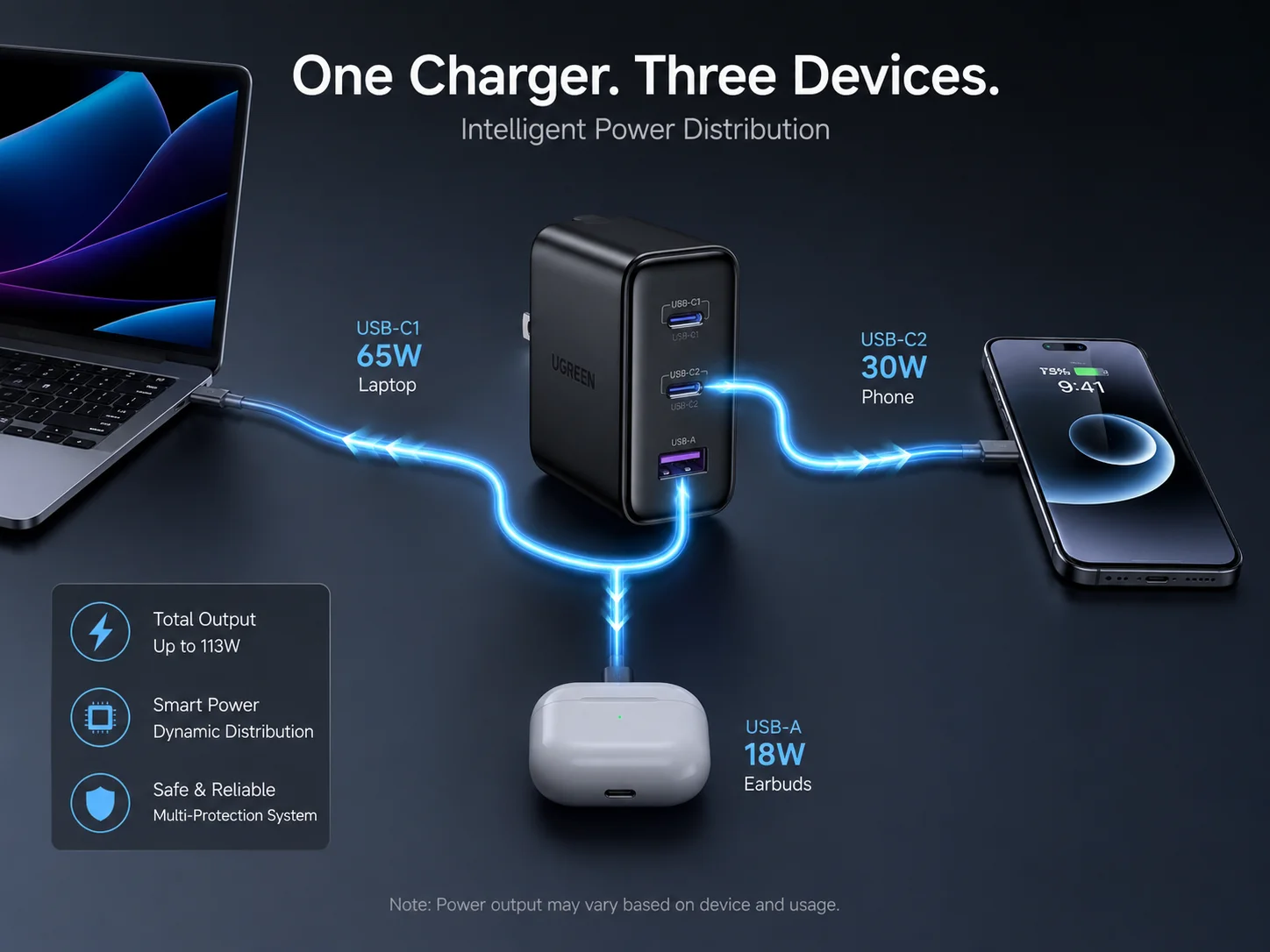
This is probably the most common point of confusion we help our clients clarify for their customers. The key is transparency. The power-sharing rules, or "power splits," must be clearly printed on the packaging, the product itself, and the online listing.
Understanding Dynamic Power Allocation
Think of the charger's total wattage as a "power budget." When you plug in a device, the charger's logic chip "talks" to the device to see how much power it needs. It then distributes the budget accordingly. When you plug in a second device, it re-evaluates and splits the budget again.
Common Power Splits for a 120W Charger
The exact splits vary by manufacturer, but here is a typical example for a 120W charger with two USB-C ports and one USB-A port.
| Ports in Use | Port C1 (Laptop) | Port C2 (Tablet/Phone) | Port A (Accessories) |
|---|---|---|---|
| C1 Only | 100W | - | - |
| C2 Only | - | 100W | - |
| C1 + C2 | 60W | 60W | - |
| C1 + C2 + A | 60W | 30W | 18W |
Educating customers about this upfront prevents disappointment. Frame it as a smart feature: "The charger intelligently adjusts power to safely charge all your devices as fast as possible."
Why Do USB PD 3.1 and 140W Charging Matter?
New standards like "USB PD 3.1" are showing up. Ignoring them could mean you end up with obsolete inventory. But investing in features nobody uses can hurt your margins.
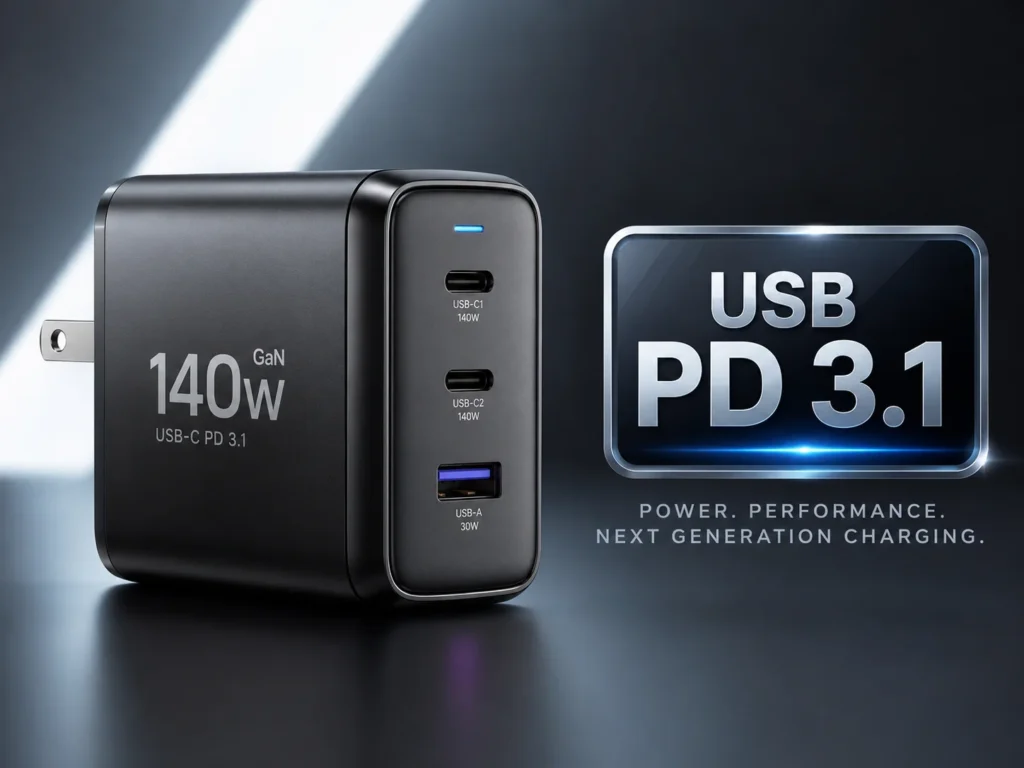
USB Power Delivery (PD) 3.1 is the new charging standard that unlocks speeds above 100W, all the way up to 240W. Its first major real-world application is the 140W fast-charging for Apple's 16-inch MacBook Pro. For a business, this is about future-proofing and serving high-end power users.
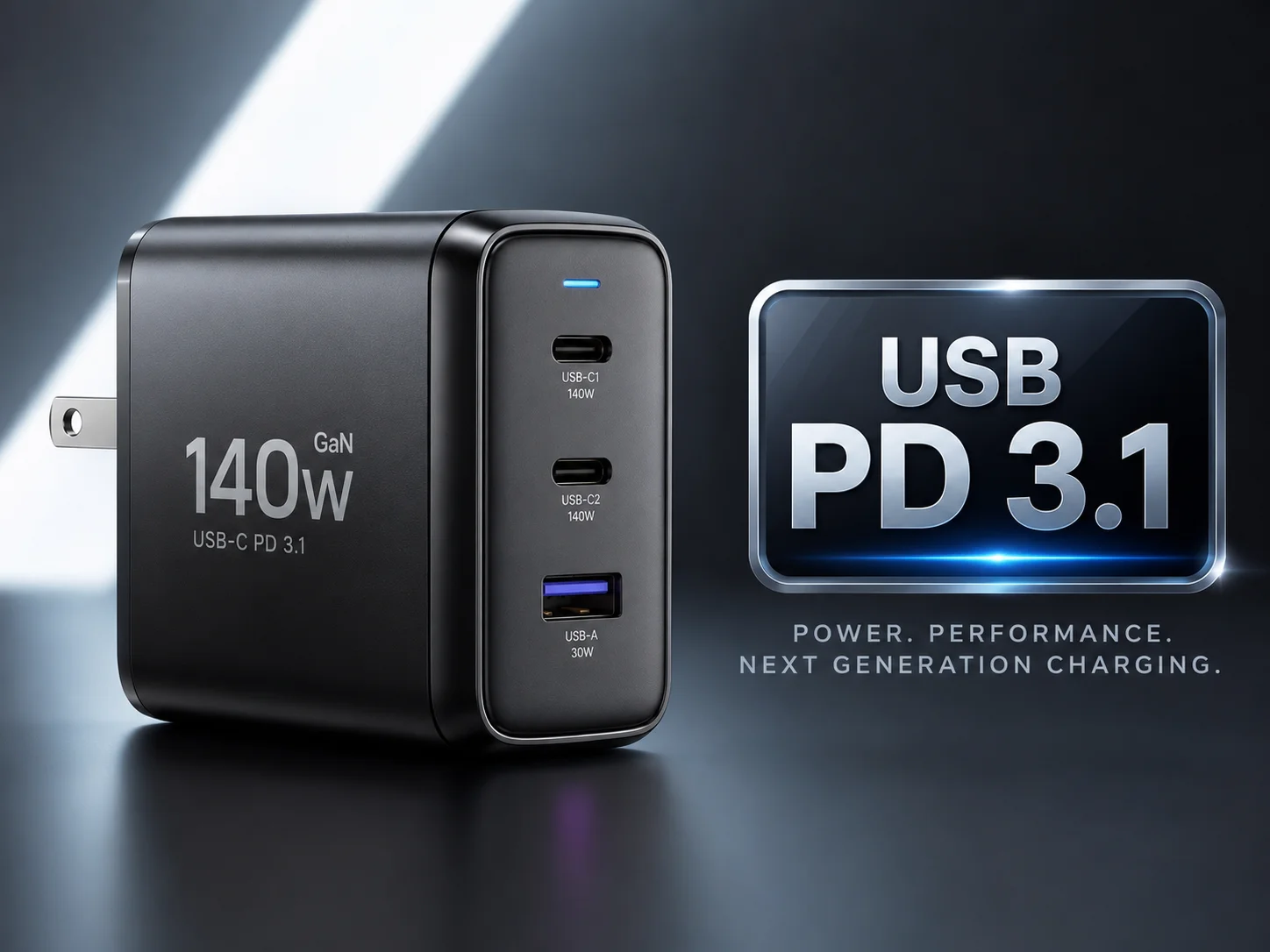
This is a conversation I have with clients who want to target the premium accessory market. It's not for everyone, but for the right brand, it's a powerful differentiator.
The Old Limit: USB PD 3.0
The previous standard, USB PD 3.0, had a hard limit of 100 watts6. This was achieved by delivering a current of 5 amps at a voltage of 20 volts (5A x 20V = 100W). For years, this was enough for almost every USB-C device. But as laptops became more powerful, the need for more wattage grew.
The New Era: Extended Power Range (EPR)
USB PD 3.1 introduces a feature called Extended Power Range (EPR). Instead of being stuck at 20V, EPR allows the charger to negotiate higher voltages with the device, such as 28V, 36V, or even 48V. Apple's 140W charging is a perfect example. It uses 28V at 5A (28V x 5A = 140W)7. This allows it to deliver significantly more power through the same USB-C connector. Offering a 140W PD 3.1 GaN charger shows your brand is on the cutting edge and serious about performance.
Do High-Wattage GaN Chargers Charge Phones and Laptops Faster?
A common belief is that a 100W charger will supercharge a phone four times faster than a 25W charger. This misunderstanding leads to customer disappointment. Managing these expectations is crucial.
Not necessarily. A device will only draw as much power as its internal charging circuitry is designed to handle. Plugging an iPhone that maxes out at 27W8 into a 140W charger won't make it charge any faster than it does with a 30W charger. The real benefit is giving a powerful laptop the full power it needs.
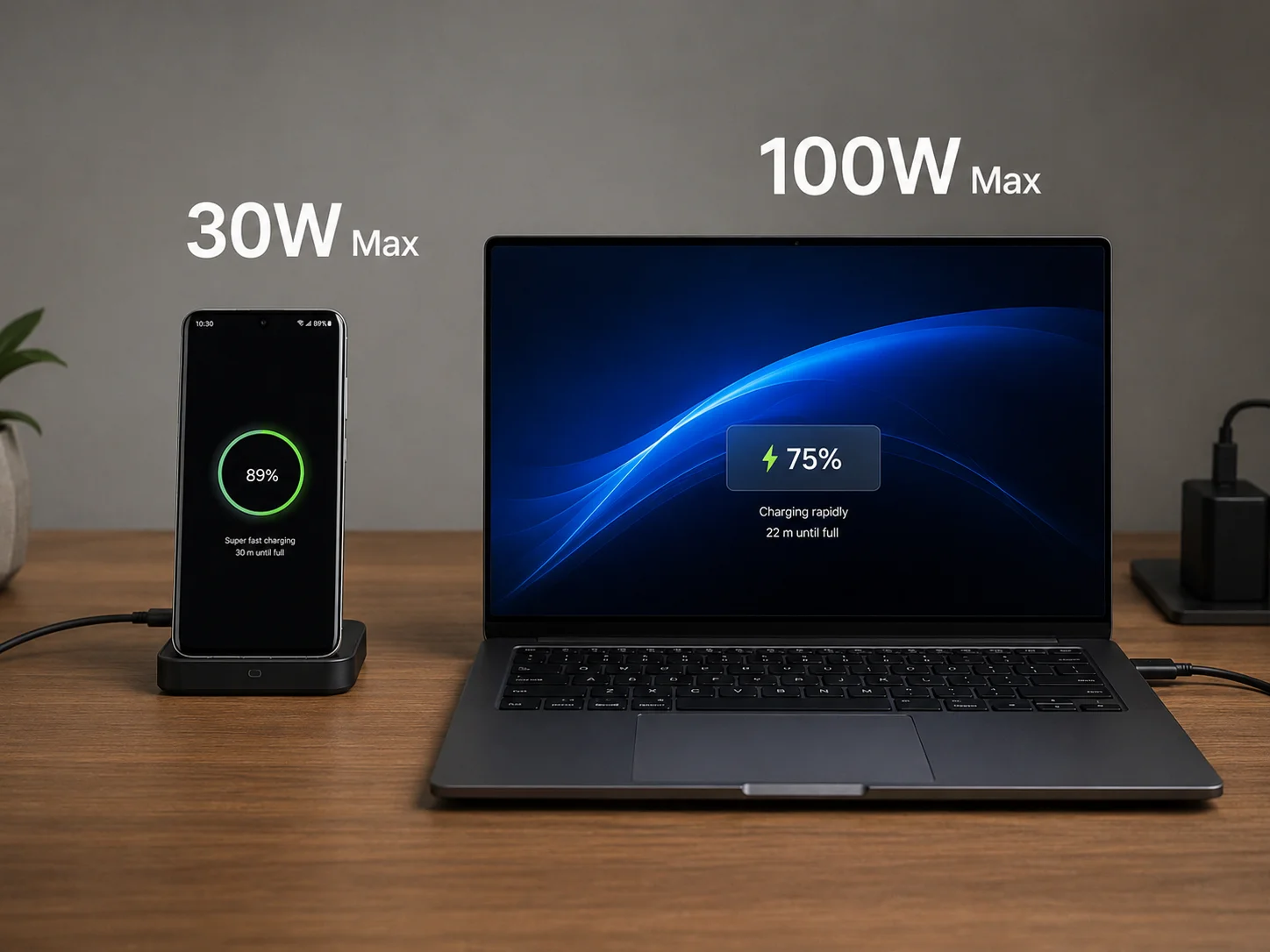
The core principle here is that the device is in control. The charger offers a menu of power options, and the device picks the one it wants. We call this a "handshake."
The Device Is the Boss
When you plug a cable in, the charger and device have a quick conversation.
- Charger: "I can offer 5V, 9V, 15V, or 20V, up to 100W."
- Device (e.g., a phone): "Thanks. My battery is low and I'm designed for fast charging, so I'll take 9V at 3A for 27W of power, please." The charger then provides exactly that. It won't force 100W into a phone that only asked for 27W. This is a critical safety feature.
Here’s a table that makes it clear:
| Device | Max Designed Charge Rate | Power from 100W Charger | Actual Charge Rate |
|---|---|---|---|
| iPhone 15 Pro | ~27W | 100W available | ~27W |
| Samsung Galaxy S24 | 45W | 100W available | 45W |
| MacBook Air M2 | 67W | 100W available | 67W |
| MacBook Pro 16" | 140W | 100W available | ~96W (limited by charger) |
For our clients, the marketing advice is simple: sell these chargers on versatility and laptop performance, not on making small devices charge faster.
What Cables Are Required for 100W, 140W and 240W Charging?
You sold a powerful 140W charger, but your customer uses their old phone cable and only gets slow speeds. They blame your product, leading to negative reviews and returns.
A special cable is absolutely required for charging above 60W. For up to 100W, you need a USB-C cable with an "E-Marker" chip rated for 5 amps9. For 140W or more, you need a newer Extended Power Range (EPR) cable specifically designed for USB PD 3.110.
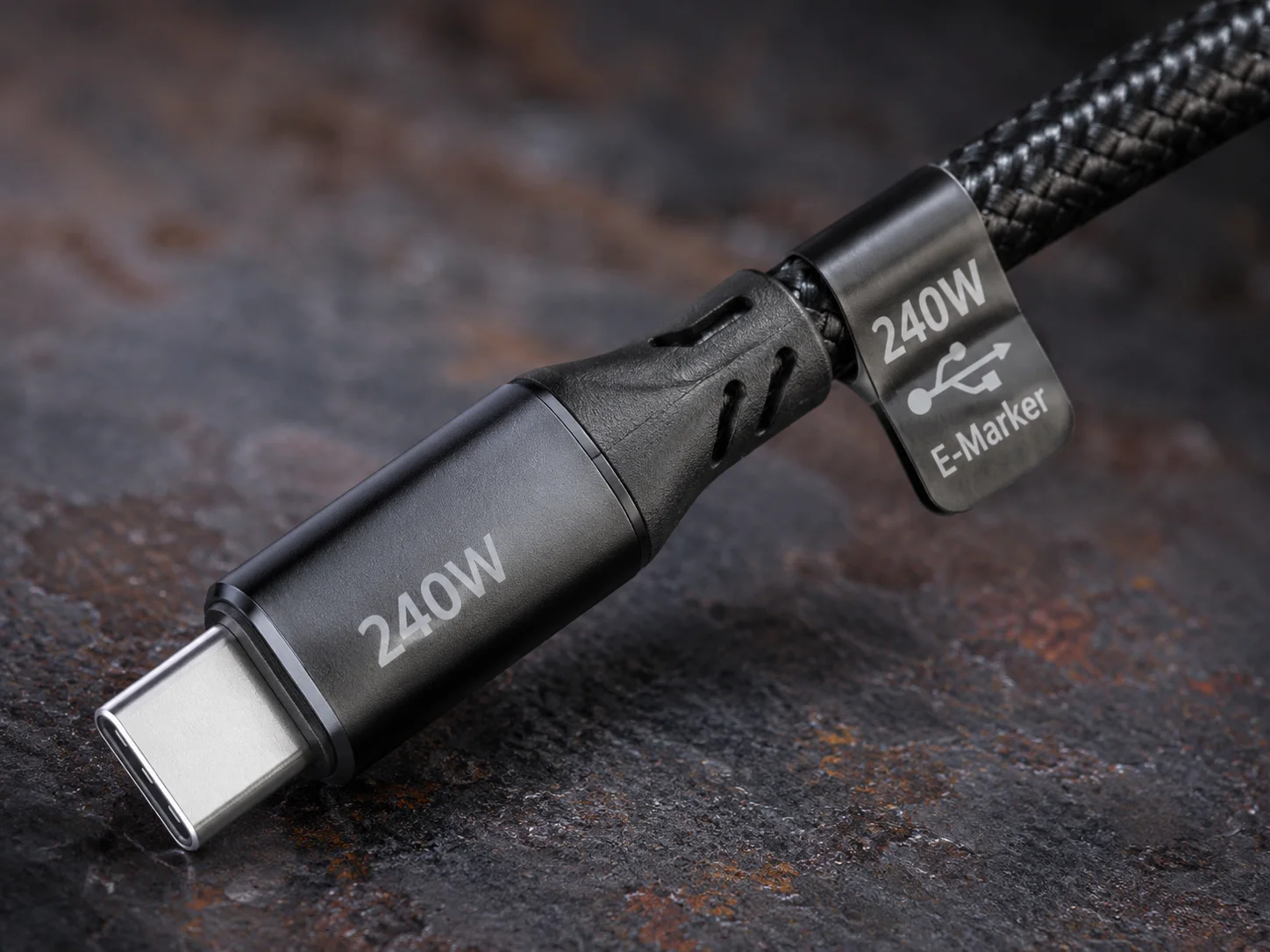
We always advise our clients to bundle the correct cable or, at the very least, strongly recommend it as an add-on purchase. It's the single easiest way to prevent customer support headaches. The cable is not just a wire; it's part of the charging system.
The Job of the E-Marker Chip
Standard, unmarked USB-C cables are only rated for 3 amps of current. At 20V, that's a maximum of 60W. To go beyond that safely, the cable needs an E-Marker (Electronic Marker) chip. This tiny chip tells the charger, "I am a heavy-duty cable, and I can safely handle 5 amps of current." Without that signal, a smart charger will refuse to send more than 60W.
Choosing the Right Cable
Here's a simple guide to what's needed. This is information every retailer should have.
| Max Power | Standard | Required Cable | How it Works |
|---|---|---|---|
| Up to 60W | USB PD | Standard 3A USB-C Cable | 20V @ 3A |
| Up to 100W | USB PD 3.0 | 5A E-Marked Cable | 20V @ 5A |
| Up to 140W | USB PD 3.1 | 5A EPR E-Marked Cable | 28V @ 5A |
| Up to 240W | USB PD 3.1 | 5A EPR E-Marked Cable | 48V @ 5A |
Selling a 140W charger without a 140W-rated cable is setting your customer up for failure. It’s like selling a sports car and giving the buyer bicycle tires.
Is a 100W+ GaN Charger Worth Buying?
These advanced chargers cost more than standard ones. As a business, you need to know if there is real, tangible value for your customers that justifies the higher price tag.
Yes, it is absolutely worth it for a specific type of customer: anyone who owns a modern USB-C laptop and at least one other smart device. The value is not just raw power; it's the supreme convenience, portability, and consolidation that solves a real-world problem.

The decision to stock these comes down to understanding your target audience. This is not an accessory for the bargain bin; it is a premium solution for a discerning user.
Who is the Ideal Customer?
Based on 15 years of watching the market, the profile is crystal clear. You should be targeting:
- Frequent Travelers & Digital Nomads: For them, every gram and every inch of bag space counts. Replacing three chargers with one is a massive win.
- Remote & Hybrid Workers: People who move between home and the office want a simple, "grab-and-go" setup. A single charger that powers their entire workstation is ideal.
- Tech Enthusiasts: Users who own the latest high-performance laptops, tablets, and phones and want a charging solution that can keep up with all of it.
Who Doesn't Need It?
It's equally important to know who this product is not for:
- Someone who only needs to charge a phone and a pair of earbuds. A simple 30W dual-port charger is more than enough.
- Someone with an older laptop that charges with a proprietary "barrel" connector, not USB-C.
The business opportunity here is strong. By marketing the charger around the "one charger for everything" concept, you address a clear pain point. This justifies the premium price and delivers a high-margin product that customers will love because it genuinely makes their life easier.
Conclusion
A 100W+ GaN charger is a powerful tool for convenience. It replaces multiple adapters with one compact unit, focusing on versatility and future-proofing your tech, not just raw speed.
"Gallium nitride - Wikipedia", https://en.wikipedia.org/wiki/Gallium_nitride. A source from an engineering or materials science journal can explain that Gallium Nitride's wider band gap compared to silicon allows for higher breakdown voltage and switching frequency, enabling the design of more compact and efficient power converters. Evidence role: mechanism; source type: paper. Supports: The physical properties of Gallium Nitride, such as its wider band gap, allow it to handle higher voltages and frequencies more efficiently than silicon, leading to smaller and more power-efficient components.. ↩
"How does fast charging with GaN compare to traditional chargers?", https://www.reddit.com/r/UsbCHardware/comments/1kaobrz/how_does_fast_charging_with_gan_compare_to/. Research from an engineering institution or a paper on power electronics can confirm that the higher efficiency of GaN transistors reduces resistive heating and energy loss, allowing for cooler operation. Evidence role: mechanism; source type: research. Supports: The higher efficiency of GaN semiconductors results in less energy being converted into waste heat compared to silicon components operating under similar conditions.. ↩
"Charging 16"MBP: 140W vs 85W. What's better in the long run?", https://www.reddit.com/r/macbookpro/comments/1cfffdz/charging_16mbp_140w_vs_85w_whats_better_in_the/. A source such as Apple's official support page or technical specifications for the 16-inch MacBook Pro confirms that the device is designed to fast-charge using a 140W USB-C Power Adapter. Evidence role: case_reference; source type: other. Supports: Apple's official technical specifications or support documents state that certain 16-inch MacBook Pro models support fast charging with a 140W adapter.. Scope note: This applies to specific models, typically the 16-inch versions released in 2021 and later. ↩
"Charger requirement (minimum power wattage) for XPS 15 9520 - Dell", https://www.dell.com/community/en/conversations/xps/charger-requirement-minimum-power-wattage-for-xps-15-9520/647fa01ff4ccf8a8de5147a1. Technical reviews and manufacturer specifications for models like the Dell XPS 17 and Razer Blade series show power adapter ratings and USB-C Power Delivery needs that can reach or exceed 100W, with some proprietary chargers for gaming laptops going higher. Evidence role: case_reference; source type: other. Supports: Technical reviews or manufacturer specifications for popular high-performance Windows laptops (e.g., Dell XPS 15/17, HP Spectre, Razer Blade) show their power requirements via USB-C fall within the 65W to 130W range.. Scope note: While many support high-wattage USB-C charging, some models may still require a proprietary charger for maximum performance, especially during intensive tasks. ↩
"Smart charging - Wikipedia", https://en.wikipedia.org/wiki/Smart_charging. A technical article or a white paper from a component manufacturer can explain that multi-port chargers contain a microcontroller that communicates with each connected device via the USB Power Delivery protocol to determine its power requirements and then allocates the charger's total power budget accordingly. Evidence role: mechanism; source type: other. Supports: The mechanism by which multi-port chargers use a microcontroller (smart chip) to manage the power budget and distribute it to connected devices according to the USB PD protocol and manufacturer-defined logic.. Scope note: The exact power-splitting logic and priority rules can vary significantly between different charger models and manufacturers. ↩
"USB hardware - Wikipedia", https://en.wikipedia.org/wiki/USB_hardware. The USB Power Delivery 3.0 specification, as defined by the USB-IF, established a maximum power profile of 100W, which is calculated from the maximum supported voltage of 20V and current of 5A. Evidence role: historical_context; source type: institution. Supports: The USB PD 3.0 specification defined a maximum power delivery of 100 watts, achieved by operating at a maximum of 20 volts and 5 amps.. ↩
"How many amps does the 140W power charger provide at 5 volts?", https://discussions.apple.com/thread/254254171. A technical review or analysis from a reputable electronics testing site can show that Apple's 140W charging solution for its MacBook Pro was one of the first mainstream implementations of the USB PD 3.1 standard's Extended Power Range, using the 28V power profile to achieve 140W. Evidence role: case_reference; source type: other. Supports: Apple's 140W charging for the MacBook Pro utilizes the USB PD 3.1 Extended Power Range (EPR) standard, specifically the 28V at 5A power profile.. ↩
"I Tested iPhone 15 Pro Max Fast Charging with Different Power ...", https://www.reddit.com/r/iphone/comments/178om0u/i_tested_iphone_15_pro_max_fast_charging_with/. Independent testing by technology review websites has shown that while not officially specified, recent iPhone Pro models can draw a peak power of up to approximately 27W for a portion of their charging cycle when connected to a high-wattage USB Power Delivery adapter. Evidence role: statistic; source type: other. Supports: Independent testing shows that recent iPhone Pro models have a peak power draw during charging of approximately 27W when using a compatible USB-PD charger.. Scope note: This peak wattage is typically only sustained for a short period when the battery is at a low state of charge. ↩
"Overview of E-Marker in a USB Type-C Cable", https://www.totalphase.com/blog/2020/10/what-is-e-marker-how-does-it-work/?srsltid=AfmBOoqEQYh8jMbe8BHIW_oFJxOtqEDifYOrmKGzOTpDq3AmCTEDlfHb. Documentation from the USB Implementers Forum explains that standard USB-C cables are rated for up to 3A of current (60W at 20V). To safely deliver more power, cables must include an 'E-Marker' chip that electronically signals to the charger that it is built to handle up to 5A of current (100W at 20V). Evidence role: mechanism; source type: institution. Supports: The USB-IF specifies that for current exceeding 3A (and thus power exceeding 60W), a USB-C cable must contain an electronic marker (E-Marker) chip that reports its capabilities, including its 5A current rating, to the power source.. ↩
"USB Charger (USB Power Delivery) - USB-IF", https://www.usb.org/usb-charger-pd. The USB-IF's guidelines for the USB PD 3.1 standard specify that cables supporting Extended Power Range (EPR) must be able to handle voltages up to 48V and are identifiable by specific branding. These cables are necessary for any charging session that exceeds 100W. Evidence role: definition; source type: institution. Supports: The USB PD 3.1 specification requires cables designed for Extended Power Range (EPR) operation (above 100W) to be explicitly marked and capable of handling the higher voltages (up to 48V) of the new standard.. ↩