Quick Answer
A USB cable is used to connect electronic devices, but many buyers focus only on whether it can charge. That assumption can create compatibility problems, slow performance, returns, and customer complaints. I usually start with a simpler question: which devices will the USB cable connect, and what task must it perform?
A USB cable can be used for charging, data transfer, connecting peripherals, and, when the devices and cable support the required standards, video output.[1] The connector shape does not prove the cable’s full capability.[2] Buyers should check the cable specification together with the charger, connected device, power requirements, data protocol, and intended application.
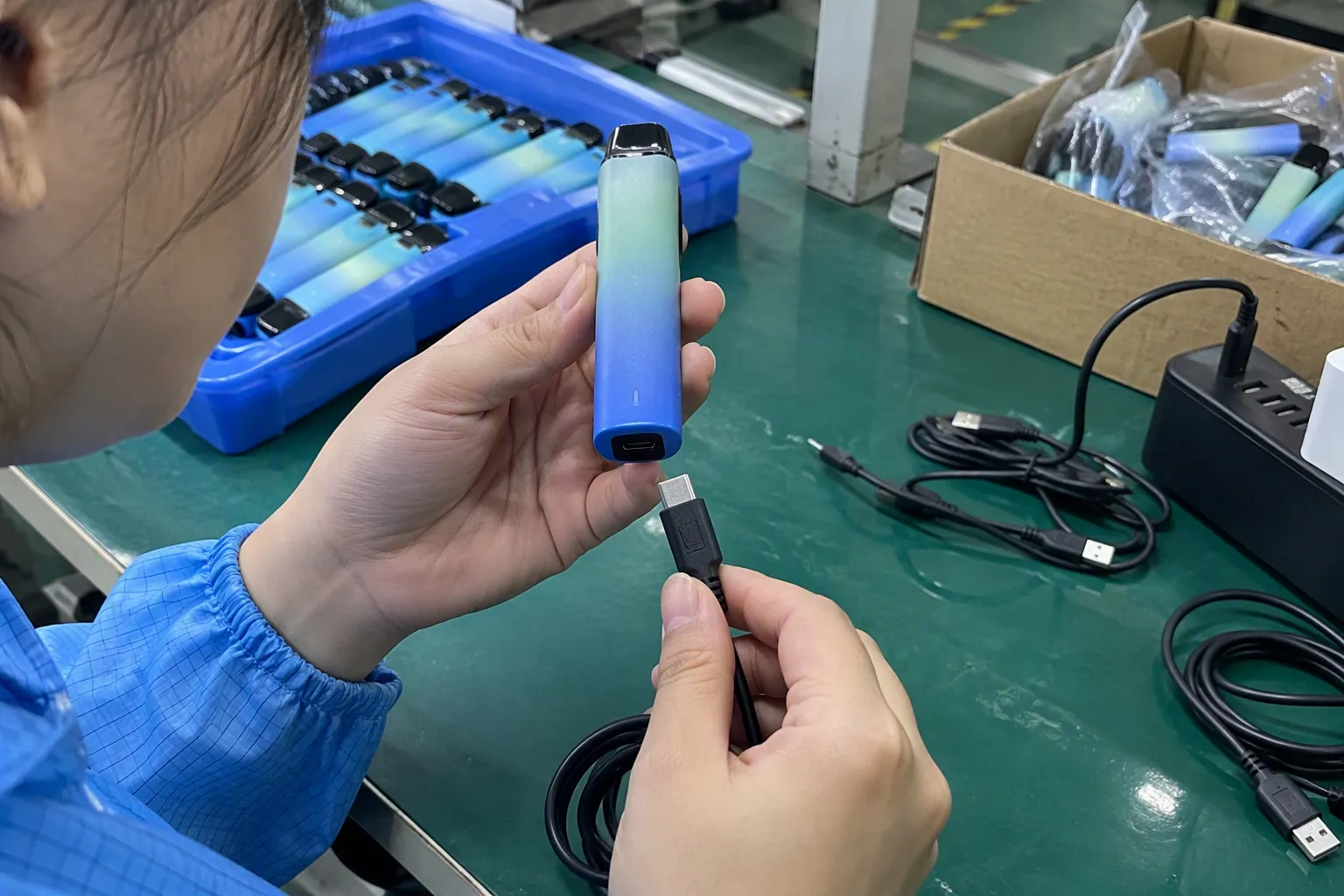
In my work with international 3C buyers, I often see the same misunderstanding. A customer sees a USB-C connector and expects fast charging, rapid file transfer, and display output from the same product. I explain that the connector identifies the physical interface, while the product specification determines what the USB cable actually supports.
What Is a USB Cable Used For?
A USB cable is mainly used to transfer electrical power, exchange data, or connect compatible devices. Some cables support several functions, while others are designed primarily for charging. I evaluate the intended function first and the connector type second.
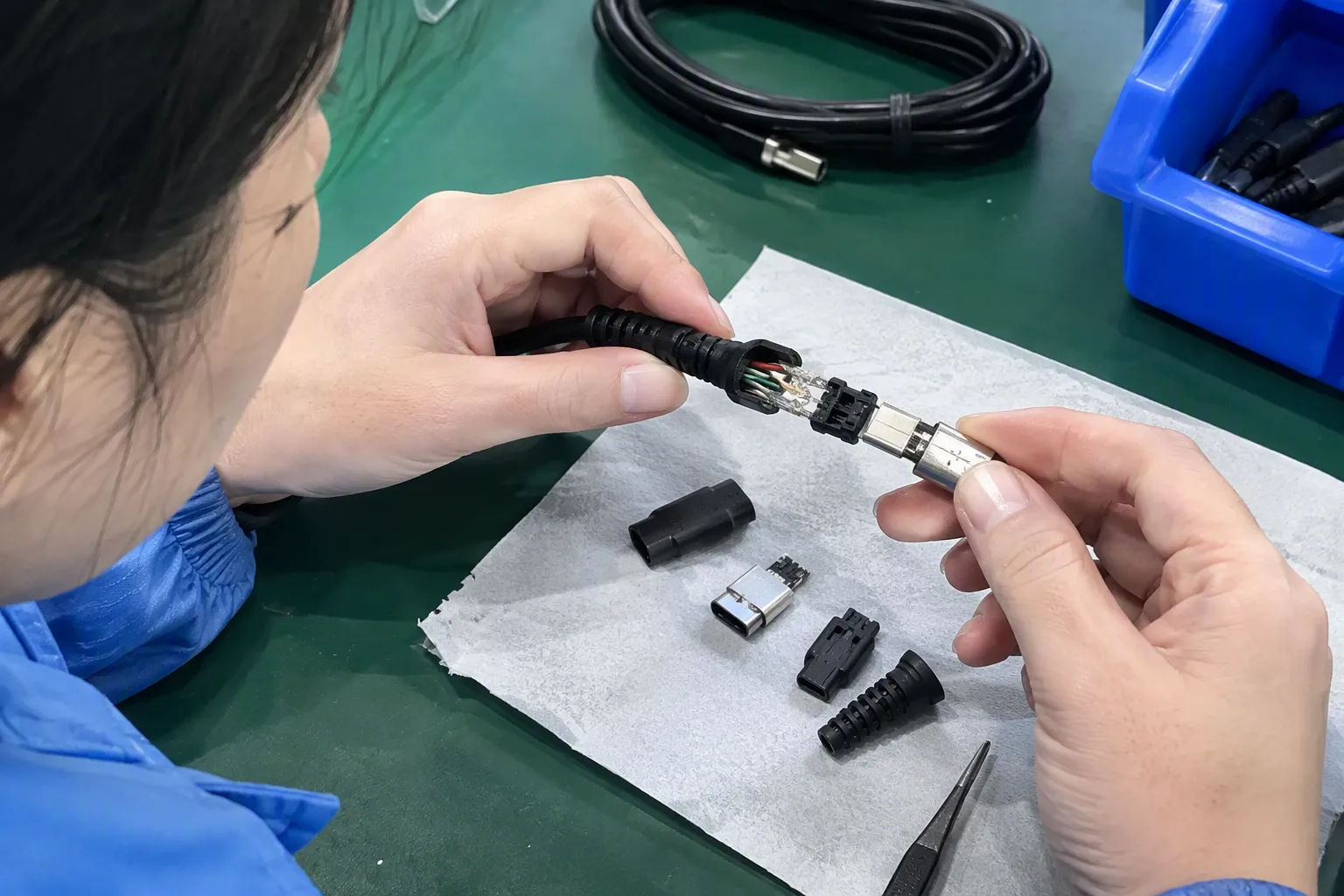
Charging electronic devices
Charging is the most familiar USB cable application. A cable may connect a wall charger, power bank, laptop, car charger, or other power source to a smartphone, tablet, earbud case, smartwatch, speaker, or another compatible product.
However, I never describe a cable as “fast charging” based only on its connector. Charging performance can depend on several parts of the system:[3]
- The charger’s output capability
- The receiving device’s charging design
- The cable’s construction and specification
- The charging protocol used by the charger and device
- The quality of the connectors and internal conductors
- The length and condition of the cable
A USB cable can carry power without supporting the highest charging performance available from the connected devices. For that reason, I ask suppliers for relevant product documentation before I help a buyer prepare a listing or catalog description.
A retailer may want to sell a cable for phones and TWS earphones. A wholesaler may need a stronger cable for tablets or portable accessories. Those are different purchasing decisions, even when the products use a similar connector. I recommend that buyers request the declared current, power, compatibility, and test information from the supplier rather than relying on a general phrase such as “quick charge.”
Transferring data
A USB cable can also move data between devices. Common examples include:
- Moving photos from a smartphone to a computer
- Synchronizing files between a device and software
- Transferring music or documents
- Connecting a phone to a vehicle system
- Updating compatible electronic products
- Backing up information to a computer or storage device
Some USB cables are designed only for charging or provide limited data support.[5] A cable may fit a phone and supply power while failing to establish a data connection.[6] I have seen this issue appear in customer inquiries when a buyer assumed that every cable with the correct connector would transfer files.
The data performance must be confirmed from the product specification. Buyers should look for the declared data function, supported USB version or protocol where relevant, and any limitations stated by the supplier. I also recommend testing representative samples with the actual devices because a specification sheet does not replace application-level verification.
Connecting peripherals
A USB cable may connect a computer, tablet, phone, or other host device to a peripheral. Examples include keyboards, mice, printers, cameras, card readers, hubs, game controllers, and external storage products.
The cable and the connected devices must support the same type of connection. A connector may fit mechanically but still fail to provide the required communication, power, or operating mode. Some peripherals also require more power than a particular host or cable arrangement can provide.
For B2B buyers, this point affects product positioning. A general-purpose charging cable should not automatically be listed as a printer cable, camera cable, or high-performance computer accessory. I encourage buyers to define the intended peripheral in the purchasing specification and to keep the packaging language consistent with the verified function.
Supporting video output where available
Some USB-C systems can support video output, but the connector alone does not guarantee this function.[7] The source device, display, adapter, cable, and relevant alternate mode or protocol must all support the intended connection.
I treat video support as a separate product claim that needs especially careful verification. A USB-C cable that charges a phone may not connect that phone to a monitor. A cable that transfers data may still not support a display signal. Buyers should request written documentation and test the product with the planned source and display devices before using video-related claims.
The connector does not tell the whole story
USB-A, USB-C, Micro-USB, and other connector types describe physical interfaces.[8] They do not independently define charging speed, data performance, durability, or video capability.
| Buyer question | What the connector can tell you | What still requires verification |
|---|---|---|
| Will it physically fit? | The connector shape and orientation | Device-side compatibility and clearance |
| Can it charge? | A compatible power connection may be possible | Power requirements, protocol, cable rating, and device limits |
| Can it transfer data? | The interface may support data | Internal wiring, declared data capability, and device compatibility |
| Can it support a display? | Some interfaces may allow this use | Source, display, protocol, adapter, and cable support |
| Is it suitable for retail sale? | The basic product category | Quality records, packaging claims, testing, MOQ, and after-sales terms |
I once reviewed an inquiry in which a buyer described a cable as “USB-C for everything.” That phrase was not specific enough for supplier comparison. I separated the requirements into charging, synchronization, peripheral use, and possible display use. The clarification made it easier to compare quotations and reduced the risk of a product description promising more than the sample could deliver.
How Does a USB Cable Charge a Device?
A USB cable carries power from a source to a compatible receiving device, but the cable is only one part of the charging system. The charger, device, connector arrangement, protocol, and product specification must work together before I describe a cable as supporting a particular charging result.
Power comes from a complete system
A buyer may think of the cable as the component that determines charging speed. In practice, I explain charging as a system involving at least three main components:
- The power source, such as a wall charger, laptop, car charger, or power bank.
- The cable, which carries power and may contain design features that affect supported performance.
- The receiving device, which controls what it can accept.
The charging protocol can also affect how the source and device communicate.[4] If the charger and device do not negotiate the same supported mode, the system may operate at a lower level. The cable cannot independently make an incompatible charger and device perform beyond their verified limits.
Why product listings need precise language
A listing that says “fast charging USB cable” may be interpreted differently by different customers. One customer may expect a smartphone to charge quickly. Another may expect a tablet, laptop accessory, or gaming product to receive the same result. If the listing does not explain the tested application or supporting documentation, the retailer may face avoidable questions.
I suggest that buyers use more precise wording, such as:
- “Designed for charging compatible smartphones and accessories”
- “Charging and data cable; verify device and charger compatibility”
- “Supports the functions stated in the supplied specification”
- “Charging performance depends on the complete charging system”
I would not add a specific power claim unless the supplier has provided reliable documentation and the buyer has confirmed that the claim is appropriate for the target market and packaging.
What buyers should ask suppliers
Before placing a bulk order, I recommend asking for:
- Connector combination and mechanical drawings, if needed
- Cable length and construction details
- Charging function and relevant declared limits
- Data-transfer function, if applicable
- Supported protocols, where the supplier claims them
- Test reports or quality records related to the stated function
- Sample results with representative devices
- Warranty and replacement arrangements
- Packaging language and private-label options
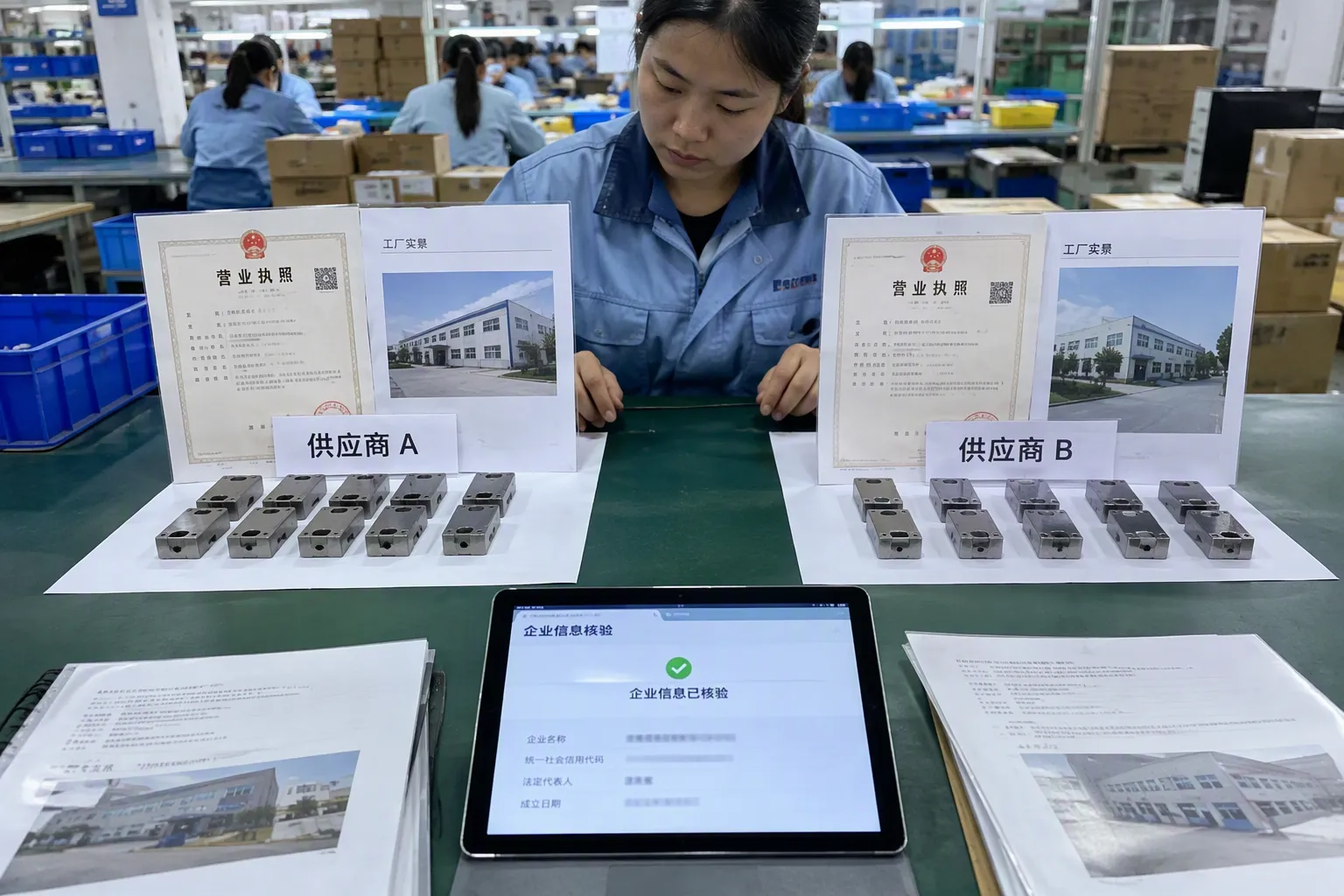
I also distinguish between a supplier’s certification documents and a specific cable’s performance. A company may have broad quality or compliance documentation, but buyers still need to verify which product, model, factory, and test scope each document covers. Our company works with 3C products and supplies documentation for buyers to review, but I still recommend that customers confirm application-specific requirements with a qualified professional or testing organization.
Quality control matters during procurement
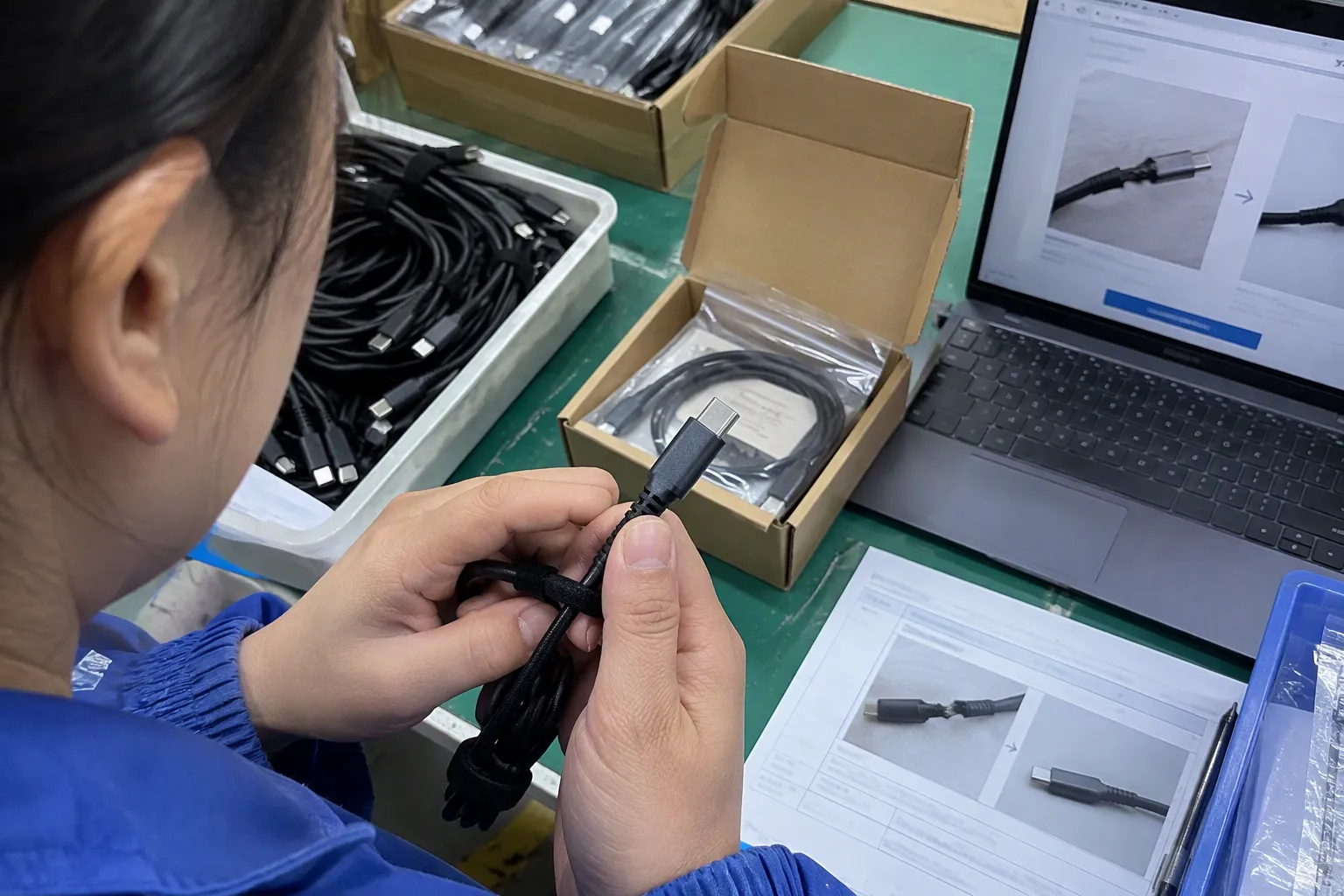
A cable can look acceptable while having inconsistent connector assembly, weak strain relief, unstable contact, or variation between batches. I do not present visual inspection as a complete technical evaluation. I use it as one part of a broader supplier-control process.
For a commercial order, I would normally consider:
- Pre-production sample approval
- Confirmation of the final bill of materials
- In-process production checks
- Finished-goods inspection
- Packaging and labeling review
- Functional sampling with agreed test equipment
- Clear handling of defective units
Retailers and e-commerce sellers should also retain the approved sample and product specification. That record gives both sides a reference if a later shipment differs from the original order.
How Should Buyers Choose a USB Cable?
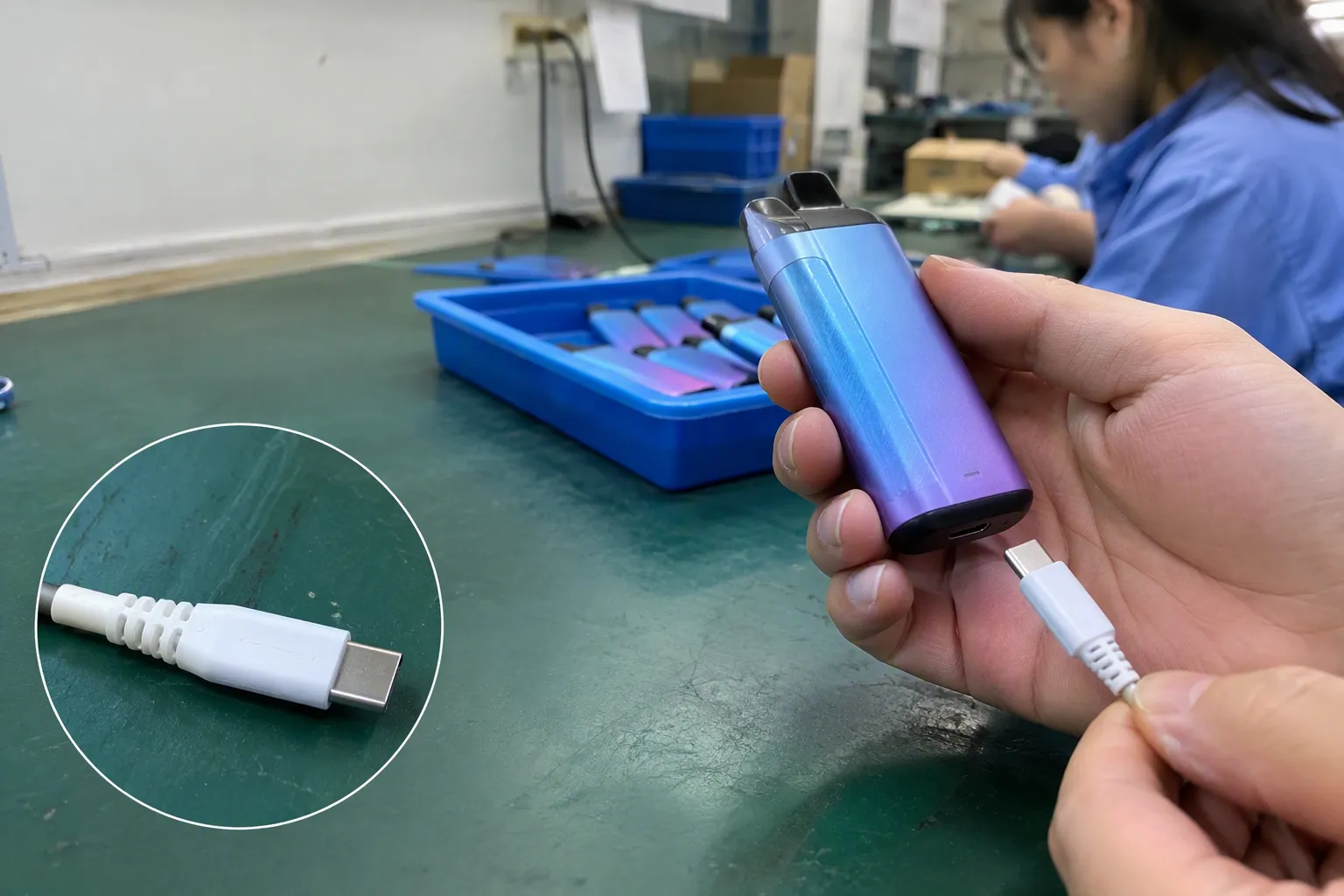
Buyers should choose a USB cable by matching the intended devices and task with a verified product specification. I recommend defining the use case first, then checking connector compatibility, charging and data requirements, quality controls, packaging claims, MOQ, lead time, and after-sales support.
Start with the end use
I begin a sourcing discussion with four questions:
- Which device will connect to which other device?
- Will the cable charge, transfer data, connect a peripheral, or support more than one task?
- Which connector is present on each device?
- What performance claim does the customer actually need?
This approach prevents the connector from becoming the only selection criterion. A buyer sourcing cables for TWS earbud cases may need a different balance of length, flexibility, packaging, and price from a buyer sourcing cables for business customers who connect phones to computers.
Compare suppliers using the same specification
Supplier quotations are difficult to compare when each supplier uses different descriptions. I prepare a simple product brief so every quotation addresses the same points.
| Specification area | Questions for the supplier |
|---|---|
| Application | Which devices and use cases does the supplier recommend? |
| Connector | What are the two connector types and their physical details? |
| Function | Is the cable for charging, data, peripheral connection, or another verified use? |
| Construction | What are the cable material, jacket, strain relief, and connector details? |
| Length | What finished length and tolerance will production follow? |
| Packaging | What retail box, bag, label, or private-label options are available? |
| Quality | What inspections and functional tests are completed? |
| Commercial terms | What are MOQ, sample time, production lead time, and replacement terms? |
I pay special attention to vague words such as “premium,” “high speed,” “super fast,” and “universal.” These words may be useful for marketing only after the supplier defines and supports them. They should not replace technical information.
Consider the commercial risk
A mismatched cable can create several costs for a retailer or online seller:
- Customer messages asking why a function does not work
- Returns caused by a misleading product description
- Negative reviews
- Repacking or relabeling expenses
- Inventory that is difficult to sell
- Additional replacement shipments
- Lost trust between the buyer and supplier
I have handled inquiries where the customer initially asked for a low-priced cable but later explained that the product needed both charging and computer synchronization. The revised requirement changed the supplier comparison. The cheapest visually similar item was no longer the correct option.
This is why I treat a USB cable as a product specification, not just an accessory category. A small clarification before ordering can protect a much larger retail investment.
Plan for private labeling and European or American sales
Our typical customers include 3C retailers, wholesalers, chain stores, e-commerce sellers, and importers in Europe and North America. These buyers often need a combination of stable quality, competitive pricing, manageable MOQ, dependable lead time, and customization.
For private-label projects, I suggest confirming:
- The exact wording of functional claims
- Language requirements for packaging
- Barcode and model-number arrangements
- Warranty instructions
- Batch identification
- Required documentation for the destination market
- Approval of artwork before mass production
- Responsibility for any required third-party evaluation
I do not assume that one document covers every destination, product model, or commercial claim. Buyers should review certification and compliance documents against the actual SKU and market requirements. Qualified local professionals can help when the application involves detailed regulatory, electrical, or safety questions.
How Can Sellers Describe a USB Cable Accurately?
Sellers should describe a USB cable by stating its verified connector combination, intended functions, compatible applications, and known limitations. I recommend avoiding broad promises such as “works with everything” unless the supplier has clearly documented and tested that claim.
Separate physical compatibility from functional compatibility
A product can fit a device and still fail to perform the expected task. I use two separate checks:
- Physical compatibility: The connector can be inserted into the relevant port.
- Functional compatibility: The cable supports the power, data, peripheral, or display function required by the devices.
This distinction is particularly important with USB-C products. Buyers often recognize USB-C as a modern connector and then assume that all USB-C cables have the same internal design. That assumption can lead to inaccurate listings and disappointed customers.
Build a clear product title
A useful product title should identify the cable without making unsupported promises. Depending on the verified specification, a title might include:
- The connector-to-connector combination
- The intended device category
- The stated function
- The length
- The packaging or color
- A documented performance feature
The title should not claim a data rate, power level, video function, or protocol unless those details appear in the approved specification. I also recommend placing compatibility information near the main product images instead of hiding it in a long description.
Add a “check before purchase” note
A short compatibility note can prevent confusion. For example:
Please confirm the connector type and required charging or data function before purchase. Actual performance depends on the connected charger, device, cable specification, and supported protocol.
This wording helps the customer make an informed decision. It also gives the retailer a practical way to explain why a cable may charge one device but not provide the same function on another.
Use product samples responsibly
I encourage buyers to test samples with the devices that matter most to their sales channel. A sample test should reflect the intended listing. If the buyer plans to advertise computer synchronization, the buyer should test synchronization. If the buyer plans to sell a cable for a particular phone family or accessory, the buyer should include representative devices in the evaluation.
I am not a laboratory tester, and I do not treat a single informal test as proof of every possible capability. I use sample testing to identify obvious mismatches and to compare the sample with the supplier’s written specification. Application-specific decisions may require qualified technical evaluation.
Frequently Asked Questions
Can every USB cable charge a device?
No. A cable needs compatible connectors and suitable internal construction to carry power to the receiving device. Even when charging works, the cable may not support the highest available charging performance. The charger, device, cable, and charging protocol should be considered together.
Does every USB-C cable support fast charging?
No. USB-C describes a connector format, not one universal performance level. Different USB-C cables can have different charging, data, construction, and protocol capabilities. I recommend checking the supplier’s specification and matching the cable with the charger and device before making a fast-charging claim.
Can a USB cable transfer files?
Some USB cables can transfer data, while others are intended mainly for charging. Buyers should confirm the declared data function and test the cable with the planned devices. A cable that fits and charges a phone does not automatically provide the required synchronization or transfer performance.
Can a USB cable connect a phone to a monitor?
A USB cable may support video output in a compatible system, but the connector alone is not enough to confirm this. The phone or computer, monitor, adapter, cable, and relevant protocol must all support the intended display connection. Sellers should verify the complete setup before advertising this function.
What should a retailer ask a USB cable supplier?
A retailer should ask about connector details, intended functions, cable construction, length, charging and data specifications, quality-control procedures, sample testing, packaging, MOQ, lead time, warranty, and available documentation. The retailer should also confirm that each certification or test document applies to the exact product model being purchased.
Conclusion
A USB cable can charge devices, transfer data, connect peripherals, and sometimes support video output. I do not define its function by connector shape alone. I first match the cable to the connected devices and required task, then verify the charger, device, protocol, construction, documentation, and sample performance. Clear specifications help retailers and e-commerce sellers avoid mismatched purchases, misleading listings, returns, and after-sales disputes. If you need help comparing USB cable options, MOQ, customization, quality control, and export documentation, contact our Shenzhen 3C export team for a practical product discussion.
Sources
- USB Charger (USB Power Delivery) | USB-IF", USB specifications define the interface as supporting host-device communication and power delivery, while certain USB-C configurations can carry display signals through defined alternate modes
- Cables and Connectors | USB-IF", USB-IF documentation distinguishes the USB Type-C connector and receptacle from the cable and protocol characteristics that determine supported power, data rates, and alternate-mode functions
- Determination of Tensile Characteristics and Electrical ... - PMC", USB power specifications and electrical studies indicate that delivered charging power is constrained by source capability, device acceptance, negotiated operating mode, and losses in the interconnecting cable
- [PDF] USB Power Delivery", The USB Power Delivery specification defines message-based negotiation through which a source and sink establish an agreed power contract before operating at the requested voltage and current
- Micro USB Cable Types: Charge-Only vs Data | WhatCableWorks", USB cable implementations may include power conductors without the data conductors or signaling characteristics required for host-device data communication
- Why do some USB cables not transfer data?", Because USB power delivery and data communication rely on distinct electrical paths and signaling requirements, a cable can provide charging without establishing a data connection
- [PDF] Universal Serial Bus Type-C Cable and Connector Specification", USB-C display output is enabled through defined alternate-mode implementations, such as DisplayPort Alternate Mode, requiring compatible source, sink, and interconnection components
- [PDF] Universal Serial Bus Type-C Cable and Connector Specification", Technical descriptions of USB distinguish connector and receptacle geometries from the USB generations, signaling modes, and power specifications implemented through them