Quick Answer
The USB version of a USB cable is often unclear because a USB-C plug, blue connector, or product label does not prove the cable’s actual data or charging performance. I regularly see buyers choose stock from appearance alone, then face slow transfers, compatibility complaints, or misleading listings. A simple verification process can reduce these risks before purchase.
To identify the USB version of a USB cable, I first confirm both connector ends and the devices the cable must connect. I then compare the supplier’s specification sheet, packaging, markings, data-transfer claim, and charging information. Because appearance alone is not reliable, I request supporting technical documents or test evidence for important performance claims.
Many buyers ask, “What version is this cable?” However, that question can hide several different requirements. A buyer may actually need to know the connector type, USB data standard, transfer speed, charging power, video support, or compatibility with a particular device. I explain below how I separate these points during supplier communication and sample review.
How can I identify the USB version of a cable?
A cable’s USB version cannot be confirmed reliably by its connector shape, plastic color, logo, or USB-C branding. I identify it by checking the complete specification: connector combination, stated USB standard, maximum data speed, supported power conditions, cable construction, length, and test evidence. I also compare the sample with the supplier’s documents before approving stock.
Why does the connector type not prove the USB version?
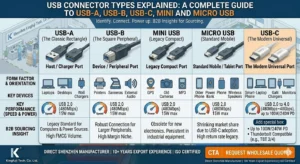
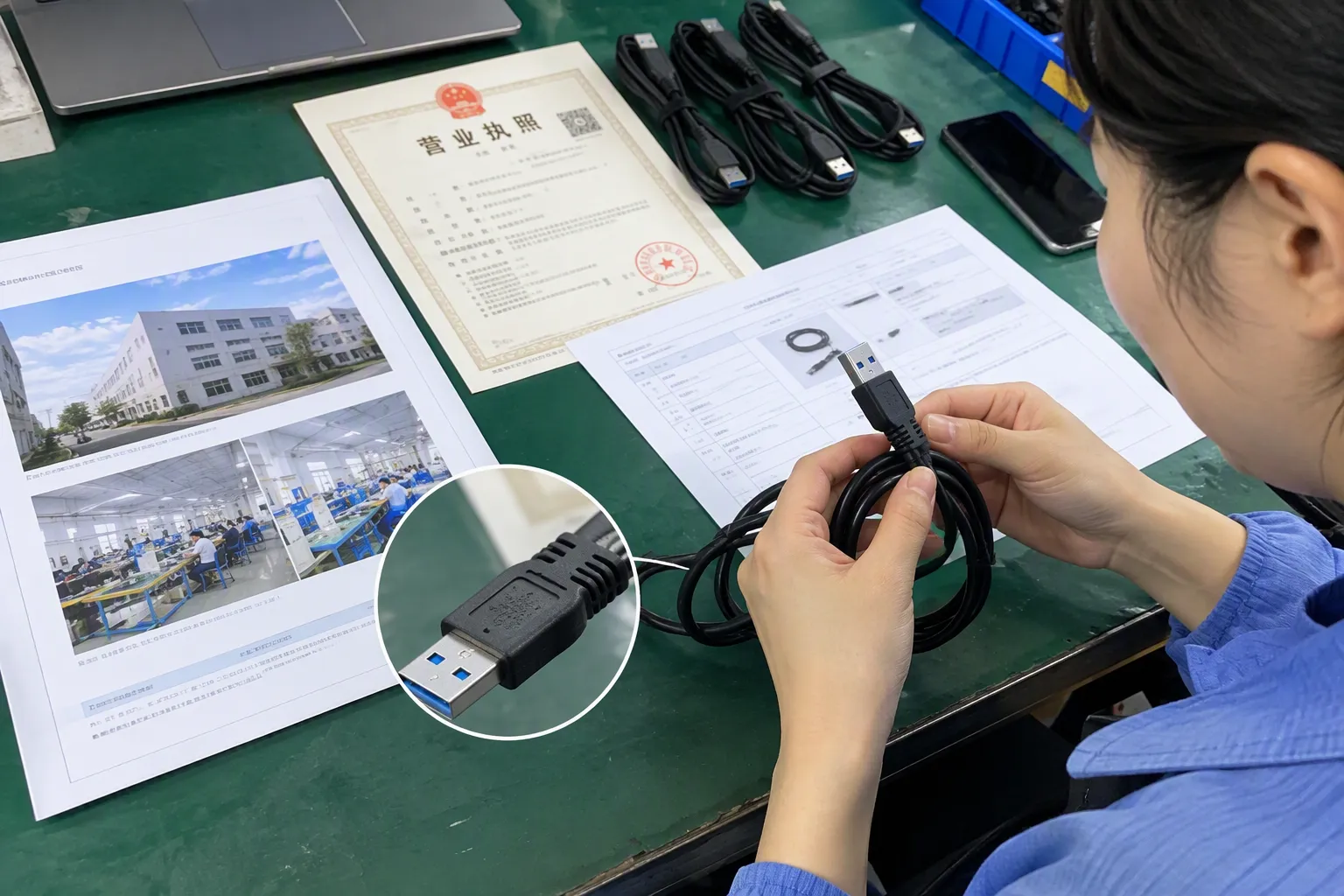
The first mistake I see is treating the connector as the USB version. USB-A, USB-B, Micro-USB, and USB-C describe connector forms. They do not independently identify the USB data standard.[1]
For example, a USB-C cable can be designed for basic USB 2.0 data transfer, a faster USB 3.x connection, USB4, charging only, or a combination of data, power, and display functions[2]. The USB-C shape tells me that the plug uses the USB Type-C connector family. It does not tell me the maximum performance.
The same principle applies to USB-A. A USB-A plug may appear on a cable designed for USB 2.0 or a faster USB standard. A blue insert may suggest that a manufacturer intends to indicate a higher-speed connection, but I do not treat color as proof.[3] Product designs and supplier marking practices are not always consistent.
I use the following distinction during procurement:
| What I am checking | What it tells me | What it does not prove |
|---|---|---|
| Connector type | Whether the plug can physically fit a port | The data speed or charging power |
| USB version or standard | The claimed technical generation or protocol family | The actual result in every device |
| Data-transfer speed | The stated or tested data performance | Charging capability |
| Charging rating | A stated power or current capability under conditions | Data-transfer speed |
| Cable length and construction | Factors that may affect signal and power performance | A guaranteed USB version |
| Product label | The supplier’s stated specification | Independent verification |
This separation matters for retailers and wholesalers. If I list a cable as “USB-C fast cable” without defining fast data, fast charging, or both, customers may interpret the listing differently. A clear product title should explain the connector ends and the verified functions.
What should I check on the specification sheet?
I ask the supplier to provide a specification sheet that answers practical questions rather than using broad marketing language. A useful sheet should include:
-
Connector combination
Examples include USB-A to USB-C, USB-C to USB-C, USB-A to Micro-USB, or another combination. -
Stated USB standard
The document should identify the claimed standard or generation. I ask the supplier to clarify vague phrases such as “high speed,” “3.1 cable,” or “USB-C data cable.” -
Maximum data rate
The supplier should state the claimed speed in a way that can be compared with the product description. I do not assume that a version name automatically represents a guaranteed real-world transfer result. -
Charging information
I ask whether the cable is rated for a stated current or power level and what conditions apply. The charger, device, cable length, electronic markers, and construction can all affect the result. -
Supported functions
I check whether the cable supports data transfer, charging, video output, or only one of these functions. -
Cable length and conductor details
Longer cables and different internal constructions can affect performance.[8] I ask for the available lengths and the relevant construction information when the application requires it. -
Test conditions
If the supplier gives a speed or power claim, I ask how the supplier obtained it. I treat supplier test results as useful evidence to review, not as a replacement for independent validation when the application is sensitive.
In my experience handling USB cable inquiries, buyers often request only “USB 3 cable” and then expect the supplier to understand the complete requirement. That phrase is not always precise enough. USB naming has changed over time, and commercial listings may use older or simplified terminology. I ask the supplier to write the exact claim in plain language and to connect it with the relevant connector combination.
How do USB version, speed, and charging differ?
The term “USB version” is only one part of the evaluation. A cable can carry a particular data standard while having a different charging limitation. It can also be designed primarily for charging and provide little or no useful data function.
I normally divide the purchase requirement into three questions:
- Can the cable connect the target devices?
- Can it transfer data at the required level?
- Can it deliver the required charging performance under the stated conditions?
A buyer who sells cables for phones may focus on charging reliability and everyday data synchronization. A buyer who sells cables for external storage, cameras, monitors, or docking equipment may need stronger evidence about data speed and other functions. I do not use the same approval checklist for all applications.
USB connector type
The connector describes the physical interface at each end. Common examples include:
- USB-A
- USB-C
- Micro-USB
- USB-B and related variants
The two cable ends must match the ports or adapters used by the target devices. A USB-C to USB-C cable is not automatically equivalent to a USB-A to USB-C cable. The connector combination may affect the intended device connection, charging arrangement, and available functions.
USB data standard
The USB data standard describes a communication capability claimed by the cable and connected equipment. The host device, receiving device, controller, and cable must work together. If one part supports only a lower level, the complete connection may operate at that lower level.[4]
This is why I avoid describing a cable as “the fastest USB version” without checking the complete system. I also ask suppliers to clarify whether a claim refers to the cable itself, the interface used in a test, or the highest theoretical capability associated with a product family.
Data-transfer speed
Data speed is a performance claim. It should not be inferred from the plug shape. Real results may depend on the source device, storage device, controller, operating system, file type, cable length, and test method.[5]
For B2B purchasing, I recommend recording the speed claim exactly as provided and asking whether the supplier has a corresponding test report or sample result. I do not convert an unverified label into a guaranteed retail promise.
Charging power
Charging power is a separate issue. A cable may be suitable for charging but not support a particular high-power application. The charger and device must also negotiate and accept the required power.[6] Cable construction and any required identification components may matter.[7]
I ask suppliers to state whether the product is:
- Charging only
- Charging and basic data transfer
- Intended for a specified current
- Intended for a specified power level under defined conditions
- Suitable for a particular device family only after device-side confirmation
I also tell buyers to have qualified technical personnel evaluate high-power or application-specific requirements. My role is to reduce specification risk during sourcing, not to replace laboratory testing or professional product evaluation.
Can packaging and cable markings confirm the USB version?
Packaging and labels are useful starting points, but I do not regard them as independent proof. A box may say “fast,” “super speed,” or “USB-C high performance,” while the detailed specification is missing. A printed claim can also be copied across several product variations.
I compare at least three sources:
- The supplier’s quotation or specification sheet
- The physical sample and its markings
- The final packaging, label, or e-commerce description
If these sources do not match, I stop the approval process and request clarification. For example, the quotation may state a higher-speed USB standard while the packaging only says “charging cable.” That difference does not automatically mean the product is wrong, but it creates a documentation gap.
I also check whether the same model number appears consistently on:
- The cable label
- The inner packaging
- The carton marking
- The supplier’s pro forma invoice
- The inspection document
- The purchase order
This process helps prevent a common problem: approving one sample and receiving a visually similar but technically different cable in bulk.
What questions should I ask a USB cable supplier?
I use direct questions because vague wording creates problems later. A buyer can send the following checklist before placing an order:
Please confirm the connector type at both ends.
Please state the claimed USB standard in the product specification.
Please state the claimed maximum data-transfer speed.
Please confirm whether the cable supports charging only, data transfer, or both.
Please provide the charging current or power claim and the conditions for that claim.
Please identify the cable length and available construction options.
Please confirm whether the sample, packaging, and mass-production item will have the same specification.
Please provide available test reports or technical documents for the claims that will appear in our product listing.
I also ask what the cable is designed to connect. A supplier may answer more accurately when I describe the target use, such as:
- Laptop to external SSD
- Wall charger to smartphone
- Power bank to tablet
- Car charger to phone
- Computer to printer
- Docking station to monitor
- Retail multipack for general household use
The intended use helps the supplier identify whether the buyer needs a basic synchronization cable, a higher-speed data cable, a charging-focused cable, or a product requiring additional technical review.
How should I verify a USB cable sample before mass production?
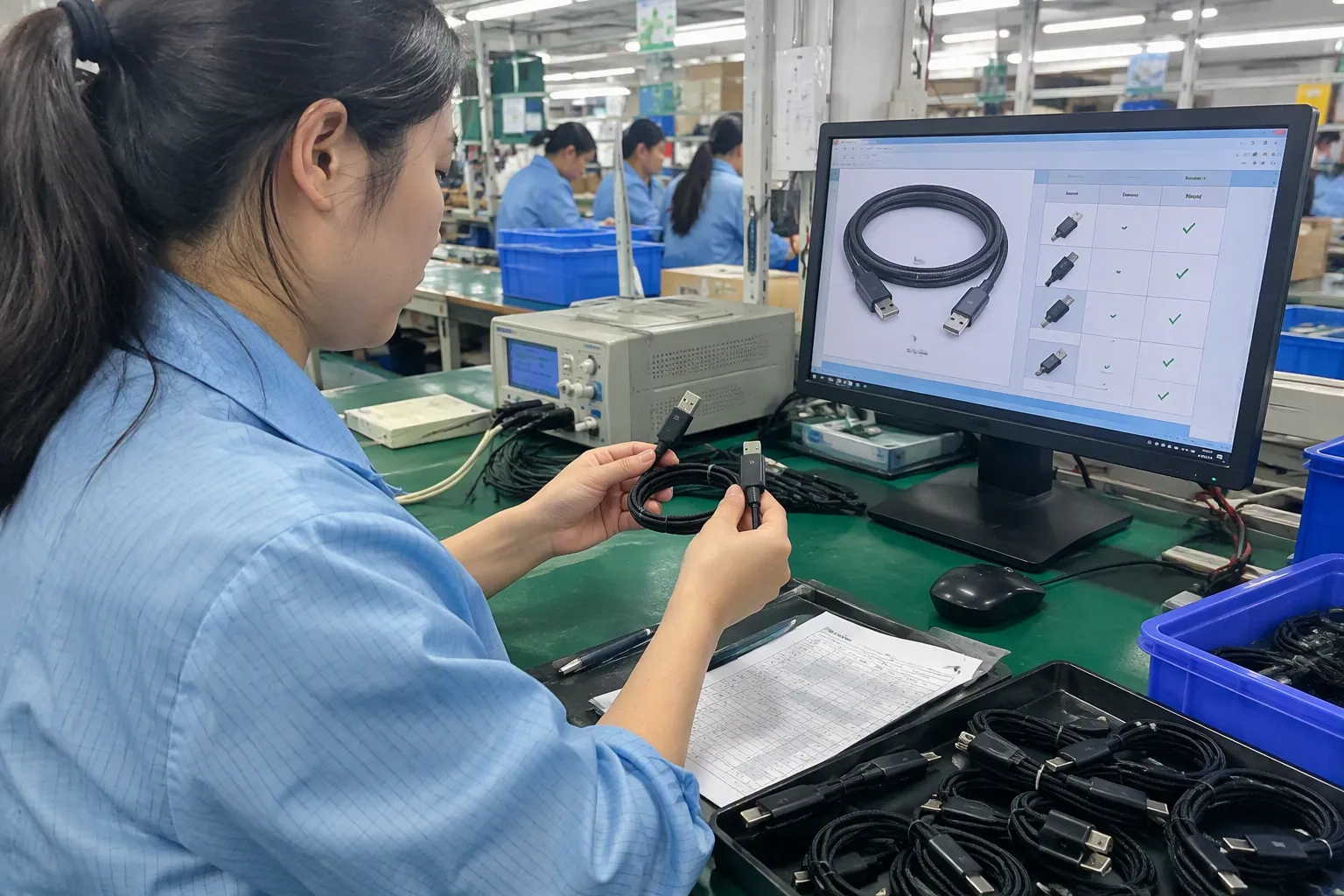
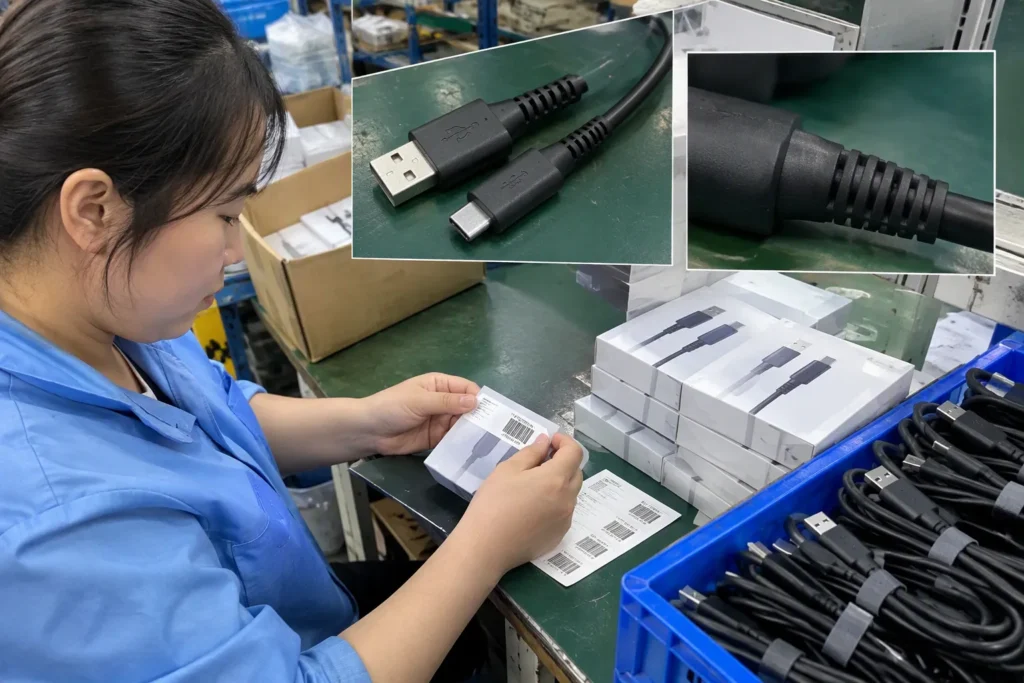
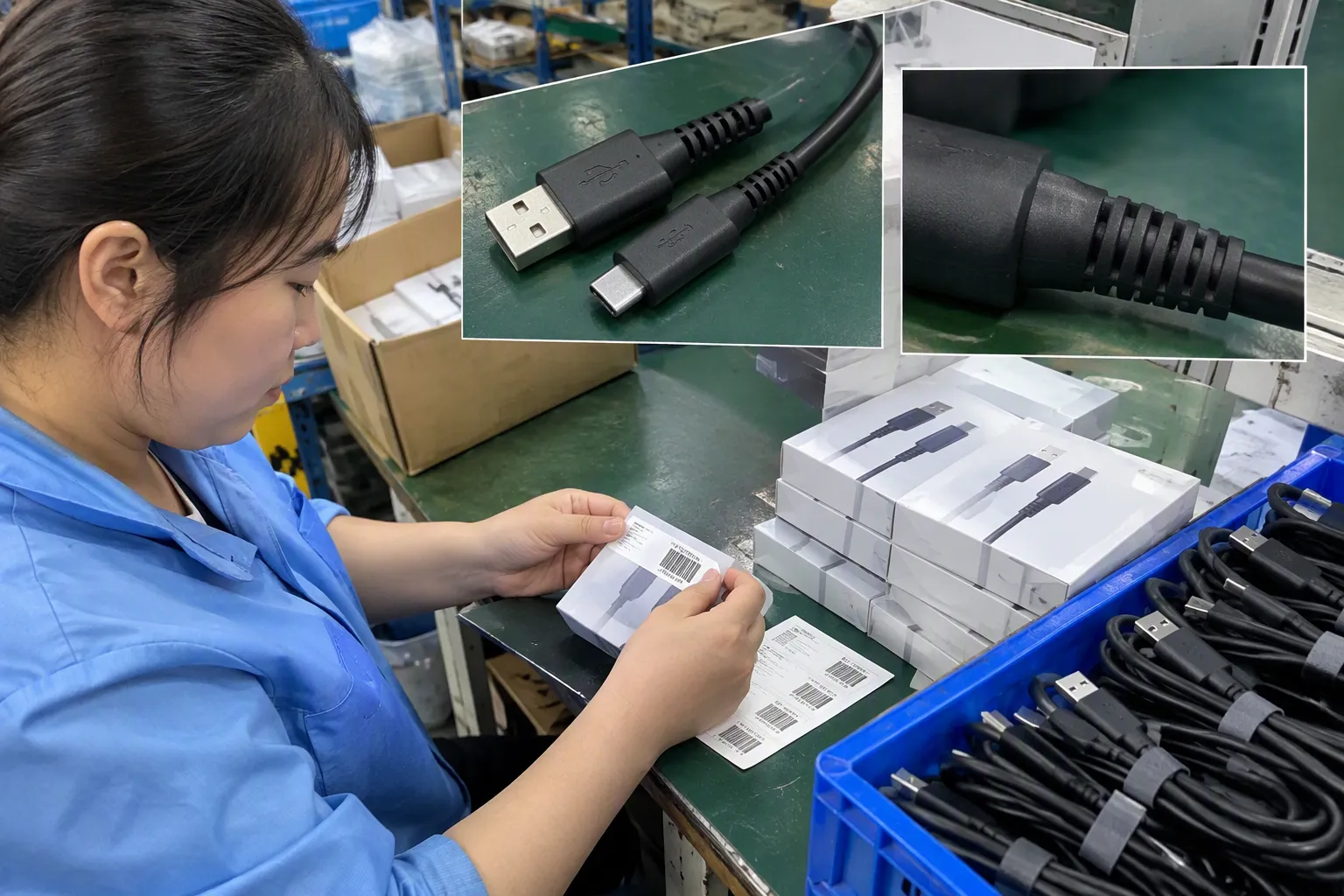
I treat the sample as a specification reference, not just a visual approval unit. During sample review, I check the connector finish, strain relief, cable length, label, packaging, and model number. I compare those details with the quotation and purchase order.
For a commercial order, I create a simple approval record with the following fields:
| Approval item | Buyer’s record |
|---|---|
| Model number | Exact supplier reference |
| Connector ends | Both ends listed |
| Stated USB standard | Supplier wording recorded |
| Stated data speed | Claim and units recorded |
| Charging claim | Current or power and conditions |
| Cable length | Nominal length and tolerance if supplied |
| Color and appearance | Sample reference |
| Packaging | Artwork or label reference |
| Test documents | File name, date, and scope |
| Mass-production check | Inspection requirement |
If the cable is important to the product’s function, I request pre-shipment verification against the approved sample and documents. The inspection should check the model, connector ends, quantity, packaging, markings, and any agreed technical tests. I make clear that a visual inspection cannot prove every electrical or protocol claim.
When a customer requires a particular data speed, charging function, or device compatibility, I recommend a suitable external laboratory or qualified technical evaluator. The exact test method should match the buyer’s market, claim, and application. This is especially important when the product listing will use strong performance language.
What are the most common USB version purchasing mistakes?
I have seen several recurring mistakes in supplier inquiries and product approvals. These mistakes usually happen because the buyer wants a short answer to a question that requires several specifications.
Mistake 1: Choosing by color
A blue insert or colored connector can help distinguish products in a supplier’s range, but color is not a technical verification method. Different factories may use different colors, and a color may refer to an internal design choice rather than a recognized standard.
Mistake 2: Treating USB-C as a speed rating
USB-C identifies a connector family. It does not independently prove data speed, charging power, video support, or USB4 capability. I always request the performance details separately.
Mistake 3: Copying a supplier title into a retail listing
Supplier titles may contain shorthand or outdated naming. I rewrite the listing only after I understand the confirmed connector and function. If the speed is not verified, I use more careful wording instead of publishing a precise but unsupported number.
Mistake 4: Checking only the sample appearance
Two cables can look nearly identical while having different internal constructions. I compare the physical sample with technical documents and the agreed production specification.
Mistake 5: Assuming charging and data are linked
A cable that charges a device may not provide the data performance that a customer expects. A cable that supports data may also have charging limitations. I list these functions separately.
Mistake 6: Ignoring length
A buyer may approve a short sample and order a longer version without asking whether the specification remains unchanged. Length, conductor design, shielding, and construction can affect performance. I ask the supplier to confirm whether every length uses the same relevant specification.
Mistake 7: Accepting “up to” claims without conditions
“Up to” describes a maximum claim, not a guaranteed result in every setup. I ask for the test conditions and explain that the connected devices also influence the outcome.
Mistake 8: Treating certifications as proof of USB performance
A certification document may relate to a product, factory, management system, safety requirement, or market requirement. It does not automatically prove every USB speed or charging claim. I ask buyers to verify the document’s scope, validity, model coverage, and issuing body.
How can I turn this into a procurement specification?
A clear purchase specification prevents many after-sales disputes. I recommend writing the requirement in a structured format instead of sending only a product photo.
A practical specification can include:
- Product name: For example, USB-A to USB-C cable.
- Target devices: The devices or equipment that will be connected.
- Connector ends: Exact connector type at each end.
- Data function: Charging only, basic data, or a stated data requirement.
- Charging function: Required current or power, with conditions and exclusions.
- Length options: Each length that will be purchased.
- Construction: Jacket material, conductor details, shielding, and reinforcement where relevant.
- Appearance: Color, logo, braiding, strain relief, and packaging.
- Documents: Specification sheet, test evidence, and applicable certifications for buyer review.
- Inspection: Sample comparison and agreed pre-shipment checks.
- Commercial terms: MOQ, lead time, replacement process, and after-sales handling.
For a retailer, the most important point may be an accurate product description and low return rate. For a wholesaler, consistent model control and carton labeling may matter more. For an e-commerce seller, the product page must avoid unsupported promises that can create customer complaints.
I also clarify the order’s change-control process. The supplier should not change the connector, internal material, length, packaging, or model without written approval. A visual similarity requirement is not enough. The purchase order should refer to the approved specification and sample.
How can I compare suppliers when USB cable claims look similar?
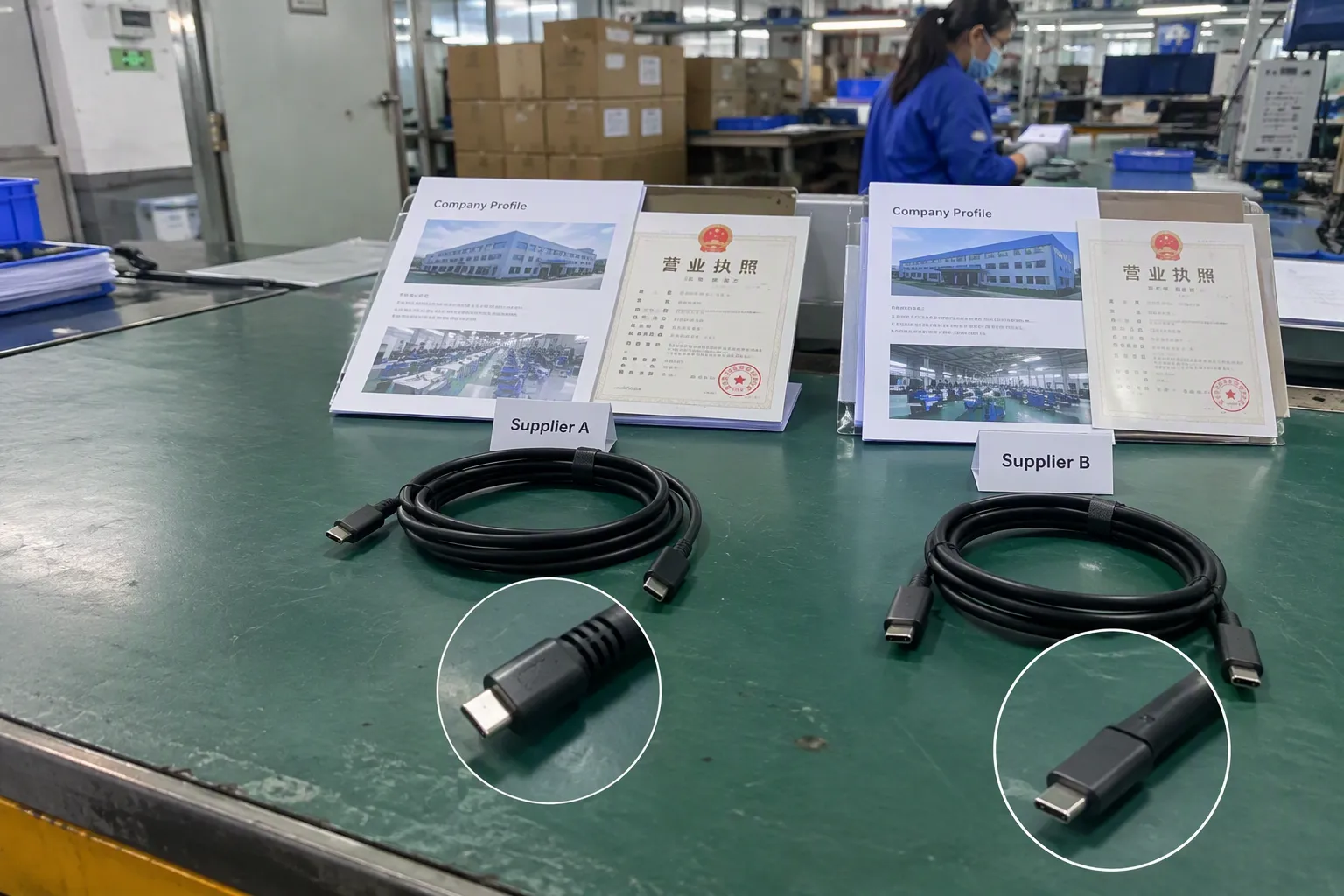
A supplier comparison should include more than unit price. I evaluate whether each supplier can explain the product consistently and provide useful documents.
| Evaluation factor | Questions I ask |
|---|---|
| Specification clarity | Does the supplier separate connector, data, and charging claims? |
| Sample consistency | Does the sample match the quotation and packaging? |
| Documentation | Can the supplier provide relevant technical documents? |
| Quality control | Does the supplier have a defined sample and pre-shipment process? |
| Customization | Can the supplier manage logo, packaging, length, and labeling accurately? |
| MOQ | Does the MOQ fit the buyer’s launch plan? |
| Lead time | Is the production and shipping schedule realistic? |
| After-sales support | Does the supplier have a clear response and replacement process? |
| Market experience | Can the supplier support the buyer’s target market and documentation needs? |
| Communication | Does the supplier answer technical questions directly? |
In my Shenzhen-based export work, I find that clear communication is an important quality signal. A supplier does not need to promise every possible function. A reliable supplier should identify what the product does, what it does not do, and which claims require testing.
Price still matters, especially for large retail programs. However, a lower purchase price can become expensive if the buyer receives mixed specifications, incorrect labels, or products that do not match the online description. I prefer to compare the total procurement risk, including inspection, returns, relabeling, and delayed delivery.
How do I write an accurate product listing for a USB cable?
I write the listing from confirmed facts rather than assumptions. A precise listing usually names the connector ends first, then the verified functions.
For example, a safer structure is:
- “USB-A to USB-C charging and data cable”
- “USB-C to USB-C cable with supplier-stated data capability”
- “Charging cable for [target device], subject to charger and device compatibility”
- “Cable length: [specified length]; connector: [specified ends]”
I avoid wording such as “universal high-speed cable” when I cannot define the speed or device support. I also avoid using a USB version label as a substitute for a complete performance description.
The listing should explain relevant limits in simple language. If charging depends on the charger and device, I say so. If the cable does not support video output, I do not imply that it does. If the cable is designed for charging and basic synchronization, I make that clear.
Before publication, I compare the listing with:
- The approved supplier specification
- The final packaging
- Any test evidence
- The buyer’s target device requirements
- The applicable marketplace or customer documentation requirements
A strong listing protects both the buyer and the supplier. It helps the end customer select the right cable and gives the sales team a consistent reference when answering questions.
Frequently Asked Questions
Can I identify the USB version from a USB-C connector?
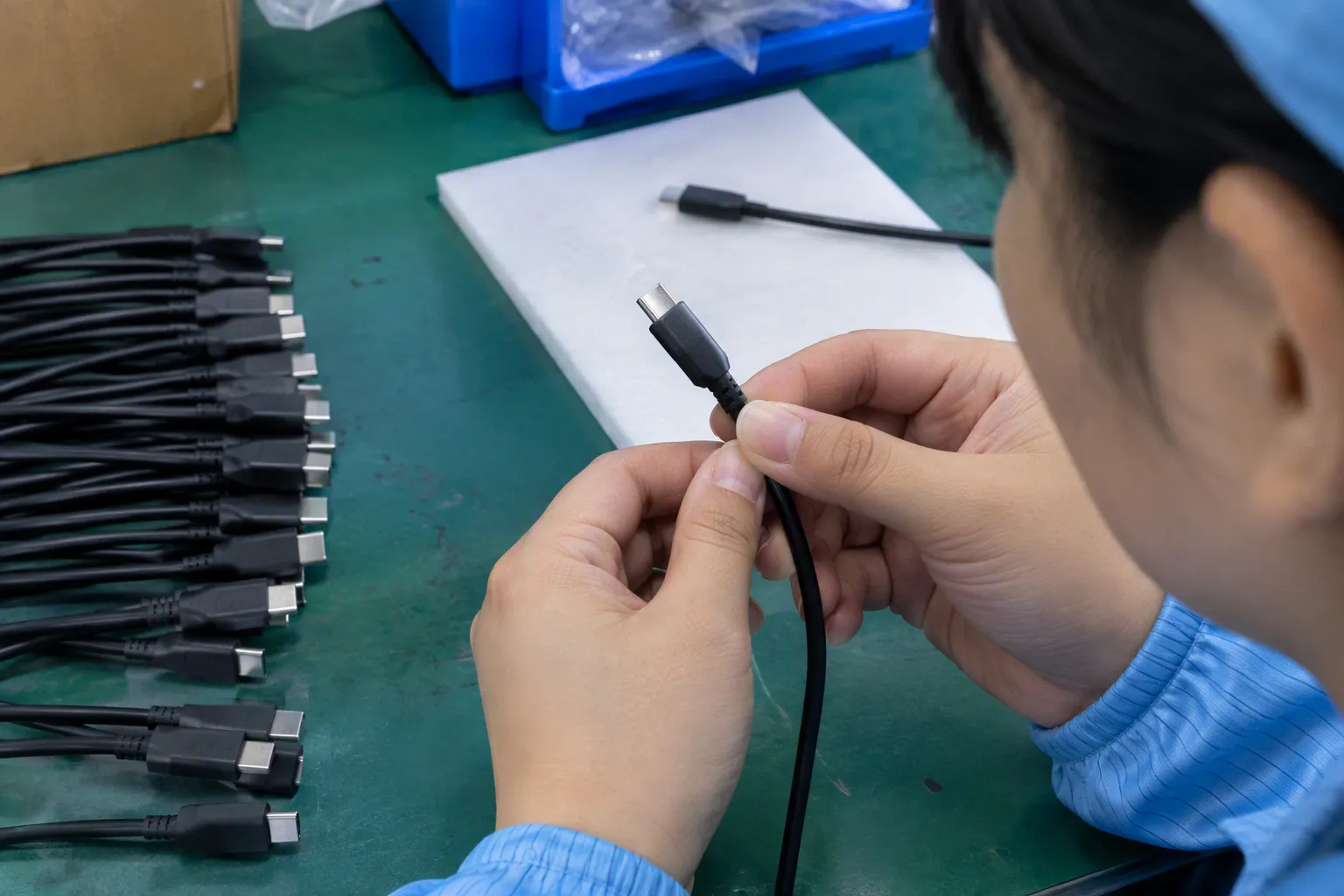
No. A USB-C connector identifies the physical connector family, not the cable’s USB data standard or charging performance. A USB-C cable may support different functions depending on its internal construction and the connected devices. I always request the complete specification before assigning a USB version or speed claim.
Does a blue USB connector prove that a cable is USB 3?
No. Connector color can be a helpful visual product distinction, but it is not independent technical evidence. Manufacturers may use different colors, and product ranges may not follow the same convention. I compare the color and appearance with the supplier’s documents, but I do not approve the USB version from color alone.
Is USB version the same as data-transfer speed?
No. USB version and data-transfer speed are related but should be recorded separately. Naming practices can be confusing, and a stated maximum speed may depend on the host device, receiving device, cable length, and test method. I ask suppliers to provide the exact claim and supporting evidence where the speed is commercially important.
Does a cable that supports fast charging also support fast data?
Not necessarily. Charging and data performance are separate product characteristics. A charging-focused cable may provide limited data functionality, while a data cable may have a different charging rating. I ask the supplier to confirm both functions independently and to state any conditions or limitations.
What documents should I request from a USB cable supplier?
I normally request a specification sheet, product label or packaging artwork, available test reports, and applicable certification documents for review. I also ask the supplier to confirm model coverage and whether the documents apply to the exact cable being purchased. Buyers should verify important claims with a qualified professional or suitable external laboratory.
Conclusion
Identifying the USB version of a USB cable requires more than checking a connector shape, color, or USB-C label. I separate connector type, USB standard, data speed, charging performance, cable construction, and device compatibility. I then compare the supplier’s specification, sample, packaging, and available evidence before approving stock. If you are sourcing USB cables for a retail, wholesale, or e-commerce program, contact my Shenzhen 3C export team to discuss suitable models, MOQ, lead time, customization, documentation, and pre-shipment specification checks.
Sources
- Microsoft Word - view27_USB.doc - University of Texas at Austin", The cited technical specification distinguishes USB connector types from the separate protocols and performance capabilities that may be implemented through them
- Product Search | USB-IF", USB-IF technical documentation describes USB Type-C as a connector and cable ecosystem supporting multiple USB data specifications and optional power-delivery or alternate-mode functions
- USB Certification of crystal-less SuperSpeed products", USB technical guidance treats connector coloration as an identification convention rather than a complete substitute for the product's stated USB specification and tested capability
- USB 3.2 Specification", USB interoperability guidance explains that the resulting connection uses a capability supported by the relevant host, device, and link components, so a lower-capability component can constrain operation
- [PDF] A Further Performance Comparison of Operations in the File System ...", Experimental USB throughput research reports that measured transfer rates vary with endpoint devices, storage and controller behavior, workload characteristics, and benchmarking conditions rather than equaling the nominal interface maximum
- [PDF] USB Power Delivery", USB Power Delivery specifications describe source–sink negotiation of a power contract, establishing that delivered power depends on the capabilities and agreed operating conditions of the connected equipment
- [PDF] Universal Serial Bus Type-C Cable and Connector Specification", USB Type-C and USB Power Delivery specifications define cable current capabilities and, for certain higher-current configurations, require cable identification through an electronic marker
- 10 Key Strategies to Ensure Signal Integrity at High Data ...", USB interconnect engineering literature identifies cable length, conductor resistance, impedance, shielding, and construction as factors that can affect signal integrity and delivered voltage at the load