Quick Answer
USB data transfer rates and specifications can look simple on a product listing, yet they often create confusion for buyers, sellers, and end users. A USB-C cable may look modern but only support basic sync speeds. If we do not match the cable, ports, protocol, and task, the result can be disappointing performance, unclear listings, and avoidable returns.
USB data transfer rates depend on the complete connection, not just the cable or connector.[1] USB-C is a connector format, while USB 2.0, USB 3.2, USB4, and other standards describe possible data capabilities.[2] Buyers should select USB cables by intended use—basic charging and sync, everyday file transfer, or high-bandwidth work—and confirm the host device, receiving device, cable, and packaging claims all support the same level.
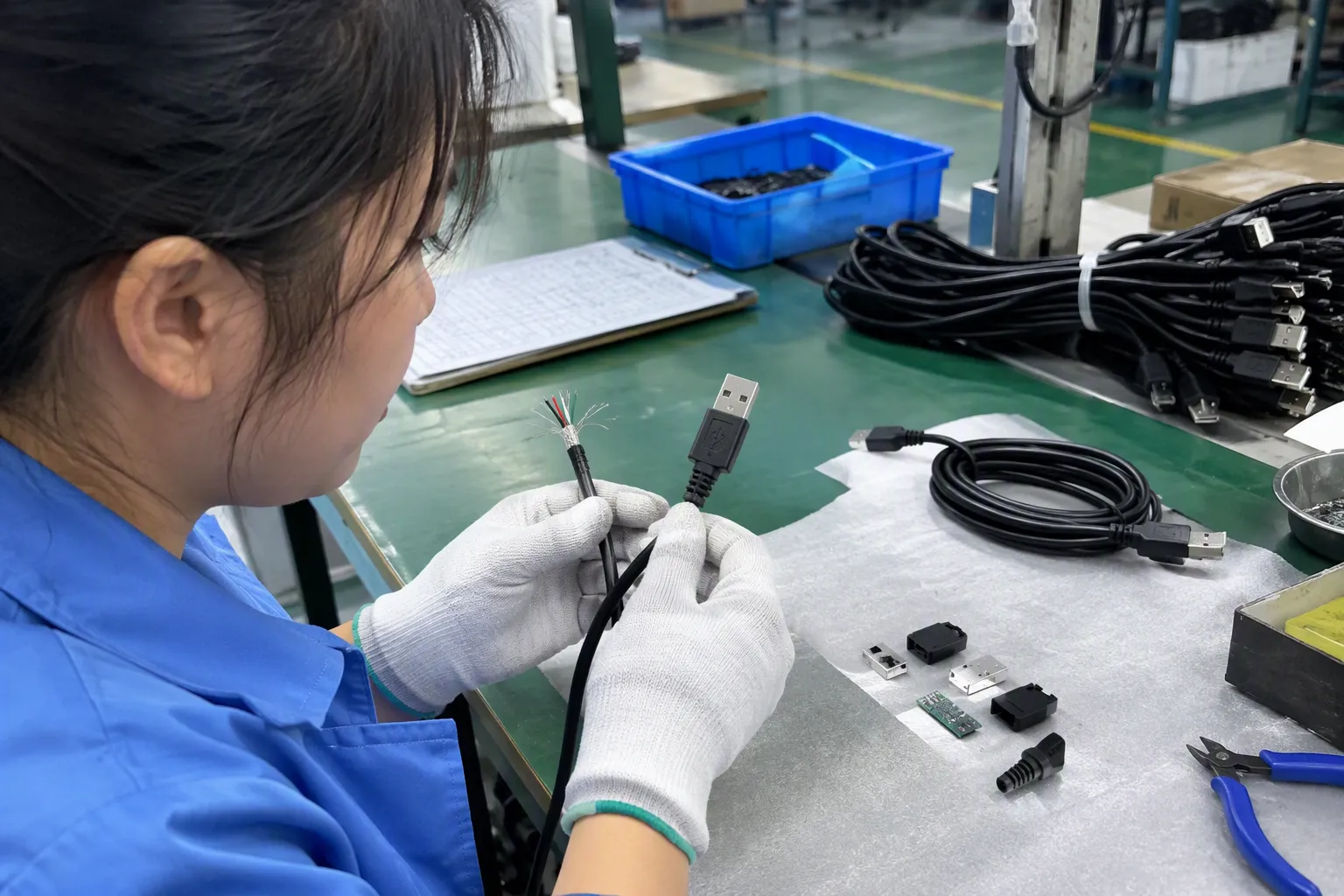
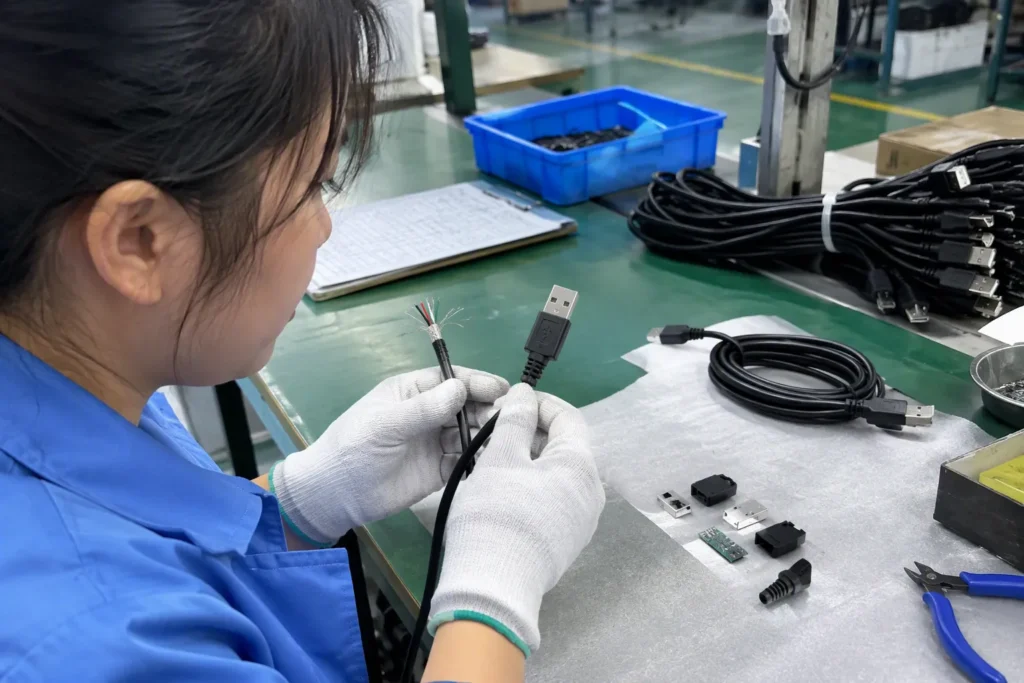
In our 15 years of exporting 3C products from Shenzhen, we have seen the same issue appear in many procurement conversations: buyers compare the largest rate number first, then discover that the product assortment does not match real customer needs. A clearer approach starts with compatibility, use case, and accurate product communication.
USB Cable Selection Is Not About Buying the Highest Advertised Data Rate—How Should USB Data Transfer Rates and Specifications Guide It
Many buyers see “USB-C,” “10Gbps,” or “40Gbps” on a listing and assume they are choosing the best cable. That assumption can create unnecessary cost and customer complaints. A high-rated cable may be unnecessary for a charging-focused SKU, while a low-data cable may be unsuitable for an SSD enclosure or monitor setup.
We recommend using USB data transfer rates and specifications as a fit-for-purpose selection tool. Start with the devices customers will connect, identify the required protocol and port capability, then choose a cable with matching documented performance. The fastest advertised rate is only useful when every part of the connection supports it and the customer’s task needs it.
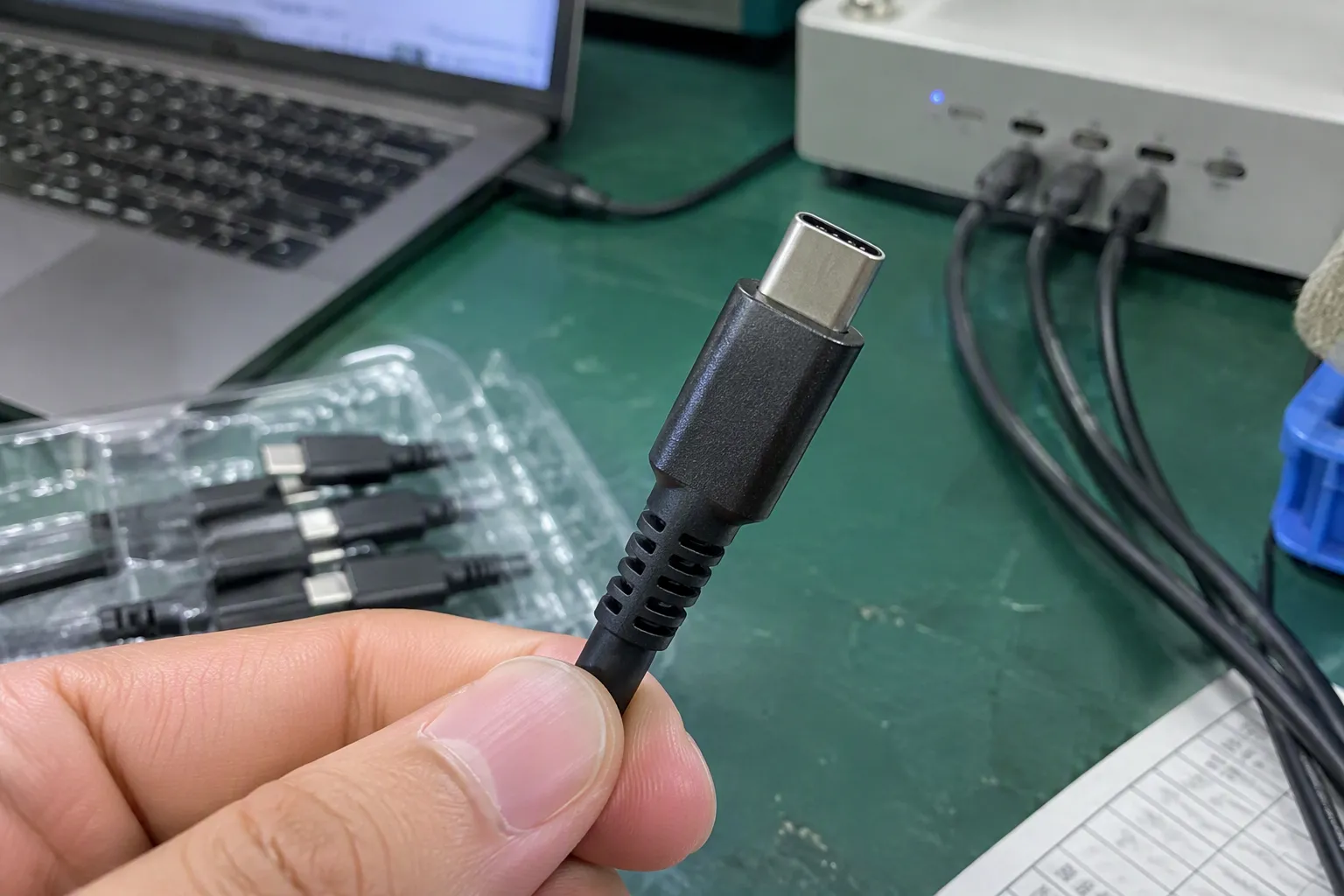
Start With the End-to-End Connection
The most useful way to explain USB performance is as a chain:
Host port → cable → receiving device → protocol support → real operating conditions
The practical transfer result cannot exceed the weakest relevant part of that chain.[3]
For example, a cable advertised for 10Gbps cannot make a USB 2.0 laptop port transfer data at 10Gbps. In the same way, a USB 3.2 Gen 2 port cannot deliver its potential rate if the connected storage device only supports USB 2.0. Even when all components support the same standard, actual file-copy speed can be lower because of storage performance, file size, software overhead, hub design, and system conditions.[4]
We often encourage customers to avoid writing absolute promises such as “always transfers at 10Gbps.” A clearer and more defensible listing statement is:
- “Supports data transfer up to 10Gbps with compatible devices.”
- “Actual transfer performance depends on the connected devices, ports, files, and system configuration.”
- “USB-C connector; data capability varies by cable model.”
This wording is more useful for European and North American retailers, importers, and e-commerce sellers. It sets a reasonable expectation without weakening the value of a properly specified cable.
USB-C Is a Connector, Not a Data-Speed Guarantee
USB-C has become the most common source of misunderstanding in cable sourcing. The USB Type-C connector is physically reversible[5] and widely used across phones, tablets, laptops, chargers, docking stations, storage devices, and accessories. However, USB-C alone does not identify a cable’s maximum data rate[6].
A USB-C to USB-C cable can be designed for very different purposes:
| Typical cable type | Possible data use | Typical buyer use case | Important listing note |
|---|---|---|---|
| USB-C charging cable with USB 2.0 data | Up to 480Mbps | Charging, phone sync, simple accessories | Do not imply high-speed file transfer |
| USB-C 5Gbps cable | Up to 5Gbps | Everyday external storage and peripherals | Confirm compatible host and device ports |
| USB-C 10Gbps cable | Up to 10Gbps | Faster SSDs, professional accessories | State the rate as “up to” |
| USB-C 20Gbps cable | Up to 20Gbps | Selected high-speed storage applications | Confirm USB 3.2 Gen 2x2 compatibility |
| USB4 cable | Product-specific capability | Advanced docks, displays, storage workflows | Verify exact claimed capability and cable documentation |
The connector shape does not tell the whole story. A USB-C cable may support USB 2.0 data, USB 3.2 data, USB4 data, charging only in a limited configuration, or additional display-related functions depending on the product design and connected equipment.
We suggest that buyers build internal product descriptions around capability, not connector appearance. “USB-C to USB-C cable” is not enough information for a technical listing. A better product title may include the verified data class, length, charging capability where applicable, and intended application.
For example:
- USB-C to USB-C Cable, USB 2.0 Data, 480Mbps, Charging and Sync
- USB-C to USB-C Cable, Up to 5Gbps Data Transfer, for External SSDs and Laptops
- USB-C to USB-C Cable, Up to 10Gbps, Full-Feature Data Cable for Compatible Devices
We would still ask the supplier to provide the supporting specification documents before publishing any performance claim. Our commercial review of a data sheet, label, or packaging artwork is not a substitute for independent laboratory testing or application-specific engineering validation.
Understand the USB Naming Before Comparing Rates

USB naming has changed over time, and this has made product comparisons harder than necessary. Legacy terms still appear in supplier files, marketplace listings, old packaging, and customer questions.
The table below summarizes commonly referenced USB data names and their theoretical signaling rates. These figures are not guaranteed real-world file-copy speeds.
| Common reference | Current or commonly used marketing name | Theoretical maximum signaling rate | Procurement interpretation |
|---|---|---|---|
| [USB 2.0 High-Speed | USB 2.0 | 480Mbps](https://www.usb.org/document-library/usb-20-specification)[7] | Suitable for charging, sync, keyboards, mice, and basic data use |
| USB 3.0 / USB 3.1 Gen 1 | USB 3.2 Gen 1 / SuperSpeed USB 5Gbps | 5Gbps | Suitable for routine file transfer and many external drives |
| USB 3.1 Gen 2 | USB 3.2 Gen 2 / SuperSpeed USB 10Gbps | 10Gbps | Suitable for faster SSD and higher-performance peripheral use |
| [USB 3.2 Gen 2x2 | SuperSpeed USB 20Gbps | 20Gbps](https://www.usb.org/usb-32-0)[8] | Requires compatible equipment; not supported by every USB-C host |
| USB4 | USB4 20Gbps or USB4 40Gbps, depending on implementation | 20Gbps or 40Gbps | Requires careful device and cable compatibility review |
| USB4 Version 2.0 | USB4 Version 2.0 | Up to 80Gbps in standard operation; optional asymmetric modes may differ | Specialized category; verify exact product claim and documentation |
The USB Implementers Forum publishes the relevant specifications, naming guidance, and compliance information. Before finalizing packaging or online content, we recommend checking the current terminology against authoritative USB-IF documentation rather than relying only on older supplier wording.
A practical commercial rule is simple: lead with the speed claim customers can understand, then add the standard name where it is relevant and verified.
For example, “USB 10Gbps” is easier for many buyers to understand than a legacy-only reference to “USB 3.1 Gen 2.” However, the listing should still be technically accurate and should not combine incompatible names casually.
Do Not Confuse Data Transfer With Charging Speed
Charging performance and data performance are related only in the sense that the same cable may carry both power and data. They are not the same specification.
A cable can support high charging power while providing only USB 2.0 data transfer. This is common in many USB-C charging cable categories. Conversely, a cable designed for high-speed data may have its own charging rating that buyers need to confirm separately.
For this reason, we recommend treating the following as separate procurement checkpoints:
-
Connector configuration
USB-C to USB-C, USB-A to USB-C, USB-C to Lightning, and other combinations affect device compatibility. -
Data capability
USB 2.0, 5Gbps, 10Gbps, 20Gbps, USB4, or another documented level. -
Charging capability
The cable’s stated current and power-delivery capability, where applicable. -
Video or display support
A cable may need additional capabilities for display output. Buyers should not assume that every USB-C data cable supports the same display functions. -
Length and construction
Longer cables can be useful for retail customers, but buyers should confirm that the claimed function remains appropriate at the offered length.
This separation also helps retailers build better filters on e-commerce stores. Instead of one broad “USB-C cable” category, stores can let customers choose:
- Charging and basic sync
- 480Mbps data
- 5Gbps data
- 10Gbps data
- High-bandwidth USB4 applications
- Display-capable cables, where documentation supports the claim
Clear filtering reduces the chance that a customer buys a low-data charging cable for an external SSD, or pays for a premium cable when basic phone synchronization is all they need.
Match Cable SKUs to Real Buyer Use Cases
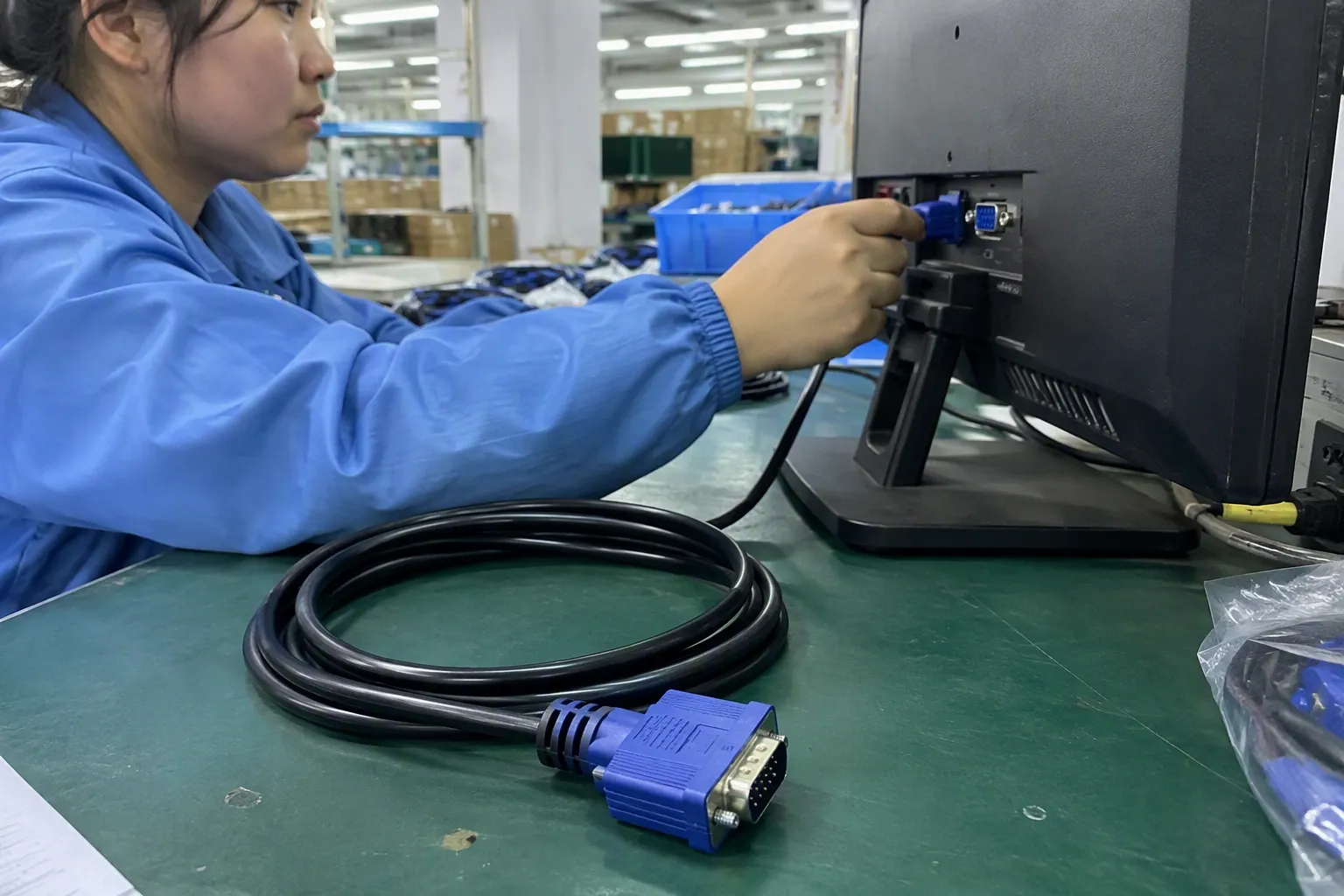
A broad cable assortment does not need every SKU to claim the highest USB data transfer rates. In fact, a more focused range can be easier to sell, easier to explain, and easier to manage after purchase.
We normally see three useful commercial tiers for general retail and wholesale planning.
1. Basic Charging and Sync
This tier is suitable for customers who mainly need charging, phone data sync, car use, power banks, keyboards, controllers, and simple accessories.
Key characteristics may include:
- USB 2.0 data capability, commonly up to 480Mbps
- USB-C, USB-A, or mixed connector options
- Competitive cost structure
- Multiple lengths and color options
- Clear packaging that does not imply high-speed storage performance
This category can serve a large part of mass-market demand. The important point is honesty. A USB 2.0 cable is not a poor product when it is correctly positioned. It becomes a problem only when the listing makes a customer expect USB 3.x or USB4-level performance.
2. Routine File Transfer and Higher-Performance Accessories
This tier is often appropriate for laptop users, external hard drives, portable SSDs, tablet workflows, and professional customers who need noticeably faster transfers than USB 2.0 can provide.
A 5Gbps or 10Gbps cable may fit this segment, subject to compatible devices. Buyers should ask suppliers for consistent supporting information across:
- Product specification sheet
- Cable printing or marking, where used
- Retail packaging
- Master carton details
- Online listing text
- Instruction leaflet, if included
We have found that inconsistencies between these materials can create more trouble than the cable itself. A product page that says 10Gbps, a package that says “fast charging,” and a carton label that says USB 2.0 will raise questions from marketplaces, distributors, and end users.
3. High-Bandwidth and Specialist Applications
This tier may include selected USB 3.2 20Gbps, USB4, advanced docking, display, and high-performance storage applications. It can be commercially attractive, but it needs more careful supplier selection and more precise product communication.
Before adding these products, we recommend asking:
- Which exact protocol and rate does the cable claim to support?
- What cable length is being quoted?
- Which host and device combinations has the supplier used as compatibility examples?
- Does the supplier provide current technical documentation for the claimed function?
- Are the package claims consistent with the data sheet?
- Is the target customer likely to own compatible hardware?
- Does the planned retail price justify the added capability?
For specialist products, we would avoid generic claims such as “works with all USB-C devices” or “maximum speed for every laptop.” Those statements are difficult to support because USB-C ports vary widely across device models.
Build a Supplier Verification Routine
We do not treat a supplier’s advertised rate as sufficient evidence by itself. In our own procurement process, we would review documents and commercial materials before deciding how to position a cable SKU. This is a quality-control and sourcing practice, not an independent engineering certification process.
A practical verification routine can include the following steps.
Request a Clear Product Specification Sheet
The supplier document should identify:
- Connector types
- Claimed USB standard or data class
- Claimed maximum data rate
- Cable length
- Charging specification, if applicable
- Intended use or compatible application category
- Material and construction details relevant to the product
- Any claimed certification or compliance documentation available for buyer review
If the document uses unclear legacy terms, ask the supplier to clarify the current equivalent rather than guessing.
Review Labels and Packaging Claims
Packaging is part of the product specification in the customer’s eyes. We recommend checking that every visible claim is consistent.
| Review point | Question for the buyer |
|---|---|
| Front packaging | Does it state a rate that the cable documentation supports? |
| Connector image | Could the image make customers assume USB-C means high-speed data? |
| Product title | Does it distinguish charging, data, and display features? |
| Compatibility text | Does it avoid “all devices” language? |
| Icons | Are USB, charging, display, or speed icons used accurately? |
| Marketplace copy | Does it use “up to” language and explain compatibility limits? |
Confirm Samples for the Intended Application
A sample review can help buyers assess physical construction, connector fit, packaging quality, and overall product presentation. However, buyers should use qualified technical evaluation when a cable will be sold for application-specific performance, high-bandwidth workflows, or critical professional equipment.
For example, a retailer planning to market a cable for external SSD use should evaluate it with representative compatible hosts and storage devices. A buyer planning to sell a cable for advanced docks or display setups should seek appropriate technical confirmation for those exact use cases.
Write Product Listings That Reduce Returns
The best USB cable listing does not try to impress every shopper. It helps the right shopper select the right product.
We recommend including five clear elements in each listing:
-
Connector combination
Example: USB-C to USB-C. -
Maximum supported data class
Example: “Up to 480Mbps,” “up to 5Gbps,” or “up to 10Gbps,” based on verified supplier documentation. -
Primary use case
Example: charging and sync, everyday data transfer, or external SSD use with compatible devices. -
Charging information stated separately
Do not let a charging claim stand in for a data claim. -
Compatibility note
Explain that actual performance depends on the connected host, device, port, cable, and system conditions.
Here is a simple comparison of weak and stronger listing language:
| Weak listing language | Stronger listing language |
|---|---|
| “USB-C Fast Cable” | “USB-C to USB-C Cable for Charging and USB 2.0 Data Sync” |
| “10Gbps for All Devices” | “Supports data transfer up to 10Gbps with compatible USB 10Gbps host and device ports” |
| “High-Speed USB-C” | “USB-C Cable, Up to 5Gbps Data Transfer, Suitable for Compatible External Drives and Peripherals” |
| “Fast Charge and Fast Data” | “Charging capability and data-transfer capability are listed separately” |
This approach may feel less aggressive than a broad “super-fast” claim. In practice, it can build more trust with wholesalers, retail buyers, and marketplace customers.
Frequently Asked Questions
Is USB-C always faster than USB-A?
No. USB-C is a connector format, not a guaranteed data-speed level. A USB-C cable can support USB 2.0 data rates or much higher data capability, depending on its design and documented specification. USB-A products can also support different USB data standards.
What is the maximum USB 2.0 data transfer rate?
USB 2.0 High-Speed has a theoretical maximum signaling rate of 480Mbps. Real file-transfer performance is lower and depends on the connected devices, storage performance, file type, software, and system conditions.
Can a 10Gbps USB cable make any device transfer at 10Gbps?
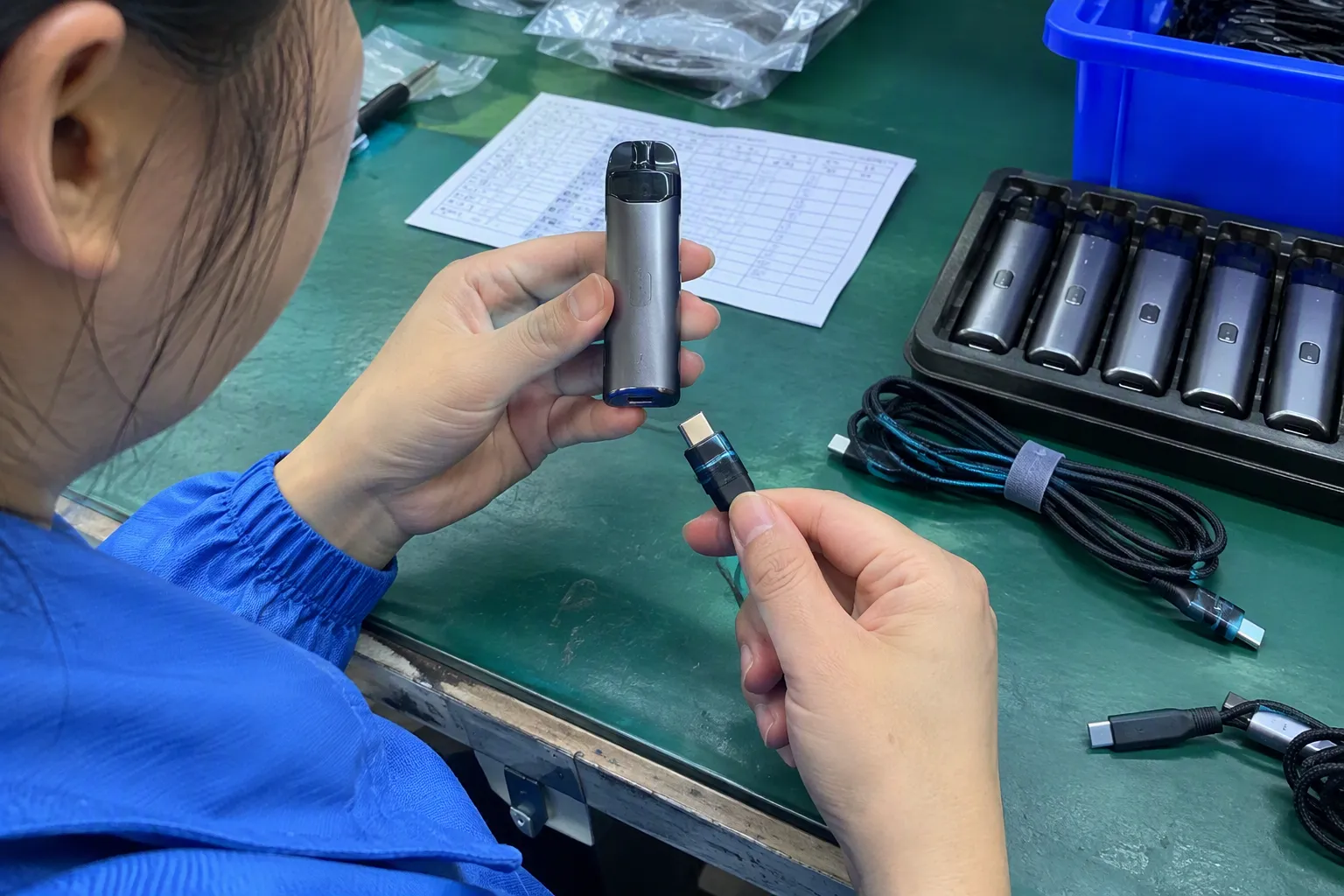
No. A 10Gbps cable can only support that level when the host port, receiving device, protocol support, and operating conditions are also compatible. The complete connection determines actual performance.
Should we sell USB 3.2 Gen 2x2 cables to all USB-C customers?
We would not recommend that approach. USB 3.2 Gen 2x2 products serve more specific high-speed applications, and not every USB-C host supports that mode. Buyers should confirm the target customer’s device ecosystem before adding this SKU.
How should we verify USB cable performance claims from suppliers?
We recommend requesting a current specification sheet, reviewing labels and packaging for consistency, and confirming the claimed use case with suitable product evaluation. Buyers should verify standards terminology and certification-related claims against current authoritative documents and use qualified specialists for application-specific decisions.
Conclusion
USB data transfer rates and specifications are most useful when buyers treat them as an end-to-end compatibility question, not a race for the highest number. USB-C does not automatically mean high-speed data, and charging capability does not define data capability. We recommend building cable assortments around real customer tasks, reviewing supplier documents carefully, and writing precise listings that explain limits clearly. If you are sourcing USB cables for retail, wholesale, or e-commerce channels, we can help you compare practical SKU options, MOQ requirements, packaging, and customization needs.
Sources
- USB 3.2 Specification", USB performance is constrained by the capabilities of the connected host, device, and cable; a connector form alone does not establish a particular data rate
- USB 3.2 Specification", USB Type-C is a connector and cable specification, whereas USB 2.0, USB 3.2, and USB4 specifications define supported data transport capabilities
- What's the maximum speed possible with a USB2.0 drive?", The usable data rate of a USB connection is limited by compatible capabilities across the link and may be further reduced by device and system overhead
- Improving File Transfers Using SCTP Multistreaming", Nominal interface signaling rates are not equivalent to file-copy throughput, which is affected by storage performance, protocol and software overhead, workload characteristics, and intervening hardware
- USB Type-C® Cable and Connector Specification", The USB Type-C connector system uses a reversible plug design, allowing insertion without a fixed up-or-down orientation
- USB 3.2 Specification", Use of USB Type-C connectors does not, by itself, specify a cable's data-transfer capability; supported USB modes depend on the cable and connected equipment
- USB 2.0 Specification", USB 2.0 High-Speed specifies a nominal signaling rate of 480 Mbit/s
- USB 3.2 Specification", USB 3.2 Gen 2x2 provides a nominal SuperSpeed USB data rate of 20 Gbit/s when supported by the host, device, and cable