Quick Answer
USB data transfer can feel confusing when a laptop charges, connects a monitor, and copies large files through the same small port. The problem is that the connector shape does not explain what the connection can actually do. That confusion can lead buyers to choose cables that fit perfectly but perform poorly.
I recommend looking at the complete data path instead.
USB data transfer works because the computer, cable, and connected device use dedicated high-speed signal paths and agreed communication rules to move information in organized streams. A USB-C connector alone does not guarantee fast file transfer, video output, or high charging power. The real result depends on the lowest-capability part of the full connection, including the host port, cable, device, and supported mode.
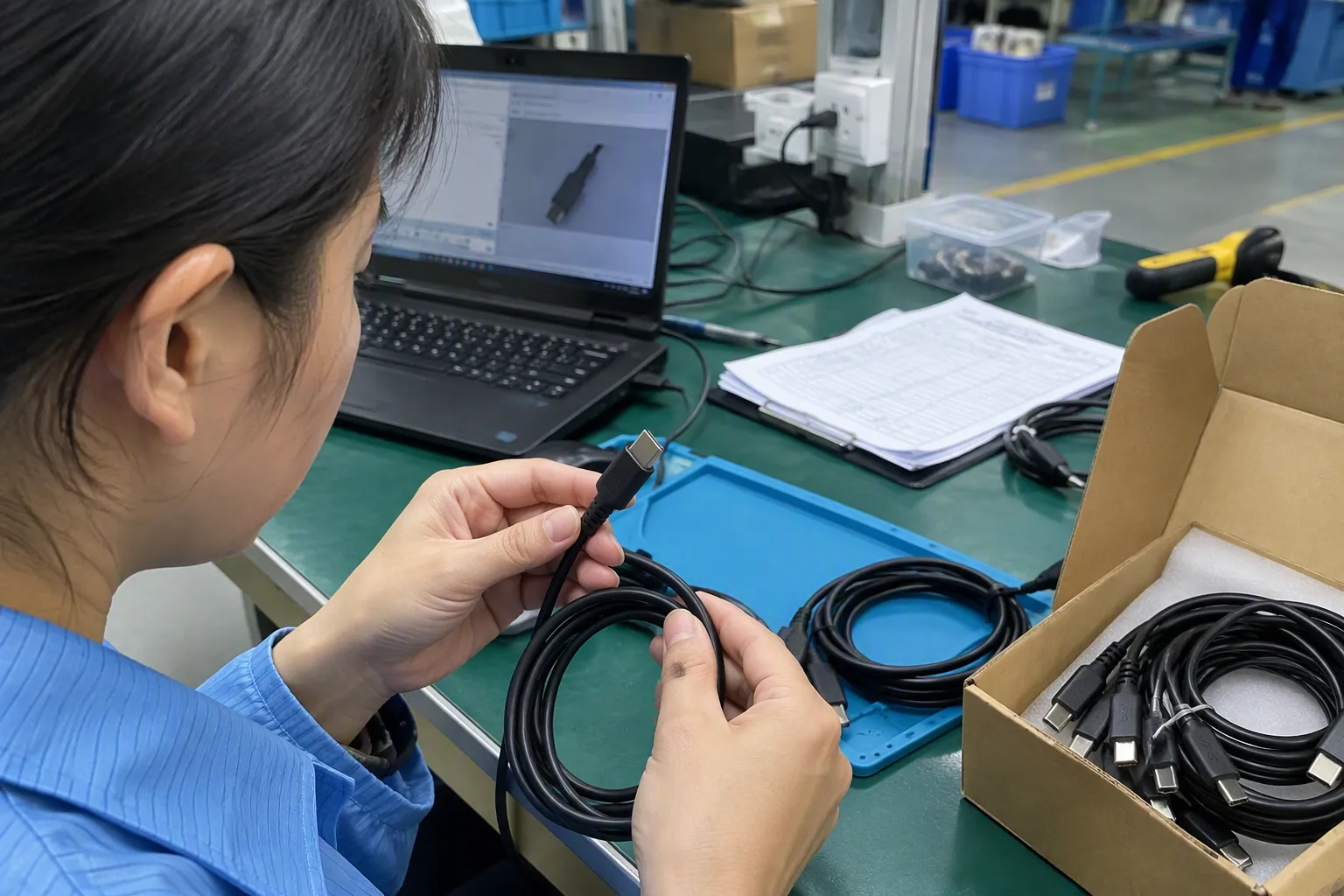
When I answer cable questions from retailers, importers, and e-commerce buyers, I often see the same assumption: “It is USB-C, so it should be fast.” In practice, USB-C is only the beginning of the discussion. The useful question is what the whole connection is designed and documented to support.
USB Data Transfer Depends on More Than a USB-C Connector, but What Actually Sets the Speed
A USB-C cable may charge a laptop successfully and still copy files slowly or fail to connect a display.[4] That gap creates costly returns and support requests for sellers. The solution is to evaluate USB data transfer as an end-to-end system, not as a connector purchase.
The effective USB data transfer speed is set by the slowest compatible part of the connection.[3] The computer port, cable, external drive or dock, and selected operating mode must support the same level of data capability. If any part supports only lower-speed USB or charging, the entire connection operates at that lower level or may not support the desired function at all.
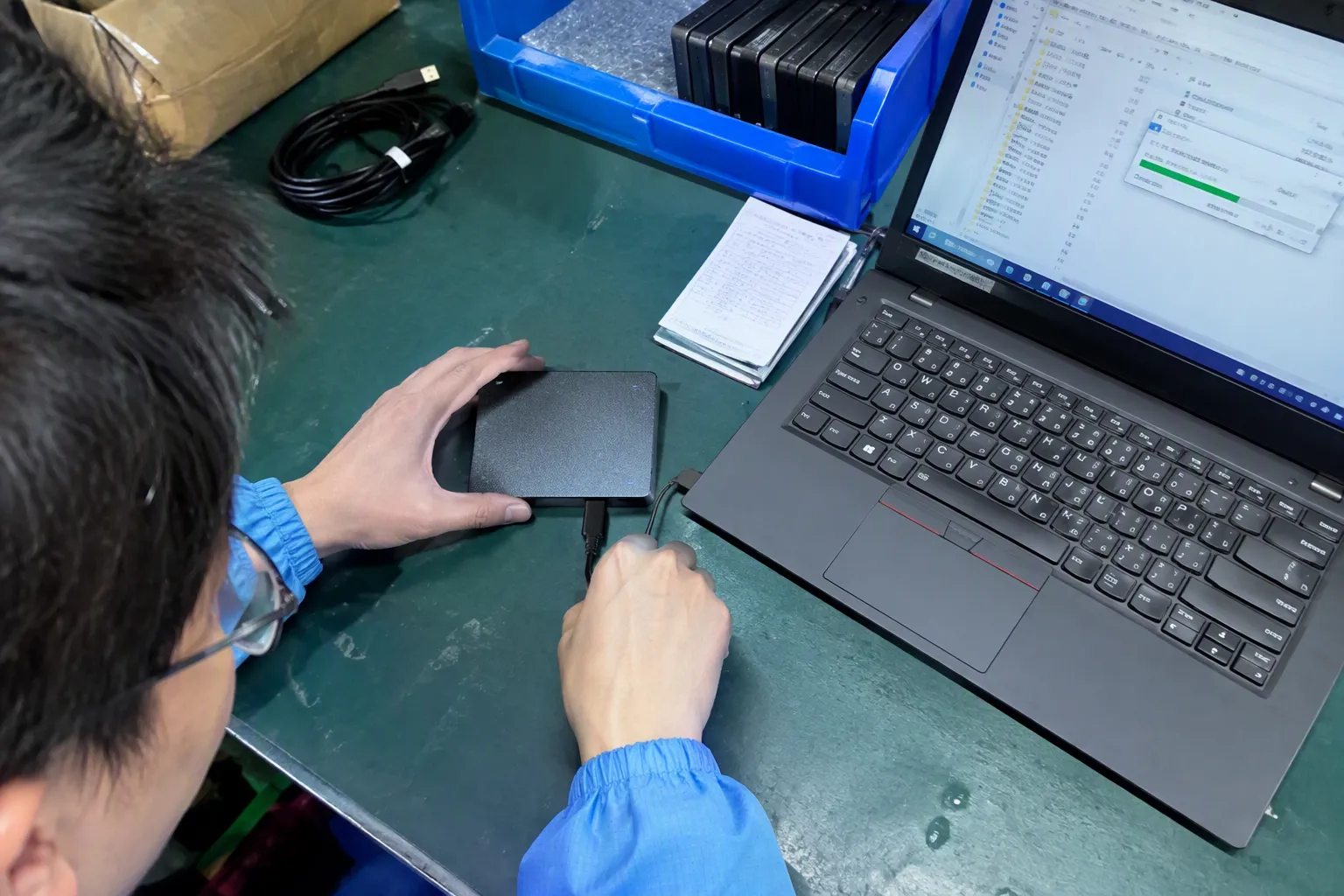
USB-C Is a Connector Shape, Not a Performance Promise
I always start with the physical connector because it is where most confusion begins. USB-C describes the connector format.[1] It does not, by itself, describe the data rate, charging wattage, display capability, or protocol support.[2]
A USB-C connector can appear on many different products:
- A basic charging cable for a phone
- A cable designed for USB 2.0 data tasks
- A higher-speed cable for external SSDs
- A cable intended for a docking station
- A cable that supports a compatible display mode
- A cable designed for a specific high-performance connection ecosystem
These products may look almost identical from the outside. They may even use the same USB-C plugs at both ends. However, their internal construction, conductor arrangement, shielding, electronic components, and documented functionality can differ significantly.
For example, a cable that supports USB 2.0 data may be suitable for:
- Keyboard and mouse connections
- Printer connections
- Phone synchronization
- Basic charging and small file transfers
- Accessories that do not need high bandwidth
That same cable may not be the right choice for an external SSD, a multi-port dock, or a monitor connection. The physical fit does not create capabilities that the cable does not contain.
A USB-C cable can be physically compatible without being functionally suitable.
This distinction matters for procurement teams. If a product listing says only “Type-C cable” or “USB-C cable,” the description does not give enough information for a buyer who needs reliable high-speed storage, docking, or display use. I suggest that buyers ask for the actual supported data function, the intended use case, and the relevant specification documents before placing volume orders.
How Does USB Move Data So Quickly?
USB data transfer is not simply electricity flowing through a charging wire. A USB connection uses communication rules that allow the host computer and the connected device to identify each other, agree on an operating method, and exchange data in structured packets.[5]
In simple terms, the connection performs several jobs:
-
It detects the connected device.
The computer recognizes that a drive, phone, dock, camera, keyboard, or other accessory has been attached. -
It identifies supported capabilities.
The computer and device determine which communication method they can both use. -
It creates an active data connection.
The connection uses the appropriate signal paths for the supported USB mode. -
It sends data in organized packets.
Files are broken into manageable pieces, transmitted, checked, and reassembled.[6] -
It manages errors and flow.
The system helps prevent data from being sent faster than the receiving device can handle.
The details become technical very quickly, but buyers do not need to become USB engineers to make better decisions. The key point is that higher-speed USB data transfer requires more than a connector and more than charging conductors.
A high-performance cable generally needs signal paths designed for the relevant data mode. It also needs construction quality that helps preserve signal integrity over its stated length. The device on each end must support the same mode. If the connected external drive can handle a faster connection but the computer port or cable cannot, the drive will normally fall back to the best shared capability.
This is why advertised maximum figures should be treated carefully. A product may support a particular theoretical signaling rate under the relevant standard, but users will see lower real-world file-copy results.[7] Storage speed, file size, operating system overhead, connector condition, dock design, and other traffic can all affect the outcome.
The USB Data Transfer Chain: Every Link Matters
I find it helpful to explain the connection as a chain. A fast external SSD is only one link. A high-spec cable is only another. The actual USB data transfer experience depends on all links working together.
| Link in the chain | What buyers should check | What can happen if it is limited |
|---|---|---|
| Computer port | Documented USB data capability and supported modes | The system may operate at a lower speed |
| Cable | Data specification, length, power capability, and intended function | Slow transfers, no display output, or intermittent connection |
| External device | Drive, dock, monitor, or accessory interface capability | The device becomes the speed limit |
| Adapter or hub | Supported upstream and downstream functions | Added bottlenecks or missing features |
| Software and workload | File type, drive performance, and system load | Actual transfer rates below theoretical maximum |
For a practical example, consider a buyer connecting an external SSD to a laptop. The SSD may be designed for high-speed use. However, if the cable only supports lower-speed USB data, the transfer result will be limited by the cable. If the cable supports a higher mode but the laptop port supports a lower mode, the laptop port becomes the limit. If both the cable and laptop are capable but the SSD’s internal storage is slower, the drive itself becomes the limit.
The same principle applies to docks. A dock may have multiple USB ports, Ethernet, card readers, and video outputs. All of those functions may share the available connection bandwidth between the dock and computer.[8] Therefore, a dock can work correctly while still delivering different results depending on which ports are active at the same time.
I advise buyers to avoid simple claims such as “one cable does everything.” A more accurate statement is that one cable may support several functions when the computer, accessory, and operating mode are compatible.
Why Charging, Data, and Video Should Be Evaluated Separately
Many buyers understandably expect a cable that delivers high charging power to also provide fast USB data transfer. That expectation is risky. Charging capability, data capability, and video capability are related only in the sense that they may be present in the same physical cable and connector system. They are not interchangeable features.
A cable can be strong in one area and limited in another.
| Requirement | What it means | What it does not automatically mean |
|---|---|---|
| High charging capability | The cable is designed to carry a stated level of power under compatible conditions | It supports high-speed data or display output |
| USB data capability | The cable supports a stated USB data function | It supports every display mode or charging level |
| Video support | The cable can support a compatible display connection or mode | It will work with every laptop and monitor combination |
| USB-C connector | The cable has the USB-C physical interface | It has a particular speed, power rating, or feature set |
This separation is especially important for 3C retailers and online sellers. Product pages often focus on a visible feature such as “100W charging” because it is easy for shoppers to understand. However, a buyer who also wants to connect an external drive or monitor needs separate, clear information about data and video support.
In our day-to-day specification discussions, I see questions such as:
- “Can this USB-C cable connect my laptop to a monitor?”
- “Why does the cable charge my computer but not transfer files quickly?”
- “Can I use this cable with my external SSD?”
- “Will this work with a docking station?”
- “Does a higher wattage cable mean it is faster?”
Those are valid questions, but each requires a separate answer. The supplier should not answer them with only “Yes, it is USB-C.”
Which USB Data Transfer Capability Fits the User Task?
The best cable is not always the cable with the highest advertised specification. It is the cable that matches the actual task and the buyer’s budget, stock strategy, and support expectations.
For basic accessories and charging, a simpler cable may be appropriate. For external storage, professional media workflows, docking stations, or display use, buyers should consider a more clearly specified product.
| User task | Typical cable evaluation priority | Buyer risk if specification is unclear |
|---|---|---|
| Charging a phone or tablet | Connector type, charging support, length, durability | Device may charge more slowly than expected |
| Connecting a keyboard, mouse, or printer | Basic USB data support and compatibility | Usually low, but data support should still be stated |
| Syncing a phone or transferring small files | Confirmed data capability | Charge-only cables may not transfer data |
| Using an external SSD | Higher-speed USB data support, cable length, shielding, device compatibility | Slow file copies or unstable connections |
| Connecting a dock | Upstream data mode, power handling, display support, documented compatibility | Missing ports, reduced performance, or no display |
| Connecting a monitor | Compatible display capability across laptop, cable, and monitor | No image, limited resolution, or unreliable output |
A retail assortment can benefit from clear segmentation. Instead of selling several visually similar cables with vague names, sellers can create understandable categories:
- Charging cable
- Charging and basic data cable
- High-speed external storage cable
- USB-C dock cable
- Display-capable USB-C cable, where compatibility is clearly stated
This approach reduces customer confusion. It also helps sales teams explain why two similar-looking products have different prices.
What Should B2B Buyers Ask a USB Cable Supplier?
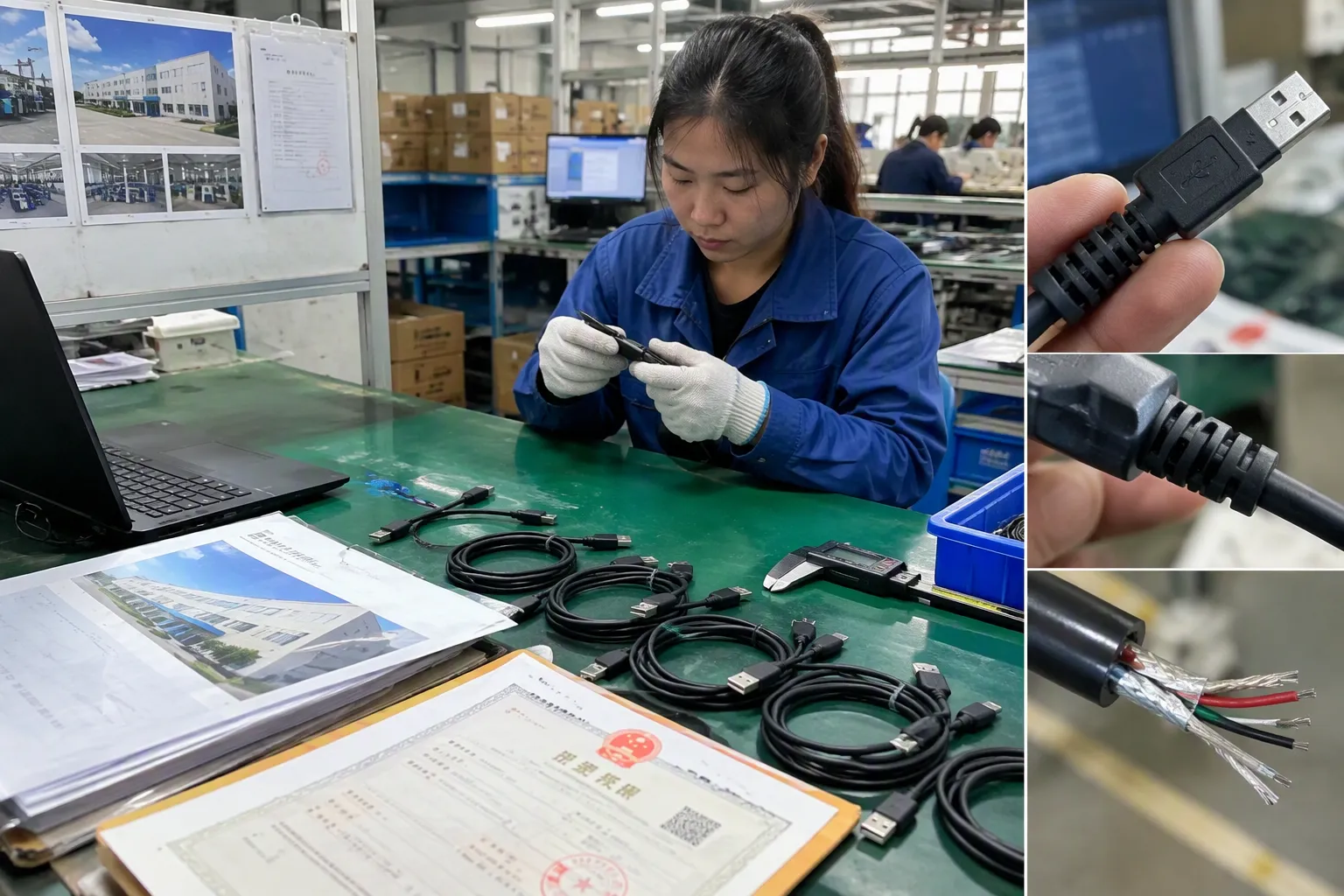
A good supplier conversation should go beyond color, length, packaging, and unit price. Those topics matter, but the functional specification should come first.
I recommend asking for a clear written answer to the following questions.
1. What Data Function Does the Cable Support?
Ask the supplier to state the supported USB data capability in plain language. Avoid accepting vague wording such as “fast transfer” without a defined product specification.
Useful questions include:
- Is this cable intended for charging only, charging plus basic data, or higher-speed data?
- What USB data function is documented for this cable?
- Is the stated capability available at the requested cable length?
- Does the product support data transfer in both connector directions where relevant?
Cable length deserves attention. A very short cable and a longer cable may not have identical performance characteristics. Buyers should confirm the specification for the exact length they plan to order.
2. Does the Cable Support Video or Docking Use?
Do not assume that a cable that transfers data can also support a display. Video support depends on the complete compatible system, including the host device, cable, display or dock, and the supported operating mode.
Ask:
- Is the cable specified for compatible display use?
- Is it intended for docking stations?
- What limitations apply when charging, data, Ethernet, and video functions are used together?
- Can the supplier provide the product’s technical documentation?
I would also advise buyers to test the final product combination before a large order. A cable can meet its documented capability while a particular laptop, dock, or monitor combination still has its own limitations.
3. What Documents Support the Claim?
For products sold into European and North American markets, documentation is part of responsible procurement. Buyers should request relevant product specifications, test records where applicable, material declarations, and certification or compliance documents that apply to the target market and product category.
I do not suggest treating a logo, a marketplace claim, or a product photo as proof of performance. Buyers should review documents carefully and verify that they apply to:
- The correct supplier
- The exact product model
- The requested cable length and configuration
- The intended market
- The current production version
Where a buyer needs formal certification, interoperability assurance, or application-specific compliance, a qualified testing laboratory, certification body, or technical professional should be involved. Supplier documents are useful procurement inputs, but they should not replace independent verification when the project risk is high.
4. How Will the Supplier Control Production Consistency?
For wholesale and retail programs, the approved sample is only the first step. Consistency across production batches matters just as much.
Buyers can ask about:
- Incoming material checks
- Connector and cable assembly controls
- Functional testing procedures
- Packaging checks
- Batch identification
- Quality inspection reports
- Warranty and after-sales handling
At our Shenzhen-based 3C trading business, we understand why customers ask these questions. A cable that looks correct but creates compatibility complaints can damage a retailer’s product rating quickly. I prefer to define the intended function early, confirm the relevant documents, and keep product descriptions accurate rather than making broad promises.
A Practical USB Cable Evaluation Checklist
Before approving a USB-C cable for file transfer, external storage, docks, or display-related use, I suggest using this checklist:
-
Define the main task.
Is the buyer charging a laptop, copying files, connecting an SSD, operating a dock, or connecting a display? -
Check the computer port.
Confirm the port’s documented USB data and display capabilities. A USB-C opening alone is not enough. -
Check the accessory.
Review the external SSD, dock, monitor, or other device specification. -
Match the cable to the task.
Confirm the cable’s stated data, charging, and video functions separately. -
Confirm the requested length.
Do not assume every length has the same supported capability. -
Review technical documents.
Check that the documents match the exact model and purchasing requirements. -
Test the final combination.
Use the actual host device, cable, and accessory together before committing to a large order. -
Write accurate product listings.
State what the cable supports and what users must verify on their devices.
This process may feel more detailed than choosing a cable by appearance. However, it is usually less expensive than handling customer returns caused by unclear claims.
Frequently Asked Questions
Does USB-C always provide fast USB data transfer?
No. USB-C is a connector type, not a guaranteed data speed. A USB-C cable may support charging only, basic data transfer, or higher-speed data functions. The computer port and connected device must also support the required capability.
Why does my USB-C cable charge my laptop but transfer files slowly?
Charging and USB data transfer are separate functions. Your cable may support the required charging level but only a lower data capability. The laptop port, cable, and external device will use the highest capability they all share.
Can any USB-C cable connect a laptop to a monitor?
No. A USB-C cable needs the appropriate display-related capability, and the laptop USB-C port and monitor or dock must support a compatible display mode. Buyers should check all three parts before expecting video output.
Will a high-speed cable make my external SSD faster?
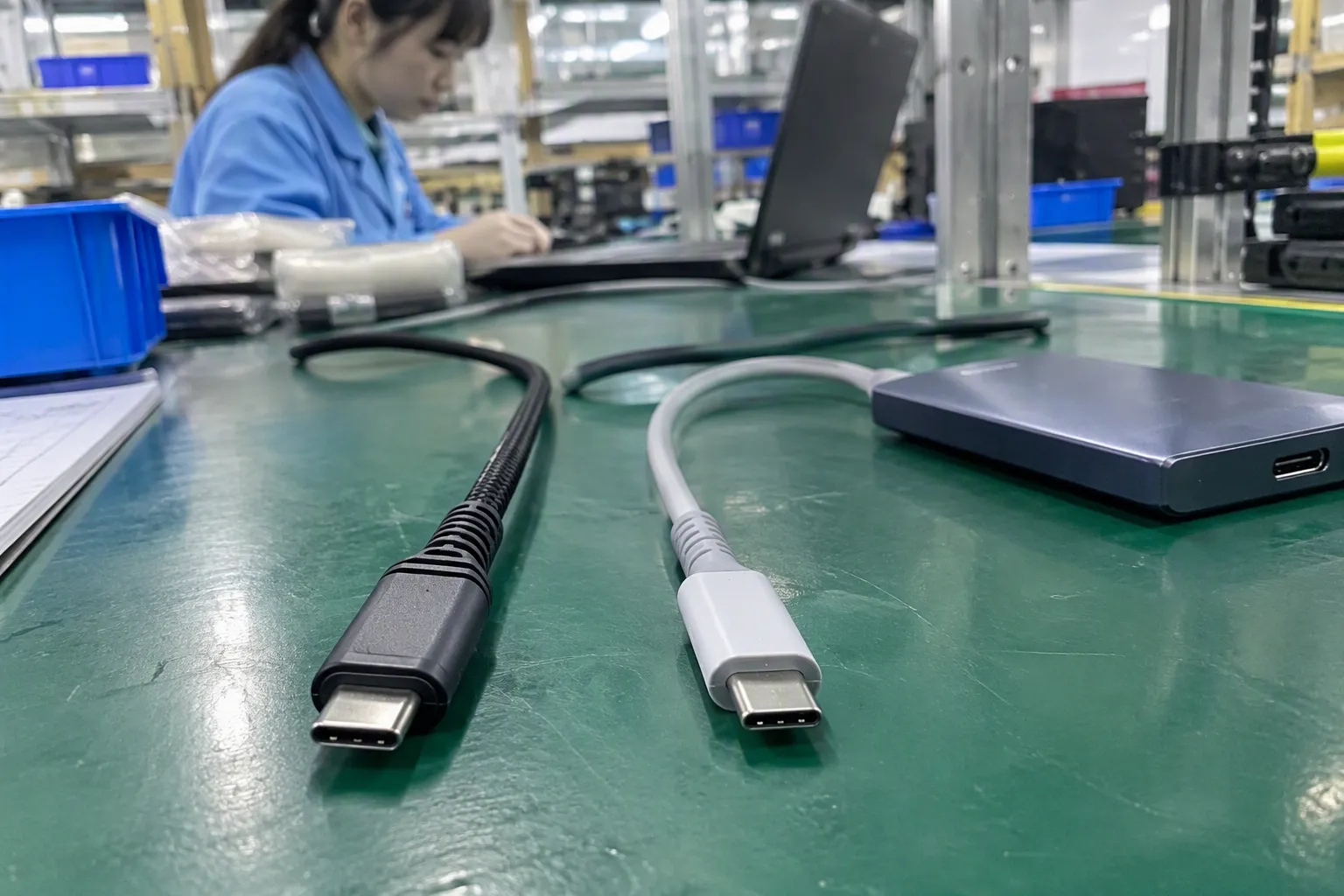
A high-speed cable can prevent the cable from becoming the bottleneck, but it cannot make an SSD, laptop port, dock, or software process exceed its own capability. Real file-transfer performance is always lower than a headline theoretical rate.
What should retailers state in a USB-C cable product listing?
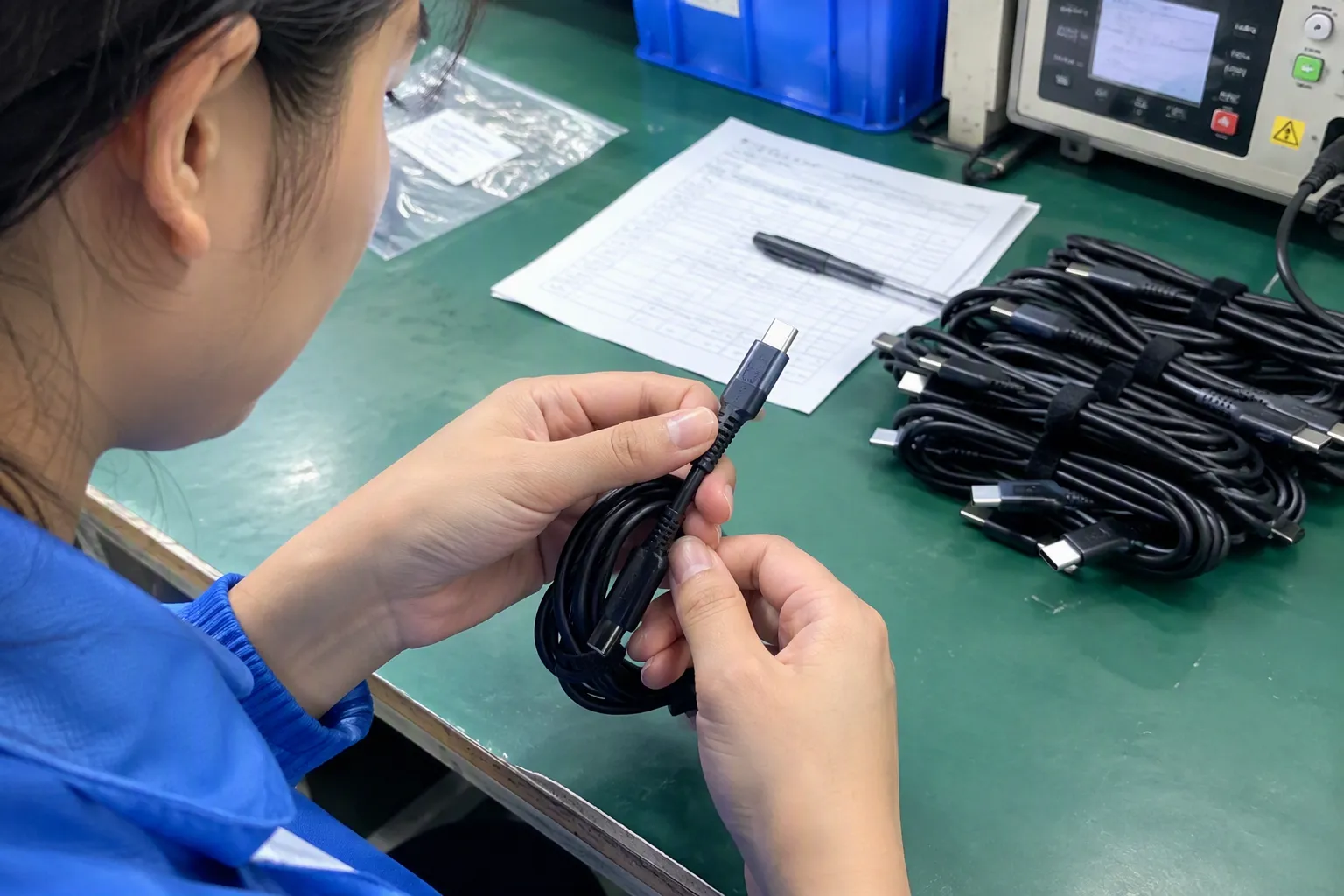
Retailers should clearly separate connector type, charging capability, data capability, and video support. They should also state important limitations, intended applications, cable length, and compatibility requirements. Clear descriptions help reduce incorrect purchases and avoidable returns.
Conclusion
USB data transfer is fast because a computer, cable, and connected device create a matched communication path with dedicated signal handling and shared operating rules. USB-C only describes the connector; it does not guarantee speed, charging level, or display support. For buyers, the safest approach is to match the cable specification to the intended task, verify the complete connection chain, and review relevant documents before ordering. If you are sourcing USB cables for retail, wholesale, or e-commerce, we can help you compare suitable cable options, MOQ requirements, customization choices, and product documentation.
Sources
- Cables and Connectors", The USB Implementers Forum defines USB Type-C as a connector and cable specification; supported data rates and optional functions depend on the applicable USB specifications and product implementation
- A Primer on USB Type-C and Power Delivery Applications ...", USB standards documentation distinguishes the Type-C connector from USB data performance, USB Power Delivery, and optional Alternate Modes, which must be supported by the relevant devices and cable
- USB Protocol Overview - USB 2.0 & 3.0", USB link operation depends on capabilities shared by the host, cable, and peripheral; consequently, a lower-capability component can prevent use of a higher-speed mode supported elsewhere in the path
- What is USB-C DisplayPort (DP Alt Mode) and Why it Matters", USB Type-C systems can implement power delivery, USB data transport, and display Alternate Modes independently; charging functionality alone therefore does not demonstrate high-speed data or display support
- Overview of USB Enumeration & USB Descriptors", USB protocol references describe a host-controlled architecture in which attached devices are enumerated and information is transferred through structured packets and defined endpoints
- Universal Serial Bus Specification", The USB specification defines packetized transfers with cyclic redundancy checks for error detection and specifies error-handling behavior for supported transfer mechanisms
- USB Protocol Overview - USB 2.0 & 3.0", Measurements and protocol analyses show that usable USB file-transfer throughput is lower than nominal signaling rate because transport overhead and host and storage-system behavior consume part of the available bandwidth
- Details about USB, Thunderbolt and dock operation", USB-C docking architectures multiplex peripheral traffic over a finite upstream link; simultaneous storage, networking, and other data activity can therefore share the available connection bandwidth