USB4 can look like a simple upgrade when I am helping a buyer compare USB-C cables, docks, or accessories. The problem is that a USB-C connector does not automatically provide USB4 speed, video output, or high-power charging. That confusion can lead to inaccurate listings, returns, and supplier disputes. I use a capability-first evaluation to reduce that risk.
USB4 is a data and connectivity standard, while USB-C describes the physical connector.[1] A USB-C product may support USB4, an older USB data mode, charging only, or several functions together.[2] Buyers should verify the host device, peripheral, cable, controller, supported USB4 version, data rate, display features, and charging specifications as one complete system.
Quick Answer
- USB-C describes the plug and port shape. USB4 describes supported connectivity capabilities.
- I never assume that a USB-C cable or port supports USB4, fast data, video, or charging at a particular power level.
- Actual performance depends on the host, peripheral, cable, ports, controllers, operating system, and enabled features.
- Retailers should describe the customer task first: file transfer, display connection, docking, charging, or a combination.
- I recommend checking product specifications, samples, packaging, test documents, and supplier explanations before making a USB4 claim.
The key lesson is practical rather than purely technical. A product can have the correct USB-C shape and still fail to meet the customer’s intended use. In the sections below, I explain how I separate the connector, the protocol, the complete device combination, and the commercial decisions involved in sourcing.
USB4 Explained Plain English: What Does USB-C Actually Tell You
Many purchasing conversations begin with a photograph of a small oval port. That photograph confirms the connector style, but it does not answer the buyer’s important questions. If a listing says only “USB-C cable,” I still need more information before I know whether it suits a laptop, monitor, phone, docking station, or charger.
A USB-C connector tells me about the physical interface, not the complete feature set. The same connector family can appear on products with very different data, video, and charging capabilities.
- USB4 support
- A specific data-transfer rate
- DisplayPort or other video support
- USB Power Delivery support
- A particular charging wattage
- Thunderbolt compatibility
- Support for every USB-C device
Connector, protocol, and function are different layers
| Layer | What it describes | What a buyer should ask |
|---|---|---|
| Physical connector | Plug and port shape | Does the connector fit the intended device? |
| Communication standard | The method used for data transfer | Which USB specification and rate are supported? |
| Product function | The actual customer use | Can it transfer files, drive a display, charge, or dock devices? |
This separation prevents a common mistake. A USB-C charging cable may fit a laptop and charger but offer limited or no high-speed data capability. A USB-C data cable may transfer files but not carry enough power for a particular laptop. Another cable may support both data and video, but only when the connected host and display also support the required modes.
The physical shape also says little about the internal construction. A cable may contain different conductors, shielding, identification components, and signal-management components depending on its intended capability. A buyer should not infer those details from the connector photograph.
Why the wording on a product page matters
In my work with USB cable and accessory development, I see how a short product title can create a long after-sales conversation. “Type-C fast cable” sounds attractive, but it leaves several questions open:
- What does “fast” mean?
- Is the claim about data, charging, or both?
- Which devices were used for evaluation?
- Is the stated performance available along the full cable length?
- Does the product support display or docking functions?
- Is the claim based on a standard, a test result, or a marketing description?
I prefer a listing that states the tested or documented capability in specific terms. If a feature depends on the customer’s host device, the listing should say so. This approach may make the product page less dramatic, but it gives retailers and importers a more defensible basis for customer support.
What Is USB4, and How Is It Different From Earlier USB Standards?
USB4 is a USB technology framework for high-speed connectivity and the transport of different types of traffic.[3] It is not simply another name for every USB-C product. It can support data communication and, where the complete system allows it, other functions such as display-related traffic and device docking.
The USB Implementers Forum publishes official USB specifications and terminology. I recommend that buyers use the USB-IF USB4 information and relevant product documentation as starting points rather than relying on a supplier’s shortened product title.
USB4 is a system capability, not a cosmetic label
Earlier USB generations also appear in products using USB-C connectors. A product may support USB 2.0, USB 3.x, USB4, or a combination of supported modes. The connector remains similar while the internal and system-level capability changes.
| Product description | What I can reasonably understand | What still requires verification |
|---|---|---|
| USB-C connector | The plug or port uses the USB-C form factor | Data rate, charging, video, and protocol |
| USB-C charging cable | The cable is intended primarily for charging | Data speed, power capability, and device compatibility |
| USB 3.x over USB-C | A USB 3.x data mode is referenced | Exact generation, rate, cable length, and video support |
| USB4 cable or device | The supplier claims USB4-related capability | Version, rate, feature set, certification, and system compatibility |
| USB4 dock | A docking product uses USB4 technology or claims it | Host support, display outputs, power delivery, and peripheral limits |
USB4 versions and published data rates
USB4 specifications and related marketing materials may refer to different performance levels. Official USB-IF materials discuss capabilities such as 20Gbps, 40Gbps, and newer USB4 Version 2.0 configurations that can reach higher signaling rates under specified conditions.[4] I do not treat a number in a general article as a promise for a specific SKU.
- Which USB4 version applies to this product?
- What is the advertised data rate?
- Is the number a maximum link rate or an expected file-transfer result?
- Which host and peripheral were used?
- Does the cable support the stated rate at the proposed length?
- Are all ports on the product equally capable?
- Does the product carry an official certification or only a supplier declaration?
The distinction between link rate and real-world transfer is important.[5] Storage devices, controllers, operating systems, file sizes, thermal conditions, and protocol overhead all affect the result. A specification can be accurate without guaranteeing that every customer will copy files at the same number.
Backward compatibility does not mean identical performance
USB technologies are designed to support practical interoperability across many products, but backward compatibility is not the same as full feature matching.[6] A USB4 laptop connected to an older peripheral may operate at the older device’s capability. A USB4 cable connected to a lower-capability host cannot create a faster link by itself.
That chain may include the laptop port, internal controller, cable, dock, storage device, monitor, and software. The exact result also depends on how the manufacturer implemented the product.
Which USB4 Features Should a Retailer or Importer Verify?
The phrase “USB4 product” can cover a cable, hub, dock, enclosure, laptop accessory, or monitor connection. Each product needs a different checklist. I start with the customer’s task and then work backward to the required capabilities.
A retailer that wants to reduce returns should not ask only, “Does this have USB4?” The better question is, “Which customer task must this product complete, with which devices, and under which conditions?”
The answer requires more than a connector inspection. I verify the advertised data function, display function, charging function, and compatibility boundaries separately.
Data transfer
For a data cable, I look for a clearly stated supported data rate and an explanation of the test or certification basis. I also check whether the cable is passive or active where that distinction matters, because construction and length can affect high-speed performance.
- The USB specification or USB4 version claimed
- The maximum supported data rate
- Recommended cable length
- Supported host and peripheral combinations
- Relevant identification or capability information
- Test reports or certification records, where applicable
- Product labels that match the technical documents
Video and display connectivity
USB4 may carry display-related traffic in a compatible system[7], but a USB4 label does not automatically guarantee that a cable, laptop, dock, monitor, or adapter will deliver a specific display resolution or refresh rate.
- Whether the host port supports the relevant display output
- Whether the dock or adapter supports the intended display interface
- Whether the monitor accepts the expected signal
- Whether the cable is rated for the required capability
- Whether one or multiple displays change the available bandwidth
- Whether the operating system and graphics hardware support the setup
I also distinguish between a cable that can carry a signal and a dock that must manage several signals, USB peripherals, networking, audio, and charging at the same time. Those are different purchasing decisions.
Charging and USB Power Delivery
USB4 and charging are related only in the sense that the same product may support both.[8] USB4 should not be treated as a charging specification. A customer may need a USB-C cable with high-power USB Power Delivery support, but that requirement must be documented separately.
The USB-IF USB Power Delivery information provides a useful reference point. I also ask suppliers to identify the relevant power capability and conditions rather than using a broad phrase such as “fast charging.”
| Customer need | Main item to verify | Common mistake |
|---|---|---|
| Move files quickly | Data protocol, rate, device combination | Assuming USB-C means high-speed data |
| Connect a monitor | Host output, cable, dock, monitor support | Assuming USB4 guarantees every display mode |
| Charge a laptop | Charger, cable, USB PD capability, device requirement | Assuming a data standard specifies wattage |
| Use a dock | Host, dock controller, displays, peripherals, power input | Evaluating only the dock’s connector |
| Sell a general cable | Exact feature matrix and packaging language | Using “full feature” without evidence |
A clear product matrix helps sales teams answer customer questions without improvising. It also helps the factory, purchasing team, and importer use the same terminology.
How Does the Complete USB4 System Affect Performance?
The host device provides one set of capabilities. The peripheral provides another. The cable connects them, but it does not upgrade a lower-capability host or peripheral. A dock introduces additional controllers and routing decisions. A charger introduces a separate power negotiation process.
The five-part compatibility chain
- Host device — laptop, tablet, desktop, phone, or other source.
- Host port — the exact port may support different features from another port on the same device.
- Cable — length, construction, data capability, and power capability.
- Peripheral or dock — storage, display, hub, adapter, or other accessory.
- Software and operating environment — drivers, firmware, operating system, and graphics support.
If any part does not support the required feature, the customer may see reduced performance or no function. For example, a cable can be correctly manufactured and still fail to deliver the expected display connection if the host port does not support the necessary output.
Why the same cable can produce different results

Suppose a customer connects a USB4-capable cable to a laptop and an external storage device. The result can differ from a connection between the same cable and a lower-speed storage enclosure. The storage controller, drive technology, thermal behavior, and file-transfer pattern can limit the practical result.
The same cable may also be used between a laptop and a dock. In that case, the dock must divide or manage available resources among displays, storage, networking, keyboards, and other devices. The customer’s actual setup matters more than the cable title.
- “This cable makes any laptop USB4-ready.”
- “This dock supports every USB-C monitor.”
- “This cable always delivers the advertised maximum.”
- “Any USB-C charger works with this USB4 accessory.”
How I document compatibility
- What is supported?
- What is not supported?
- Which devices or conditions are required?
- Where should the customer check the host-device specification?
A short compatibility note can prevent a large number of complaints. I might recommend wording such as “Supports the stated data mode when used with compatible USB4 host and peripheral devices.” I would not add a display or charging claim unless the supplier has confirmed that feature for the exact SKU.
The USB-IF compliance program is also relevant when a buyer is assessing certification and logo use. I treat certification as a document and product-specific verification issue. I do not assume that a supplier’s general statement about certification applies automatically to every model, length, color, or packaging version.
How Should I Select a USB4 Supplier for OEM or Wholesale Supply?
Technical suitability is only one part of supplier selection. A product can work in a sample and still create commercial problems if the factory cannot maintain the same construction, labeling, packaging, and inspection standard in repeat production.
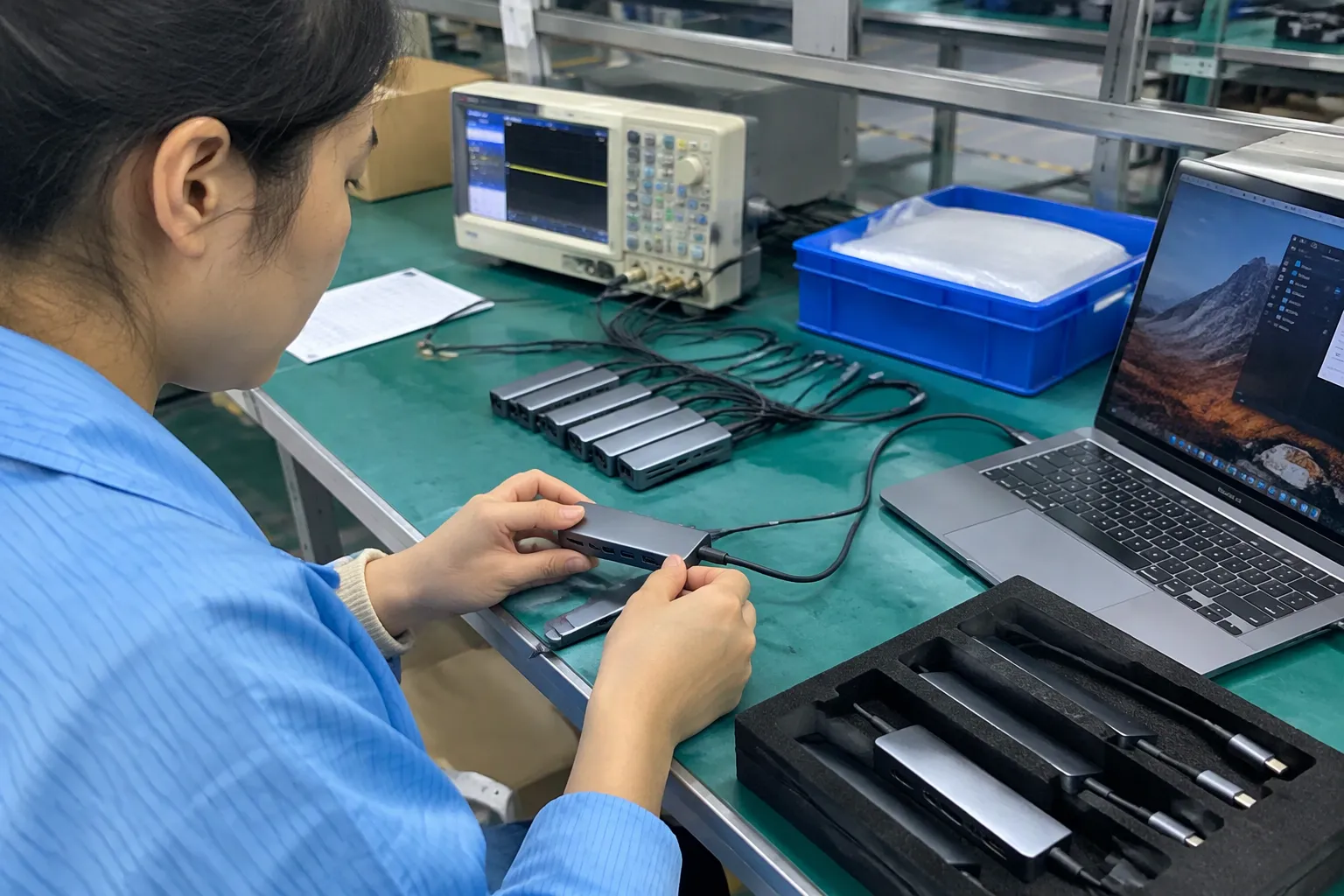
As a Shenzhen OEM/ODM consumer electronics supplier, I work with buyers who also care about MOQ, lead time, customization, export documentation, and after-sales support. USB4 products make consistency especially important because a small change in the cable, controller, length, or label can change the expected capability.
Questions I ask before approving a product
- What exact USB4 feature does the SKU support?
- Which specification and version are referenced?
- What data rate is claimed, and how was it verified?
- Does the product also support display output?
- What charging or USB Power Delivery capability is documented?
- Which cable lengths and versions share the same specification?
- Does the packaging use the same claims as the technical sheet?
- Can the supplier provide a sample matching mass production?
- What quality checks are performed during production?
- How will changes to materials, controllers, or suppliers be controlled?
Sample approval and production control
| Stage | Buyer’s objective | Useful evidence |
|---|---|---|
| Requirement definition | Fix the intended task and market claim | Product brief and compatibility matrix |
| Sample review | Check construction, fit, labeling, and function | Approved reference sample |
| Technical review | Confirm claimed data, display, and power features | Datasheet, test documents, certification records |
| Pre-production review | Confirm the factory will use the approved design | Golden sample and production instructions |
| In-process quality control | Identify changes or defects early | Inspection records and agreed checkpoints |
| Final inspection | Check the shipment against the order | Visual, dimensional, packaging, and functional checks |
I do not present supplier-provided documents as independent laboratory results. Buyers should verify certifications, test reports, and logo permissions against the exact product and applicable program. A document can support a procurement decision, but it should not be generalized beyond its scope.
Packaging and online listing control
USB4-related products need especially careful packaging. A package that says “maximum speed” without identifying conditions can create expectations that the product cannot meet in every setup. I prefer packaging that separates:
The product page, carton, user guide, and sales quotation should use consistent language. I have seen how inconsistent wording between a quotation and online listing can cause an importer to order the wrong version. A controlled specification sheet helps prevent that problem.
Which USB4 Product Is Right for the Customer’s Task?

A buyer may begin with a request for “USB4 cables,” but the final product choice depends on the task. A retailer may need a general-purpose premium cable. A workstation user may need a high-speed storage connection. A laptop accessory brand may need a dock with display and charging support.
For fast data transfer
A buyer should prioritize the exact data capability, cable length, construction, host support, peripheral support, and product documentation. The buyer should also decide whether the market needs a basic cable or a premium cable with broader compatibility claims.
For displays and docking
- Number and type of display outputs
- Supported display conditions
- Number of connected displays
- USB peripheral bandwidth
- Ethernet or audio functions
- Power input and host charging behavior
- Operating-system requirements
- Firmware update process
- Customer support documentation
For charging
The buyer should begin with the required power level and USB Power Delivery behavior. The cable’s data specification can then be selected separately. This approach prevents the team from paying for unnecessary capability or, worse, from selling a cable that cannot satisfy the customer’s charging requirement.
Practical product-selection table
| Intended task | Product priority | Evidence I would request |
|---|---|---|
| Phone or tablet charging | Power and connector compatibility | Charging specification and device conditions |
| Laptop charging and data | USB PD plus data capability | Power details, data specification, sample review |
| External SSD use | High-speed data path | Host, enclosure, cable, and storage test conditions |
| Monitor connection | Display path and system support | Host and display compatibility information |
| Multi-port docking | Controller and resource management | Port matrix, power input, display notes, firmware support |
| Retail multipurpose cable | Clear feature separation | Approved datasheet, packaging, and compatibility wording |
How Can USB4 Claims Reduce Returns and After-Sales Risk?
Compatibility complaints often begin with a reasonable customer expectation. The customer sees “USB4,” “fast charging,” or “8K” and assumes that the product will perform that function in every USB-C port. If the listing does not explain conditions, the seller may receive a return even when the product works within its documented limits.
Use a capability matrix
- Connector
- Data protocol
- Maximum stated data rate
- Display support
- Charging support
- Cable length
- Compatible host devices
- Compatible peripherals
- Certification or test documentation
- Exclusions and limitations
Avoid ambiguous adjectives
Words such as “professional,” “ultra-fast,” “universal,” and “full-featured” may be useful in advertising, but they do not replace technical information. I prefer to support them with measurable or documentable details.
Build a customer-service script
This process helps separate a product defect from a capability mismatch. If the issue remains uncertain, the seller should avoid making an unsupported technical conclusion and request the relevant specifications or qualified evaluation.
Keep records tied to the SKU
A USB4-related claim should be connected to the exact model, length, revision, and packaging version. If the factory changes a controller, conductor design, connector assembly, or cable length, the previous evidence may no longer describe the new item.
For OEM and ODM programs, I recommend written change control. The supplier should notify the buyer before changing components or production arrangements that could affect performance, compatibility, or certification status.
Frequently Asked Questions
Is every USB-C cable a USB4 cable?
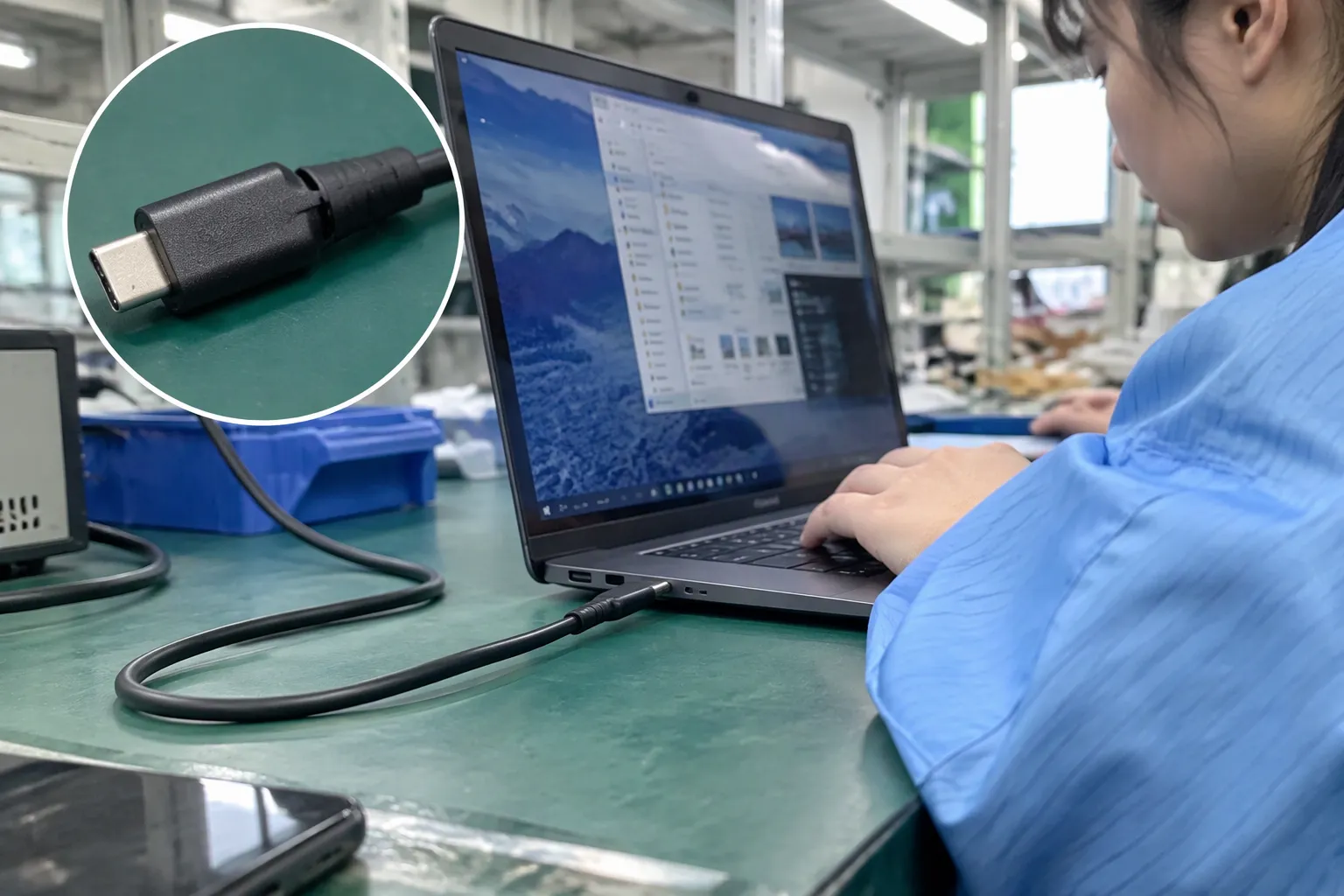
No. USB-C identifies the connector form factor. A USB-C cable may support charging, basic data, faster data, video-related functions, or several features. Buyers should check the exact specification and not infer USB4 capability from the connector shape.
Does USB4 automatically support laptop charging?
No. USB4 describes connectivity capabilities, not a guaranteed charging wattage. Charging depends on the charger, device, cable, USB Power Delivery behavior, and applicable power limits. I recommend verifying charging specifications separately from data specifications.
Does a USB4 cable guarantee video output?
No. Video support depends on the host device, cable, dock or adapter, monitor, graphics system, and supported protocols. A USB4 claim alone does not guarantee a particular resolution, refresh rate, number of displays, or universal display compatibility.
Can I use a USB4 cable with an older USB-C device?
Often, a newer cable and older compatible device may operate together at the older system’s supported capability. However, the exact result depends on the devices and features involved. I recommend checking the manufacturer specifications rather than assuming that every function will remain available.
What documents should I request from a USB4 supplier?
I would request a model-specific datasheet, capability matrix, sample, packaging artwork, relevant test documents, and certification records where applicable. Buyers should verify that documents apply to the exact SKU, length, revision, and market claim.
Conclusion
USB4 is best understood as a system-level connectivity capability, while USB-C describes a physical connector. I recommend that retailers, wholesalers, and importers evaluate the host, peripheral, cable, controller, display requirements, charging needs, and product documentation together. Clear specifications reduce compatibility disputes and improve supplier accountability. If you are sourcing USB4-related cables, chargers, docks, or customized consumer electronics, I can help define the product brief, compare supplier options, coordinate samples, and establish practical quality-control requirements.
Sources
- USB Type-C® Cable and Connector Specification", USB-IF documentation distinguishes the USB Type-C connector specification from USB4, which defines a connectivity architecture and supported transport capabilities
- Universal Serial Bus Type-C Cable and Connector ...", USB-IF guidance indicates that USB Type-C identifies an interface form factor and that implemented data, power, and alternate-mode capabilities vary by product
- USB4TM Configuration Layer, USB3 Tunneling, DP ...", The USB4 architecture specification describes a host-managed fabric capable of transporting multiple protocols through tunneled traffic over a USB4 connection
- USB-IF Announces Publication of New USB4® ...", USB-IF technical materials identify USB4 signaling-rate configurations of 20Gbps and 40Gbps and describe USB4 Version 2.0 operation at higher nominal rates, including up to 80Gbps under specified conditions
- USB4 Specification", Research on high-speed serial communication shows that nominal physical-layer rates exceed application throughput because protocol overhead and endpoint or system constraints consume part of the available bandwidth
- The Hidden Genius Behind What Is A Usb C", USB specifications provide interoperability paths among supported generations, while negotiated operation remains bounded by the capabilities of the connected host, device, cable, and port
- USB4TM Configuration Layer, USB3 Tunneling, DP ...", USB-IF and VESA documentation describe DisplayPort tunneling over USB4 in compatible implementations, allowing display traffic to share the USB4 connection
- USB Charger (USB Power Delivery)", USB-IF standards treat USB4 connectivity and USB Power Delivery as distinct specifications; USB4 alone therefore does not define a device's negotiated charging power