USB-C DAC cables can look like simple accessories, but buyers often face confusing chipset claims, sampling-rate figures, and inconsistent device support. A wrong assumption can lead to returns, customer complaints, and wasted inventory. I find that the safest solution is to evaluate the complete product implementation against the target devices before placing a bulk order.
A USB-C DAC cable should be selected by checking the complete audio implementation, not by choosing the highest advertised sampling rate or a familiar chipset name. Buyers should confirm the source device’s USB audio support, operating-system behavior, power requirements, connector design, DAC specification, and real samples on representative devices before approving production.
Quick Answer
- The chipset is important, but it is not a complete performance guarantee. Supporting components, firmware, wiring, power behavior, and quality control also matter.
- A higher sampling rate does not automatically produce better sound.[5] The source file, device, software, headphones, and listening environment may not use the advertised maximum.
- USB-C is only a connector format.[1] A USB-C port may support charging, data, display output, USB audio, or only some of these functions.
- Buyers should test the complete cable with target phones, tablets, computers, and operating systems.
- For OEM or wholesale orders, the approved sample and written specification should define the product more clearly than a marketing headline.
The rest of this guide explains how I approach USB-C DAC cable evaluation during specification discussions, sampling, and supplier communication. I will focus on practical procurement questions rather than treating one chip or one headline figure as a universal answer.
What Do USB-C DAC Cables Actually Do?
The USB-C connector carries digital information, while headphones with a traditional analog plug need an analog audio signal. A USB-C DAC cable contains, or connects to, a digital-to-analog converter that changes digital audio into a signal suitable for compatible headphones or audio equipment.[3]
In simple terms, USB-C DAC cables translate digital audio from a source device into analog audio for an attached 3.5 mm plug or another analog output. The cable may also include control components, power-management parts, shielding, and identification circuitry.
Why the cable is more than a passive wire
A passive USB-C-to-3.5 mm cable only works in situations where the source device provides the required analog audio output through USB-C.[2] Many modern devices do not provide that analog signal. They send digital audio instead, which means the adapter or cable must include an active DAC.
| Product type | Main function | Typical compatibility question |
|---|---|---|
| Passive USB-C audio adapter | Routes an existing analog output | Does the source device support analog audio through USB-C? |
| Active USB-C DAC cable | Converts digital USB audio into analog audio | Does the source device support the required USB audio protocol and power behavior? |
| USB-C digital audio cable | Carries digital audio to another digital device | Does the receiving equipment support the correct USB audio connection? |
A product listing may use broad terms such as “USB-C audio cable” or “Type-C headphone adapter.” I recommend asking the supplier whether the product contains an active DAC and requesting the complete electrical and compatibility specification.
The customer’s real problem is usually reliability
- Audio works on one phone but not another.
- A computer recognizes the device, but a phone does not.
- The accessory works after reconnection but not after a restart.
- A microphone or remote control does not function.
- The phone displays a USB accessory warning.
- The cable draws more power than expected.
- The product works with a music application but not with a particular calling application.
These issues can create support tickets even when the product uses a legitimate DAC chipset and advertises an attractive sampling rate. For a retailer or e-commerce seller, the customer normally blames the accessory brand, not the invisible system-level cause.
The USB-C connector does not settle the question
USB Type-C defines a connector and a connection ecosystem. It does not mean that every USB-C port supports every USB function. The USB Implementers Forum explains USB Type-C and related capabilities through its official documentation, but individual products can implement only a subset of available functions. Buyers can consult the USB-IF USB Type-C documentation when they need to clarify connector and cable terminology.
Does the DAC Chipset Determine USB-C DAC Cable Quality?
A DAC chipset sets part of the product’s technical capability, but it does not determine the entire customer experience. The chip’s supported formats, power consumption, integration requirements, and implementation guidance all matter. The surrounding design and production consistency matter as well.
What the chipset can tell a buyer
These details can help a buyer compare products. They do not remove the need for sample testing. A chipset’s data sheet generally describes what the component can support under defined conditions.[8] It does not automatically prove that every finished cable reaches the same result.
What the chipset cannot prove by itself
- Compatibility with every Android phone
- Compatibility with every iPhone, iPad, Windows PC, or Mac
- Reliable microphone operation
- Stable connection after sleep or restart
- Correct channel wiring
- Acceptable output level for every headphone
- Low defect rates in mass production
- Consistent behavior across production lots
- Compliance with a buyer’s packaging or labeling requirements
I have seen chipset discussions become too narrow during product development. A buyer asks for a specific component because a marketplace listing mentions it. The supplier then focuses on obtaining that component, while the more important question is whether the finished cable meets the target device matrix. A recognizable chip may support a useful design, but the buyer is purchasing a finished product, not a component in isolation.
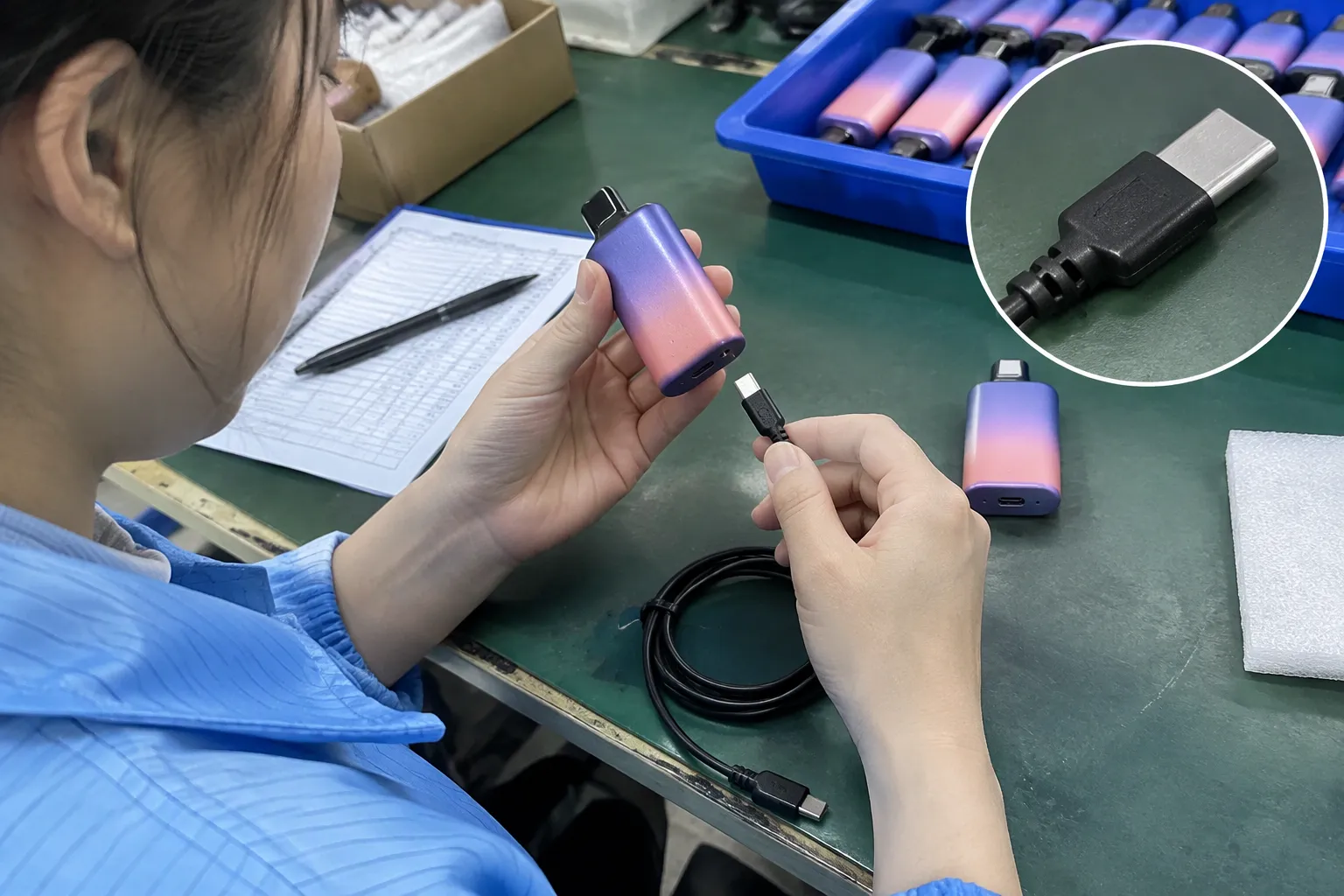
A practical component-to-product view
| Layer | What I review | Why it matters |
|---|---|---|
| DAC IC | Audio class, supported formats, power profile | Establishes the core conversion capability |
| PCB design | Layout, grounding, protection, component selection | Influences stability and production consistency |
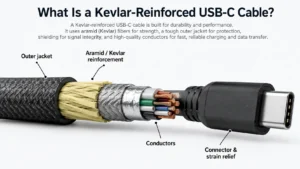
| Cable assembly | Conductors, shielding, strain relief, connector quality | Affects durability and connection reliability |
| Firmware or identification | USB descriptors and device behavior | Can influence recognition by host devices |
| Mechanical design | Plug dimensions, housing, bend protection | Determines physical fit and long-term use |
| Production control | Incoming inspection and functional testing | Determines whether approved samples remain representative |
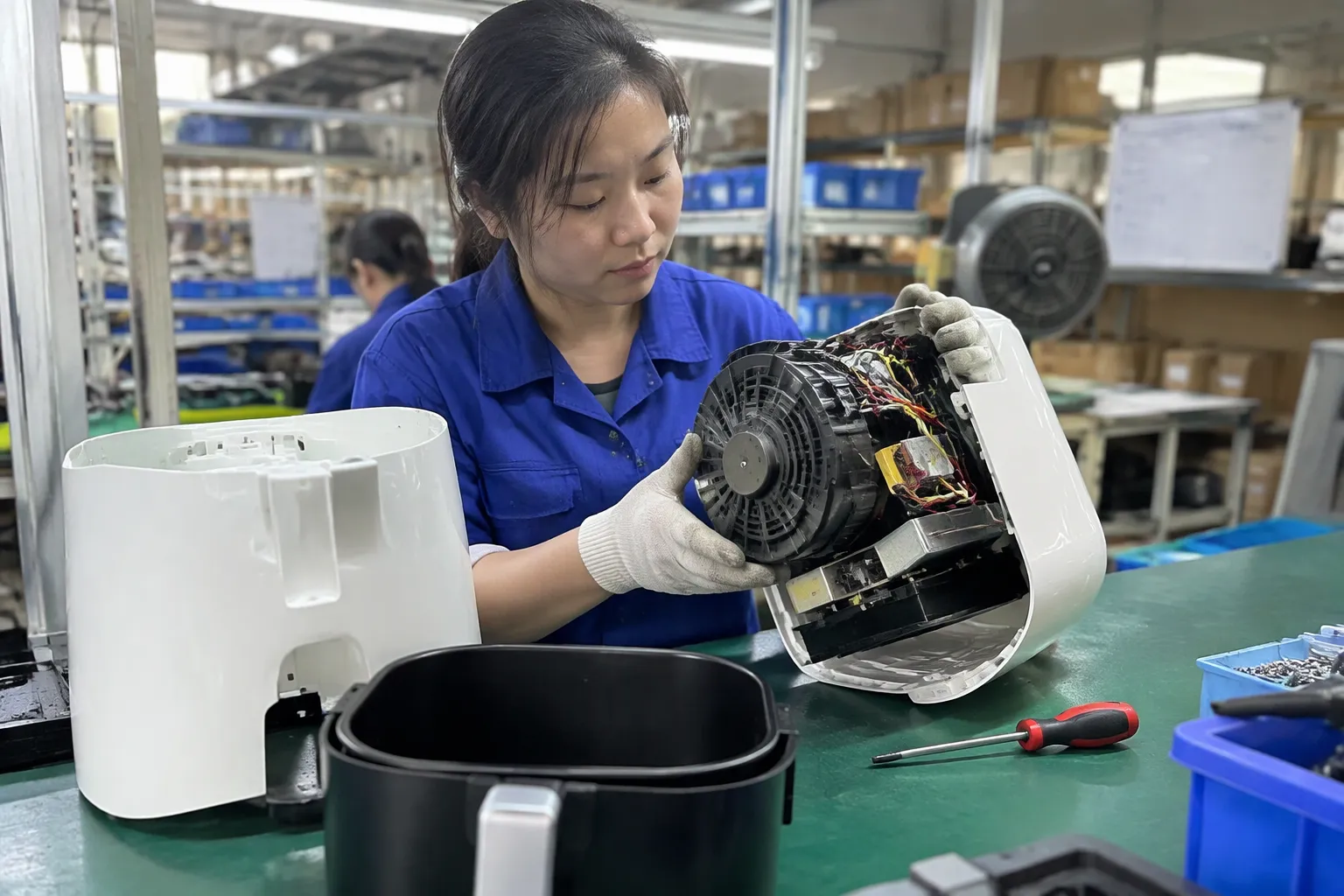
This approach is especially useful for OEM projects. A customer may require a custom cable length, logo, housing, packaging, or color. Each change can affect the finished item. A change in PCB supplier or cable assembly process can also require a new compatibility check.
What a buyer should request
- DAC manufacturer and exact part number, if disclosure is commercially possible
- USB audio class information
- Advertised maximum sample rate and bit depth
- Supported functions, including microphone and buttons
- Rated cable length
- Connector and plug construction
- Operating-system assumptions
- Power requirements or expected host behavior
- Warranty and defect-handling terms
- Sample version and revision identification
The supplier may not be able to disclose every proprietary detail. Even so, the supplier should clearly identify which specifications are advertised, which are confirmed by internal testing, and which still require customer validation.
Does a Higher Sampling Rate Make a USB-C DAC Cable Better?
A higher advertised sampling rate can indicate broader technical support, but it does not automatically mean better sound, stronger compatibility, or better product value. The source device, audio file, application, headphones, and user preferences determine whether the capability has practical relevance.
Understanding sampling rate in plain language
Sampling rate describes how frequently a digital audio system measures the waveform during conversion.[6] Common figures include 44.1 kHz, 48 kHz, 96 kHz, and higher values. Bit depth describes the resolution used for each sample.
These figures are useful specifications, but they are not a simple quality ranking. A cable advertised at 384 kHz is not automatically a better purchase than one designed around the needs of a 44.1 or 48 kHz source. Many commercial music and video applications use standard rates, and the source device may resample audio before it reaches the accessory.
Advertised capability versus confirmed behavior
| Statement | Meaning | Procurement action |
|---|---|---|
| “Chip supports 24-bit/96 kHz” | Component-level capability | Ask for the finished-product specification |
| “Cable is advertised as 24-bit/96 kHz” | Supplier’s product claim | Request test conditions and documentation |
| “Confirmed on selected devices” | Tested on a stated device list | Review the list and test target models |
| “Works with all USB-C devices” | Broad marketing language | Treat cautiously and request qualification evidence |
I do not recommend using a large sampling-rate number as the main selling point unless the buyer has a clear customer segment for it. A retailer serving ordinary mobile accessories customers may create confusion by highlighting a specification that most customers cannot use or verify. A specialist audio retailer may have a different requirement, but even that buyer should check the whole signal path.
Why source and playback software matter
- Limit the output rate
- Convert all audio to a fixed rate
- Apply its own volume or signal processing
- Require an application with exclusive or high-resolution output support
- Change behavior when battery-saving features are enabled
The playback software may also control the actual stream.[7] A high-resolution file does not prove that the operating system sends the same rate to the USB accessory. The connected headphones and listening environment may further limit the practical difference.
What I would include in a product comparison
| Evaluation point | Basic retail model | Higher-spec model |
|---|---|---|
| Maximum advertised rate | May meet common music and video use | May support higher-rate files |
| Device coverage | Requires target-device confirmation | Still requires target-device confirmation |
| Power behavior | Important for mobile use | May vary by implementation |
| Microphone support | May be absent or limited | Must be confirmed separately |
| Marketing clarity | Easier to explain | Can create unrealistic expectations |
| Commercial value | Often strong for mainstream users | Depends on the target channel |
How Can Buyers Check USB-C DAC Cable Device Compatibility?
Start with the target-device list
- Two or three current Android phone models used by the target customers
- Older devices that remain common in the sales region
- At least one tablet, if tablets are part of the product claim
- Windows laptops or desktop computers
- Mac computers, if relevant
- Gaming devices or vehicle systems, if included in the marketing plan
- The operating-system versions used during the evaluation
Confirm host-side USB audio support
The source device must support the required USB audio behavior.[4] Some systems support external USB audio devices broadly, while others may have restrictions or different user settings. Android’s official developer documentation discusses USB host behavior and device connectivity, and buyers can review the Android USB host documentation when planning a technical evaluation.
For Apple products, the specific device, operating system, adapter path, and power conditions can matter. Apple provides product-specific support information, so buyers should consult official Apple support documentation rather than assume that every USB-C device behaves in the same way.
Check the complete feature list
| Function | Confirm during sample testing? | Common reason for a complaint |
|---|---|---|
| Left and right audio output | Yes | Wiring, recognition, or channel issue |
| Microphone input | Yes, if advertised | Different headset wiring or unsupported function |
| Inline buttons | Yes, if advertised | Control protocol may not be supported |
| Volume behavior | Yes | Host and accessory may control volume differently |
| Plug-and-play recognition | Yes | USB descriptors or host support |
| Reconnection after sleep | Yes | Power-management behavior |
| Use during charging | If relevant | Port, hub, or device limitations |
| Physical fit | Yes | Case thickness or connector housing |
Use a representative validation sequence
- Define the customer use case. Decide whether the product is for music, calls, gaming, video, or general everyday use.
- List target devices and operating systems. Include current and older models that matter commercially.
- Confirm the complete specification. Record the DAC, USB audio class, sampling-rate claim, functions, cable length, and power assumptions.
- Test several samples. Do not approve a single unit as the only evidence.
- Test reconnection and restart behavior. These cases often reveal practical problems.
- Check mechanical fit. Test devices with common protective cases if the product is sold for mobile use.
- Record results by device. Use “works,” “does not work,” and “not tested,” rather than broad language.
- Agree on production controls. Make the approved sample and specification part of the purchase reference.
An anonymized supplier-side scenario
In one confirmed product-discussion scenario, a buyer focused on a cable’s advertised high-resolution sampling rate and asked whether that figure settled the selection. The development conversation showed that it did not. The target devices did not all expose audio in the same way, and the customer also cared about everyday phone use, not only file-resolution support.
The final decision therefore required a representative device check and a clearer specification review. I am not presenting this as a laboratory performance result, and I am not claiming a universal device list. The useful lesson is narrower: the headline parameter did not answer the buyer’s actual compatibility question.
What Should OEM and Wholesale Buyers Specify?
OEM and wholesale buyers should convert technical expectations into a controlled product specification. A clear document reduces misunderstandings between the brand, supplier, factory, quality team, and customer-service department.
Separate must-have functions from optional claims
1. Mandatory functions
- Stereo audio playback on named target devices
- Correct physical connector fit
- Defined cable length and housing design
- No intermittent connection under the agreed test
- Required packaging and labeling
- Required quantity and delivery schedule
3. Marketing features requiring evidence
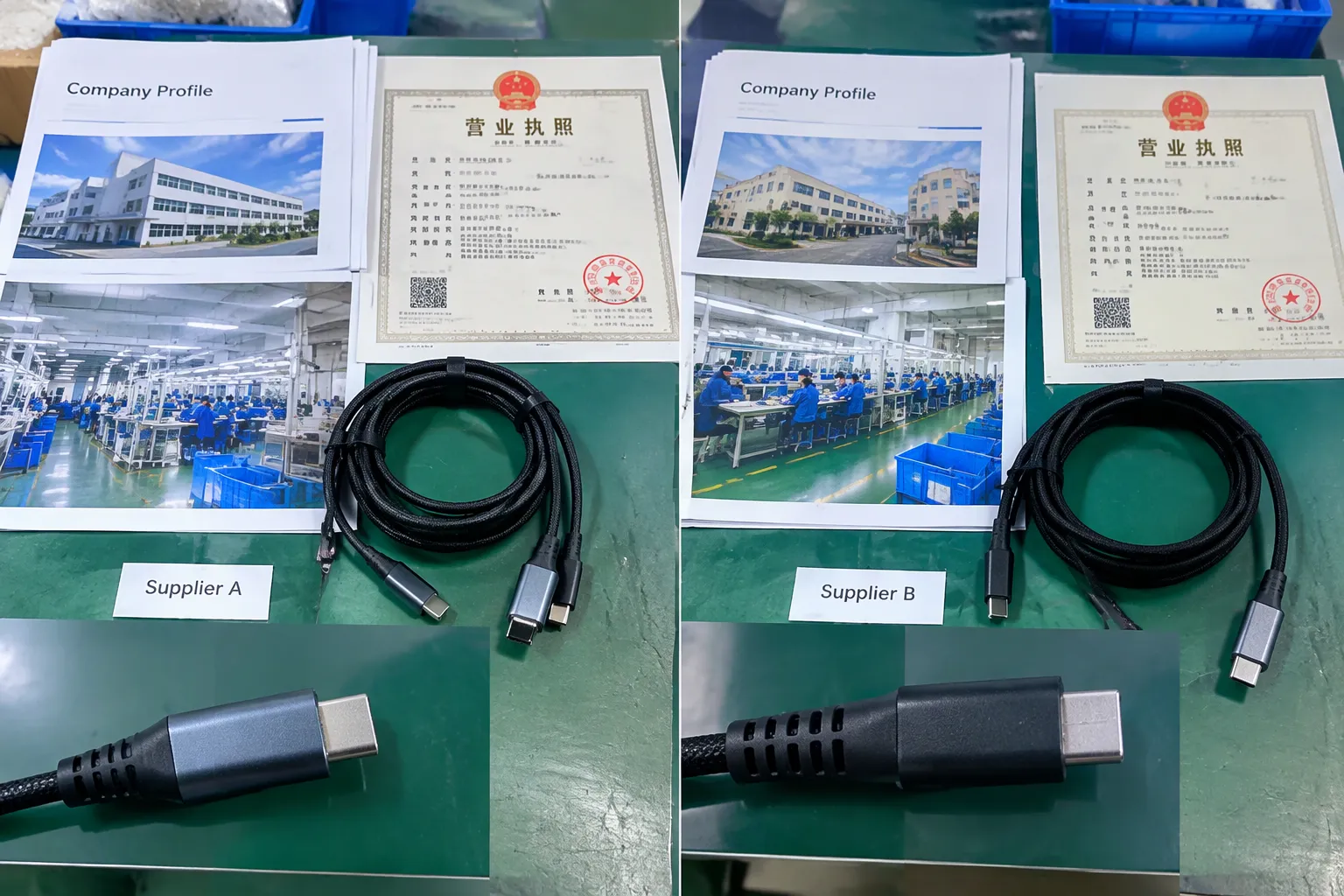
The buyer should request the relevant report, declaration, or test record and verify that it applies to the exact product version. I treat certifications as documents for buyers to check, not as assumptions based on a supplier’s general company profile.
Create a compatibility matrix
| Device or platform | Audio playback | Microphone | Buttons | Reconnection | Notes |
|---|---|---|---|---|---|
| Target Android model A | Pass/Fail | Pass/Fail | Pass/Fail | Pass/Fail | OS version recorded |
| Target Android model B | Pass/Fail | Pass/Fail | Pass/Fail | Pass/Fail | Case tested |
| Windows laptop | Pass/Fail | Pass/Fail | N/A | Pass/Fail | USB port type recorded |
| Mac computer | Pass/Fail | Pass/Fail | N/A | Pass/Fail | OS version recorded |
| Tablet | Pass/Fail | Pass/Fail | Pass/Fail | Pass/Fail | Power condition recorded |
Review supplier and factory controls
- Connector assembly
- Cable continuity
- Left and right channel output
- USB recognition
- Audio playback
- Microphone function, if applicable
- Physical appearance
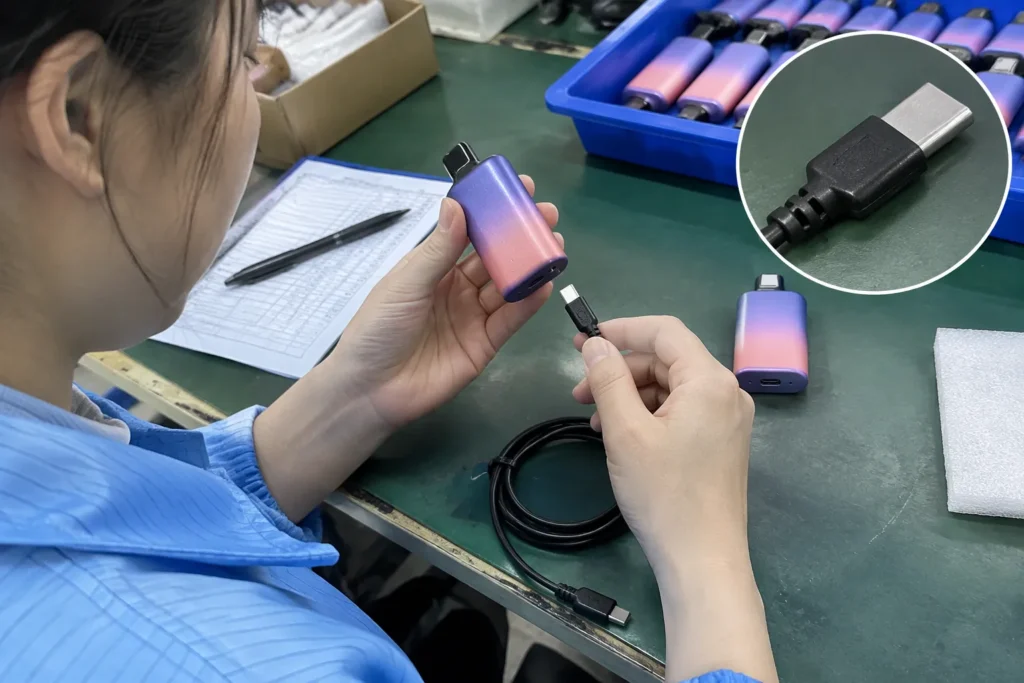
- Strain relief and pull resistance
- Packaging and barcode accuracy
The exact quality-control plan depends on order size and product design. A buyer can use an independent inspection company or qualified professional evaluator for application-specific decisions. The buyer should also confirm the acceptance criteria before production starts.
Control revisions
I recommend recording the approved sample with photographs, version numbers, packaging details, and a written specification. The purchase order should require notification and approval before material changes. This step is especially important for private-label brands that need stable customer reviews over time.
How Should Buyers Compare USB-C DAC Cable Suppliers?

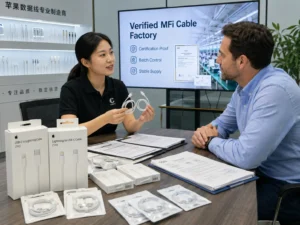
The best supplier is not simply the one offering the lowest price or the largest sampling-rate figure. I compare suppliers by their ability to explain the product, provide representative samples, control production, and communicate clearly when compatibility has conditions.
Questions I ask during supplier evaluation
- Is the DAC active or passive?
- What exact functions does the product support?
- Which device models have been checked?
- What operating-system versions were used?
- Does microphone input work, or is the product playback-only?
- What is the advertised sampling rate and bit depth?
- Which claims are component-level, and which are finished-product claims?
- How does the factory test each unit?
- What changes would require a new sample?
- What is the process for handling failures after delivery?
Compare commercial factors with technical factors
| Supplier factor | Why it matters to a buyer |
|---|---|
| Sample responsiveness | Shows how quickly specifications can be clarified |
| Documentation quality | Supports product listings and internal approval |
| Device testing process | Helps reduce avoidable returns |
| MOQ flexibility | Supports market trials and product launches |
| Lead-time control | Protects launch schedules |
| Change notification | Protects consistency after approval |
| Packaging customization | Supports private-label sales |
| After-sales communication | Helps resolve field issues |
| Export experience | Supports international shipping and documents |
Our role as a Shenzhen OEM/ODM consumer-electronics supplier includes product development communication, production coordination, quality control, and global wholesale support. In practice, customers often need help aligning a technical feature with a real sales requirement. A lower MOQ may help a buyer test the market, while a more detailed compatibility matrix may help reduce post-launch confusion.
Be careful with universal claims
- Does this include passive-only ports?
- Does this include phones with strict accessory recognition?
- Does this include microphone and buttons?
- Does this include use through a protective case?
- Does this include all operating-system versions?
- Does this include simultaneous charging?
- What sample evidence supports the claim?
A careful product description might say, “Designed for compatible USB-C devices with USB audio support; test with target models before bulk purchase.” That wording is less dramatic, but it is more responsible for a B2B product listing.
What Common Mistakes Increase USB-C DAC Cable Returns?
Most avoidable mistakes come from treating a technical claim as a complete product definition. Buyers can reduce risk by checking the signal path, target devices, feature conditions, and production controls before committing to inventory.
A practical risk-control checklist
- [ ] The target device list is written down.
- [ ] The product is identified as active or passive.
- [ ] The DAC and audio specifications are documented.
- [ ] Sampling-rate claims have defined conditions.
- [ ] Microphone and button support are separately confirmed.
- [ ] Representative samples have been tested.
- [ ] Results are recorded by device and operating system.
- [ ] Packaging and labeling match the approved version.
- [ ] Production-change procedures are agreed.
- [ ] Warranty and replacement terms are clear.
Frequently Asked Questions
Are all USB-C DAC cables compatible with every USB-C phone?
No. A USB-C connector does not guarantee USB audio support or identical power behavior. Compatibility depends on the phone, operating system, host implementation, and the cable’s active or passive design. Buyers should test the complete product with the specific phone models they plan to target.
Is a higher sampling rate always better for a USB-C DAC cable?
No. A higher advertised sampling rate may provide broader technical support, but it does not automatically improve the customer’s listening experience. The source file, playback software, device output, headphones, and use case determine whether the capability has practical value.
Does the DAC chipset guarantee sound quality?
No. The chipset is only one part of the implementation. PCB design, power handling, wiring, output stage, connector quality, firmware, and production consistency also matter. Buyers should treat the chipset as a specification point and validate the finished cable.
Should an OEM buyer test every possible phone?
It is not practical to test every device. I recommend testing representative models from the target market, including important current and older devices. The buyer should then describe compatibility accurately and avoid unsupported universal claims.
Can a USB-C DAC cable support a microphone and inline buttons?
Some products can support these functions, but the answer depends on the cable design, headset wiring, USB audio implementation, and host device. A buyer should request separate confirmation and test calls, recordings, button controls, and reconnection behavior.
Conclusion
USB-C DAC cables should be evaluated as complete products, not as connector types, chipset names, or sampling-rate numbers. I recommend defining the target use case, checking the full specification, testing representative devices, and controlling production revisions before approving a bulk order. Buyers should also verify certifications and technical documents for the exact product version. If you are sourcing USB-C audio accessories for a private label, retail range, or wholesale program, contact our Shenzhen OEM/ODM team to discuss samples, customization, quality control, MOQ, and target-device validation.
Sources
- USB Charger (USB Power Delivery)", USB Implementers Forum documentation distinguishes the USB Type-C connector specification from the capabilities implemented by particular ports, cables, and devices; consequently, the presence of a USB-C connector alone does not establish support for every USB function
- Are passive USB-C audio converters still a thing?", USB Type-C specifications describe analog audio accessory operation as a host-side capability; a passive USB-C-to-analog adapter therefore cannot convert a digital USB audio stream without an active digital-to-analog converter
- Chapter 13: Digital to Analog Conversion and Sound", A digital-to-analog converter transforms digitally represented samples into a corresponding continuous-time or analog electrical signal, which can then be processed by an analog audio output stage
- Universal Serial Bus Device Class Definition for Audio ...", USB Audio Class devices expose standardized audio interfaces to a USB host; operation therefore depends on the host operating system and hardware recognizing and supporting the relevant class and device configuration
- Nyquist Sampling Theorem - UCSD Music", Audio engineering literature indicates that a higher sampling rate expands the representable frequency range but does not by itself guarantee an audible improvement; results also depend on recording, conversion, playback, and listening conditions
- Sampling rate (audio) - Glossary", Digital signal-processing references define sampling rate as the number of measurements or samples taken from a continuous-time signal per unit of time
- Sampling audio | Android NDK", Operating-system audio documentation describes shared and application-specific audio paths in which the system or playback software may select a device format, mix streams, or perform sample-rate conversion before delivery to a USB audio endpoint
- A Review of Design Techniques for Reliable Integrated ...", Engineering guidance treats semiconductor datasheet values as component-level specifications obtained under stated conditions; system-level behavior additionally depends on the surrounding circuit, layout, power supply, software, and manufacturing variation