Quick Answer
USB 2.0 vs USB 3.0 vs USB 3.2 can create expensive sourcing mistakes when buyers treat the version name, connector type, and charging function as one specification. That confusion can lead to inaccurate listings, compatibility complaints, and unnecessary returns. We recommend separating data speed, plug type, charging capability, and intended use before selecting a cable SKU.
USB 2.0 vs USB 3.0 vs USB 3.2 is mainly a buyer verification issue, not only a speed issue. USB 2.0 generally supports lower data-transfer requirements, while USB 3.x products may support different data rates depending on the exact specification. Buyers should confirm the cable’s stated data protocol, connector configuration, charging capability, length, and labeling separately before placing an order or publishing a product listing.
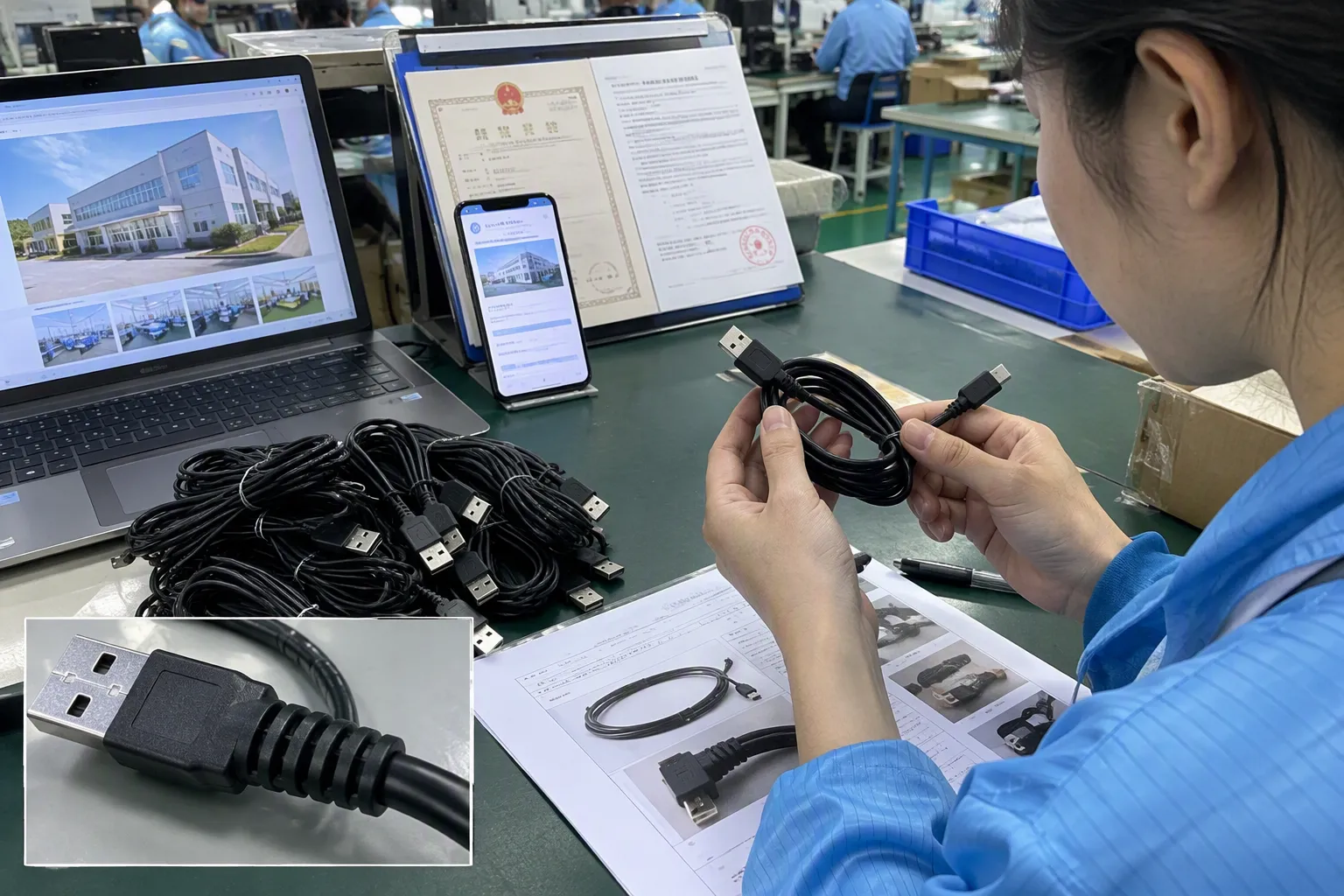
In our pre-sales discussions with European and North American retailers, wholesalers, and e-commerce sellers, we repeatedly hear the same question: “If the cable has USB-C, is it USB 3.0?” The short answer is no. A USB-C plug may be paired with USB 2.0 data capability, USB 3.x capability, or charging-focused functions.[1] That is why buyers need a practical sourcing checklist rather than a quick visual assumption.
USB 2.0 vs. USB 3.0 vs. USB 3.2 is not simply a speed comparison
A cable may look modern, use USB-C connectors, and support charging, yet still offer USB 2.0-level data transfer. Buyers can easily overlook this difference when suppliers use broad terms such as “fast cable,” “high-speed cable,” or “USB-C cable” without a complete specification.
The practical answer is that buyers should evaluate four separate points: connector shape, stated data standard, charging capability, and real application. USB 2.0, USB 3.0, and USB 3.2 relate to data specifications, but the actual result also depends on the host device, connected device, cable construction, and the full connection chain.[2] We advise buyers to request exact wording and supporting product specifications before ordering.

Start with the three specifications buyers often mix together
In our experience, many product-selection problems begin when a buyer asks for a “USB-C fast cable” without defining what “fast” means. That phrase can refer to charging speed, data transfer speed, or simply a modern connector appearance.
We separate USB cable specifications into the following categories.
| Specification area | What it describes | What buyers should verify |
|---|---|---|
| Connector type | The physical plug shape, such as USB-A, USB-C, Micro-USB, or Lightning-compatible configurations | Both ends of the cable and device compatibility |
| Data protocol | The cable’s stated data-transfer capability, such as USB 2.0 or a specific USB 3.x rate | Exact supported data rate and supplier labeling |
| Charging capability | The cable’s ability to carry power under stated conditions | Supported current, power profile, e-marker requirements where relevant, and device compatibility |
| Cable construction | Internal wires, shielding, conductor quality, length, connectors, and strain relief | Whether construction supports the claimed function consistently |
| Product positioning | The use case communicated to the end customer | Packaging, listing title, bullets, images, and instructions |
A USB-C connector is a connector shape. It does not automatically confirm USB 3.0, USB 3.2, 5 Gbps, 10 Gbps, 20 Gbps, or a particular charging wattage.
For example, a USB-C to USB-C cable may be designed primarily for charging and ordinary USB 2.0 data transfer. Another USB-C to USB-C cable may support a higher stated data rate. Both products can have similar external appearances. This is why retailers should avoid using “USB-C” as shorthand for high-speed data.
We recommend that buyers treat the connector, data protocol, and charging function as separate specification fields in every purchasing document.
This approach is especially useful for e-commerce sellers. A listing that says “USB-C high-speed cable” without a verified data-rate claim may create an expectation that the product does not meet. Clearer wording helps reduce avoidable customer dissatisfaction.
What do USB 2.0, USB 3.0, and USB 3.2 labels mean for sourcing?
USB version names can be confusing because industry terminology has changed over time. A buyer may see older product descriptions using “USB 3.0,” while newer materials may refer to USB 3.2 generations and specific data rates. We do not recommend relying on version names alone.
For sourcing purposes, the most useful question is:
What exact data rate does the supplier state that this cable supports?
USB 2.0 is commonly associated with a theoretical maximum signaling rate of up to 480 Mbps.[3] USB 3.x naming is more complex. Product descriptions may refer to 5 Gbps, 10 Gbps, or 20 Gbps capability[4], depending on the exact supported specification and cable configuration.
A simple internal reference table can help buying teams organize product information.
| Buyer-facing category | Typical supplier wording buyers may see | Buyer action |
|---|---|---|
| Basic data and charging cable | USB 2.0, 480 Mbps, sync and charge | Confirm whether this suits charging, phone syncing, peripherals, or basic data use |
| Mid-level high-speed cable | 5 Gbps, SuperSpeed, older USB 3.0-related wording | Ask for the exact supported rate rather than relying on the legacy name |
| Higher-speed cable | 10 Gbps, USB 3.2-related wording | Verify the exact data-rate claim, connector configuration, and compatible devices |
| Specialized higher-throughput cable | 20 Gbps, USB 3.2 Gen 2x2-related wording | Confirm that the intended host and device can support the claimed use case |
The table should not be used as a substitute for current technical documentation. USB terminology and product naming can vary across catalogs, marketplaces, and supplier materials.[5] We recommend verifying current terminology with USB-IF resources and reviewing the supplier’s specific product specification.
The key commercial point is simple: “USB 3.2” is not one fixed performance level.[6] A buyer should not list every USB 3.2 cable as identical or describe all of them as supporting the same speed.
Instead, a product listing can use precise, verified language such as:
- “Supports USB 2.0 data transfer up to the supplier-stated 480 Mbps rate.”
- “Supports the supplier-stated 5 Gbps data transfer rate.”
- “Designed for charging and USB 2.0 data synchronization.”
- “Please confirm host-device compatibility for higher-speed transfer applications.”
This wording is less dramatic than broad “ultra-fast” claims, but it is more useful for professional buyers and end users.
Why does the whole connection chain matter?
Buyers sometimes assume that a higher-rated cable will automatically deliver higher transfer performance. In practice, the cable is only one part of the connection chain.
The final result can be limited by:
-
The host port
A laptop, desktop computer, hub, docking station, power bank, or charger may have different USB capabilities across its ports. -
The connected device
A smartphone, SSD enclosure, camera, tablet, or peripheral may support a lower data rate than the cable itself. -
The cable specification
The cable must be designed and specified for the claimed data function. Connector appearance alone does not prove this. -
Cable length and construction
Longer cables, different wire arrangements, shielding choices, and connector quality can affect practical suitability for a given use.[7] -
Adapters and intermediate devices
Hubs, extensions, converters, and docking stations may limit the connection or introduce compatibility variables.[8] -
Software and file conditions
Real transfer performance can vary because of device storage speed, file size, operating-system behavior, and other factors.
For this reason, we suggest that buyers avoid promises such as “guaranteed 10 Gbps transfer speed” unless they have evaluated the complete intended setup and have suitable evidence for that claim.
A safer and more accurate approach is to state the cable’s verified supported specification, then note that actual performance depends on compatible equipment and the full connection chain.
For example:
“This cable supports the supplier-stated 10 Gbps data specification when used with compatible host and device equipment. Actual transfer results may vary by device, port, file type, and system configuration.”
This type of wording is particularly useful for online listings because it gives customers a clear expectation. It also helps customer-service teams explain why a cable may work for charging but not produce the expected transfer result with an older laptop port or a basic phone connection.
How should buyers compare USB cable SKUs?
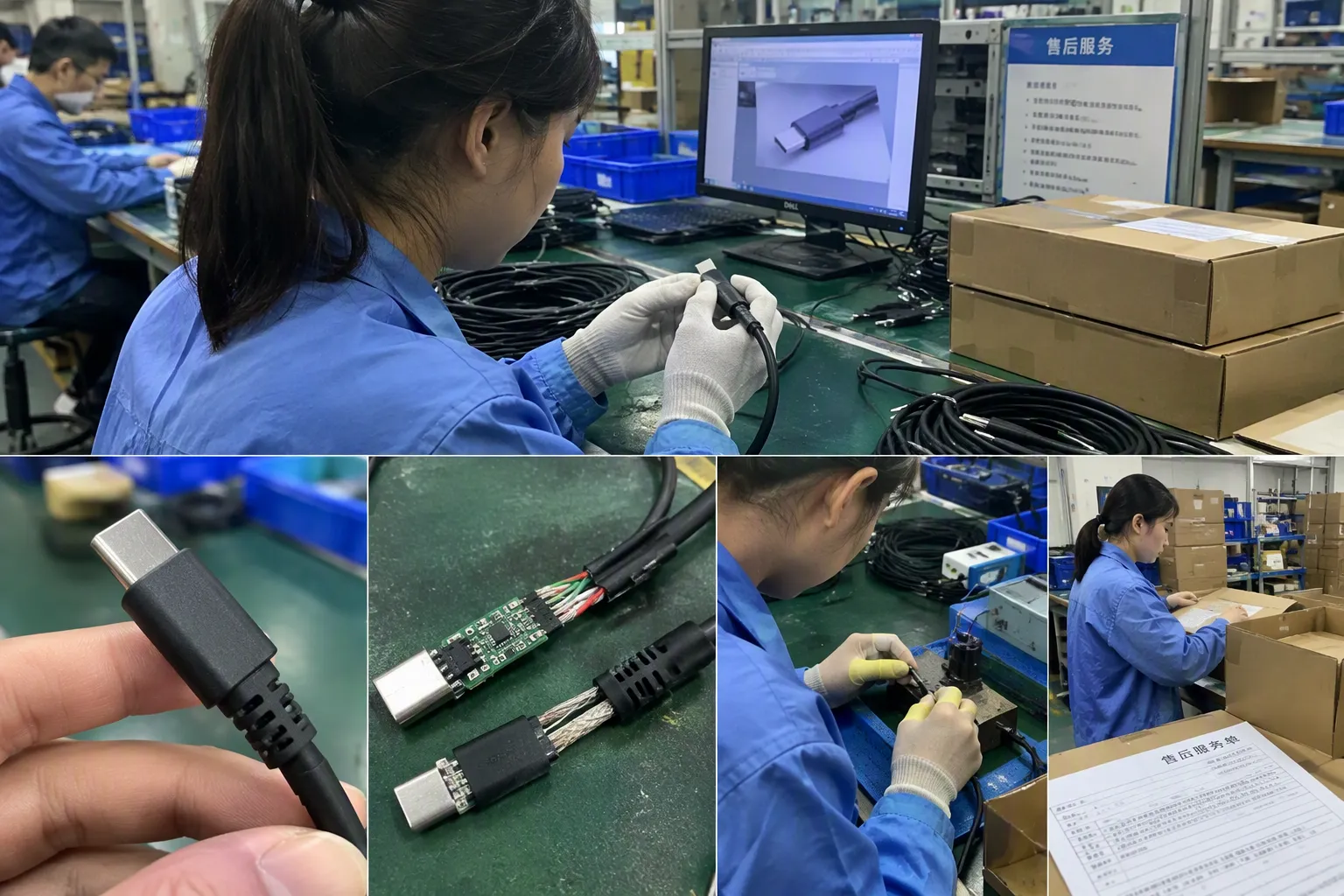
We find that successful buyers compare USB cable SKUs by use case first, then by specification. This prevents a retailer from carrying several visually similar products with unclear differences.
A useful buying plan may include a basic cable, a charging-focused cable, and one or more higher-data-rate cables. The exact assortment depends on the target market, sales channel, price point, and customer profile.
1. Define the intended customer use case
Before requesting a quotation, we recommend asking what the end customer actually needs.
| Use case | Possible cable focus | Key verification question |
|---|---|---|
| Phone charging and basic sync | USB-C cable with USB 2.0 data capability | Is data transfer beyond basic syncing necessary? |
| Everyday retail replacement cable | Durable construction, clear connector compatibility, stable quality | Is the product label easy for non-technical consumers to understand? |
| External storage or high-speed file transfer | Verified higher-data-rate cable | What data rate does the host-device setup support? |
| Gaming, workstation, or dock-related use | Higher-specification cable with clear compatibility claims | Are the cable, port, and connected device all compatible? |
| Travel and convenience charging | Appropriate charging capability, flexible length, compact packaging | Is charging the main value proposition rather than data speed? |
| Wholesale mixed assortment | Tiered product range | Can buyers clearly distinguish each SKU in cartons and catalogs? |
A retailer should not pay for a higher data specification if the target customer only needs charging and basic synchronization. At the same time, a retailer should not sell a USB 2.0 cable as a higher-speed data product because it uses USB-C connectors.
2. Confirm the actual data specification in writing
We encourage buyers to request a clear product specification sheet. The document should identify the cable’s stated data standard or supported data rate.
Useful questions include:
- Is this cable specified as USB 2.0 or a USB 3.x data cable?
- What exact data rate does the supplier state?
- Is the product marketed using a legacy USB 3.0 term, a USB 3.2 term, or a data-rate label?
- Does the cable support only charging and basic synchronization, or is it intended for higher-speed data use?
- Does the specification apply to the exact length being quoted?
- Are there different internal constructions across color, length, or connector variants?
This last point matters. A supplier may offer 0.5 m, 1 m, 1.5 m, and 2 m versions under one product family. Buyers should verify whether all lengths share the same stated data capability and charging specification.
3. Review charging separately from data speed
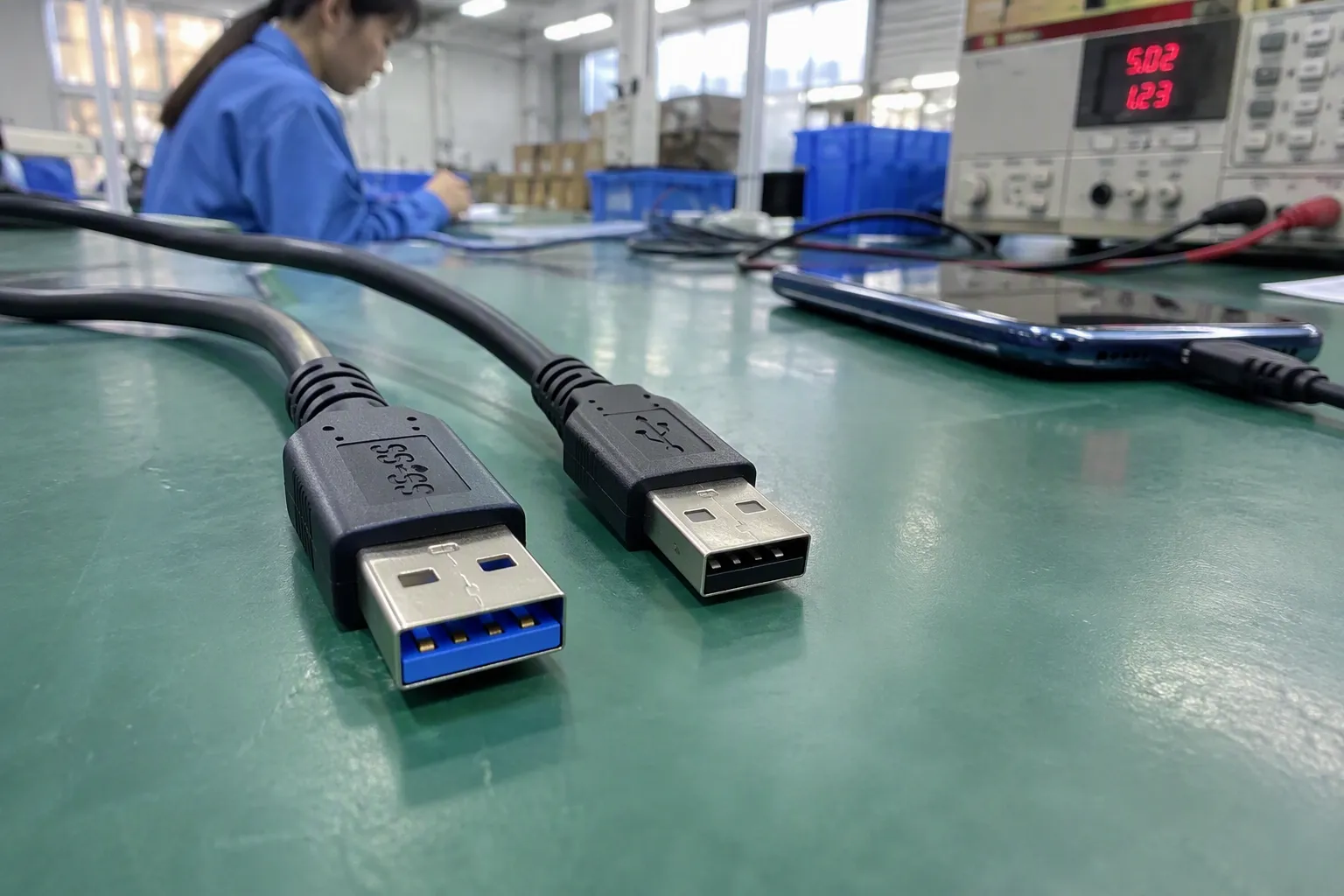
Charging claims need their own checks. A cable can have USB 2.0 data capability and still be marketed for charging applications, subject to its actual construction and supported charging specification. Conversely, a data-oriented cable may not automatically meet every charging requirement a buyer has in mind.
For charging-focused sourcing, buyers should ask about:
- Stated current or power capability
- Connector configuration
- Whether the product includes an e-marker where relevant to the claimed use
- Compatibility with intended chargers and devices
- Cable length and heat-management considerations
- Whether the packaging claim matches the supplier documentation
We advise buyers not to write “fast charging” without defining the product’s supported claim and intended compatibility. The phrase can be interpreted differently by consumers using different devices and chargers.
A more disciplined product-page structure separates the information:
- Connector: USB-C to USB-C
- Data: USB 2.0 data synchronization
- Charging: Supplier-stated charging capability
- Use case: Charging and everyday device synchronization
- Compatibility note: Confirm device and charger compatibility before purchase
This format is clear, practical, and easier for customers to understand.
How can product listings prevent returns and complaints?
In our conversations with retail and e-commerce buyers, inaccurate product descriptions are often a bigger commercial risk than the cable itself. A product can be perfectly suitable for its intended purpose but still generate returns if the listing promises more than the specification supports.
The best listing language does not try to impress every customer. It tells the right customer what the cable is for.
Build listings around verified claims
For each USB cable SKU, we suggest preparing a small internal data sheet before listing the product online. The same information can then be used for packaging, wholesale catalogs, sales sheets, and customer-service training.
A practical SKU sheet should include:
- Product name
- Connector types on both ends
- Stated data specification or exact data rate
- Stated charging capability
- Available lengths
- Jacket material and color options
- Packaging type
- MOQ
- Lead time
- Warranty or after-sales terms, if agreed
- Verified compatibility wording
- Claims that should not be used
Here is an example of how buyers can translate technical details into listing language.
| Specification received from supplier | Better customer-facing wording | Wording to avoid unless verified |
|---|---|---|
| USB-C to USB-C, USB 2.0 data | “USB-C charging and sync cable with USB 2.0 data support” | “USB 3.0 USB-C cable” |
| Supplier-stated 5 Gbps support | “Supports the supplier-stated 5 Gbps data rate with compatible devices” | “Works at maximum speed with every USB-C device” |
| Charging-focused cable | “Designed for charging and everyday data synchronization” | “Universal high-speed data cable” |
| Multiple cable lengths | “Available in 1 m and 2 m options; confirm specifications by length” | “All lengths deliver identical performance” |
| USB-C connector | “USB-C connector” | “USB-C means fast charging and high-speed data” |
The product title should also be specific. A vague title may attract more traffic, but it can attract the wrong traffic.
For example, instead of:
- “USB-C Super Fast Cable”
consider:
- “USB-C to USB-C Charging and USB 2.0 Sync Cable”
- “USB-C Data Cable, Supplier-Stated 5 Gbps Transfer Support”
- “USB-C Cable for Charging and Everyday Device Sync”
These titles may look less aggressive, but they give distributors and end consumers clearer expectations.
What should buyers ask suppliers before placing an order?
We use a checklist during pre-sales specification discussions because it reduces misunderstanding before samples, mass production, packaging approval, and final shipment. Buyers can adapt the same process for their own purchasing teams.
USB cable sourcing checklist
-
What is the intended application?
Is the product for charging, basic sync, external storage, office use, retail replacement, or a higher-performance market segment? -
What are the connector types?
Confirm both ends: USB-A, USB-C, Micro-USB, Lightning-compatible configuration, or another required format. -
What exact data capability is stated?
Request USB 2.0, 5 Gbps, 10 Gbps, 20 Gbps, or another clearly documented specification where applicable. -
How does the supplier label the product?
Ask whether the supplier uses USB 3.0, USB 3.1, USB 3.2, or data-rate terminology. Make sure packaging and listings use consistent wording. -
What charging capability is stated?
Treat power delivery and charging claims as a separate approval item. -
What cable length is required?
Confirm that the quoted length supports the intended function and that the specification applies to the final SKU. -
What is the cable construction?
Review conductor material, shielding, connector molding, jacket material, strain relief, and any requested durability features. -
What quality-control process applies?
Buyers should discuss inspection requirements, sample approval, workmanship standards, packaging checks, and agreed defect-handling procedures. -
What documents are available?
For applicable markets and product claims, buyers should request and verify relevant test reports, declarations, and certification documents independently. Requirements vary by product, market, and sales channel. -
What will the final customer see?
Approve the product title, package copy, icon claims, barcode information, and online product-page wording before production.
This process is not a substitute for professional technical, compliance, or legal review. It is a practical way to make sourcing conversations more precise.
How should wholesalers create a clear USB cable product range?
Wholesalers often need a range that is easy to explain to retail customers. We suggest organizing USB cable products by function rather than relying only on technical version terminology.
A simple range structure could include:
| Range level | Positioning | Typical buyer message |
|---|---|---|
| Essential | Charging and basic synchronization | Reliable everyday replacement cable |
| Charging-focused | Higher stated charging capability, subject to verification | For customers who prioritize charging use |
| Data-focused | Verified higher data-rate capability | For compatible storage, computer, and peripheral use |
| Premium | Materials, packaging, design, and verified specifications | Higher perceived value for specialist retail channels |
This structure helps sales teams explain why two USB-C cables can have different prices. One may be intended for basic charging and USB 2.0 synchronization. Another may have a different construction and a verified higher data specification. The difference should be visible in the product name, packaging, carton label, and wholesale catalog.
For private-label projects, buyers should also consider color coding, icons, and short comparison panels. However, we recommend that every icon be linked to a verified claim. A lightning symbol, “fast” wording, or “high-speed” badge can create confusion if it does not clearly state whether it refers to charging or data transfer.
Frequently Asked Questions
Does USB-C mean USB 3.0 or USB 3.2?
No. USB-C describes the connector shape, not a guaranteed data standard or charging wattage. A USB-C cable may support USB 2.0 data, a specific USB 3.x data rate, charging-focused use, or a combination of functions. Buyers should request the exact specification.
Is USB 3.2 always faster than USB 3.0?
Buyers should not treat USB 3.2 as one single fixed speed category. USB 3.x terminology can refer to different supported data rates. We recommend confirming the exact rate stated in the supplier specification and using that verified rate in product listings.
Can a USB 2.0 cable charge a USB-C device?
A USB 2.0 data specification and a cable’s charging capability are separate points. A USB-C cable may be suitable for charging while supporting USB 2.0 data synchronization. Buyers should verify the stated charging capability, intended devices, and compatible chargers separately.
Why is the real transfer speed lower than the cable claim?
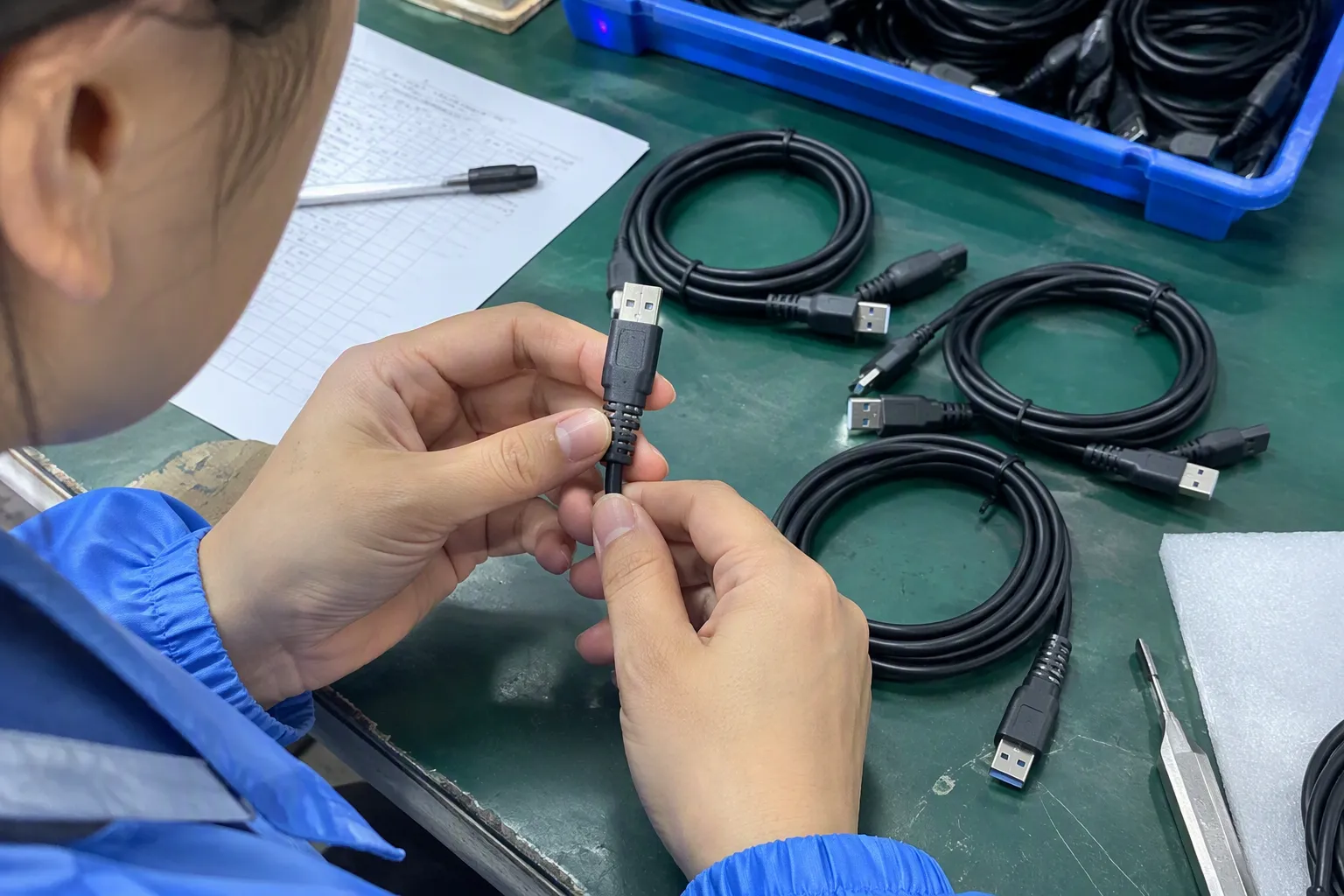
The cable is only one part of the connection chain. The host port, connected device, storage performance, adapters, hubs, cable length, and software conditions can affect practical results. We suggest stating verified cable capability without guaranteeing a real-world transfer outcome.
What should I put in a USB cable product listing?
A clear listing should state connector types, cable length, verified data capability, charging capability, intended use, and compatibility notes. Avoid using USB-C as proof of high-speed data or fast charging. Precise wording usually reduces buyer confusion and post-sale complaints.
Conclusion
USB 2.0 vs USB 3.0 vs USB 3.2 should be evaluated as a sourcing and product-positioning decision, not as a simple comparison of version names. We recommend that buyers verify connector type, exact data specification, charging capability, cable construction, length, and listing language separately. This approach helps retailers, wholesalers, and e-commerce sellers build clearer assortments and reduce preventable returns. If you are sourcing USB cable SKUs for European or North American markets, we can help you organize specifications, packaging claims, MOQ options, and product positioning before you place an order.
Sources
- [PDF] Universal Serial Bus Type-C Cable and Connector Specification", USB-IF documentation distinguishes the USB Type-C connector system from USB data-transfer specifications and USB Power Delivery; therefore, connector type alone does not establish a cable's data rate or charging capability
- USB 3.2 Specification", USB standards guidance describes a connection as an interoperating system: the available mode is limited by the capabilities of the host, peripheral, cable, and any hubs or adapters in the path
- USB 2.0 Specification", The USB 2.0 specification defines High-Speed signaling at 480 Mb/s, a signaling rate rather than a guarantee of equivalent end-user file-copy throughput
- [PDF] USB 3.2 Specification Language Usage Guidelines from USB-IF", USB-IF materials identify USB 3.2 transfer modes with nominal data rates of 5 Gb/s, 10 Gb/s, and, for Gen 2×2 operation, 20 Gb/s
- What's the Difference between USB 3.0, 3.2 Gen 1 and ...", Reference histories of USB standards document successive USB-IF renaming of USB 3.x generations, which helps explain why legacy version labels and rate-based labels coexist in product documentation
- USB 3.2 Specification", USB 3.2 is a family of specifications rather than a single speed designation, encompassing modes with nominal signaling rates of 5, 10, and 20 Gb/s
- How to Test USB-C Cable and Connector Compliance - Keysight", High-speed interconnect engineering references explain that cable length and construction influence channel loss and signal integrity, which can affect whether a link reliably supports its intended operating mode
- [PDF] Universal Serial Bus Upstream Facing Port Powered Hub ... - USB-IF", USB architecture documentation treats hubs as active intermediate devices with defined upstream and downstream capabilities, so an intermediate component can limit or alter the capabilities available across an end-to-end connection