Quick Answer
Dock power buttons can look like a small convenience feature, but they often raise larger sourcing questions for retailers and importers. When a dock relies on a model-specific connector, control signal, or charging arrangement, buyers may face replacement demand, compatibility disputes, and replenishment risk after the initial product shipment[1]. **A dock power button or proprietary interface should be evaluated as part of the product’s long-term accessory ecosystem, not as an isolated feature.
Buyers should confirm the exact supported models, charging and data functions, replacement-part availability, MOQ, lead time, and support period before listing a dock-based product for sale.**
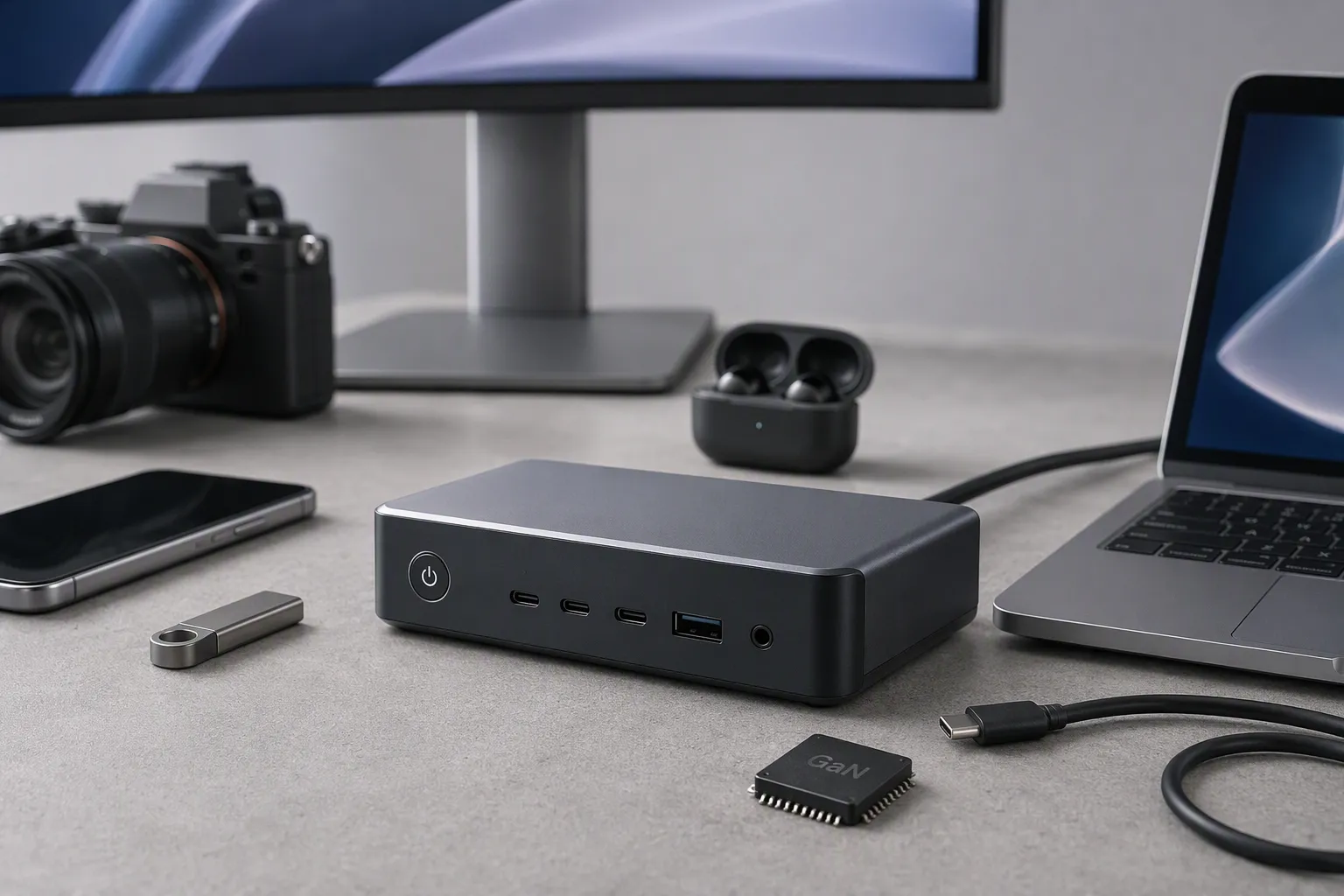
In our 15 years of exporting 3C products from Shenzhen, we have seen that buyers often focus first on the main product. However, the dock, cable, charging base, and replacement parts can become the real after-sales issue. A practical evaluation starts with what happens after a customer needs another accessory.
Why Are Dock Power Buttons More Than a Product Feature?
A dock power button may seem straightforward: the user places a device on the dock and presses a button to turn it on, wake it, charge it, or control a connected function. The risk begins when a buyer assumes that a visually similar dock, cable, or connector will provide the same result across different models.
Dock power buttons are more than a product feature because they can depend on model-specific mechanical fit, electrical behavior, control logic, and accessory availability[2]. Buyers should treat them as a compatibility and lifecycle-support issue, then obtain written supplier confirmation before committing to a product range.
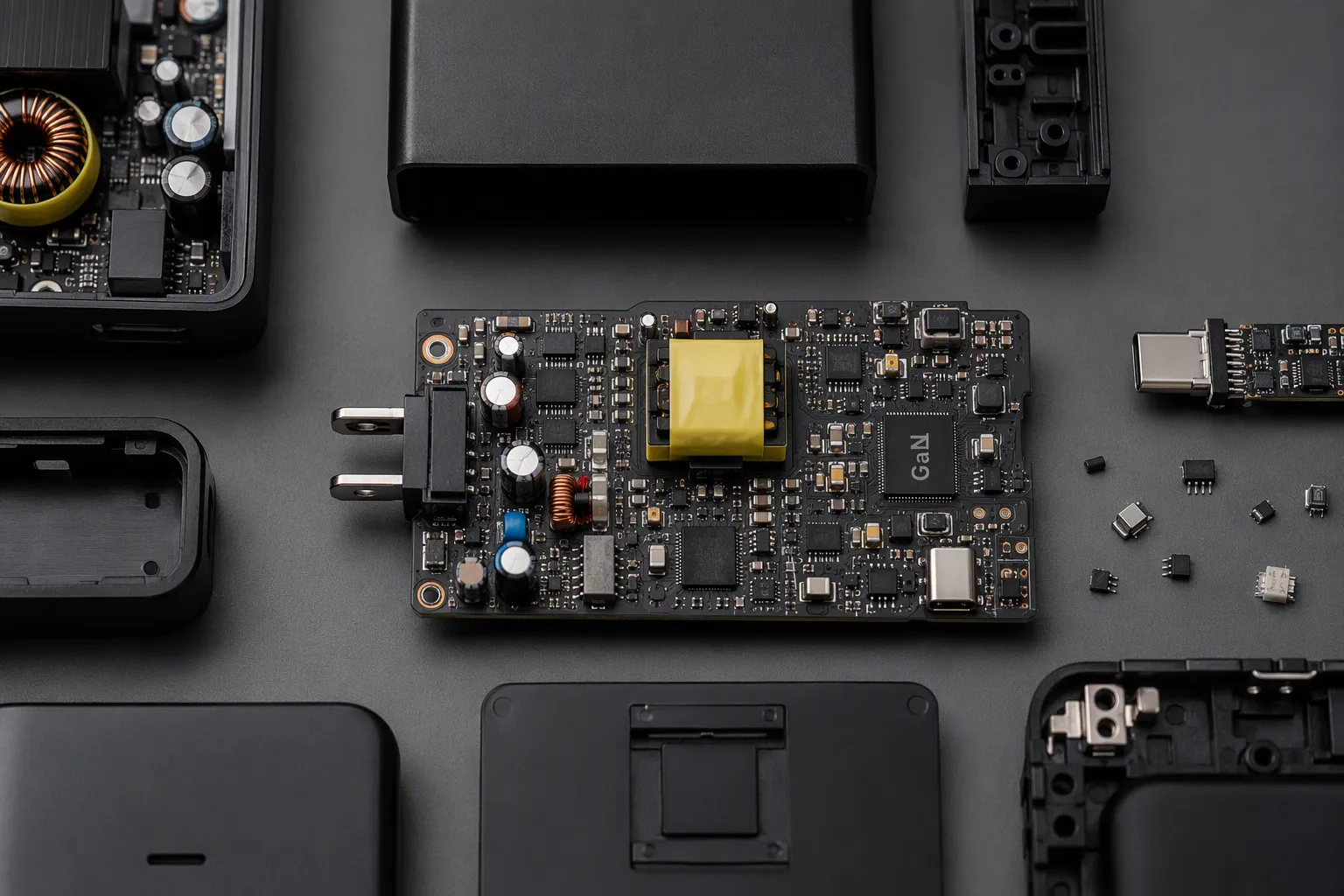
A Similar-Looking Dock Is Not Automatically Compatible
In consumer electronics sourcing, appearance can create false confidence. Two docks may have a similar shape, use a familiar cable type, or serve devices in the same product category. That does not prove that they work interchangeably.[3]
A replacement dock might physically accept a device but still fail to provide the expected user experience. For example, the dock may:
- Supply power but not activate the device through its button.[4]
- Charge at a different rate than the original accessory.[5]
- Support charging but not data transfer.[6]
- Transfer data but not support a control or wake function.
- Fit loosely and create intermittent connection complaints.
- Use a different pin layout, voltage requirement, or communication method.[7]
- Work with one product revision but not another revision under the same broad product name.[8]
We do not treat these points as engineering conclusions without documentation. We treat them as recurring procurement questions that need clear answers from the supplier. For a retailer or wholesaler, the commercial issue is simple: if the product listing suggests that a replacement dock will work, the buyer needs enough evidence to support that statement.
The Button May Be Part of a Larger System
A dock power button can be a mechanical switch, a touch control, a pass-through control, or a signal that communicates with the docked device. The exact design differs by product. What matters for buyers is that the button’s behavior may not be separable from the dock itself.
In practical terms, a customer may ask questions such as:
“Will this dock turn on my existing device?”
“Can I use my old charging cable with the new dock?”
“Does the dock only charge, or does it also synchronize data?”
“Can I buy the dock separately if the original one is damaged?”
These questions are often handled after a product is already on the shelf. That is too late. I recommend asking them during product evaluation, before packaging artwork, listings, and purchase orders are finalized.
The following table shows why “it connects” is not enough as a sourcing answer.
| Buyer question | What needs confirmation | Commercial risk if unclear |
|---|---|---|
| Does the dock charge the device? | Supported device model, charging input, output behavior, cable requirements | Returns due to no-charge or slow-charge complaints |
| Does the dock power button work? | Exact supported function and compatible device versions | Customers may believe the button is defective |
| Does it transfer data? | Data capability, port version, software requirements if applicable | Incorrect product listing claims |
| Can a similar dock replace it? | Model-level compatibility statement from supplier | Warranty disputes and negative reviews |
| Can we replenish accessories? | Spare-part MOQ, lead time, price, support period | Lost accessory sales and poor after-sales service |
| Is the cable interchangeable? | Connector specification, power rating, data function, approved alternatives | Safety concerns and customer confusion |
For e-commerce sellers, this detail matters even more. A listing may receive returns not because the product has a manufacturing fault, but because the buyer expected universal compatibility. Clear copy, correct accessory bundles, and model-specific compatibility language can reduce that problem.
Proprietary Does Not Automatically Mean Poor
Some buyers hear “proprietary interface” and immediately view it as a disadvantage. That is not always fair or commercially useful. A proprietary arrangement may support a specific product design, a secure fit, a particular charging method, a compact form factor, or a controlled user experience.
For example, a dock may use a dedicated contact arrangement because the product requires stable positioning. A device may use a custom cradle because a standard connector would not provide the desired physical support. A button may be integrated into the dock because the manufacturer wants the device to remain sealed, compact, or easy to use in a fixed location.
The better question is not whether the interface is proprietary in principle. The better question is whether the buyer can manage its consequences.
A proprietary interface can be commercially workable when the supplier can provide clear information on:
- Compatible product models and revisions
- Supported charging, data, and control functions
- Replacement dock and cable availability
- Spare-part pricing and minimum order quantities
- Normal production lead time for replenishment
- Planned support period or lifecycle policy
- Packaging and labeling options for replacement accessories
- Procedures for handling discontinued models
For our European and North American customers, the most useful outcome is not a broad promise that accessories will be available. The useful outcome is a written, model-specific statement that can be reviewed before buying.
Why Replacement Planning Should Start Before the First Order
A dock-based product can sell well at launch and still create problems later. The most common pressure point is not always the main unit. It may be a missing cable, a damaged dock, a lost charging base, or an end user who wants a second dock for work, travel, or another room.
If the buyer cannot source that accessory after several months, the original product becomes harder to support. This can affect customer satisfaction, review ratings, warranty handling, and repeat orders.
I encourage buyers to consider a replacement plan as part of the first purchase order. That plan does not need to be complicated. It should answer basic operational questions:
- Will replacement docks be stocked with the main product?
- Will separate replacement cables be offered?
- Can the supplier provide neutral packaging for after-sales use?
- Is the accessory available at a lower MOQ than the main product?
- Can the buyer combine spare parts with future production orders?
- Are there minimum quantities for custom color, logo, or packaging?
- What happens if the main model is updated or discontinued?
- Who confirms compatibility when a customer has an older version?
A small initial allocation of spare docks or cables can be easier to manage than urgent air shipments later. The right quantity depends on the product category, expected sales volume, warranty policy, and the buyer’s service model. We do not recommend a universal percentage because each product and sales channel is different.
The Difference Between Charging, Connecting, and Working Properly
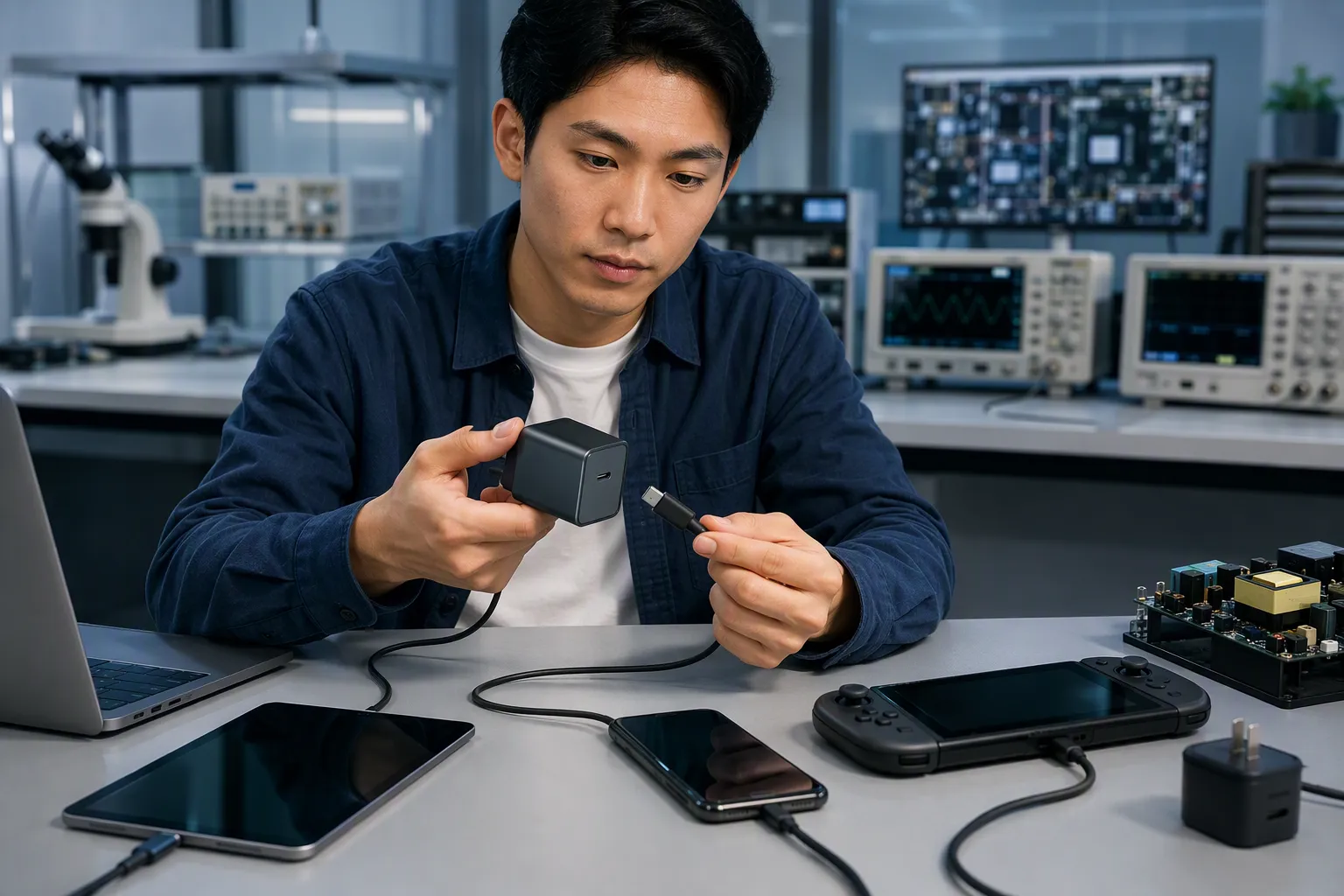
The phrase “works with” is often too vague for a B2B product specification. A dock can physically connect to a device, but the function may be limited. A cable can deliver some power, but it may not meet the same charging behavior expected by the original product. A button can respond, but it may not perform every control function.
For procurement teams, compatibility should be divided into separate questions.
Mechanical Compatibility
Mechanical compatibility asks whether the device physically fits the dock or connector.
Check:
- Device dimensions and seating position
- Contact location and alignment
- Case or protective-cover interference
- Magnetic or clip retention, where applicable
- Wear points on the docking area
- Tolerance expectations across production batches
Electrical Compatibility
Electrical compatibility asks whether the dock and device can exchange power safely and as intended under the confirmed specification.
Check:
- Required input and output information
- Recommended charging adapter requirements
- Cable requirements
- Charging indicator behavior
- Device protection features described in supplier documents
- Restrictions on using third-party adapters or cables, if any
Functional Compatibility
Functional compatibility asks what the user can actually do after the connection is made.
Check:
- Charging only
- Data transfer
- Device synchronization
- Audio output or other accessory functions
- Power-button, wake, or control behavior
- LED indicator behavior
- Use while charging, if relevant to the product
Commercial Compatibility
Commercial compatibility asks whether the buyer can continue supporting the product after launch.
Check:
- Availability of replacement accessories
- Stock status and forecast process
- MOQ for spare parts
- Price stability expectations
- Lead time for repeat orders
- Product lifecycle notice period, where available
- Documentation for customer-service teams
This framework helps buyers avoid a common mistake: treating a technical connection as a simple yes-or-no question. In reality, the answer may be “yes for charging, no for data,” or “yes for one revision, subject to the supplier’s written confirmation.”
How We Recommend Buyers Confirm Dock Compatibility
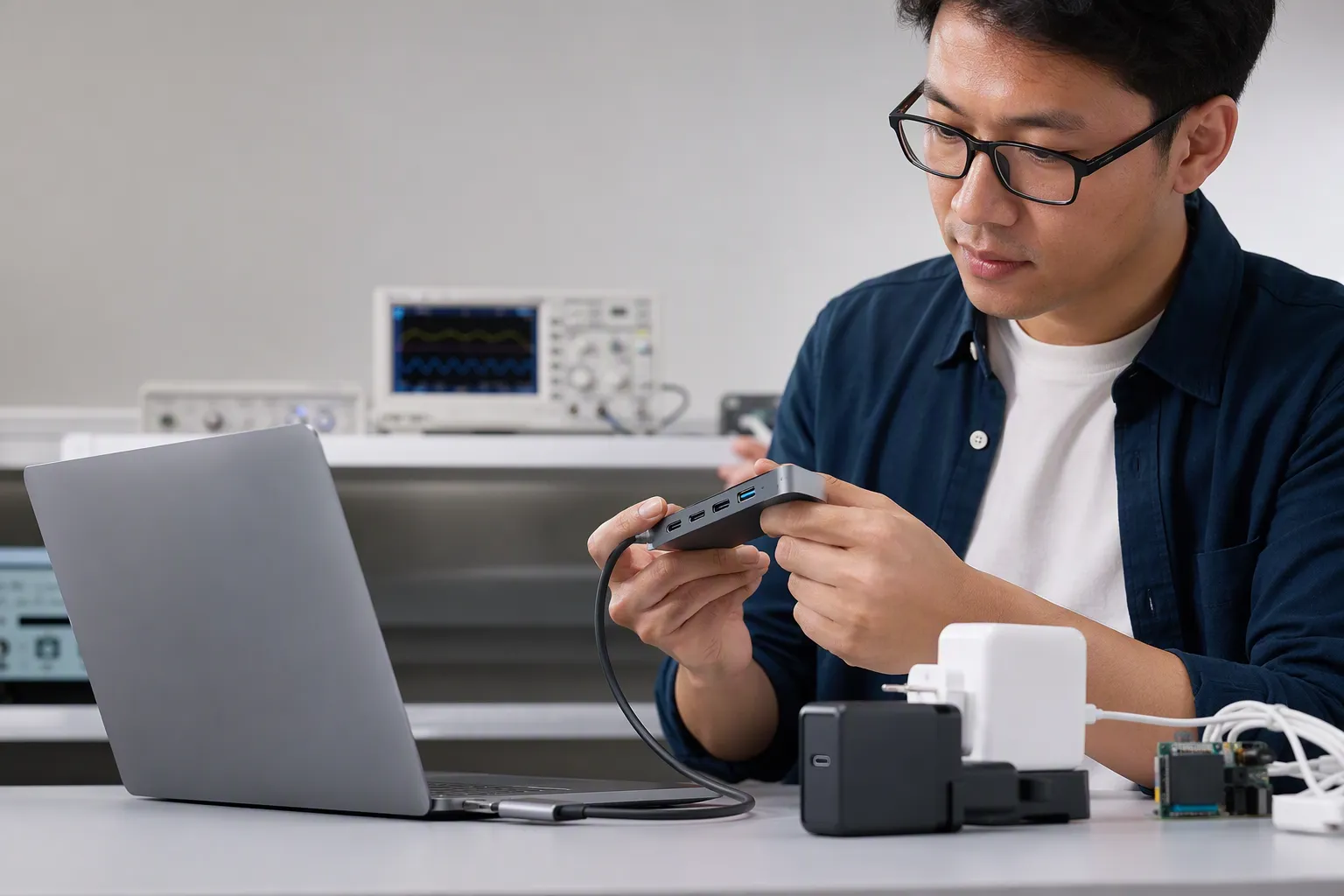
In our supplier communication work, we find that clear questions produce better purchasing decisions. General questions such as “Is the dock universal?” can lead to general answers. A better approach is to request a model-specific confirmation sheet.
Before placing an order, I recommend asking the supplier to confirm the following in writing:
| Confirmation item | Why it matters |
|---|---|
| Exact product model number | Prevents confusion between similar models |
| Supported dock model number | Links the accessory to the correct main product |
| Charging function | Supports accurate listings and customer-service replies |
| Data-transfer function | Avoids overstating accessory capability |
| Power-button or control function | Clarifies the actual dock experience |
| Compatible cable specification | Helps buyers source correct replacements |
| Included accessories | Prevents packaging and fulfillment disputes |
| Replacement accessory MOQ | Supports after-sales planning |
| Replacement accessory lead time | Helps manage stock continuity |
| Availability period or support policy | Indicates lifecycle risk, without creating unsupported promises |
| Certification documents relevant to the supplied product | Gives buyers documents to review and verify for their market |
Buyers should also keep this information with their quality-control records, packaging files, and customer-service documents. When a product is sold through several channels, one internal source of truth can prevent inconsistent answers.
For large orders, a qualified product evaluation process may include reviewing production samples, checking labeling, confirming accessory part numbers, and validating that the documents match the final purchase specification. Application-specific decisions should be reviewed by qualified professionals where needed, especially when power supply, safety requirements, or market-specific compliance obligations are involved.
Product Listings Should Set Realistic Buyer Expectations
A good listing does not need to explain every interface detail. It does need to avoid assumptions. If the dock is designed only for a named model, say so clearly. If replacement availability is not confirmed, do not suggest guaranteed long-term availability. If the dock provides charging only, do not imply data synchronization or universal accessory support.
Useful listing language may include:
- “Designed for the specified model series; please check the model number before purchase.”
- “Dock and cable compatibility should be confirmed against the listed product model.”
- “Replacement accessories are subject to supplier availability.”
- “Charging function and other dock functions may vary by model configuration.”
- “Please use the specified or confirmed compatible power accessory.”
This approach may seem cautious, but it protects the retailer as well as the end user. Clear expectations can reduce avoidable returns and help customer-service teams answer questions quickly.
For wholesale buyers, it is also helpful to provide channel partners with a short compatibility sheet. That sheet can include model names, accessory SKUs, included parts, supported functions, and reorder information. It does not need to become a technical manual. It should simply prevent the most common mismatch: selling a dock as a generic replacement when it is actually model-specific.
A Practical Sourcing Checklist for Dock-Based Products
Before confirming a docked product, I suggest using the following checklist with both the supplier and your internal team.
Product and Compatibility
- [ ] Have we confirmed the main product model and dock model?
- [ ] Have we confirmed whether the dock provides charging, data, control, or other functions?
- [ ] Have we received a written compatibility statement?
- [ ] Have we reviewed whether product revisions may affect the dock?
- [ ] Have we checked how the dock works with protective cases or fitted accessories, if relevant?
Quality Control and Documentation
- [ ] Does the approved sample match the final accessory configuration?
- [ ] Are dock, cable, and adapter part numbers clearly identified?
- [ ] Are packaging contents clearly listed?
- [ ] Have we requested relevant certification documents for review and verification?
- [ ] Are product claims in packaging and online listings consistent with supplier information?
Spare Parts and After-Sales
- [ ] Can we order replacement docks separately?
- [ ] Can we order cables separately?
- [ ] What are the spare-part MOQ and lead time?
- [ ] Is neutral replacement packaging available?
- [ ] Can spare parts be combined with future orders?
- [ ] Is there a written support period or supply plan?
- [ ] Have we planned how customer-service staff will identify compatible replacements?
Commercial Planning
- [ ] Have we considered the cost of holding spare accessories?
- [ ] Have we checked whether custom branding changes replacement-part MOQ?
- [ ] Have we discussed forecast requirements with the supplier?
- [ ] Have we considered the risk of model discontinuation?
- [ ] Have we avoided making unsupported availability promises to customers?
A dock power button can be a valuable selling point when the user experience is clear and the accessory plan is realistic. The same feature can create avoidable after-sales cost when compatibility and replenishment are treated as an afterthought.
Frequently Asked Questions
Are dock power buttons universal?
No, buyers should not assume that dock power buttons are universal. Similar-looking docks can differ in physical fit, charging behavior, data capability, and control functions. Retailers should request written, model-specific confirmation from the supplier before describing a dock as compatible.
Can a dock charge a device without supporting data transfer?
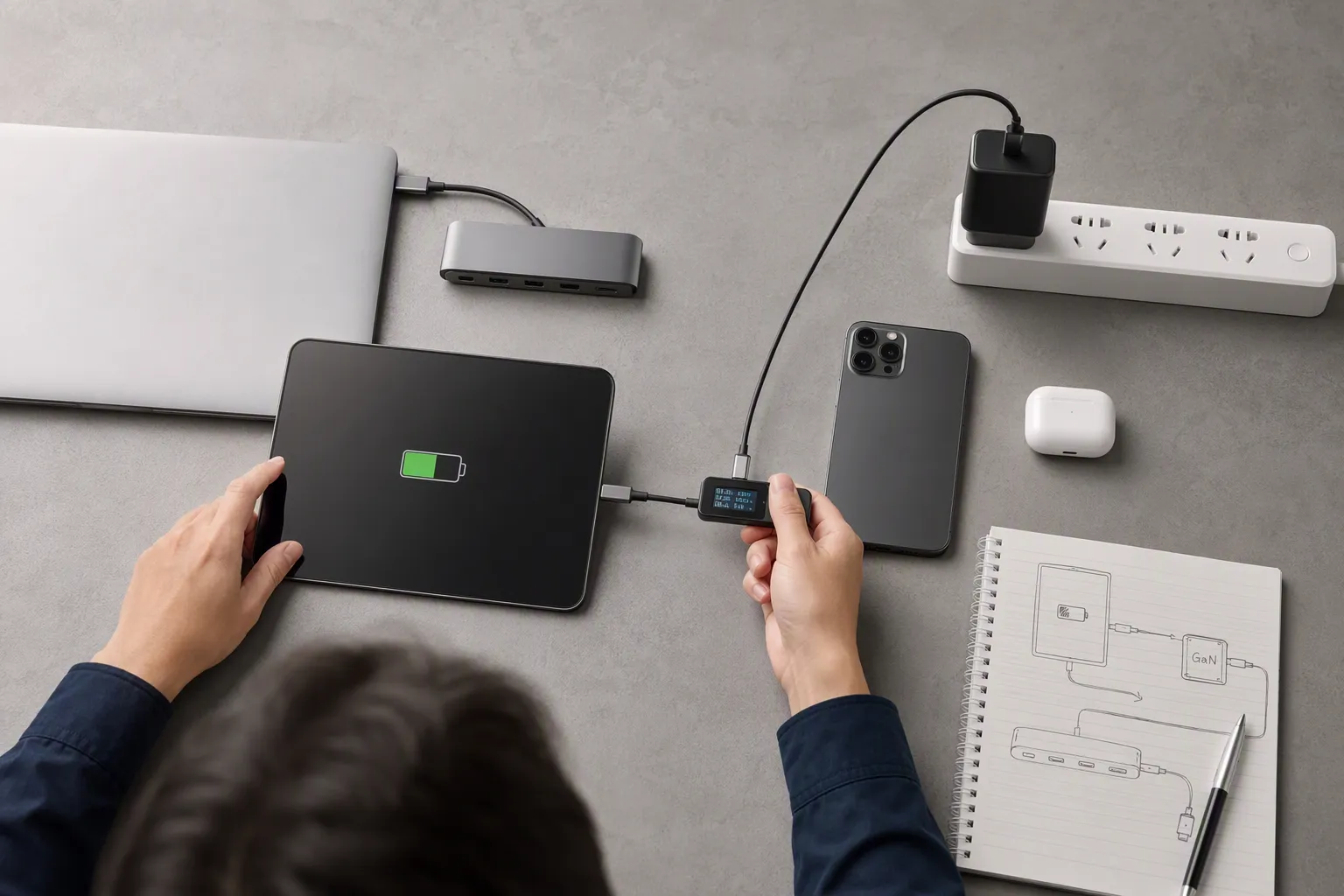
Yes, this is possible depending on the product design and specification. Charging and data transfer are separate functions. Buyers should confirm exactly what the dock supports rather than using broad terms such as “connects” or “works with.”
Is a proprietary interface always a disadvantage for retailers?
No. A proprietary interface may support a specific fit, user experience, safety requirement, or product design. The key retail question is whether compatible replacement docks, cables, and spare parts can be sourced reliably during the expected selling and after-sales period.
What should buyers ask suppliers about replacement docks?
Buyers should ask for the compatible model number, supported functions, spare-part price, MOQ, lead time, packaging options, and support-period information. They should also ask whether a replacement dock is compatible with all revisions of the main product or only specific versions.
Should retailers stock replacement cables and docks from the first order?
The answer depends on expected sales volume, product category, warranty policy, and customer-service model. However, buyers should plan for replacement demand before launch. A small spare-parts plan can be easier than arranging urgent replenishment after customers begin requesting accessories.
Conclusion
Dock power buttons should be evaluated as part of a complete accessory and after-sales strategy. A proprietary dock is not automatically a problem, but it should never be assumed to be universal, interchangeable, or available indefinitely. We recommend that buyers confirm model-level compatibility, charging and data functions, spare-part MOQ, lead time, and lifecycle support in writing. If you are sourcing dock-based 3C products for Europe or North America, we can help you review accessory configurations, supplier information, and replacement-part planning before you place your order.
Sources
- Due diligence in electronics and vehicle manufacturing", European Commission material on common charging solutions documents that fragmented and non-interoperable charging arrangements can create consumer inconvenience and unnecessary replacement of accessories
- Universal Serial Bus Type-C Cable and Connector ...", USB technical specifications distinguish connector mechanics, electrical power delivery, and data/protocol functions, showing why a physical connection alone does not establish full functional compatibility
- USB Charger (USB Power Delivery)", USB Implementers Forum guidance explains that USB Type-C describes a connector system while supported data rates and power capabilities may vary by implementation and cable
- USB Power Delivery", USB power-delivery and interface specifications treat power negotiation and data or control communication as separate functions, so power availability does not by itself establish support for a device-control command
- USB Charger (USB Power Delivery)", USB Power Delivery specifications define charging power through negotiated voltage and current profiles, indicating that accessories with similar connections may provide different charging power
- Any 240w USB C to USB cables without data?", USB technical documentation distinguishes power conductors from data signaling paths, allowing an implementation to provide charging while lacking data-transfer capability
- How to Arrange Connectors and Pinouts", Electrical-engineering teaching material on interface design explains that interoperable connections require compatible pin assignments, electrical characteristics, and communication protocols
- Hardware Revision Number", Research on product platform evolution and backward compatibility recognizes that design revisions can alter component interfaces and constrain compatibility with earlier accessories