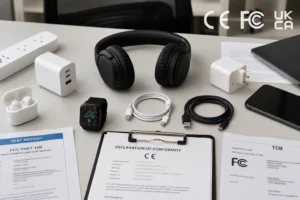
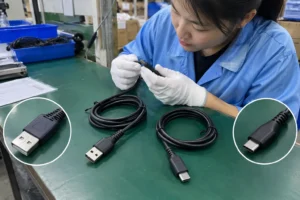
When I discuss USB-C hub monitors with product buyers, I often hear the same concern: one USB-C cable should charge a laptop, carry video, and connect a keyboard or mouse. The problem is that the USB-C label alone does not guarantee this experience. Buyers need to match the monitor, laptop, cable, power budget, and peripherals before making a product decision.
Quick Answer
USB-C hub monitors can provide one-cable charging, video, and peripheral connectivity, but the result depends on the complete system. Buyers should verify the laptop’s USB-C capabilities, the monitor’s power delivery and video functions, the cable rating, the required display mode, and the USB bandwidth needed by connected devices. A supplier should validate the proposed configuration with the buyer’s actual laptop and peripherals before mass production or listing.
- Check the host laptop first. Its USB-C port must support the required video and charging functions.
- Treat 100W as a power-budget figure, not an automatic guarantee. The monitor uses some power and the laptop may require a different negotiated level[3].
- Validate video and USB together. A 4K display, high refresh rate, and high-speed peripherals may not all operate at their maximum settings simultaneously.
- Confirm the cable. Cable length, power rating, data speed, and video support can affect the final experience.
- Request a real-use test report. The supplier should test the monitor with the buyer’s actual laptop, cable, display mode, keyboard, mouse, storage device, and network accessories.
A hub monitor is therefore a system-level product rather than a simple display with a convenient connector. In the sections below, I will explain how I evaluate these products during specification discussions, supplier coordination, and buyer reviews. I will focus on the details that can reduce compatibility disputes, returns, and after-sales questions.
USB-C Monitors: One-Cable Power, Video Peripheral Design
Many product listings use “USB-C monitor” as if every model offers the same functions. That wording can create confusion because USB-C describes a connector shape, not one fixed performance level[1]. A buyer can receive a monitor with USB-C input but no laptop charging, no video input, or no downstream peripheral hub.
Why the USB-C label is not enough
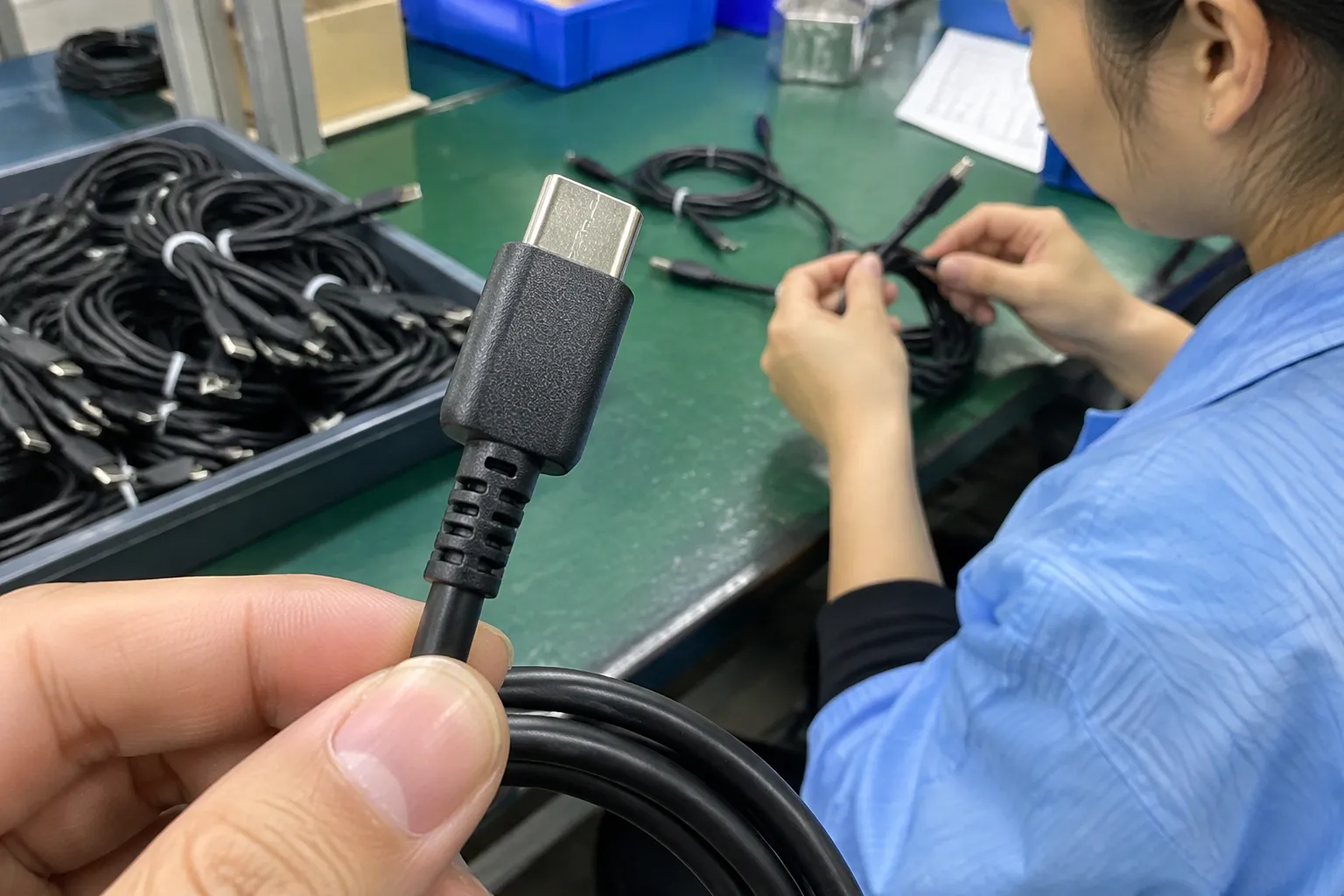
USB-C is a physical connector standard. The connected devices may use different protocols and capabilities through that connector. A laptop port may support charging but not video output[2]. Another port may support video but provide limited charging. A monitor may accept USB-C video while offering no power delivery to the host.
- Does the monitor’s USB-C upstream port support video input?
- Which video protocol or alternate mode does the design use?
- What power delivery levels can the monitor negotiate?
- How much power remains available after the monitor’s own consumption?
- Which USB ports are downstream ports for keyboard, mouse, storage, or networking?
- What data speed applies to each downstream port?
- Does the hub remain active when the display is in a particular mode?
- Does the host laptop support the required video and charging functions?
The USB Implementers Forum explains USB Type-C and USB Power Delivery concepts in its public technical resources, but a general standard explanation cannot confirm compatibility between a specific laptop and monitor. I use those resources as background, while I treat the supplier’s model-specific test evidence as the practical purchasing document.
One-cable convenience has a real use case
However, I would not describe every hub monitor as a full docking station replacement. A buyer with multiple displays, high-speed storage, specialist peripherals, enterprise networking, or strict port requirements may still need an independent dock or a higher-end docking platform.
A capability matrix helps prevent vague specifications
| Function | Buyer question | Evidence to request |
|---|---|---|
| Video | Can the target laptop output video through USB-C? | Host compatibility test |
| Charging | Can the monitor provide the laptop’s required negotiated power? | PD specification and test record |
| USB hub | Which ports remain active and at what speed? | Port map and peripheral test |
| Cable | Does the included cable support the intended configuration? | Cable rating and model information |
| Display mode | Can the required resolution and refresh rate operate? | Actual laptop and monitor test |
| Multi-device use | Does the setup work with the buyer’s common peripherals? | Combined-use validation |
Can USB-C Hub Monitors Really Charge a Laptop at 100W?
A monitor advertised with 100W Power Delivery may be able to negotiate a high power level with a compatible laptop, but I do not treat 100W as a universal promise that every laptop will receive 100W. The available result depends on monitor power consumption, PD negotiation, laptop requirements, cable capability, and the active configuration.
Advertised PD power and usable laptop power are different questions
A monitor needs power for its own panel, electronics, USB hub, speakers, and other functions. The power supply must cover that internal load before the monitor can pass power to the connected laptop. The monitor design may therefore use a power adapter with a higher rating than the maximum power it delivers to the host.
- Its charging design does not support the advertised level.
- Its battery is nearly full.
- Its operating system limits charging under certain conditions.
- It needs a specific voltage and current profile.
- It is under heavy load and uses more power than the monitor can continuously provide.
- Its USB-C port supports data and video but has limited charging acceptance.
The cable adds another condition. A high-power USB-C cable may require appropriate identification and construction[4]. A basic charging or data cable may not support the same current or data performance as a suitable full-featured cable.
I use a power-budget discussion with buyers
- What is the monitor’s maximum PD output?
- What power profile can the host laptop accept?
- What cable connects the two devices?
- What happens when the monitor and downstream USB devices are operating together?
A better product description can say that the monitor supports up to a stated PD output under specified conditions, while the final charging result depends on host compatibility and cable capability. I recommend that sellers include a compatibility note rather than making a broad universal claim.
What should a supplier document?
- The power adapter’s rated input and output
- The monitor’s maximum host PD output
- The available PD profiles
- Any stated internal power reservation
- The included cable specification
- Test results with representative laptop models
- The behavior when USB peripherals are connected
- Whether charging continues during different display modes
- Any limitations caused by a lower-rated adapter
Power delivery comparison
| Buyer requirement | What the buyer should verify | Common risk |
|---|---|---|
| Light office laptop | Required charging profile and cable | Laptop may charge slowly or not at all |
| Business laptop | Continuous power during office workloads | Battery may still decline during heavy use |
| Performance notebook | Manufacturer’s charger requirement | Monitor may not replace the original adapter |
| Multiple USB devices | Remaining power and hub behavior | Accessory load may affect practical performance |
| Retail product listing | Clear conditions for the PD claim | Returns caused by overgeneralized wording |
I treat 100W as a useful procurement target, not a complete compatibility statement. A professional evaluator should make the final decision for application-specific power requirements, especially when a laptop manufacturer specifies a dedicated adapter.
How Do 4K, Refresh Rate and USB Speed Work Together?
A hub monitor’s video resolution, refresh rate, USB data speed, and peripheral performance should be evaluated as one combined bandwidth problem. Buyers should not assume that a product can always deliver its maximum 4K resolution, high refresh rate, high-speed USB transfer, and full hub functionality at the same time.
The correct answer depends on the host’s graphics output, the monitor’s internal design, the selected display mode, the USB implementation, and the cable. Suppliers should validate the exact combination that the buyer plans to sell.
Display bandwidth is not an isolated specification
A display mode is determined by more than the panel’s native resolution. The connection must carry enough video data for the selected resolution, refresh rate, color format, and other display settings[5]. The host laptop also needs to generate and transmit that mode through its USB-C port.
For example, a product may be described as a 4K monitor and may also mention a high refresh rate. That does not automatically mean that every laptop can drive 4K at that refresh rate through one USB-C cable. The host graphics system and connection implementation must support it.
| Display mode | Host laptop | Peripheral load | Result to verify |
|---|---|---|---|
| 4K at standard office refresh | Target laptop A | Keyboard and mouse | Stable display and hub operation |
| 4K at higher refresh | Target laptop B | Keyboard, mouse, Ethernet | Actual refresh and port behavior |
| Lower resolution at high refresh | Target laptop C | External storage | Display stability and USB speed |
| Dual-display setup | Target laptop D or dock | Several peripherals | Compatibility and limitations |
USB speed can share the system’s resources
The monitor may include USB-A or USB-C downstream ports. Those ports can support common devices such as keyboards, mice, webcams, USB flash drives, hard drives, and network adapters. However, the hub’s upstream connection and internal architecture place limits on the total data path[6].
- USB connector type
- Advertised USB generation or speed
- Actual upstream connection to the host
- Shared bandwidth across downstream ports
- Performance of the connected peripheral
- Impact of the active video mode
A keyboard and mouse usually create a modest data requirement. A fast external SSD or high-resolution webcam creates a different load. The supplier should test the intended combination rather than relying on separate component specifications.
High refresh rate needs careful product positioning
High refresh rate can be valuable for gaming, visual demonstrations, and smooth scrolling. It can also create a mismatch when the target market mainly needs office productivity. A retailer should decide whether the product is being positioned as:
Each position changes the buyer’s expectations. A business customer may prioritize reliable charging, Ethernet, webcam support, and multi-device switching. A gaming customer may prioritize refresh rate, response time, and graphics compatibility. A specification that works for one group may not satisfy another.
Use conditional language in product content
VESA’s public DisplayPort resources can help buyers understand display connection terminology. I use such standards information as a reference point, but I still ask for a model-specific test because standards support does not eliminate differences among laptops, cables, firmware, and monitor implementations.
Which Cable and Host Details Should Buyers Check?
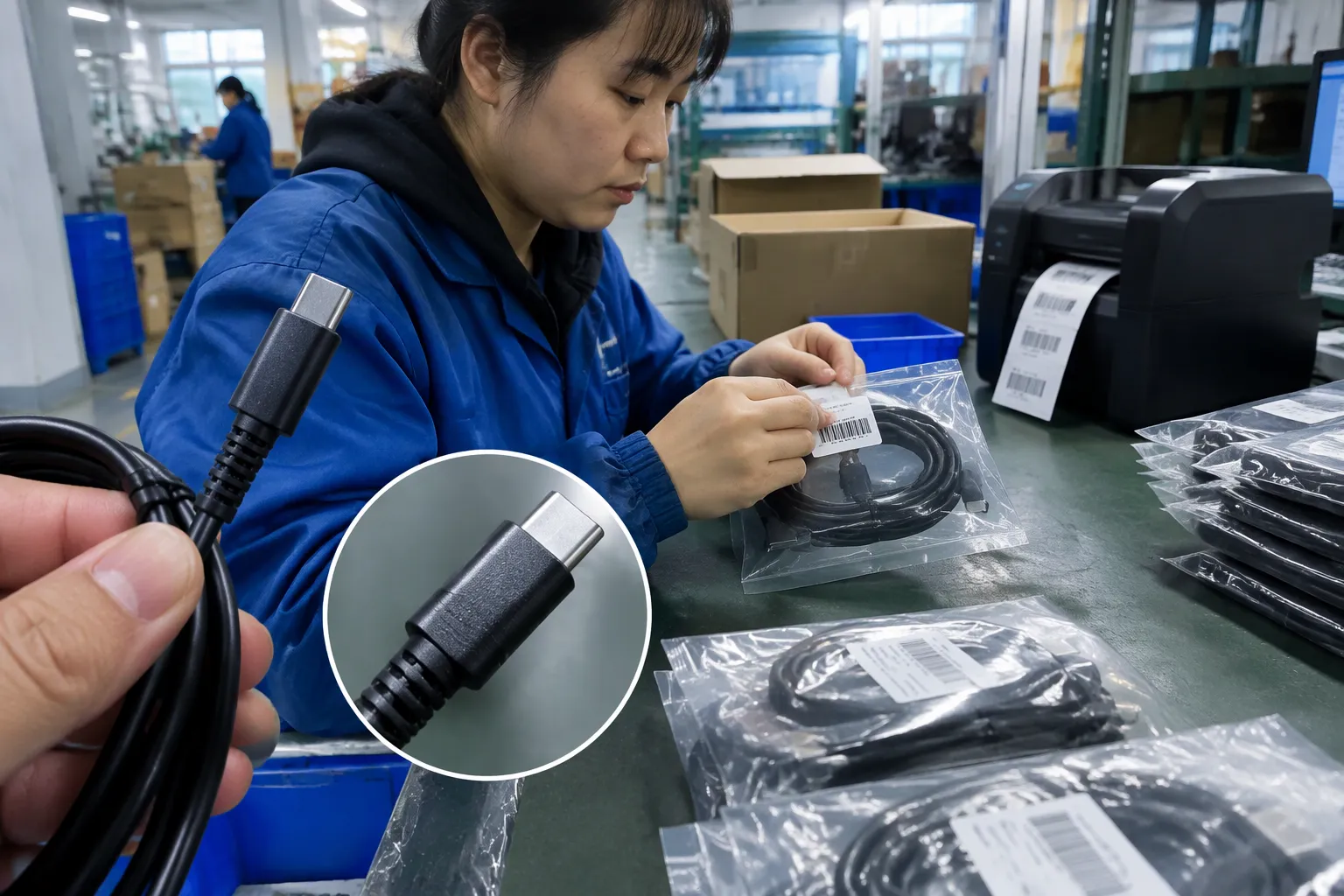
The cable and host laptop often determine whether a USB-C hub monitor works as expected[7]. Buyers should review the laptop port, operating system requirements, cable construction, length, power rating, data speed, and video support together. A monitor cannot compensate for a host port or cable that lacks the required functions.
Start with the laptop’s actual port
Many laptops include several USB-C ports with different capabilities[8]. One port may support charging and video, while another may support only data. Some laptops may use a USB-C port for charging but require a separate video output for an external monitor.
- Laptop brand and model
- Exact port used for the monitor
- Operating system
- Graphics configuration
- Manufacturer documentation for USB-C video support
- Laptop power requirement
- Whether the laptop uses a dedicated charger during the test
Cable claims should be specific
- Cable length
- Connector type at both ends
- Power capability
- Data speed
- Video support
- Whether the cable is passive or active, where relevant
- Whether the cable is included in the retail package
- Whether replacement cables are readily available
I also recommend that suppliers identify the exact cable model or at least the cable class used in validation. If a buyer tests the monitor with a high-capability cable but ships a lower-capability cable, the end customer may receive a different experience.
A simple host-and-cable checklist
| Checkpoint | Yes/no question |
|---|---|
| Host video | Does the laptop’s USB-C port support external video? |
| Host charging | Can the laptop accept power through that port? |
| Power profile | Does the laptop accept one of the monitor’s PD profiles? |
| Cable power | Can the cable support the required charging level? |
| Cable data | Can the cable support the required hub data path? |
| Cable video | Can the cable support the intended display mode? |
| Length | Is the cable long enough without creating a practical installation issue? |
| Replacement | Can the customer obtain a suitable replacement? |
Why bundled accessories matter
The team should validate the final retail cable, adapter, monitor firmware, and packaging instructions together. If the product is sold in Europe or North America, the importer should also maintain the relevant technical and compliance documentation for the complete product configuration. Certifications and declarations should be verified as current and applicable to the exact model, adapter, and market.
Is a USB-C Hub Monitor Better Than a Separate Dock?
A USB-C hub monitor can be the better choice when the buyer wants a clean office setup with moderate connectivity. A separate dock can be better when the customer needs many ports, multiple displays, higher peripheral bandwidth, flexible device switching, or a more specialized deployment. The right choice depends on the workflow rather than the number of features in a product listing.
Where a hub monitor is a strong fit
- One monitor for one laptop
- Keyboard and mouse connection
- A clean desk
- Laptop charging through the display
- Occasional USB accessory use
- A simple remote-work setup
- A meeting-room display with limited peripherals
- Fewer separate power adapters
Where a separate dock may be more suitable
- Multiple external monitors
- Several high-speed USB devices
- Enterprise network connectivity
- A card reader, audio interface, or specialist equipment
- Frequent switching between different host devices
- A dock that remains independent when the monitor changes
- More flexible placement between the laptop and displays
- A higher total port count
Comparison for product selection
| Requirement | USB-C hub monitor | Separate dock plus monitor |
|---|---|---|
| Desk simplicity | Usually stronger | More cables and components |
| Basic keyboard and mouse | Usually suitable | Suitable |
| Laptop charging | Integrated when supported | Depends on dock |
| Multiple displays | May be limited | Often more flexible |
| High-speed storage | Needs combined validation | Usually easier to specify separately |
| Device switching | Depends on monitor design | Often more flexible |
| Replacement | Monitor and hub are combined | Dock can be replaced separately |
| Retail positioning | Clean premium workspace | Expandable connectivity solution |
Avoid overclaiming product boundaries
- “Designed for single-laptop office connectivity”
- “Suitable for keyboard, mouse, and selected USB accessories”
- “Supports laptop charging through compatible USB-C hosts”
- “Confirm multi-display and high-speed peripheral requirements before purchase”
How Should Buyers Evaluate a Supplier’s USB-C Hub Monitor?
Buyers should evaluate the supplier through a combination of specification control, sample testing, documentation review, production quality management, and after-sales planning. A polished sample is not enough. The supplier should show that the same configuration can be controlled during mass production.
Request a controlled specification
- Monitor model and revision
- Panel resolution and refresh options
- USB-C upstream function
- PD output and conditions
- Downstream port type and speed
- Video input and output ports
- Included power adapter
- Included cable model or capability
- Firmware version, where relevant
- Supported operating systems
- Physical dimensions and mounting details
- Packaging contents
- Applicable market documentation
Test the complete use case
- Connect the target laptop with the proposed retail cable.
- Confirm that video appears without unexpected adapters.
- Set the required resolution and refresh rate.
- Confirm the laptop’s charging behavior.
- Connect the keyboard and mouse.
- Add the most demanding planned peripheral.
- Test sleep, wake, restart, and reconnection.
- Check whether the hub recovers after the cable is unplugged.
- Confirm that the power adapter remains within its intended operating condition.
- Record any limitations in the product documentation.
Inspect production quality, not only function
- Incoming inspection for panels, adapters, cables, and hub boards
- Port alignment and connector retention checks
- Visual inspection of the enclosure and stand
- Power-on and display-function checks
- USB hub function checks
- Basic charging negotiation checks
- Sample-based combined configuration tests
- Firmware and model-revision control
- Packaging and accessory verification
- Serial number or batch traceability where appropriate
Verify certifications and market documents
Our business context includes certification support for products sold into European and North American markets, but buyers should verify every certificate, declaration, test report, and adapter document for the exact model and destination market. A certificate from a related model does not automatically prove compliance for a revised product.
- Model number consistency
- Manufacturer and importer details
- Test report scope
- Adapter inclusion
- Applicable market requirements
- Label and user manual information
- Whether the document is current
- Whether an accredited or recognized testing organization issued the report, where applicable
Supplier questions that reveal preparation
- Which laptop models did you use for validation?
- Which cable was used?
- What display modes were tested?
- Was the stated PD output measured or only listed by the controller?
- Which peripherals were connected simultaneously?
- What changes require a new approval sample?
- How do you control firmware and hub-board revisions?
- What is the process for handling compatibility complaints?
- Which documents apply to the exact export model?
- What information will appear in the user manual and listing?
What Should a Retailer Put on the Product Page?
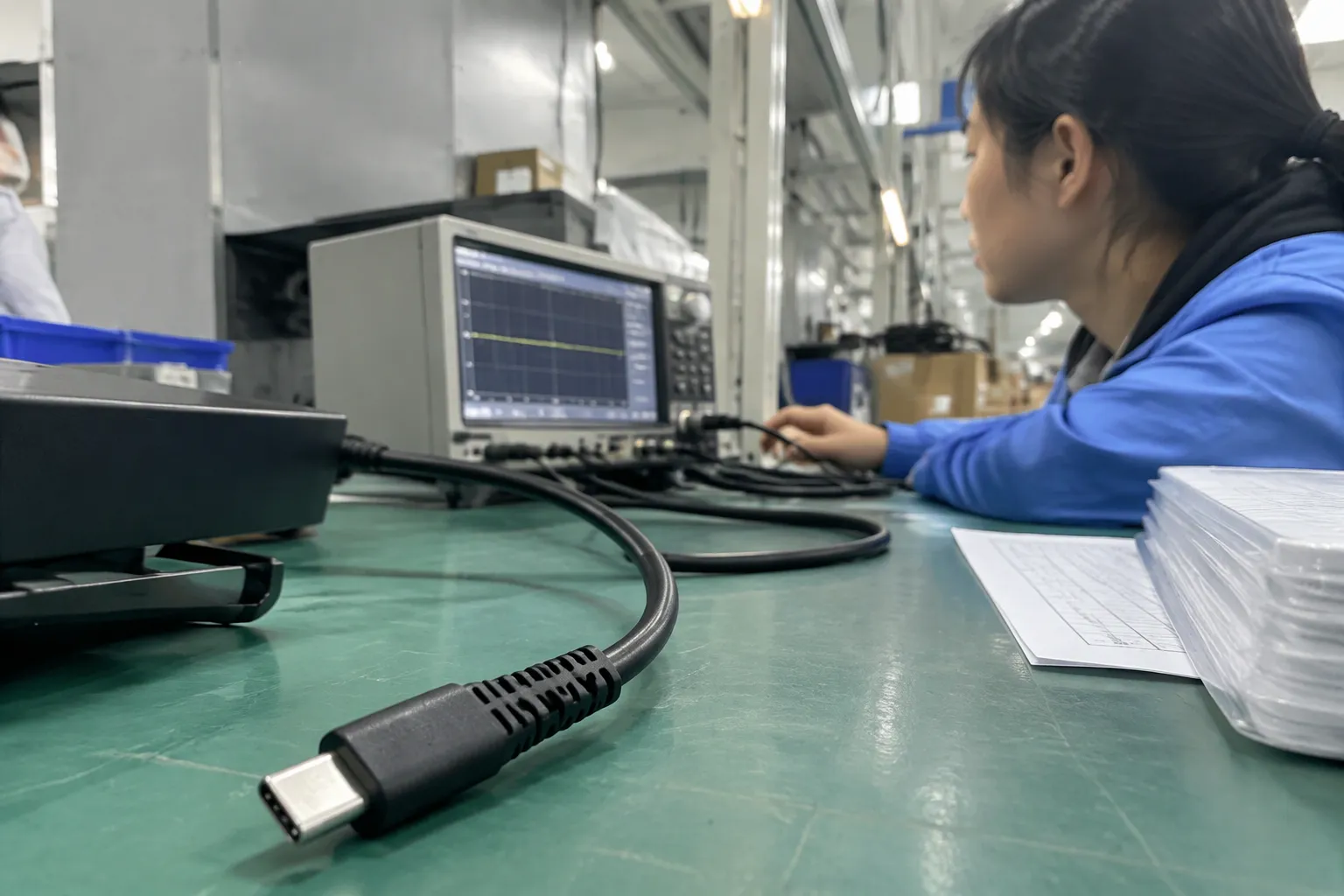
A retailer should describe the complete supported experience without turning maximum specifications into universal compatibility claims. The page should explain what the USB-C hub monitor does, identify the conditions, and tell customers how to check their laptop before purchase.
Example of careful wording
“The USB-C hub monitor supports laptop video, charging, and USB peripherals when connected to a compatible full-function USB-C host using a suitable cable. Maximum charging, display mode, and USB performance depend on the host device, cable, monitor configuration, and connected peripherals.”
Avoid these risky claims
For related procurement guidance, I would link the product page to internal resources such as how to evaluate USB-C cables, USB charger supplier selection, and OEM quality control for consumer electronics. These links can help buyers understand the wider system rather than judging the monitor alone.
Frequently Asked Questions
Do all USB-C hub monitors charge laptops?
No. A USB-C connector does not automatically provide laptop charging. The monitor must support suitable Power Delivery functions, and the host laptop must accept charging through that port. The cable and negotiated power profile also matter. Buyers should confirm the complete configuration with the target laptop.
Can a USB-C hub monitor deliver 100W to every laptop?
No. A 100W PD specification normally describes a supported maximum under stated conditions. The laptop may request less power, the monitor may reserve power for its own operation, and the cable may limit the connection. A supplier should validate the claimed result with the buyer’s actual laptop and cable.
Can I use 4K, a high refresh rate, and fast USB devices together?
You may be able to, but the result depends on the host graphics output, monitor architecture, USB bandwidth, cable, and selected display mode. Buyers should request a combined test using the exact 4K mode, refresh rate, storage device, webcam, or other peripherals planned for the product.
Is a USB-C hub monitor a replacement for a docking station?
It can replace a basic dock for some single-laptop office setups, especially when the user needs one display, charging, a keyboard, and a mouse. It may not replace a specialized dock for multiple displays, high-speed storage, enterprise networking, or complex switching requirements.
What should an importer request before placing an order?
An importer should request a controlled specification, sample test results, cable and adapter details, compatibility limitations, production quality criteria, and applicable market documents. The importer should also require validation with the actual laptop, display mode, power requirement, cable, and peripheral combination.
Conclusion
USB-C hub monitors can simplify office, meeting-room, and remote-work setups, but their value depends on system compatibility rather than the USB-C connector alone. I recommend evaluating the host laptop, PD power budget, cable, display mode, USB bandwidth, and peripheral combination as one specification. Buyers should also define the product boundary and verify all market documents for the exact model. Before approving production or a retail listing, require the supplier to validate the monitor against the actual laptop, cable, display settings, power requirement, and peripherals your customers will use.
Sources
- USB Type-C", A USB Type-C connection defines the physical connector and associated interface requirements, but supported data rates, power delivery, and alternate modes depend on the implementing devices, ports, and cables
- How to Determine Your USB-C Port Video Capabilities", Technical references describe USB-C ports as potentially supporting different combinations of USB data, USB Power Delivery, and video alternate modes; consequently, the connector shape alone does not identify the functions available on a particular host port
- The power delivered by newer monitors with USB Type-C ...", In a USB Power Delivery system, the source must account for its own operating requirements while advertising supported power capabilities, and the host receives only a contract compatible with both the source and sink
- Identifying USB-C E-Mark Cables", USB Type-C specifications distinguish cable assemblies by electrical and identification characteristics, including configurations used to authorize higher-current Power Delivery operation
- Maximum refresh-rates of DisplayPort 1.2, 1.3/1.4 and ...", Display-interface documentation relates required link bandwidth to the number of pixels transmitted per second and to signal parameters such as color depth and chroma representation, with additional overhead determined by the transport protocol
- Understanding USB Hubs: The Backbone of ...", USB hub architectures multiplex traffic from downstream ports onto an upstream link, so aggregate transfer performance is constrained by the upstream connection and by scheduling and implementation overhead
- Connecting to USB-C Sites Monitors - TeamDynamix", USB Type-C system behavior is determined jointly by host, cable, and peripheral capabilities, including support for alternate modes, Power Delivery, and the relevant USB data signaling
- What is USB-C? The Complete Guide to Universal Serial ...", Educational and technical guidance indicates that USB-C ports on a computer may differ in supported data rates, charging roles, and video alternate modes, making port-specific documentation necessary