Quick Answer
A USB cable that charges a phone may still fail when a customer tries to transfer files, connect a device, or use a peripheral. That gap can create inaccurate listings, avoidable returns, and difficult supplier conversations. The practical solution is to verify the cable’s stated functions in product documents rather than relying on appearance.
A USB cable cannot be reliably identified as charging-only or data-capable by its connector shape, thickness, color, or price[1]. Buyers should confirm whether the supplier explicitly states data-transfer support, the applicable transfer rate if provided, and the intended use. Clear product specifications, packaging labels, and online descriptions are the safest basis for sourcing and selling USB cables accurately.
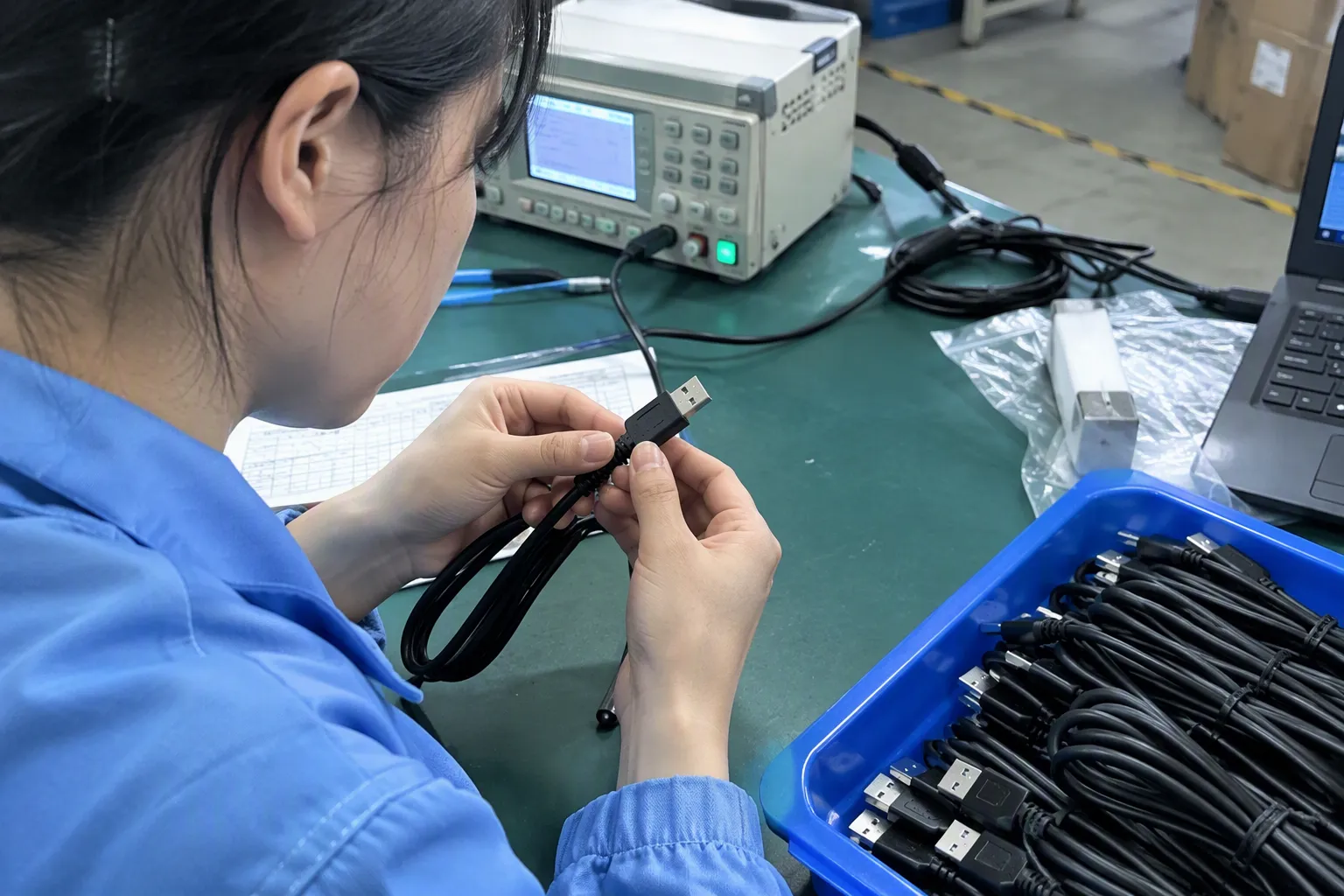
For retailers, wholesalers, importers, and e-commerce sellers, this is not just a technical question. It is a product-listing and procurement issue. In our work confirming cable specifications with suppliers, we focus on what the product documentation actually supports, then make sure the same information appears clearly on packaging and sales pages.
Whether a USB Cable Is “Charging Only” or Data-Capable Cannot Be Reliably Judged From Appearance
A similar-looking USB cable can serve very different purposes. Buyers may assume that a cable with USB-C connectors, a thick jacket, or a premium finish supports file transfer. That assumption can lead to the wrong purchase decision. The safer approach is to treat appearance as a visual feature, not as functional proof.
A cable should be described as data-capable only when the supplier confirms data-transfer functionality in the specification, quotation, product label, or other traceable document. If a transfer rate is claimed, buyers should request that the stated rate be documented for the exact model. If documentation confirms charging only, the listing should say so plainly.
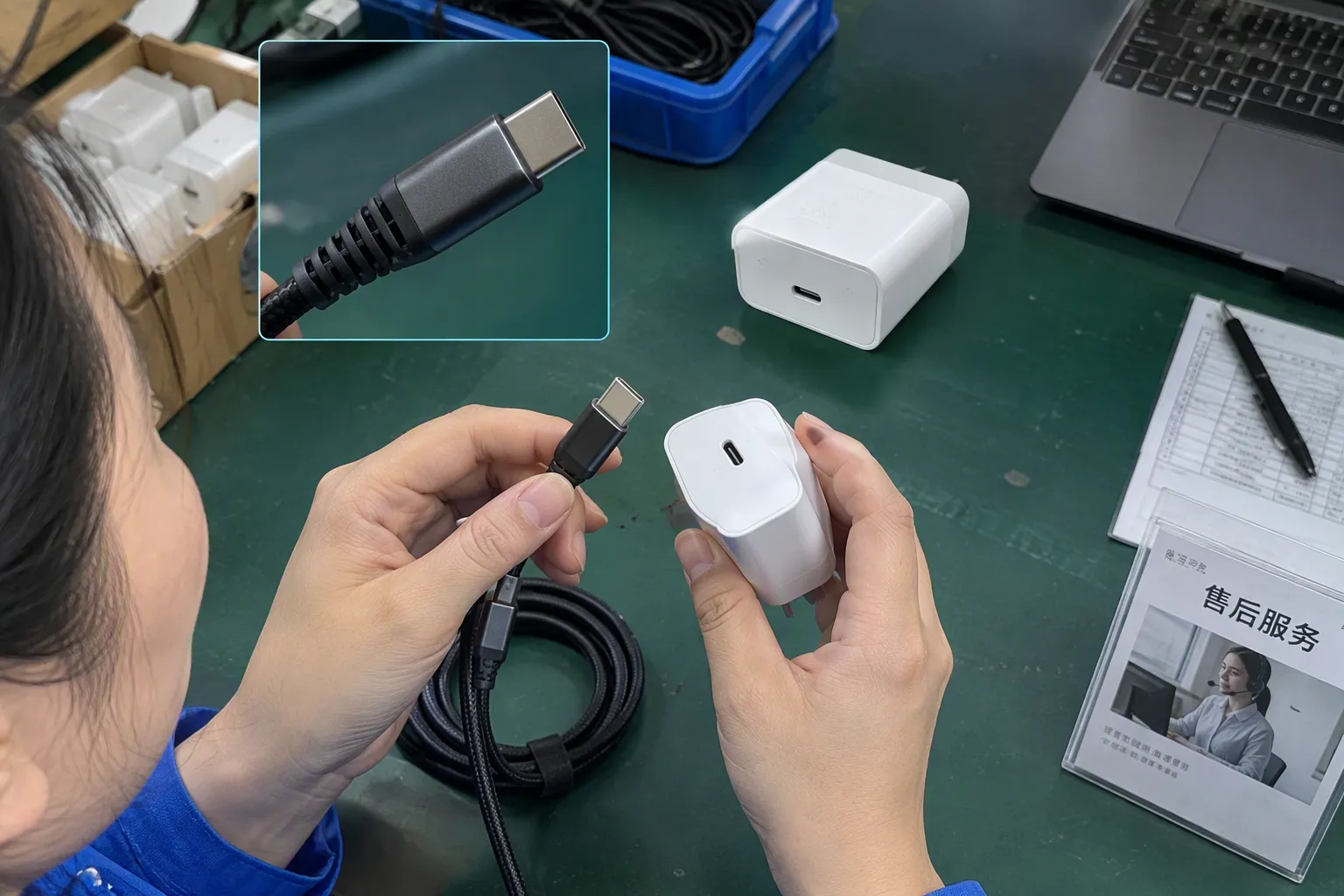
Charging and data transfer are separate functions
The most important point is simple: charging capability and data-transfer capability are not the same thing[2].
A cable can deliver power to a phone, tablet, earbuds case, smart watch, or other device without being intended for file transfer or device communication. From a customer’s point of view, this may not become obvious until they connect the cable to a laptop and expect the phone to appear for file management.
That is why we recommend that buyers avoid broad labels such as “USB cable” when preparing product pages. A better listing identifies the intended function clearly:
- Charging cable
- Charging-only cable
- Charging and data cable
- Sync and charging cable
- Data-transfer cable with charging support
- Cable for a stated peripheral or device use
The wording should match the supplier’s confirmed documentation. A buyer should not add “data sync,” “file transfer,” “car data connection,” or “peripheral support” simply because the cable works for charging.
This distinction matters across common sales channels:
| Sales channel | Risk when function is unclear | Better product-description practice |
|---|---|---|
| E-commerce marketplace | Negative reviews and return requests | State “charging only” or “charging + data” near the title and key features |
| Retail store | Customer confusion at the shelf | Use clear front-package icons and plain wording |
| Wholesale catalog | Incorrect downstream listings | Include function in SKU descriptions and specification sheets |
| Chain-store procurement | Compliance with internal product data requirements | Request a model-specific supplier confirmation before approval |
| B2B distribution | Claims become repeated across reseller channels | Provide a controlled product-data sheet for all sales partners |
A charging-only cable can still be the right product. Some buyers choose it for basic charging programs, promotional bundles, or low-complexity accessory assortments. The issue is not whether charging-only products are good or bad. The issue is whether the function has been represented accurately.
Why appearance is not reliable evidence
Many buyers first look at physical features. That is understandable because a cable is a visual product. However, no visible characteristic gives reliable proof of data capability for a specific USB cable model.
A connector may look familiar, but connector format alone does not confirm every function supported by the finished product[6]. The same principle applies to cable thickness, braiding, jacket material, connector shell design, color, packaging style, and retail price.
For example, these common assumptions should be avoided:
| Assumption | Why it is not enough for procurement |
|---|---|
| “It has USB-C, so it must transfer data.” | USB-C connector format does not automatically confirm data-transfer support for a specific cable[3]. |
| “It supports fast charging, so it must be a data cable.” | Fast-charging claims and data-transfer claims should be verified separately[4]. |
| “It is thicker, so it must have more functions.” | Thickness may reflect materials, reinforcement, design choices, or other factors. It is not proof of data support.[5] |
| “It is braided and premium-looking.” | A premium appearance can support retail positioning, but it does not verify communication capability. |
| “It costs more than a basic cable.” | Price reflects many commercial factors and should not be treated as a technical specification. |
| “The connector color looks like a data product.” | Color conventions vary and are not a substitute for product documentation. |
We see this issue most often when customers compare several similar cable models from different suppliers. A photo can show connector type and exterior design. It cannot reliably show the product’s declared functional scope.[7]
For sourcing purposes, a product image can support visual approval, but it should not replace a written confirmation of charging, data transfer, or other stated functions.
This is especially important when a buyer is sourcing for online channels. A product page may use a generic phrase such as “USB charging cable,” while marketplace images show a laptop and smartphone together. That combination can cause a customer to assume file transfer is supported, even if the written specifications do not say so.
A clear procurement process prevents this problem before inventory is ordered.
Ask a better supplier question
The question “Is this a data cable?” is useful, but it can still produce vague answers. We recommend asking suppliers for confirmation in a more specific format.
Instead of asking only whether a model is a “data cable,” buyers can ask:
- Does this exact cable model support data transfer?
- If yes, what data-transfer function or rate does the supplier state for this model?
- Is the data-transfer claim shown in the specification sheet, quotation, packaging, or product page?
- Does the stated function apply to every length, connector combination, and color option under the same SKU?
- Is the cable intended for charging only, charging plus file transfer, or a specific device application?
- Can the supplier provide the final packaging artwork and labels for approval?
- Are any product claims subject to a documented test report, declaration, or certification that the buyer should verify?
This approach changes the conversation from opinion to documentation. It also reduces the risk that sales terminology differs between teams, factories, and export buyers.
In our day-to-day product confirmation work, the most useful answer is not a general statement such as “yes, it works.” The useful answer is a model-specific confirmation that can be matched to the purchase order, packaging, and product listing.
A simple supplier confirmation table can help:
| Item to confirm | Example of a clear record |
|---|---|
| Product model | Model number and connector combination |
| Charging function | Supplier-stated charging capability for the model |
| Data function | “Data transfer supported” or “charging only” |
| Transfer-rate claim | Stated rate, if the supplier provides one |
| Cable length | Each approved length option |
| Packaging wording | Final wording for charging and data claims |
| Supporting documents | Specification sheet, quotation, or other traceable evidence |
| Approval status | Buyer-approved before production and listing |
This record does not replace engineering review where a particular application requires one. However, it gives purchasing teams a practical basis for comparing suppliers and controlling commercial claims.
Do not confuse USB-C, wattage, and data performance
USB-C products are widely requested in European and North American markets. Customers often ask for USB-C to USB-C, USB-A to USB-C, USB-C to Lightning-compatible options, and other combinations. Still, a USB-C connector does not automatically establish the full set of cable functions.
A supplier may state charging performance, maximum power handling, compatibility wording, or charging protocol support. Those claims should be evaluated separately from data-transfer claims. A cable that is marketed for higher-wattage charging should not automatically be listed as supporting data transfer unless the supplier confirms that function for the exact model.
The same discipline applies when product teams use terms such as:
- Fast charging
- High-power charging
- GaN charger compatible
- Laptop charging
- USB-C charging
- PD charging
- Sync cable
- Data cable
- Multi-function cable
Each phrase can influence what the customer expects. A buyer should check whether the product documentation supports the wording being used.
For example, “compatible with USB-C charging” may be suitable if the documentation supports that claim. It does not necessarily support “high-speed data transfer” or “connects peripherals.” Those are separate customer promises.
This is where product naming becomes important. We suggest keeping the model name functional and precise:
| Less precise listing title | More controlled listing title |
|---|---|
| Premium USB-C Cable | USB-C Charging Cable, [Length], Charging Only |
| Fast Charge Cable | Charging and Data Cable, Supplier-Stated Data Support |
| Laptop Cable | USB-C Charging Cable for Compatible Devices, Verify Data Function |
| USB Cable for All Devices | USB Cable for Charging, Device Compatibility as Stated |
| Data Sync Cord | USB Cable with Supplier-Confirmed Data Transfer Support |
The goal is not to make titles excessively long. The goal is to prevent the title from promising a function that the product documents do not confirm.
Control listings, packaging, and customer expectations
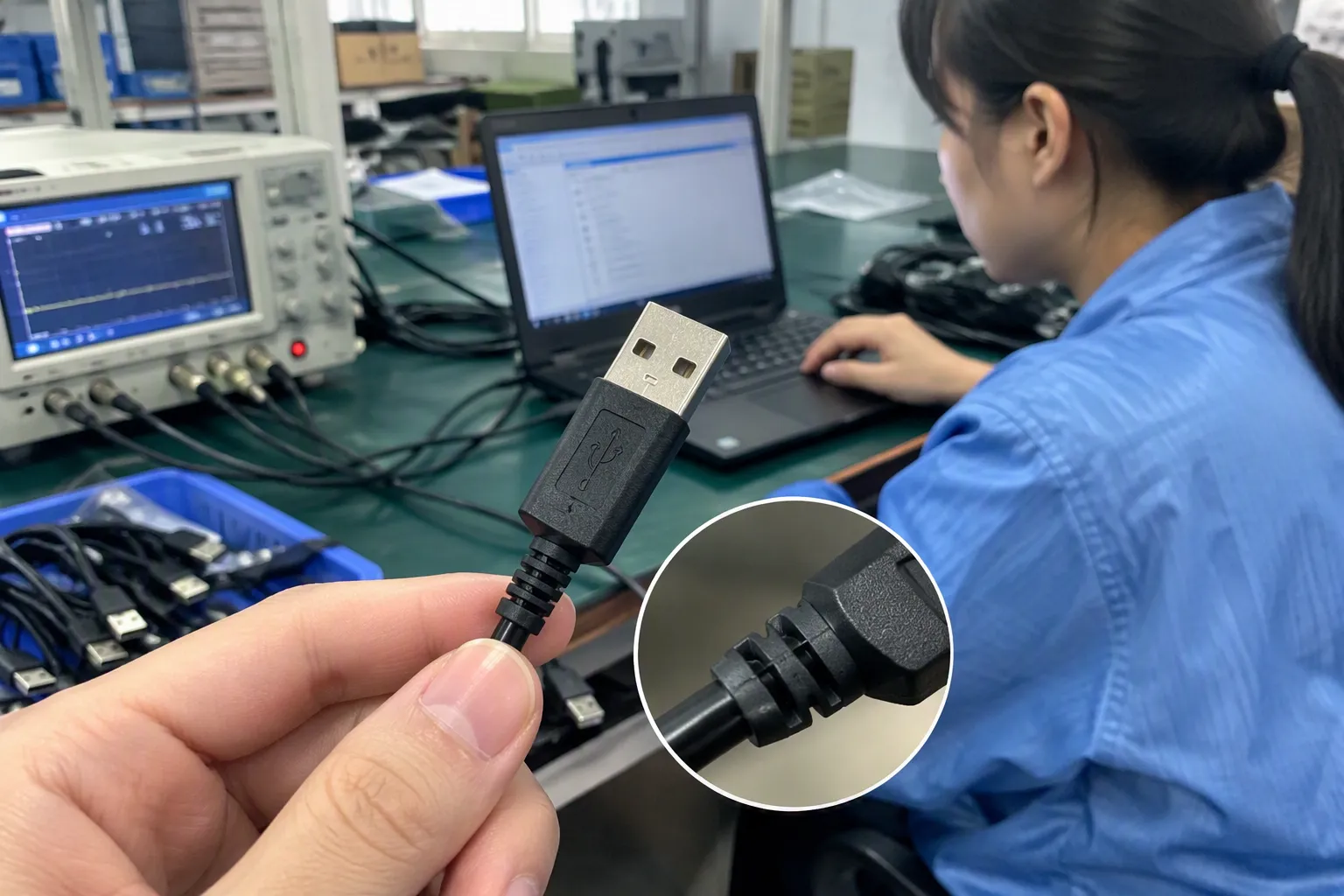
For B2B buyers, inaccurate function descriptions can spread quickly. A factory may provide a short product name. An importer may add marketplace keywords. A distributor may copy the listing into a catalog. A retailer may then create shelf signage based on that catalog. If the original claim is unclear, every later version can repeat the same mistake.
We recommend building one approved source of product information for every USB cable SKU.
That source can include:
- Approved product name
- Model number
- Connector combination
- Available lengths and colors
- Charging claim as documented
- Data-transfer claim as documented
- Transfer rate, only when confirmed for that model
- Packaging wording
- Product-image captions
- Warranty or after-sales wording
- Required market documents for buyer review
The product page should also place key function information where customers can see it quickly. Do not hide “charging only” at the bottom of a long specification section if the main image suggests computer connectivity.
Good placement includes:
- The product title or first feature bullet
- A function icon on the main image or package
- A specification table
- A short compatibility note
- FAQ content for common customer questions
Here is an example of clearer e-commerce copy:
Function: This USB cable is designed for charging. The supplier does not state data-transfer support for this model. Please choose a charging-and-data model if your customer needs file transfer or device synchronization.
For a data-capable model, provided the supplier confirms it:
Function: This USB cable supports charging and data transfer as stated in the supplier’s product specification. Please refer to the approved specification for the claimed transfer performance and device compatibility.
The difference is small, but it helps customers buy the right item.
Use samples and qualified evaluation correctly
Samples are useful in sourcing, but buyers should understand their limits. A sample can help us review appearance, connector fit, packaging, length, finish, and general user experience. It can also support an application check where the buyer has a defined use case.
However, a casual connection test should not be treated as a complete substitute for product documentation or professional evaluation. Different devices, ports, software environments, chargers, and intended applications can affect results. A cable that appears to work in one setup may not establish every performance claim needed for a commercial listing.
For a customer who needs a cable for a specific application, such as data synchronization, point-of-sale hardware, vehicle use, industrial equipment, or device provisioning, we recommend a qualified technical evaluation based on the actual system requirements.
The procurement workflow can be simple:
-
Define the customer use case.
Is the cable for charging only, charging and file transfer, or a named device connection? -
Request model-specific documentation.
Ask the supplier to confirm functions for the exact cable model and option set. -
Review the commercial claim.
Make sure the planned listing uses only documented functions. -
Approve packaging and artwork.
Check that icons, labels, and feature bullets match the agreed specification. -
Evaluate samples where needed.
Use the buyer’s real devices or arrange suitable professional evaluation for application-specific requirements. -
Lock the approved SKU data.
Keep the same claim across quotations, purchase orders, packaging, catalogs, and marketplace listings.
This process may feel more detailed than a quick visual inspection, but it is far less expensive than correcting a listing after returns begin.
Supplier selection should include communication quality
A reliable USB cable supplier is not only a supplier that offers competitive pricing. For retail and e-commerce buyers, the supplier should also be able to provide clear product information.
When we evaluate cable sourcing opportunities, we believe buyers should look for suppliers that can support:
- Consistent model numbers
- Clear product specifications
- Defined charging and data claims
- Packaging customization
- Artwork review before production
- MOQ options that fit the sales channel
- Realistic production lead-time communication
- Stable product configuration across repeat orders
- Responsive after-sales communication
- Documentation that buyers can review for their target market
Claims about certifications, regulations, or performance should always be supported by documents that buyers verify for the specific product and destination market. A general statement that a supplier has “full certification” is not enough for an importer’s compliance decision. The buyer should review the applicable documentation and, where necessary, seek qualified professional advice.
A supplier’s willingness to clarify the difference between charging and data functionality is also a useful sign. If the answer remains vague, the buyer should not fill the gap with assumptions in a listing.
Frequently Asked Questions
Can I tell whether a USB cable transfers data by looking at it?
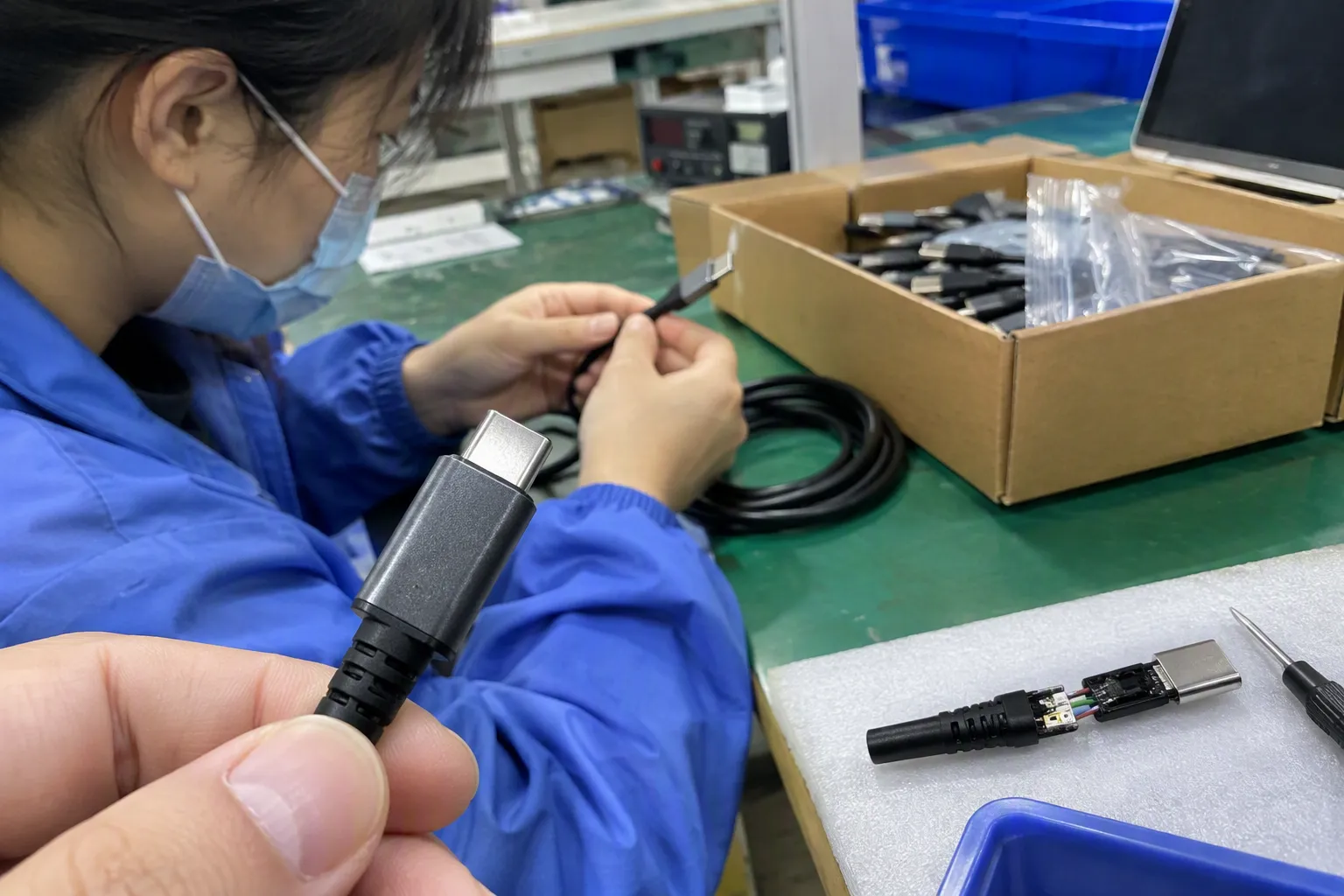
No. A USB cable’s connector shape, thickness, color, braided exterior, or price does not reliably prove data-transfer capability. Buyers should request model-specific confirmation from the supplier and use documented product specifications when creating packaging and online listings.
Does a USB-C cable always support data transfer?
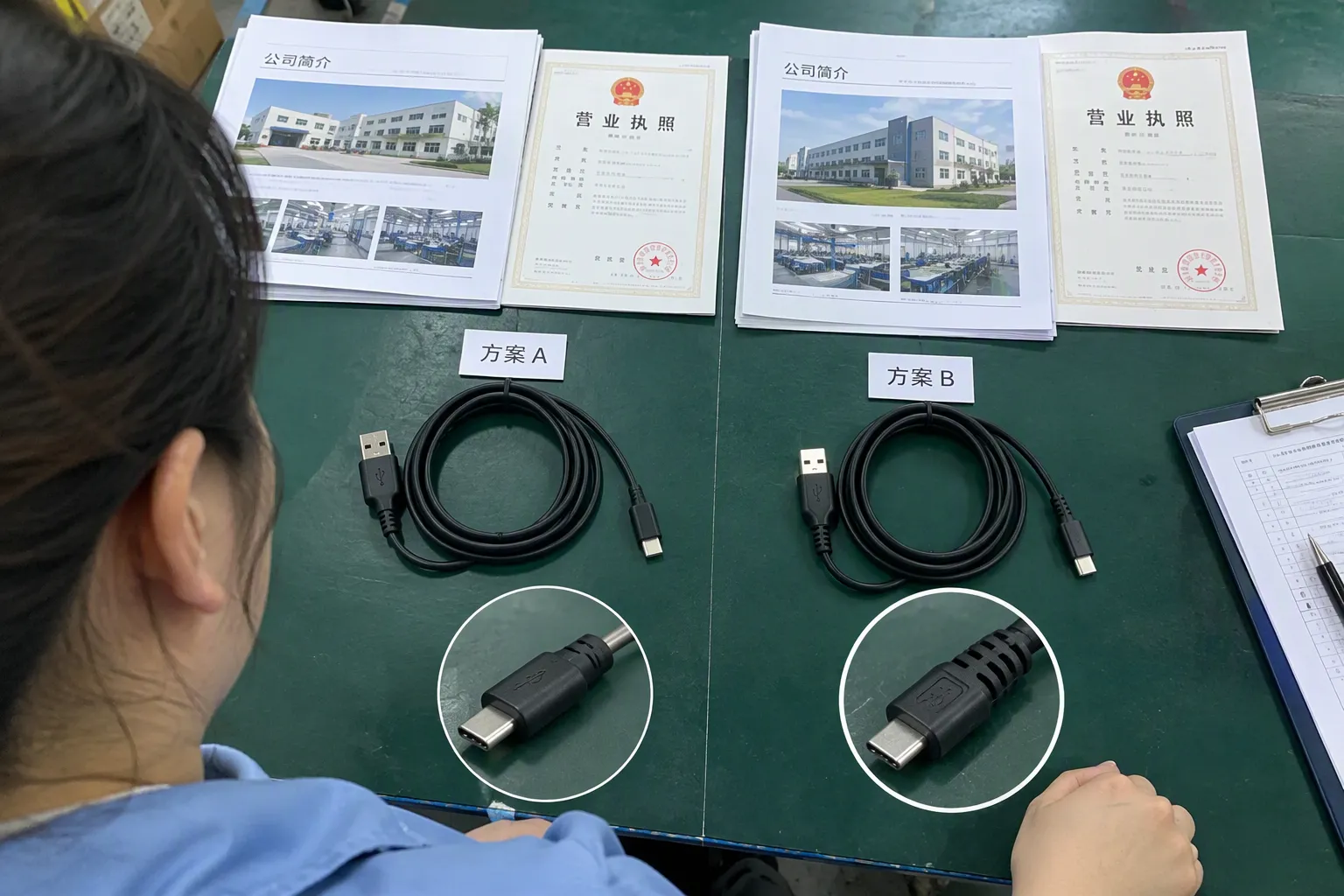
No. A USB-C connector does not automatically mean that a cable supports data transfer.[8] Buyers should separately confirm the cable’s charging function, data-transfer function, and any stated transfer rate for the exact model being purchased.
Does fast charging mean a cable can sync files?
No. Fast charging and data transfer are separate product functions. A cable may support a stated charging capability without being documented for file transfer or synchronization. Product pages should not combine these claims unless the supplier confirms both functions.
What should I ask a USB cable supplier before placing an order?
Ask whether the exact model supports charging only or charging plus data transfer. Request written confirmation of any stated transfer rate, verify that packaging and product-page wording match, and confirm that every approved length and connector option has the same documented function.
How should I label a charging-only cable for retail sale?
Use direct wording such as “Charging Only” or “Designed for Charging.” Place the wording in the title, main product features, specification table, and packaging where practical. Avoid images or descriptions that suggest laptop connection, file transfer, or synchronization unless those functions are confirmed.
Conclusion
The safest way to identify a USB cable as charging-only or data-capable is not to inspect its appearance. Buyers should rely on documented specifications, model-specific supplier confirmations, approved packaging text, and accurate product listings. USB-C format, charging speed, cable thickness, and price can guide product positioning, but they do not prove data functionality. If you are sourcing USB cables for retail, wholesale, or e-commerce, we can help you clarify product functions, packaging requirements, MOQ expectations, and export-ready product information before you place an order.
Sources
- Cables and Connectors", USB standards distinguish the Type-C connector interface from the conductors and signaling capabilities implemented in a particular cable; therefore, connector appearance alone does not establish a cable's data capability
- USB Charger (USB Power Delivery)", USB interface documentation describes power delivery and data signaling as distinct functions with separate electrical paths or requirements, so support for charging does not by itself demonstrate support for data communication
- How to easily tell whether a USB-C cable is data-only, ...", USB Type-C specifications permit cables with differing implemented data paths and performance classes; a Type-C connector at each end is therefore not, by itself, proof of data-transfer capability for a given cable model
- USB Charger (USB Power Delivery)", USB Power Delivery and USB data-transfer modes are specified as separate capabilities, meaning that a cable's stated charging power does not alone substantiate a claim of file synchronization or other data transfer
- Wire Sizes Explained for Mobile, Marine & Off-Grid Electrical ...", Electrical-cable construction references explain that outside diameter is influenced by conductor size, insulation, shielding, and jacket design; thickness is therefore not a direct indicator of whether USB data conductors or data functionality are present
- Cables and Connectors", USB standards classify cable capabilities according to implemented conductors, signaling support, and, where applicable, cable electronics; connector format alone consequently does not establish every function of the finished cable
- Cables and Connectors", USB cable capabilities may depend on internal conductors, shielding, and electronically marked cable information rather than visible connector styling, so an ordinary product photograph cannot independently verify the cable's declared functional scope
- How to easily tell whether a USB-C cable is data-only, ...", Reference descriptions of USB-C note that the connector is used with cables of differing data capabilities and speeds; accordingly, USB-C termination alone does not demonstrate that a particular cable supports data transfer